Deciding Which Records Go Where
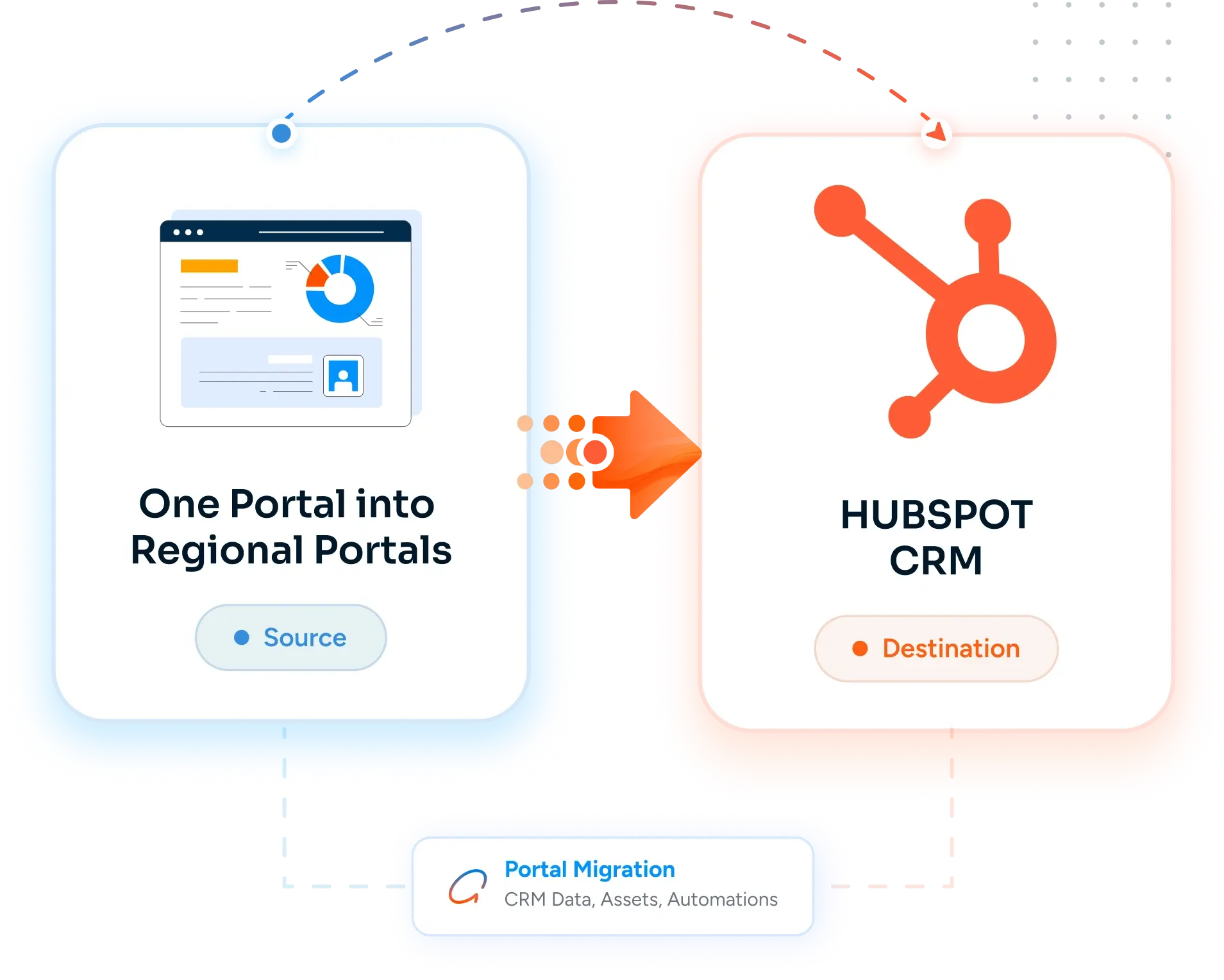
Most companies splitting a portal think of it as a simple geographic filter. The reality is messier. A contact with a US billing address may belong to the EMEA owner. A deal with a German company may have a US decision maker on it. A multinational customer interacts with three regions. Without explicit allocation rules - and a defensible default for the edge cases - every record decision becomes a debate, and the split stalls.
Shared Contacts and Multi-Region Buyers
Enterprise buyers do not respect your regional boundaries. A procurement leader at a global manufacturer talks to your US team about North America deals and your EMEA team about Europe deals. Should that contact exist in both portals? In one portal with a shared flag? In neither, with a Master Data Management layer above? The answer drives the entire post-split data architecture and most teams underestimate it.
Workflow and Sequence Duplication
Every workflow, sequence, lead routing rule, and lifecycle automation that runs in the source portal needs to exist in each new regional portal. Naive duplication - export and re-import - copies workflow logic but breaks owner references, team assignments, list memberships, and integrations. The new portal's workflows look right and behave wrong, and nobody notices for two months.
Reporting Roll-Up Disappears
Before the split, the CMO ran one dashboard for global pipeline, conversion rates, and marketing attribution. After the split, those numbers live in three portals and roll-up is no longer native. Either you adopt Marketing Hub Enterprise with Business Units (which provides multi-portal reporting), invest in a BI layer (Tableau, Looker, Power BI) on top, or accept that global reporting becomes a manual monthly spreadsheet exercise.
Marketing Email Subscription State and Compliance
A contact who opted in to your global newsletter in the source portal needs to land in the regional portal with subscription state preserved - or you re-prompt them for opt-in (annoying) or you accidentally violate GDPR / CAN-SPAM by sending without consent (worse). HubSpot subscription types are portal-specific, and the migration has to reconcile global subscription state with new region-specific subscription types in each destination portal.
The Real Cost: A Split That Breaks Reporting and Re-Subscribes Your Audience
Most teams underestimate splitting because the source portal looks orderly from the inside. Once you start enumerating shared contacts, multi-region deals, global vs. regional workflows, and the reporting roll-up problem, it becomes a multi-quarter program. The cost of getting it wrong is GDPR exposure on subscription state, broken global pipeline reporting that the board relies on, and three regional teams quietly building shadow systems because the new portals don't behave the way the old one did.






-2.png)


-2.png)



.png)


.webp)

.png)










.png)







-1.webp)
-1.webp)



.webp)

-1-1.webp)



-2.webp)

-1-1.webp)

-2-1.png)

-1-1.webp)
-1-1.webp)
-1-1.png)








![image 76 [Vectorized]](https://hubxpert.com/hubfs/image%2076%20%5BVectorized%5D.png)


-2.svg)


-2.svg)
-2.svg)
-1.svg)

-1.png)
-1.png)
-1.png)
-1.png)
-1.png)




-2.svg)

.svg)

.svg)
-2.svg)
-Jun-03-2026-07-43-50-4281-AM.svg)
-2.svg)
-Jun-03-2026-07-43-50-4673-AM.svg)
-1.svg)
-1.svg)







.svg)

.svg)

.svg)
-1.svg)
-1.svg)
.svg)










































%20-%20HubXpert%20Migration%20Logo.png)