Sandbox Tooling Limitations Compared to Salesforce
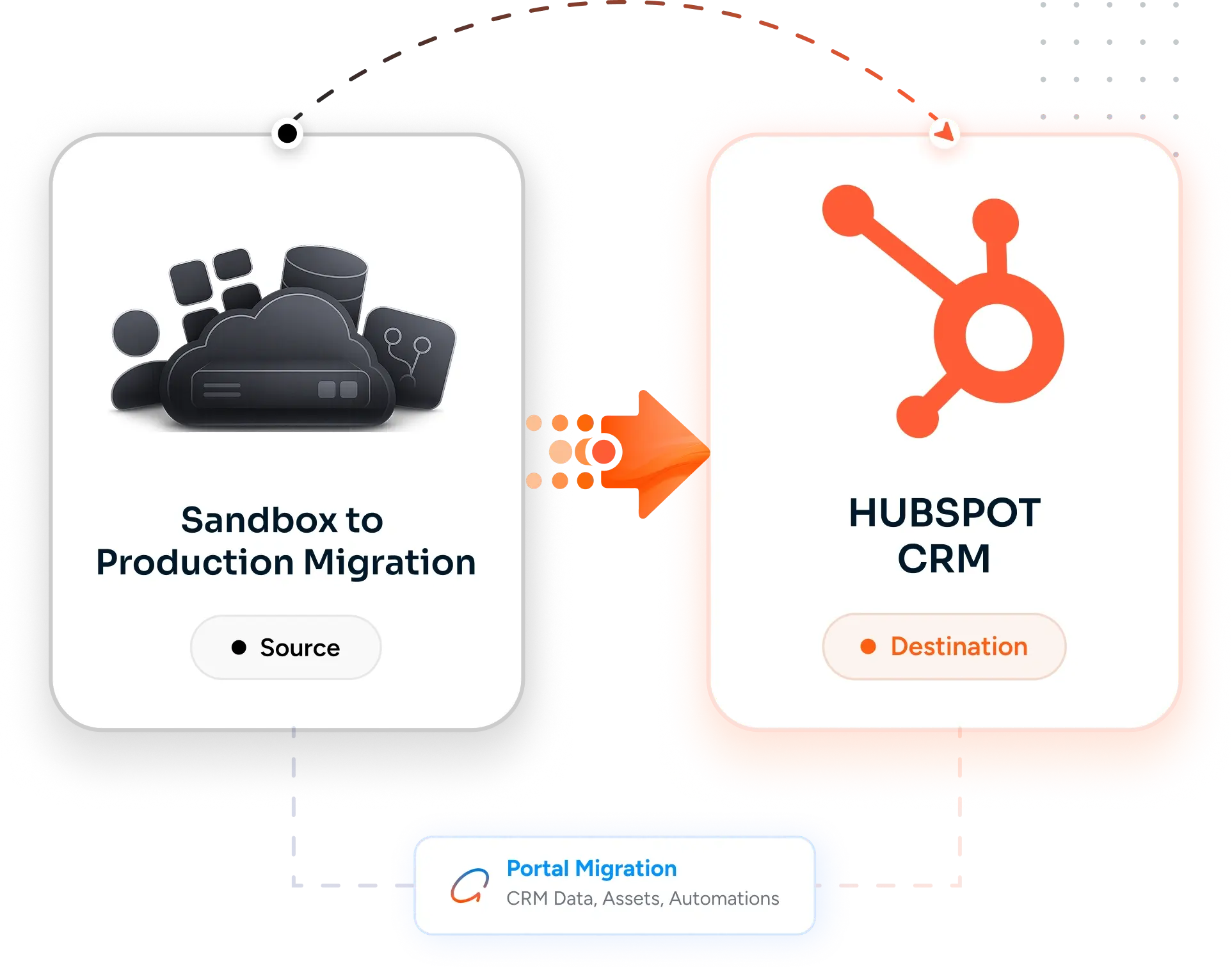
HubSpot's sandbox tooling is more limited than Salesforce's. You get one Standard Sandbox per Enterprise tier (a near-copy of production with limited record sync) and an unlimited number of Development Sandboxes (free, schema-only with no data). There is no native change-set mechanism, no IDE-driven deployment, and asset transfer between portals is partial. Teams used to Salesforce sandbox discipline find HubSpot's tooling underpowered and have to build their own promotion process.
Asset Transfer Coverage Gaps
HubSpot's native asset transfer (sandbox to production) covers some assets - workflows, lists, properties, custom objects schema, dashboards - but not all. Templates and modules transfer through the design manager, sequences are per-user and do not transfer cleanly, custom-coded workflow actions need re-deployment, and integration credentials always need re-creation in production. Without an explicit promotion checklist, half the assets land in production and half do not, with no error message explaining what was missed.
Schema Sync vs Data Sync Confusion
Sandbox is for schema and configuration testing - properties, workflows, pipelines, lifecycle stages, Custom Object schemas. Sandbox is not for data testing at production volume because the Standard Sandbox has limited record sync (typically 100 contacts and partial associations) and Development Sandboxes have no data at all. Teams that try to validate workflow behavior against realistic data volumes in sandbox hit the limits and either skip testing or build elaborate seed-data scripts.
Workflow Activation Timing in Production
A workflow promoted from sandbox to production lands in production as paused. Activation has to be timed carefully. Activate too early and the workflow fires on the entire production contact database immediately, potentially sending tens of thousands of emails or triggering tens of thousands of Slack alerts on day one. Activate too late and the testing window is wasted. Without an explicit activation plan with re-enrollment rules and starting list filters, a sandbox-tested workflow becomes a production incident.
Integration Credentials and Connection Differences
Every integration in sandbox uses sandbox-specific API credentials, sandbox-specific OAuth tokens, and often sandbox-specific endpoints (Stripe test mode, Salesforce sandbox, staging webhooks). Promoting workflows that depend on those integrations means re-authenticating against production credentials, swapping endpoint URLs, and validating that production rate limits will not be hit. Workflows that worked perfectly in sandbox break the moment they hit production credentials and live integrations.
The Real Cost: A Promotion That Breaks Production on Monday Morning
Most teams underestimate sandbox-to-production promotion because the sandbox testing went well. The asset transfer covers most assets and the workflows behave correctly in sandbox. Then production cutover happens, the workflow activates against the live contact database, and the marketing team sends an unintended re-engagement email to 200,000 contacts. The cost is not the migration project - it is the brand damage, the unsubscribe spike, and the all-hands incident review that follows a rushed promotion. The right approach treats sandbox-to-production as a controlled deployment with rollback, not a copy-paste.






-2.png)


-2.png)



.png)


.webp)

.png)










.png)







-1.webp)
-1.webp)



.webp)

-1-1.webp)



-2.webp)

-1-1.webp)

-2-1.png)

-1-1.webp)
-1-1.webp)
-1-1.png)








![image 76 [Vectorized]](https://hubxpert.com/hubfs/image%2076%20%5BVectorized%5D.png)


-2.svg)


-2.svg)
-2.svg)
-1.svg)

-1.png)
-1.png)
-1.png)
-1.png)
-1.png)




-2.svg)

.svg)

.svg)
-2.svg)
-Jun-03-2026-07-43-50-4281-AM.svg)
-2.svg)
-Jun-03-2026-07-43-50-4673-AM.svg)
-1.svg)
-1.svg)







.svg)

.svg)

.svg)
-1.svg)
-1.svg)
.svg)










































%20-%20HubXpert%20Migration%20Logo.png)