





-2.png)


-2.png)



.png)


.webp)

.png)










.png)







-1.webp)
-1.webp)



.webp)

-1-1.webp)



-2.webp)

-1-1.webp)

-2-1.png)

-1-1.webp)
-1-1.webp)
-1-1.png)







Most SaaS companies set up their CRM twice: once early, when a few founders need a basic system, and again later, when that simple setup has become a mess of unused properties, inconsistent pipeline stages, and mismatched numbers.
The problem usually isn't the CRM itself. It's that the first setup wasn't built to evolve with the business. Overbuilding too early wastes time, while underbuilding creates expensive cleanup later.
As a SaaS company grows, what changes isn't necessarily the CRM. It’s the level of structure the business needs to run reliably. Here’s what changes at each stage, and what doesn’t.
What Actually Changes Isn't the Software
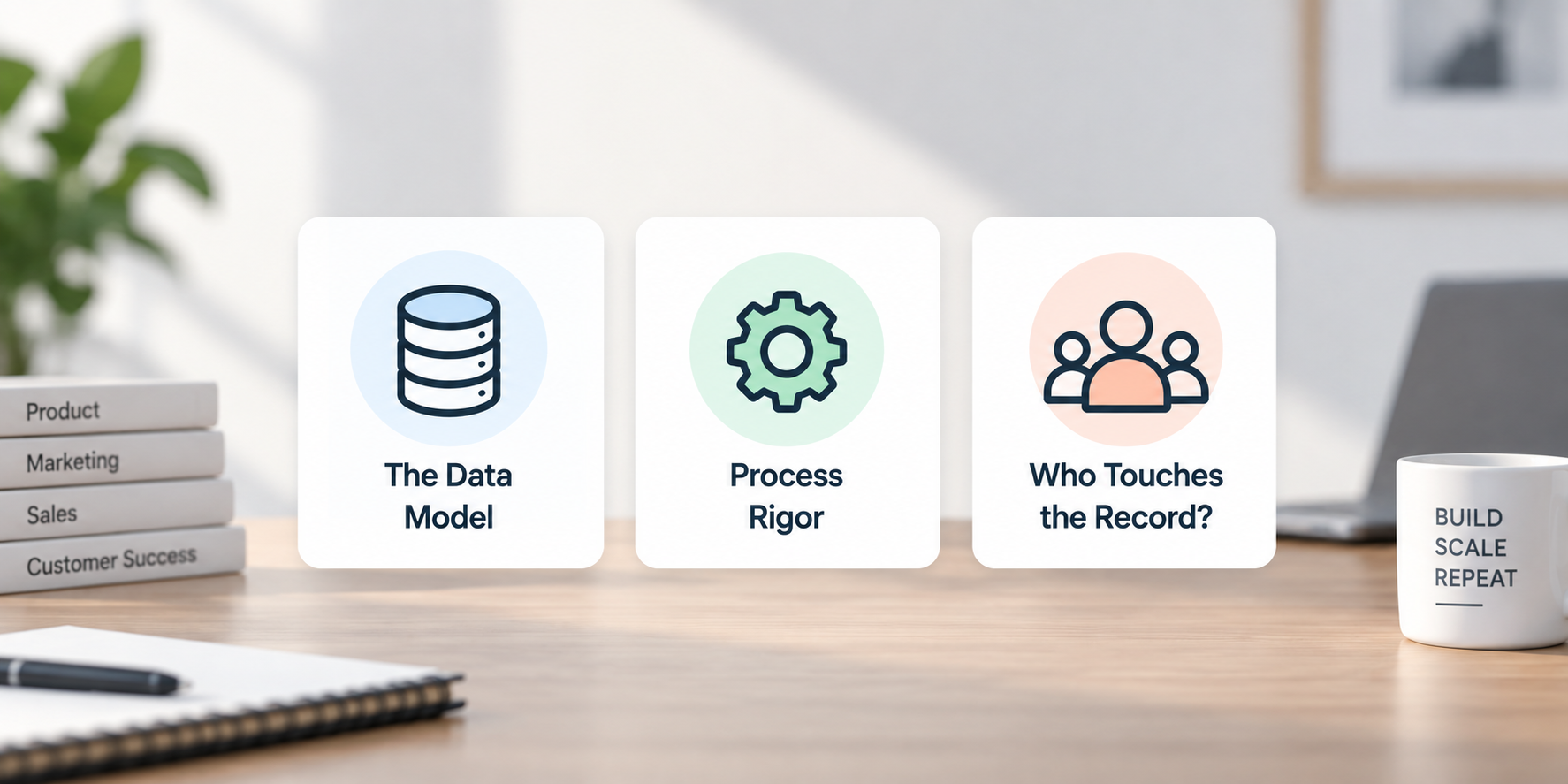
Three things shift as a SaaS company matures, and none of them are "which vendor you use."
The Data Model
Early on, a deal record can represent the whole customer relationship. Once you have renewals, upgrades, downgrades, and usage-based components layered on top of a base subscription, a single deal object can't hold all of that without turning into a workaround. This is the single biggest driver of CRM pain in SaaS specifically, more than any other B2B category, because the deal isn't the end of the relationship. It's the start of a much longer one.
Process Rigor
A five-person team can survive on tribal knowledge. A fifty-person team can't. Somewhere in between, "everyone just knows how we qualify a lead" stops being true, and you need it written down, enforced by the tool, and reportable. This is usually the point where a company hires its first RevOps or Sales Ops person, and it's also the point where CRM misconfiguration starts costing real money instead of just being annoying.
Who Touches The Record?
Early on, it's sales and maybe one marketing person. By growth stage, it's sales, marketing, customer success, and often a product team feeding usage data in. By enterprise, add finance, legal, and multiple regional or segment-based teams who need to see different slices of the same account without seeing each other's fields.
The platform question (HubSpot, Salesforce, or something else) matters less than whether the company has been honest with itself about which of these three things it actually needs right now versus which it's buying in anticipation of a future that may or may not arrive on schedule.
Most of the "we need to migrate CRMs" conversations I'd expect a RevOps team to have are really data model or governance conversations wearing a migration costume.
Early Stage: Before You Have a Repeatable Motion
This stage runs from pre-product-market fit until you have a sales process a new hire can follow without constant supervision. Repeatability matters more than team size.
Focus on keeping the basics clean rather than building a complex CRM.
- Use HubSpot's free CRM or Starter tools for:
- Shared inbox
- Basic deal pipelines
- Meeting scheduling
- Simple automation
- Avoid overbuilding with custom objects, complex scoring, or multi-stage automation. Your sales process will likely change.
- Get these basics right early:
- Clear lifecycle and deal stage definitions
- Consistent naming conventions
- A small set of required contact and company properties
- Document definitions such as what qualifies as an MQL instead of relying on informal Slack agreements.
- Avoid switching CRM tools repeatedly. Each migration can create lost data and institutional knowledge.
The goal is to build a clean foundation without building infrastructure for a company you haven't become yet.
Growth Stage: Running More Than One Motion at Once
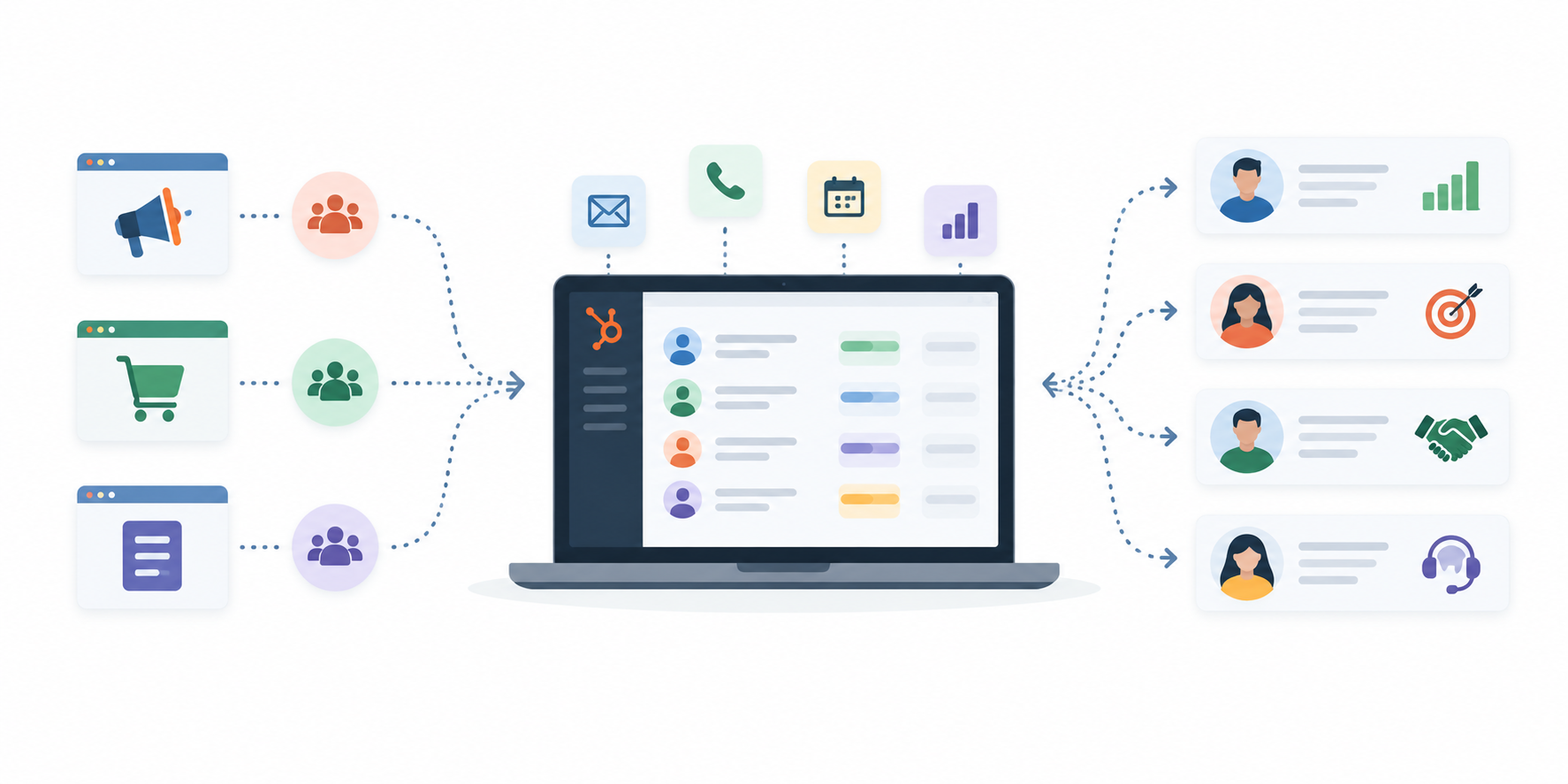
This is where CRM structure starts becoming critical. You may now have self-serve, sales-assisted, and expansion motions running at the same time.
HubSpot Professional becomes more useful here because automation, forecasting, and reporting move from nice-to-haves to necessities. Also account for seat minimums and onboarding costs when comparing plans.
Two problems commonly emerge:
1. Treating Subscriptions as Deals
A closed-won deal represents a sale, but a subscription keeps changing.
You may need to track:
-
Renewal dates
-
Subscription tier
-
Subscription status
-
Customer success ownership
-
Expansion or contraction
Trying to manage all of this inside a closed deal eventually creates reporting problems. HubSpot's newer subscription capabilities make this easier to model correctly than they were a few years ago.
2. Disconnecting Product Usage From Lead Quality
For SaaS companies with trials or freemium plans, product behavior can be a stronger buying signal than a form submission.
Useful signals include:
-
Logins
-
Feature adoption
-
Team invitations
-
Usage limits
-
Trial activity
Connecting these events to HubSpot through native integrations or tools such as Segment or Amplitude can improve lead scoring and routing.
This is also often the point where a company needs a dedicated RevOps or Sales Ops owner. If the CRM is becoming unreliable, that's often a stronger signal than headcount or revenue.
Enterprise Stage: Governance, Multi-Product, Multi-Team
At enterprise scale, the question changes from "Can the CRM do this?" to "Can it do this safely and consistently at scale?"
This often means managing:
- Multiple products and regions
- Different sales motions
- Complex approval processes
- Field-level permissions
- Custom objects
- Sandbox testing
- Data governance and audit requirements
Custom objects become useful when standard HubSpot objects can't represent complex relationships, such as multi-product or usage-based licensing. They require an Enterprise subscription on at least one eligible Hub and count toward object limits. HubSpot's custom objects documentation
Governance also becomes essential:
- Control who can view and edit sensitive fields.
- Organize teams by region, segment, or business unit.
- Test workflow and property changes before deploying them to production.
- Maintain clear ownership of CRM architecture.
Do You Really Need Salesforce?
Moving from HubSpot to Salesforce isn't an automatic requirement at enterprise scale.
Salesforce can make sense when you have:
- Highly complex revenue processes
- Multiple motions requiring significantly different models
- Extensive customization requirements
- A large RevOps team capable of maintaining that complexity
But many enterprise teams can now handle requirements that previously triggered a CRM migration within HubSpot's Enterprise ecosystem.
The real question isn't company size. It's whether your CRM can support your business model without creating unnecessary operational complexity.
What Most Guides Get Wrong About Custom Objects (2026 Update)
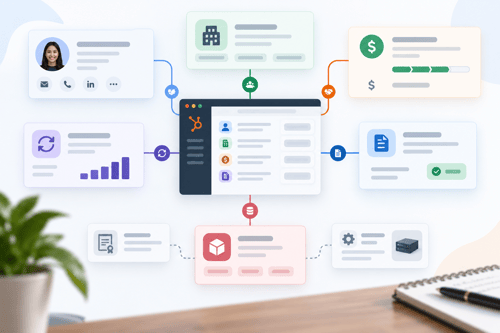
A lot of the advice still circulating online says "if you sell subscriptions, build a custom Subscription object," full stop. That was accurate advice as recently as last year. It's outdated now, and it's worth correcting because it leads teams to build something that duplicates functionality HubSpot ships natively today.
HubSpot rebuilt its former Commerce Hub into Revenue Hub in mid-2026, and as part of that expansion, shipped a native Contracts object into public beta (Commerce Hub Professional or Enterprise, with a Commerce Hub seat).
It handles contract terms, renewal quotes, and mid-term amendment quotes, with built-in calculations for total contract value, annual contract value, MRR, and ARR (Source: HubSpot Community, Commerce Hub Release Roundup). Subscriptions themselves are now native on all HubSpot plans for accounts using HubSpot Payments or Stripe, with built-in renewal reminders.
Worth flagging as a caveat since this is a beta feature and still evolving: as of this writing, the Contracts beta isn't available to accounts already using HubSpot Payments or Stripe for processing, which is a real limitation if that's your setup.
Confirm current availability against HubSpot's own documentation before committing your data model to it, since beta features change scope quickly.
For most SaaS companies with a fairly standard subscription structure (one product, tiered pricing, standard renewal terms), this means a custom object is no longer the default answer. It's genuinely optional now, where it used to be close to mandatory.
Custom objects still earn their place for the harder cases: multi-party agreements, license-key-based products, or usage tiers complex enough that HubSpot's native model doesn't fit.
But defaulting to a custom build without first checking whether the native Subscriptions or Contracts object already covers the need is a good way to spend a few weeks of engineering and RevOps time building something HubSpot now gives you for free or close to it.
If your team set up a custom Subscription object more than a year ago, it's worth a short audit to see whether some or all of that can be retired in favor of the native objects. That's not a small project, but it's usually a cost-saving one, not a cost-adding one.
The Actual Signal It's Time to Move Up a Tier
Ignore the headcount and revenue thresholds you'll find in most comparison guides. They're rough at best and wrong often enough that leaning on them alone leads to bad timing in both directions. Watch for these instead:
Reps are building workarounds outside the CRM. Spreadsheets for forecasting, a separate tool for tracking renewals, a Notion doc for account notes because the CRM "doesn't have a good place" for them. Every workaround is a sign the current setup can't hold the process anymore.
Forecast numbers and closed-won numbers don't match without manual reconciliation. If finance and sales are arguing about whose number is right every quarter, that's usually a data model or reporting problem, not a people problem, and it tends to get worse, not better, as volume grows.
Marketing and sales disagree about lead quality with no shared definition to point to. This almost always means lead scoring hasn't kept pace with how the business actually sells now, particularly if a self-serve or trial motion has been added since the scoring model was last touched.
You're being asked for security or compliance guarantees the current tier can't provide. Enterprise customers asking about SSO, granular permissions, or audit logs is a hard requirement, not a nice-to-have, and it's one of the few signals that genuinely does map to a specific tier decision rather than a process fix.
And the counter-signal worth naming honestly: a lot of companies buy Enterprise before any of the above is actually true, usually because a board member or a sales call convinced someone that Enterprise signals seriousness.
If your Professional-tier instance still has messy data, undefined lifecycle stages, or reps who don't trust the pipeline numbers, moving to Enterprise won't fix any of that. It'll just give you a more expensive version of the same mess, with more permission settings to misconfigure. Fix the data model and the process first. The tier upgrade is usually the easy part.
Where HubXpert Fits In
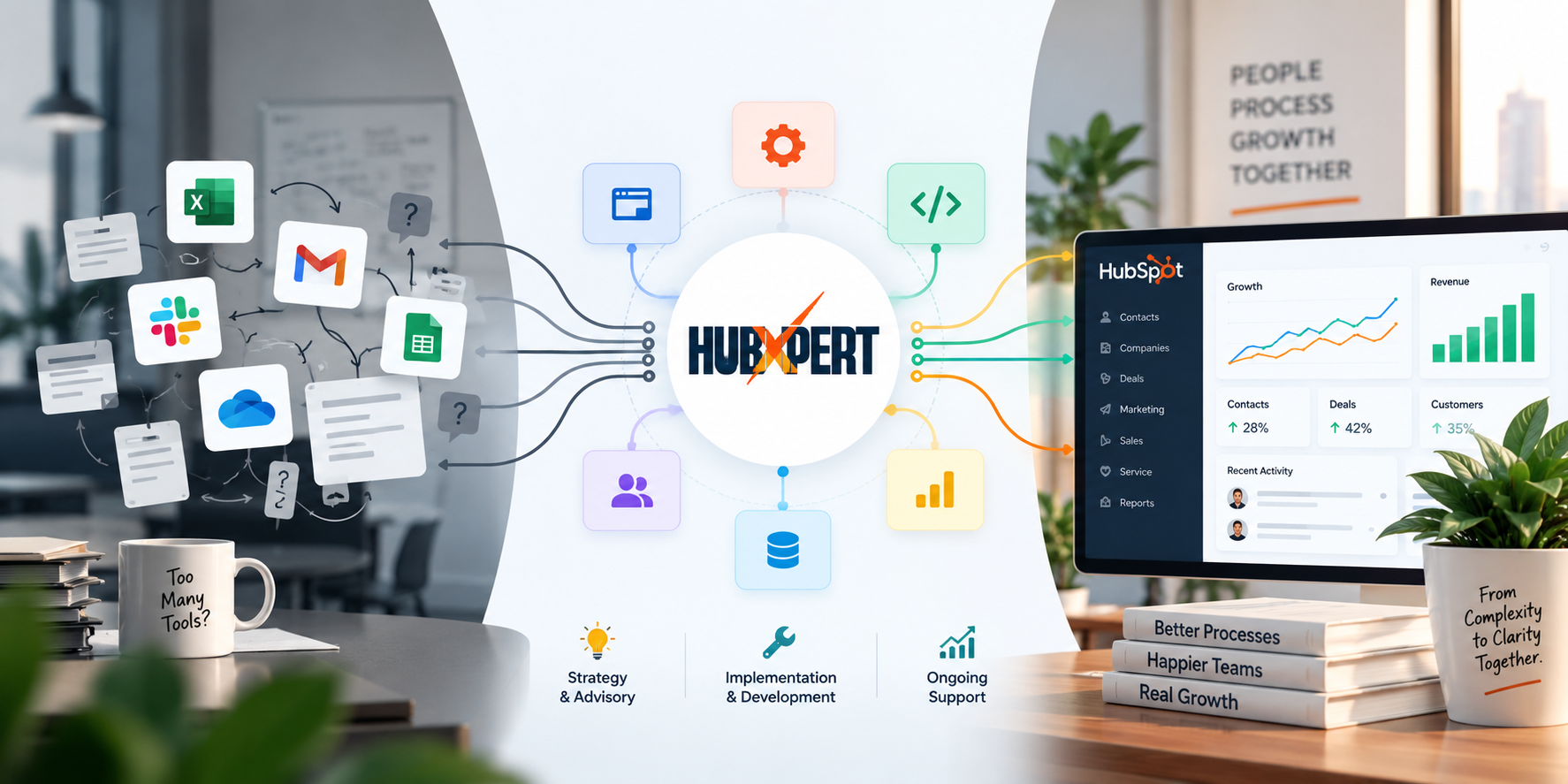
We spend most of our time with SaaS clients in two moments: the growth-stage cleanup, where a CRM set up quickly in a year. One needs a real data model before it can support a RevOps function, and the tier or migration decision.
Where a company needs an honest read on whether the problem is the platform or the configuration before spending money moving anything.
That second read matters more than people expect. We'd rather tell a client their Professional-tier instance needs three weeks of data hygiene work than sell them an Enterprise upgrade or a Salesforce migration that won't actually fix what's broken.
If you're trying to figure out which stage you're actually in versus which stage your CRM was built for, that's a conversation worth having before any tooling decision gets made.
FAQs
Do we need to move to Salesforce once we hit enterprise scale?
Not automatically. That's true for companies with genuinely complex, highly configurable revenue processes and the RevOps headcount to maintain that complexity. With HubSpot's Revenue Hub expansion in 2026, including the native Contracts object and built-in ARR/MRR calculations, a meaningful number of SaaS companies that would have migrated a couple of years ago no longer need to. Evaluate based on your actual process complexity, not your headcount.
Should we use HubSpot's native Subscriptions object or build a custom object?
Start with native. HubSpot's Subscriptions and Contracts objects now cover standard recurring revenue tracking, including MRR, ARR, and renewal reminders, for accounts on HubSpot Payments or Stripe. Reach for a custom object only if your pricing model genuinely doesn't fit that structure, multi-party agreements or complex usage-based tiers being the most common legitimate reasons.
When should a SaaS startup hire a dedicated RevOps person versus having the founder manage the CRM?
There's no clean headcount trigger. The better signal is whether the sales process has become repeatable enough that a new hire could follow it without direct supervision, and whether the founder is spending real time each week on CRM cleanup instead of sales or product work. Once both are true, the hire is usually overdue rather than early.
Can HubSpot handle usage-based or consumption pricing models?
Partially, and it depends on complexity. Simple usage tiers can often be modeled with custom properties and workflow automation. More complex consumption pricing, especially with multiple usage dimensions billed independently, usually needs either a custom object or an integration with a dedicated billing platform feeding usage data back into HubSpot. This is worth scoping carefully before committing to either path.
What's the actual cost difference moving from Professional to Enterprise for a SaaS company?
Beyond the per-seat price jump, Enterprise tiers typically add a higher one-time onboarding fee, often several thousand dollars more than Professional's. Budget for the full transition, including data migration and reconfiguration time, not just the new monthly subscription cost. The sticker price rarely reflects the true first-year cost.
Final Thought
The company you're building the CRM for right now isn't the company you'll be in eighteen months. That's fine, and it's not a reason to overbuild today. It's a reason to build today's setup cleanly enough that whoever inherits it (possibly you, possibly a RevOps hire you haven't made yet) can extend it instead of rebuilding it.
The stage-based mistakes in this piece are almost all preventable with a bit of discipline at the right moment, not with more tooling. Get the data model honest for where you actually are, and the tier decisions tend to sort themselves out.
Founder & CEO @ Hubxpert. My goal is to make every company using HubSpot succeed in their marketing organisation and automation.

Ratul Rahman
Table of Contents:

Subscribe to our newsletter

HubSpot Phone Integration for VoIP & Call Logging
Compare HubSpot phone integration options for VoIP, answering services and call logging, and see how phone system integration keeps calls on the CRM record.
How HubSpot API Integration Handles Form Submissions
Learn how HubSpot API integration handles form submissions, how to catch validation errors and when a custom build beats the native form embed in production.

HubSpot CRM Integration With Business Intelligence Tools
Connect HubSpot CRM integration with business intelligence tools so reporting lives in your warehouse. Compare reverse ETL and database integration routes.

How to Set Up HubSpot Email Integration With Gmail or Outlook
Connect HubSpot CRM integration with business intelligence tools so reporting lives in your warehouse. Compare reverse ETL and database integration routes.

Modern Retro Web Design & How to Keep It Accessible
Mix modern retro web design with modern minimalist web design and modern dark web design, while keeping the clean modern web design rules firmly intact.

Modern Homepage Design for Layouts, Dashboards & Forms
Rework a modern homepage design with intent, covering modern web dashboard design, modern web menu design and the modern web form design choices that convert.
-
HubSpot Phone Integration for VoIP & Call Logging
hello
-
How HubSpot API Integration Handles Form Submissions
hello
-
HubSpot CRM Integration With Business Intelligence Tools
hello
-
How to Set Up HubSpot Email Integration With Gmail or Outlook
hello
-
Modern Retro Web Design & How to Keep It Accessible
hello
-
Modern Homepage Design for Layouts, Dashboards & Forms
hello