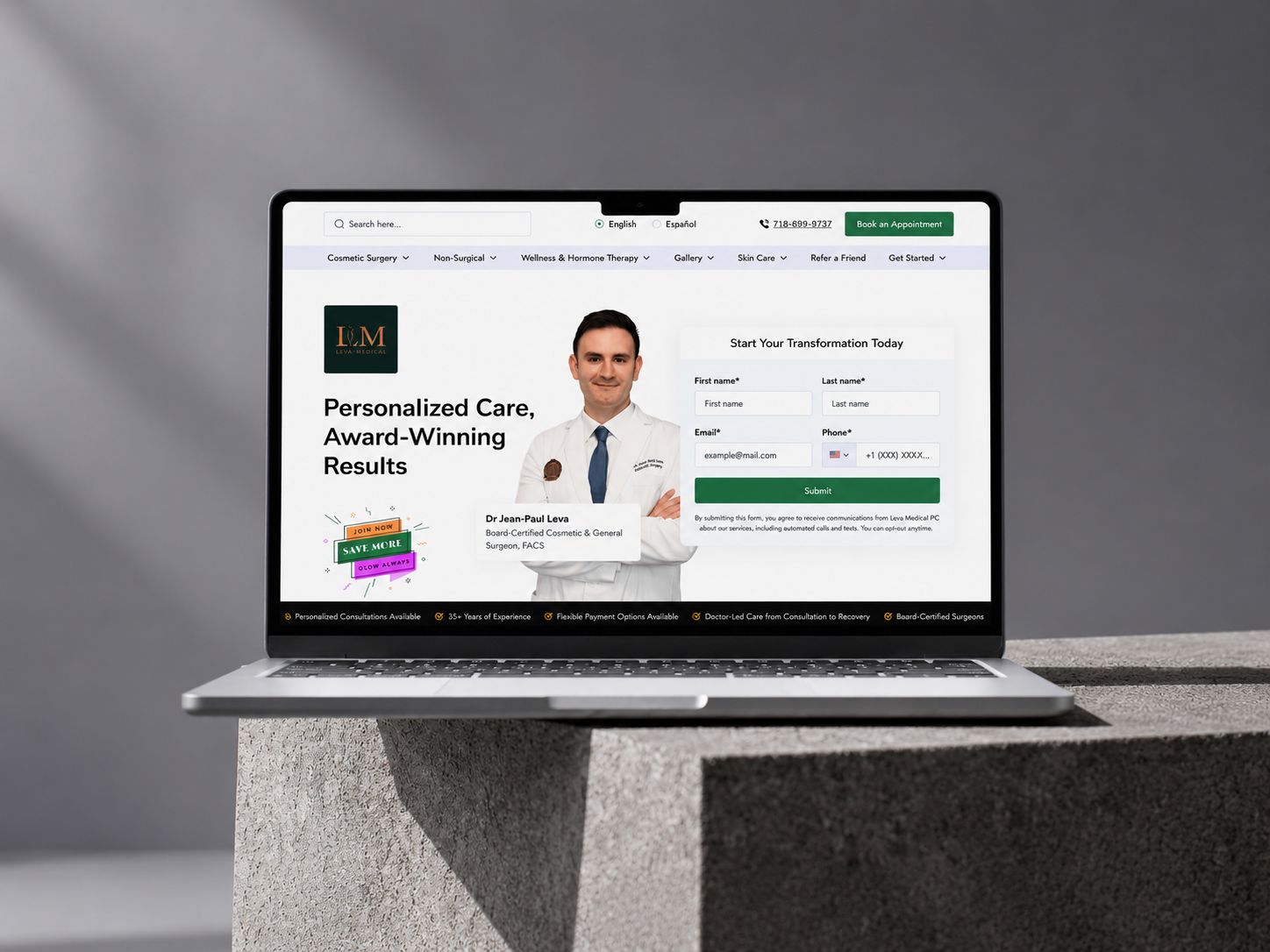



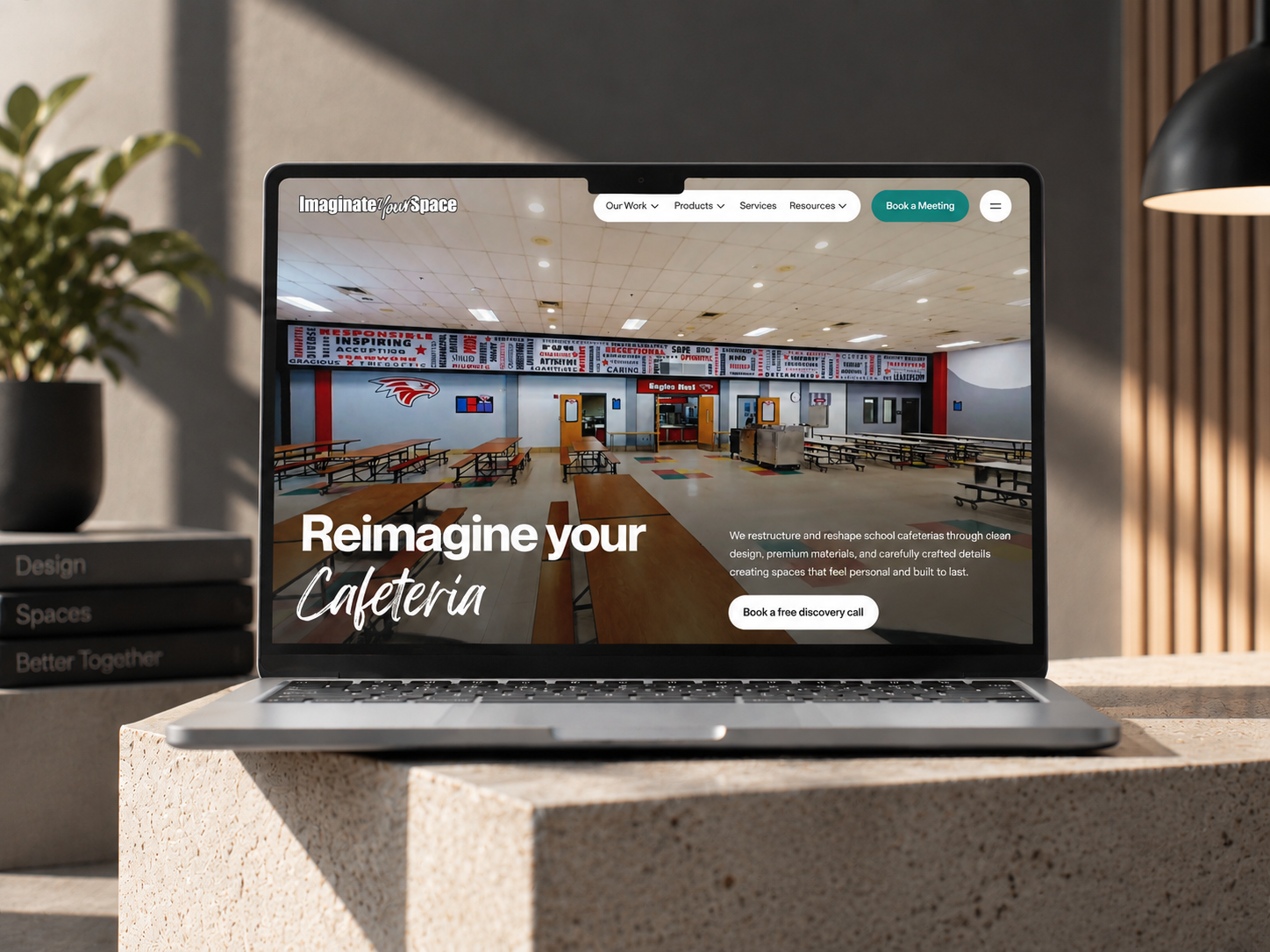
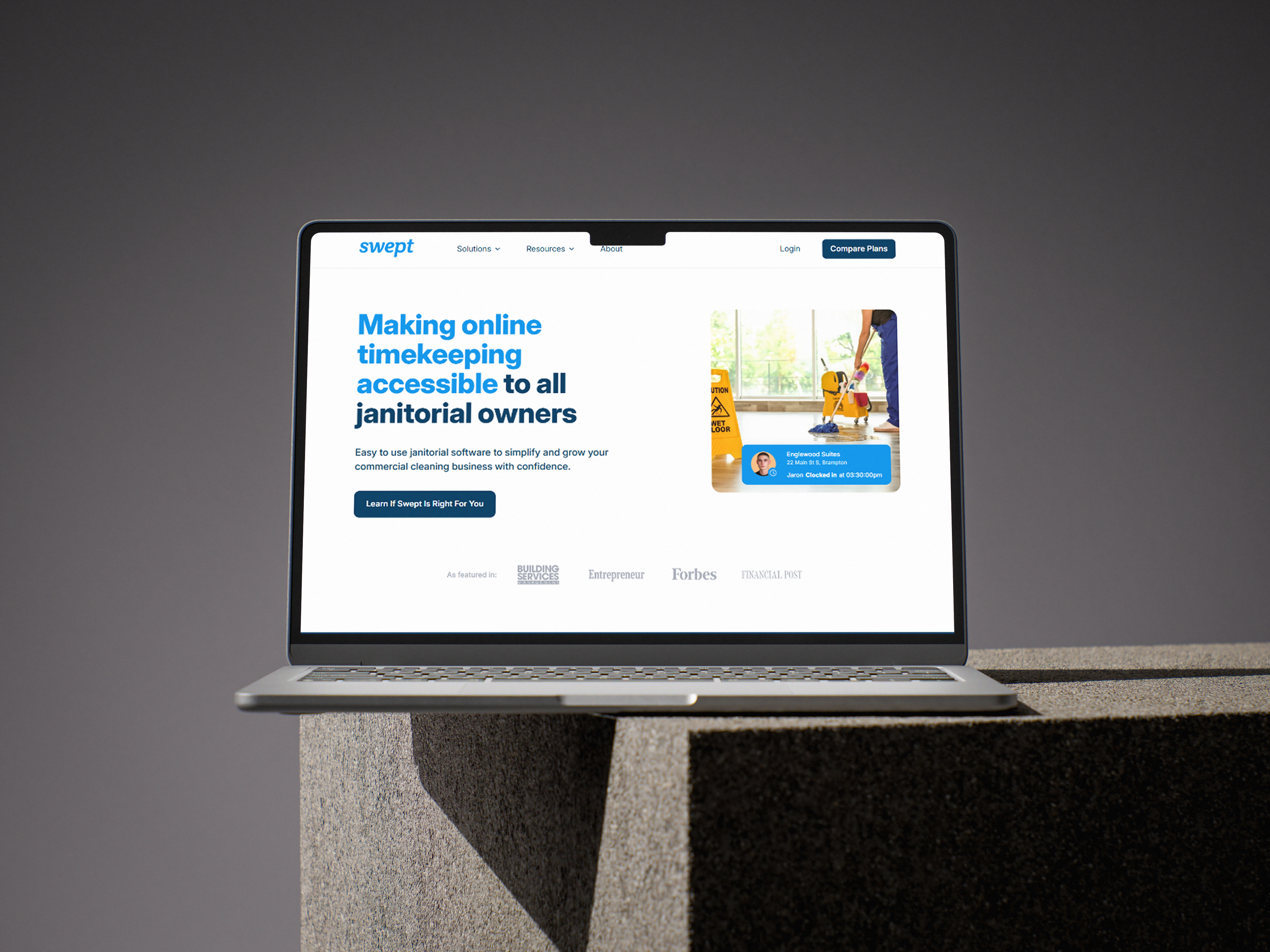


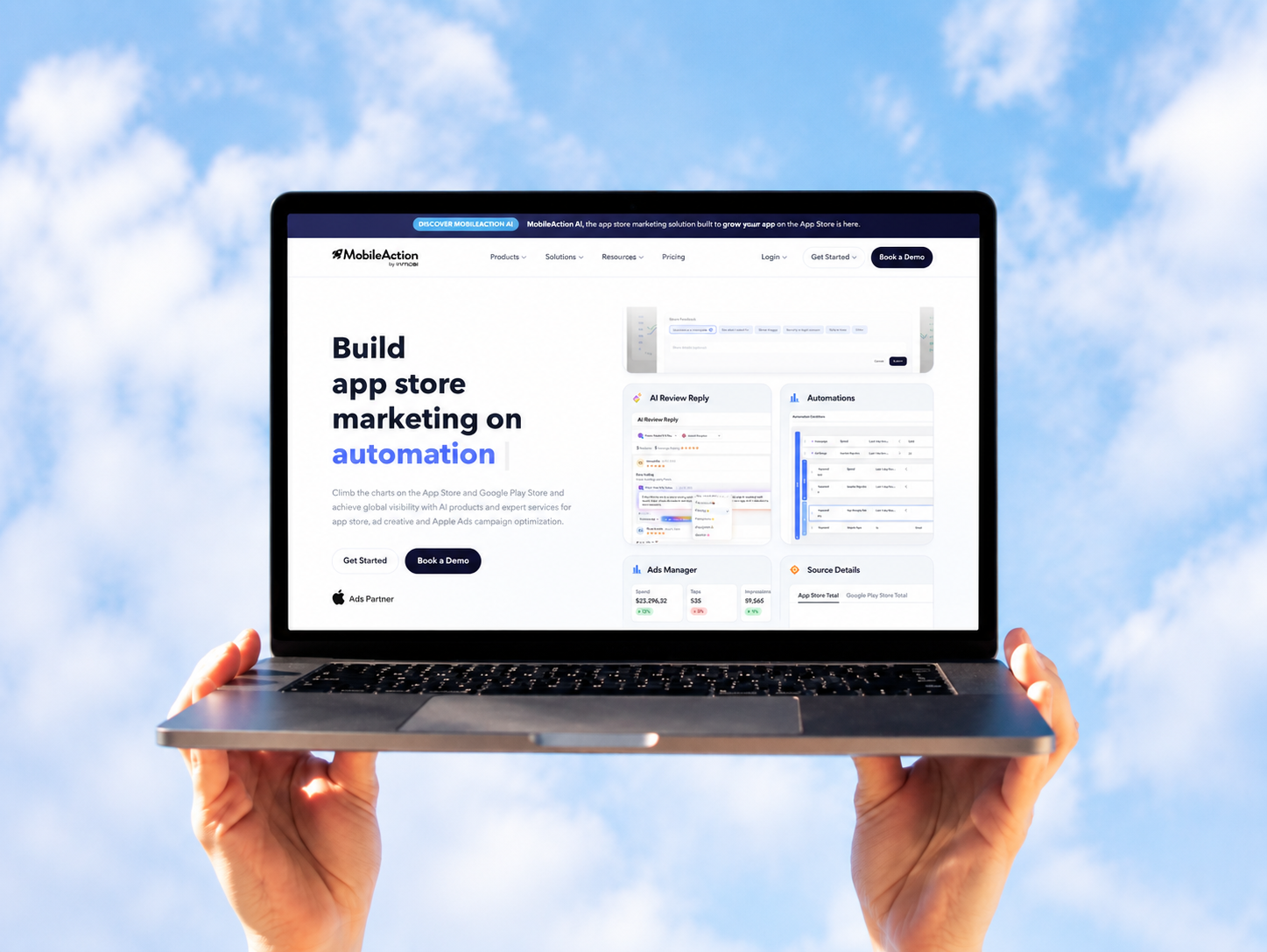



































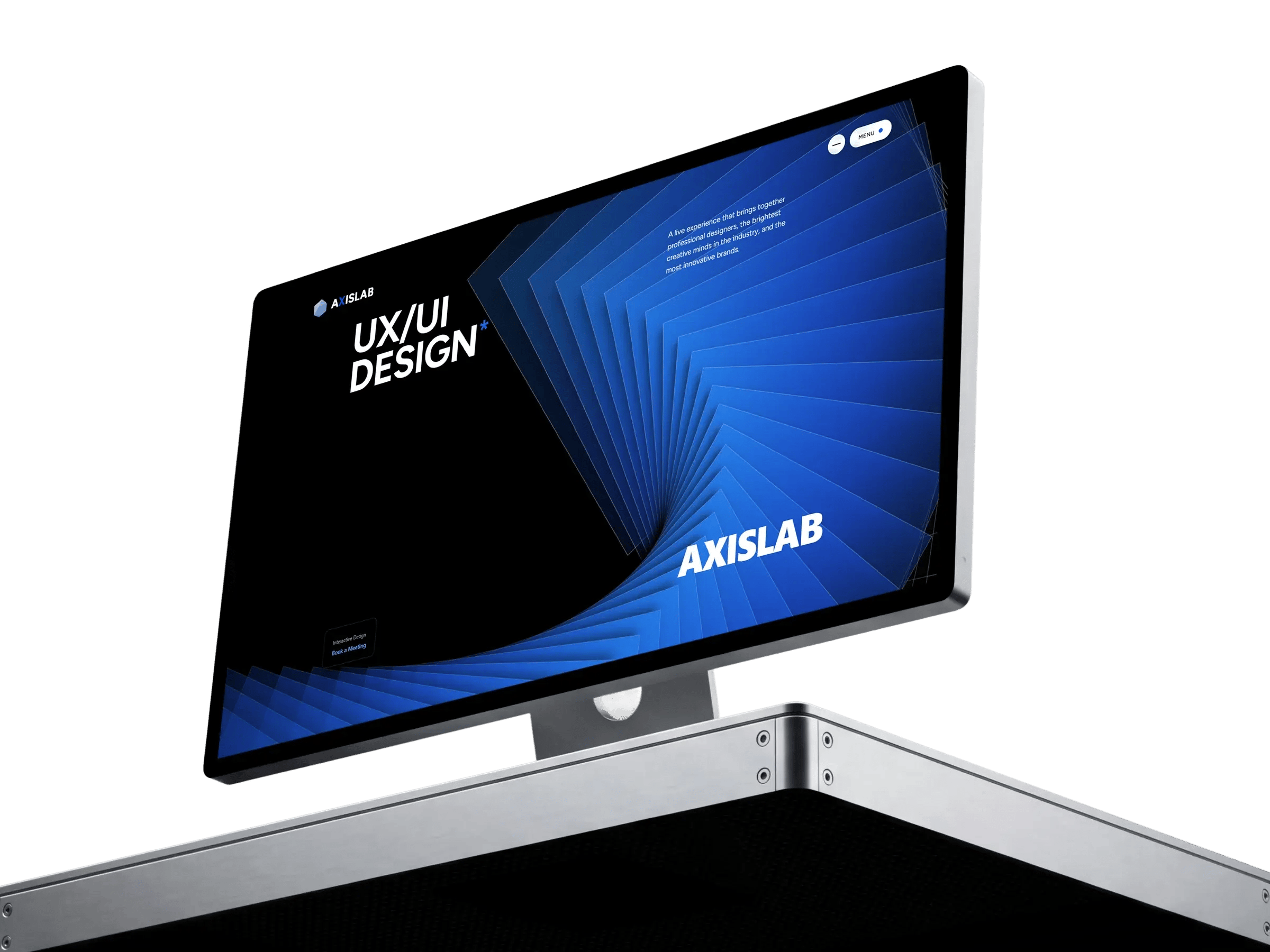
AxisLab: 3D website built on HubSpot.
An in-house project we built to show what HubSpot CMS can do with real-time 3D, motion and smooth scrolling.
Why we built it
Telling a prospect their HubSpot site can look like anything only goes so far. They need something to click through. Axis Lab is that something: real-time 3D, scroll-driven motion and smooth scrolling, all on the CMS their marketing team already uses.
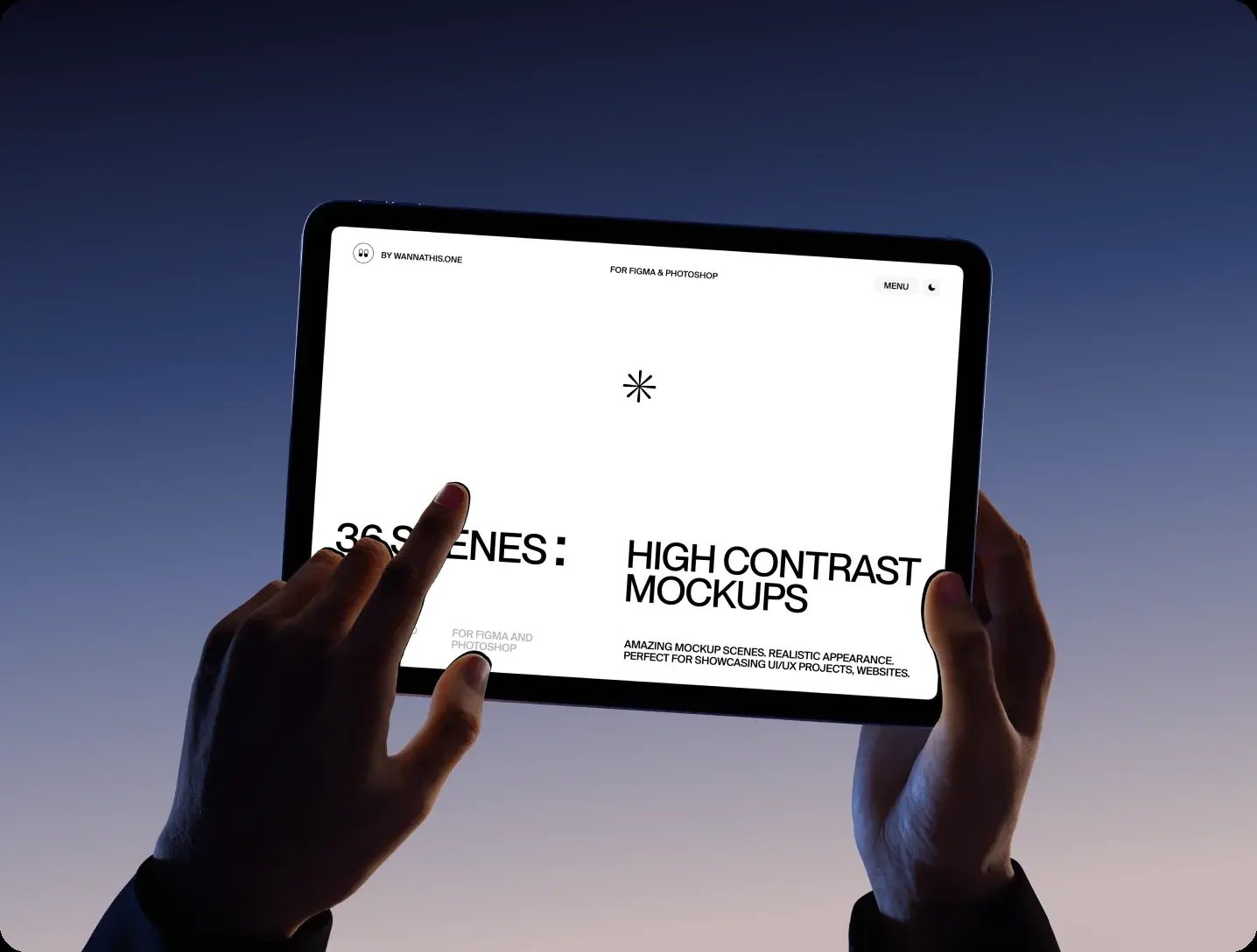
The brief we set ourselves
What Axis Lab had to prove
- 01 HubSpot CMS can run real-time 3D
- 02 Heavy motion with smooth scrolling
- 03 Interactive modules can stay editable in HubSpot
- 04 A full multi-page site, not a one-off demo
Our Approach
Two developers, one designer and five weeks. We built the 3D objects before the pages, because everything on the site moves around them, then planned each page around what those objects do as you scroll.
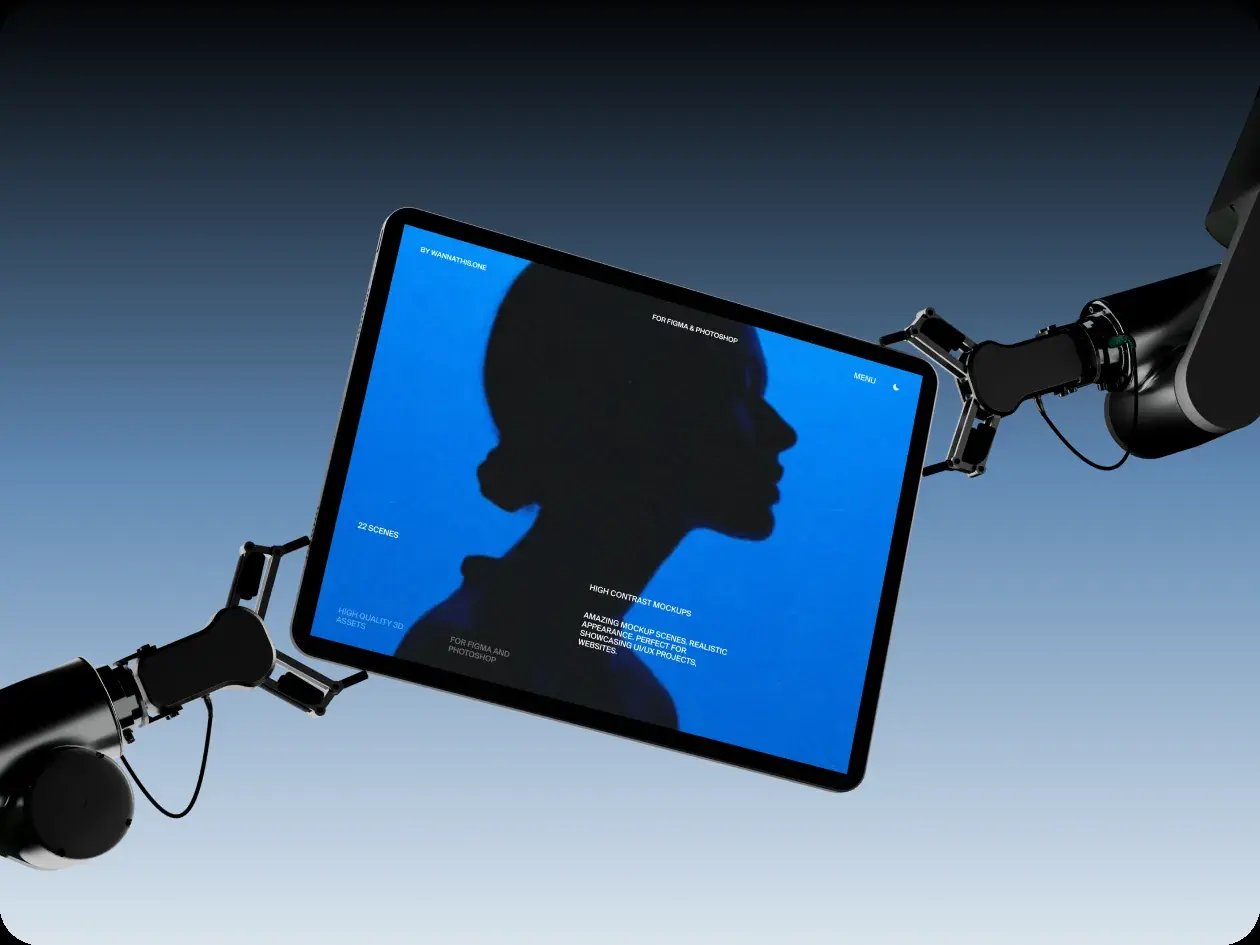
The final build
Axis Lab feels like a creative studio's site, but underneath it is a standard HubSpot build. The 3D, motion and scrolling live inside modules, and the content is edited the same way our clients edit theirs.
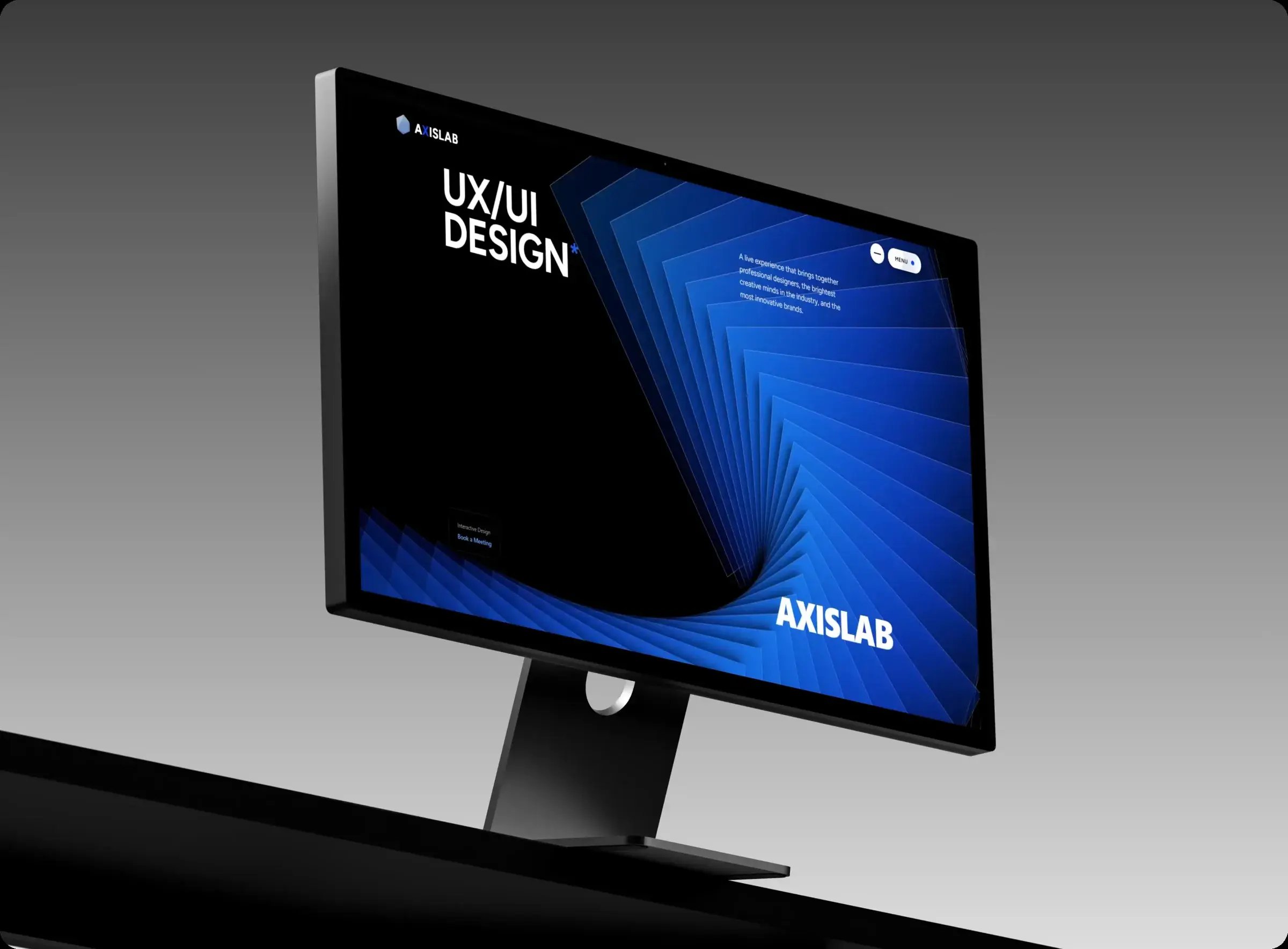

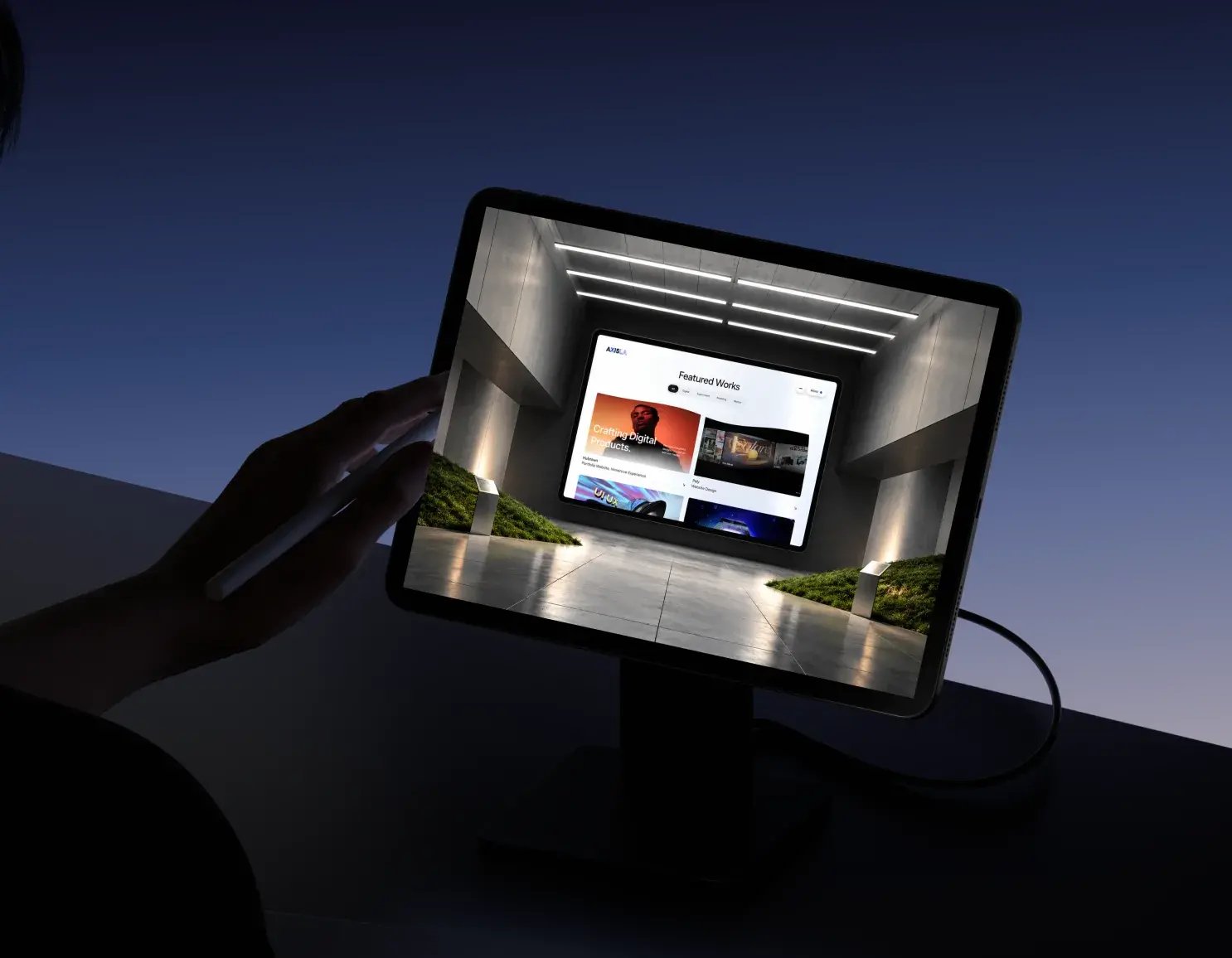
Key screens
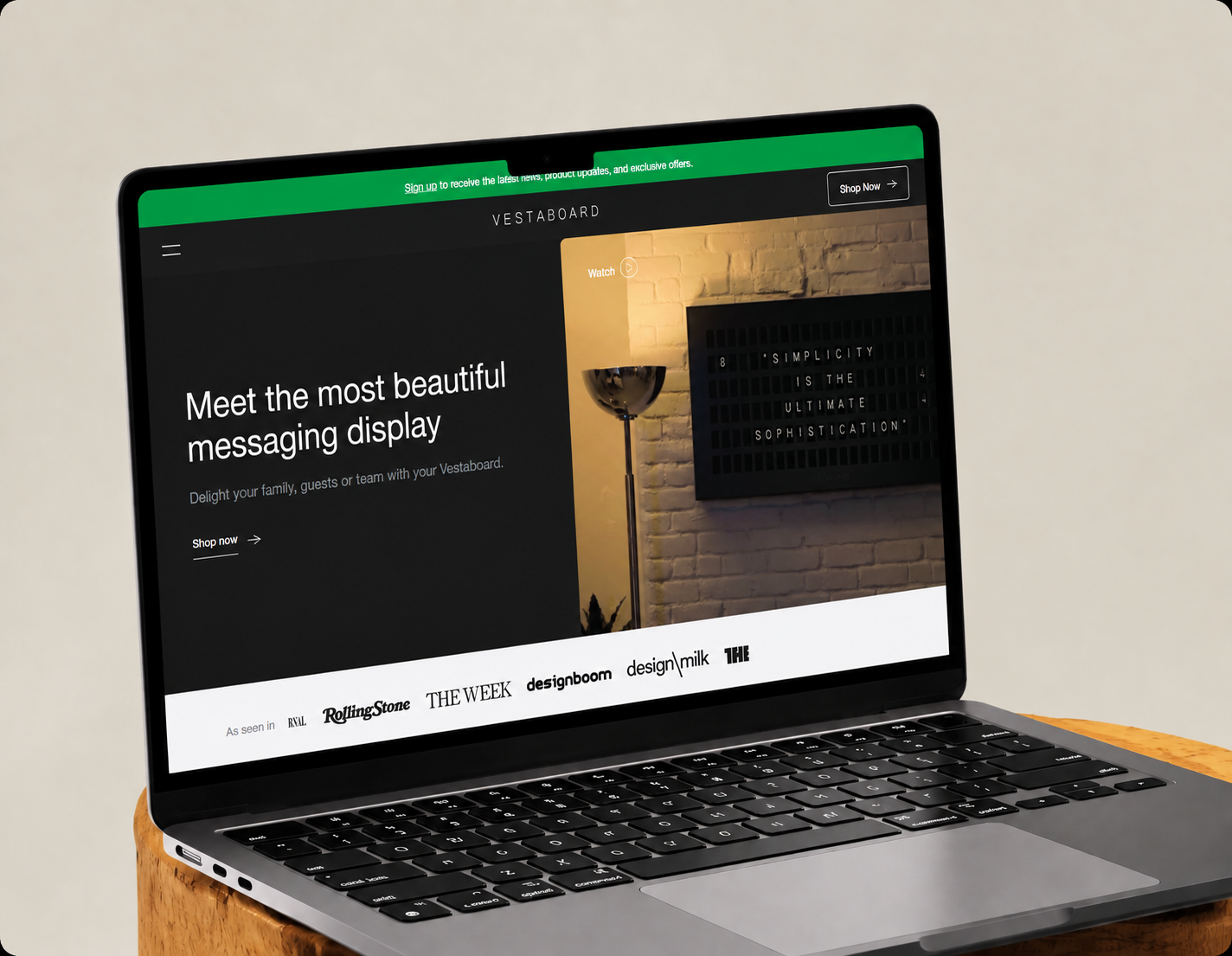
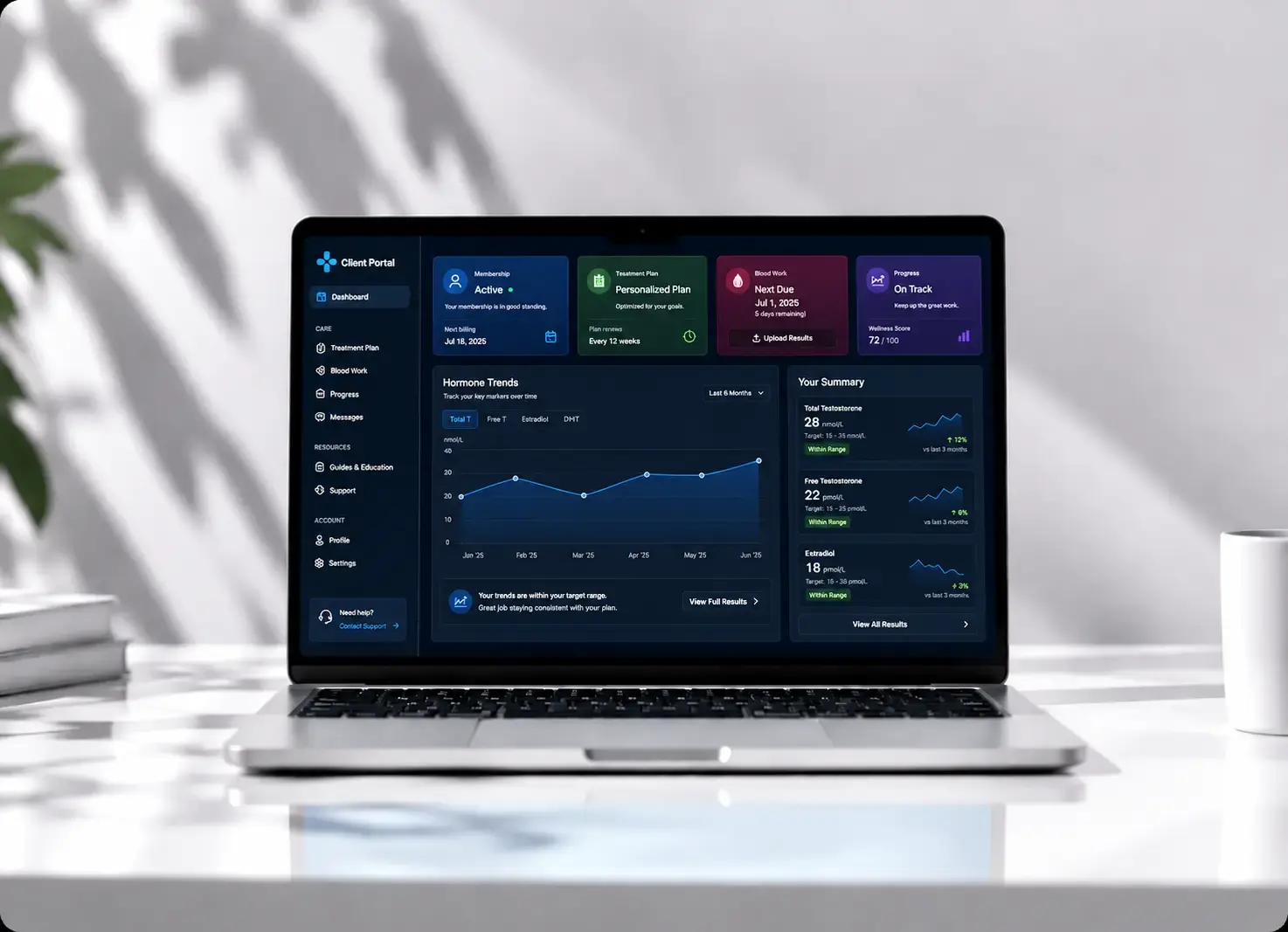
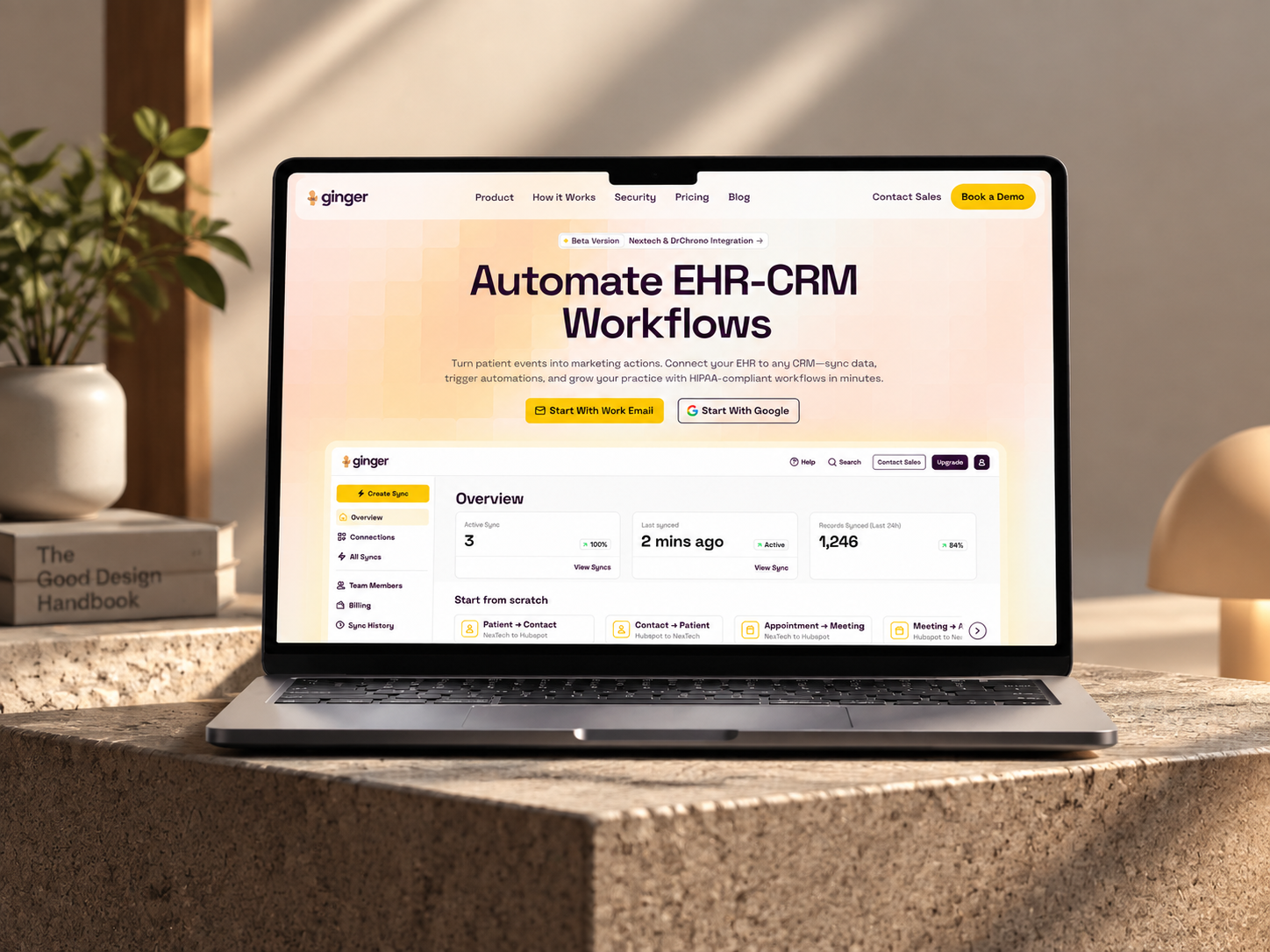
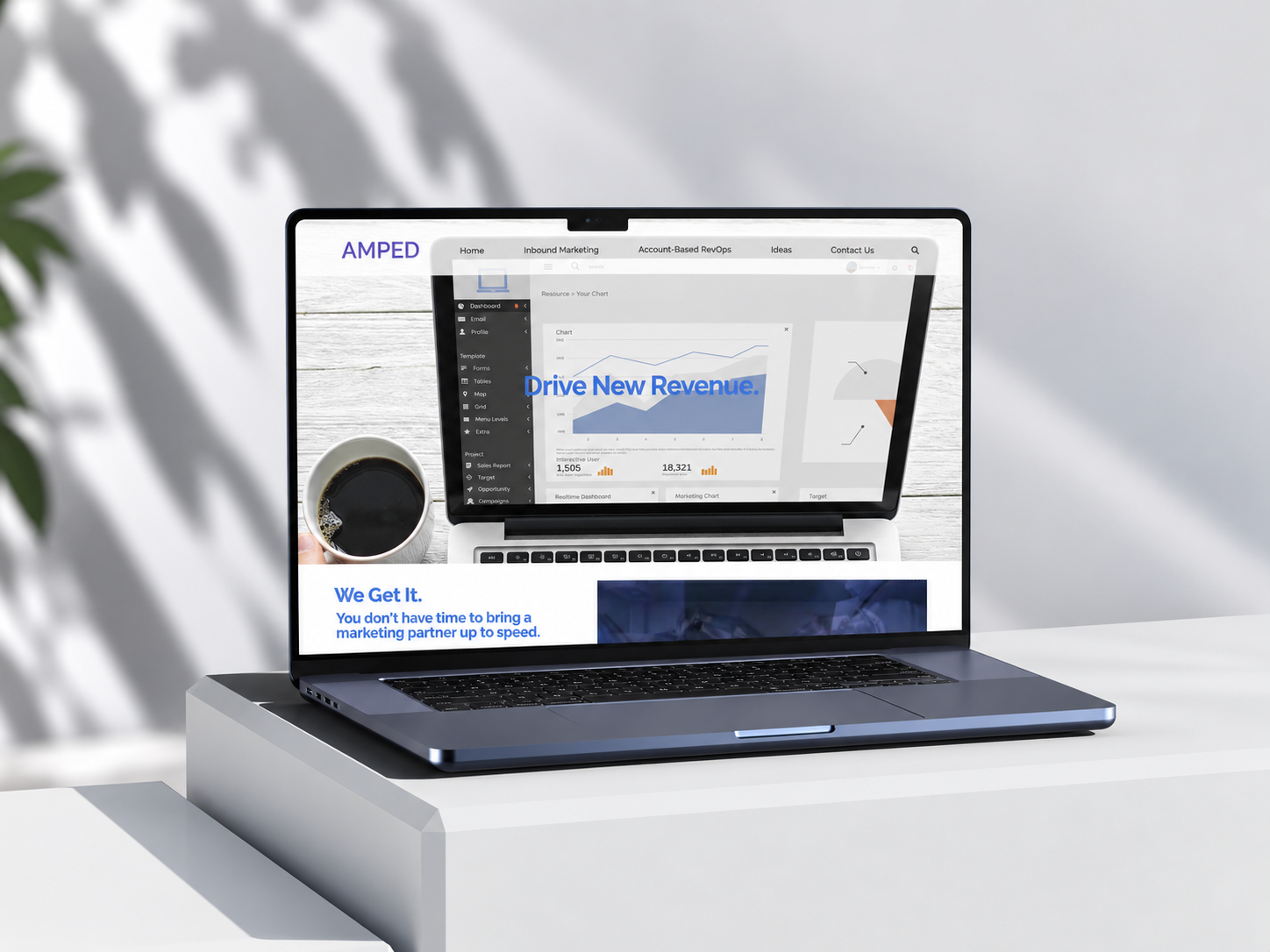
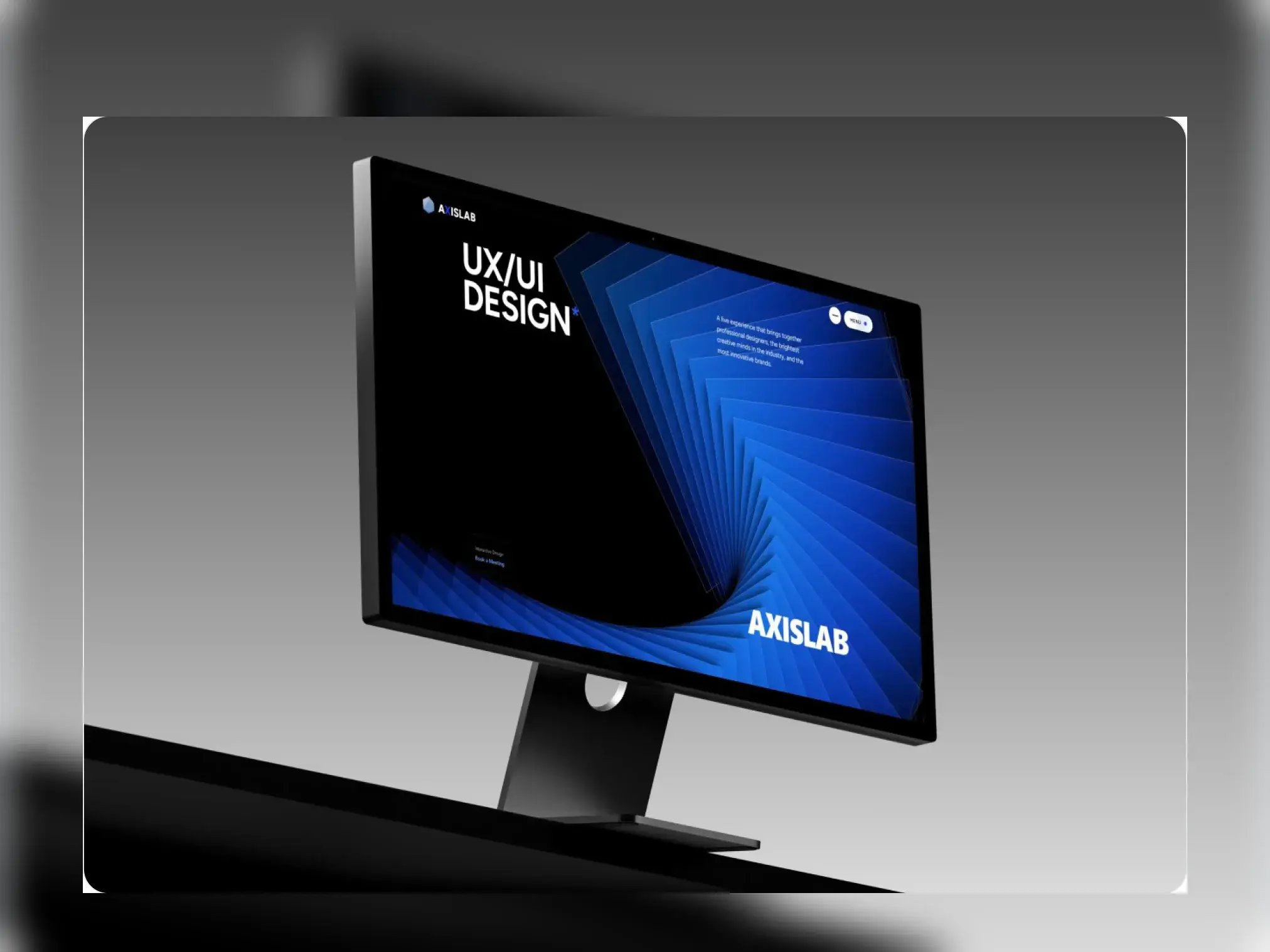
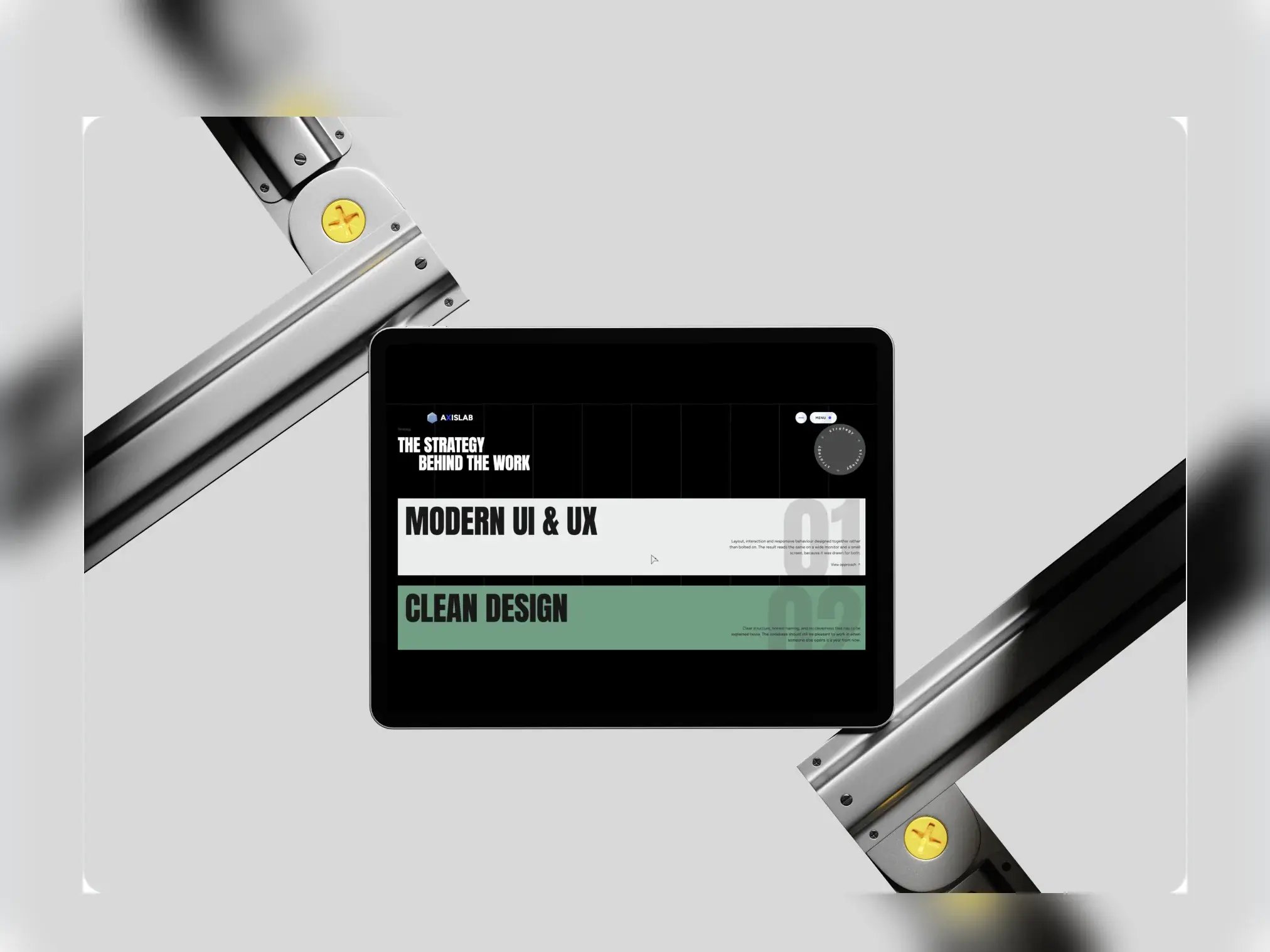
The screens that sell the studio: a bold hero, the services, the work, and how it all holds up on a phone.
-
Hero · Desktop
-
Services · Tab
-
Featured project · Laptop

-
Design system · Laptop

-
Hero on mobile · Mobile


01 / 05
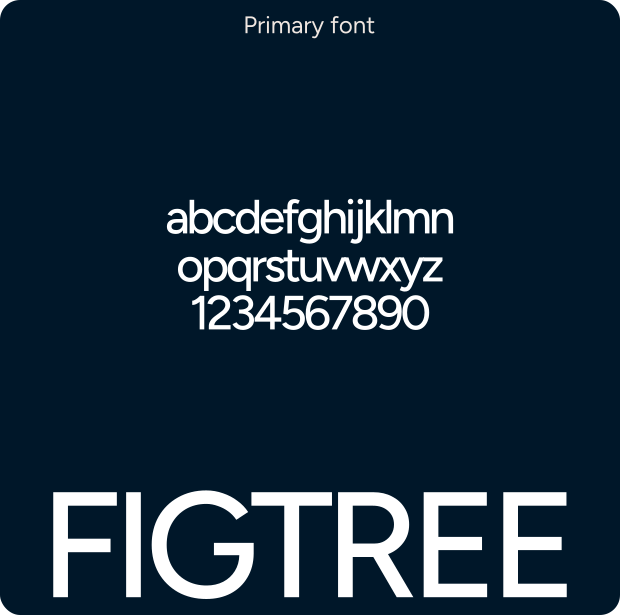
Typography & Colours
Axis Lab keeps the palette tight so the 3D can do the talking: black space, one electric blue and white type. Headlines are bold and uppercase, with small body copy beside them.
-
#3844FA
-
#AAB7D2
-
#191919
-
#6E7481
-
#8D8E90
Project timeline
5 weeks, idea to live site
- Week 1
- Week 2
- Week 3
- Week 4
- Week 5


Interactive Modules
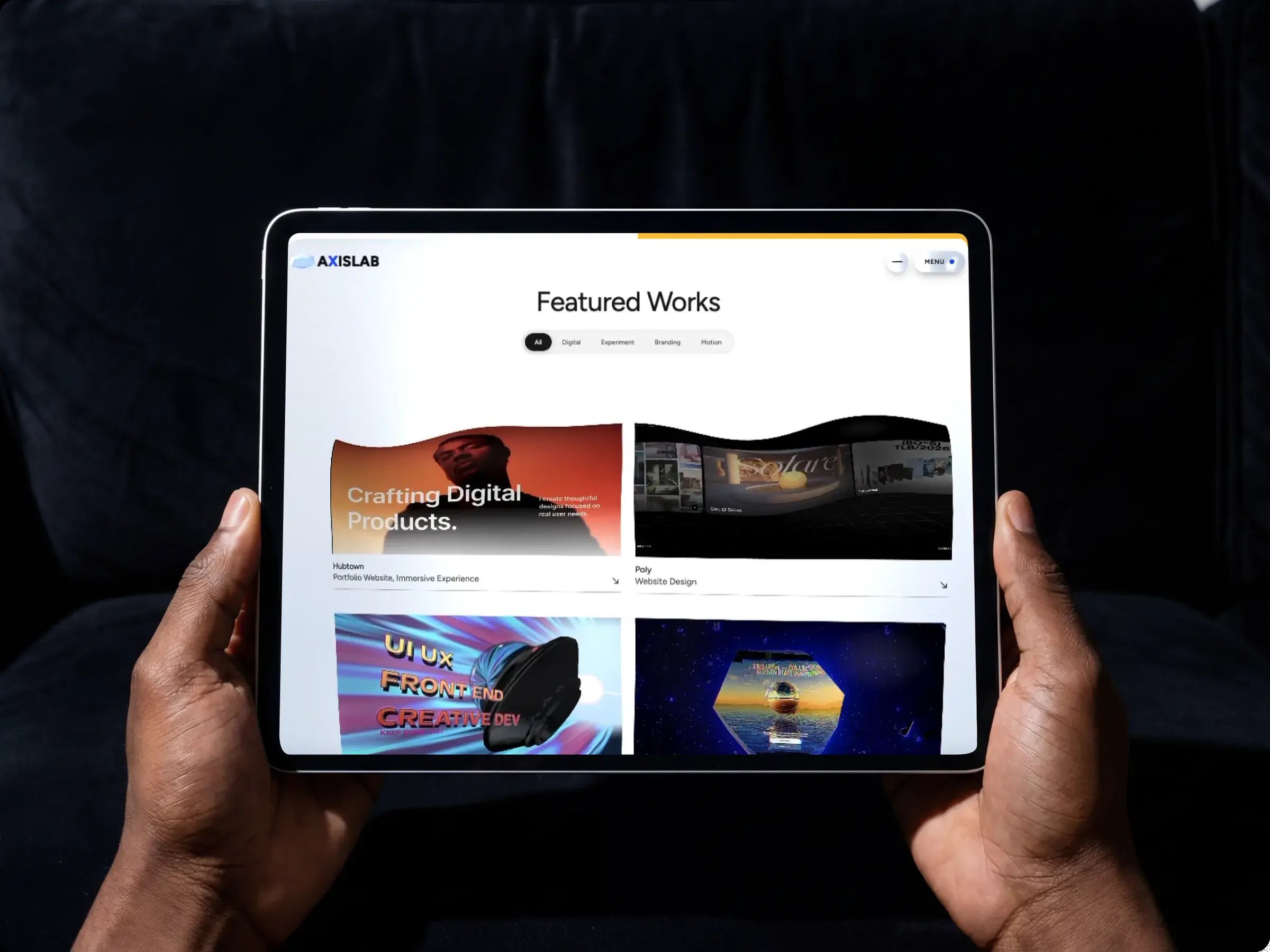
A screenshot of a 3D scene hides the part that matters, so every module here is a short loop. The objects turn as you scroll, lean towards your cursor, and the buttons and cards answer every hover. Each one runs inside a HubSpot module.
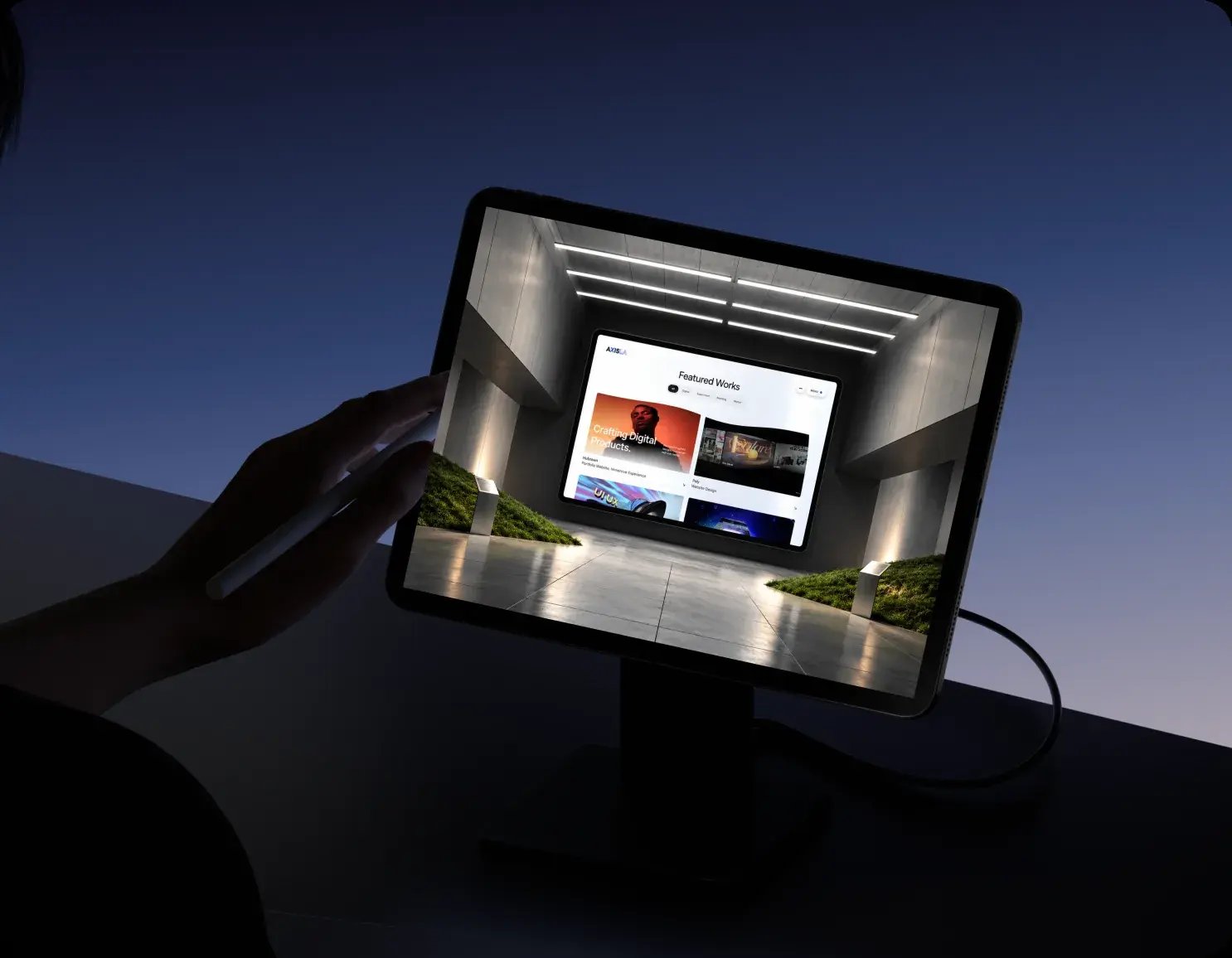

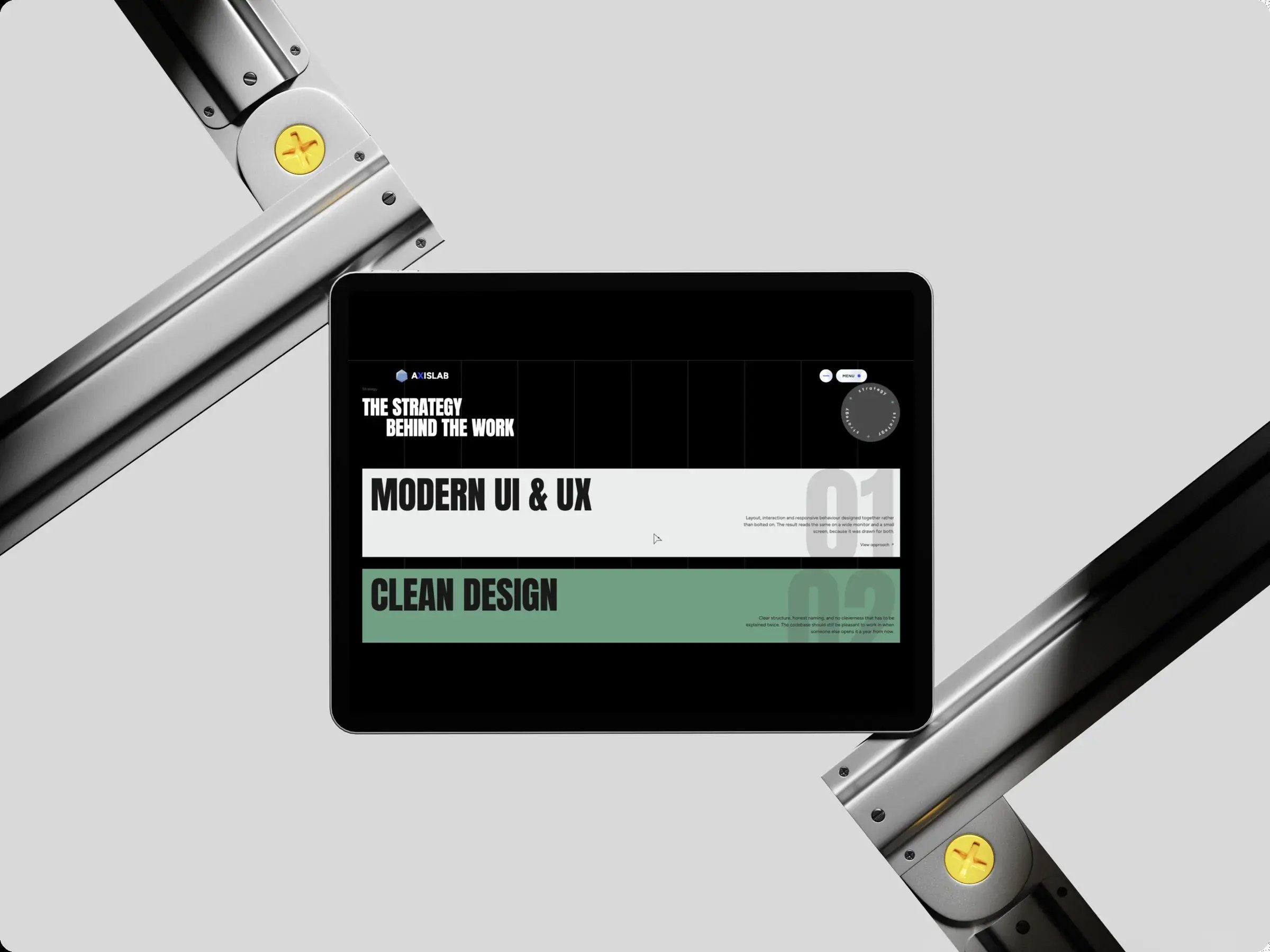
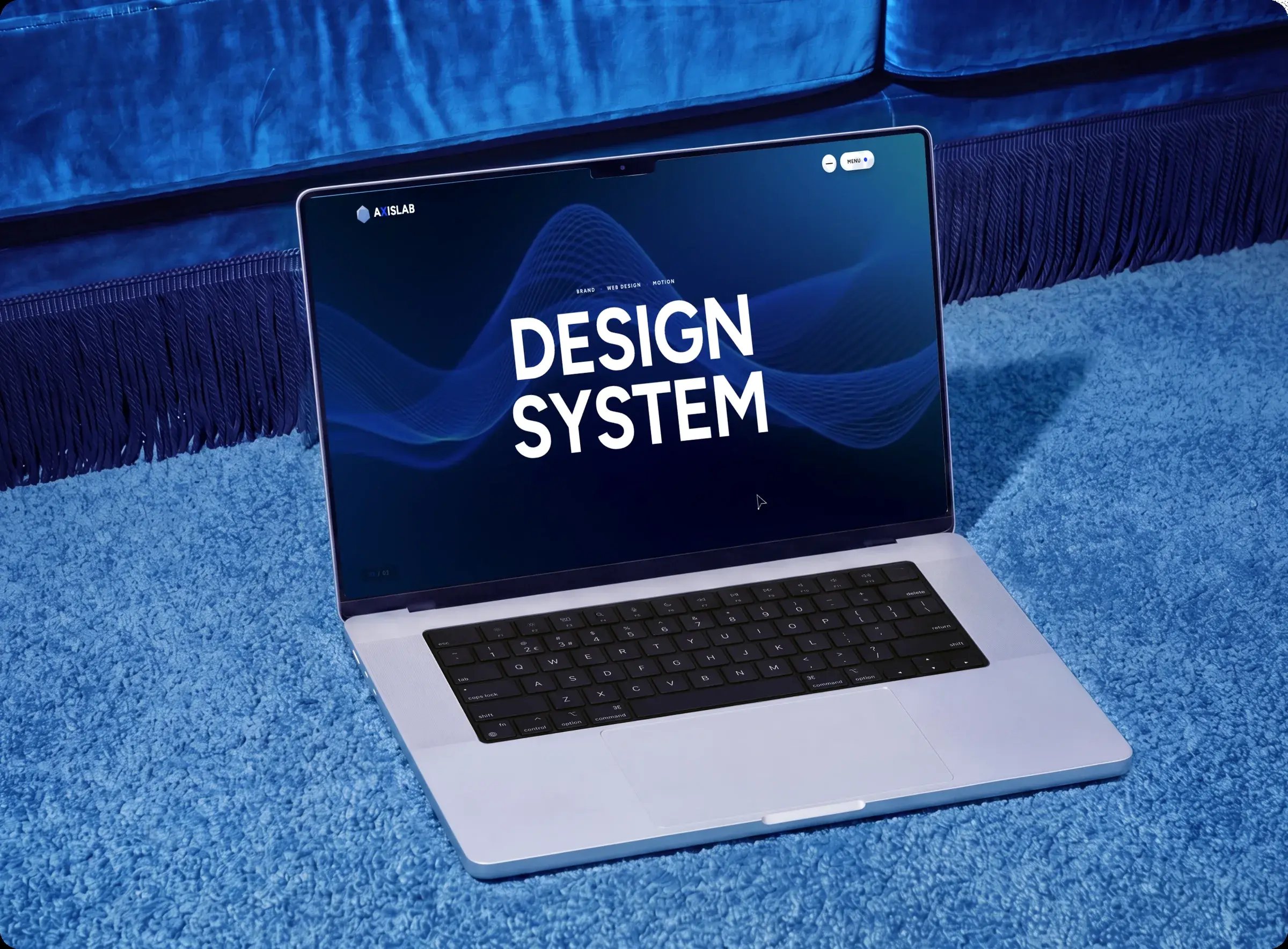
What we built
The result is a five-page studio site that behaves like an experience and edits like a normal HubSpot build.
-
 01
Research and moodboard
References from 3D-led studio sites and the dark, electric-blue direction we picked.
-
 02
Scroll storyboard and wireframes
Every page planned section by section: what moves, when, and what the visitor reads.
-
 03
Style guide
Type, the black and blue palette, and the components every page shares.
-
 04
3D objects
Custom objects modelled in Spline and rendered live with Three.js.
-
 05
Interactive modules
HubSpot modules with 3D that moves on scroll, follows the cursor and answers every hover.
-
 06
Page templates
Landing, services and work, about and team, and contact with booking.






3D and motion, running in HubSpot
The 3D scenes, scroll motion and smooth scrolling all run inside HubSpot CMS, and every section is still an editable module.

Featured in the HubSpot Solutions Directory





- Smart CRM
- CMS Hub
- Meetings
- Forms
 Smart CRM
Client reaction
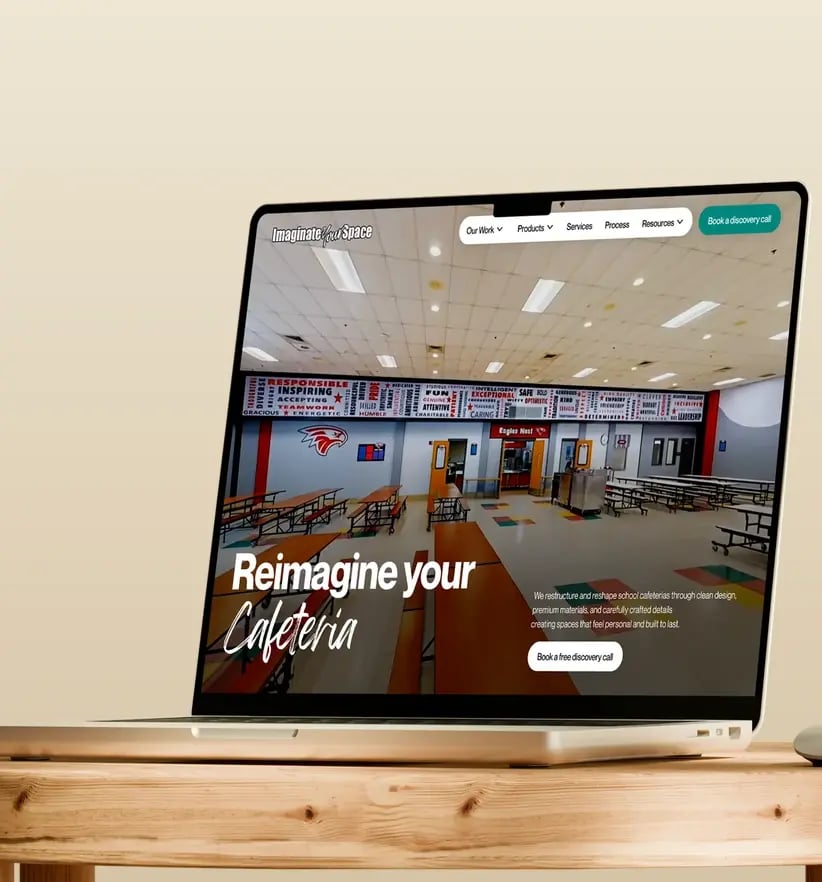
We showed Axis Lab to prospects on live sales calls. This is what happened the first time the 3D started moving on their screen.



Ready to Build the Engine Behind Your Growth?
We build the systems underneath growth. CRM, website, search, outbound, and automation, connected so your team stops doing the work software should do.
 Takes 30 minutes
Delivered by certified HubSpot expert