-2.png)


-2.png)



.png)


.webp)

.png)










.png)







-1.webp)
-1.webp)



.webp)

-1-1.webp)



-2.webp)

-1-1.webp)

-2-1.png)

-1-1.webp)
-1-1.webp)
-1-1.png)






Timeline Progress Scroll
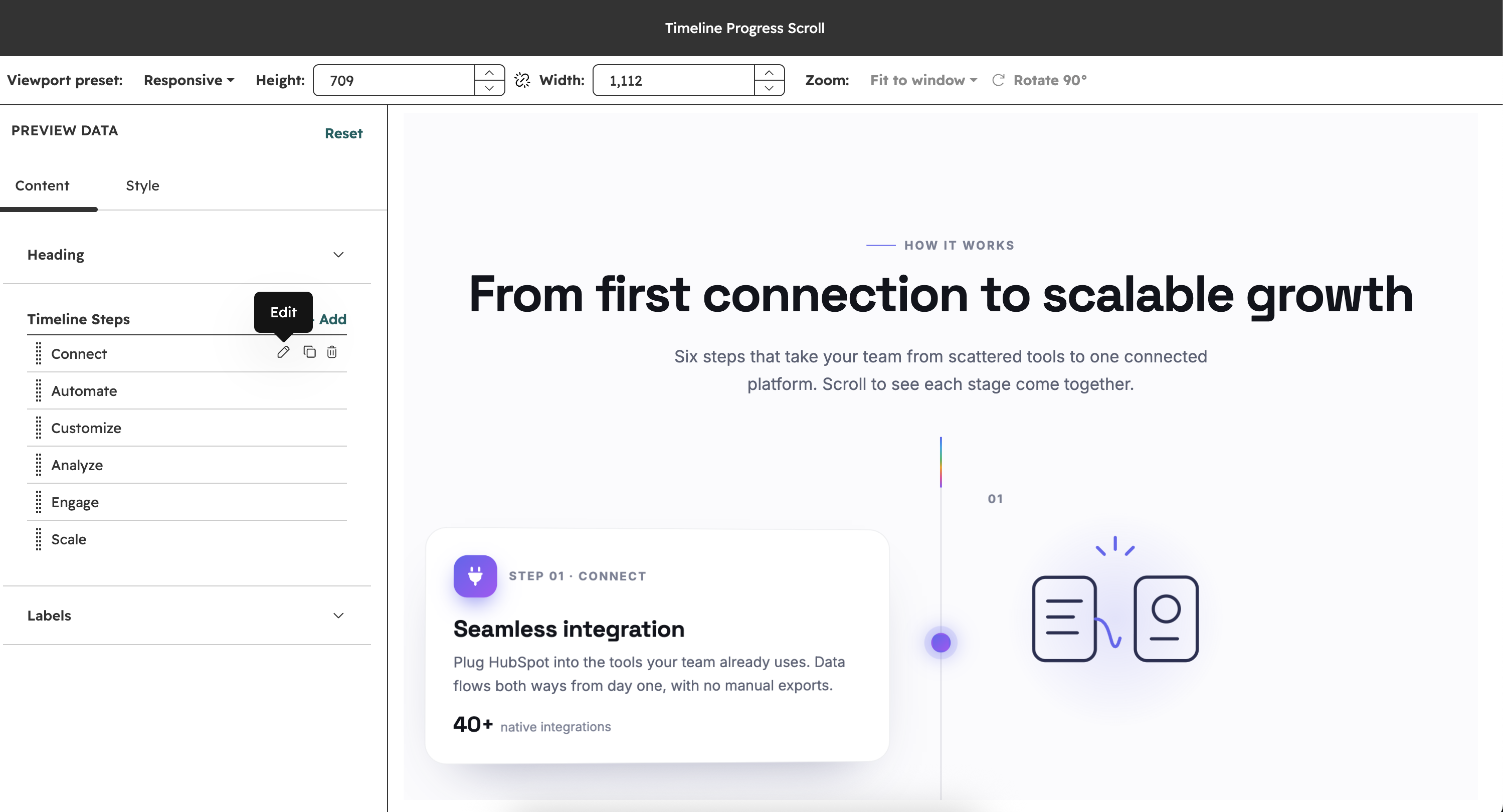
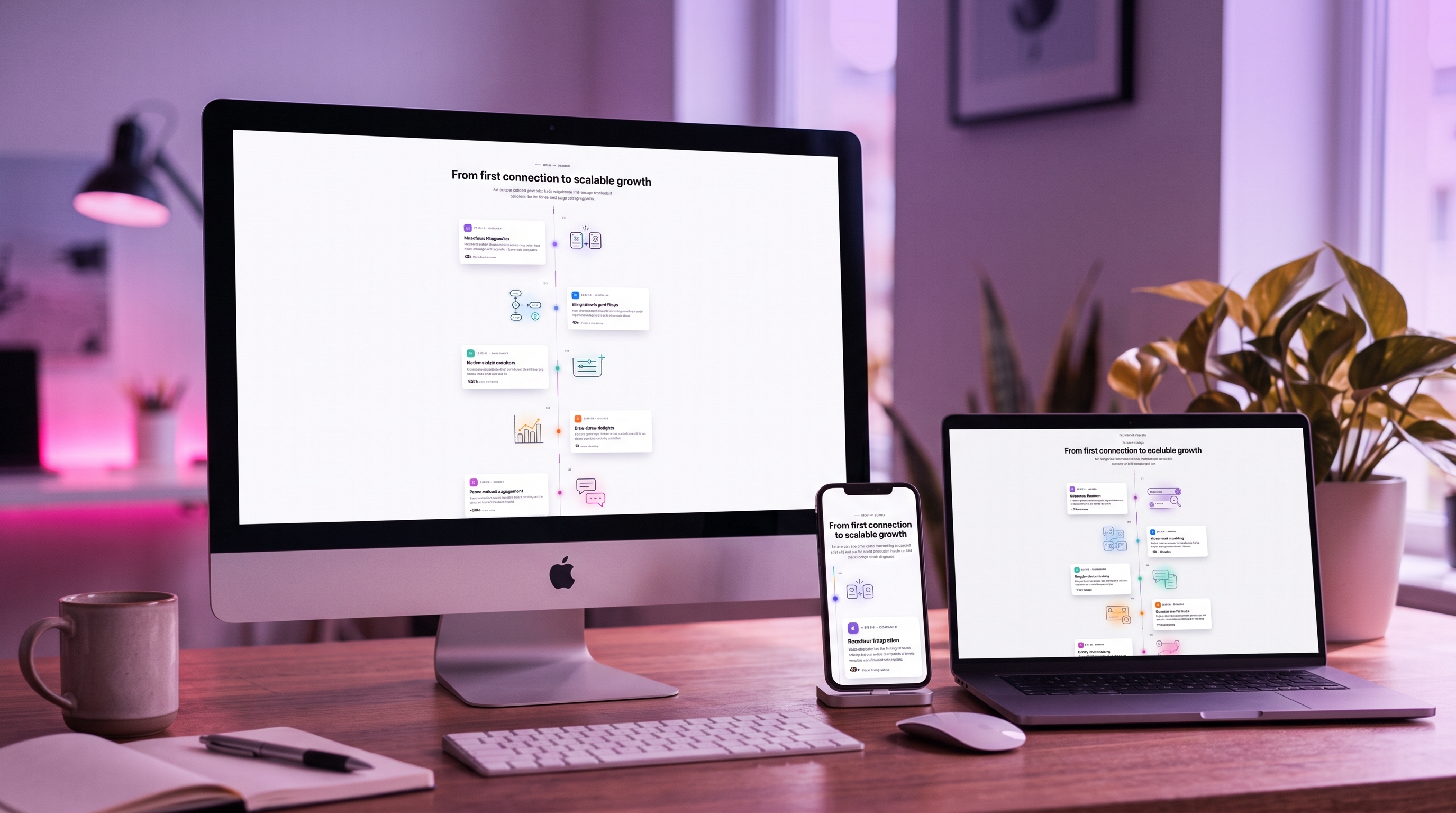
The Timeline Progress Scroll module turns a step-by-step story into a scroll-driven timeline for your HubSpot pages. Each step has a card on one side of a centre line and an illustration on the other, and they come to life as visitors scroll.
Installation Guide
If you don't already know, HubXpert has a lot of published and developing modules in the marketplace. One of them is the "Filtered Portfolio Gallery" module, which you can find here
This page will guide you through the installation process. So, let's begin:

Get to The Module Marketplace
If you haven't already, visit this link to get the module. You can read all features this module has, which is a lot!
.svg)
Select The Account
If you have multiple accounts, select the account where you want to install the module.
%20(1).svg)
Configure The Module
After selecting the account, you will be taken to the module configuration page. Follow the instructions to configure the module according to your needs.
%201.svg)
Add The Module to Your Page
Once the module is installed and configured, you can add it to your page. Go to the page where you want to add the module, and click the "+" icon to add a new module. Select our module from the list of available module.
User Guide
Now that you have installed the guide, let's see how you can use it and change it to your own style:
Content Customizable
Each step has its own icon, step keyword, title, text, stat value and stat label, plus two accent colors that tint its icon badge, marker, illustration highlights and glow. The section heading has an eyebrow text, heading and description.