





























































A real-time 3D product page, running on HubSpot CMS.
An in-house build. A WebGL bottle that turns, lights and settles as you scroll, inside a normal HubSpot page: no plugin, no embedded app, no video stand-in.
The Challenges
No client and no brief, so we set the constraint ourselves, and it was harder than most live projects: a real-time 3D scene on HubSpot CMS, with no plugin and no separate app, that still loads fast and reads clearly on a phone.
The brief
What the build had to do
- 01 Run a live WebGL scene inside HubSpot CMS, no plugin
- 02 Hold a steady frame rate while the page scrolls
- 03 Make every 3D moment say something, not just spin
- 04 Keep it readable from a phone to a studio display
Our Approach
Decide what the bottle has to say at each scroll stop, and write the one line that goes with it.
Deliverables
- Storyboard
- Scroll map
- Copy deck
Build the bottle in 3D, set its material and lighting, then compress it to a web-ready GLB.
Deliverables
- 3D model
- Material pass
- GLB export
Map scroll position to camera, rotation and lighting on one GSAP ScrollTrigger timeline, then tune the easing until it reads as a single move.
Deliverables
- ScrollTrigger timeline
- Motion spec
- Easing pass
Turn each stop into a HubSpot module, load the scene from theme assets, then cut the load until it holds on a phone.
Deliverables
- HubSpot modules
- Theme assets
- Performance pass
The page itself
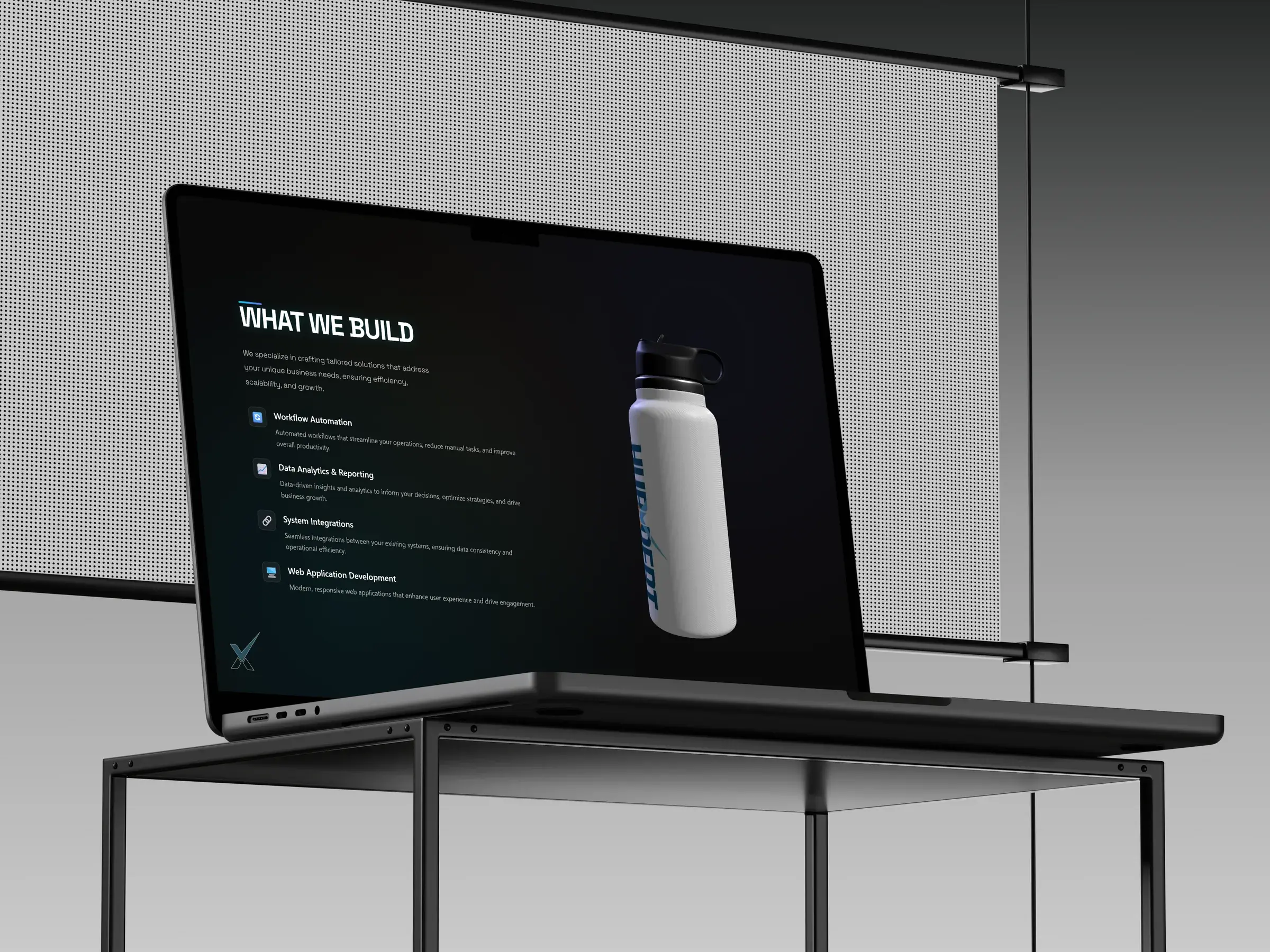
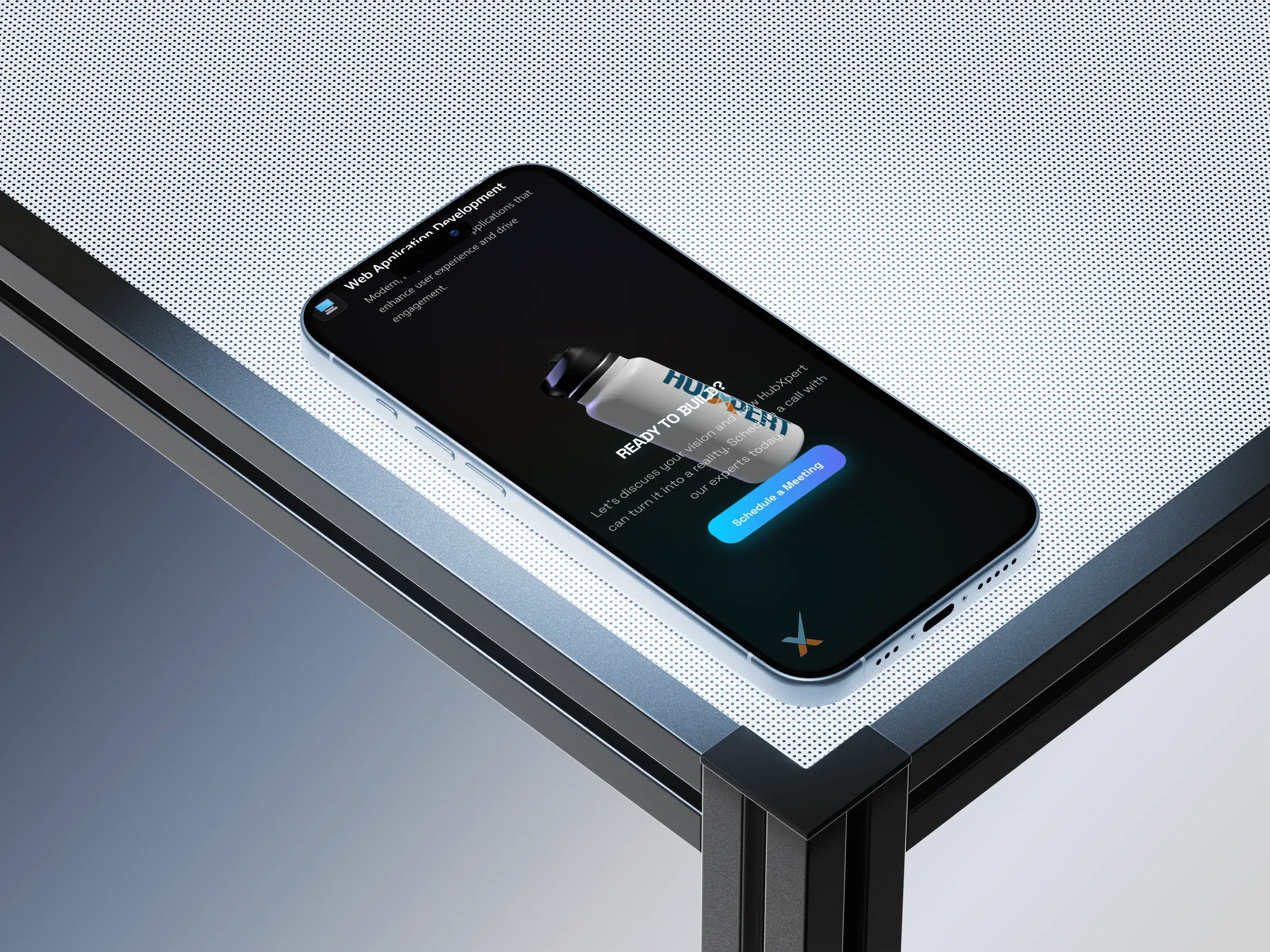
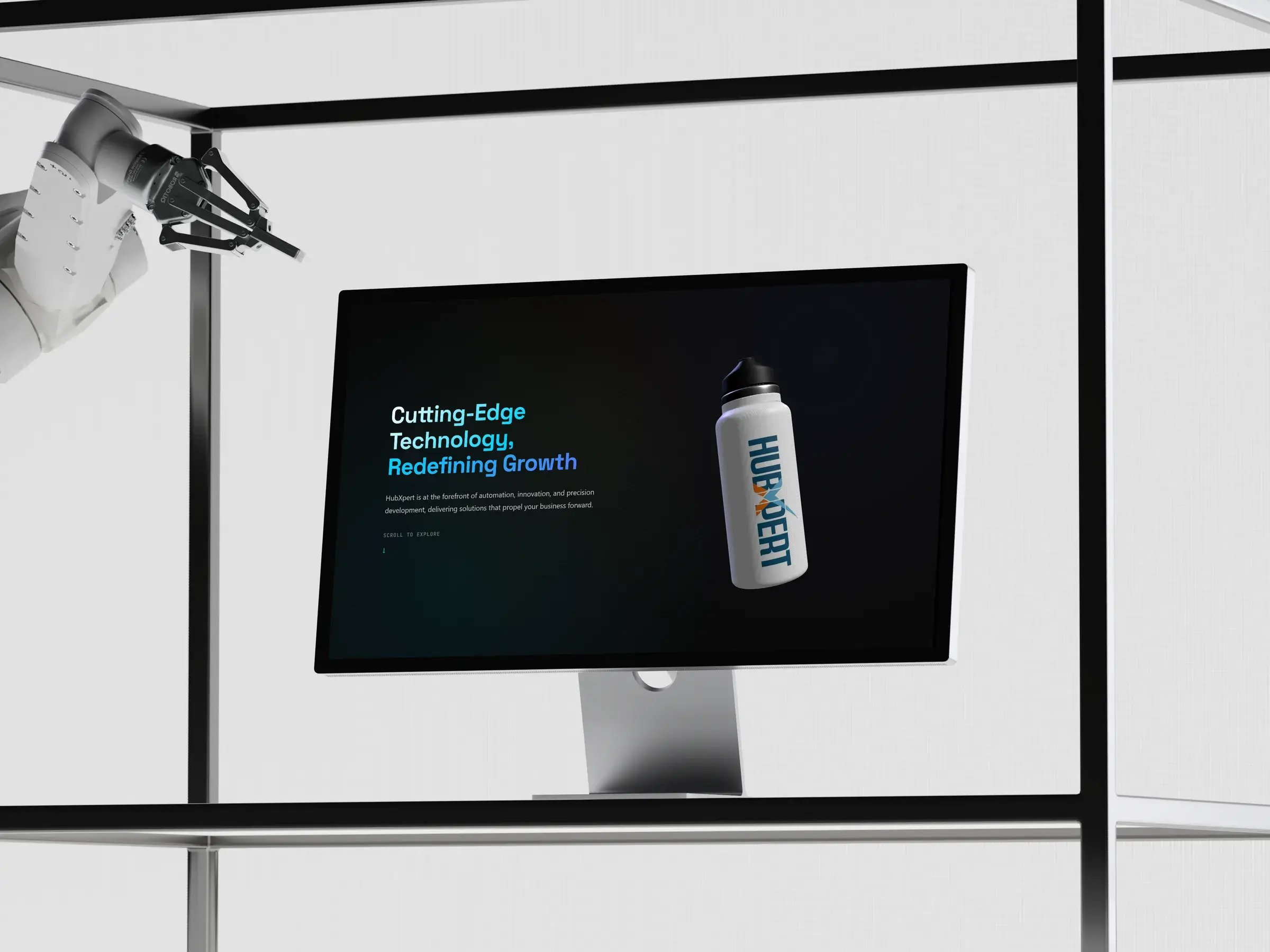
The bottle holds the centre of the screen from first paint to the last section. Scroll position drives the camera, the lighting and the copy together, so the product and the message move as one piece.
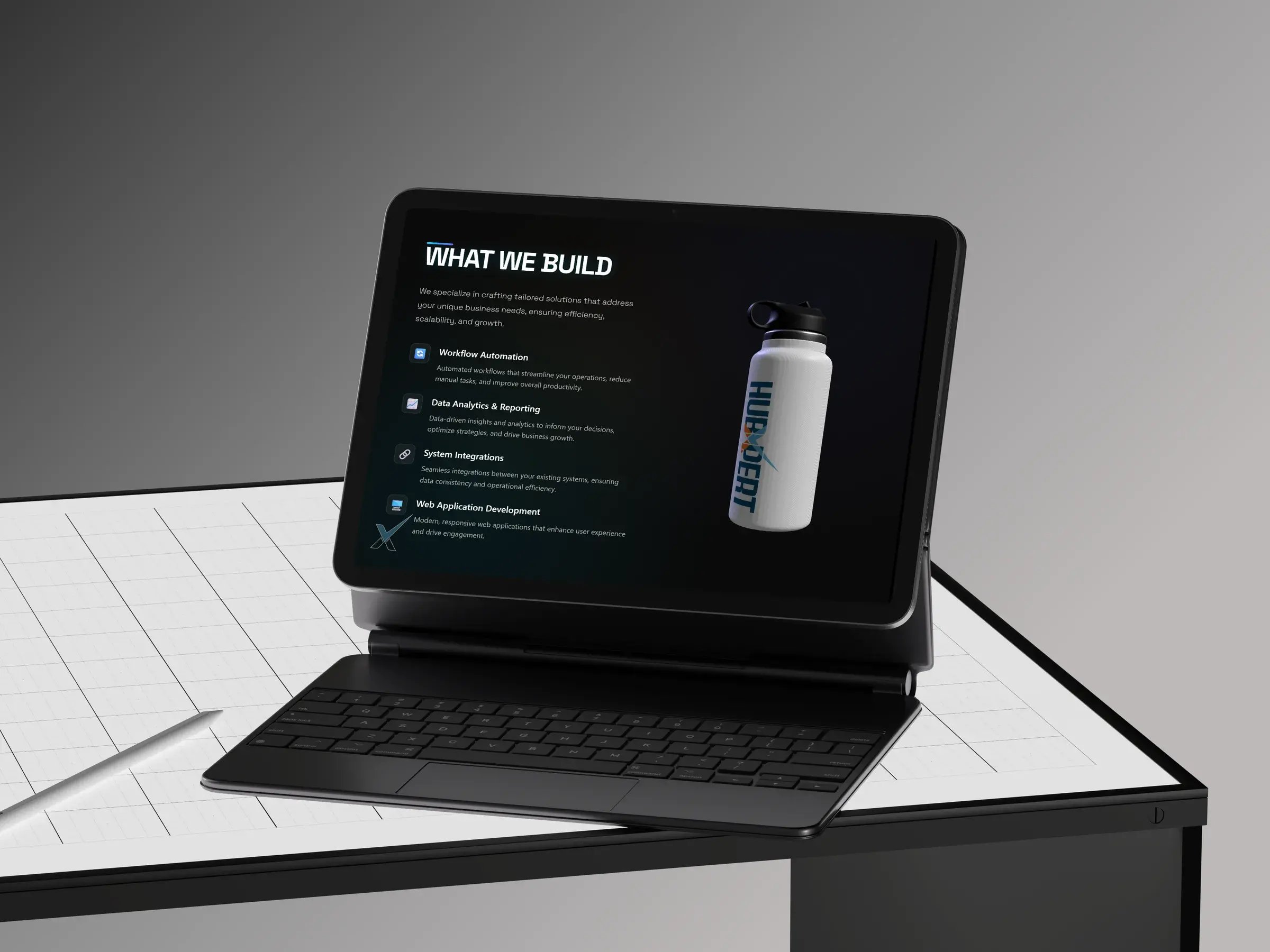
Key screens
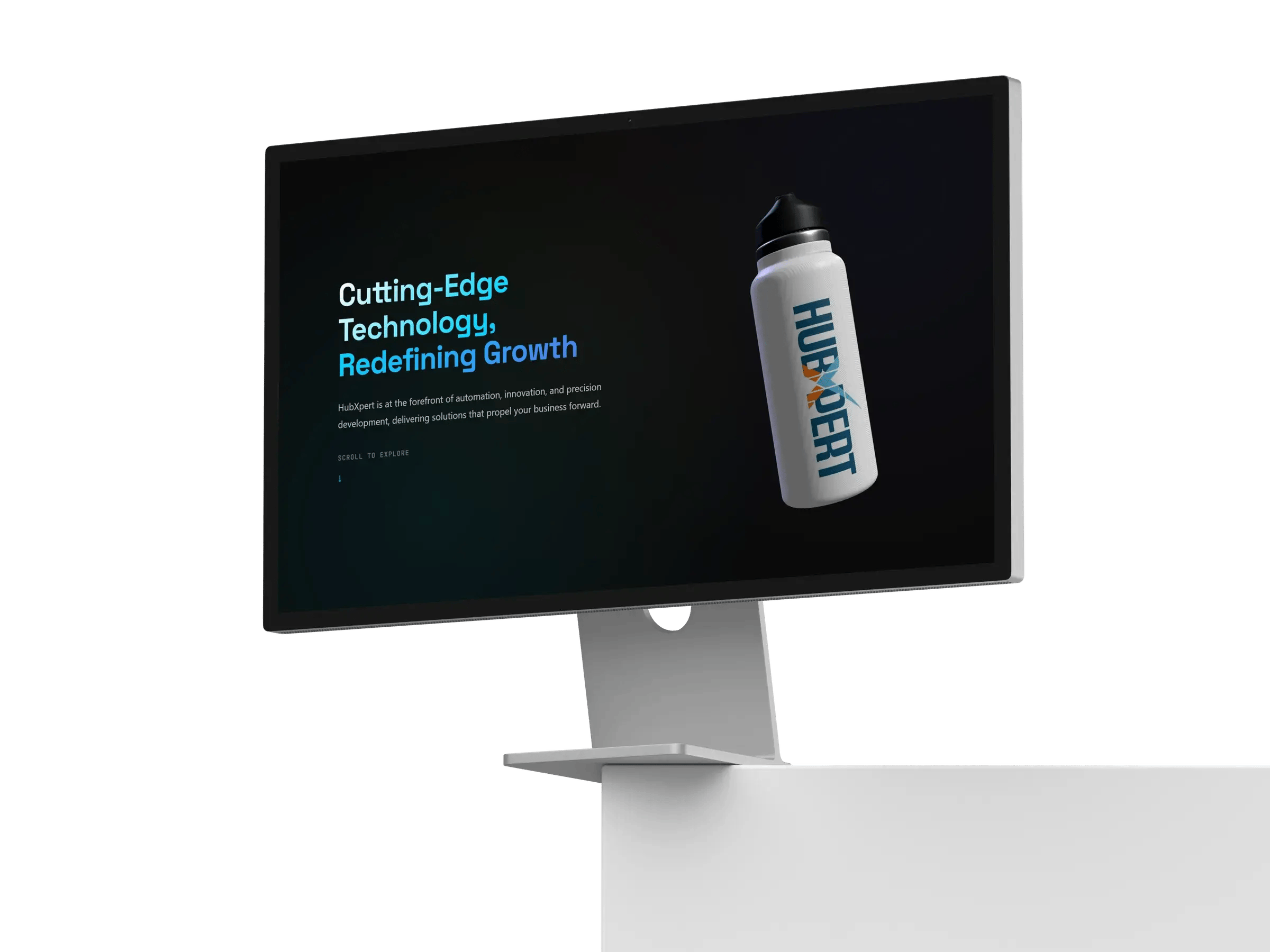
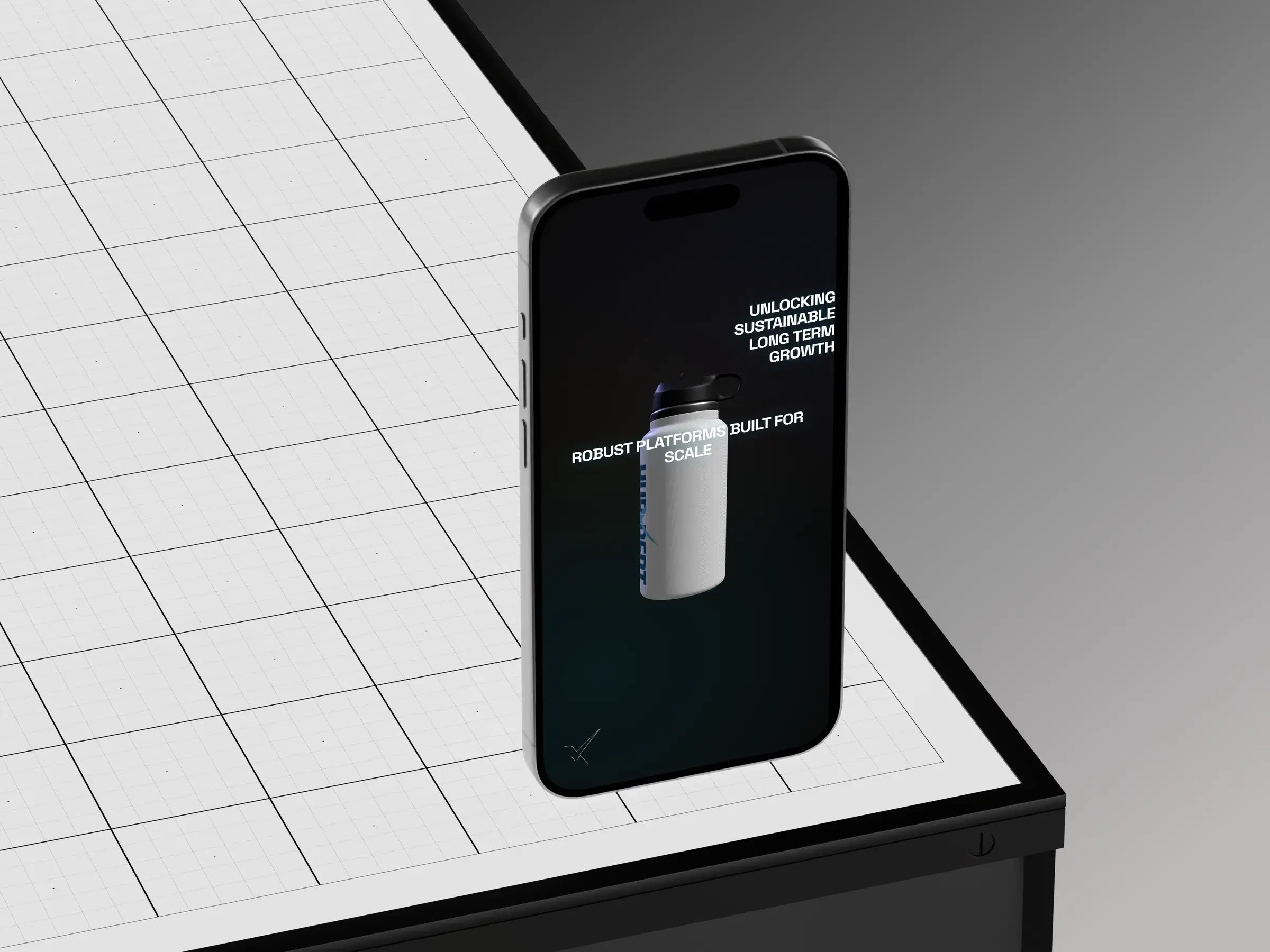
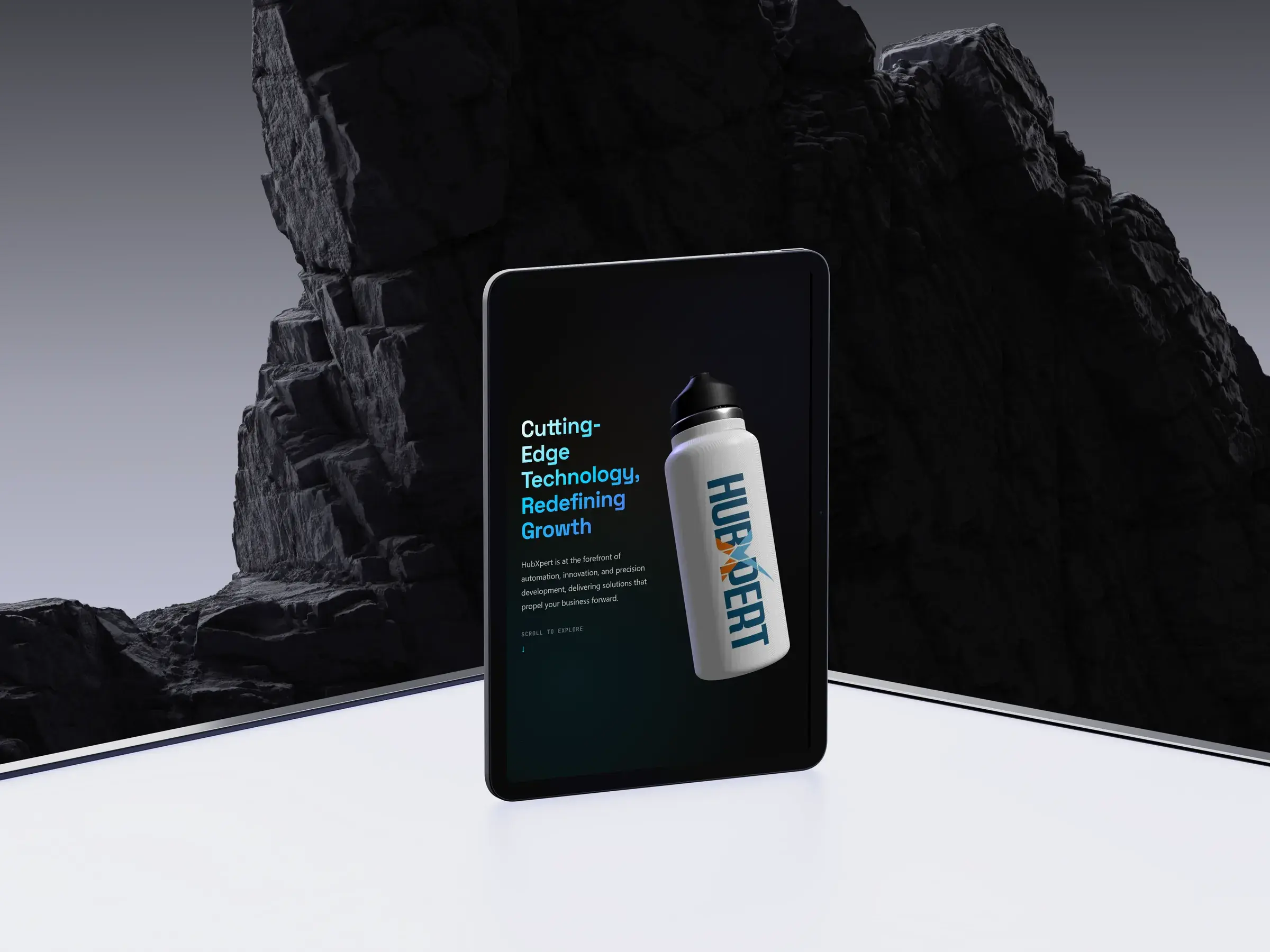
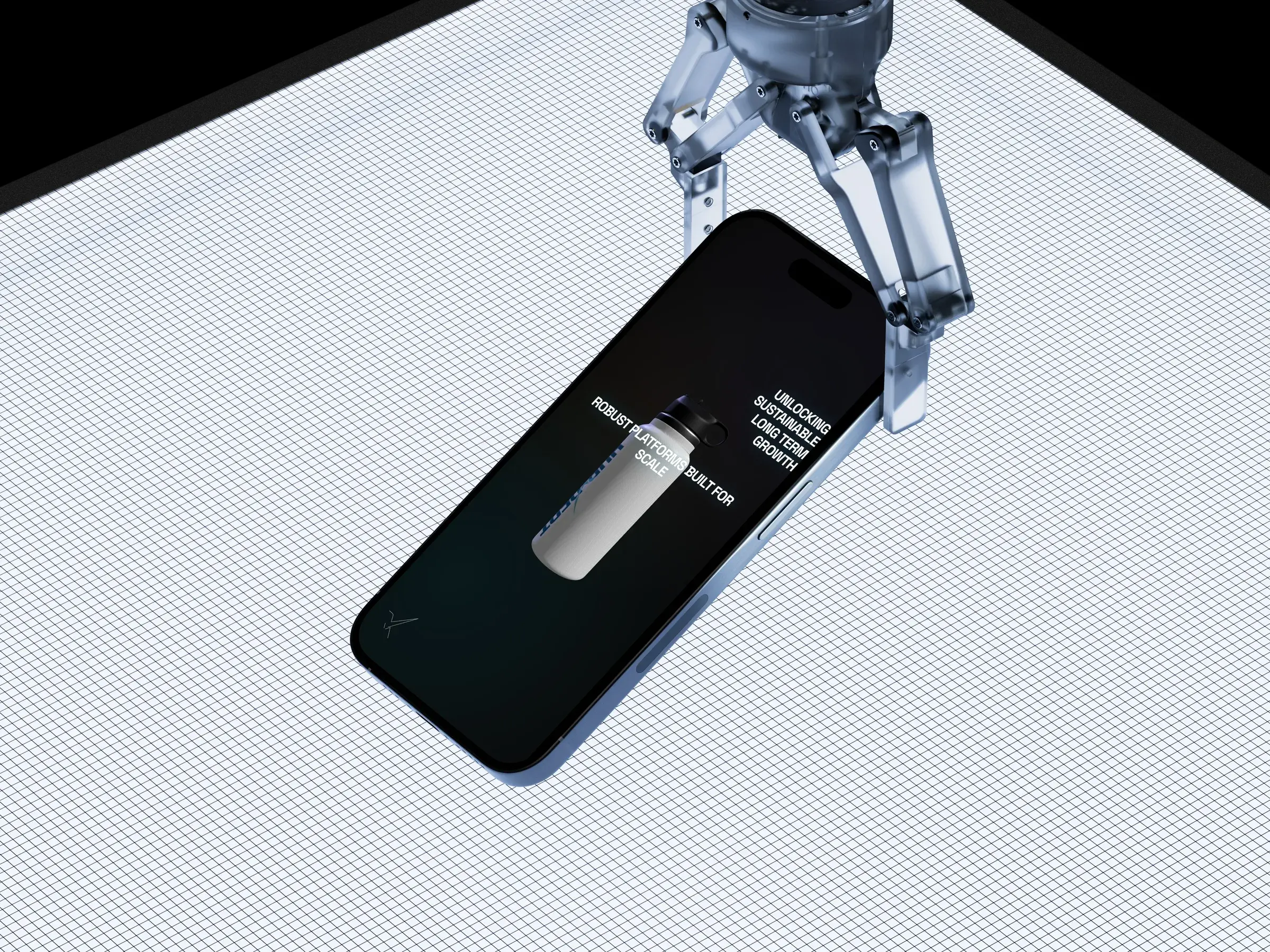
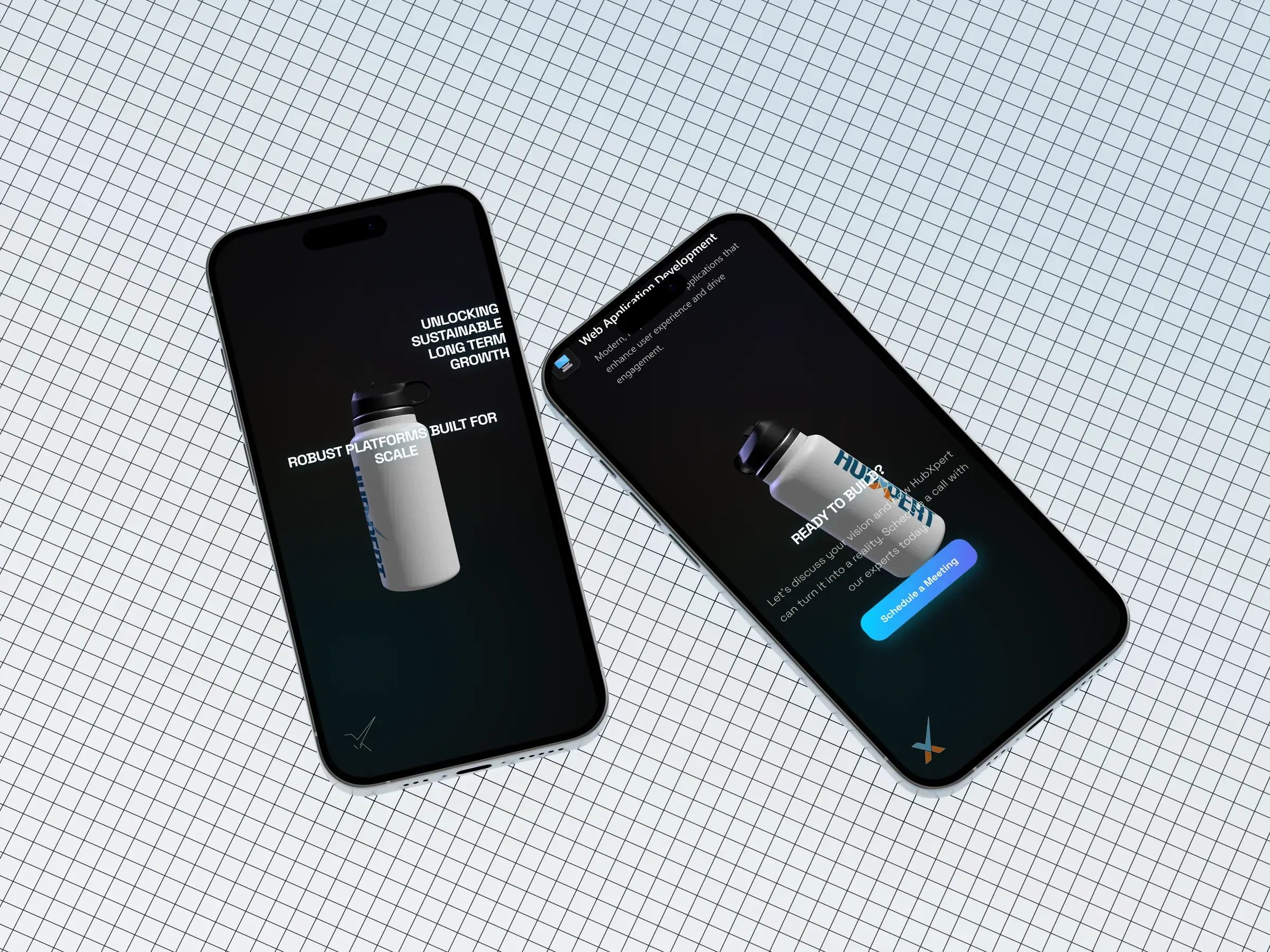
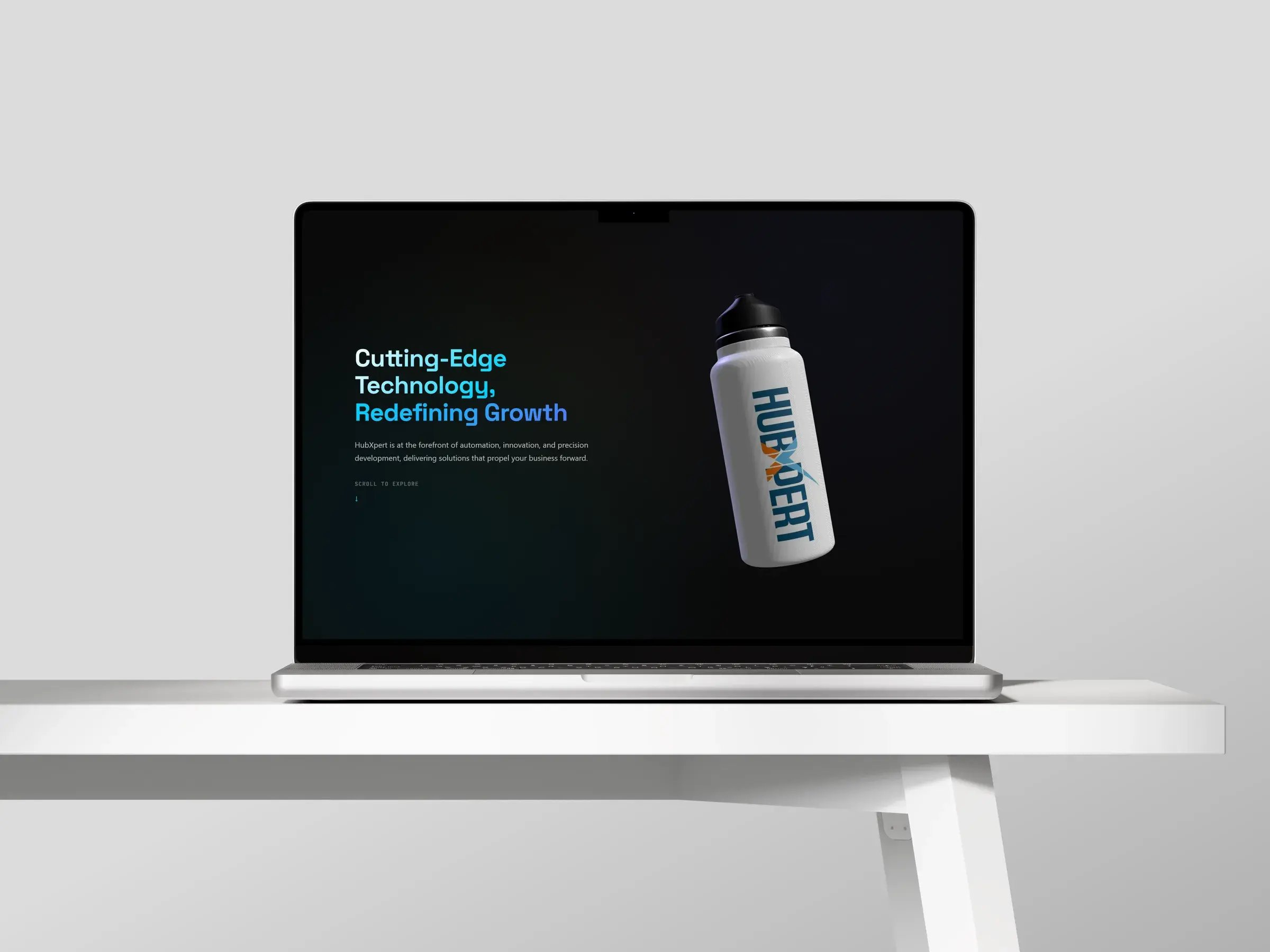
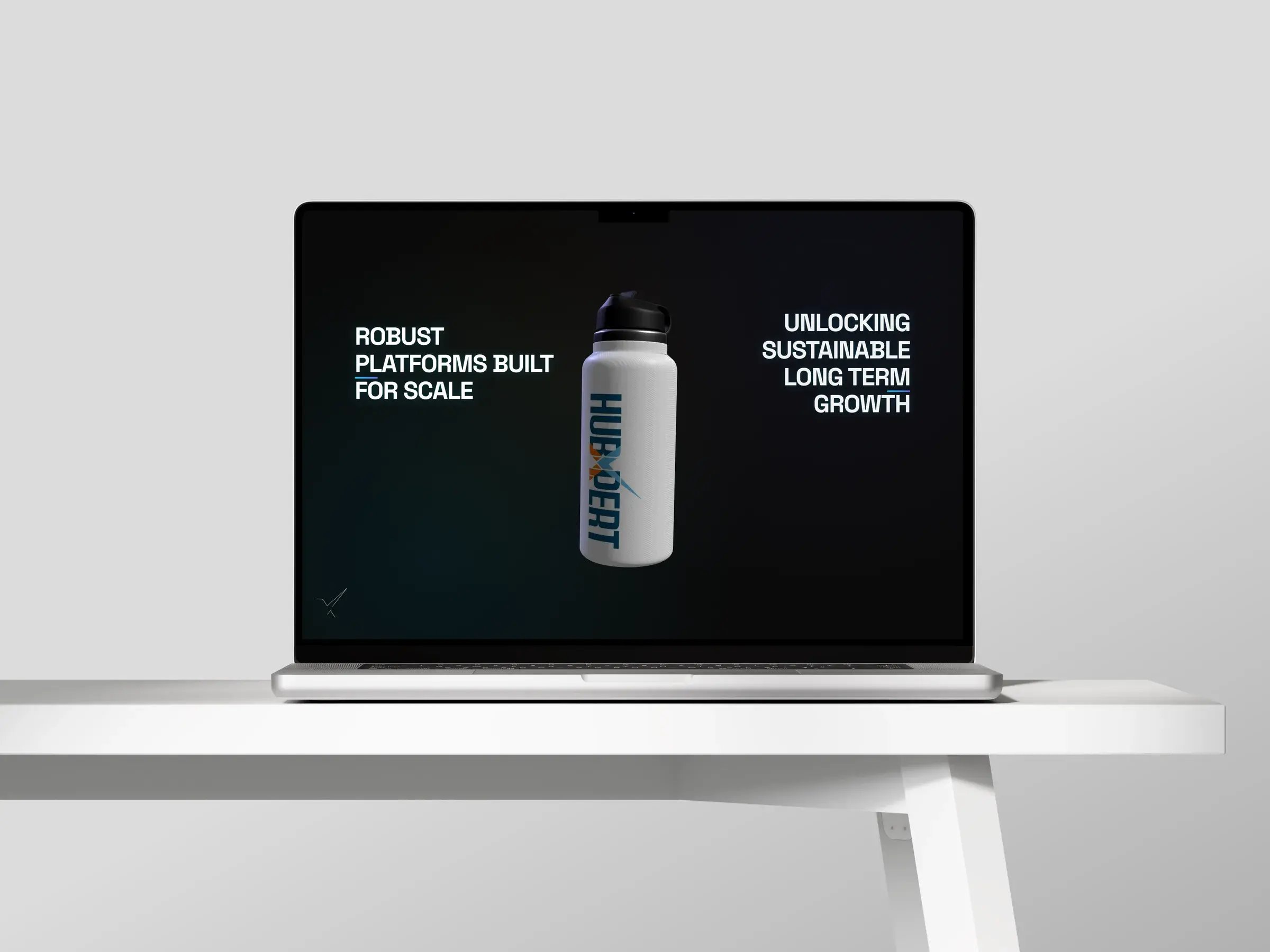
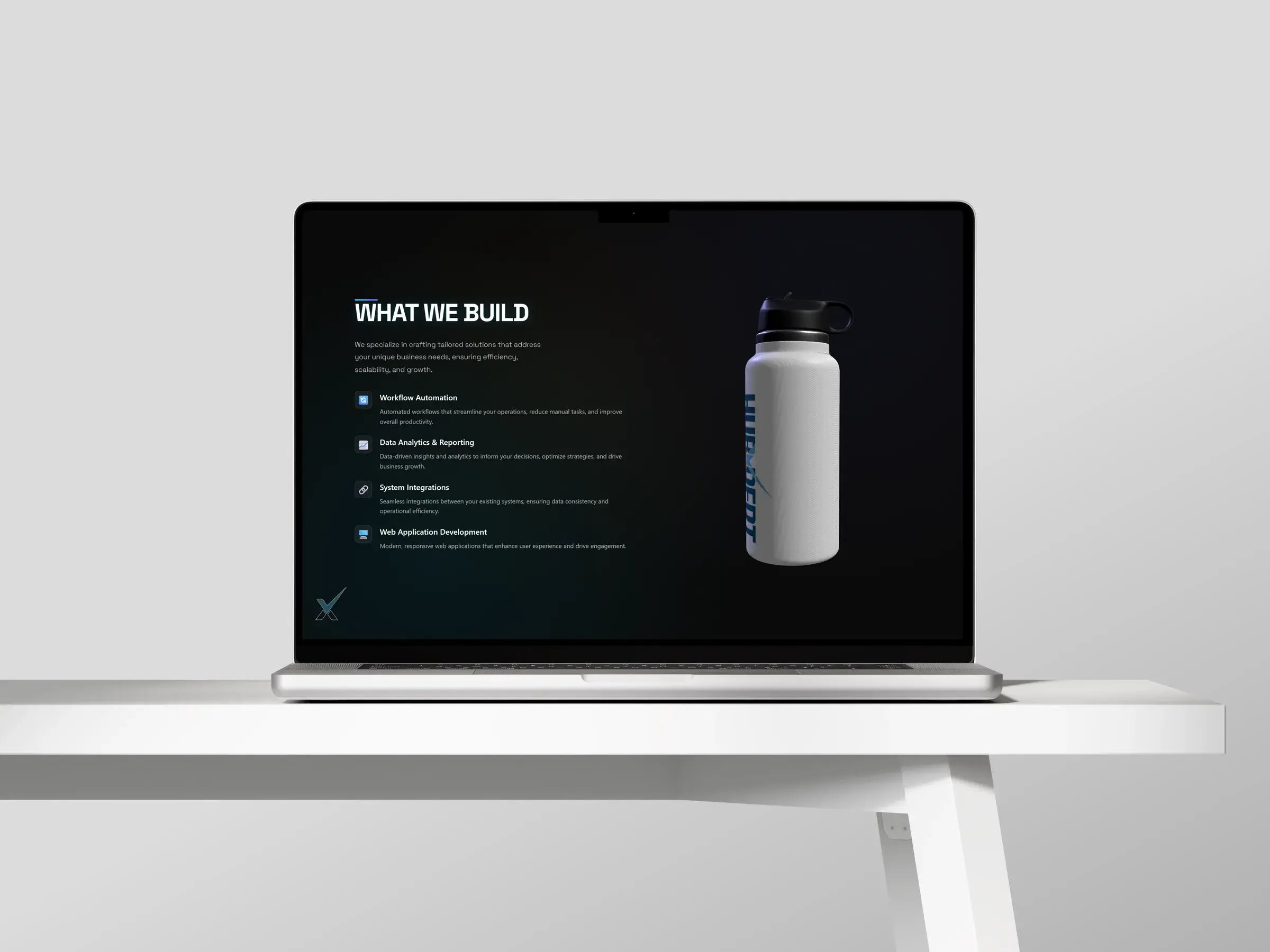
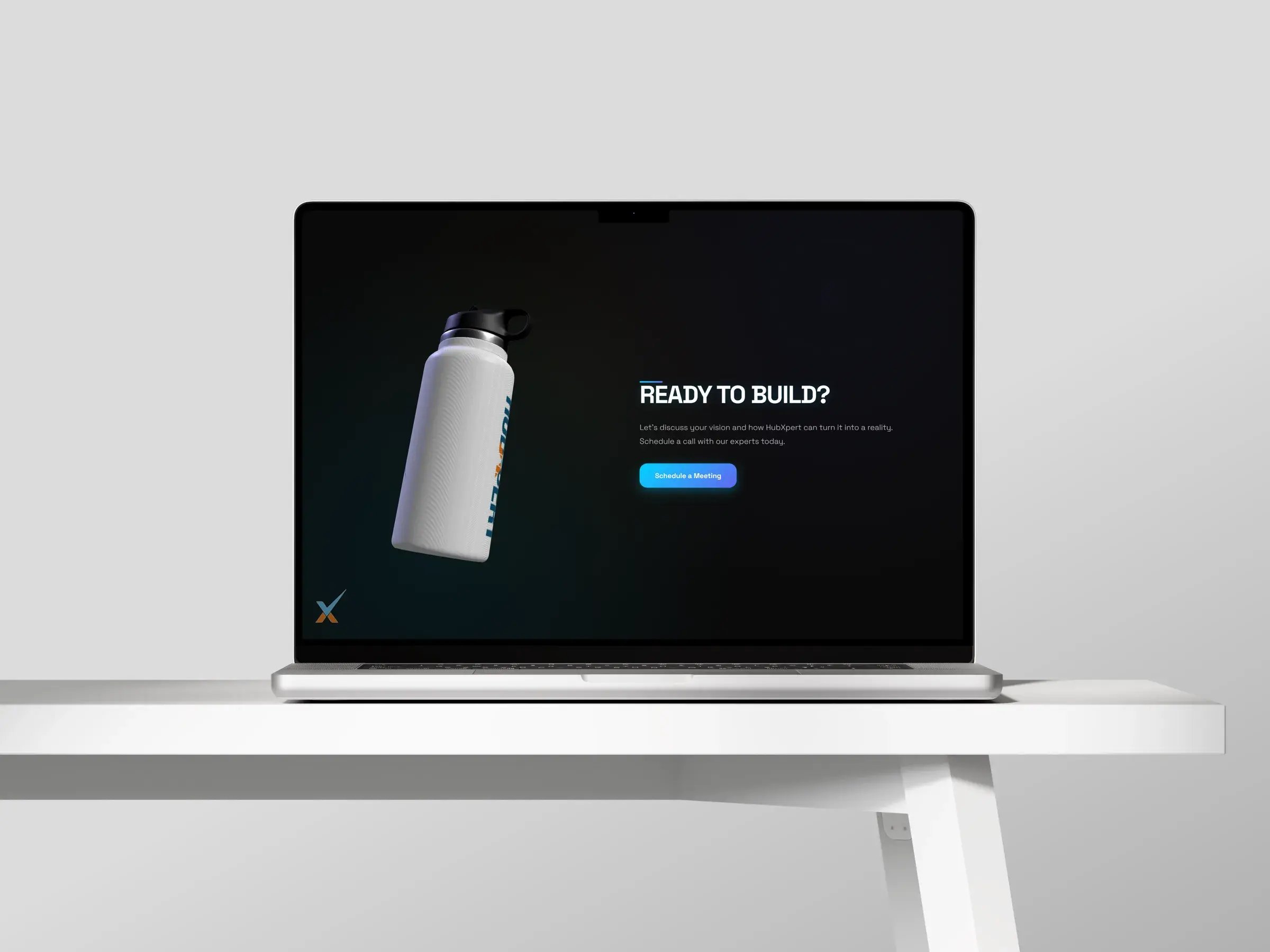
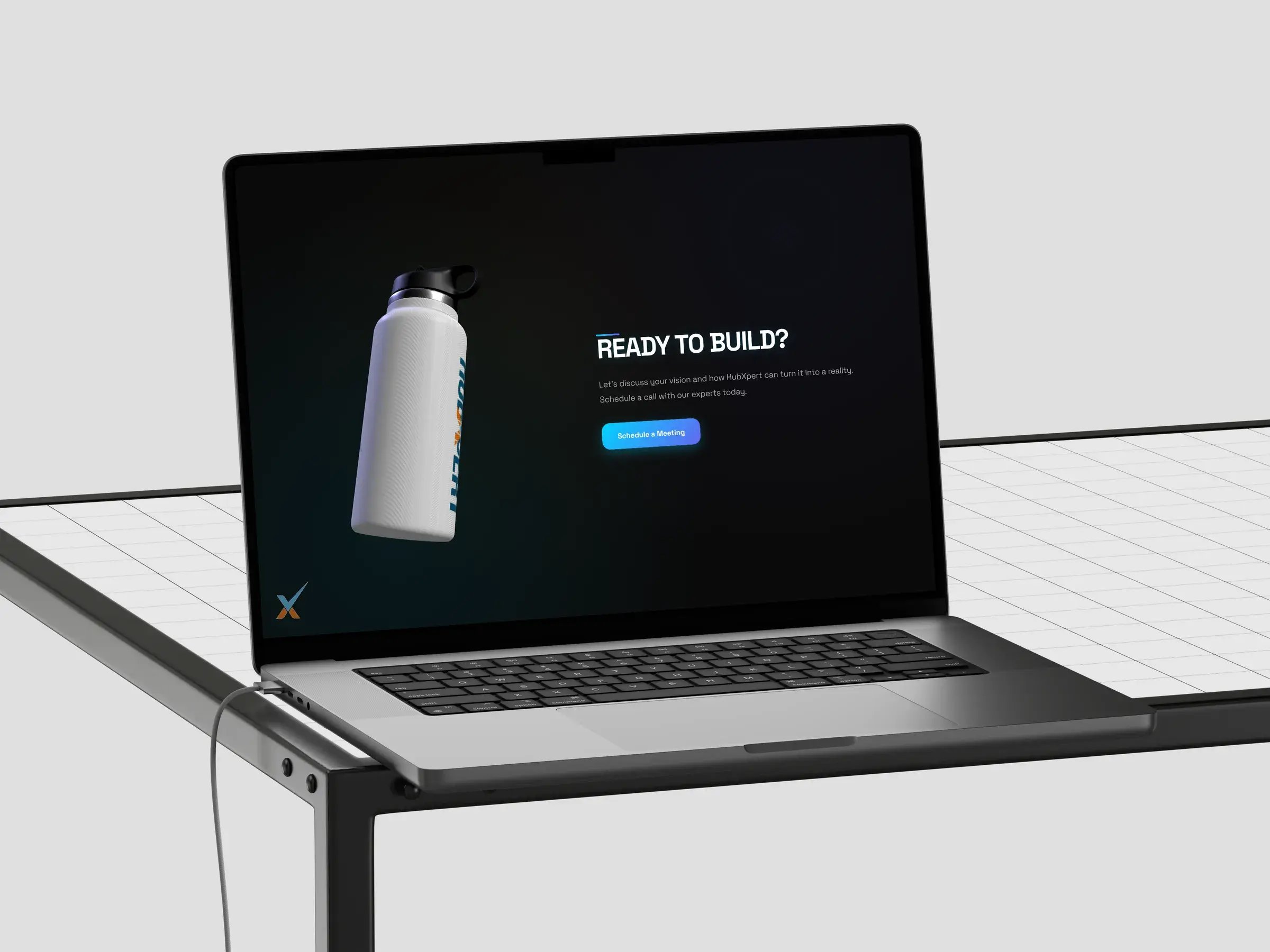
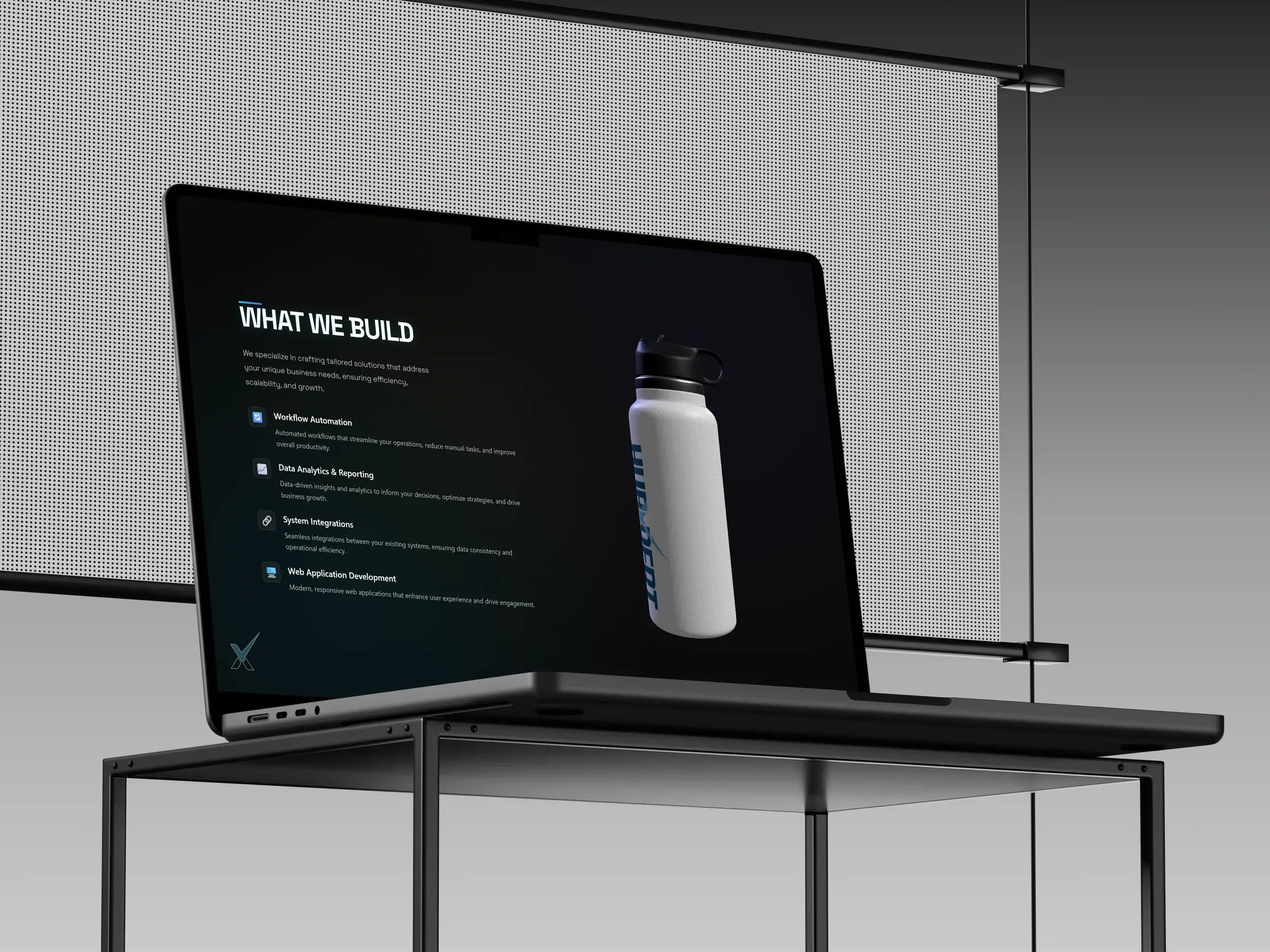
Four scroll stops, each one a full screen, each one with the bottle in a different position and state.
-
Hero · Laptop
-
Robust platforms · Laptop
-
What we build · Laptop
-
Ready to build CTA · Laptop

01 / 04
Project timeline
5 weeks, concept to live page
- Week 0
- Week 1
- Week 2
- Week 3
- Week 4
- Week 5


Scroll-driven modules
Each section is a HubSpot module with plain fields for its copy, plus the one setting that matters here: where the bottle sits and how it moves while that section is on screen.
What we delivered
A page we can put in front of a prospect, and a set of parts we can lift straight into client work.
-
01
Concept and storyboard
Four scroll stops, each with the bottle state and the one line it has to carry.
-
02
3D asset pipeline
Modelled, UV mapped and lit, then compressed to a web-ready GLB.
-
03
Scroll choreography
A GSAP ScrollTrigger timeline mapping scroll position to camera, light and copy.
-
04
HubSpot modules
Every section editable in the page editor, including the 3D stops.
-
05
Performance pass
Preloader, texture budget, clamped pixel ratio and a lighter path for phones.
-
06
Reusable 3D kit
The scene setup and module code, ready to drop into a client build.
Built on HubSpot CMS
No plugin and no separate app. The 3D scene ships as theme assets, the page is assembled from modules, and anyone on the team can edit the copy around it.

Featured in the HubSpot Solutions Directory



- CMS Hub
- Custom Modules
- Theme Assets
- Forms
 CMS Hub


Ready to Build the Engine Behind Your Growth?
We build the systems underneath growth. CRM, website, search, outbound, and automation, connected so your team stops doing the work software should do.
 Takes 30 minutes
Delivered by certified HubSpot expert
