





-2.png)


-2.png)



.png)


.webp)

.png)










.png)







-1.webp)
-1.webp)



.webp)

-1-1.webp)



-2.webp)

-1-1.webp)

-2-1.png)

-1-1.webp)
-1-1.webp)
-1-1.png)






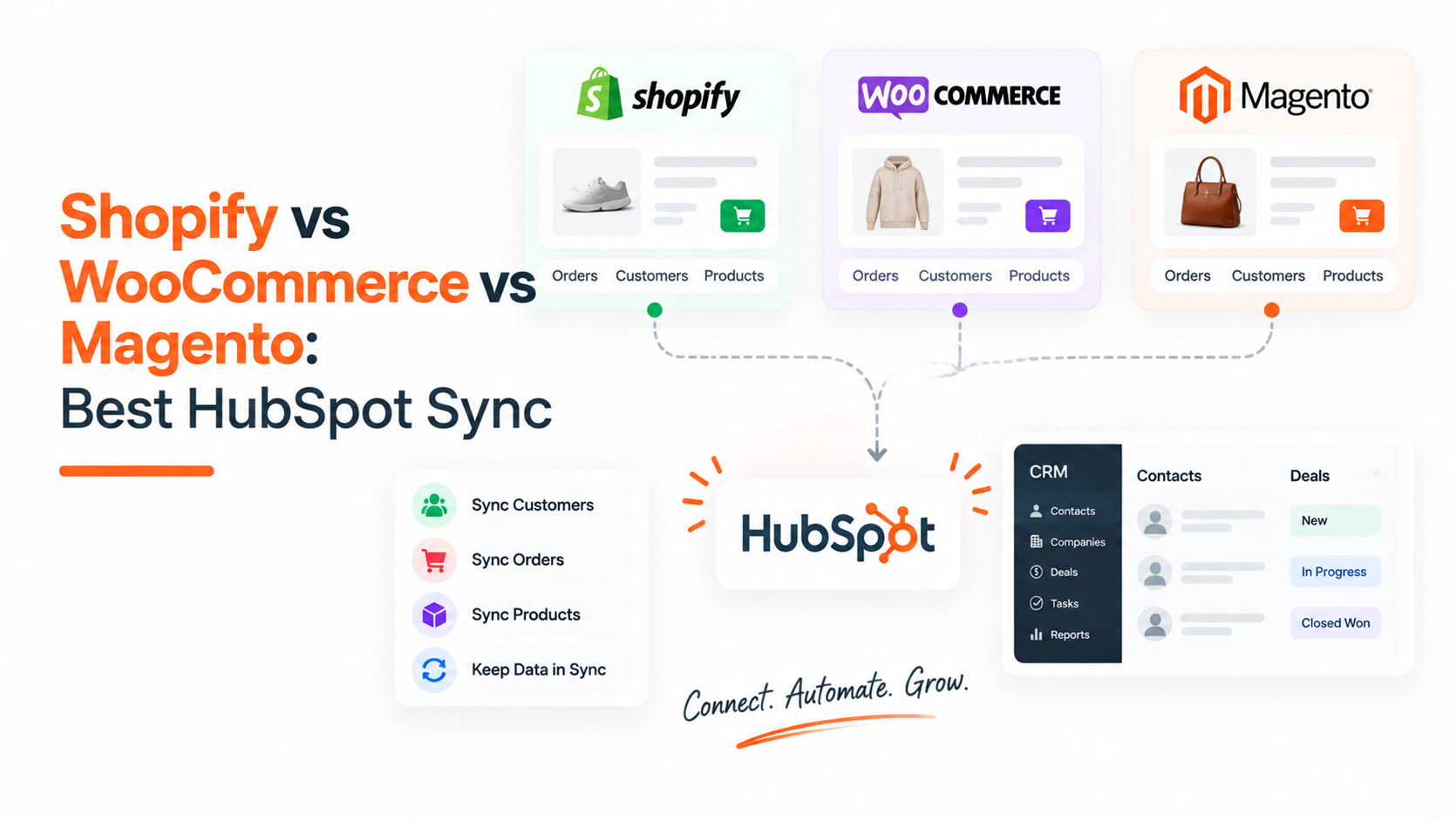
A team picks an ecommerce platform based on price, theme flexibility, or what their developer already knows. Then they connect HubSpot, and the platform that took two clicks on one storefront takes a paid plugin, a WP-Cron check, and a week of field mapping on another.
This happens for two separate reasons, not one. HubSpot itself chose to build and maintain a native integration for exactly one of these three platforms, which is a business decision, not a technical accident.
The other two are architected differently underneath, self-hosted and endlessly configurable instead of a single controlled environment, which is why even a good third-party connector behaves differently from one WooCommerce or Magento store to the next.
Only one of these three problems has a real fix. Knowing which is which decides whether picking the right platform up front saves months of integration work later.
Quick Answer
If HubSpot reporting is a hard requirement and the platform decision is still open, Shopify is the only one of the three with a HubSpot-built, no-cost, no-code integration. WooCommerce can sync cleanly, but only with the right third-party plugin matched to your specific setup, and it needs ongoing attention.
Magento has no free or native path at all; every option is a paid connector or custom API work, which only makes sense once the platform's own complexity already justifies Magento in the first place.
|
If you need |
Best fit |
Why |
|
Zero-setup HubSpot reporting |
Shopify |
Native integration, built and maintained by HubSpot, free to install |
|
Already committed to WordPress/WooCommerce |
WooCommerce, with a well-matched plugin |
Works reliably once configured correctly, but isn't automatic or HubSpot-built |
|
Enterprise catalog complexity that already requires Magento |
Magento, with a paid connector or custom build |
No free option exists, so budget for it as infrastructure, not a plugin |
Why These Three Platforms Sync So Differently With HubSpot
Shopify is the only one of the three with an integration HubSpot built and maintains itself. Distributed through HubSpot's own App Marketplace. It syncs Shopify Orders into HubSpot as Deals, Shopify Customers as Contacts, and Shopify Products as Products, without custom code or a third-party subscription (Source: HubSpot Native Shopify Integration 101: How Data Syncs From Shopify to HubSpot, HubSpot Solutions Engineer post).
That's a product decision HubSpot made, likely reflecting how large a share of its ecommerce customer base runs on Shopify. It's not a statement about WooCommerce or Magento being worse platforms.
The second cause is architectural, and it's the one most comparison articles skip. WooCommerce is a plugin running on self-hosted WordPress, and Magento is an open-source platform that businesses customize heavily at the code level. Neither has a single, controlled environment the way Shopify does, so there's no single integration that can reliably cover every store.
Even HubSpot's own WordPress plugin, built and maintained by HubSpot for live chat, forms, and basic CRM capture, does not sync WooCommerce store data at all, and testing shows any checkout data it does pick up is inconsistent and not officially supported. Magento has no equivalent HubSpot-built plugin at all, official or otherwise.
Side-by-Side Sync Comparison
|
Metric |
Shopify |
WooCommerce |
Magento / Adobe Commerce |
|
Integration type |
Native, HubSpot-built app |
Third-party plugins listed in HubSpot's App Marketplace (MakeWebBetter, Unific, and others) |
Paid third-party connectors or custom API integration; no HubSpot-built option exists |
|
Setup complexity |
Low. Authenticate and go, no code required (Source: HubSpot Native Shopify Integration 101) |
Medium. Requires choosing and configuring a plugin, and order syncing specifically depends on WordPress's scheduled-actions system running on time, which needs checking if deals stop updating (Source: How to troubleshoot HubSpot for WooCommerce syncing issues?, MakeWebBetter's own support documentation) |
High. Requires a development team or partner experienced with both the Adobe Commerce REST API and HubSpot's API to implement or maintain (Source: Magento / Adobe Commerce HubSpot Integration, flagged as vendor commentary) |
|
Data reliability |
High, since one vendor builds and maintains the entire sync path |
Moderate. Plugin updates and WordPress core updates have documented histories of breaking the sync until reconnected or rolled back, and order data specifically stops syncing without a paid add-on if a store uses WooCommerce's High-Performance Order Storage. |
High if the connector or custom build is actively maintained; reliability depends entirely on whether that maintenance continues, since there's no HubSpot-built fallback if a third-party connector is discontinued |
|
Sync direction |
Mostly one-way, Shopify to HubSpot, for orders; contacts and products have separate bidirectional sync options (Source: HubSpot Native Shopify Integration 101, confirming one-way sync as the base behavior with a later beta for two-way contact sync) |
Depends entirely on which plugin is installed; some offer real-time, two-way field mapping through the API directly (Source: WCC Hubspot For WooCommerce) |
Fully configurable per object through middleware, with some data objects set to sync one-way and others bidirectionally depending on setup (Source: Adobe Commerce / Magento & HubSpot Integration, flagged as a specific integration vendor's own product description) |
|
Maintenance overhead |
Minimal. Updates and reliability are HubSpot's responsibility, not the merchant's |
Higher. Someone needs to watch for plugin updates, WordPress core updates, and scheduled-action failures, especially around order storage settings |
Highest. A discontinued connector or an unmaintained custom integration has no safety net, and fixing it requires developer time, not a support ticket |
|
Typical cost |
Free to install |
Free tier available on at least one listed plugin; paid tiers required for HPOS compatibility and advanced field mapping (Source: Fix Deal Sync Issues in WooCommerce HubSpot) |
Paid only. One Adobe Commerce Marketplace connector runs $169 for the Community edition and $269 for the Enterprise edition; a comparable SaaS connector runs roughly $72 to $79 per month (Source: Magento HubSpot integration: 6 best connectors for 2026) |
For a store choosing a platform primarily around how cleanly it will report into HubSpot, Shopify is the only one of the three with a real answer to that question out of the box. WooCommerce and Magento both work, but "works" means picking a third party to trust with the sync and budgeting for it as an ongoing line item, not a one-time setup task.
What Each Integration Can Actually Do & What It Can't
Let’s see what these platforms can and can’t do in details:
|
Integration |
What It Can Do |
What It Can’t Do / Limitations |
|
Shopify |
Syncs Shopify Orders as HubSpot Deals and Customers as Contacts automatically. |
Doesn’t attach a Company to the Deal by default. It also can’t retroactively link repeat orders to an existing open Deal. |
|
WooCommerce |
Third-party plugins can sync customers, orders, and products. Some support real-time API syncing. |
Capabilities vary by plugin. Updates, paid add-ons, or failed WordPress scheduled actions can interrupt syncing. |
|
Magento / Adobe Commerce |
Paid connectors can sync customers, orders, and abandoned carts. Custom API integrations are also possible. |
No free, native HubSpot integration. Custom solutions require development expertise and ongoing maintenance. |
Three Most Important Questions That Help You Decide

Work through these in order rather than starting from platform popularity or price alone:
1. Is HubSpot reporting a core requirement or a nice-to-have?
If it's core and the platform choice is still open, Shopify removes an entire category of integration risk that WooCommerce and Magento don't. If the platform is already decided, skip to question two.
2. If you're on WooCommerce or Magento already, is the sync a one-time setup or an owned system?
Treat it as an owned system either way. Every real option on both platforms is a paid, third-party product that needs monitoring, not a checkbox you tick once and forget, and the WooCommerce troubleshooting evidence above shows exactly how that assumption breaks in practice.
3. On WooCommerce specifically, does the plugin match your actual order storage and field-mapping needs?
Confirm HPOS compatibility and custom field mapping before installing, not after deals stop appearing. On Magento specifically, confirm whether a pre-built connector covers your catalog and order complexity or whether the store's needs have already outgrown what any off-the-shelf option handles.
Regardless of platform, plan for company association as a separate project. Even Shopify's native integration doesn't solve this by default, and neither WooCommerce nor Magento connectors are built around it either.
If You've Already Built On WooCommerce Or Magento & The Sync Is Breaking

If the platform decision is already made and the sync is unreliable, switching platforms to fix a HubSpot integration is rarely worth the disruption. Realistically:
Audit which plugin or connector is actually installed, and confirm it against what your store's HubSpot reporting actually needs. On WooCommerce, check whether High-Performance Order Storage is enabled and whether the relevant compatibility add-on is installed, since that single setting silently blocks order data from syncing at all (Source: Fix Deal Sync Issues in WooCommerce HubSpot).
If deals stop updating after a WordPress or plugin update, check the scheduled actions queue before assuming the integration is broken. A stalled scheduler is a documented, fixable cause, and reinstalling the plugin or rolling back to the prior version is often enough to restore it (Source: How to troubleshoot HubSpot for WooCommerce syncing issues?).
Separate the free-tier gaps from genuine bugs. A missing feature, like a WooCommerce plugin not supporting a specific order storage format without a paid add-on, isn't the same problem as data silently failing to sync, and they need different fixes.
For Magento specifically, get clear on whether a pre-built connector's limitations are worth working around or whether the store's needs have outgrown what any off-the-shelf option covers, since that's the point where custom API development, expensive as it is, becomes the more reliable path.
Treat company association as a separate project on any of the three platforms. This isn't something that gets fixed by switching connectors or platforms; it needs the same association-rule work regardless of what the store runs on, and building HubSpot for ecommerce reporting that actually holds up depends on getting that piece right independent of which storefront is feeding it.
FAQs
Does HubSpot have a native Shopify integration?
Yes. HubSpot built and maintains its own Shopify integration, available for free through HubSpot's App Marketplace, syncing orders, customers, and products automatically.
Does HubSpot have a native WooCommerce integration?
No. HubSpot's own WordPress plugin doesn't sync WooCommerce store data. WooCommerce stores rely on third-party plugins listed in HubSpot's marketplace instead.
Does HubSpot support Magento or Adobe Commerce natively?
No. There is no HubSpot-built integration for Magento or Adobe Commerce at any price point. Every available option is a paid third-party extension or a custom API integration.
Which platform syncs cleanest with HubSpot out of the box?
Shopify, by a clear margin, since it's the only one of the three with an integration HubSpot itself built, maintains, and offers for free.
Why did my WooCommerce-to-HubSpot sync stop working after an update?
This is a documented, common issue, not a sign the setup is broken beyond repair. It's usually caused by a stalled WordPress scheduled action, an incompatible order storage setting, or a plugin update that needs a rollback, and vendor support documentation walks through checking each of these before assuming the integration needs to be rebuilt.
Can WooCommerce or Magento still work well with HubSpot?
Yes, with the right third-party connector and realistic expectations about ongoing cost and maintenance. Neither will match Shopify's zero-setup experience, but both can sync reliably once the right connector is matched to the store's actual needs and monitored over time.
As a Hubspot Automation Developer at Hubxpert, I specialize in API integration, seamlessly connecting HubSpot with third-party applications. My role encompasses understanding client needs, crafting custom code solutions, and ensuring the smooth operation of our automation workflows. I actively address any HubSpot integration challenges and stay updated with the platform's latest advancements. My dedication ensures clients harness the full potential of HubSpot.

Tanzinul Kabir
Table of Contents:

Subscribe to our newsletter

Modern Web App Design & UI Patterns That Scale
See how modern web app design differs from a marketing site, covering modern web application design and modern web app UI design for dense data dashboards.

Modern Responsive Web Design Techniques for 2027
Apply modern responsive web design techniques in 2026. Review modern web design best practices and why responsive design still decides your conversions.

Modern Website Design Examples & What Makes Them Work
Browse modern website design examples and modern looking websites, and see exactly what separates a fast, current site from one that already feels dated.

Interactive Web Design Templates & Examples to Study
See interactive web design templates and the best interactive web design inspiration, then compare interactive web page design examples before you build.

Interactive Elements in Web Design & Where to Stop
Add interactive elements in web design that earn their place, covering micro interactions, interactive maps, interactive timelines and knowing when to stop.

3D Web Design Templates & Examples You Can Reuse
Browse 3D web design templates and examples, plus where to find free downloads, and see how 3D web page design lifts a site without slowing the site down.
-
Modern Web App Design & UI Patterns That Scale
hello
-
Modern Responsive Web Design Techniques for 2027
hello
-
Modern Website Design Examples & What Makes Them Work
hello
-
Interactive Web Design Templates & Examples to Study
hello
-
Interactive Elements in Web Design & Where to Stop
hello
-
3D Web Design Templates & Examples You Can Reuse
hello