

















HubSpot Website Templates & Themes Compared

Author Avatar
5 min read •
Nov 16, 2026
HubSpot

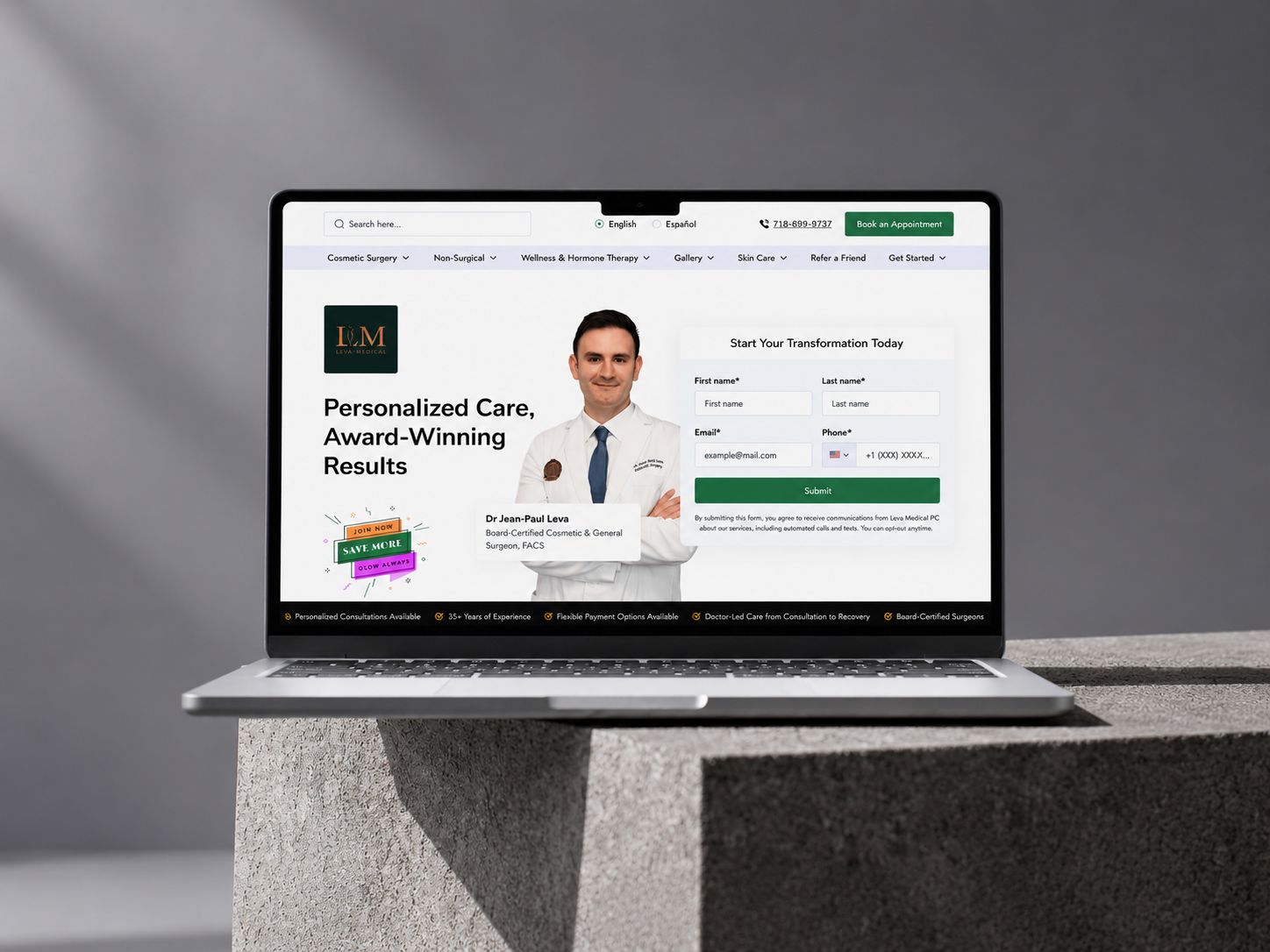
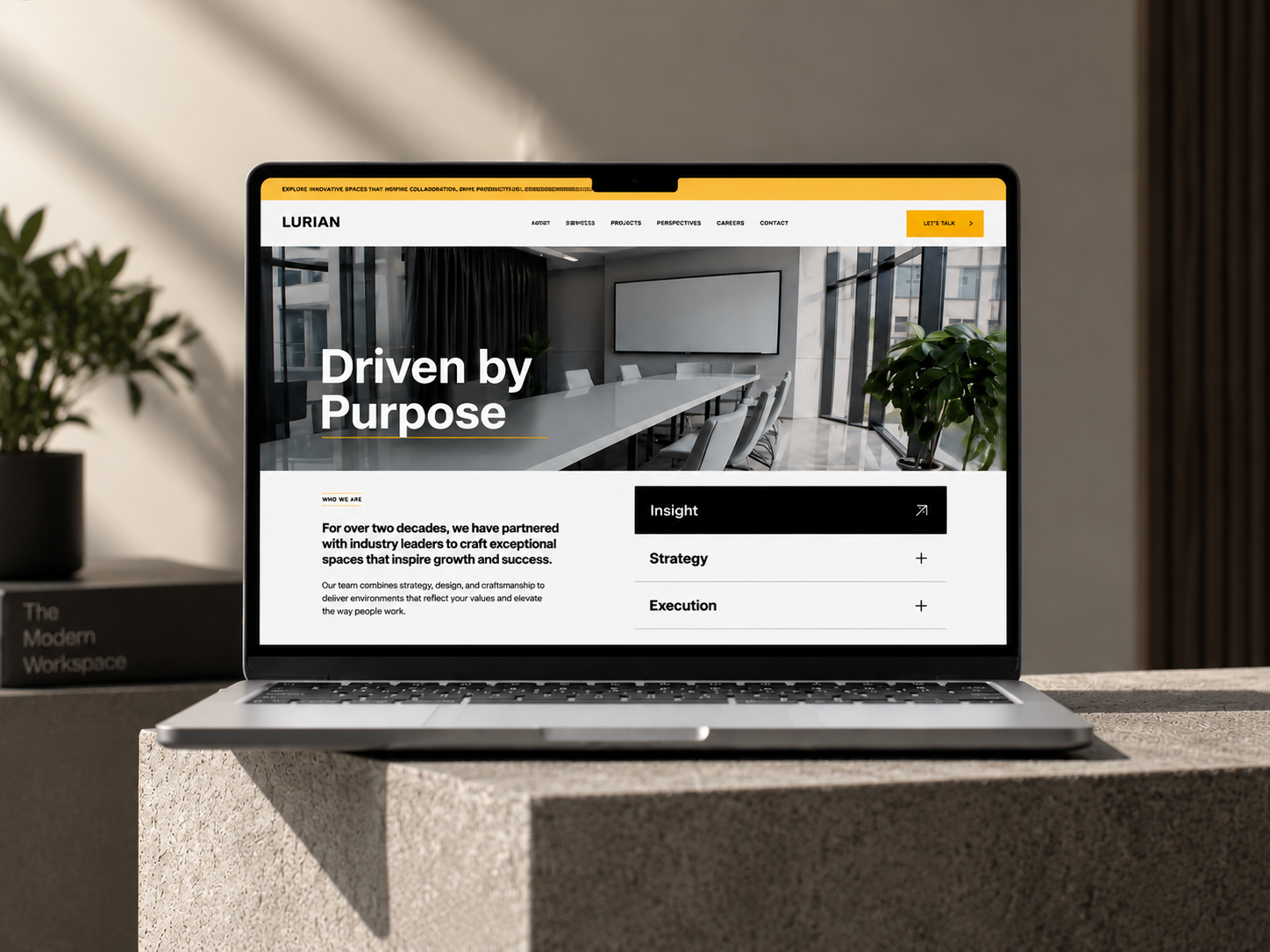
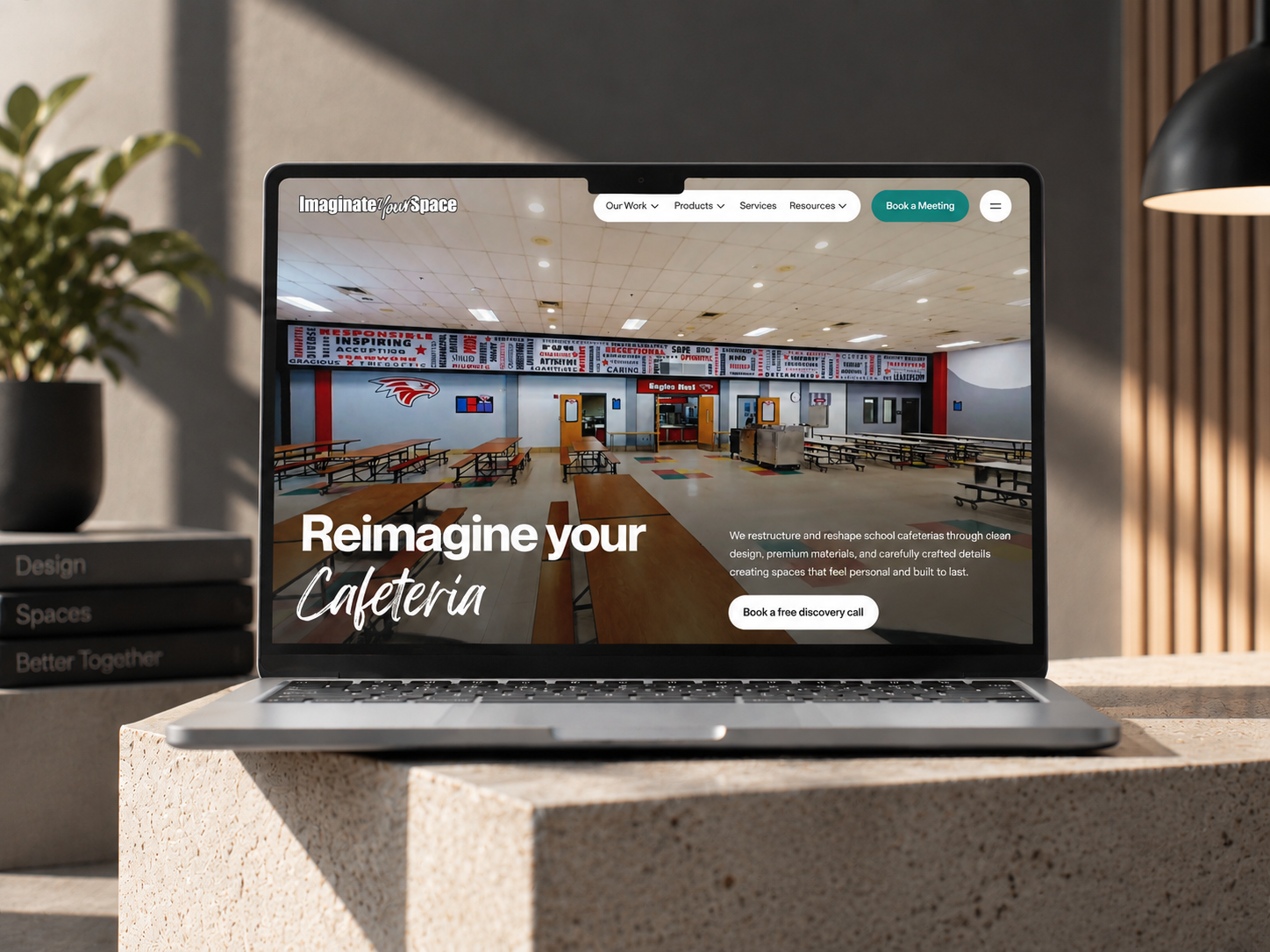
Which of the many HubSpot website templates should you actually use? It totally depends on one question: are you redesigning a whole site, or launching fast on a small budget?


A disclosure first. HubXpert sells HubSpot themes too, and most "best theme" lists online are written by companies that sell one. So this guide leans on HubSpot's own rules and on checks you can run yourself, and it names where the evidence is thin.


Let’s walk you through what the words mean, where themes come from, what HubSpot checks, how free, paid, and custom options compare, and which fits a redesign or a fast launch.

1

Key Takeaways

  • In HubSpot, a theme is the package. A template is one page layout inside it.
  • Every account has a default theme, and the Template Marketplace adds free and paid ones.
  • HubSpot's speed floor for marketplace themes is low. Test any theme yourself.
  • For a full redesign, weigh page types, modules, and support. For a fast launch, keep it simple and check plan limits.
  • Price does not predict speed. Two themes at the same price scored 19 and 89 on mobile in one agency test.
2

Are HubSpot Website Templates and Themes the Same Thing?

Not quite, but people use the words as if they were. HubSpot defines a theme as a set of templates, modules, global content, and style settings that you use to build a whole website. A template is the layout for one page type inside that set. (Source: "Use themes")


That gap explains the search terms. People type "hubspot website templates," "hubspot website template," or "hubspot web templates" and usually want a ready-made look for the whole site. In HubSpot's terms, they are shopping for a theme. Marketplace pages blur it too, listing themes under "templates."


So when you compare options, compare themes. Then check which templates each one includes, because the page types you need decide the fit.

3

Where Can You Get HubSpot Website Themes?

From four places, and each fits a different project.


Source

What to expect

Best for

Watch for

HubSpot default themes

Free with every account. Elevate is the latest

A simple site, or a clean base

Elevate can't be cloned, so you edit its theme settings or make a child theme

Template Marketplace, free

Complete themes from third-party providers at no cost

A small site with few page types

Support and update habits vary by provider

Template Marketplace, paid

Listings I saw ranged from free to about $2,250

A branded site with many page types

Price says little about speed, so test it

Custom theme

Built for your brand by a developer or agency

A redesign with strict brand and layout rules

Scope and who edits the site after launch

HubSpot describes Elevate as available in all accounts, with React-based modules that it says improve performance and extensibility. Older default themes, such as Growth, sit in maintenance mode. (Source: "Default themes")


Content Hub accounts can also upload themes bought from Envato's ThemeForest. Treat those like any other third-party theme and run the same tests. (Source: "Use themes")


The marketplace price range comes from category pages I opened. Prices and install counts change, so check each listing before you decide.

4

What Does HubSpot Check Before a Marketplace Theme Is Listed?

Every marketplace theme goes through HubSpot's review, but the speed bar is a floor, not a promise.


HubSpot's theme requirements say a theme must score above these Google Lighthouse thresholds: 65 for desktop accessibility, 80 for desktop best practices, 70 for desktop performance, and 40 for mobile performance. A theme also can't hold more than 50 templates, 50 modules, or 50 sections. (Source: "HubSpot Marketplace theme requirements")


Free themes have rules too. They must be complete and fully functional, not trial versions of paid ones, and a provider can list at most 20 free themes. Listings must also match their demo site, and templates can't show errors in the design tools or the browser console. (Source: "Template Marketplace policies")


A mobile performance floor of 40 is low. A theme can pass review and still feel slow on a phone. That's my reading of the numbers, not a HubSpot statement, and it's why the testing section below matters.

5

What Does HubSpot Check Before a Marketplace Theme Is Listed?

Every marketplace theme goes through HubSpot's review, but the speed bar is a floor, not a promise.

HubSpot's theme requirements say a theme must score above these Google Lighthouse thresholds: 65 for desktop accessibility, 80 for desktop best practices, 70 for desktop performance, and 40 for mobile performance. A theme also can't hold more than 50 templates, 50 modules, or 50 sections. (Source: "HubSpot Marketplace theme requirements")

Free themes have rules too. They must be complete and fully functional, not trial versions of paid ones, and a provider can list at most 20 free themes. Listings must also match their demo site, and templates can't show errors in the design tools or the browser console. (Source: "Template Marketplace policies")

A mobile performance floor of 40 is low. A theme can pass review and still feel slow on a phone. That's my reading of the numbers, not a HubSpot statement, and it's why the testing section below matters.

6

How Do Free, Paid & Custom Themes Compare on Speed, Flexibility & Cost?

By category, not by name. No list of the best HubSpot website templates fits every project, and most of the lists I found online come from sellers. So compare the four sources against the same five questions.


Default (Elevate)

Free marketplace

Paid marketplace

Custom

Speed

HubSpot says its React-based modules improve performance. Test it

Must pass HubSpot's floors, with wide variation above them

Same floors. One agency test found mobile scores from 19 to 89

Set a target in the brief and test against it

Flexibility

Theme settings and presets inside guardrails

Often a smaller library. Count templates and modules

Counts vary widely. One vendor's comparison showed 34 to 42 page templates and 5 to 45 saved sections

As flexible as the scope you agree

Cost

Included

$0

Free to about $2,250 on the listings I saw

The highest, driven by scope

Support

HubSpot documentation

Set by the provider

Set by the provider. Some include free customization hours

Your agency

Updates

HubSpot

Provider resubmits. Earlier buyers update free

Provider resubmits. Earlier buyers update free

Yours to plan

Two of those cells need sources. A mobile PageSpeed test of five paid themes by the agency Resonate found one theme at 19 on mobile and another at 89, both priced at $997. Resonate also sells a theme in that comparison, so treat its numbers as a reason to test, not as a ranking. (Source: "Best HubSpot Themes: 5 CMS Themes Compared")


The template and section counts come from a comparison of four premium themes by Ocean Theme, which also sells one. It shows that the number of saved sections is where themes differ most. (Source: "Best HubSpot Themes for B2B Websites in 2026")


On updates, HubSpot says customers who bought a previous version of a listing can update to the latest version free of charge, and that every change goes through the marketplace quality team. (Source: "Template Marketplace guidelines")

7

Which HubSpot Website Template Suits a Full Redesign?

A premium theme with deep page coverage, or a custom theme. A redesign moves a whole site, so the theme has to cover every page type you run today and the ones you plan to add.


Start with an inventory. List every page type on the current site: home, services, case studies, resources, blog, landing pages, team, contact, and the system pages such as 404 and search results. Then lay the list against each shortlisted theme's templates. Every page type without a match is custom work, and that work is where redesign budgets grow.


Then weigh four things:


  • Page and module coverage. Count the templates and modules, and check the saved sections. HubSpot lets a theme hold up to 50 of each, so a high count is possible but not guaranteed.
  • System templates. HubSpot's theme rules include a search results template, which works on paid accounts only, so confirm what the theme ships. (Source: "HubSpot Marketplace theme requirements")
  • Brand fit. If your brand has strict layout or motion rules, a premium theme may force workarounds that cost more than a custom build.
  • Editing by your team. Ask whether marketers can build new pages from sections without a developer.


Two plan facts affect a redesign. Marketplace themes can't be cloned, so you edit them through a child theme, and the number of child themes depends on your plan. And content staging, the safest way to relaunch a site, needs Content Hub Professional or Enterprise. (Source: "Content staging")


When the inventory shows many gaps or strict brand rules, price a custom build next to the premium theme. HubXpert's HubSpot website design service builds custom themes and reusable modules inside Content Hub, so the comparison is a real one.

8

Which HubSpot Website Template Suits a Fast Launch on a Tight Budget?

Elevate or a free marketplace theme, used with few changes. Speed comes from making fewer decisions, not from finding a magic theme.


Here is the fast path:


  1. Start with Elevate, or a free marketplace theme with a large install base and recent updates.
  2. Pick only the page types you need to launch, usually home, a few service pages, about, contact, and a blog.
  3. Change style settings and presets, not code.
  4. Write the copy before you fill the pages, so the template doesn't force the message.
  5. Launch, then improve from real traffic.


A tight budget has three hidden costs to check before you commit.


Paid-hub features. HubSpot's theme rules say site search, CTA functionality, and native HubSpot video need a paid CMS Hub subscription. A free theme can include modules that use them, so check each module on your plan. (Source: "HubSpot Marketplace theme requirements")


Branding. Removing HubSpot branding from published pages needs Content Hub Starter, Professional, or Enterprise. (Source: "Create and customize pages")


Editing time. A free theme costs nothing, but you spend hours on copy and images. That time is real money if you bill it.


One warning about free themes. HubSpot does not let a provider change a listing from free to paid after publishing, so a free theme can't be turned into a paid one. That protects you from a bait and switch, though not from a provider who stops updating. (Source: "Template Marketplace guidelines")

9

How Do You Test a Theme Before You Commit?

With an hour of checks on the demo and a test account. Run the same list on every theme you shortlist, and write the results down.


Check

How to run it

Mobile speed

Run the demo's home page and a content page through Google PageSpeed Insights on mobile, and note both scores

Listing versus demo

Confirm that the demo matches the listing, since HubSpot requires them to match

Page-type coverage

Match your page inventory to the theme's templates, and count the gaps

Modules and sections

Count them, and check that the ones you need exist

Theme settings

Open the settings and see how far colors, fonts, buttons, and presets go

Plan fit

List any module that needs site search, CTA functionality, or native video

Child theme need

Check whether you'll need a child theme, and whether your plan allows enough

Documentation

Read the docs for setup, module guides, and known limits

Support terms

Check what support is included, for how long, and how fast

Update history

Look at recent versions, ratings, and install counts

Two cautions. Speed scores move from run to run, so run each page a few times. And a demo may use images tuned for speed, so test the theme again on your own content before launch.


Documentation is the check people skip. A theme with clear module guides and known limits saves hours later. Read it before you buy.

10

Where Do HubXpert's Own Themes Fit?

As options, not as a verdict. You have read my disclosure, so here is what the listings say, and no more.


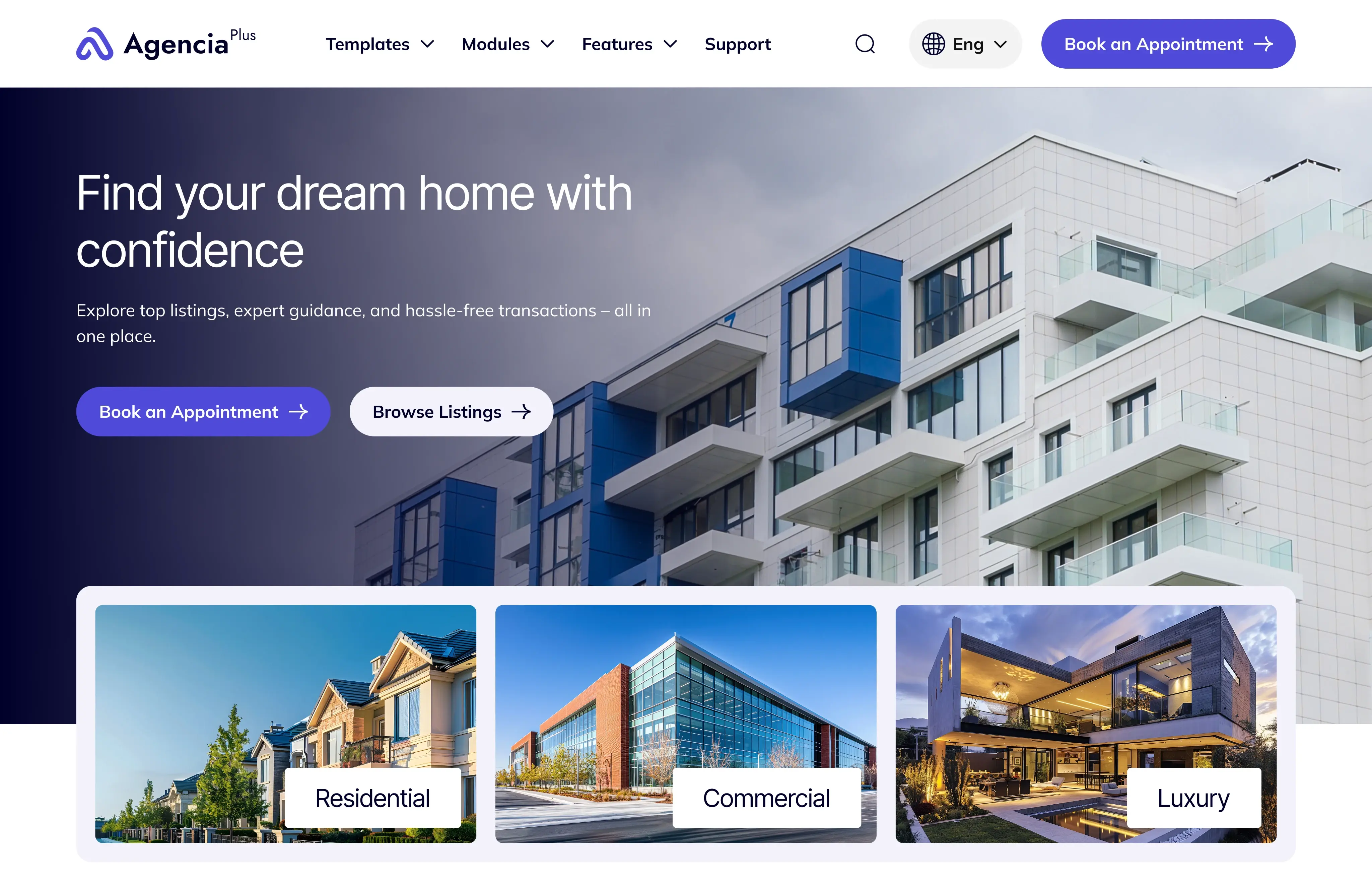
  • Agencia is a free theme. Its listing describes ready-made templates, two blog templates (a listing page and a detail page, with related-post modules), and unlimited email and chat support. At the time I checked, it had no customer reviews yet. (Source: "Agencia on the HubSpot Template Marketplace")
  • Agencia Plus is the premium step up. Its listing says it adds exclusive modules, premium templates, and advanced customization options.
  • PureForm Pro is built for clinics, hospitals, and medical centers, with layouts for services, care teams, health articles, and appointments. (Source: "PureForm Pro on the HubSpot Template Marketplace")


HubXpert also publishes setup guides for its themes. The theme documentation page covers Agencia, Agencia Plus, FitMax, and FitMax Pro. Read a provider's docs before you buy, and expect this level of detail from any theme you consider.


Run HubXpert's themes through the same test table as every other option. A theme should earn its place on your own pages, whoever sells it.

11

FAQs

Can I Switch Themes Later?


Yes, but it takes work. Changing the active theme doesn't change the theme on existing pages. You swap each page's template, so the cost grows with every page you've built. Choose before you build.


Can I Edit a Marketplace Theme?


Not directly. Marketplace themes can't be cloned, so you edit through a child theme. The number you can have depends on your plan: one on HubSpot's free tools and Content Hub Starter, five on Professional, and ten on Enterprise.


Will a Free Theme Work on a Free Account?


Mostly, with limits. HubSpot's theme rules say free CMS accounts can't use site search, CTA functionality, or native HubSpot video. A free theme that leans on those modules will have gaps on a free plan.


Is a Higher Price a Sign of Better Speed?


No. In the agency test mentioned earlier, two themes at the same $997 price scored 19 and 89 on mobile. One test is not proof, but it's enough to justify running your own.


Do I Need a Developer to Use a HubSpot Theme?


Not for daily work. Once a theme exists, your team can edit its modules in the page editor without code. You need a developer when a layout or module is missing and has to be built.

12

Final Thoughts

The best of the HubSpot website templates is the one that covers your page types, passes your own speed test, and fits your plan. For a full redesign, shortlist a premium theme and a custom build, and compare them on your page inventory. For a fast launch, start from Elevate or a free theme, change settings only, and ship.


Before you decide, run the test table on two or three themes, and write the scores next to your page list. If you'd like help weighing the options, HubXpert's HubSpot website development team can review your shortlist.

Senior RevOps Strategist at Hubxpert

Tonmoy Baidya

Fazle Rabbi

Table of Contents:

hubspot-consultation

Subscribe to our newsletter

Easy to use janitorial software to simplify and grow your commercial cleaning business with confidence.
By subscribing you agree to with our privacy policy and provide consent to receive updates from our company.
Related Blogs
HubSpot Website Hosting Explained for Non-Technical Teams

HubSpot Website Hosting Explained for Non-Technical Teams


Does HubSpot host websites? Yes. Learn how HubSpot web hosting handles CDN, SSL and uptime, and how it compares with the hosting you manage yourself today.

HubSpot Website Templates & Themes Compared

HubSpot Website Templates & Themes Compared


Compare HubSpot website templates and themes on speed, flexibility and cost, and see which ones suit a full redesign versus a fast launch on a tight budget.

Top 10 HubSpot License Resellers Europe

Top 10 HubSpot License Resellers Europe


How HubSpot licence reselling works in Europe, what a reseller can and cannot change, and ten firms that bill and support HubSpot subscriptions.
HubSpot Payments Canada: Eligibility, Setup and Limits

HubSpot Payments Canada: Eligibility, Setup and Limits


How HubSpot Payments works for Canadian businesses, who is eligible, what to configure for GST and HST, and where a billing platform is still needed.

HubSpot Payments UK: What It Does and When to Use It

HubSpot Payments UK: What It Does and When to Use It


How HubSpot Payments works for UK businesses, who is eligible, what it costs, and when a Stripe integration is still the better choice.
5 Best HubSpot Agencies in Florida for HealthTech, USA

5 Best HubSpot Agencies in Florida for HealthTech, USA


Five Florida agencies that build HubSpot for healthtech companies, checked on healthcare work, system integration and what the handover leaves behind.

Related Blogs