10 Important HubSpot Features You Must Know

Author Avatar
5 min read •
May 21, 2026
HubSpot

Picture this: you’re running a growing business, juggling leads, emails, and performance reports, all while trying to keep your team aligned. Sound familiar? That’s where HubSpot comes in. As an all-in-one platform, HubSpot’s features help you attract, engage, and delight customers without the chaos. With so many tools at your fingertips, it’s easy to feel overwhelmed, so we’ve narrowed it down to the 10 most important HubSpot features that can transform your operations in 2025. Whether you’re a startup hustling to close deals or an enterprise scaling fast, these features will streamline your processes and boost your results. Let’s dive in!

1

Contact Management

hubspot contact management
HubSpot’s Contact Management is the backbone of its Smart CRM, acting like a super-organized digital Rolodex for your leads and customers. It centralises contact details, interaction history, and company data, automatically enriching records with insights from HubSpot’s database of over 20 million businesses. Say goodbye to scattered spreadsheets and hello to a single source of truth for your team.

Why It Matters:

Keeps your customer data organised and accessible, saving time and improving relationship-building.

Example:

Imagine prepping for a client call and instantly accessing their email history, recent website visits, and notes from your last meeting—all in one place.

Pro Tip:

Use custom properties to tailor contact records to your business needs, like tracking industry-specific details.
2

Opportunity Pipeline (Deals)

Opportunity Pipeline
The Opportunity Pipeline, or Deals, lets you visualise and manage your sales process with customisable stages like “Lead,” “Proposal,” or “Closed-Won.” It’s like a GPS for your sales team, showing exactly where each deal stands and highlighting any roadblocks. This feature helps you stay on top of your sales funnel and close deals faster.

Why It Matters:

Provides clarity on deal progress and helps identify bottlenecks for quicker resolutions.

Example:

A sales manager can see that a deal is stuck in the “Negotiation” stage and assign a follow-up task to move it forward.

Pro Tip:

Integrate with HubSpot’s forecasting tools to predict revenue based on your pipeline.

3

Email Integration and Tracking

Email Integration
HubSpot’s Email Integration syncs with Gmail or Outlook, logging emails directly into your CRM and tracking opens, clicks, and replies in real time. This feature gives you a clear picture of how prospects engage with your emails, so you can follow up at the perfect moment.

Why It Matters:

Enhances communication by providing actionable insights into email performance.

Example:

You send a proposal and see the client opened it three times but hasn’t replied—time for a strategic follow-up call!

Introduction

Use tracked emails to personalise outreach based on which links prospects click.
4

Sales Automation

Sales Automation
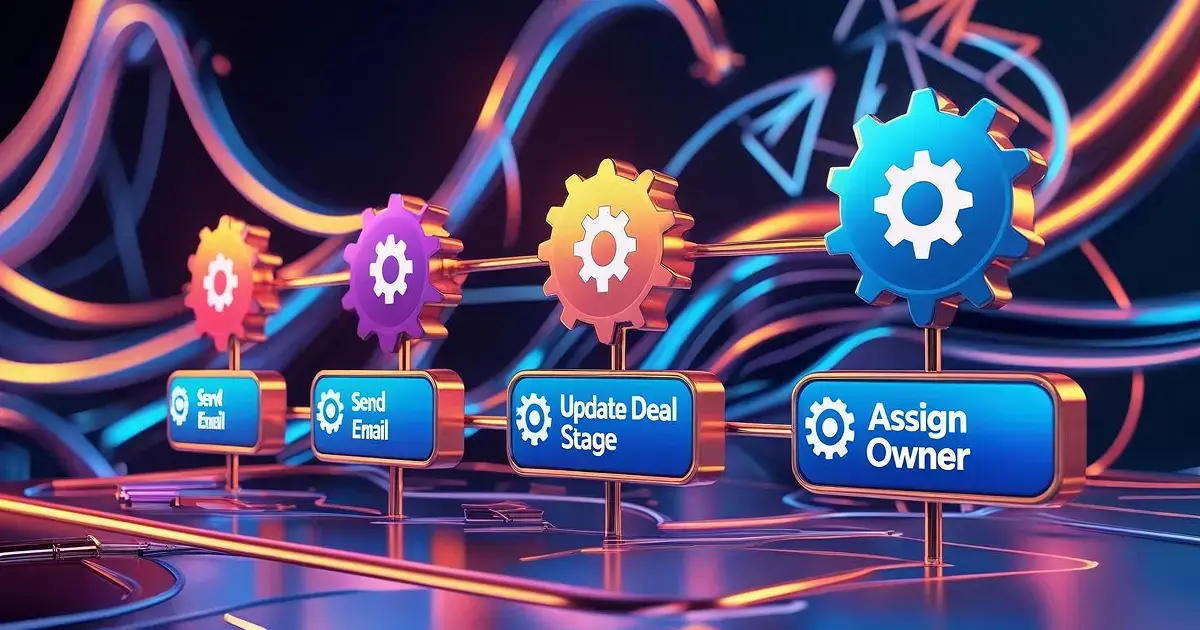
Tired of repetitive tasks eating up your day? HubSpot’s Sales Automation lets you create workflows that handle routine actions, like sending follow-up emails, assigning leads, or updating deal stages. It’s like having an extra team member who never sleeps.

Why It Matters:

Saves time and ensures consistent lead nurturing, boosting efficiency.

Example:

You can set up a workflow to send a welcome email to new leads, followed by a product demo invite after three days.

Pro Tip:

Combine automation with Sequences for a seamless lead-nurturing process.
5

Lead Scoring

Lead Scoring

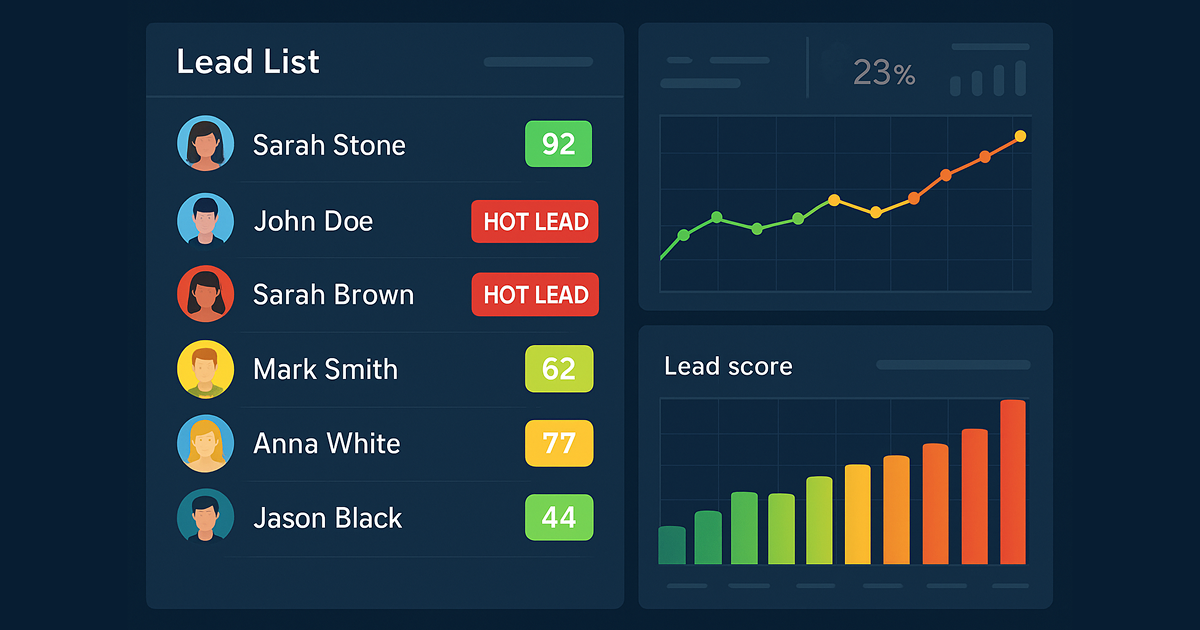
HubSpot’s Lead Scoring prioritises your leads by assigning scores based on their behaviour (e.g., website visits, email opens) and fit (e.g., company size, industry). This helps your team focus on the leads most likely to convert, maximising your efforts.

Why It Matters:

Improves efficiency by targeting high-potential leads first.

Example:

A lead who downloads your white paper and visits your pricing page receives a high score, signalling they’re ready for a sales call.

Pro Tip:

Customise scoring rules to align with your ideal customer profile for better accuracy.
6

Forecasting

Forecasting
HubSpot’s Forecasting uses deal data to predict future revenue, helping you plan budgets and set realistic goals. It’s like having a crystal ball for your sales strategy, giving you confidence in your financial projections.

Why It Matters:

Enables data-driven planning and aligns sales with business objectives.

Example:

Before a board meeting, you use Forecasting to show expected Q3 revenue based on current deals.

Pro Tip:

Adjust forecasts regularly to account for new deals or market changes.
7

ABM Tool

Frame 39589
Account-Based Marketing (ABM) is all about targeting high-value accounts, and HubSpot’s ABM Tool makes it easy. Identify key accounts, create personalised campaigns, and align your sales and marketing teams to close big deals.

Why It Matters:

Focuses resources on high-value clients for maximum ROI.

Example:

Target a Fortune 500 company with tailored content, like a custom webinar, to win their business.

Pro Tip:

Use ABM reports to track engagement and refine your approach.
8

Sequences

HubSpot sequences
Sequences are automated email campaigns that nurture leads over time with personalised, timed messages. You can set up a series of emails to guide prospects through your funnel, ensuring consistent communication without manual effort.

Why It Matters:

Boosts lead conversion rates through automated, targeted outreach.

Example:

A lead signs up for a free trial, and Sequences sends a series of tips to help them get started, followed by a discount offer.

Pro Tip:

Test different email timings to find what works best for your audience.
9

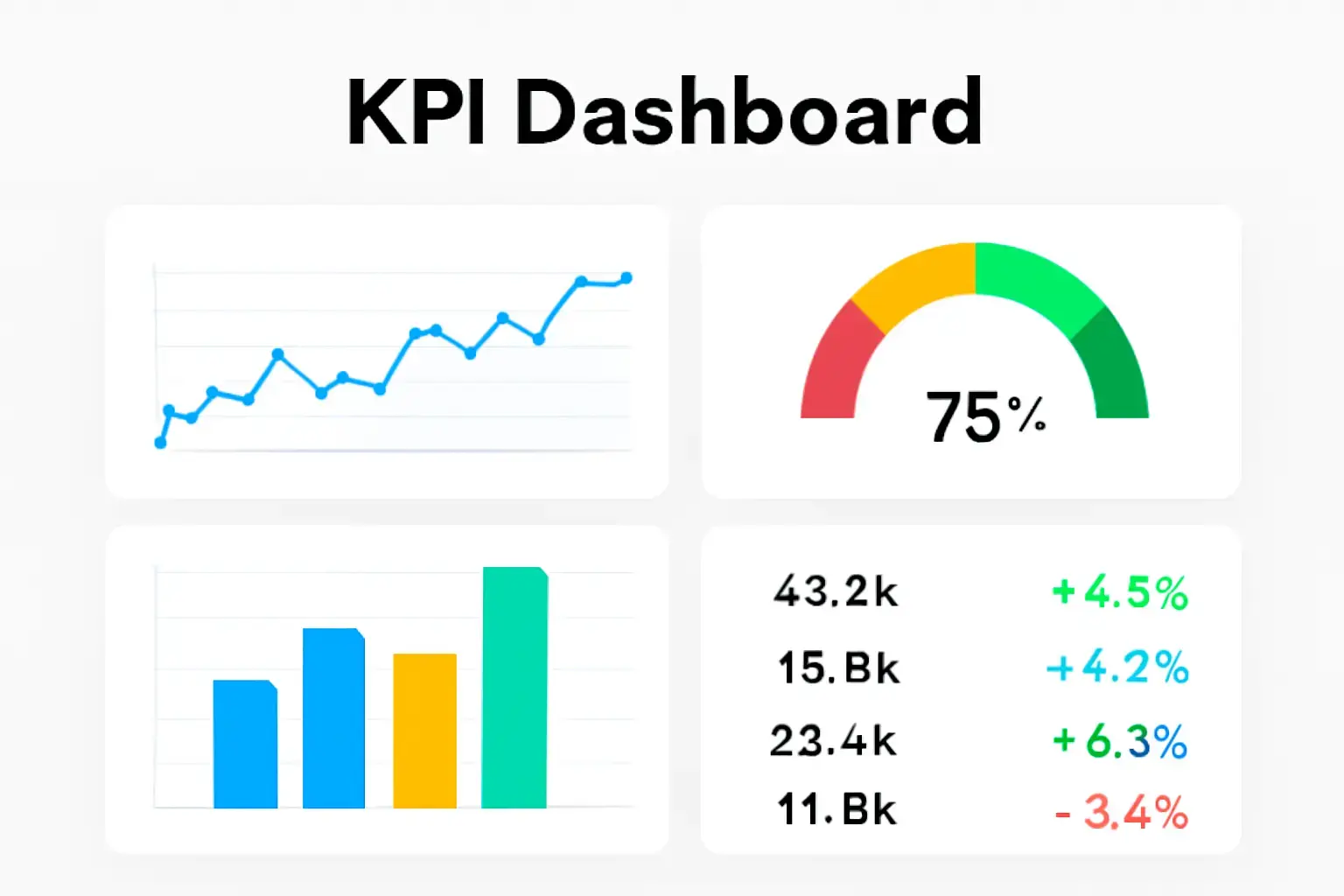
KPI Dashboard

KPI Dashboard
HubSpot’s KPI Dashboard lets you track key metrics across marketing, sales, and service in real time. Customise it to focus on what matters most, like conversion rates or revenue growth, for a clear view of your business’s health.

Why It Matters:

Provides actionable insights for continuous improvement.

Example:

A marketing manager uses the dashboard to see which campaigns drive the most leads, then adjusts budgets accordingly.

Pro Tip:

Share dashboards with your team to keep everyone aligned on goals.
10

Website Activity Tracking

Frame 39591
HubSpot’s Website Activity Tracking shows you how visitors interact with your site—what pages they visit, how long they stay, and where they’re located. This data helps you optimise your website and tailor your marketing efforts.

Why It Matters:

Reveals visitor behaviour to improve content and conversions.

Example:

You notice visitors drop off on your checkout page, so you simplify the design to boost sales.

Pro Tip:

Combine with Lead Scoring to identify hot prospects based on their site activity.
To get the most out of these features, consider working with a HubSpot partner like HubXpert. Their expertise in CRM implementation, workflow setup, and training can help you tailor HubSpot to your unique needs. Whether you’re new to HubSpot or looking to optimize your setup, expert guidance ensures you hit the ground running.

Senior RevOps Strategist at Hubxpert

Tonmoy Baidya

Fazle Rabbi

Table of Contents:

Click me

Subscribe to our newsletter

Easy to use janitorial software to simplify and grow your commercial cleaning business with confidence.
By subscribing you agree to with our privacy policy and provide consent to receive updates from our company.
Related Blogs
CRM Independence After Zillow's Follow Up Boss Acquisition

CRM Independence After Zillow's Follow Up Boss Acquisition


Explore how real estate teams can build CRM independence after Zillow’s Follow Up Boss acquisition with flexible systems, better data control and less vendor risk.

Tracking Referral Sources & Partner Deals in HubSpot (Without Losing Trail)

Tracking Referral Sources & Partner Deals in HubSpot (Without Losing Trail)


Learn how to track referral sources and partner deals in HubSpot with the right properties, associations, automation, and reporting.

HubSpot Lead Routing for Real Estate Brokerages

HubSpot Lead Routing for Real Estate Brokerages


Learn how real estate brokerages can build smarter HubSpot lead routing to assign leads faster, reduce delays, and help agents close more deals.

Structuring Pipelines for a Multi-Agent Brokerage in HubSpot

Structuring Pipelines for a Multi-Agent Brokerage in HubSpot


Managing multiple agents in HubSpot gets messy fast. Learn how to structure real estate pipelines that keep every lead, deal, and agent on track.

Property & Listing Tracking in HubSpot

Property & Listing Tracking in HubSpot


A spreadsheet does not fail immediately. It fails quietly, over months. Read this blog if you want to know how to do Property & Listing Tracking on HubSpot.

White-Labeling HubSpot: Portal, Documents & Domains

White-Labeling HubSpot: Portal, Documents & Domains


HubSpot's white-labeling rules differ by surface. Here is what the portal, documents, and domains each let you rebrand.

Related Blogs