





-2.png)


-2.png)



.png)


.webp)

.png)


.png)















-1.webp)
-1.webp)



.webp)

-1-1.webp)



-2.webp)

-1-1.webp)

-2-1.png)

-1-1.webp)
-1-1.webp)
-1-1.png)







Modern businesses no longer want separate systems for CRM, invoicing, subscriptions, payments, and revenue reporting. Managing disconnected tools often creates operational gaps, slower payment cycles, and inconsistent customer data. This is where HubSpot Commerce Hub enters the picture.
Built directly into the HubSpot ecosystem, Commerce Hub helps businesses streamline quotes, invoices, payment collection, subscriptions, and billing automation from one centralized platform.
For growth-stage SaaS companies and HubSpot partners, it creates a more connected revenue operations experience that improves efficiency, customer experience, and financial visibility across the entire customer lifecycle.
What Is HubSpot Commerce Hub?
HubSpot Commerce Hub is a commerce and revenue management solution built inside the HubSpot CRM. It helps businesses manage quotes, invoices, subscriptions, payment links, and billing workflows without relying heavily on disconnected third-party systems.
Instead of separating sales operations from payment and finance activities, Commerce Hub connects the entire quote-to-cash process directly within HubSpot. This creates a unified system where customer data, deals, subscriptions, invoices, and payments remain connected throughout the customer journey.
The platform is especially valuable for businesses with recurring revenue models, including SaaS companies, agencies, consultancies, and service providers.
Why HubSpot Built Commerce Hub
Many businesses already use HubSpot for marketing, sales, and customer service. However, revenue operations often still depend on external tools like Stripe, QuickBooks, PandaDoc, or separate invoicing systems.
This creates operational problems such as:
- Manual invoice creation
- Fragmented reporting
- Duplicate customer records
- Limited payment visibility
- Poor subscription tracking
- Delayed revenue reporting
HubSpot Commerce Hub was created to reduce this fragmentation.
The goal is to centralize revenue activities directly inside the CRM so businesses can manage customer relationships and payment operations from one ecosystem.
As companies scale, this alignment becomes increasingly important because sales, finance, customer success, and operations teams all rely on the same customer data.
Key Features of HubSpot Commerce Hub
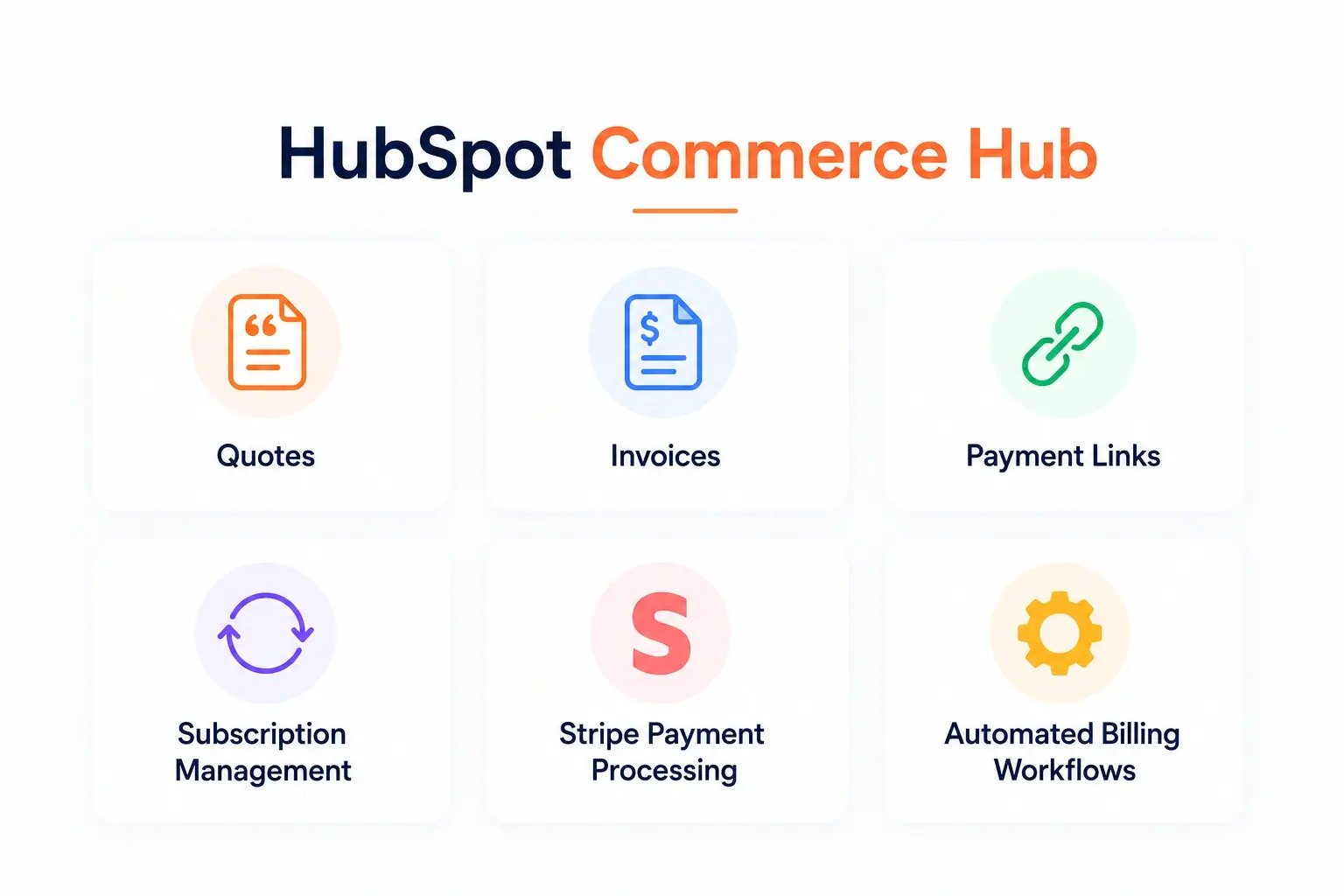
You will have all in one features to run your commerce hub. Here they are:
Quotes
Commerce Hub allows businesses to create professional quotes directly from HubSpot deals. Sales teams can quickly generate customer-ready proposals without switching platforms.
Quotes can include:
- Products and pricing
- Discounts
- Billing terms
- Subscription details
- Payment options
Because quotes are tied directly to CRM records, sales teams gain better visibility into customer activity and deal progress.
Invoices
Businesses can create and send invoices directly through HubSpot. This simplifies payment collection while keeping financial activities connected to customer records.
Invoice management inside the CRM helps businesses:
- Track outstanding payments
- Monitor payment status
- Automate reminders
- Reduce manual finance work
For scaling SaaS companies, this creates a more efficient billing process.
Payment Links
Payment links allow businesses to collect payments quickly without building complex checkout systems.
These links can be used for:
- Service payments
- Subscription signups
- Event registrations
- One-time purchases
- Retainer invoices
Sales reps can send payment links directly through email workflows or CRM sequences, helping accelerate revenue collection.
Subscription Management
Recurring revenue businesses need reliable subscription visibility. Commerce Hub helps manage subscription billing and recurring payment workflows directly within HubSpot.
Businesses can track:
- Active subscriptions
- Renewal dates
- Recurring revenue
- Failed payments
- Customer billing history
This centralized visibility improves customer lifecycle management and revenue forecasting.
Stripe Payment Processing
Commerce Hub integrates closely with Stripe for payment processing.
This integration allows businesses to:
- Accept online payments
- Manage subscription billing
- Process recurring payments
- Track transactions inside HubSpot
The Stripe connection helps companies maintain secure payment processing while benefiting from CRM-level visibility.
Automated Billing Workflows
One of the biggest advantages of Commerce Hub is automation.
Businesses can automate:
- Invoice reminders
- Payment confirmations
- Subscription renewals
- Failed payment notifications
- Internal finance alerts
- Customer onboarding triggers
By connecting payments with workflows, businesses reduce manual operational tasks and improve efficiency.
Setting Up HubSpot Commerce Hub: The 8-Step Process
Implementation follows a consistent sequence regardless of business size. Here is what each step actually involves.
Step 1: Configure Payments
Connect payment processing, most businesses use HubSpot Payments or a Stripe integration. Configure payment methods, business information, recurring payments, tax settings, and currency support. For SaaS companies, Stripe integration is usually preferred for subscription flexibility.
Step 2: Set Up Products and Pricing
Build a centralized product library: names, pricing structures, billing frequency, discounts, subscription terms. This standardizes quote and invoice generation across the business.
Step 3: Configure Quotes
Set up quote templates, payment terms, branding, approval workflows, and e-signature settings so sales teams can generate quotes directly from deals.
Step 4: Configure Invoices
Set invoice templates, payment deadlines, tax rules, reminder schedules, and finance notifications. Define invoice ownership and overdue payment escalation.
Step 5: Set Up Payment Links
Payment links support one-time payments, recurring subscriptions, retainers, and service payments. Sales reps can send them directly from HubSpot emails or workflows.
Step 6: Configure Subscription Management
Set billing intervals, renewal dates, subscription products, failed-payment logic, and cancellation workflows. Define upgrade and downgrade paths and renewal ownership.
Step 7: Build Automation Workflows
This is where Commerce Hub delivers most of its operational value: invoice reminder automation, failed-payment alerts to finance and customer success, renewal reminders and upsell triggers, and onboarding automation that fires after payment completion.
Step 8: Configure Revenue Reporting
Build dashboards for monthly recurring revenue, outstanding invoices, subscription growth, payment completion, revenue forecasting, and customer lifetime value.
Setup errors to watch for: on Stripe integration, validate payment mapping and test recurring billing before launch, improper setup creates duplicate customer records. On QuickBooks integration, map invoice fields and sync tax structures carefully, finance alignment during this stage is critical.
How HubSpot Commerce Hub Works
Commerce Hub works by connecting payment activities directly with CRM records inside HubSpot.
When a customer receives a quote, completes a payment, or starts a subscription, that activity automatically syncs to the contact and company records.
This creates a centralized revenue ecosystem where:
- Sales teams see payment activity
- Finance teams access customer history
- Customer success teams track subscription status
- Leadership teams monitor revenue reporting
Instead of relying on disconnected systems, businesses gain a unified operational view.
The automation layer also allows businesses to trigger workflows based on commerce activity. For example:
- Send onboarding emails after payment
- Notify finance teams of overdue invoices
- Trigger renewal reminders automatically
- Update lifecycle stages after subscription activation
This improves operational consistency across departments.
Benefits of Using HubSpot Commerce Hub
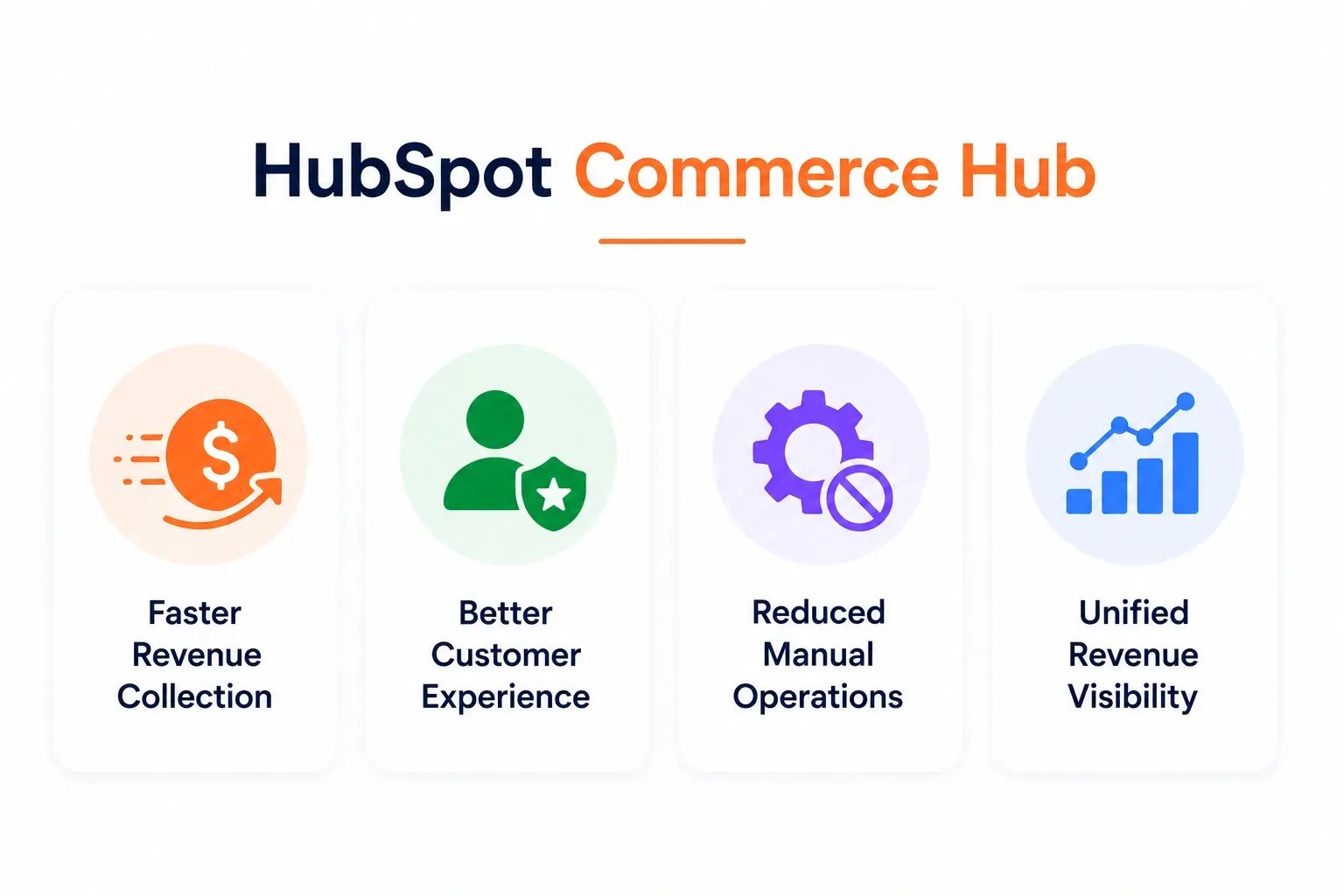 Here are all-in-one benefits you can get from HubSpot commerce hub:
Faster Revenue Collection
Disconnected billing processes often slow down payment collection. Commerce Hub helps reduce delays by simplifying quotes, invoices, and payment workflows inside one system.
The fewer steps customers face during payment, the faster businesses collect revenue.
Better Customer Experience
Customers benefit from a smoother buying experience when quotes, payments, invoices, and subscriptions are connected.
Instead of dealing with multiple systems, customers interact through a more consistent workflow.
This improves trust and reduces friction during onboarding and renewals.
Reduced Manual Operations
Manual billing operations consume significant internal resources.
Commerce Hub automates many repetitive tasks, including:
- Invoice tracking
- Payment reminders
- Subscription updates
- Revenue notifications
This allows operations and finance teams to focus on strategic work instead of repetitive administrative tasks.
Unified Revenue Visibility
Revenue data often becomes fragmented across systems.
Commerce Hub helps centralize reporting around:
- Payments
- Subscriptions
- Invoices
- Customer revenue
- Forecasting
Leadership teams gain clearer insights into business performance without relying heavily on spreadsheets or manual reconciliation.
Commerce Hub Use Cases for SaaS Companies
SaaS Subscription Billing
SaaS businesses rely heavily on recurring revenue. Commerce Hub helps centralize subscription management and billing visibility inside the CRM.
This simplifies:
- Subscription onboarding
- Customer renewals
- Billing updates
- Revenue tracking
Sales-Assisted Checkout
Many B2B SaaS companies use sales-assisted buying journeys rather than self-service checkout flows.
Commerce Hub allows sales reps to:
- Create quotes
- Send payment links
- Track payment completion
- Automate onboarding
directly from the CRM.
Renewal Automation
Retention is critical for subscription businesses.
Commerce Hub workflows can automate:
- Renewal reminders
- Subscription alerts
- Customer success notifications
- Payment follow-ups
This improves customer retention and reduces churn risks.
Commerce Hub vs Traditional Billing Tools
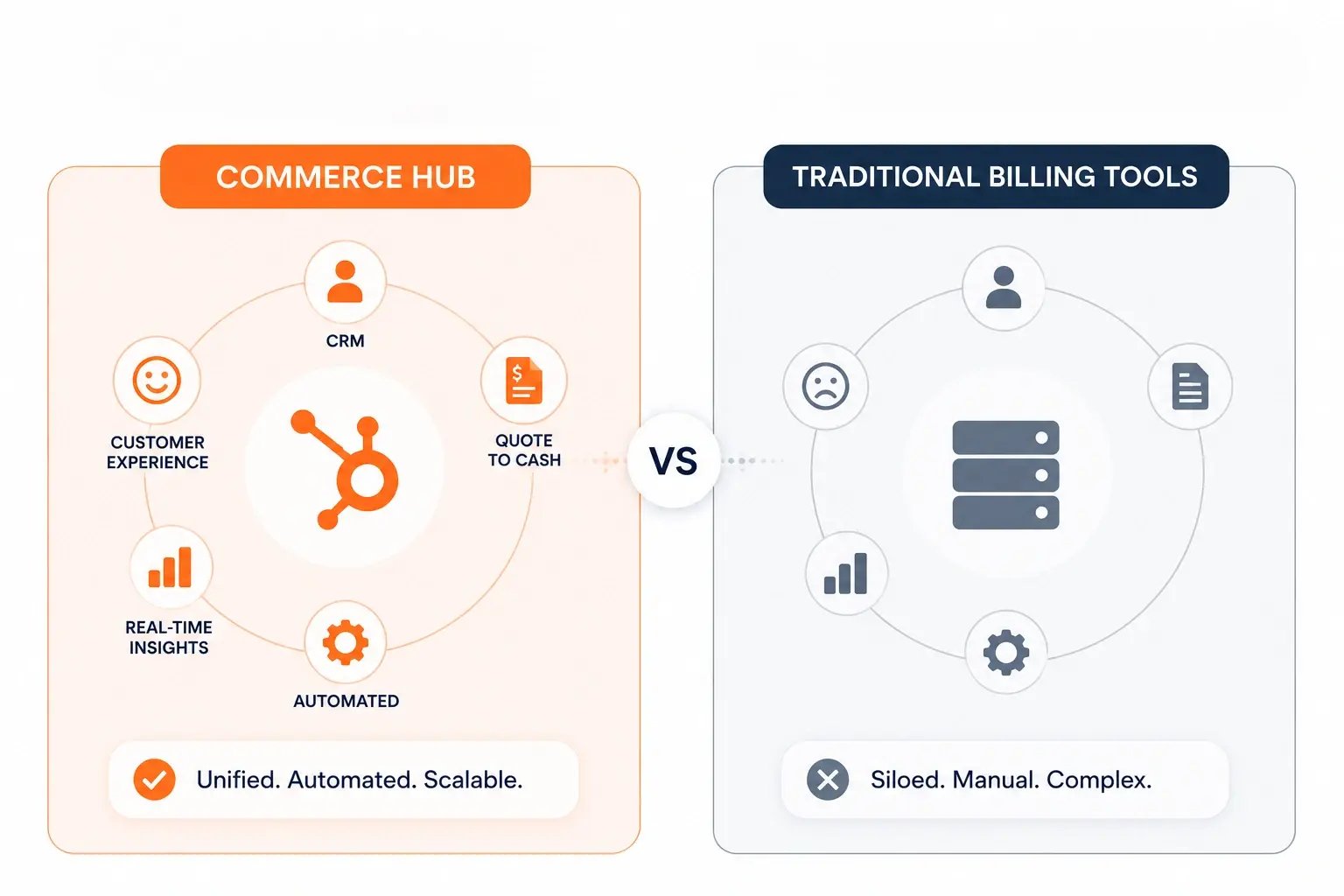 Commerce Hub is not designed to replace every advanced accounting platform. Instead, it focuses on CRM-connected revenue operations.
Compared to traditional billing tools, Commerce Hub offers stronger CRM alignment and automation capabilities.
For businesses already using HubSpot, this creates several advantages:
- Unified customer records
- Centralized revenue visibility
- Better workflow automation
- Improved sales-finance collaboration
However, highly complex enterprise finance operations may still require dedicated ERP or accounting systems.
Commerce Hub works best when businesses prioritize operational simplicity and CRM-centric revenue management.
Common Challenges & Limitations
Although Commerce Hub offers strong operational benefits, businesses should understand its limitations.
Some challenges include:
- Limited international payment availability in certain regions
- Less advanced accounting functionality compared to enterprise ERP systems
- Complex subscription logic may still require external tools
- Advanced tax compliance requirements may need specialized integrations
Businesses should evaluate their operational complexity before fully consolidating billing systems into HubSpot.
Is HubSpot Commerce Hub Worth It?
For growth-stage B2B SaaS companies already using HubSpot, Commerce Hub can provide significant operational value.
It helps businesses:
- Simplify billing operations
- Centralize customer revenue data
- Improve automation
- Reduce system fragmentation
- Align sales and finance teams
For HubSpot Diamond and Elite Partners, Commerce Hub also creates new consulting and implementation opportunities around revenue operations and subscription automation.
However, companies with highly advanced accounting structures or enterprise-level finance requirements may still need specialized financial systems alongside Commerce Hub.
The strongest value comes from businesses that want tighter CRM and revenue alignment rather than purely standalone billing software.
FAQs
Can HubSpot Commerce Hub support usage-based or consumption-based pricing?
Commerce Hub works well for standard recurring subscriptions and fixed billing models. Businesses with highly complex usage-based pricing structures should evaluate their billing requirements carefully, as additional billing systems or custom integrations may still be required.
What happens if a customer upgrades or downgrades their subscription?
Subscription changes can be managed through defined billing and renewal processes. The exact experience depends on how products, pricing structures, and subscription workflows are configured during implementation.
Can HubSpot Commerce Hub be used for annual contracts and recurring subscriptions?
Yes. Many businesses use Commerce Hub to manage both one-time contract payments and recurring subscription billing within the same CRM environment, creating better visibility across different revenue models.
Who should own HubSpot Commerce Hub internally?
Commerce Hub is typically shared across multiple teams. While finance often manages billing policies, successful implementations usually involve collaboration between sales, RevOps, finance, and customer success teams.
How do businesses measure Commerce Hub implementation success?
Beyond revenue growth, businesses often track metrics such as quote acceptance rate, payment collection speed, subscription retention, invoice aging, billing accuracy, and operational efficiency improvements.
Is HubSpot Commerce Hub suitable for businesses selling both services and subscriptions?
Yes. Commerce Hub can support mixed revenue models, making it a strong option for organizations that combine recurring subscriptions with consulting, professional services, retainers, or project-based engagements.
Wrapping Up
HubSpot Commerce Hub is a powerful platform, but its success depends on how well it's implemented. CRM structure, billing workflows, subscriptions, automations, and reporting all need to work together to deliver real business value.
HubXpert helps businesses build scalable Commerce Hub implementations that go beyond setup and support long-term growth. Explore our case studies or speak with our team to discuss your Commerce Hub project.
Founder & CEO @ Hubxpert. My goal is to make every company using HubSpot succeed in their marketing organisation and automation.

Ratul Rahman
Table of Contents:

Subscribe to our newsletter
Do You Need a Healthcare-Specific CRM, or HubSpot?
Some practices outgrow HubSpot. Most don't. Here is the real threshold test, and where a healthcare-specific CRM actually wins.
Referral Tracking Software or Your CRM? A Healthcare Guide
HubSpot has no native referral object. Here is how referral tracking actually gets built inside a CRM, and when you need dedicated software instead.
HubSpot at Enterprise Scale: Fix Pipeline Velocity First
Slow pipeline velocity often gets blamed on HubSpot outgrowing enterprise needs. Here's how to diagnose the real cause before a costly Salesforce migration.
Syncing Invoices Between HubSpot & Your Accounting Software
A healthcare CRM tracks inquiries as records, moves them through a visible pipeline, and automates the follow-up. Here is how.

CRM for Healthcare: How It Actually Works Day to Day
A healthcare CRM tracks inquiries as records, moves them through a visible pipeline, and automates the follow-up. Here is how.
HubSpot EHR CRM Integration: What Actually Syncs
No native HubSpot EHR connector exists yet. Here is how EHR CRM integration really works, and what should never sync.
-
Do You Need a Healthcare-Specific CRM, or HubSpot?
hello
-
Referral Tracking Software or Your CRM? A Healthcare Guide
hello
-
HubSpot at Enterprise Scale: Fix Pipeline Velocity First
hello
-
Syncing Invoices Between HubSpot & Your Accounting Software
hello
-
CRM for Healthcare: How It Actually Works Day to Day
hello
-
HubSpot EHR CRM Integration: What Actually Syncs
hello