





-2.png)


-2.png)



.png)


.webp)

.png)










.png)







-1.webp)
-1.webp)



.webp)

-1-1.webp)



-2.webp)

-1-1.webp)

-2-1.png)

-1-1.webp)
-1-1.webp)
-1-1.png)






.webp)
Ever run a webinar and found half your registrants missing from HubSpot? Or found everyone marked "registered" and nobody marked "attended"?
That's a sync problem, not a webinar problem. Every vendor says it integrates with HubSpot. What matters is what actually lands there: who registered, who showed up, how long they stayed, and what your team can do with it.
Not every integration is equal. Let's walk you through what a webinar platform that integrates with HubSpot should sync, how to test one before you commit, and how to read the results once the data arrives. I'll also show why the same test works for billing, quoting, and commission tools.
Key Takeaways

-
HubSpot stores webinar data in the Marketing Events object, available across all plans. It matches registrants by email address.
-
Check how deeply a platform syncs with HubSpot: registrations, attendance, cancellations, watch time, engagement, and UTM data.
- HubSpot officially supports Zoom, GoToWebinar, Microsoft Teams webinars, and Eventbrite. For other platforms, check their HubSpot integration documentation.
- Registering form submissions for webinars requires a workflow (Professional or Enterprise). The Add participant action only works for events created in HubSpot.
- Webinar revenue attribution requires Marketing Hub Enterprise.
- Test the integration with five registrants before committing. The same approach works for billing, quoting, and commission tools.
What Should a Webinar Platform That Integrates With HubSpot Sync?
At a minimum: who registered, who attended, who canceled, and for how long. Everything else is a bonus, but it's a bonus your sales team will notice.
|
Data point |
Why you need it |
How you use it in HubSpot |
|
Registration |
Start follow-up and segment by interest |
The "Registered for marketing event" filter |
|
Attendance |
Split attendees from no-shows |
The "Attended marketing event" filter |
|
Cancellation |
Stop reminders and fix your counts |
The "Canceled marketing event registration" filter |
|
Attendance duration |
Spot the engaged ones |
The "Attendance duration" filter |
|
Polls, Q&A, CTA clicks, replay views |
Rank who sales should call first |
Depends on the app, so ask what lands on the timeline |
|
UTM data |
Credit the channel that drove each registrant |
Depends on the app, so ask which properties it sets |
HubSpot builds each event as a marketing event record that holds the counts of registered, canceled, and attended contacts. (Source: "Use marketing events")
One rule runs through every row: HubSpot matches people by email. A registrant without a valid email address can't sync, and an email typo creates a stray contact. Ask each vendor how it handles registrants who sign up with a different address than the one HubSpot has.
Does Webinar Software That Integrates With HubSpot Need to Be Native?
Not always, but it should write to the same place a native app does: the marketing events object. That's the test that matters, not the word "native."
Webinar software that integrates with HubSpot comes in two shapes. A marketplace app is built by the vendor and talks to HubSpot's APIs directly. A connector, such as Zapier or Make, sits between the two tools and passes data along. Both can work. The connector adds one more place to break, and you own its field mapping.
Here's what a good integration does under the hood. HubSpot's marketing events API lets an app create an event, then record each contact as registered, attended, or canceled.
If an app or connector skips that and only drops a note on the contact, you may get timeline activity without an event record. Then you lose the event-level counts and the marketing event filters for building lists. (Source: "Marketing events API guide")
How Do Webinar Platforms Compare on HubSpot Sync Depth?
Here's the awkward part: the pages that rank for this topic disagree with each other. One vendor's comparison says Zoom Webinars has no native HubSpot integration. Another vendor's page documents Zoom's support for marketing events. They can't both be right.
HubSpot's help center settles this one. Zoom's app is listed for all products and plans, and it syncs webinar registration and attendance to marketing events. It also has strings. Your Zoom account needs the Zoom webinar add-on. Participants need a valid email address.
And HubSpot says it doesn't support Personal Meeting IDs. (Source: "Connect HubSpot and Zoom")
The same help center names GoToWebinar, Microsoft Teams webinars, and Eventbrite as apps that sync into marketing events. That's four platforms HubSpot itself documents. For anything else, treat every comparison page as a starting list, including this one, and ask the vendor for its HubSpot documentation. Then check these five things:
|
Check |
Ask the vendor |
|
Event record |
Does it create a marketing event, or only timeline activity? |
|
Plan needs |
Which plan do I need on your side and on HubSpot's side? |
|
Two-way registration |
Can a HubSpot form register someone on your platform? |
|
Backfill |
What happens to registrations made before I connect? |
|
Timing |
How long after the event ends does the data arrive? |
10 Best Webinar Platforms Have the Best HubSpot Integrations
There's no honest way to crown one winner. HubSpot doesn't rank apps, and the pages that do rank them usually put their own product first. So here are ten platforms that show up often, in no order of merit.
Where HubSpot's help center documents the sync, I say so. Anything marked vendor-reported comes from vendors' own documentation as summarized on comparison pages, so confirm it before you buy.
01. Zoom Webinars
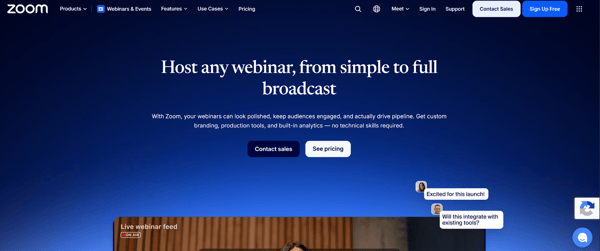
A natural choice for teams that already use Zoom for meetings and want to manage webinars without adding another platform.
-
Syncs webinar registrations and attendance with HubSpot Marketing Events.
-
Supports adding registrants through HubSpot workflows.
-
Requires the Zoom webinar add-on and valid participant email addresses.
02. Microsoft Teams Webinars
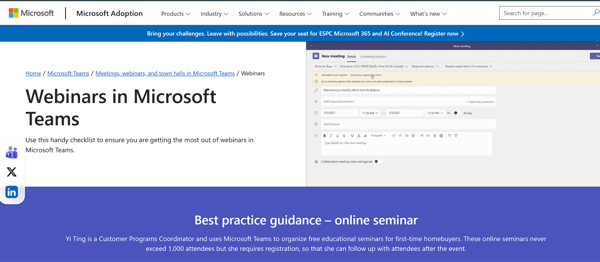
A practical option for businesses using Microsoft 365 for daily communication and collaboration. It keeps webinar activity connected to the same ecosystem.
-
Automatically syncs webinar details and participant information with HubSpot Marketing Events.
-
Check the integration's plan and setup requirements before committing.
03. GoToWebinar
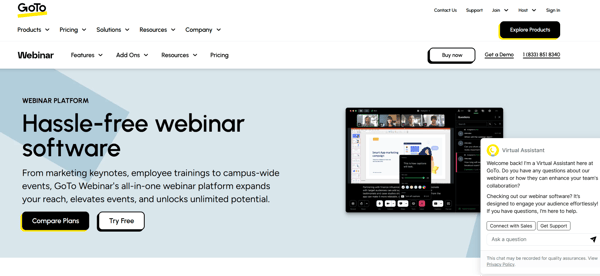
A good fit for teams that regularly host structured webinars and already use GoTo for online events.
-
Syncs webinar information with HubSpot Marketing Events.
-
Vendor reports indicate that only one GoTo account can be connected.
-
Webinar segmentation may not be available on Marketing Hub Starter.
04. Livestorm
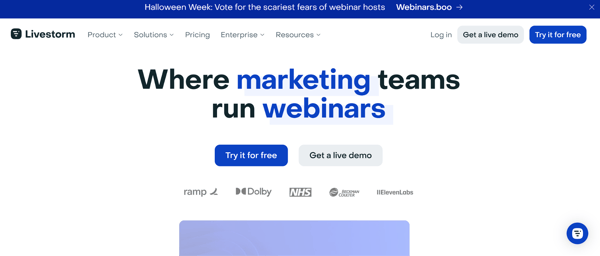
A flexible platform for teams that want to manage live webinars, on-demand sessions, and audience engagement in one place. It also offers broad HubSpot plan compatibility.
-
Creates a HubSpot Marketing Event for each session.
-
Supports all HubSpot plans, including Free.
-
HubSpot form-based registration requires Professional or Enterprise workflows.
-
Does not sync activity from before the integration was connected.
05. Demio
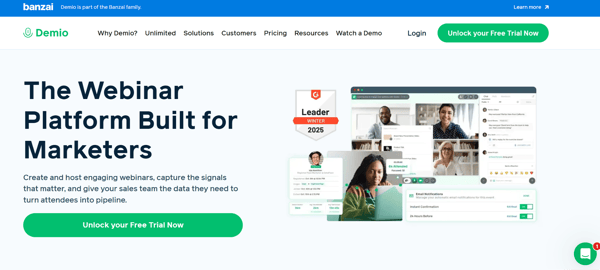
A suitable option for marketing teams that want to manage webinar registrations directly through HubSpot and keep contact information synchronized.
-
Supports two-way contact syncing between HubSpot and Demio.
-
HubSpot workflows can add contacts to Demio events.
-
Requires Demio Premium or higher for the integration.
06. WebinarGeek
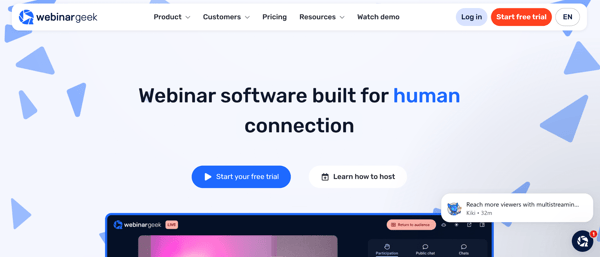
Works well for teams that want to use HubSpot as their main registration system while providing participants with personalized webinar access.
-
Supports registration through HubSpot forms and unique watch links.
-
HubSpot integration is a paid add-on on Premium plans and included in Enterprise.
-
Custom fields reportedly cannot be used in workflows.
07. ON24
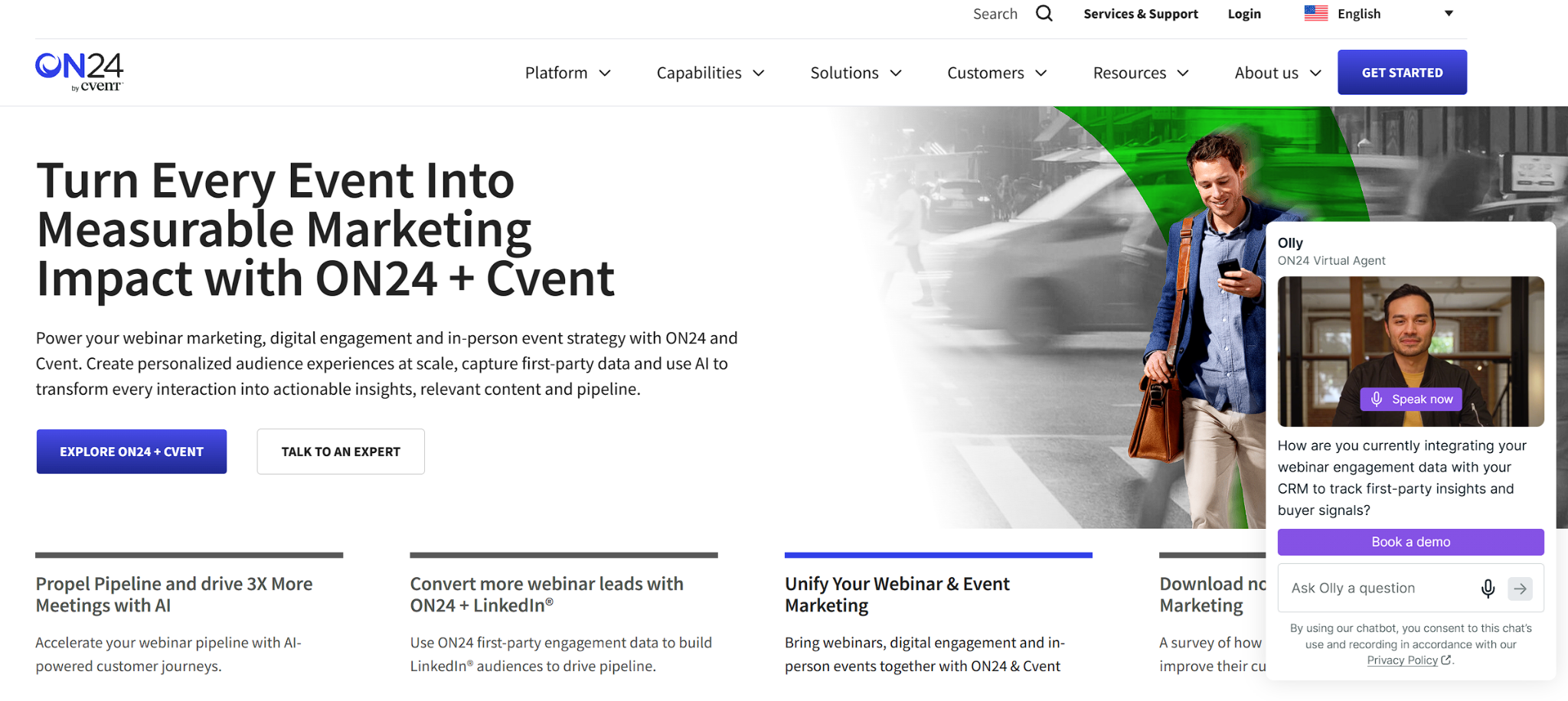
ON24 is designed for larger organizations running complex webinars and digital events. Its detailed engagement tracking can help teams connect event activity with their marketing and sales data.
-
Stores detailed engagement data in HubSpot custom objects.
-
Custom objects require HubSpot Enterprise.
-
Vendor reports indicate a 30-minute sync cycle and a 24-hour delay for on-demand activity.
08. Wistia
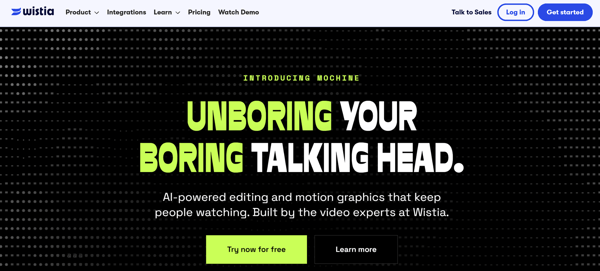
Wistia is a useful choice for teams already using Wistia for video marketing and webinar hosting. It helps connect content consumption with contact activity in HubSpot.
-
Syncs video viewing activity with HubSpot contact timelines.
-
Poll and Q&A responses reportedly sync only through Wistia's registration forms.
-
Check Wistia's current webinar pricing before choosing a plan.
09. Airmeet
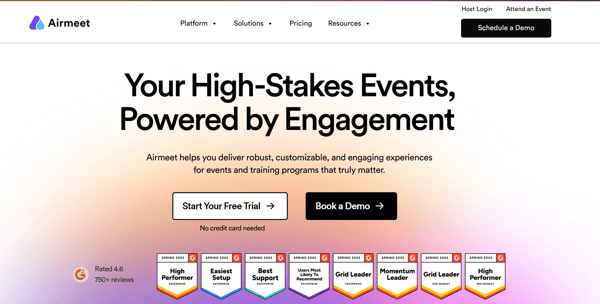
Airmeet is a good option for businesses that prioritize audience interaction during webinars and virtual events, with features such as polls and virtual booths.
-
Connects event and participant activity with HubSpot.
-
Requires HubSpot Professional or higher for workflows.
-
Event-level data reportedly syncs 60 minutes after the event ends.
-
Registrations made before connecting the integration are not synced.
10. Univid
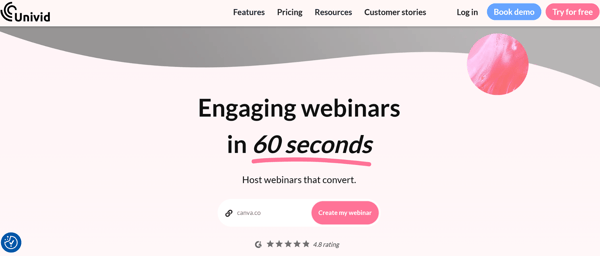
Univid is a lightweight webinar platform built around HubSpot, particularly useful for teams that want to keep registration and audience segmentation within their CRM.
-
Supports registration through your own HubSpot forms.
-
Uses attendance and watch-time data to build segmented contact lists.
-
Its comparison page makes a claim about Zoom's native integration that conflicts with HubSpot's documentation, so verify its other claims.
A note on Eventbrite: HubSpot also supports Eventbrite, which is generally better suited to ticketed events than recurring marketing webinars.
How to choose: Shortlist two or three platforms based on your registration process, engagement tracking, and reporting needs. Then run the five-registrant integration test before committing.
How Do You Test a Webinar Integration Before You Finalize?
Run a short test webinar with five registrants, then open each record in HubSpot. Vendor demos run on clean sample data. Your account has real, messy records, and that is where integrations slip.
|
Test registrant |
What they do |
What to check in HubSpot |
|
1. Existing contact |
Registers with an email already in HubSpot, then attends the full session |
One record, no duplicate, and an attended status |
|
2. New contact |
Registers with a new email, then attends |
A new contact, matched on email, with the right properties |
|
3. Partial attendee |
Joins for five minutes, then leaves |
The attendance duration, or a clear note that it isn't synced |
|
4. No-show |
Registers and never joins |
Registered but not attended |
|
5. Canceled |
Registers, then cancels |
Canceled status, and no more reminders |
After the session, check four places. Open the marketing event and read the registered, canceled, and attended counts on its Overview tab. Open each contact's timeline. Build a segment with the "Attended marketing event" filter and see who appears.
Last, turn on a test workflow that sends a follow-up to attendees, and confirm only the right people enroll.
Write down how long the data took to arrive. If a platform needs an hour to update, your same-day follow-up email is already late.
How to Measure Webinar Results in HubSpot?
Start with segments and the marketing event record, then move up to reports as your plan allows.
|
Goal |
Where to do it |
What it needs |
|
See registered, canceled, and attended counts |
The marketing event record, on its Overview tab |
Any plan, once an app has synced the event |
|
Build follow-up lists |
Segments, using marketing event filters |
Segments access |
|
Report on events and participation |
Custom report builder, using marketing event data sources |
Professional or Enterprise |
|
Tie an event to a campaign |
The Campaigns card on the event record |
Marketing Hub Professional or Enterprise |
|
Credit webinars for closed-won revenue |
Attribution reports |
Marketing Hub Enterprise |
The attribution step needs one setting that people miss. A user with Account Access permission has to turn on the "Marketing event registered" and "Marketing event attended" switches in the Tracking and Analytics settings, under Attribution. After that, any marketing event that a contact attended or registered for gets credit when that contact is tied to a closed-won deal.
One detail changes how you read the page. An event appears on the Marketing Events page only after it has at least one registrant.
What Breaks in Webinar Integrations?
Test for these four problems first: registration from forms, event visibility, history, and contact matching.
|
What you see |
Likely cause |
What to do |
|
A HubSpot form registers someone, but the platform never hears about it |
HubSpot's "Add participant to marketing event" workflow action only works on events you create in HubSpot, not on events an app syncs |
Use the app's own workflow action, such as Zoom's action to add contacts to a webinar. Workflows need Professional or Enterprise |
|
An event is missing from the Marketing Events page |
The event has no registrants yet, or sync is off for it |
Check the registrants first, then the app's sync settings |
|
Past registrations are missing |
Apps sync from the day you connect. Zoom needs a manual sync for older webinars |
Ask each vendor about backfill before you buy |
|
A registrant is missing from the event |
The registrant has no valid email address, or used a different one |
Fix it at the registration form, and require email |
Older attendance history needs a plan of its own. You can load a small list yourself with HubSpot's participant import. If the history spans years or comes with a CRM change, scope it into a HubSpot migration, so contacts, dates, and attendance statuses arrive together.
Does the Same Test Work for Billing, CPQ & Commission Tools?
Yes. Any app that connects to HubSpot has to move the same kinds of facts: who, what, when, and on which record. The test stays the same, and only the thing you check changes. Create a record, change it, break it on purpose, and see what HubSpot shows.
What Is the Best Billing System With Native HubSpot Integration?
There's no single answer, because it depends on what you bill for. Test this instead. Close a deal, then check whether an invoice or subscription exists with the same products and amounts. Check whether the payment status comes back to HubSpot. Then change a plan and see what updates. HubSpot line items can attach to deals, quotes, invoices, payment links, and subscriptions, so the integration has to decide which copy of a line item it owns.
What Is the Best CPQ for HubSpot Integration?
Same approach: test, don't trust a ranking. Build a quote with three products, change one quantity, and watch the deal amount. HubSpot says line items belong to one parent object, and it advises creating a separate set for a deal and for a quote. Deleting a quote deletes its line items. A CPQ that shares one set between objects can lose data when someone cleans up a quote. (Source: "Line items API")
How Do You Choose Commission Tracking Software That Integrates With HubSpot?
Close a deal with two owners and see whether the tool sees the split. HubSpot's deal splits share credit for a deal amount between users, and the deal splits API needs Sales Hub Enterprise. Then edit the amount after the deal closes, and change the owner. A tool that only reads the final amount can pay out on the wrong number. (Source: "Deal splits API")
Whether you search for the best billing system with native HubSpot integration, the best CPQ for HubSpot integration, or commission tracking software that integrates with HubSpot, run these tests before you read any ranking. If every app you try drops a field or syncs only one way, the gap may need a custom HubSpot integration.
FAQs
Can I Import Attendees From a Spreadsheet?
Yes. Create the marketing event by hand, then choose Actions and Import event contacts. Your file needs the headers Email, Attended, Registered, and Cancelled. HubSpot uses email as the unique identifier, so existing contacts are updated and duplicates are avoided. You can also set imported contacts as marketing contacts, so check your contact count first. (Source: "Import marketing event participants")
Can I Connect More Than One Zoom Account?
No. HubSpot lets you connect one Zoom account, or one Zoom tenant, to a single HubSpot account. It also advises against linking one Zoom account to several HubSpot accounts when the data is sensitive, because every connected account can reach it. If several teams run webinars, connect the one account and set sync options for each user.
Can I Stop One Webinar From Syncing?
Yes. Turn off sync for that event in the connected app's settings. If you want the webinar to keep syncing data but not appear as a marketing event, delete it from the Marketing Events page instead. The two options do different things, so decide which one you want first.
Why Does HubSpot Show Different Counts Than My Webinar Platform?
HubSpot counts every registration, even if the person canceled later. HubSpot's API guide also warns that counts on the Marketing Events page can differ from the participation counters, for example when someone registers and then cancels. Compare the same definitions on both sides before you decide anything is broken.
Can I Add a Contact to an Event From Their Contact Record?
No. HubSpot says you can't manually associate a contact with a marketing event from a contact record. A contact joins an event through an import, the "Add participant to marketing event" workflow action, or a connected app such as Zoom. Pick the route that matches how the person actually registered.
Final Thoughts
Start with the test, not the logo. A webinar platform that integrates with HubSpot should show you five clean records after five messy registrants. If it can't handle that, a real event won't go better.
Keep the habit for every tool that touches your pipeline. Run five records through it before you sign. The tool that handles your odd cases, like the double registration, the typo, and the canceled seat, is the one worth paying for.
Founder & CEO @ Hubxpert. My goal is to make every company using HubSpot succeed in their marketing organisation and automation.

Ratul Rahman
Table of Contents:

Subscribe to our newsletter
Choosing Webinar Platforms That Integrates With HubSpot
Pick a webinar platform that integrates with HubSpot and keep registrations, attendance and follow-up in one place. Compare sync depth and reporting quality.

HubSpot Phone Integration for VoIP & Call Logging
Compare HubSpot phone integration options for VoIP, answering services and call logging, and see how phone system integration keeps calls on the CRM record.

How HubSpot API Integration Handles Form Submissions
Learn how HubSpot API integration handles form submissions, how to catch validation errors and when a custom build beats the native form embed in production.

HubSpot CRM Integration With Business Intelligence Tools
Connect HubSpot CRM integration with business intelligence tools so reporting lives in your warehouse. Compare reverse ETL and database integration routes.

How to Set Up HubSpot Email Integration With Gmail or Outlook
Connect HubSpot CRM integration with business intelligence tools so reporting lives in your warehouse. Compare reverse ETL and database integration routes.

Modern Retro Web Design & How to Keep It Accessible
Mix modern retro web design with modern minimalist web design and modern dark web design, while keeping the clean modern web design rules firmly intact.
-
Choosing Webinar Platforms That Integrates With HubSpot
hello
-
HubSpot Phone Integration for VoIP & Call Logging
hello
-
How HubSpot API Integration Handles Form Submissions
hello
-
HubSpot CRM Integration With Business Intelligence Tools
hello
-
How to Set Up HubSpot Email Integration With Gmail or Outlook
hello
-
Modern Retro Web Design & How to Keep It Accessible
hello