HubSpot for WooCommerce Stores: Recover Carts Without Discounts

Your content and your shop sit on the same WordPress site, and your customer data is split across hosting, a payment gateway, and six plugins that were never built to talk. HubSpot unifies the record, recovers the cart on timing rather than a code, and connects what someone reads to what they eventually buy.

miniature metal shopping cart resting on a laptop keyboard

Teams that leveled up their growth with HubXpert

Company logo (3)
Company logo (2)-1
Company logo (1)-1
Company logo-1
Icon Group 1-1
Company logo (4)-1
Company logo (3)
Company logo (2)-1
Company logo (1)-1
Company logo-1
Icon Group 1-1
Company logo (4)-1
The Reason

Why WooCommerce Stores Need More Than Plugins

Plugins each solve one problem. They were never built to give you one view of a customer who touched your blog, your cart, and your support inbox separately. A reader and a buyer are usually the same person, three weeks apart.

Content and Commerce Already Overlap

Your blog and shop share one platform, and most stores never connect what someone reads to what they eventually buy. Every plugin adds a copy of the customer and a way for the data to break.

Plugins Do Not Talk to Each Other

Email, reviews, subscriptions, and support each run separate plugins, and every update risks breaking the connections between them.

Abandoned Carts Go Unrecovered

Most stores send one reminder, usually with a code attached, and the second attempt never happens.

Discount Codes Set the Price

When recovery depends on a code, the customer waits for the next one, and margin erodes with every campaign.

The Stack Is Fragile

One plugin update can break tracking, and the store finds out from a revenue report rather than a warning.

Attribution Stops at the Session

Analytics shows the last click, not the article that brought the buyer back three weeks later. A reader and a buyer are usually the same person, three weeks apart.

Benefits

Key Benefits of HubSpot for WooCommerce Stores

HubSpot for WooCommerce Stores covers five areas where a store can replace a plugin chain with one customer record.

Unify Scattered Store Data

Bring content, purchase.

  • Sync WooCommerce data

    Orders, products, and customers automatically.

  • Build one record

    Content and purchase history together.

  • Segment by behavior

    Content and purchase activity.

  • Reduce plugin

    Replace fragile chains with one system.

Built for customer data.

A consent-aware setup with per-channel tracking, and order, payment.

  • 36% More deals closed
  • 37% Faster ticket resolution
Case Studies

Our Featured Works

A curated selection of HubSpot implementations and digital marketing campaigns that moved the needle for our clients.

Ecommerce

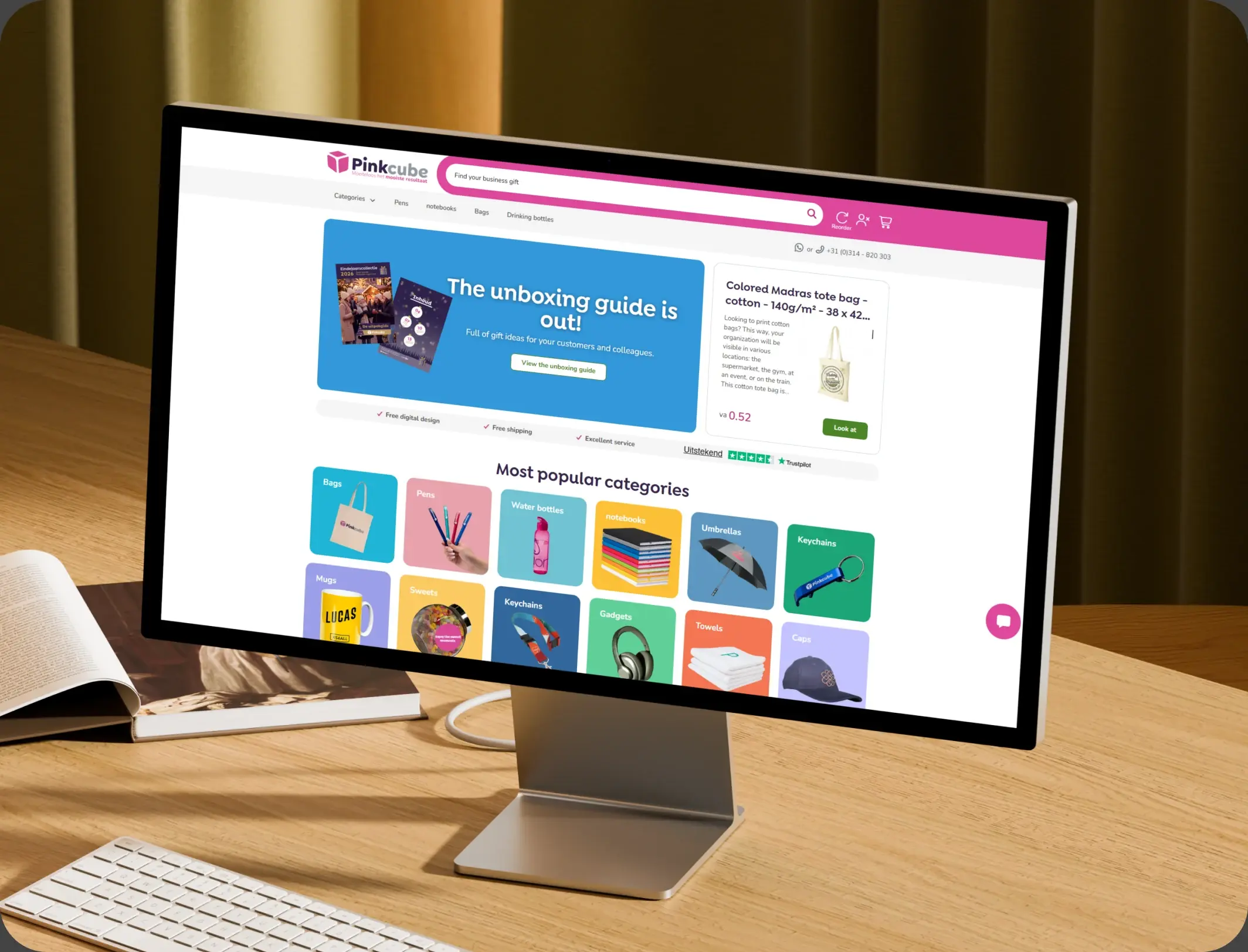
How Pinkcube boosted sales by 30% with custom automation

HubSpot Enterprise Onboarding and Custom Integration for a European B2B E-Commerce Giant

Pinkcube
Pinkcube – How Pinkcube boosted sales by 30% with custom automation

Ecommerce

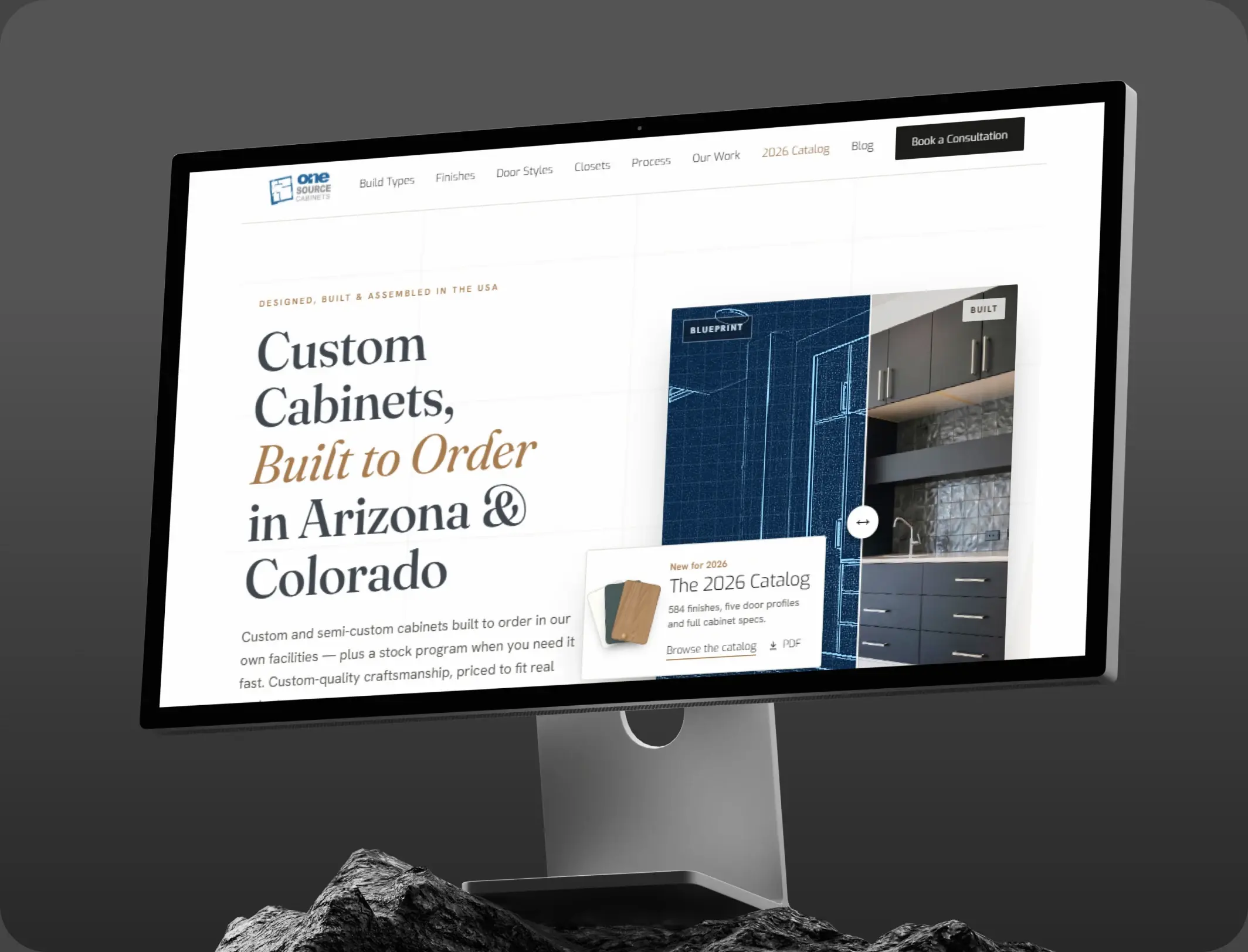
HubSpot Marketing Hub Onboarding for One Source Cabinets

Onboarding Marketing Hub for 360° Marketing Automation and Sales Hub for 5+ team members

One Source Cabinets
One Source Cabinets – HubSpot Marketing Hub Onboarding for One Source Cabinets

Ecommerce

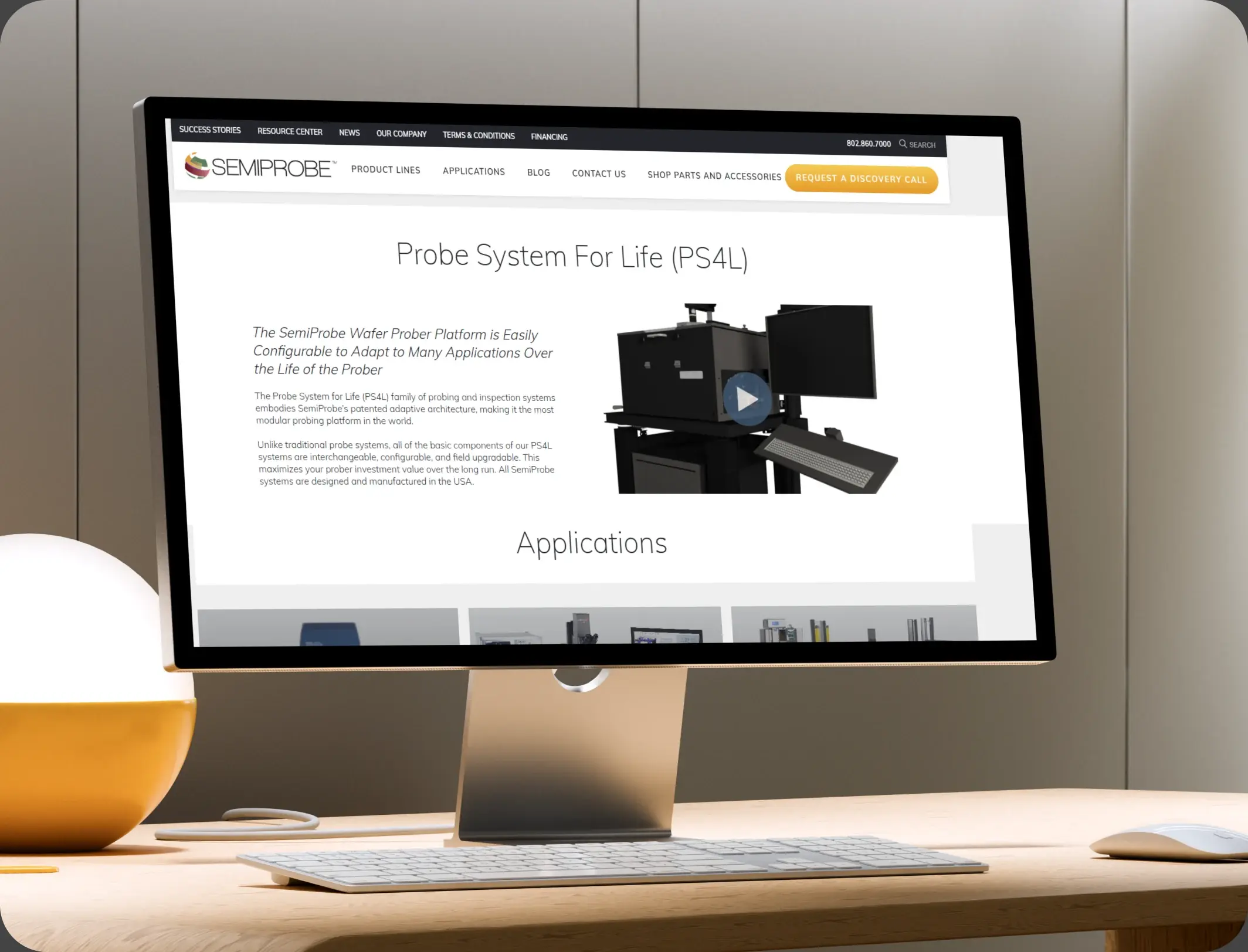
SemiProbe’s WooCommerce & HubSpot Integration

E-commerce Automation, HubSpot Integration, and Sales Optimization

Semiprobe
Semiprobe – SemiProbe’s WooCommerce & HubSpot Integration
HubSpot Usage

How WooCommerce Stores Use HubSpot Across the Customer Journey

Step 1

Read and Arrive

A guide brings a reader in, and that interest is stored on the record before any product is viewed. Most traffic arrives from a guide written a year ago.

Step 2

Browse and Recover

A cart left behind triggers a timed sequence that leads with the item rather than a code. The cart is abandoned within minutes of the first hesitation.

Step 3

Buy and Onboard

The order starts a welcome journey by category, with usage guidance and a review request at delivery.

Step 4

Return and Repeat

A reorder prompt at the expected cycle, and a win-back sequence for anyone who lapses. A second visit is a stronger signal than a first click.

Workflow & Triggers

Example Ecommerce Workflows We Can Automate in HubSpot

These are the workflows we build most often when we set up HubSpot for WooCommerce Stores, tuned to a business running on WordPress and a plugin stack. The buyer sees the cart again inside the hour.

gold payment card held above a laptop showing a clothing sale
  1. Abandoned Cart Sequence

    A message at one hour, one day, and three days, with the product still in view and no code until the third. A completed order leaves the recovery sequence.

  2. Content to Product Journey

    A second visit to a category guide triggers a relevant product recommendation. A review request goes out with the delivery confirmation.

  3. First-Order Welcome

    A journey by category, with guidance at delivery and a reorder prompt at the cycle. Every sequence respects the consent recorded on the record.

  4. Repeat Nudge

    A message at the point where a first-time buyer usually reorders in that category. A third visit to one category raises a product recommendation.

  5. Win-Back Sequence

    Ninety days after the last order, a sequence that leads with the product. High-value buyers never see the discount message.

  6. Review Request

    Triggered by delivery confirmation, with a follow-up if no review appears. A reply opens a conversation with the order attached.

  7. Support Handoff

    Any reply creates a conversation with the order attached, rather than a separate ticket.

Why HubXpert

Why Choose HubXpert for HubSpot WooCommerce Builds?

WooCommerce stores come to us because the store works and the data does not, and every plugin holds a different copy of the same buyer. It also sets the reporting the team will read each week.

HubSpot Platinum Partner

Certified platform expertise, with a track record across ecommerce workflows and WordPress stores.

Custom Ecommerce Workflows

Built around your categories, content strategy, and margin. No generic templates.

Advanced Automation

Multi-step workflows and conditional logic built for post-purchase timing.

Data Migration and Structuring

Clean imports from WooCommerce and your email plugin, with order history intact.

Integration and API Development

An in-house team connecting HubSpot to WooCommerce, your gateway, and your fulfilment tools.

Reporting and Optimization

Recovered revenue, content influence, and repeat rate tracked from launch.

Compliance

Consent-Aware Setup Inside HubSpot for WooCommerce Stores

A store holds purchase history, addresses, and marketing consent that differs by channel and by country. The work is precision: consent recorded per channel, order and payment detail left in WordPress and the gateway, and unsubscribe rules enforced everywhere. Consent given at checkout does not cover every channel.


  • Consent Per Channel
  • Order Data Separation
  • Suppression Lists
  • Retention Rules
Secure data lock
HubSpot Hubs

HubSpot Hubs Recommended for WooCommerce Stores

Not every store needs every hub, and most start with Marketing before adding Service. Here is how each one lines up with a WordPress store.

  • Marketing Hub

    Your retention engine: cart recovery, welcome journeys, and content-led segmentation. Recovery sequences run from the same record as the order.

  • Sales Hub

    Built for wholesale enquiries and assisted orders. Wholesale enquiries carry an owner and a response window. Most stores start with Marketing, then add Service as returns grow.

  • Service Hub

    Where returns, delivery questions, and product issues get tracked. Service sees the order history before replying. Most stores start with Marketing, then add Service as returns grow.

  • Content Hub

    Can replace the plugin chain on the content side, with built-in SEO and one record for readers and buyers. Content and product pages get edited without a developer.

  • Operations Hub

    Connects WooCommerce, your gateway, and your support desk, which is how the customer record stays whole. One record is the whole point of replacing the stack.

Our Process

Our Process for Implementing HubSpot for WooCommerce Stores

Step 1.

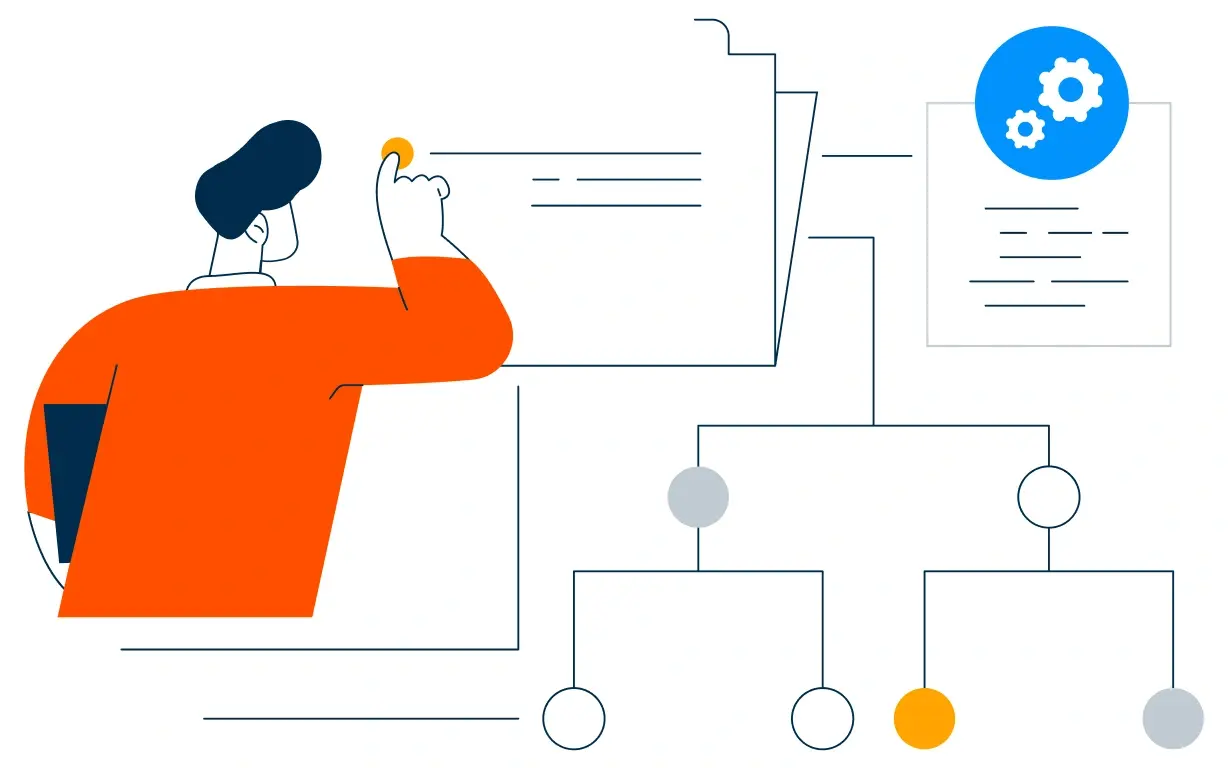
Discovery and Stack Analysis

We assess your plugins, categories, content strategy, and growth goals, and identify which tools are holding data nobody can see.
Discovery and Stack Analysis illustration
Step 2.

CRM Architecture and Lifecycle Planning

Custom properties, lifecycle stages, and content fields mapped to how customers actually buy again, before any build begins. Stages mirror how a first order becomes a third.
CRM Architecture and Lifecycle Planning illustration
Step 3.

Automation and Integration Setup

Workflows built, WooCommerce and gateway integrations connected, sequences configured, and dashboards created. Every automation is tested before launch.
Automation and Integration Setup illustration
Step 4.

Team Training and Adoption

Hands-on training for marketing, support, and operations, each on the tools their role needs.
Team Training and Adoption illustration
Step 5.

Reporting and Optimization

Once live, we monitor repeat rate and recovered revenue, and refine workflows, segmentation, and content each month.
Reporting and Optimization illustration
FAQ

Questions You Might Have

Does HubSpot work with WooCommerce?

Yes. Orders, products, and customers sync into HubSpot, where the lifecycle and recovery sequences run, while WooCommerce keeps the store and the checkout. Most stores see the difference in the first month. The CRM carries the relationship, not the transaction.

Will HubSpot replace WooCommerce?

No. WooCommerce runs the store and the payment. HubSpot runs the customer relationship around it, and the two are connected by integration. Recovered revenue is tracked, so the improvement is measurable. Every workflow is tested before it reaches a buyer.

Can HubSpot replace our plugins?

Often several of them. Email, segmentation, and reporting usually consolidate, which is where the duplicate records and the update risk disappear. The sequence is matched to the category and the customer. Suppression lists are agreed before the first campaign.

Can HubSpot recover carts without discounts?

The first two messages lead with the product, and only the third may carry an offer, which preserves full-price buying. Nothing is assumed native until the connector is confirmed. Sync failures raise an alert rather than a silent gap.

Can HubSpot connect content to purchases?

Reading history sits on the same record as the orders, so the guide that brought the buyer back is visible rather than guessed. Order detail never sits in the CRM.

Will plugin updates break the integration?

Fewer plugins means fewer failure points, and the connection is monitored rather than assumed, with alerts when a sync stops. That is how cost per repeat order becomes visible.

How do you handle consent?

Consent is recorded per channel and enforced across every sequence, with suppression lists for buyers who should not receive offers. We map which fields may hold customer data before launch.

How long does an implementation take?

Most run four to six weeks, depending on how many plugins need consolidating and how much order history needs migrating. Order history stays in WooCommerce.

Book Consultation

Ready to Trade the Plugin Stack for One Customer View?

A cart has been sitting since Friday, a reader has visited the same guide four times, and the same buyer exists twice in two plugins. We build around your store, your content, and your stack. No generic setup, and no cart left to expire.

Takes 30 minutes
Delivered by certified HubSpot experts
The first month is measured, not assumed

Ratul-Rahman