HubSpot for Therapy Practices: When Leads Cool, Follow-Up Starts

A missed intake call or a client who quietly stops booking rarely shows up as a line item, but it adds up fast. HubSpot gives therapy and counseling practices one place to capture every inquiry, follow up, and see which referral sources fill the schedule. Therapists notice this in week one.

therapist taking notes while a client reclines on a chaise

Teams that leveled up their growth with HubXpert

Company logo (3)
Company logo (2)-1
Company logo (1)-1
Company logo-1
Icon Group 1-1
Company logo (4)-1
Company logo (3)
Company logo (2)-1
Company logo (1)-1
Company logo-1
Icon Group 1-1
Company logo (4)-1
The Reason

Why Therapy Practices Need More Than Practice Management Software

Your EHR keeps notes, schedules, and billing straight. It was never built to turn a first inquiry into a booked intake or bring a client back off your waitlist.

Missed Inquiries Cost Client Volume

Inquiries arrive by phone, form, and directory listing at all hours. Without a system tracking every touch, some go unanswered long enough that the client calls someone else.

Practice Software Was Not Built to Market

SimplePractice, TherapyNotes, and TheraNest handle documentation, scheduling, and billing well.

Clients Miss Scheduled Sessions

A no-show is an empty hour you cannot bill and a client who may not come back. Without reminders and a recovery sequence, the practice absorbs both costs.

The Front Desk Runs on Memory

Calls sit on a desk phone, forms in an inbox, texts on a clinician's mobile. Nobody holds the whole history when a client finally calls back, and follow-up becomes a note to self.

Long Waitlists With Empty Slots

A cancellation sits open while the waitlist stays full, because matching a client to a clinician is a manual job nobody has time for between sessions.

Unclear Referral Attribution

Directory profiles, EAP contracts, school counselors, and paid search all claim the same intake.

Benefits

Key Benefits of HubSpot for Therapy Practices

Five areas where a practice can see the intake picture and automate what nobody has time for.

Automate Client Inquiry Follow-Ups

Responses, follow-ups, and internal tasks fire the moment a prospective client reaches out.

  • Never miss an inquiry

    Acknowledge and route inquiries from forms.

  • Save administrative

    Automate confirmations and intake reminders.

  • Track every touch

    Calls, messages and forms land on one record.

  • Built with compliance

    Role-based access keeps client data need-to-know.

Built with therapy practice

A HIPAA-conscious setup and role-based access.

  • 73% More deals closed
  • 20% Faster time-to-close
  • 1,290 Hours saved per team
Case Studies

Our Featured Works

A curated selection of HubSpot implementations and digital marketing campaigns that moved the needle for our clients.

WEBOPS

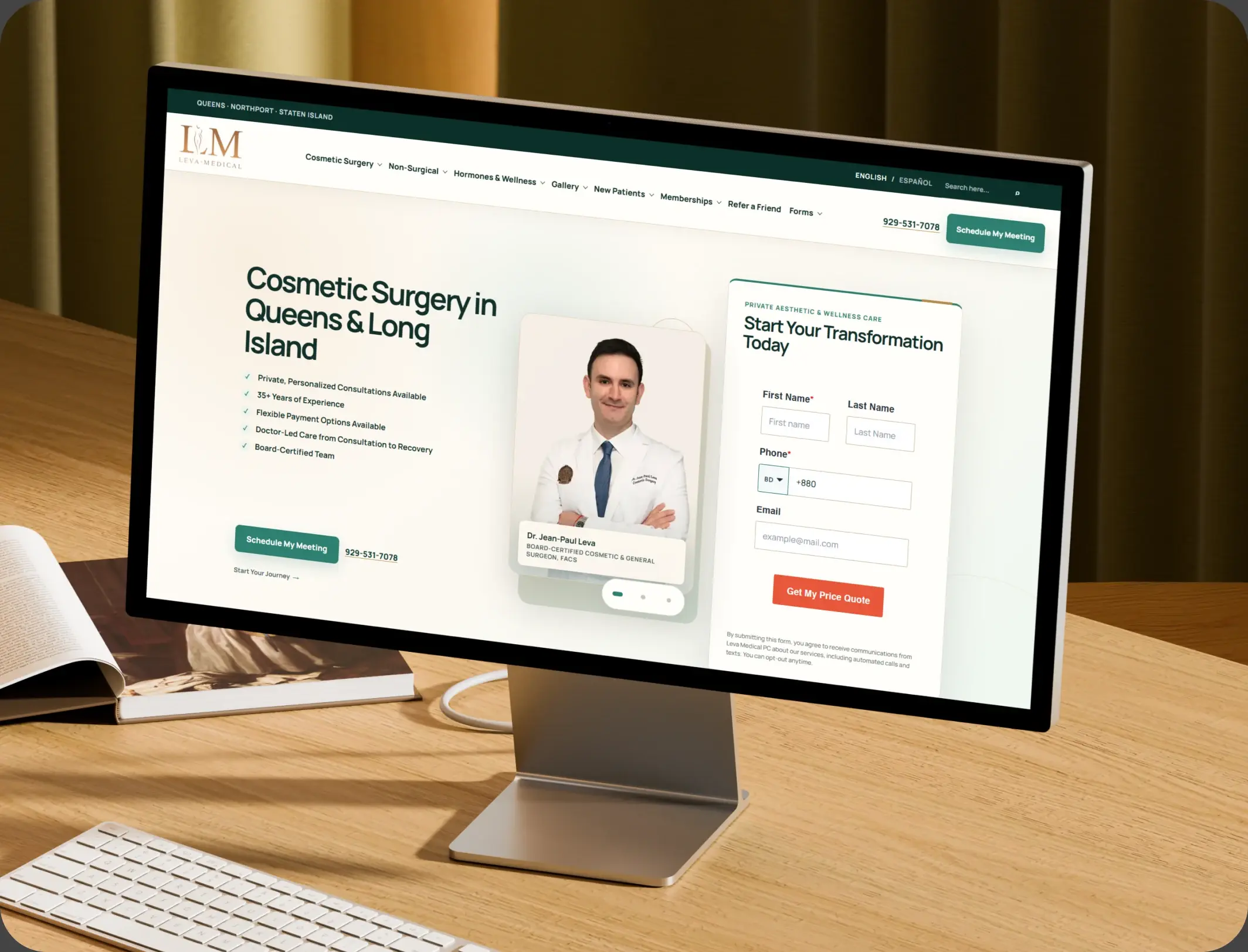
HubSpot – NexTech, EHR Integration for a Healthcare Provider Leva Medical

Leva Medical lacked Nextech–HubSpot integration, limiting marketing insights. HubXpert enabled secure, real-time sync for smarter, compliant patient engagement.

Leva Medical
Leva Medical – HubSpot NexTech EHR integration

DevOPS

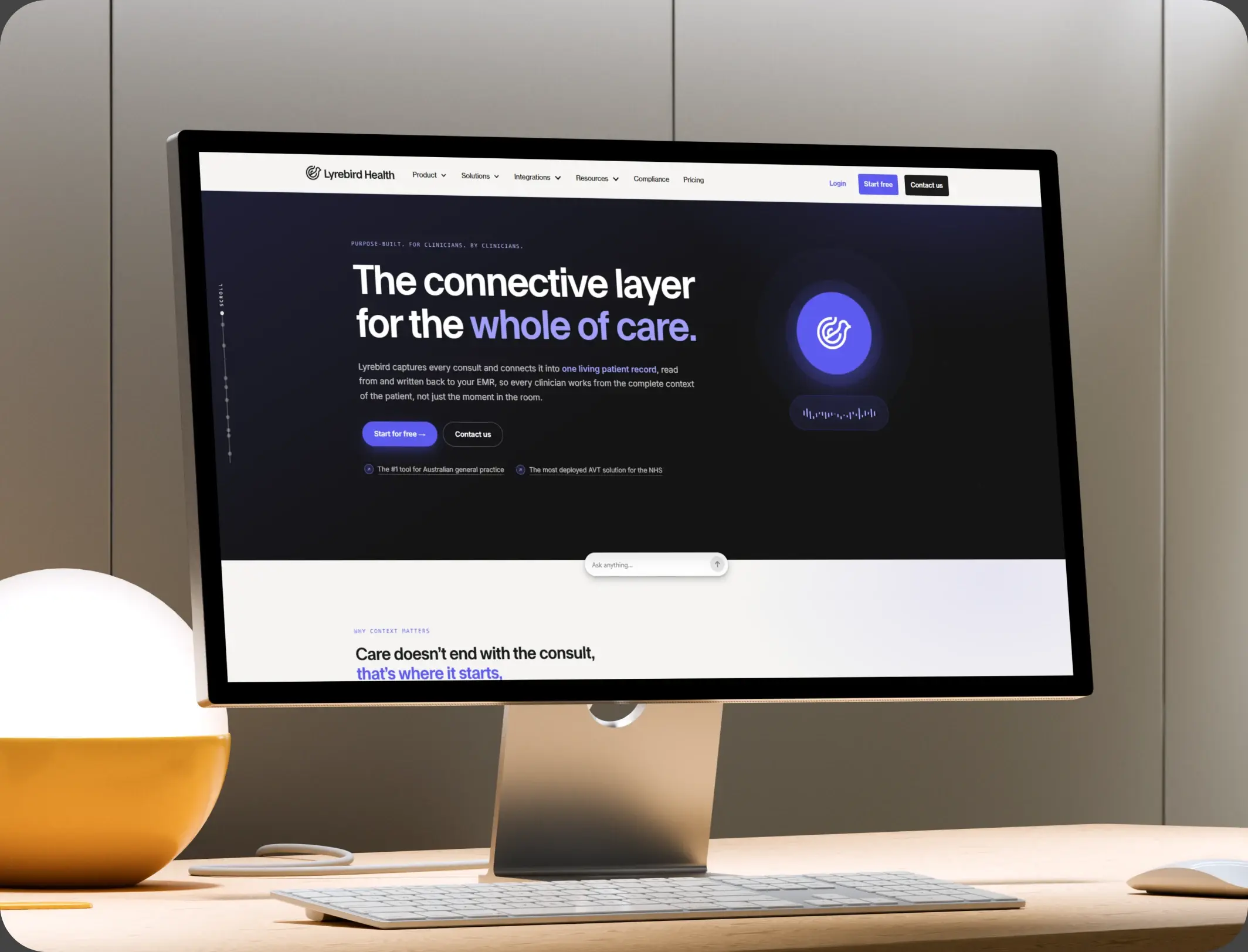
HubSpot – Scalable CRM Implementation for a Healthcare SaaS Lyrebird Health

Lyrebird Health is a Healthcare SaaS company building AI-powered scribe and diagnostic solutions for clinics and hospitals.

Lyrebird Health
Lyrebird Health – HubSpot CRM implementation

DevOPS

Automating Healthcare Workflows: A Deep Dive into the TRT Australia Portal Architecture

HubSpot portal empowers the Customer Service team to validate data, coordinate reports with doctors, and process pharmacy orders efficiently.

TRT Australia
TRT Australia – healthcare workflow portal
HubSpot Usage

How Therapy Practices Use HubSpot Across the Client Journey

Step 1

Attract New Clients

SEO, directory integrations, landing pages, smart forms, and chatbots capture inquiries at the point of search, before a client calls the next name.

Step 2

Convert Inquiries Into Consultations

Automated follow-up sequences and reminders keep a prospective client warm until a consultation is booked and confirmed.

Step 3

Improve the Client Experience

Reminders cut no-shows, intake forms arrive on time, and check-ins reinforce the relationship between sessions without adding admin work.

Step 4

Retain and Reactivate Clients

Waitlist and reactivation campaigns trigger automatically when a client goes quiet or a clinician has an opening in the week.

Workflow & Triggers

Example Therapy Practice Workflows We Can Automate in HubSpot

These are the workflows we build most often when we set up HubSpot for Therapy Practices, tuned to a solo caseload as easily as a six-site group.

standing man with a hand on a seated client's shoulder
  1. New Inquiry to Consultation Booked

    Instant acknowledgement, front-desk task, follow-up at 24 hours if no booking, and a text reminder on day three.

  2. Missed Consultation Recovery

    A rebooking email within the hour, a follow-up text the next morning, and a fallback call task on day three. Repeat misses flag the client for a clinician review.

  3. Waitlist Match and Invite

    A new opening triggers matched invites by clinician and specialty, in priority order, until the slot is filled. Unanswered invites expire and the next client gets the slot.

  4. Client Reactivation Sequence

    Check-ins at 60, 90, and 120 days of inactivity, stopping automatically the moment a session is booked. Anyone who replies exits the sequence and reaches intake.

  5. Referral Partner Routing

    Referrals from partner providers auto-tag the source and route to the matching clinician, with a note back to the referrer.

  6. Multi-Location Intake Routing

    A zip code or location choice on the intake form assigns each inquiry to the correct office, with its own follow-up sequence. Each office keeps its own calendar and reporting.

Why HubXpert

Why Choose HubXpert for HubSpot Therapy Practice Builds?

Practices come to us because a prospective client will not wait a week for a callback, and a two-person front desk cannot chase every enquiry by hand.

HubSpot Platinum Partner

Certified platform expertise, applied to healthcare workflows and behavioral health intake.

Custom Counseling Workflows

Built around your intake process, specialties, and team structure. No generic templates.

Advanced Automation

Multi-step sequences and conditional logic for intake, waitlist, and reactivation.

CRM Migration and Data Structuring

Clean imports from spreadsheets or a prior system, structured correctly from day one.

Integration and API Development

An in-house team connecting HubSpot to your EHR and directory listings.

Ongoing Optimization and Support

Continuous refinement as your practice adds clinicians and locations.

Compliance

HIPAA-Conscious Setup Inside HubSpot for Therapy Practices

HubSpot signs a Business Associate Agreement on Enterprise plans, and a super admin can enable Sensitive Data settings so the portal may hold PHI. Clinical documentation stays in the EHR, the CRM carries marketing and front-desk communication, and every field that could hold health detail is mapped first.


  • PHI-Conscious Data Handling
  • Secure EHR Integrations
  • Role-Based Access
  • Encrypted Connections
HIPAA compliant lock
HubSpot Hubs

HubSpot Hubs Recommended for Therapy Practices

Not every practice needs every hub. Here is how each one lines up with the goals a counseling practice brings to HubSpot.

  • Marketing Hub

    Your inquiry generation and reactivation engine: landing pages, email automation, and campaign tracking. Campaigns and reactivation sequences run from one record.

  • Sales Hub

    Built for the consultation pipeline, especially higher-touch intake like couples counseling or intensive programs. Each stage carries an owner and a next step, so nothing waits.

  • Service Hub

    Where billing questions, scheduling changes, and general client support get organized and tracked. The front desk reads the history before calling back.

  • Content Hub

    Powers the practice website and blog with built-in SEO and content performance tracking, so specialty pages stay current. Specialty and location pages get edited without a developer.

  • Operations Hub

    Connects the EHR and other systems and keeps contact data clean, most valuable for multi-location groups. Records stay matched across offices instead of drifting.

Our Process

Our Process for Implementing HubSpot for Therapy Practices

Step 1.

Discovery and Practice Analysis

We look at your current systems, intake process, team structure, and growth goals before any build begins.
Discovery & Practice Analysis illustration
Step 2.

CRM Architecture and Pipeline Planning

Custom properties, lifecycle stages, and pipelines mapped to your intake-to-client journey. Stages mirror how intake actually moves a client to a first session.
CRM Architecture & Pipeline Planning illustration
Step 3.

Automation and Integration Setup

Workflows, EHR integration, and reporting dashboards built and tested before going live. Consent rules are configured before the first message sends.
Automation & Integration Setup illustration
Step 4.

Team Training and Adoption

Hands-on training for front-desk staff, intake coordinators, and practice managers, each on the tools their role needs.
Team Training & Adoption illustration
Step 5.

Reporting and Optimization

Once live, we monitor performance and refine workflows and dashboards as the practice grows. Reporting sharpens as intake history accumulates.
Reporting & Optimization illustration
FAQ

Questions You Might Have

Has anyone used HubSpot to manage a therapy practice?

Yes. Many therapy and counseling practices use it as a CRM layer for inquiries, referrals, marketing, and client communication, while clinical notes stay in a dedicated healthcare system.

Is HubSpot for Therapy Practices HIPAA compliant?

HubSpot offers a Business Associate Agreement, and HIPAA data requires an Enterprise hub with Sensitive Data settings enabled by a super admin. Most practices keep notes in the EHR and use the CRM around it.

What is useful beyond basic contact management?

Referral source tracking, intake stages, automated follow-ups, audience segmentation, and reporting. Workflows, forms, dashboards, and task management do the work that a spreadsheet cannot.

How do you keep client information private?

By deciding what the CRM never holds. Permissions, access controls, and a clear rule about which system stores what matter more than any single setting. That rule is written down before anyone gets access.

Is automation worth it for reminders and follow-ups?

Yes, when it supports the relationship rather than replacing it. Reminders, intake steps, and referral updates run themselves, so staff spend their time with the client in front of them.

Can HubSpot send psychoeducation content?

Yes. Newsletters, articles, webinar invites, and resources can go to segmented audiences, with engagement tracked so you learn which material helps. Engagement data then tells you what to send next.

Can HubSpot connect to SimplePractice or TherapyNotes?

Not natively for most clinical fields. The connection runs through an API or middleware, and we scope exactly which contact and appointment fields cross over before building. We scope the fields and the sync direction before building.

Do we still need our EHR if we use HubSpot?

Yes. The EHR remains the record for clinical documentation. HubSpot handles marketing, referrals, intake coordination, and reporting. Nothing clinical needs to live in the marketing system.

Book Consultation

Ready to Grow Your Therapy Practice With HubSpot?

Prospective clients are searching right now, and the question is whether your practice answers before they call the next name on the list. We build around your intake process and your team, not a template from another industry. No generic setup, and no intake left to a callback nobody logged.

Takes 30 minutes
Delivered by certified HubSpot experts

Ratul-Rahman