HubSpot for Telehealth Companies: Sign-Ups Become Active Patients

A missed follow-up message costs a patient who will not reschedule. HubSpot helps telehealth companies turn inquiries into booked virtual visits, keep patients engaged between appointments, and see exactly which channels bring people back for care. The first reply decides most of the funnel.

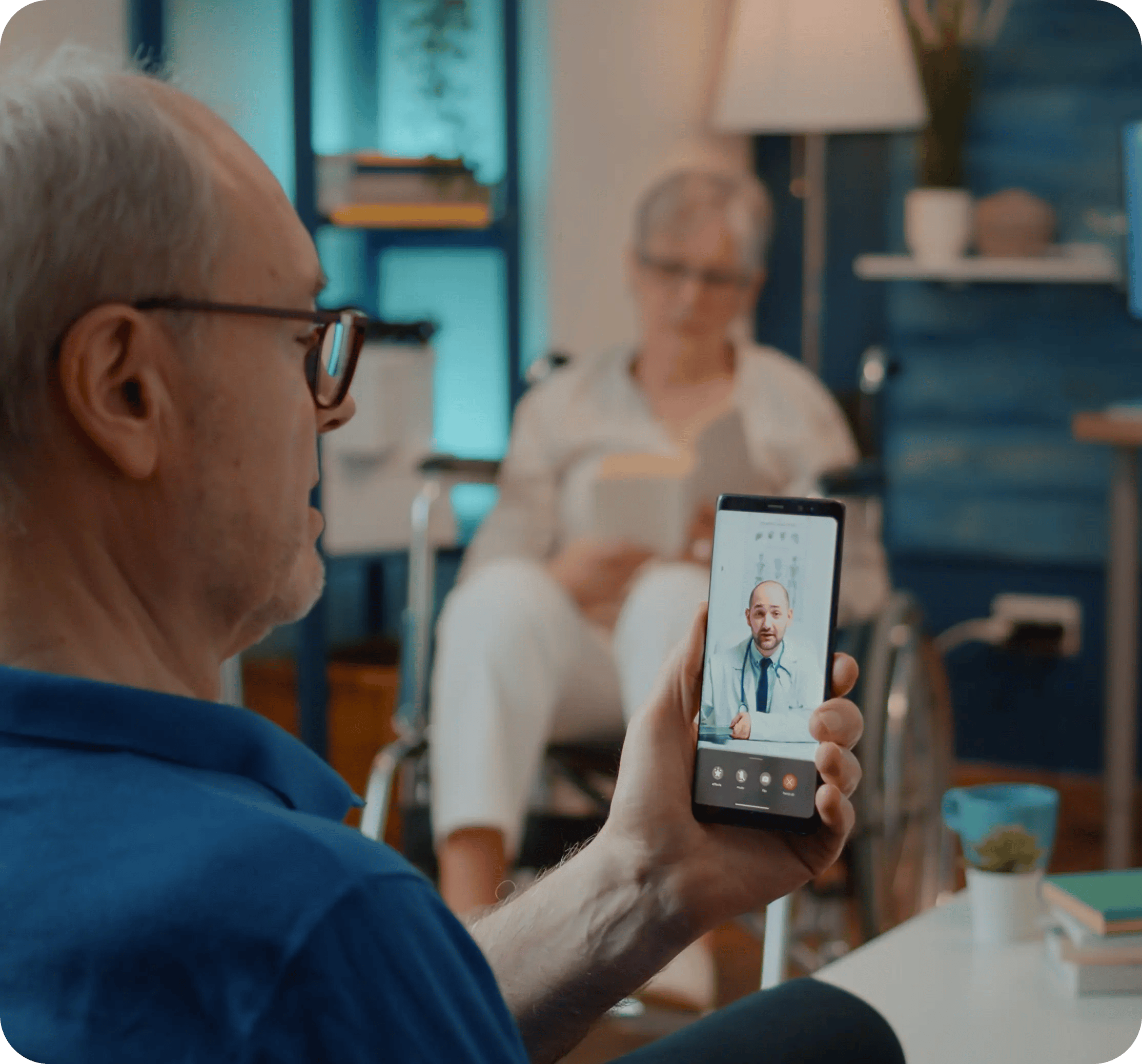
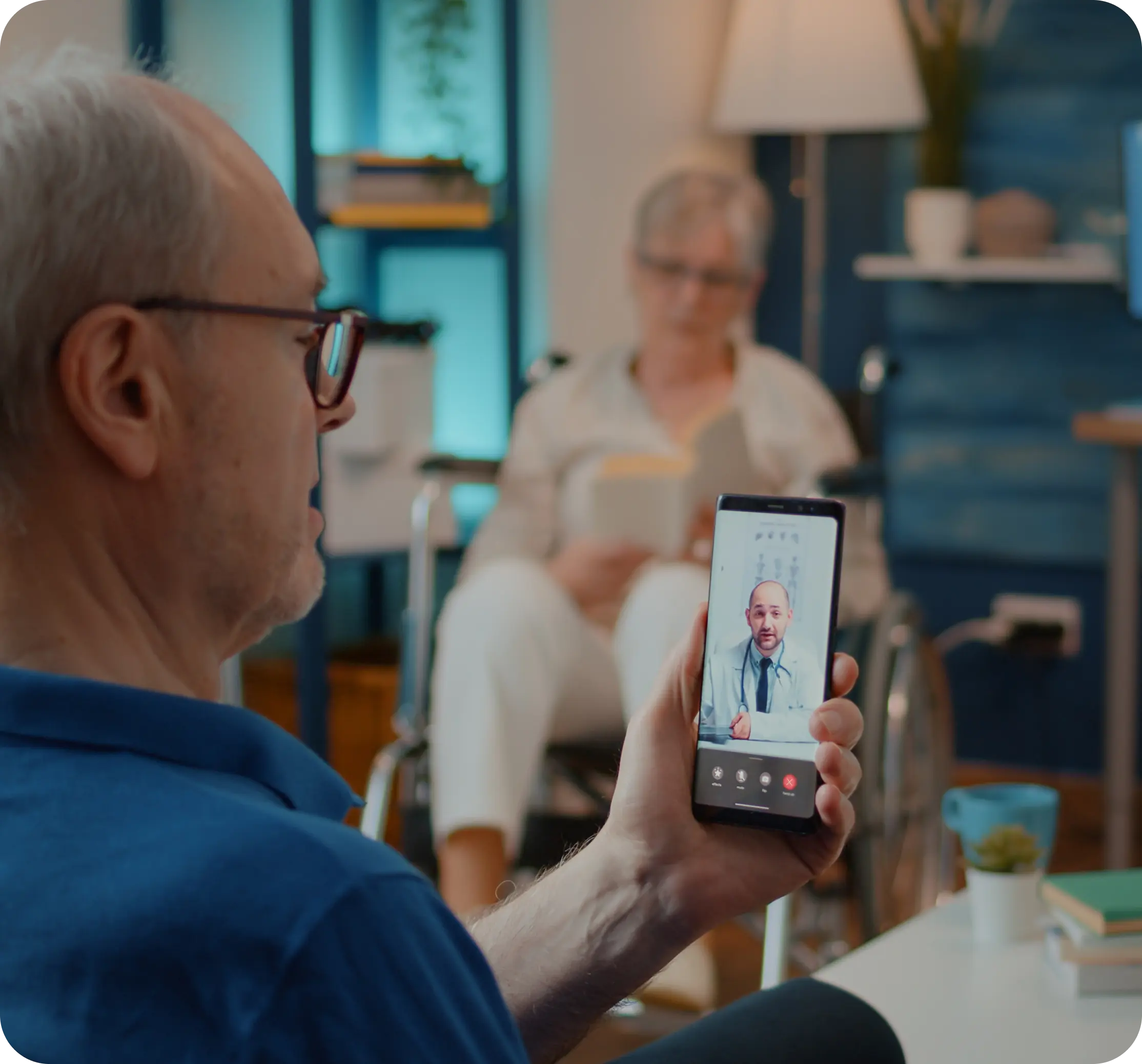
older man at home on a video call with a physician

Teams that leveled up their growth with HubXpert

Company logo (3)
Company logo (2)-1
Company logo (1)-1
Company logo-1
Icon Group 1-1
Company logo (4)-1
Company logo (3)
Company logo (2)-1
Company logo (1)-1
Company logo-1
Icon Group 1-1
Company logo (4)-1
The Reason

Why Telehealth Companies Need More Than a Video Platform

Your video platform gets patients into the visit. It was never built to bring them back, nurture undecided leads, or show which channel is actually working.

Missed Follow-Ups Cost Revenue

New inquiries stall in a shared inbox, consultation requests sit overnight, and patients who completed one virtual visit never get invited back.

The Video Platform Is Not Built for This

Telehealth software runs the visit: scheduling, video, notes, billing. It was not built to nurture a lead, run a recall campaign, or tell you which ad brought your best patients.

Patients Drop Before Completing Care

Registration is not activation. A patient who signs up outside business hours and hears nothing until the next afternoon often never books at all.

Care Plans Lapse Quietly

A chronic care plan expires with nobody tracking the renewal date, so the patient drifts to another provider and the acquisition cost is spent again.

Multi-State Licensing Decides Who Can Be Treated

A patient in one state cannot see a provider licensed in another. Routing that by memory breaks the rule quietly, and the exposure lands on the company.

Marketing Is Hard to Measure

Employer partnerships, insurance directories, paid search, and app installs all claim the same first visit.

Benefits

Key Benefits of HubSpot for Telehealth Companies

Five areas where a telehealth company can see the whole patient funnel and automate what it is not doing.

Automate Patient Inquiry Follow-Ups

Responses, follow-ups, and tasks fire the moment someone reaches out, so first contact happens by process.

  • Never miss an inquiry

    Acknowledge and route inquiries from forms, apps.

  • Save patient success

    Automate onboarding confirmations.

  • Track every touch

    Forms and platform events land on one record.

  • Built with compliance

    Role-based access keeps patient data controlled.

Built with virtual care

A HIPAA-conscious setup, role-based access.

  • 73% More deals closed
  • 20% Faster time-to-close
  • 1,290 Hours saved per team
Case Studies

Our Featured Works

A curated selection of HubSpot implementations and digital marketing campaigns that moved the needle for our clients.

WEBOPS

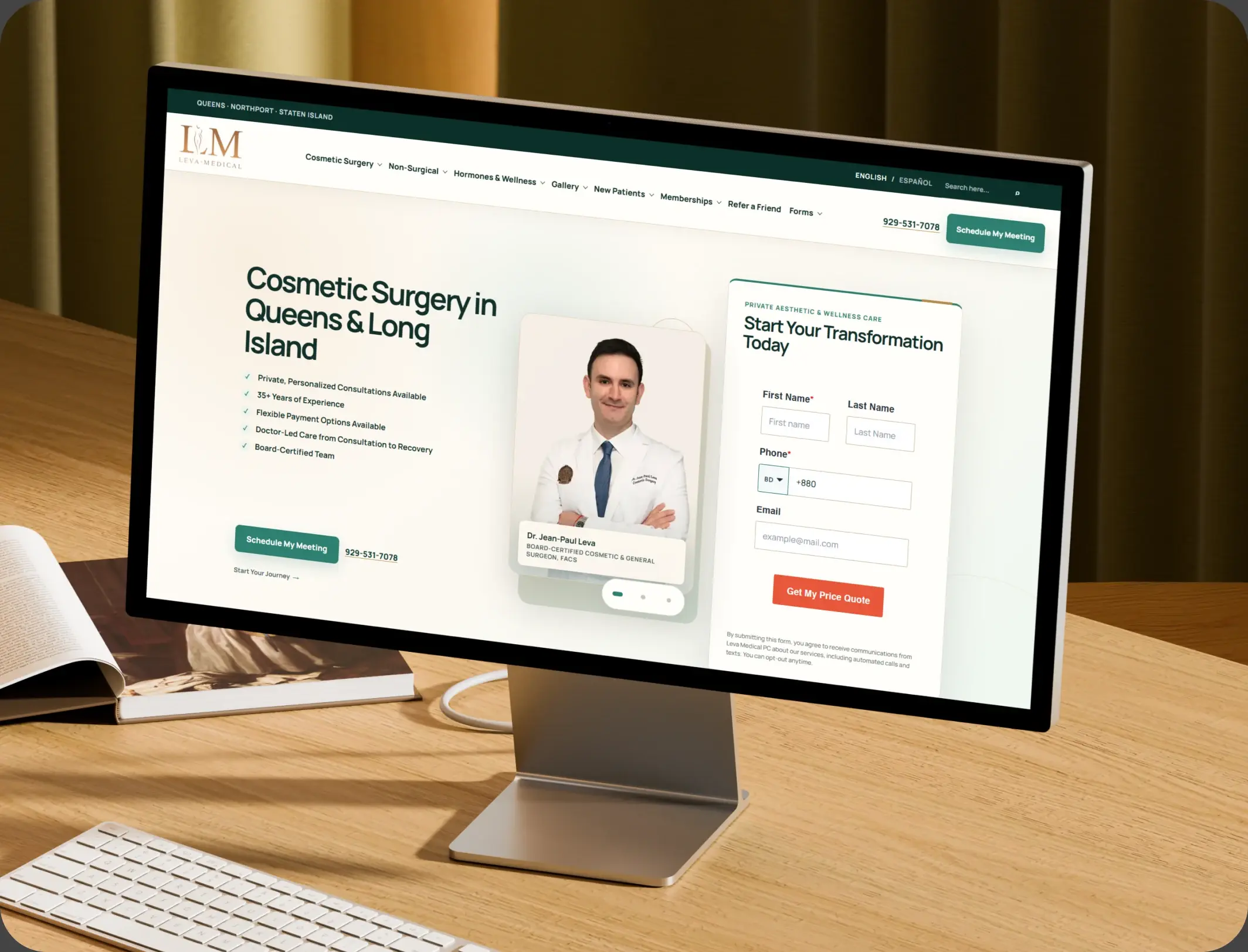
HubSpot – NexTech, EHR Integration for a Healthcare Provider Leva Medical

Leva Medical lacked Nextech–HubSpot integration, limiting marketing insights. HubXpert enabled secure, real-time sync for smarter, compliant patient engagement.

Leva Medical
Leva Medical – HubSpot NexTech EHR integration

DevOPS

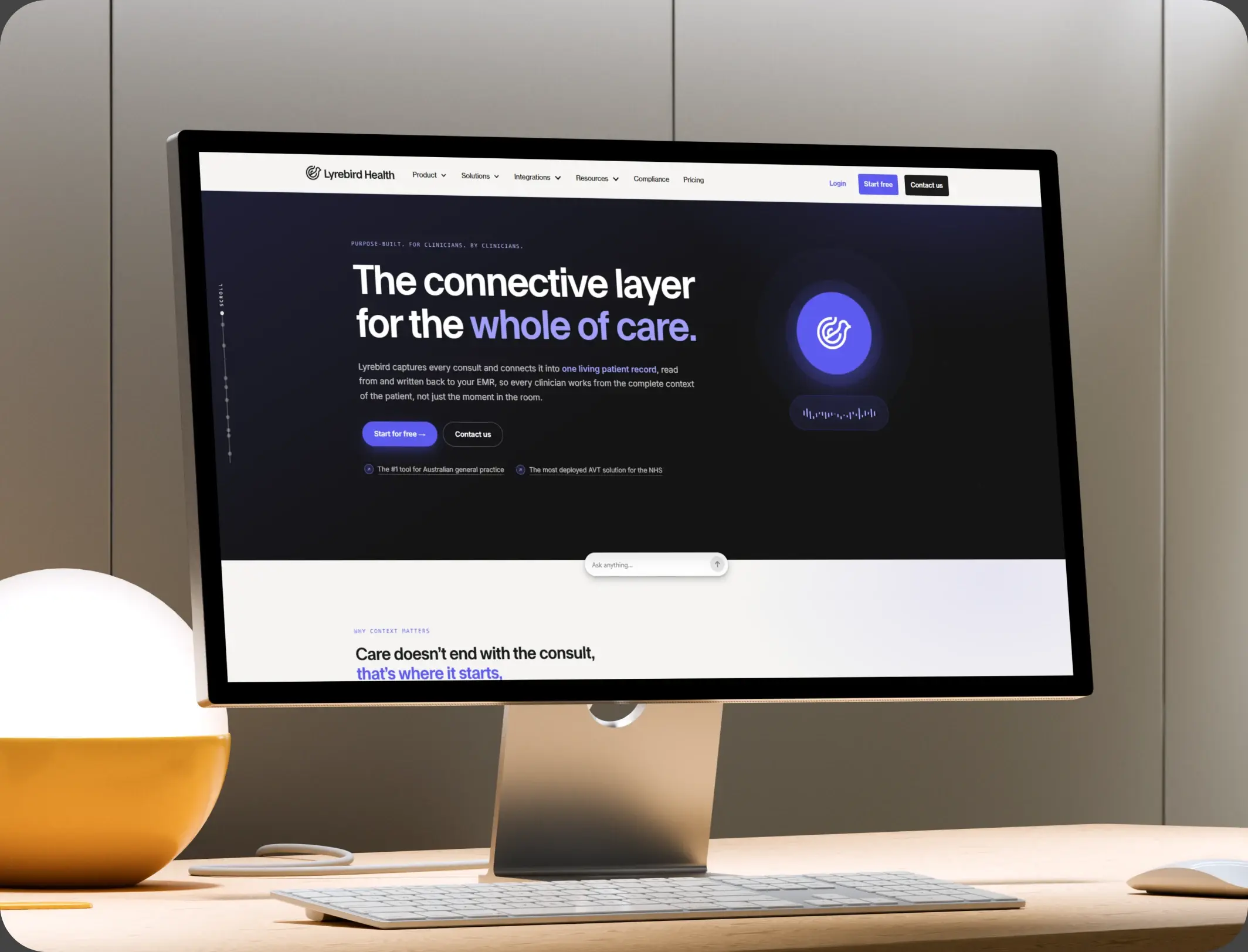
HubSpot – Scalable CRM Implementation for a Healthcare SaaS Lyrebird Health

Lyrebird Health is a Healthcare SaaS company building AI-powered scribe and diagnostic solutions for clinics and hospitals.

Lyrebird Health
Lyrebird Health – HubSpot CRM implementation

DevOPS

Automating Healthcare Workflows: A Deep Dive into the TRT Australia Portal Architecture

HubSpot portal empowers the Customer Service team to validate data, coordinate reports with doctors, and process pharmacy orders efficiently.

TRT Australia
TRT Australia – healthcare workflow portal
HubSpot Usage

How Telehealth Companies Use HubSpot Across the Patient Journey

Step 1

Attract New Patients

SEO, paid ad tracking, landing pages, smart forms, and chatbots capture inquiries before a competitor's virtual care option does.

Step 2

Convert Inquiries Into Booked Visits

Automated nurture and SMS follow-up keep a prospective patient warm until they schedule their first virtual consultation.

Step 3

Improve the Care Experience

Visit reminders cut no-shows, follow-up reinforces the care plan, and review requests go out at the right moment.

Step 4

Retain and Reactivate Patients

Recall campaigns trigger on a schedule tied to care plans, and reactivation sequences reach patients before they drift.

Workflow & Triggers

Example Telehealth Workflows We Can Automate in HubSpot

These are the workflows we build most often when we set up HubSpot for Telehealth Companies, tuned to virtual care across multiple states. The coordinator sees the task in the pipeline immediately.
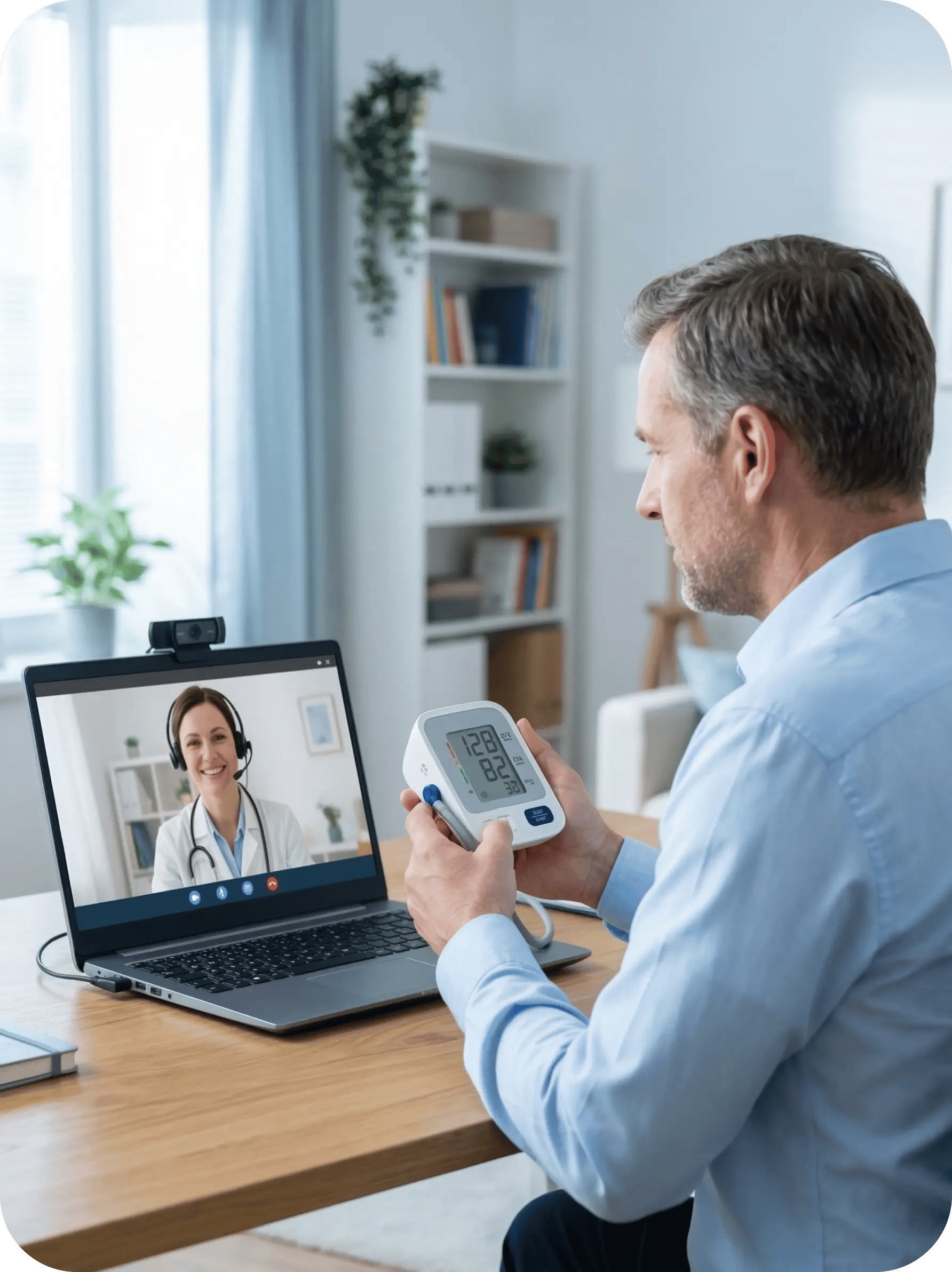
patient reading a blood pressure monitor during a virtual visit
  1. New Inquiry to Consultation Booking

    Instant confirmation, care coordinator task, follow-up at 24 hours if unbooked, and an SMS reminder on day three. Anyone who books exits the sequence at once.

  2. Missed Virtual Visit Recovery

    A rebooking message within the hour, a follow-up text the next morning, and final outreach on day three.

  3. Care Plan Renewal Sequence

    Three emails over two weeks covering renewal benefits, cost questions, and a scheduling link, before the plan lapses.

  4. Patient Recall Automation

    Reminders at intervals tied to condition type, escalating in tone, stopping automatically once the patient books.

  5. Post-Visit Review Request

    A request two days after the visit, with positive responses routed to the review link and concerns to patient care first.

  6. Multi-State Lead Routing

    A state selection on the intake form assigns each inquiry to a licensed provider, with location-specific follow-up.

  7. Insurance Eligibility Verification

    Form submission creates a billing task, the patient gets instant confirmation, and coverage details send once verified.

Why HubXpert

Why Choose HubXpert for HubSpot Telehealth Builds?

Telehealth companies come to us because the funnel is expensive and the first reply decides most of it, across states and payer types at once.

HubSpot Platinum Partner

Certified platform expertise, with a track record across healthcare workflows, from dental practices to virtual care groups.

Custom Telehealth Workflows

Built around your patient journey, care programs, and team structure. No generic templates.

Advanced Automation

Multi-step workflows, conditional logic, and behavioral triggers built for how virtual care runs.

CRM Migration and Data Structuring

Clean data imports from any existing system, properly structured from day one.

Integration and API Development

An in-house team connecting HubSpot to your video platform, EHR, and billing systems.

Ongoing Optimization and Support

Continuous refinement as patient volume and the provider network grow.

Compliance

HIPAA-Conscious Setup Inside HubSpot for Telehealth Companies

HubSpot signs a Business Associate Agreement on Enterprise plans, and a super admin can enable Sensitive Data settings so the portal may hold PHI. Video, EHR, and billing connections are encrypted, access is role-based, and anything clinical stays in the system built for it.

  • PHI-Secure Integrations
  • Role-Based Access
  • Workflow Governance
  • Encrypted Connections
HIPAA compliant lock
HubSpot Hubs

HubSpot Hubs Recommended for Telehealth Companies

Not every telehealth practice needs every hub, and most start with Marketing and Sales. Here is how each one lines up with virtual care goals at scale.

  • Marketing Hub

    Your acquisition and recall engine: campaigns, landing pages, email automation, and ad tracking. Campaigns and recall sequences run from the same patient record.

  • Sales Hub

    Built for consultation pipelines and high-value programs like chronic care management. Each program carries an owner and a pipeline stage.

  • Service Hub

    Where patient support, billing questions, and post-visit follow-up get organized and tracked. Agents read the history before they reply.

  • Content Hub

    Powers the telehealth website and blog with built-in SEO, so condition pages stay current. Condition and program pages get edited without a developer.

  • Operations Hub

    Connects your systems, syncs data, and keeps records clean, most valuable for multi-state groups. Records stay matched across states. Records stay matched across states instead of drifting.

  • Commerce Hub

    Handles subscription plans and payment links, so billing sits beside the patient record.

Our Process

Our Process for Implementing HubSpot for Telehealth Companies

Step 1.

Discovery and Practice Analysis

We assess your current systems, care team structure, patient journey, marketing channels, and growth goals. This discovery shapes every decision that follows.
Discovery & Practice Analysis illustration
Step 2.

CRM Architecture and Pipeline Planning

Custom properties, lifecycle stages, deal pipelines, and segmentation mapped to your telehealth workflows before any build begins.
CRM Architecture & Pipeline Planning illustration
Step 3.

Automation and Integration Setup

Workflows built, integrations connected, sequences configured, and dashboards created. Every automation is tested before launch.
Automation & Integration Setup illustration
Step 4.

Team Training and Adoption

Hands-on training for care coordinators, the marketing team, and practice managers, each on the tools their role needs.
Team Training & Adoption illustration
Step 5.

Reporting and Optimization

Once live, we monitor performance and refine workflows, dashboards, and strategy as the company grows. It also sets the reporting leadership will read each month.
Reporting & Optimization illustration
FAQ

Questions You Might Have

Is HubSpot good for telehealth companies?

Yes. It centralizes marketing, patient communication, and reporting, so no inquiry or follow-up gets missed between the first ad click and the next care plan renewal. Most companies see the difference within the first month of live workflows.

Does HubSpot replace our telehealth platform?

No. It runs alongside the video and scheduling platform, connecting patient data, communication, and marketing without replacing the software that delivers the visit. Activation and renewal are tracked, so the improvement is measurable.

Can HubSpot automate appointment reminders?

Yes. Workflows send reminders, rebooking messages, and recall campaigns automatically, triggered by patient activity rather than a fixed calendar. The reminder is matched to the appointment type.

How does HubSpot improve retention?

Recall automation and lifecycle tracking bring patients back before they drift, and a care plan renewal sequence runs before a plan lapses rather than after. Nothing is assumed native until the connector is confirmed.

Can HubSpot track telehealth marketing ROI?

Yes. Source tracking follows each inquiry from first click through booking and renewal, so paid, partnership, and organic channels are judged on patients who stay. Automation never sends a claim nobody signed off on.

Is HubSpot for Telehealth Companies HIPAA compliant?

HubSpot offers a Business Associate Agreement, and HIPAA data requires an Enterprise hub with Sensitive Data settings enabled by a super admin. Clinical detail stays in the EHR. That is how cost per retained patient becomes visible.

Does it work across multiple states?

Yes. State selection on intake routes each patient to a licensed provider, with location-specific sequences and reporting across every market. We map which fields may hold patient detail before launch.

How do you keep patient data secure?

Through configuration: limited access, governed workflows, encrypted connections, and no clinical detail stored in marketing properties.

Book Consultation

Ready to Grow Your Telehealth Company With HubSpot?

Patients are choosing their next virtual care provider right now, and the question is whether your systems capture, convert, and keep them. We build around your patients, your care team, and your goals. No generic setup. No generic setup, and no patient left to a follow-up nobody sent.

Takes 30 minutes
Delivered by certified HubSpot experts

Ratul-Rahman