HubSpot for Subscription Brands: Silent Churn Becomes Renewals

For DTC subscription brands, a subscriber rarely leaves with a bang. They skip a delivery, pause a month, then cancel after a card decline nobody called about. HubSpot flags the pattern early, recovers the failed payment, and gives the team something to say before the cancellation is final.

person holding a phone at a table with stacked shipping boxes

Teams that leveled up their growth with HubXpert

Company logo (3)
Company logo (2)-1
Company logo (1)-1
Company logo-1
Icon Group 1-1
Company logo (4)-1
Company logo (3)
Company logo (2)-1
Company logo (1)-1
Company logo-1
Icon Group 1-1
Company logo (4)-1
The Reason

Why Subscription Brands Need More Than Billing Software

Billing software processes the charge. It was never built to catch the subscriber about to cancel or win back the one who just did. A subscriber who pauses is telling the business something.

Churn Happens Quietly

Most subscribers do not complain before they leave. They skip, pause, and eventually cancel without a signal anyone noticed. The save offer only works before the decision is made.

Failed Payments Look Like Cancellations

A declined card is often treated as someone who wanted to leave, and most of them did not. A skip is a question the brand has one week to answer.

Skips Are the First Warning

A skipped delivery is usually the first move in a sequence that ends in cancellation eight weeks later.

Save Offers Arrive Too Late

By the time a retention offer appears, the subscriber has already decided, and the offer confirms the decision.

MRR Leaks in Small Amounts

Churn rarely arrives in one large number. It leaks through a plan downgrade here and a pause there.

Attribution Ignores Retention

Acquisition gets credited for revenue, and nobody measures which channel produced subscribers who stayed.

Benefits

Key Benefits of HubSpot for Subscription Brands

HubSpot for Subscription Brands covers five areas where a subscription business can protect recurring revenue.

Flag At-Risk Subscribers Early

Spot the behavior that predicts cancellation before it happens.

  • Track engagement

    Skips, pauses, and declining usage.

  • Score churn risk

    Subscribers ranked by likelihood to cancel.

  • Trigger retention

    Contact before the decision is made.

  • Track save rate

    How many at-risk subscribers stay.

Built for payment data.

A privacy-conscious setup with role-based access, and card details.

  • 36% More deals closed
  • 37% Faster ticket resolution
Case Studies

Our Featured Works

A curated selection of HubSpot implementations and digital marketing campaigns that moved the needle for our clients.

Ecommerce

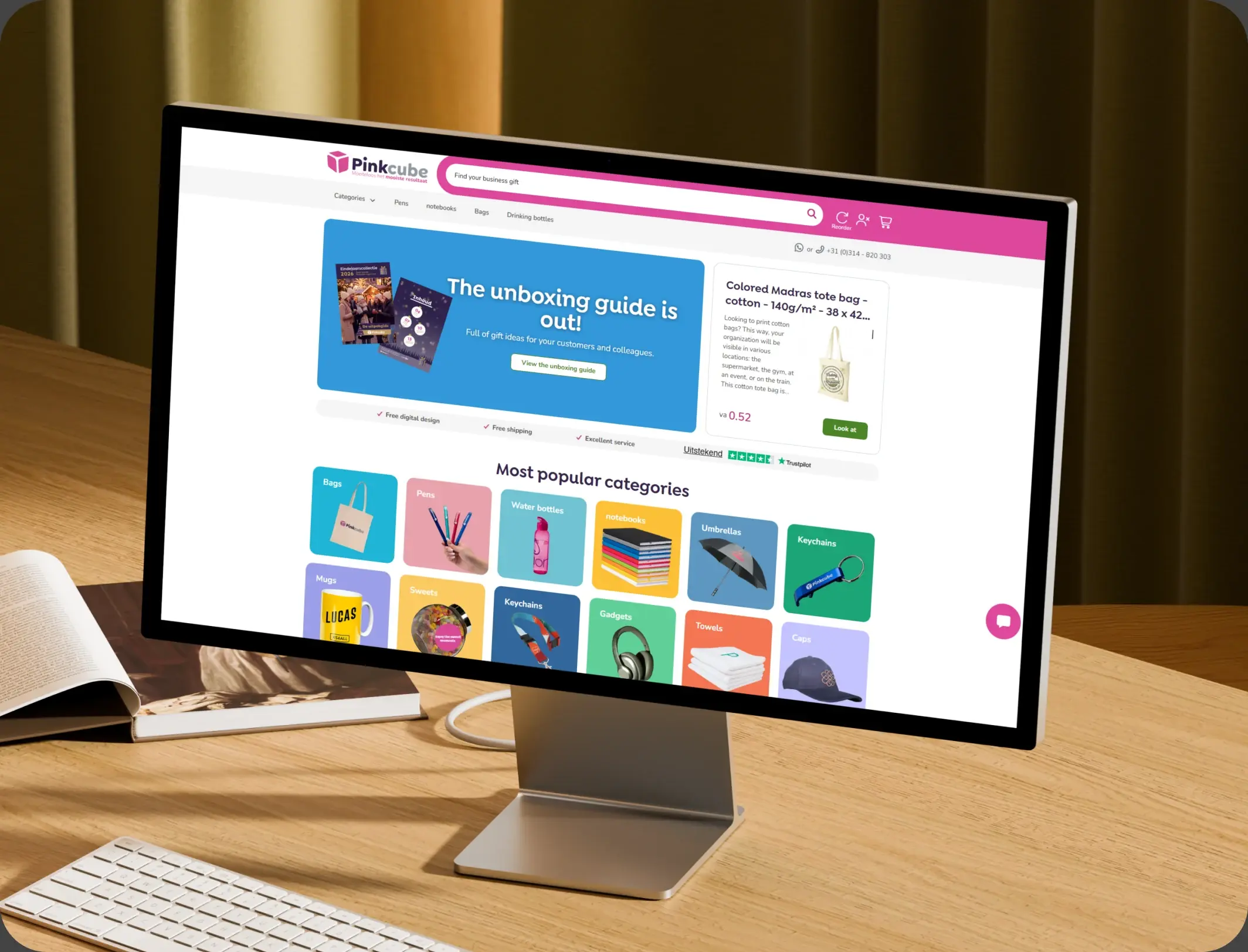
How Pinkcube boosted sales by 30% with custom automation

HubSpot Enterprise Onboarding and Custom Integration for a European B2B E-Commerce Giant

Pinkcube
Pinkcube – How Pinkcube boosted sales by 30% with custom automation

Ecommerce

HubSpot Marketing Hub Onboarding for One Source Cabinets

Onboarding Marketing Hub for 360° Marketing Automation and Sales Hub for 5+ team members

One Source Cabinets
One Source Cabinets – HubSpot Marketing Hub Onboarding for One Source Cabinets

Ecommerce

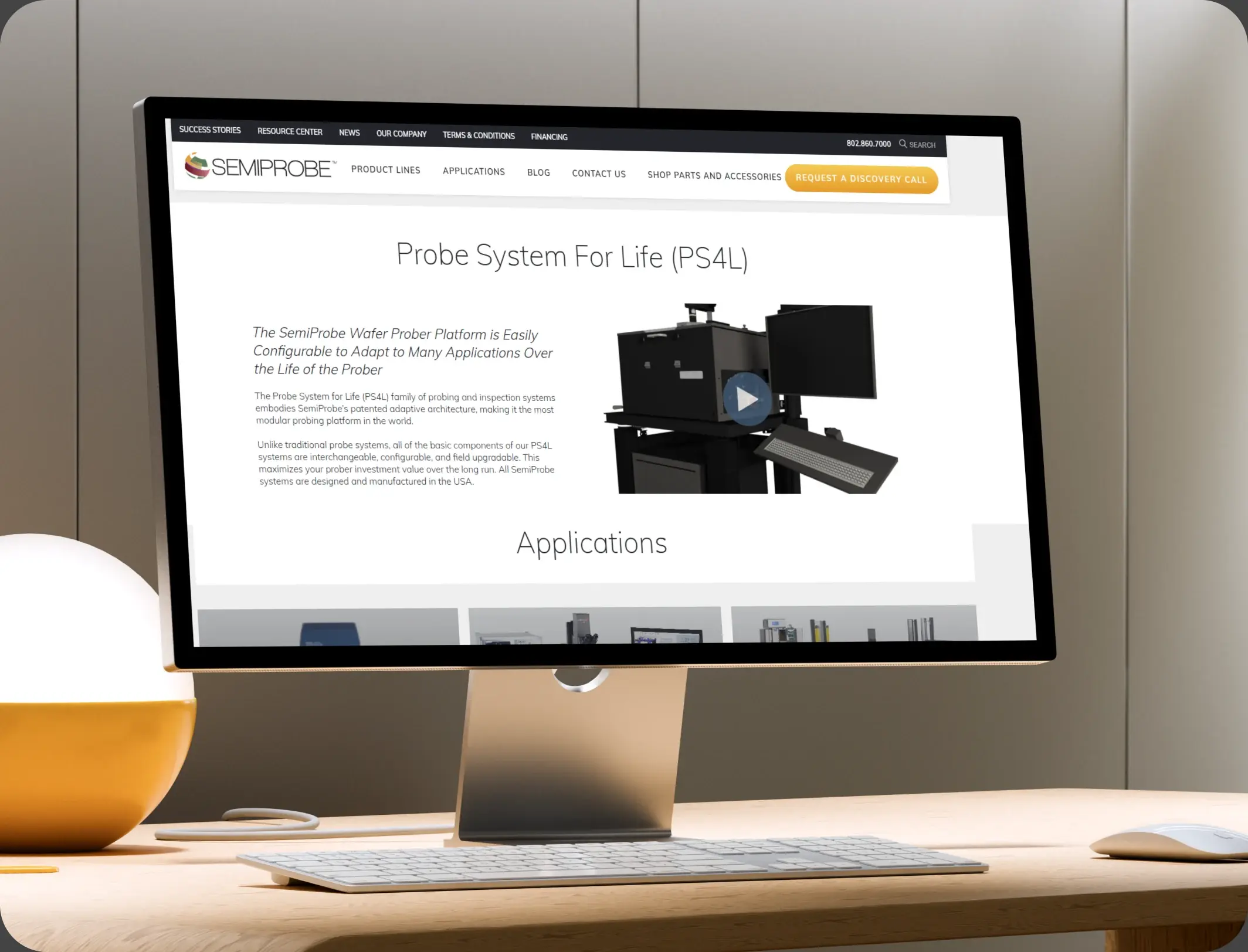
SemiProbe’s WooCommerce & HubSpot Integration

E-commerce Automation, HubSpot Integration, and Sales Optimization

Semiprobe
Semiprobe – SemiProbe’s WooCommerce & HubSpot Integration
HubSpot Usage

How Subscription Brands Use HubSpot Across the Subscriber Lifecycle

Step 1

Acquire the Subscriber

Paid and organic traffic converts, and the source is stored on the record for later retention reporting. Most subscribers arrive from a paid trial and a first delivery.

Step 2

Onboard to First Value

A welcome journey by plan, with usage guidance and a check-in at the point where most subscribers go quiet. The first skipped delivery is the moment the pattern starts.

Step 3

Watch the Signals

Skips, pauses, and failed payments raise tasks, and risk scoring ranks who needs attention first.

Step 4

Save and Win Back

Retention outreach runs on the signal, and cancellations enter a win-back sequence matched to the reason given.

Workflow & Triggers

Example Subscription Workflows We Can Automate in HubSpot

These are the workflows we build most often when we set up HubSpot for Subscription Brands, tuned to revenue that leaks rather than disappears. The subscriber hears from the brand inside a day.

couple under a blanket watching TV with whipped coffee
  1. Failed Payment Recovery

    A declined card triggers a retry sequence, a card update link, and a task when the second attempt fails. A recovered payment exits the retry sequence.

  2. Skip Alert

    A skipped delivery raises a check-in within 48 hours, while the reason is still fresh. A second failure raises a call, not another email.

  3. Risk Score Trigger

    A subscriber crossing the risk threshold enters a retention sequence with a personal follow-up task. Every cancellation carries a reason.

  4. Cancellation Reason Branch

    The reason given at cancellation decides which win-back sequence runs, and when. Pauses longer than thirty days raise a task.

  5. Pause Follow-Up

    A pause longer than thirty days raises a task, because most pauses end in cancellation. Annual renewals get a reminder with the value restated.

  6. Renewal Reminder

    Seven days before an annual renewal, a reminder that states what the subscriber gets. The monthly report shows MRR movement, not just totals.

  7. Monthly Retention Report

    Save rate, recovered payments, and reactivations in one summary.

Why HubXpert

Why Choose HubXpert for HubSpot Subscription Builds?

Subscription brands come to us because the billing system knows the charge and nobody knows why the subscriber left. It also sets the reporting the retention team will read each week.

HubSpot Platinum Partner

Certified platform expertise, with a track record across ecommerce workflows and subscription businesses.

Custom Retention Workflows

Built around your plan structure, churn reasons, and save offers. No generic templates.

Advanced Automation

Multi-step workflows and conditional logic built for signals that arrive weeks apart.

Data Migration and Structuring

Clean imports from billing and support systems, with subscriber history intact.

Integration and API Development

An in-house team connecting HubSpot to your billing platform, payment processor, and support desk.

Reporting and Optimization

Churn, save rate, and recovered revenue tracked from launch.

Compliance

Payment-Safe Setup Inside HubSpot for Subscription Brands

A subscription business holds billing status, plan detail, and card update requests. The work is separation: card numbers and payment records stay in the processor, and the CRM carries the subscriber, the risk signals, and the communication record. Card numbers never enter the CRM, and the processor stays the source.


  • Card Data Separation
  • Role-Based Access
  • Consent Per Channel
  • Retention Rules
Secure data lock
HubSpot Hubs

HubSpot Hubs Recommended for Subscription Brands

Not every brand needs every hub, and most start with Marketing before adding Service. Here is how each one lines up with a recurring revenue business.

  • Marketing Hub

    Your retention engine: risk sequences, win-back, and lifecycle messaging. Retention sequences run from the same record as the plan.

  • Sales Hub

    Built for plan upgrades and higher-value account conversations. Upgrade conversations carry an owner and a response window. Most brands start with Marketing, then add Service as billing questions grow.

  • Service Hub

    Where billing questions, pauses, and cancellations get tracked. Service sees the billing history before replying. Most brands start with Marketing, then add Service as billing questions grow.

  • Content Hub

    Powers the help content and renewal pages with built-in SEO, so subscribers find answers before they cancel. Help and renewal pages get edited without a developer.

  • Operations Hub

    Connects the billing platform and payment processor, which is how risk signals stay accurate. Subscriber data stays matched across billing and support.

Our Process

Our Process for Implementing HubSpot for Subscription Brands

Step 1.

Discovery and Churn Analysis

We assess your plans, churn reasons, billing stack, and growth goals, and identify which signals arrive too late to act on. It also sets the reporting the team will read each month.
Discovery and Churn Analysis illustration
Step 2.

CRM Architecture and Lifecycle Planning

Custom properties, risk fields, and lifecycle stages mapped to how subscribers actually leave, before any build begins. Stages mirror how a subscriber becomes a cancellation.
CRM Architecture and Lifecycle Planning illustration
Step 3.

Automation and Integration Setup

Workflows built, billing and processor integrations connected, sequences configured, and dashboards created. Every automation is tested before launch.
Automation and Integration Setup illustration
Step 4.

Team Training and Adoption

Hands-on training for retention, support, and marketing, each on the tools their role needs.
Team Training and Adoption illustration
Step 5.

Reporting and Optimization

Once live, we monitor save rate and recovered revenue, and refine workflows, scoring, and campaigns each month.
Reporting and Optimization illustration
FAQ

Questions You Might Have

Does HubSpot work for subscription brands?

Yes. It runs the subscriber relationship: onboarding, risk signals, retention outreach, and win-back, while the billing platform handles the charge. Most brands see the difference in the first quarter. The CRM carries the risk signal, not the card. Most brands see the difference in the first quarter.

Will HubSpot replace our billing software?

No. Billing runs the charge and the dunning logic. HubSpot catches the signal before the cancellation and gives the team something to do about it. Save rate is tracked, so the improvement is measurable. Every workflow is tested before it reaches a subscriber.

Can HubSpot recover failed payments?

A declined card starts a retry sequence with a card update link, and a second failure raises a task for a personal follow-up. The sequence is matched to the churn reason and the plan. Win-back timing is set by reason, not by a default.

Can HubSpot predict who will cancel?

Skips, pauses, usage decline, and payment failures combine into a risk score, which ranks who the retention team should call first. Nothing is assumed native until the connector is confirmed. Suppression is applied to every sequence.

Can HubSpot win back cancellations?

The reason given at exit decides which win-back sequence runs, and the timing is matched to that reason rather than a fixed delay. Payment detail never sits in the CRM.

How do you handle card data?

Card details never enter the CRM, payment records stay in the processor, and the CRM carries billing status and the conversation. That is how cost per retained subscriber becomes visible.

Can HubSpot track plan downgrades?

Yes. Downgrades and pauses are recorded as MRR movement, so the report shows what actually changed rather than only what left. We map which fields may hold billing data before launch.

How long does an implementation take?

Most run four to six weeks, depending on how many systems need connecting and how much subscriber history needs migrating. Payment records stay in the processor.

Book Consultation

Ready to Stop Losing Subscribers Nobody Noticed?

A card was declined on Tuesday, a subscriber skipped twice this month, and the cancellation reason has never been recorded. We build around your plans, your signals, and your team. No generic setup, and no cancellation left unexplored.

Takes 30 minutes
Delivered by certified HubSpot experts
The first quarter is measured against your own churn history

Ratul-Rahman