



















HubSpot for Staffing Agencies: Who Places the Candidate First?

You sell to hiring managers and recruit candidates at once, and a placement only happens when both sides move together. A staffing crm keeps the client relationship visible, warms the candidates sitting idle between roles, and shows which source produced it, which is what recruitment agencies need.

advisor and client reviewing a document at a white desk

Teams that leveled up their growth with HubXpert

Company logo (3)
Company logo (2)-1
Company logo (1)-1
Company logo-1
Icon Group 1-1
Company logo (4)-1
Company logo (3)
Company logo (2)-1
Company logo (1)-1
Company logo-1
Icon Group 1-1
Company logo (4)-1
The Reason

Why Staffing Agencies Need More Than an ATS

An applicant tracking system manages candidates and submissions. It was never built to win the client relationship that produces the job order in the first place. A role sent to three agencies is a race, not a relationship. The ATS knows the candidate and not the client.

Job Orders Go Fast

Clients often send the same role to several agencies, and the one that submits qualified candidates first usually makes the placement.

Candidates Go Cold Between Roles

Strong candidates get placed elsewhere while sitting idle in the database, and most agencies have no system keeping them warm.

The Client Relationship Is the Asset

The hiring manager who trusts an agency sends the next role directly, and that relationship rarely appears in the ATS at all.

Placements Are Won on Speed

A shortlist that arrives in a day beats a better shortlist that arrives next week, because the role is often filled by then.

Rates and Terms Live in Email

The agreed margin, the payment terms, and the rebate period sit in a thread, and nobody can find them when it matters.

Attribution Ignores the Source

A placement that came from a referral, a job board, or a former contractor is credited to whichever campaign touched the client last.

Benefits

Key Benefits of HubSpot for Staffing Agencies

HubSpot for Staffing Agencies covers five areas where the client relationship.

Win More Job Orders

Keep the client relationship visible while the role is open. A client record makes the next role easier to win.

  • Track hiring managers

    Every role and every conversation.

  • Chase each submission

    A sequence after every shortlist.

  • Flag quiet clients

    No role in ninety days raises a task.

  • Report order sources

    Which client relationship pays.

Built for candidate data.

A careful setup with role-based access, and candidate records.

  • 36% More deals closed
  • 37% Faster ticket resolution
Case Studies

Our Featured Works

A curated selection of HubSpot implementations and digital marketing campaigns that moved the needle for our clients.

WEBOPS

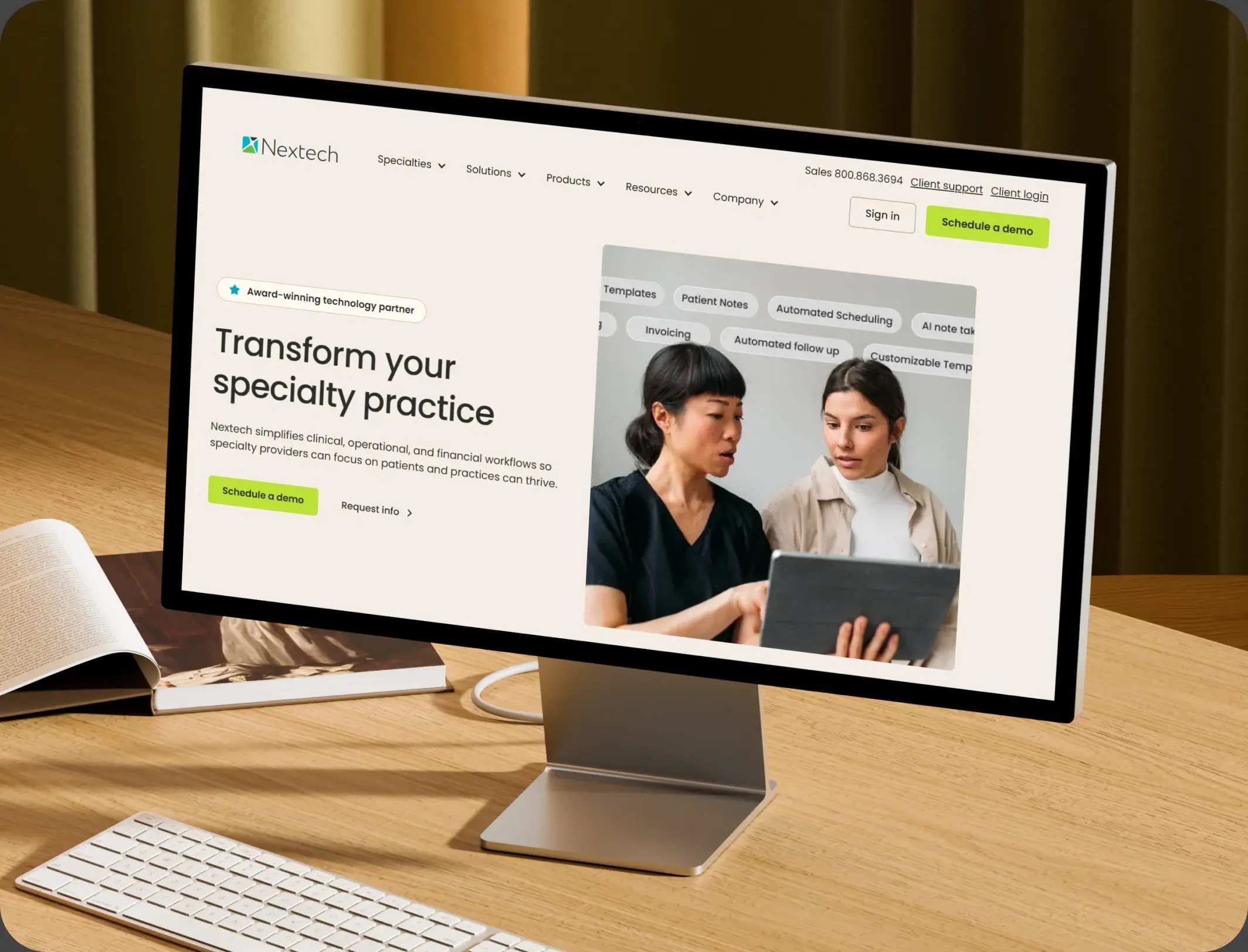
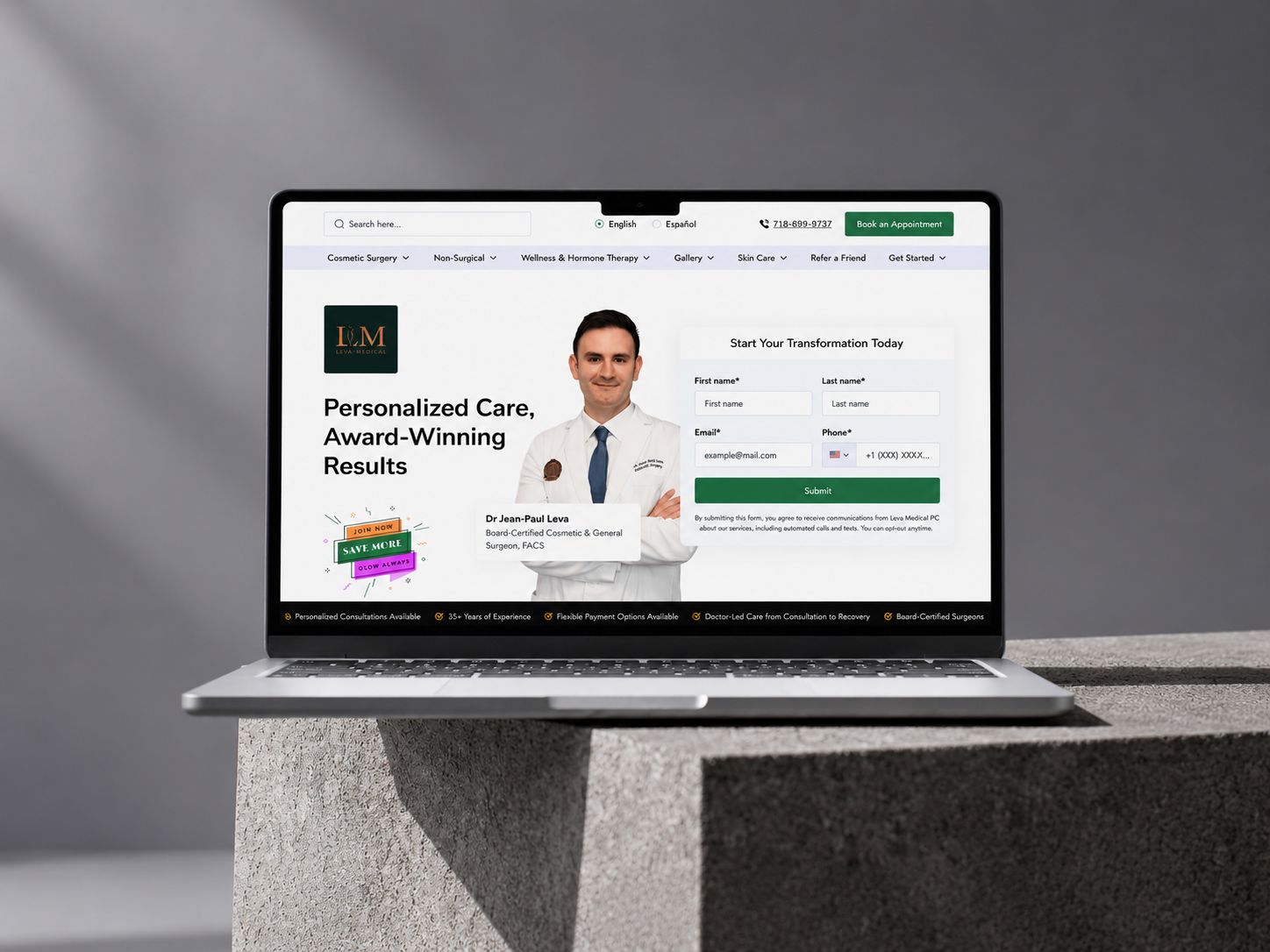
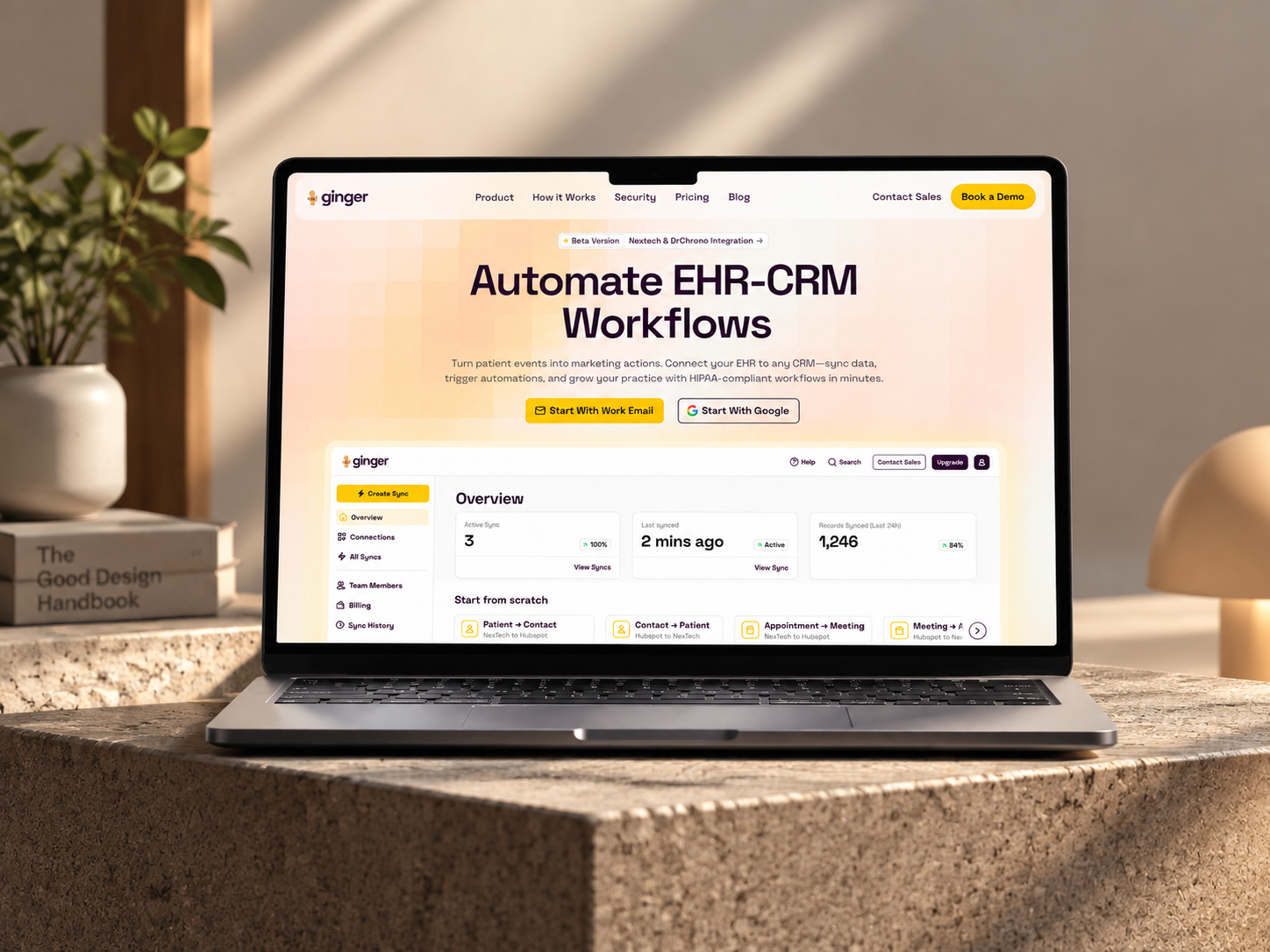
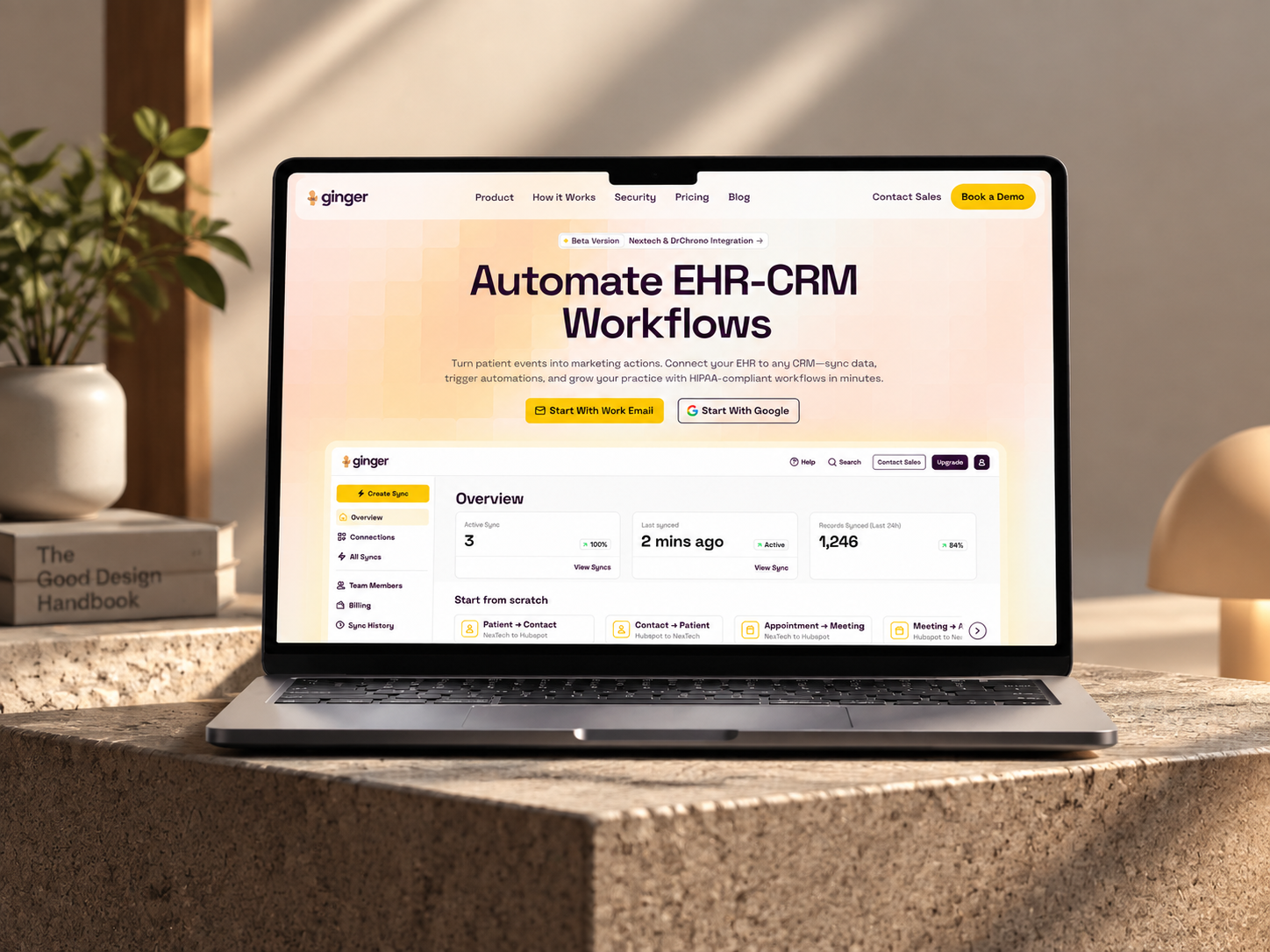
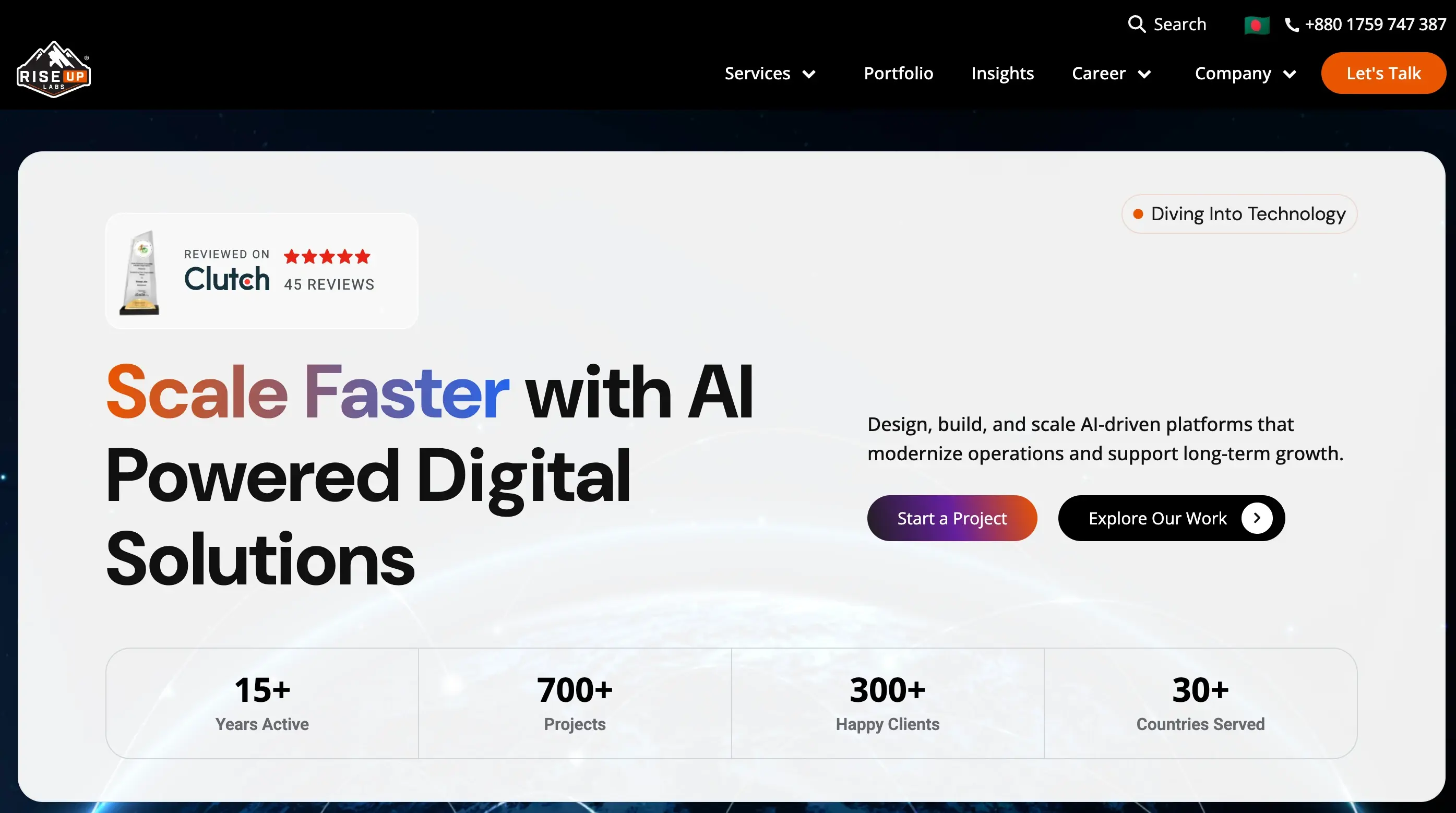
HubSpot – NexTech, EHR Integration for a Healthcare Provider Leva Medical

Leva Medical lacked Nextech–HubSpot integration, limiting marketing insights. HubXpert enabled secure, real-time sync for smarter, compliant patient engagement.

Company Name Here
HubSpot – NexTech, EHR Integration for a Healthcare Provider Leva Medical

WEBOPS

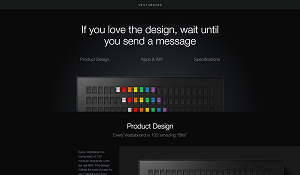
Home Service Academy: A Fully Responsive Landing Page in 2 Days

Home Service Academy required multiple high-converting landing pages for different marketing campaigns, including "Write & Publish Book," "Free Book," and "Live Training." Each page needed to align with the client’s branding.

Home Service
Home Service – Home Service Academy: A Fully Responsive Landing Page in 2 Days

Professional Service

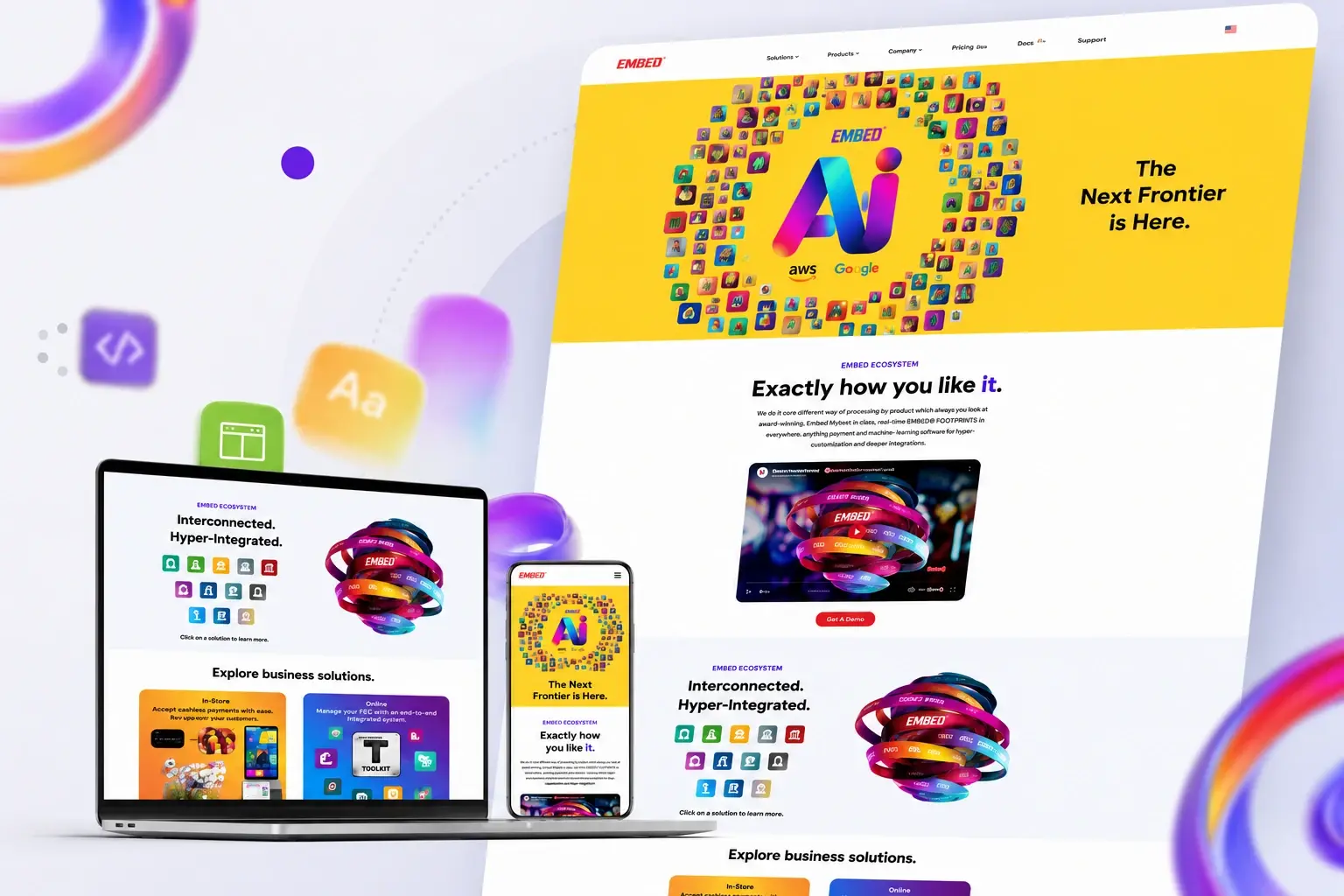
HubSpot - Website Redesign for Entertainment Tech Provider Embed Card

Redesign and rebuild the Embed card website in HubSpot CMS with modern UI/UX, SEO + AEO optimization, and seamless integration.

Home Service
Home Service – HubSpot - Website Redesign for Entertainment Tech Provider Embed Card
HubSpot Usage

How Staffing Agencies Use HubSpot From Job Order to Placement

Step 1

Win the Order

A hiring manager relationship is recorded, with the role, the rate, and the terms attached. Most orders arrive from a hiring manager who already knows the agency.

Step 2

Source and Submit

The submission clock starts at order, and candidates are matched with notes rather than a spreadsheet. The first submission usually decides the placement.

Step 3

Interview and Place

Stages move as the client responds, and a stall raises a call rather than an email. Interview scheduling is where a day disappears.

Step 4

Return and Redeploy

Placed candidates are tracked for availability, and the client is asked about the next role. Contractors come back when they are asked.

Workflow & Triggers

Example Staffing Workflows We Can Automate in HubSpot

These are the workflows we build most often when we set up HubSpot for Staffing Agencies, tuned to a business where a role filled by someone else is revenue that never existed. An order without a shortlist in two days raises a task.

recruiter presenting candidate charts to two seated colleagues
  1. Submission Clock

    An order with no shortlist in forty-eight hours raises a task with the client's usual role profile attached.

  2. Shortlist Follow-Up

    A sequence after every submission, with a task at day three if the client has not responded. Follow-up runs after every submission.

  3. Quiet Client Alert

    Ninety days with no new role raises a check-in for the account owner. Ninety days of quiet raises a check-in.

  4. Candidate Availability Check

    A contractor approaching the end of an assignment is asked about the next one, two weeks ahead. Availability is checked two weeks before an assignment ends.

  5. Lapsed Candidate Nurture

    Three months of silence triggers a relevant role alert rather than a generic newsletter. Three months of silence triggers a role alert.

  6. Terms Change Log

    A rate or margin change is recorded with the date and the reason. Terms changes are logged with a date.

  7. Placement Report

    Orders, submissions, and placements by client and source, reviewed monthly. Placements are reported monthly by source.

Why HubXpert

Why Choose HubXpert for HubSpot Staffing Builds?

Staffing agencies come to us because the ATS holds candidates and the client relationship holds the revenue, and only one of those is currently under control.

HubSpot Platinum Partner

Certified platform expertise, with a track record across agency workflows and recruitment businesses.

Custom Staffing Workflows

Built around your vertical, submission process, and redeployment motion. No generic templates.

Advanced Automation

Multi-step workflows and conditional logic built for a forty-eight hour window.

CRM Migration and Data Structuring

Clean imports from spreadsheets or an existing CRM, with client history intact.

Integration and API Development

An in-house team connecting HubSpot to your ATS, job boards, and finance system.

Reporting and Optimization

Time to submit, placement rate, and margin tracked from launch.

Compliance

Practical Setup Inside HubSpot for Staffing Agencies

A staffing agency holds candidate records, right-to-work evidence, and sometimes health or criminal record data. The work is separation: candidate files stay in the applicant tracking system, and the CRM carries the client relationship, the role, and the conversation. Right-to-work evidence stays in the file, not the CRM.


  • Candidate Data Separation
  • Role-Based Access
  • Document Retention
  • Consent Records
Secure data lock
HubSpot Hubs

HubSpot Hubs Recommended for Staffing Agencies

Not every agency needs every hub, and most start with Sales before adding Marketing.

  • Marketing Hub

    Your client and candidate demand engine, kept deliberately separate so a candidate never receives a client message. One record links the order, the submission, and the placement.

  • Sales Hub

    Built for job orders and submissions, where the client relationship lives. Most agencies start with Sales, then add Marketing for client content. The ATS stays the source, and the CRM points at it.

  • Service Hub

    Where contractor questions, assignment changes, and timesheet queries sit on the same record. Order sequences run from the same record as the client.

  • Content Hub

    Powers the salary guides and market reports that hiring managers read before they call anyone. Contractor questions sit on the account, not in a shared inbox. Salary guides get edited without a developer.

  • Operations Hub

    Connects the ATS and finance system, which is the only way placements and margin agree. Here is how each one lines up with a business selling to two audiences at once and getting paid by only one of them.

Our Process

Our Process for Implementing HubSpot for Staffing Agencies

Step 1.

Discovery and Desk Analysis

We map your verticals, submission process, and redeployment motion, and identify where orders currently go cold. It also sets the reporting the desk will read each month.
Discovery and Desk Analysis illustration
Step 2.

CRM Architecture and Pipeline Planning

Client records, order stages, and candidate availability mapped to how the desk actually works. Stages mirror how an order becomes a placement.
CRM Architecture and Pipeline Planning illustration
Step 3.

Automation and Integration Setup

Workflows built, ATS and finance integrations connected, and dashboards created. Every automation is tested before launch. Consent rules are configured before the first send.
Automation and Integration Setup illustration
Step 4.

Team Training and Adoption

Hands-on training for consultants and resourcers on the submission clock and the client record.
Team Training and Adoption illustration
Step 5.

Reporting and Optimization

Once live, we monitor time to submit and placement rate, and refine as the desk grows. Checklists cover the first month after launch.
Reporting and Optimization illustration
FAQ

Questions You Might Have

Does HubSpot work for staffing agencies?

Yes, as the client side of the business. The applicant tracking system keeps candidates and submissions, and HubSpot keeps the hiring manager relationship, the job order, the rate, and the follow-up that turns a first placement into a repeat client.

Will HubSpot replace our ATS?

No, and it should not. An ATS is built for compliance evidence, candidate files, and submission history. HubSpot is built for the client relationship that produces the order, and for the candidate nurture that keeps good people warm between assignments.

How does HubSpot help us submit faster?

The submission clock starts when the order lands, a shortlist has a due date, and a role without a shortlist in forty-eight hours raises a task with the client's usual profile attached. Speed is the whole game when three agencies receive the same role on the same morning.

Can HubSpot keep contractors warm between assignments?

Yes. Availability is recorded, a contractor approaching the end of an assignment is asked about the next one two weeks ahead, and three months of silence triggers a relevant role alert rather than a newsletter nobody reads.

How do you handle rates and terms?

Margin, payment terms, and the rebate period sit on the client record, with a change log for when they moved and why. That ends the argument where three people remember three different margins.

Where do candidate records live?

In the applicant tracking system, with right-to-work evidence and any sensitive documents. The CRM carries the client relationship and the role, and access follows the role so a resourcer sees only what the work requires.

Can HubSpot tell us which source fills roles?

Referral, job board, and outreach are recorded at first touch, and placement rate is compared by source and vertical, which is more useful than counting candidate volume.

How long does an implementation take?

Most run four to six weeks, with the ATS integration and the terms model taking the longest, and the submission clock live in the first fortnight.

Book Consultation

Ready to Stop Losing Roles You Never Heard About?

A hiring manager has sent three roles to another agency, a shortlist is two days late, and a good contractor went quiet in March. We build around your desk, your verticals, and your team. No generic setup, and no role left to go cold. The first month is measured against your own submission data.

Takes 30 minutes
Delivered by certified HubSpot experts

Ratul-Rahman