HubSpot for Solicitors: Phone Tag Becomes Scheduled Updates

An enquiry arrives by phone or web form and goes to whichever firm replies first. HubSpot answers inside the hour, quotes before the prospect compares three other firms, and sends the update a client would otherwise call to ask for, before the file sits and the referrer starts wondering.

two solicitors discussing documents at a boardroom table with city views

Teams that leveled up their growth with HubXpert

Company logo (3)
Company logo (2)-1
Company logo (1)-1
Company logo-1
Icon Group 1-1
Company logo (4)-1
Company logo (3)
Company logo (2)-1
Company logo (1)-1
Company logo-1
Icon Group 1-1
Company logo (4)-1
The Reason

Why Law Firms Need More Than a Practice Management System

Your practice management system handles matters, time recording, and client accounts. It was never built to win the enquiry that comes before the file is opened.

Enquiries Go to the Fastest Firm

Prospective clients contact several firms at once, and the one that replies first usually takes the instruction, often before the others have opened the email.

Referrers Drive Repeat Work

Estate agents, accountants, financial advisers, and past clients send the steadiest enquiries, and most firms have no system keeping them warm between completions.

Quotes Are Compared Side by Side

A conveyancing or probate quote is judged against three others, and the firm that explains the fee fastest usually wins the instruction, even when it is not the cheapest.

Onboarding Stalls on Documents

Identity, source of funds, and signed client care letters decide when a file can open, and the chase falls on the fee earner who should be billing.

Clients Go Quiet, Then Complain

A matter that sits for three weeks without an update produces a phone call, and sometimes a complaint that could have been avoided by one sentence.

Attribution Is Missing

Referrers, search, and paid ads all claim the same enquiry, so spend never gets judged on instructions opened.

Benefits

Key Benefits of HubSpot for Solicitors

HubSpot for Solicitors covers five areas where a practice can win more instructions and keep the ones it has.

Capture Every Client Enquiry

Turn calls, web forms, and referrals into organized.

  • Capture every enquiry

    Forms, calls, chat.

  • Segment by practice

    Conveyancing, family, probate.

  • Nurture undecided

    Stay present while they compare firms.

  • Track enquiry sources

    See which sources produce instructions you win.

Built for privileged detail.

A confidentiality-aware setup with role-based access, and matter files.

  • 36% More deals closed
  • 37% Faster ticket resolution
Case Studies

Our Featured Works

A curated selection of HubSpot implementations and digital marketing campaigns that moved the needle for our clients.

HOSPITALITY

HubSpot End-to-End Guest Experience Automation

HubSpot End-to-End Guest Experience Automation for a Resort Villa - White Villas.

White Villas
White Villas – HubSpot End-to-End Guest Experience Automation

E-COMMERCE

HubSpot Trengo to Service Hub Migration

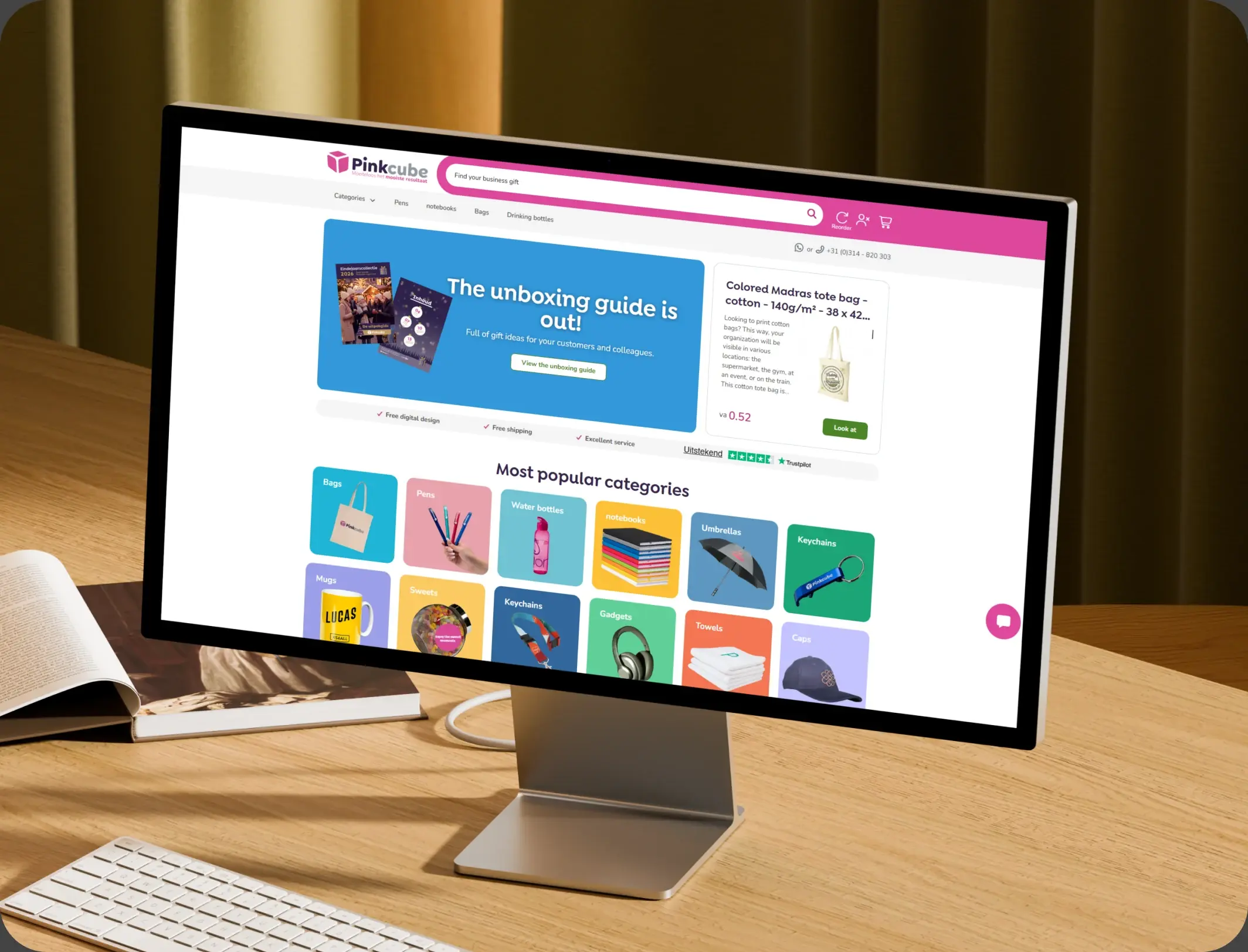
HubSpot Trengo to Service Hub Migration for an E-commerce Provider - Pinkcube.

Pinkcube
Pinkcube – HubSpot Trengo to Service Hub Migration

TRAVEL & VISA

HubSpot Onboarding and Integration

Redesign and rebuild the Embed card website in HubSpot CMS with modern UI/UX, SEO + AEO optimization, and seamless integration.

Express Vietnam
Express Vietnam – HubSpot Onboarding and Integration
HubSpot Usage

How Solicitors Use HubSpot From Enquiry to Completion

Step 1

Answer and Qualify

Calls and forms land in one pipeline, with practice area and urgency recorded before the callback. Most enquiries arrive by phone during office hours.

Step 2

Quote and Instruct

A fee explanation goes out the same day, and the follow-up continues while the client compares. The first reply decides who gets the instruction.

Step 3

Open the File

Identity, source of funds, and the signed letter are collected in one sequence, with tasks for anything outstanding. Onboarding is where the matter actually starts.

Step 4

Update and Complete

Stage changes trigger updates, and completion prompts a review request and a note to the referrer.

Workflow & Triggers

Example Legal Workflows We Can Automate in HubSpot

These are the workflows we build most often when we set up HubSpot for Solicitors, tuned to a practice where the first reply wins the instruction. The prospect hears back inside the hour.

solicitor annotating a statute book beside brass scales of justice
  1. Enquiry Speed Alert

    A new enquiry raises a task at fifteen minutes and a second at the hour, with an automatic reply in between. A signed instruction starts the checklist immediately.

  2. Quote Follow-Up

    A touch at day two, five, and ten after the quote goes out, with a task when there is no reply. Missing items escalate before the file sits idle.

  3. Onboarding Checklist

    Identity, source of funds, and signed letter requested at instruction, with reminders until every item is in. Every matter has a fee earner and a next step.

  4. Stalled File Alert

    A file with an open request for seven days raises a task for the fee earner. Updates go out without anyone remembering.

  5. Stage Update Message

    Each milestone sends a plain-language update with the next expected step. Referrers hear from the firm every quarter.

  6. Referrer Update

    A quarterly note to estate agents and accountants with completion times and process changes.

  7. Completion Follow-Up

    Completion triggers a review request, a thank-you to the referrer, and a reminder for the next matter.

Why HubXpert

Why Choose HubXpert for HubSpot Legal Builds?

Law firms come to us because the enquiry arrives before the file exists, and the practice management system only starts counting once it does.

HubSpot Platinum Partner

Certified platform expertise, with a track record across law firm workflows and referrer-led practices.

Custom Legal Workflows

Built around your practice areas, onboarding checklist, and update cadence. No generic templates.

Advanced Automation

Multi-step workflows and conditional logic built for a matter that runs for months.

CRM Migration and Data Structuring

Clean imports from spreadsheets or an existing CRM, with enquiry history intact.

Integration and API Development

An in-house team connecting HubSpot to your practice management system, e-signature, and telephony.

Reporting and Optimization

Quote conversion, time to open, and referrer value tracked from launch.

Compliance

Confidentiality-Aware Setup Inside HubSpot for Solicitors

A practice holds privileged advice, identity evidence, and source of funds detail before a file is even open. The work is separation: matter files and client account records stay in the practice management system, and the CRM carries the enquiry, the checklist status, and the communication record.


  • Privileged Detail Separation
  • Role-Based Access
  • Conflict Check Fields
  • Encrypted Connections
Secure data lock
HubSpot Hubs

HubSpot Hubs Recommended for Solicitors

Not every practice needs every hub, and most start with Sales and Marketing. Here is how each one lines up with a multi-area firm.

  • Marketing Hub

    Your acquisition engine: practice-area content, referrer updates, and follow-up for people comparing three firms. Practice-area campaigns run from the same record as the enquiry.

  • Sales Hub

    Built for the enquiry pipeline and the quote conversation, where the first clear answer wins. Each enquiry carries an owner and a response window. Practice-area campaigns run from the same record as the enquiry.

  • Service Hub

    Where client questions, updates, and document requests get tracked without a shared inbox. Service sees the checklist history before replying.

  • Content Hub

    Powers the website and practice-area pages with built-in SEO, so local searches find the firm first. Practice-area and location pages get edited without a developer.

  • Operations Hub

    Connects the practice management system and e-signature, which is the only way matter stages stay accurate. Enquiry data stays matched across offices and fee earners.

Our Process

Our Process for Implementing HubSpot for Solicitors

Step 1.

Discovery and Practice Analysis

We assess your practice areas, enquiry sources, onboarding process, and growth goals. This discovery shapes every decision that follows. It also sets the reporting the partners will read each month.
Discovery and Practice Analysis illustration
Step 2.

CRM Architecture and Pipeline Planning

Custom properties, enquiry stages, and referrer records mapped to how the firm actually works, before any build begins.
CRM Architecture and Pipeline Planning illustration
Step 3.

Automation and Integration Setup

Workflows built, practice management and telephony integrations connected, sequences configured, and dashboards created. Every automation is tested before launch.
Automation and Integration Setup illustration
Step 4.

Team Training and Adoption

Hands-on training for reception, fee earners, and marketing, each on the tools their role needs.
Team Training and Adoption illustration
Step 5.

Reporting and Optimization

Once live, we monitor quote conversion and time to open, and refine workflows, dashboards, and strategy each quarter.
Reporting and Optimization illustration
FAQ

Questions You Might Have

Does HubSpot work for solicitors?

Yes. It runs the enquiry and communication side: calls, quotes, onboarding, updates, and referrer relationships, while the practice management system runs the matter. Most firms see the difference in the first month. The CRM carries the enquiry, not the file.

Will HubSpot replace our practice management system?

No. Practice management handles matters, time, and client accounts. HubSpot wins the enquiry and keeps the client informed, and the two are connected. Response time is tracked, so the improvement is measurable. Every workflow is tested before it reaches a client.

Can HubSpot speed up onboarding?

Identity, source of funds, and the signed letter are requested at instruction and chased until every item arrives, and a file not opened in five days raises a task. The sequence is matched to practice area and urgency. Referrer updates run quarterly.

Can HubSpot reduce chase calls?

Each stage change sends a plain-language update with the next expected step, so the client hears from the firm before they think to ring. Nothing is assumed native until the connector is confirmed.

Can HubSpot track referrers?

Every instruction is traced to the estate agent, accountant, or former client who sent it, with a quarterly update between matters. Matter files never sit in the CRM.

How do you handle privileged detail?

Matter files stay in the practice management system, conflict fields are configured, and access follows the role. Client account money never touches the CRM. That is how cost per instruction becomes visible.

Can HubSpot handle several practice areas?

Yes. Practice area, office, and fee earner are properties, so conveyancing and family enquiries can be compared without mixing records. We map which fields may hold privileged detail before launch.

How long does an implementation take?

Most run four to six weeks, depending on integrations and how many practice areas need their own checklist. Client account records stay in the practice system.

Book Consultation

Ready to Answer Before the Other Firm Does?

An enquiry came in on Friday and nobody has replied, while a client is about to ring for the third time about a file that has not moved. We build around your practice areas and your team. No generic setup, and no enquiry left waiting.

Takes 30 minutes
Delivered by certified HubSpot experts

Ratul-Rahman