HubSpot for Shopify Stores: Recover Carts Before Buyers Move

Once ad spend is counted, the first order barely breaks even, so the business runs on whether anyone buys twice. HubSpot pulls purchase, email, and support history into one customer view and recovers the cart while the intent is still there. The first order pays for the ad, and everything after it pays the bills.

shop owner packing small order boxes beside a laptop

Teams that leveled up their growth with HubXpert

Company logo (3)
Company logo (2)-1
Company logo (1)-1
Company logo-1
Icon Group 1-1
Company logo (4)-1
Company logo (3)
Company logo (2)-1
Company logo (1)-1
Company logo-1
Icon Group 1-1
Company logo (4)-1
The Reason

Why Shopify Stores Need More Than Shopify Alone

Shopify processes the transaction. It was never built to unify the email, SMS, loyalty, and support apps that each hold a piece of the customer relationship. A store with eleven apps has eleven definitions of an active customer.

The First Order Rarely Profits

Rising ad costs mean acquisition often costs more than the first sale earns, so profit depends on what happens after checkout. Recovery timing matters more than the wording of the message.

Data Scatters Across Apps

Email, SMS, subscriptions, loyalty, and reviews each run their own app, and no single view shows what a customer is actually worth.

Carts Are Abandoned in Minutes

Most abandoned checkouts are never recovered, and the recovery that works arrives inside the first hour rather than three days later.

Discounts Train the Wrong Behavior

When every recovery message carries a code, customers learn to wait for one, and full-price buying quietly disappears.

Repeat Buyers Are Invisible

A customer on a third order looks the same as a first-time buyer in most setups, so the retention budget goes to the wrong person.

Attribution Stops at the Order

The ad gets credit for revenue, not for profit, and no channel is judged on the second order it produced.

Benefits

Key Benefits of HubSpot for Shopify Stores

HubSpot for Shopify Stores covers five areas where a brand can turn a first order into a second.

Unify Scattered Customer Data

Bring purchase, email.

  • Sync every data source

    Shopify, email, SMS.

  • Build one customer

    Purchase and interaction history together.

  • Segment by purchase

    Recency, frequency, and spend. Segment by recency.

  • Eliminate duplicate

    Replace overlapping point solutions.

Built for customer data.

A privacy-conscious setup with consent tracked per channel, and order, payment.

  • 129% More inbound leads
  • 36% More deals closed
  • 37% Faster ticket resolution
Case Studies

Our Featured Works

A curated selection of HubSpot implementations and digital marketing campaigns that moved the needle for our clients.

Ecommerce

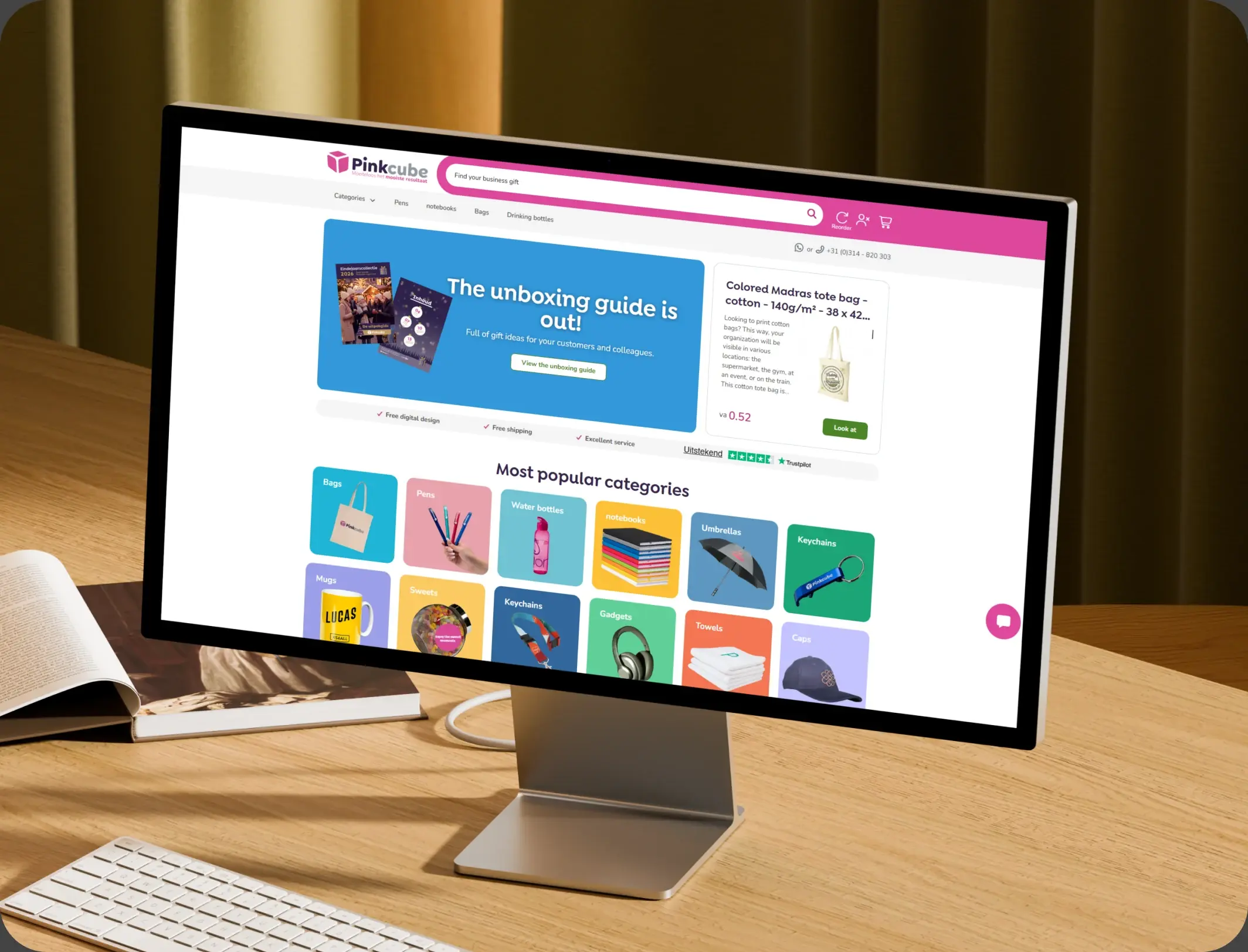
How Pinkcube boosted sales by 30% with custom automation

HubSpot Enterprise Onboarding and Custom Integration for a European B2B E-Commerce Giant

Pinkcube
Pinkcube – How Pinkcube boosted sales by 30% with custom automation

Ecommerce

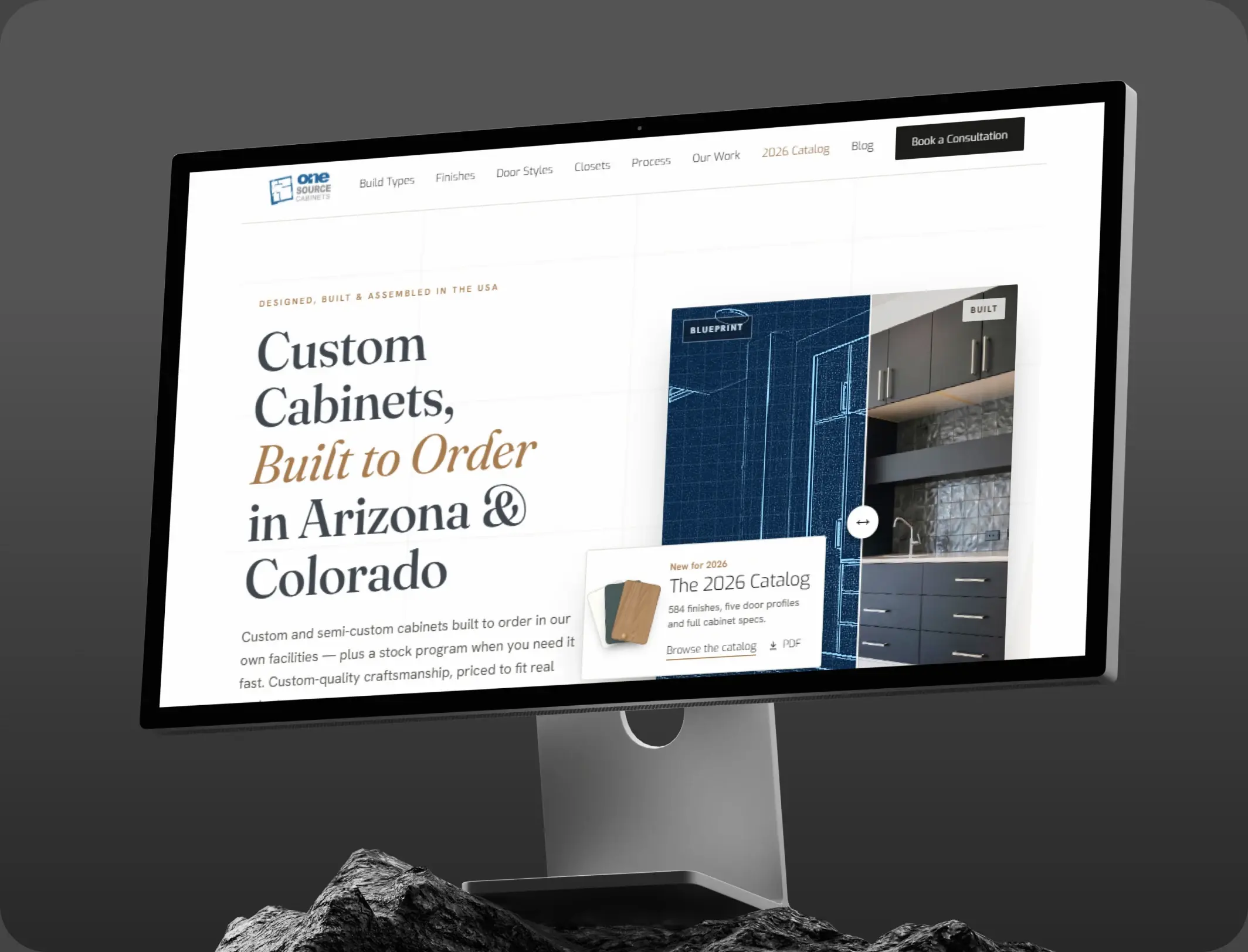
HubSpot Marketing Hub Onboarding for One Source Cabinets

Onboarding Marketing Hub for 360° Marketing Automation and Sales Hub for 5+ team members

One Source Cabinets
One Source Cabinets – HubSpot Marketing Hub Onboarding for One Source Cabinets

Ecommerce

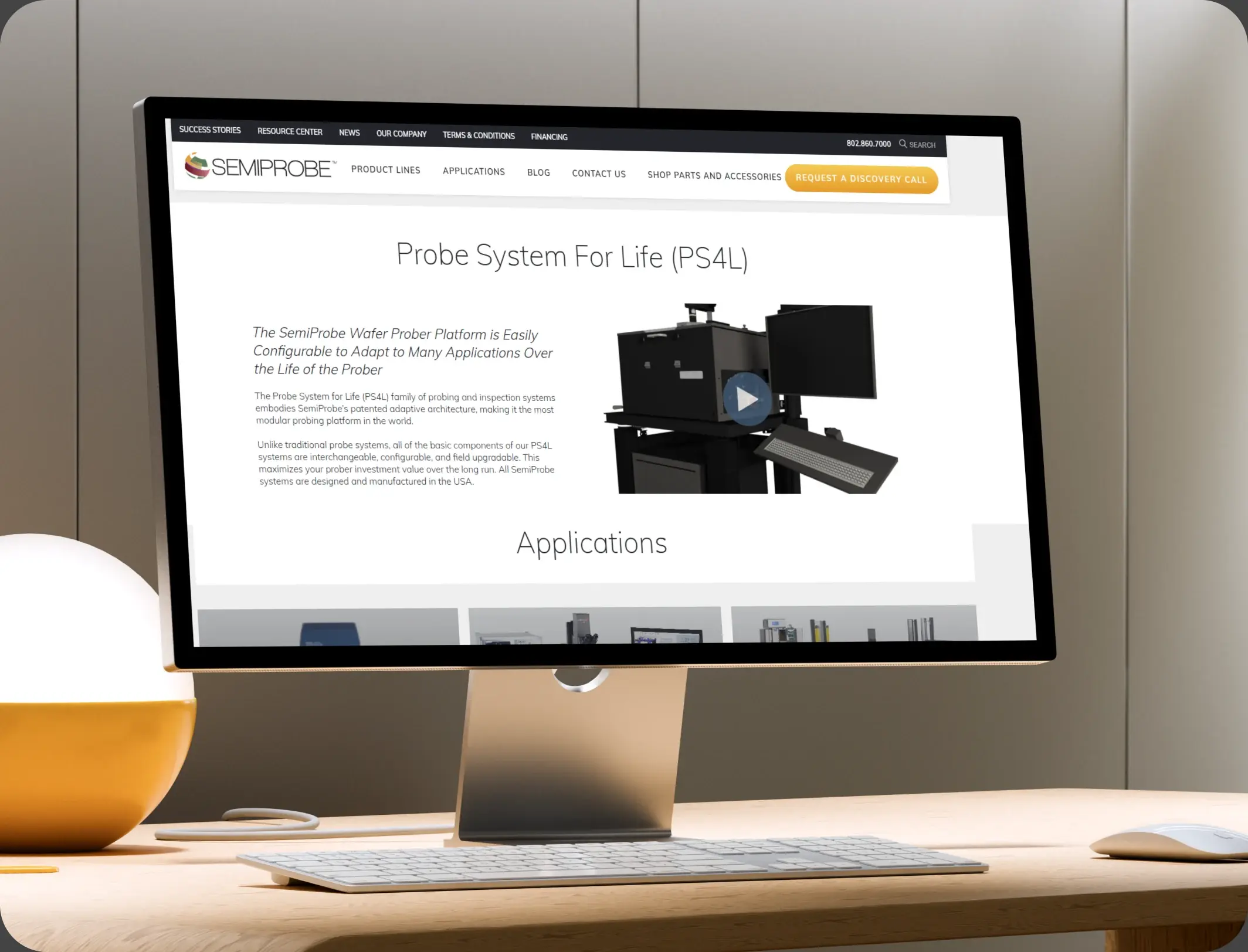
SemiProbe’s WooCommerce & HubSpot Integration

E-commerce Automation, HubSpot Integration, and Sales Optimization

Semiprobe
Semiprobe – SemiProbe’s WooCommerce & HubSpot Integration
HubSpot Usage

How Shopify Stores Use HubSpot Across the Customer Lifecycle

Step 1

Attract and Convert

Paid and organic traffic meets product pages built for search, and the first order lands with its source attached.

Step 2

Recover and Welcome

An abandoned checkout triggers a timed sequence, and a completed order starts the welcome journey. The cart is abandoned within minutes of the first hesitation.

Step 3

Prompt the Second Order

The reorder prompt is timed to the product cycle, with a review request at delivery. The welcome journey decides whether a first order becomes a habit.

Step 4

Grow the Best Customers

High-value buyers get early access and bundles, and the rest are suppressed from discount campaigns.

Workflow & Triggers

Example Ecommerce Workflows We Can Automate in HubSpot

These are the workflows we build most often when we set up HubSpot for Shopify Stores, tuned to a business decided after the first order. The buyer sees the cart again inside the hour.

shopper buying discounted dresses online with a payment card
  1. Abandoned Checkout Sequence

    A message at one hour, one day, and three days, with the product still in view and no code in the first two. A completed order leaves the recovery sequence.

  2. First-Order Welcome

    A journey by product type, with care instructions, a review request at delivery, and a reorder prompt at the expected cycle. A second order moves the customer into a different tier.

  3. Second-Order Nudge

    A targeted message at the point where a first-time buyer usually reorders, based on the category they bought. Every sequence respects the consent recorded on the record.

  4. Win-Back for Lapsed Buyers

    Ninety days after the last order, a sequence that leads with the product rather than a discount. Reviews are requested at delivery, not a month later.

  5. Review Request

    Triggered by delivery confirmation, with a follow-up at seven days if no review appears.

  6. High-Value Tier

    A fourth order in a year moves the customer into a tier with early access and no discount messaging.

  7. Support Handoff

    A reply to any recovery message creates a conversation with the order attached.

Why HubXpert

Why Choose HubXpert for HubSpot Shopify Builds?

Shopify brands come to us because the storefront is fine and the customer data is not, and every app holds a different version of the same person.

HubSpot Platinum Partner

Certified platform expertise, with a track record across ecommerce workflows and direct-to-consumer brands.

Custom Ecommerce Workflows

Built around your product cycle, margin structure, and retention tiers. No generic templates.

Advanced Automation

Multi-step workflows and conditional logic built for post-purchase timing.

Data Migration and Structuring

Clean imports from Shopify, your email tool, and your support desk, with order history intact.

Integration and API Development

An in-house team connecting HubSpot to Shopify, your payment stack, and your fulfilment tools.

Reporting and Optimization

Recovered revenue, repeat rate, and cost per repeat order tracked from launch.

Compliance

Consent-Aware Setup Inside HubSpot for Shopify Stores

A store holds purchase history, addresses, and marketing consent that differs by channel and by region. The work is precision: consent recorded per channel, order and payment detail left in Shopify, and unsubscribe rules enforced across every sequence. A buyer who opts out of SMS can still receive email.


  • Consent Per Channel
  • Order Data Separation
  • Suppression Lists
  • Retention Rules
Secure data lock
HubSpot Hubs

HubSpot Hubs Recommended for Shopify Stores

Not every store needs every hub, and most start with Marketing and Sales before adding Service. Here is how each one lines up with a direct-to-consumer brand.

  • Marketing Hub

    Your retention engine: cart recovery, welcome journeys, and segmentation. Recovery sequences run from the same record as the order.

  • Sales Hub

    Built for wholesale enquiries and higher-value assisted orders. Wholesale enquiries carry an owner and a response window. Support and marketing working from one record is the difference between a return and a refund.

  • Service Hub

    Where returns, delivery questions, and product issues get tracked. Service sees the order history before replying. Most stores start with Marketing, then add Service as returns grow.

  • Content Hub

    Powers product and category pages with built-in SEO, so organic traffic carries some of the acquisition cost. Category pages get edited without a developer.

  • Operations Hub

    Connects Shopify, your email platform, and your support desk, which is how the customer record stays whole. Customer data stays matched across the store and the support desk.

Our Process

Our Process for Implementing HubSpot for Shopify Stores

Step 1.

Discovery and Stack Analysis

We assess your apps, product cycle, margin structure, and growth goals, and identify which tools are holding data nobody can see. It also sets the reporting the team will read each week.
Discovery and Stack Analysis illustration
Step 2.

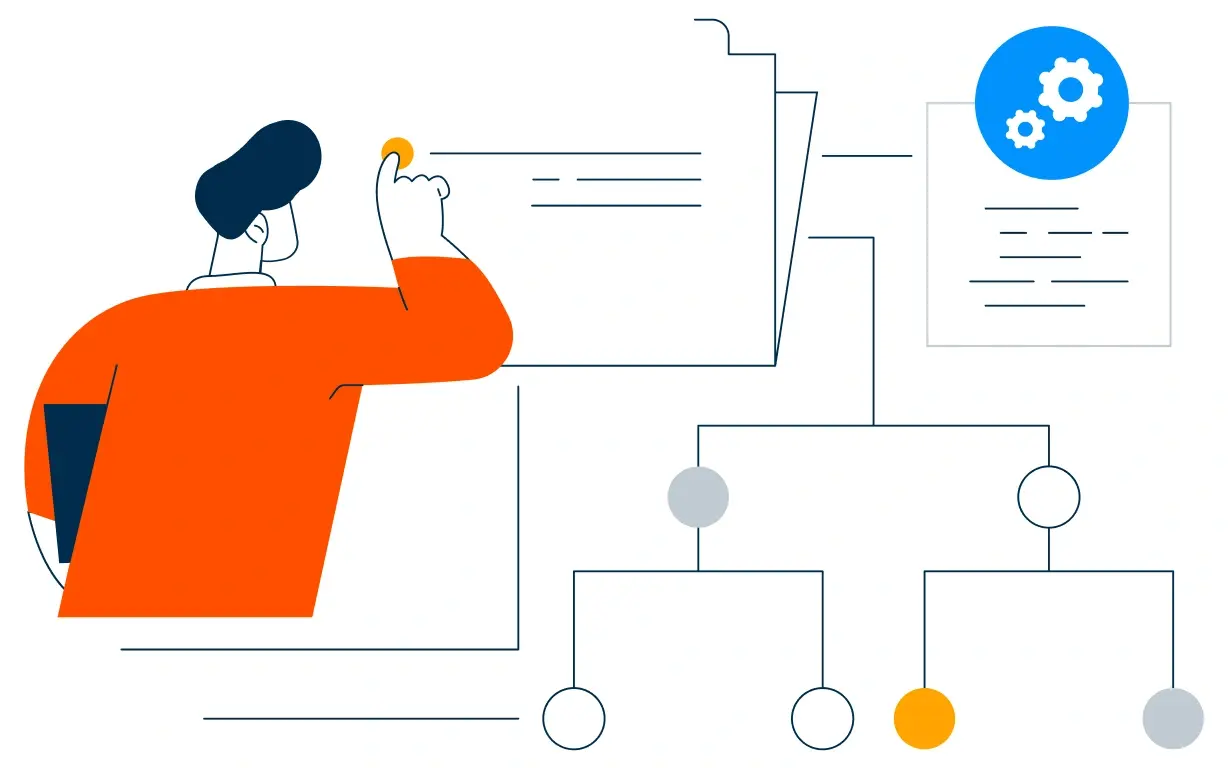
CRM Architecture and Lifecycle Planning

Custom properties, lifecycle stages, and retention tiers mapped to how customers actually buy again, before any build begins. Stages mirror how a first order becomes a third.
CRM Architecture and Lifecycle Planning illustration
Step 3.

Automation and Integration Setup

Workflows built, Shopify and support integrations connected, sequences configured, and dashboards created. Every automation is tested before launch.
Automation and Integration Setup illustration
Step 4.

Team Training and Adoption

Hands-on training for marketing, support, and operations, each on the tools their role needs.
Team Training and Adoption illustration
Step 5.

Reporting and Optimization

Once live, we monitor repeat rate and recovered revenue, and refine workflows, segmentation, and campaigns each month.
Reporting and Optimization illustration
FAQ

Questions You Might Have

Does HubSpot work with Shopify?

Yes. Orders and customer records sync into HubSpot, where the lifecycle, segmentation, and recovery sequences run, while Shopify keeps the storefront and the transaction. Most stores see the difference in the first month. The CRM carries the relationship, not the transaction.

Will HubSpot replace Shopify?

No. Shopify runs the store, the checkout, and the payments. HubSpot runs the customer relationship around it, and the two are connected by integration. Recovered revenue is tracked, so the improvement is measurable. Every workflow is tested before it reaches a buyer.

Can HubSpot recover abandoned carts?

A sequence sends at one hour, one day, and three days, keeps the product in view, and reports the revenue it actually recovered. The sequence is matched to the product and the customer tier. Suppression lists are agreed before the first campaign.

Do recovery messages need a discount?

The first two do not. Leading with a code teaches customers to wait for one, which is why the sequence leads with the product instead. Nothing is assumed native until the connector is confirmed.

Can HubSpot increase repeat orders?

The reorder prompt is timed to the product cycle, and second-order buyers are the first audience any retention budget reaches. Order and payment detail never sits in the CRM.

Can HubSpot replace our email app?

Often, yes, and that is usually the point. Consolidating email, SMS, and segmentation into one system removes the duplicate records that make reporting unreliable. That is how cost per repeat order becomes visible.

How do you handle consent?

Consent is recorded per channel and enforced across every sequence, with suppression lists for buyers who should not receive discount campaigns. We map which fields may hold customer data before launch.

How long does an implementation take?

Most run four to six weeks, depending on how many apps need consolidating and how much order history needs migrating. Order history stays in Shopify.

Book Consultation

Ready to Make the Second Order Profitable?

A cart has been sitting for two days, a first-time buyer has heard nothing since delivery, and the same customer exists three times across your apps. We build around your products, your margin, and your stack. No generic setup, and no cart left to expire.

Takes 30 minutes
Delivered by certified HubSpot experts

Ratul-Rahman