HubSpot for SaaS Startups: Turn First Trials Into First Customers

Marketing lives in one tool, sales in another, support in a third, and nobody can see a single customer whole. HubSpot replaces that stack with one record, so a trial is owned from the first signup to the first invoice and nobody has to reconcile five separate exports on a Friday.

startup founder checking his phone at a table with cookies and a mug

Teams that leveled up their growth with HubXpert

Company logo (3)
Company logo (2)-1
Company logo (1)-1
Company logo-1
Icon Group 1-1
Company logo (4)-1
Company logo (3)
Company logo (2)-1
Company logo (1)-1
Company logo-1
Icon Group 1-1
Company logo (4)-1
The Reason

Why SaaS Startups Need One Platform, Not Five Tools

Point solutions each solve one problem well. A start-up running separate tools for email, pipeline, support, and content ends up with a customer split five ways, and nobody owns the whole relationship. A stack of point solutions is a stack of customer records.

Tools Multiply Faster Than Headcount

A small team manages a dozen logins before the product has fit, and every new tool adds setup time nobody has. Every extra login is a minute the founder does not spend selling.

Data Stays Trapped in Tools

A support ticket does not appear in the sales tool, and a sales note does not reach marketing, so the full story lives nowhere. A ticket that never reaches the sales tool is context lost.

Trials End Without an Owner

A trial that lapses is usually one nobody was responsible for, and the signup list rarely says who should have called.

Handoffs Leak Revenue

A closed deal that never gets onboarded is a customer who churns in month two, and the gap sits between two systems.

Reporting Takes a Day

Answering a simple question about conversion means exporting three files and reconciling them by hand.

Attribution Is Guessed

The first touch is lost between tools, so the channel that produced the best trials is invisible.

Benefits

Key Benefits of HubSpot for SaaS Startups

HubSpot for SaaS Startups covers five areas where one record replaces five tools and a spreadsheet.

Replace a Fragmented Stack

Bring marketing, sales.

  • One customer record

    Email, deals, and tickets together.

  • Fewer logins

    Retire the tools the platform covers.

  • Clean handoffs

    Support sees the deal history.

  • Report adoption

    One source for every team.

Built for start-up data.

A pragmatic setup with role-based access, and billing.

  • 59% Higher deal close rate
  • 20% More tickets closed
Case Studies

Our Featured Works

A curated selection of HubSpot implementations and digital marketing campaigns that moved the needle for our clients.

SAAS

SystemHUB Got Efficiency with HubSpot Migration & Advanced Automation

SystemHub is a business process documentation platform that helps companies capture, organize, and optimize their core workflows.

SystemHUB
SystemHUB – SystemHUB Got Efficiency with HubSpot Migration & Advanced Automation

SAAS

Gander Increased Customer Lifetime Value by 10% With HubSpot

Gander is a SaaS platform that specializes in simplifying the process of curating and displaying high-quality videos

Gander
Gander – Gander Increased Customer Lifetime Value by 10% With HubSpot

SAAS

Great Question Increased Customer Renewal AOV to $4,000

Great Question is an all-in-one UX research platform that helps companies collect user feedback, conduct surveys, and engage in meaningful conversations.

Great Question
Great Question – Great Question Increased Customer Renewal AOV to $4,000
HubSpot Usage

How SaaS Startups Use HubSpot From Signup to Second Renewal

Step 1

Attract and Capture

Content and paid campaigns feed one form, and the source is recorded before anyone speaks to the buyer. Most signups arrive from a comparison page.

Step 2

Run the Trial

An owner is assigned at signup, activation is tracked, and the expiry sequence starts a week out. The first session decides whether a trial is real.

Step 3

Close and Onboard

Signature creates onboarding tasks, and the kickoff is booked before the deal closes. Activation is where a trial becomes a decision.

Step 4

Support and Renew

Tickets sit on the same record as the deal, so the renewal conversation starts with the whole history. Onboarding is where a good sale is either delivered or lost.

Workflow & Triggers

Example SaaS Startup Workflows We Can Automate in HubSpot

These are the workflows we build most often when we set up HubSpot for SaaS Startups, tuned to a team that cannot afford a lost trial. Every signup gets a name attached the same day.

product team reviewing a tablet at a shared desk in an open office
  1. Trial Assignment

    A signup assigns an owner in minutes, and an unowned trial is flagged the same day. A trial with no activation raises a task in week one.

  2. Activation Check

    No first value in seven days raises a task with the signup detail attached. The expiry sequence starts seven days out.

  3. Trial Expiry Sequence

    A sequence at seven, three, and one day, with a task for the owner on the final day. Signature creates onboarding tasks and a kickoff booking.

  4. Closed-Won Handoff

    Signature creates the onboarding checklist and books the kickoff. A ticket on an open deal notifies the owner.

  5. Support Handoff

    A ticket on an open deal notifies the owner, so the conversation does not split. Duplicate tools are listed quarterly for retirement.

  6. Duplicate Tool Review

    A quarterly list of tools the platform now covers, for retirement. Conversion is reported monthly without an export.

  7. Funnel Report

    Conversion by stage and channel, assembled monthly without an export.

Why HubXpert

Why Choose HubXpert for HubSpot SaaS Startup Builds?

SaaS start-ups come to us because the stack grew faster than the team, and nobody can answer a simple question about conversion. It also sets the reporting the team will read each week.

HubSpot Platinum Partner

Certified platform expertise, with a track record across early-stage SaaS go-to-market builds. Nothing is switched off before the data has moved.

Consolidation Done Properly

Tools retired in the right order, with data moved before anything is switched off.

Advanced Automation

Multi-step workflows and conditional logic for trial and onboarding timing.

CRM Migration and Data Structuring

Clean imports from each tool, with deal and ticket history intact.

Integration and API Development

An in-house team connecting your product and billing when the time comes.

Reporting and Optimization

Trial conversion, activation time, and tool spend tracked from launch.

Compliance

Practical Setup Inside HubSpot for SaaS Startups

A young company holds prospect data, trial usage, and support conversations that arrived before any policy existed. The work is proportion: role-based access, consent recorded where it is collected, and billing and usage detail left in the systems that own them. Consent is recorded where it was collected. Lists stay as small as the work needs.

  • Role-Based Access
  • Consent Records
  • Data Separation
  • Retention Rules
Secure data lock
HubSpot Hubs

HubSpot Hubs Recommended for SaaS Startups

Not every start-up needs every hub, and most begin with Sales before adding Marketing. Here is how each one lines up with a small team replacing five tools.

  • Marketing Hub

    Email, forms, and campaigns in the same record as the pipeline. Trial sequences run from the same record as the deal.

  • Sales Hub

    Built for the trial pipeline, as a HubSpot Sales Hub implementation sized for a small team. Support sees the deal history before replying.

  • Service Hub

    Where tickets sit on the same record as the deal. Comparison pages get edited without a developer.

  • Content Hub

    Powers the site and comparison pages with built-in SEO. One record links the trial, the deal, and the ticket.

  • Operations Hub

    Connects product and billing once those integrations are worth building. Most teams start with Sales, then add Marketing.

Our Process

Our Process for Implementing HubSpot for SaaS Startups

Step 1.

Discovery and Stack Audit

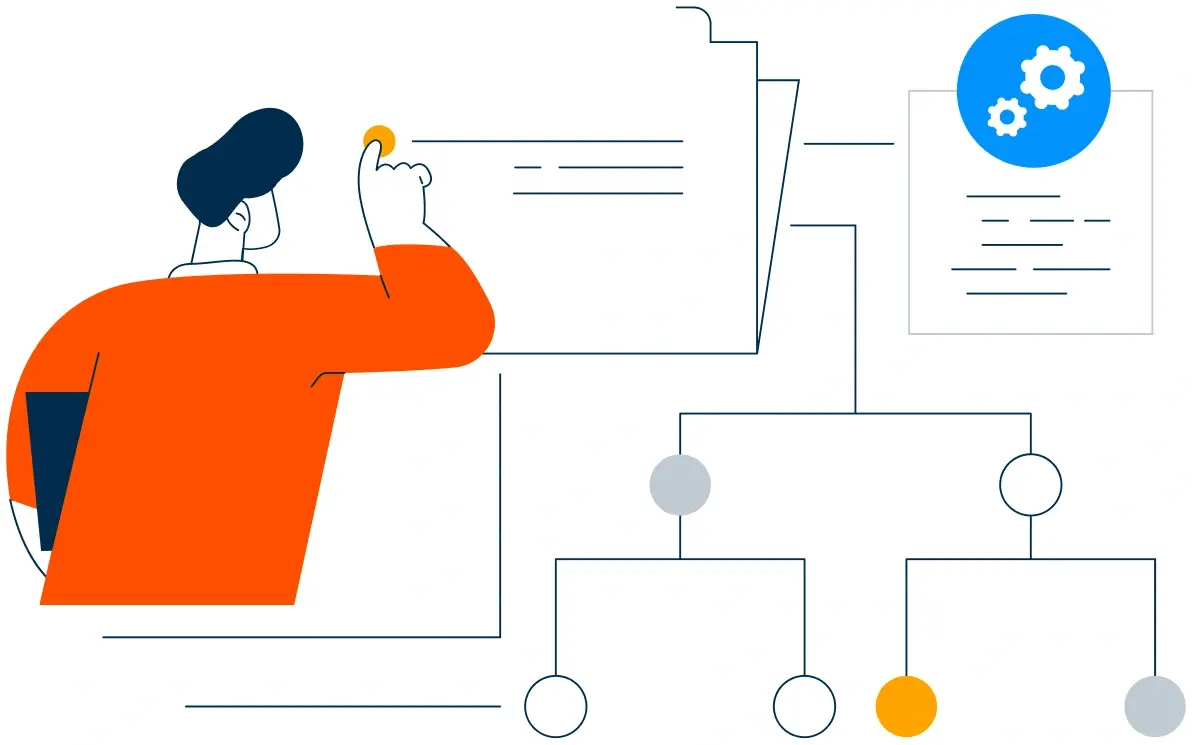
We list every tool, what it holds, and who uses it, then decide what consolidates and what stays. It also sets the reporting the founders will read each month.
Discovery and Stack Audit illustration
Step 2.

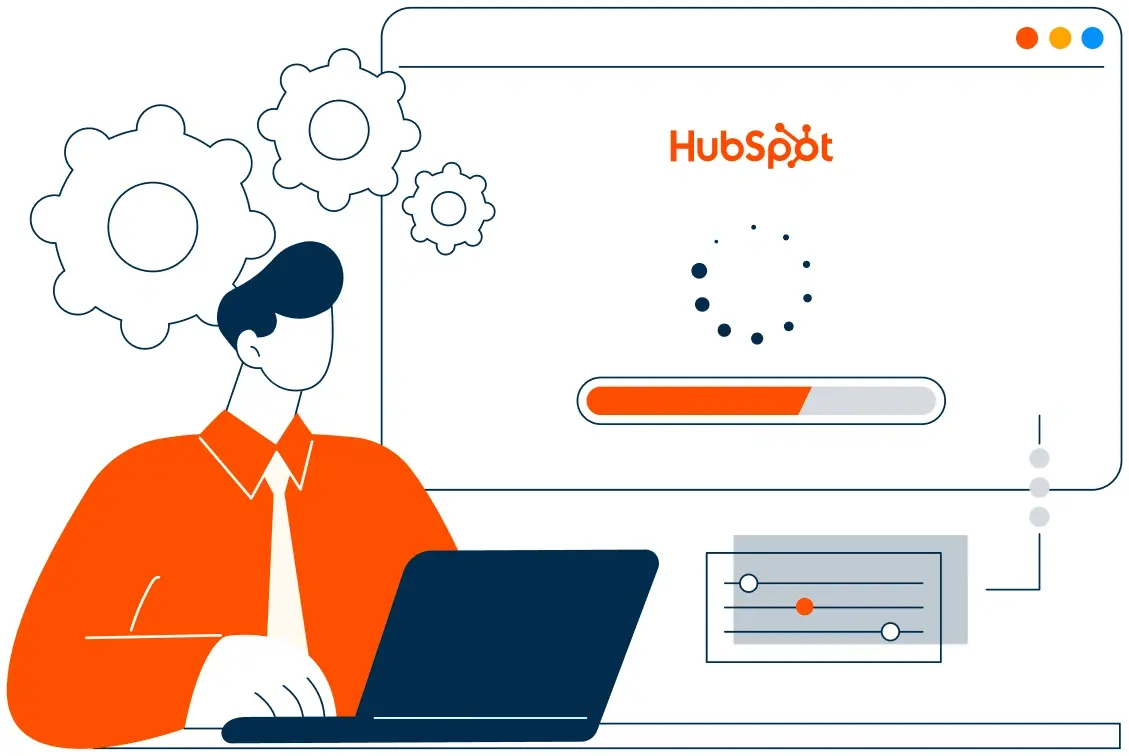
CRM Architecture and Pipeline Planning

Properties, stages, and lifecycle definitions mapped to your trial motion, before any migration begins. Stages mirror how a trial actually becomes a customer.
CRM Architecture and Pipeline Planning illustration
Step 3.

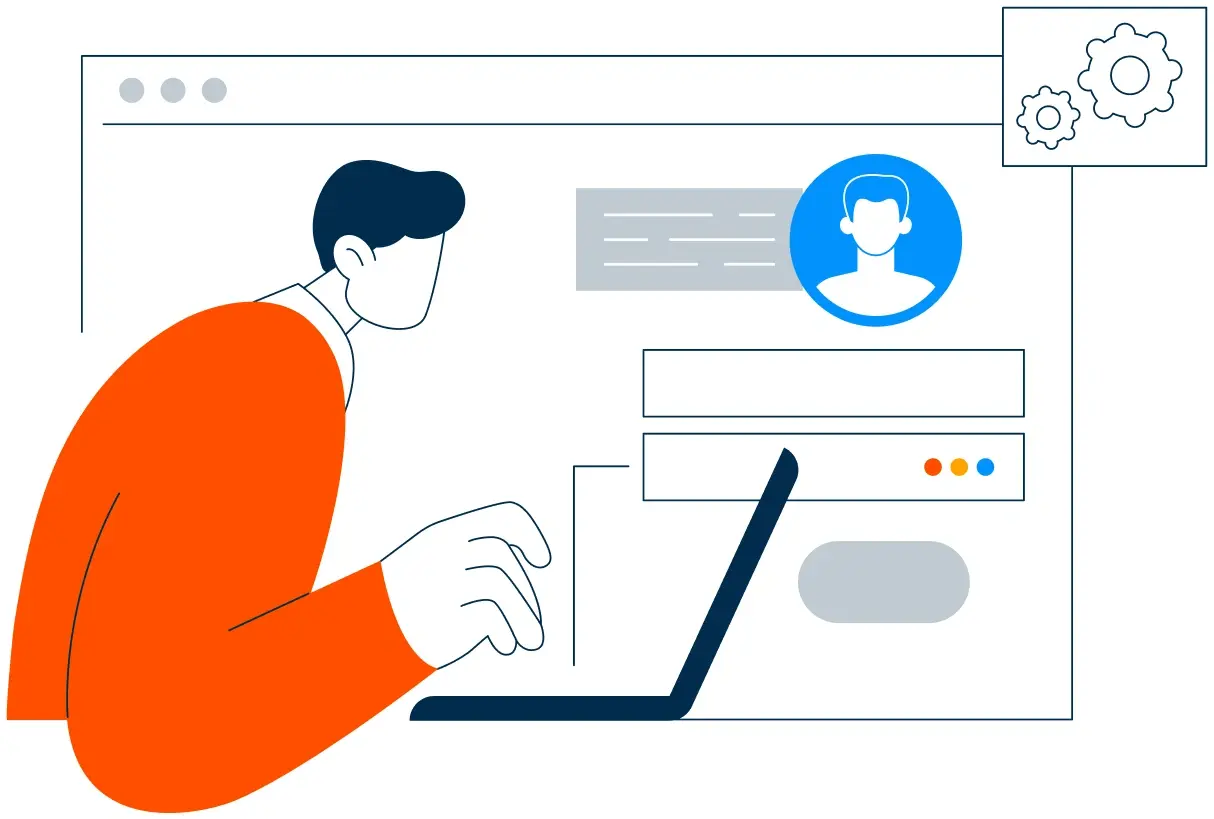
Automation and Integration Setup

Workflows built, data moved, integrations connected, and dashboards created. Every automation is tested before launch.
Automation and Integration Setup illustration
Step 4.

Team Training and Adoption

Hands-on training for each team on the fields that matter to them, and nothing else. Checklists cover the first month after launch.
Team Training and Adoption illustration
Step 5.

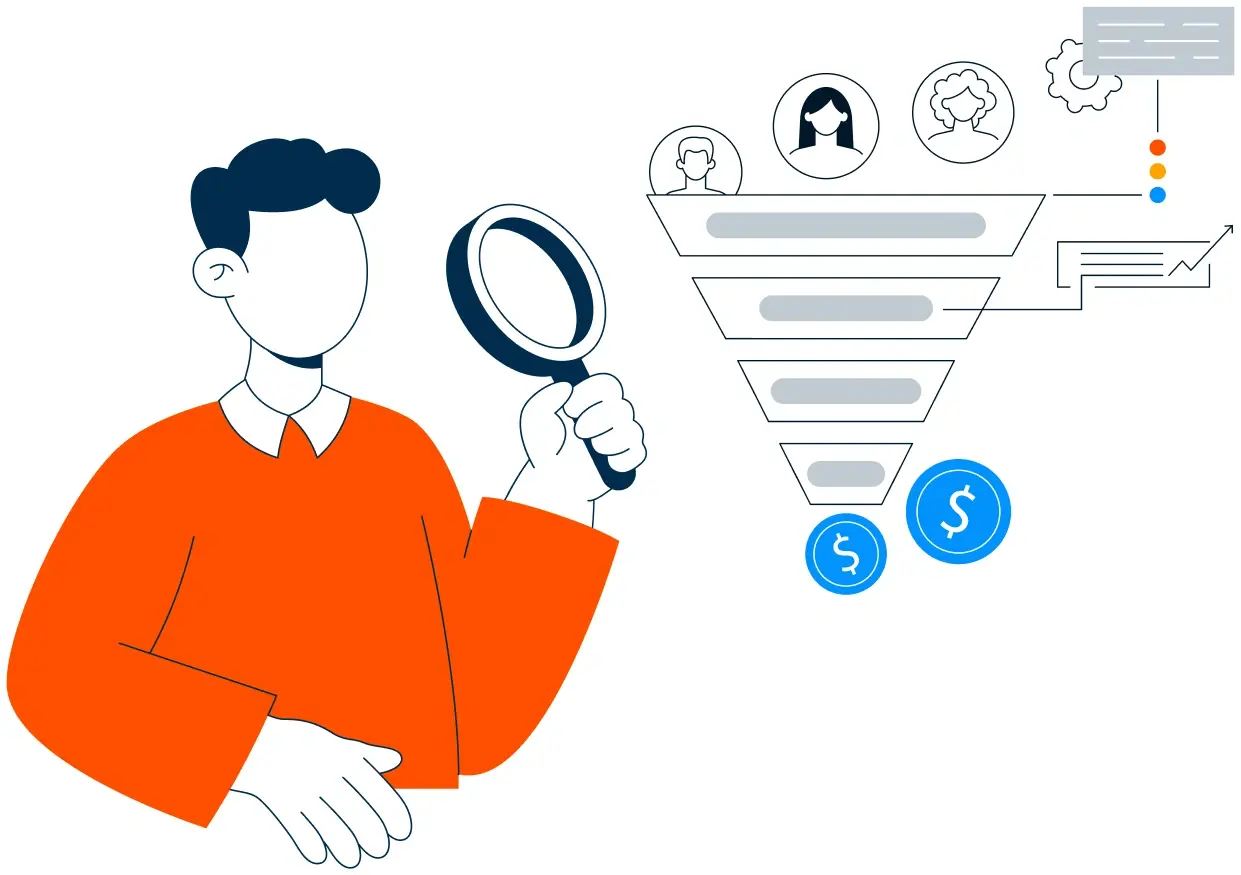
Reporting and Optimization

Once live, we monitor trial conversion and activation time, and retire the next tool when the platform covers it. It also sets the reporting the founders will read each month.
Reporting and Optimization illustration
FAQ

Questions You Might Have

Does HubSpot work for SaaS startups?

Yes. It replaces the scattered stack with one record for marketing, sales, and support, which is the constraint at this stage rather than depth of features. Most teams see the difference in the first month. The CRM carries the relationship, not the invoice. Most teams see the difference in the first month.

Can we consolidate our tools without losing data?

Tools are retired in order, with deals, contacts, and tickets migrated first and checked before anything is switched off. Trial conversion is tracked, so the improvement is measurable. Every workflow is tested before it reaches a trial user. Trial conversion is tracked, so the improvement is measurable.

How does HubSpot improve trial conversion?

Every trial gets an owner at signup, activation is tracked, and the expiry sequence raises a task seven days out rather than an automated email nobody reads. The sequence is matched to the lifecycle stage. Tool reviews run quarterly. The sequence is matched to the lifecycle stage.

Can support see the sales history?

Tickets sit on the same record as the deal, so support answers with the full context and the owner is notified on an open deal. Nothing is assumed native until the connector is confirmed. Setup time is measured in weeks, not quarters.

Do we need all five hubs?

No. Most teams start with Sales, add Marketing when inbound justifies it, and add Service when support volume grows. Billing detail never sits in the CRM.

How do you handle billing and product usage?

Those stay in the systems that own them, and the CRM carries the trial, the lifecycle, and the conversation. That is how cost per activation becomes visible.

Will this work if we pivot?

Yes. Segment and lifecycle are properties, so a change in focus is a change in fields rather than a rebuild. We list what each tool holds before anything moves.

How long does an implementation take?

Most run three to four weeks, including the migration from two or three tools. Ticket history is migrated, not summarised.

Book Consultation

Ready to Stop Paying for Five Tools and One Truth?

A trial expired last week with no owner, a closed deal never reached onboarding, and the conversion number takes a day to assemble. We build around your stack, your trial motion, and your team. No generic setup, and no trial left unowned.

Takes 30 minutes
Delivered by certified HubSpot experts
The first month is measured against your own conversion data

Ratul-Rahman