HubSpot for Pilgrimage Travel: Who Fills the Last Quota Seat?

Pilgrims usually book through a group leader, against a calendar date that never moves, and a quota that does not wait. HubSpot helps religious travel and faith based tours organisers support every congregation leader, fill each departure on time, and keep pilgrims returning year after year.

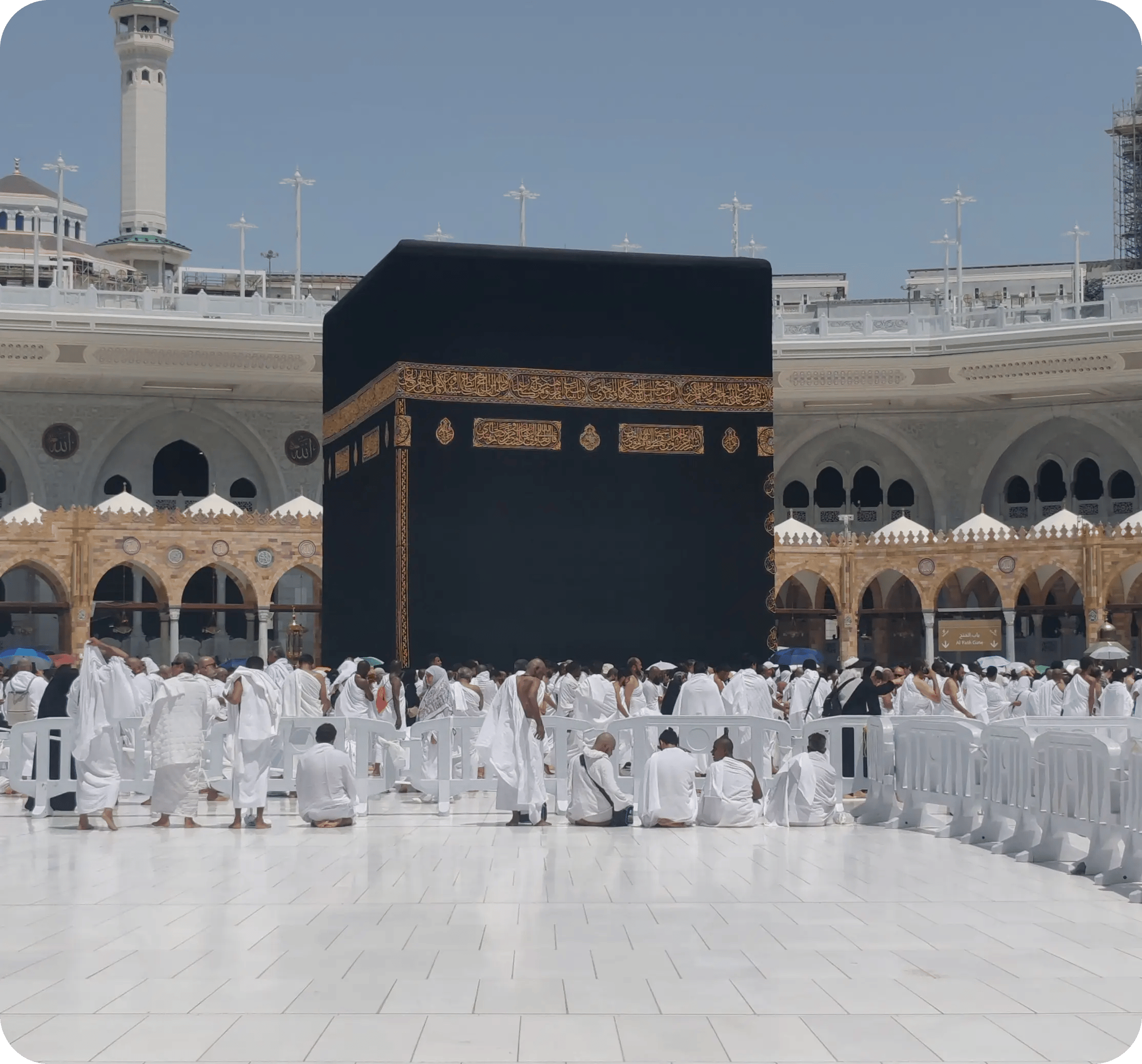
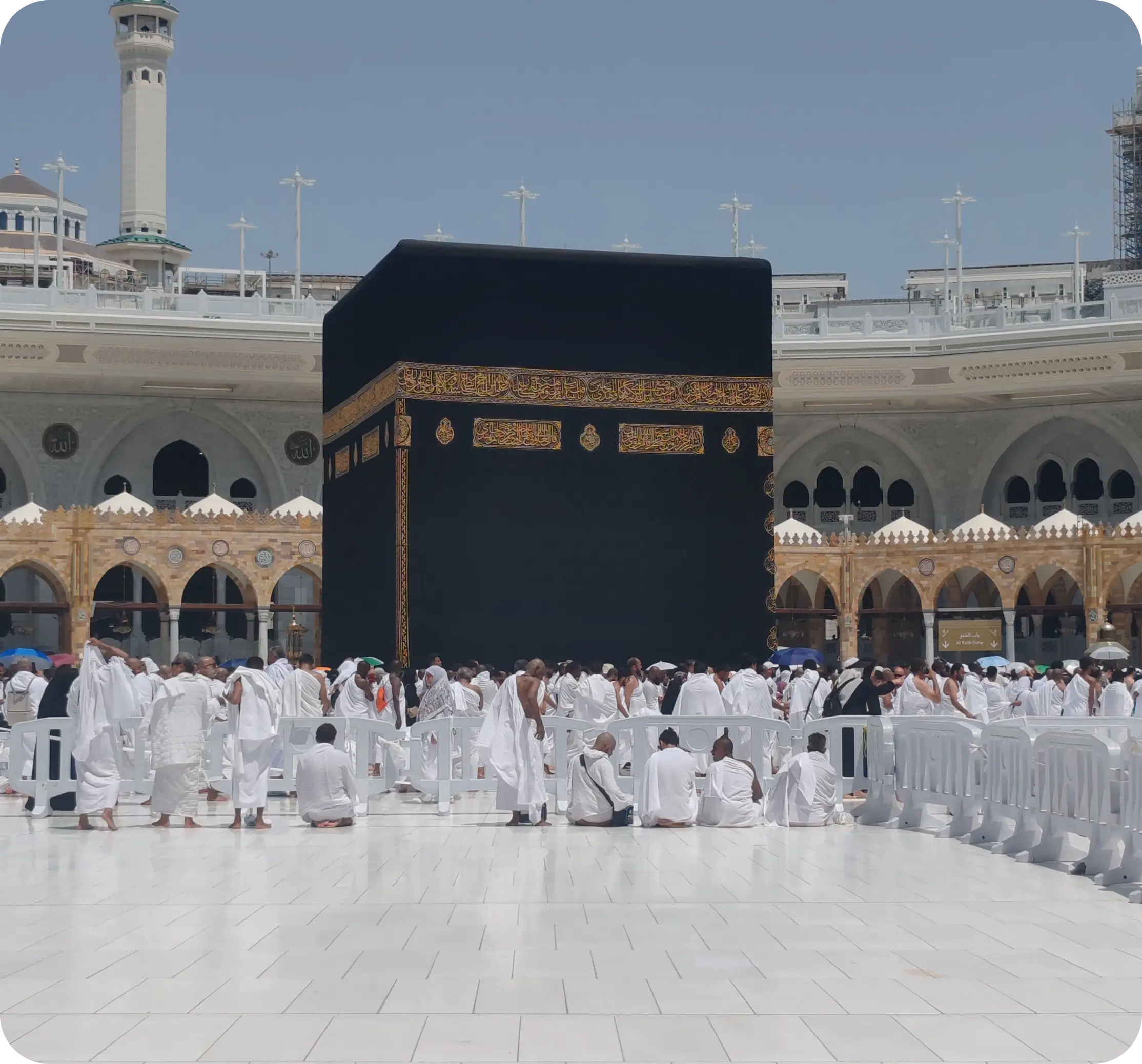
crowds of pilgrims in white garments around the Kaaba

Teams that leveled up their growth with HubXpert

Company logo (3)
Company logo (2)-1
Company logo (1)-1
Company logo-1
Icon Group 1-1
Company logo (4)-1
Company logo (3)
Company logo (2)-1
Company logo (1)-1
Company logo-1
Icon Group 1-1
Company logo (4)-1
The Reason

Why Pilgrimage Operators Need More Than a Booking Tool

Booking software fills seats and takes payments. It was never built to support a group leader coordinating dozens of pilgrims against a fixed date, or to keep a congregation informed while it decides.

Group Leaders Manage Many Pilgrims

A pastor, imam, or community coordinator books for an entire congregation. Generic booking tools treat each pilgrim as a separate, disconnected lead.

Quota Deadlines Do Not Move

Visa quotas and religious calendar dates are fixed. Standard booking tools have no way to track a filling quota against a hard deadline.

Documents Are the Bottleneck

Passports, visas, vaccination records, and health declarations all have to be collected and checked, and one missing document can hold up a whole group.

The Group Books Together

Pilgrims decide as a community. When one family hesitates, three others wait to see what they do.

Older Travellers Need More Support

Mobility, medication, and dietary requirements are common, and they need to be known before departure rather than discovered at the airport.

Attribution Is Missing

Parish referrals, paid search, and community events all claim the same booking. Without attribution, outreach follows habit.

Benefits

Key Benefits of HubSpot for Pilgrimage Travel

HubSpot for Pilgrimage Travel covers five areas where an organiser can fill departures and keep group leaders loyal.

Capture Qualified Group Enquiries

Turn congregation enquiries, referrals.

  • Capture every enquiry

    Group leaders, referrals.

  • Segment by departure

    Route, date, and group size.

  • Nurture group decisions

    Stay present while the community decides.

  • Track referral sources

    See which parishes.

Built for community travel.

A privacy-conscious setup with role-based access, and passport.

  • 129% More inbound leads
  • 36% More deals closed
  • 37% Faster ticket resolution
Case Studies

Our Featured Works

A curated selection of HubSpot implementations and digital marketing campaigns that moved the needle for our clients.

HOSPITALITY

HubSpot End-to-End Guest Experience Automation

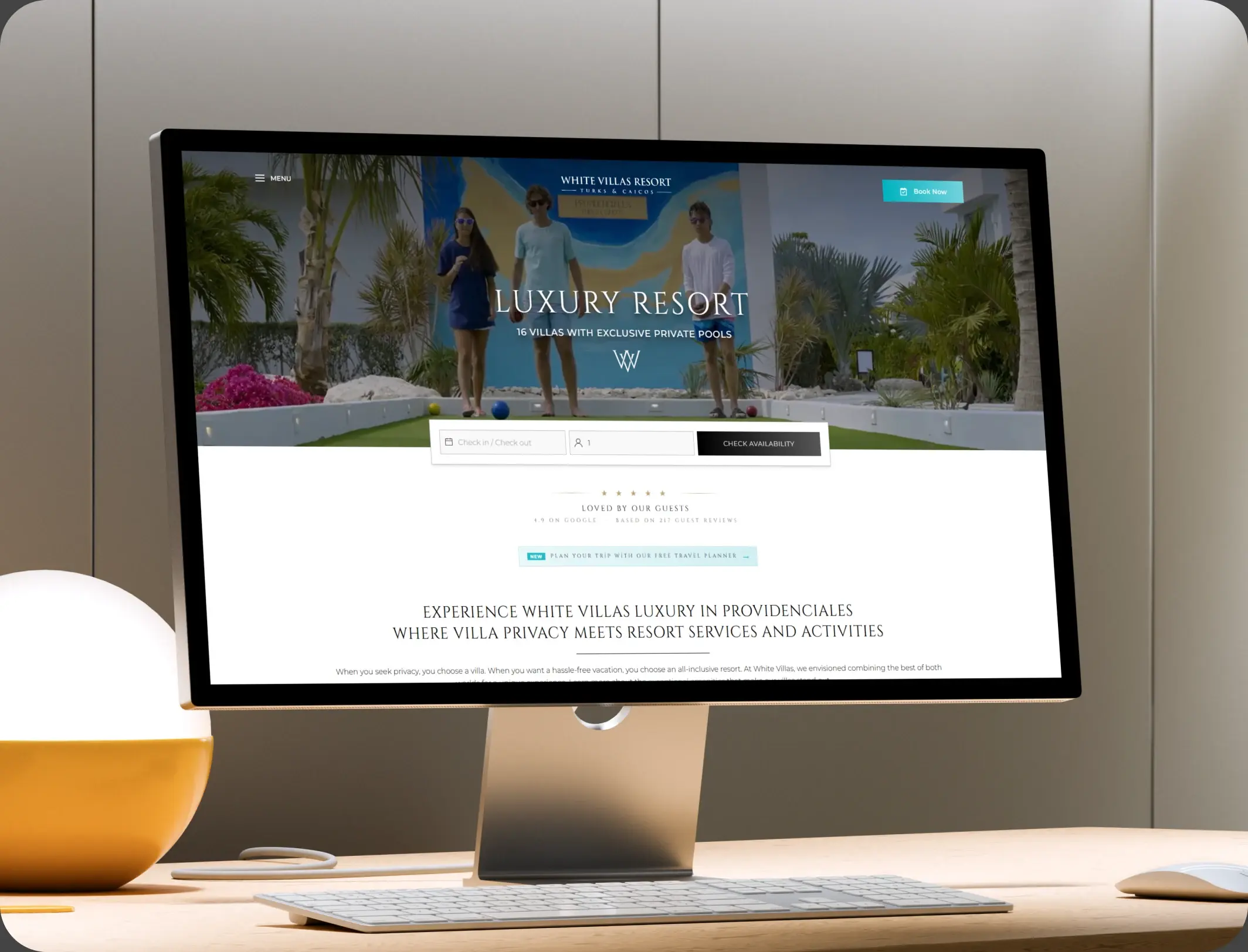
HubSpot End-to-End Guest Experience Automation for a Resort Villa - White Villas.

White Villas
White Villas – HubSpot End-to-End Guest Experience Automation

E-COMMERCE

HubSpot Trengo to Service Hub Migration

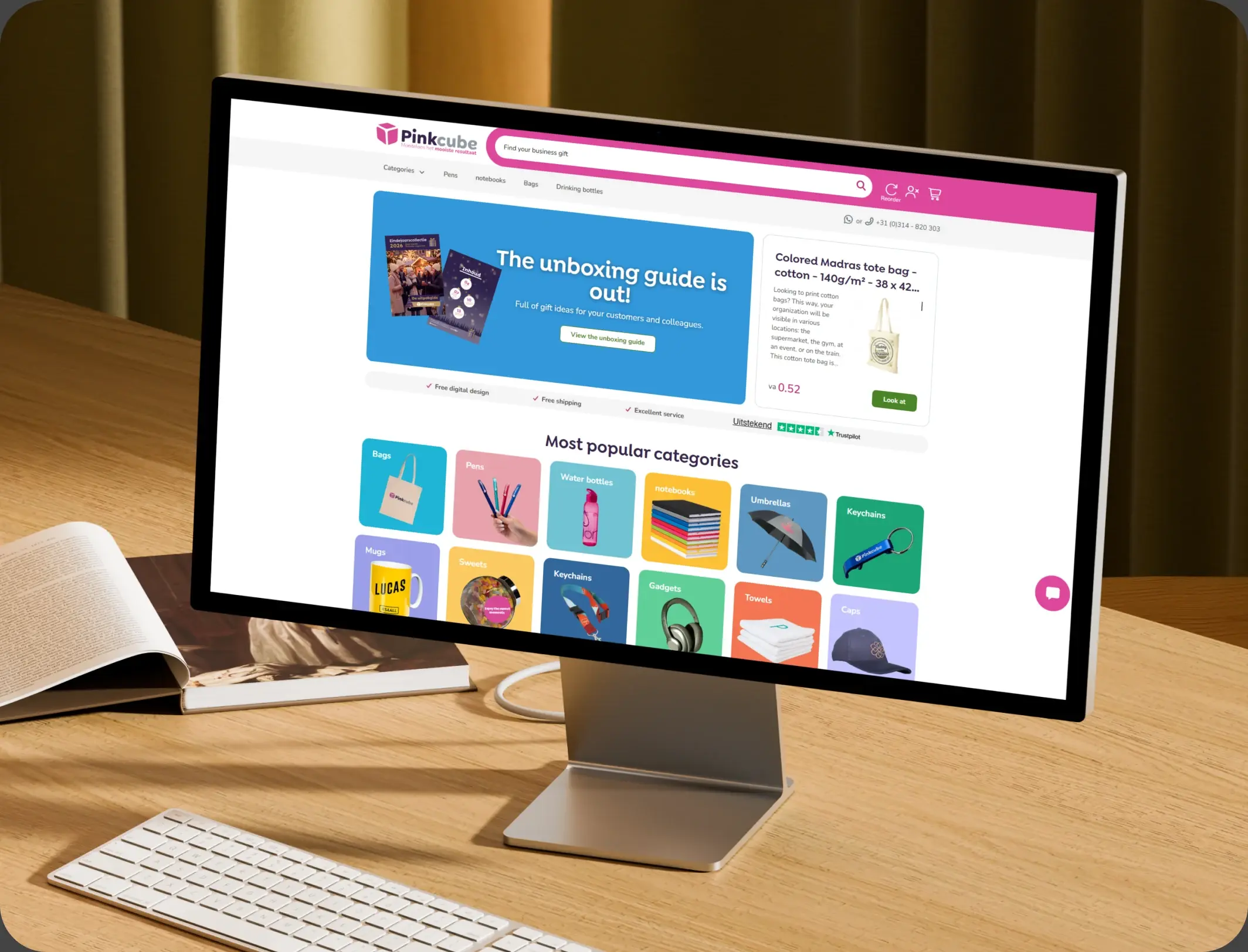
HubSpot Trengo to Service Hub Migration for an E-commerce Provider - Pinkcube.

Pinkcube
Pinkcube – HubSpot Trengo to Service Hub Migration

TRAVEL & VISA

HubSpot Onboarding and Integration

HubSpot Onboarding and Integration for a State-Owned Visa Company - Express Vietnam.

Express Vietnam
Express Vietnam – HubSpot Onboarding and Integration
HubSpot Usage

How Pilgrimage Organisers Use HubSpot Across the Journey

Step 1

Reach Group Leaders

Parish relationships, community events, and referrals bring leaders in, with the source recorded at first touch.

Step 2

Build the Group

Leaders see progress as pilgrims join, and reminders reach the families who have not committed. The group forms slowly and then all at once.

Step 3

Prepare for Departure

Documents, health detail, and meeting points are collected and confirmed before travel. Document collection is where departures get stuck.

Step 4

Keep the Community

Post-pilgrimage follow-up and an early invitation keep the group together for the next departure. A briefing that arrives early prevents most panic.

Workflow & Triggers

Example Pilgrimage Workflows We Can Automate in HubSpot

These are the workflows we build most often when we set up HubSpot for Pilgrimage Travel, tuned to fixed quotas and group decisions. The coordinator sees the task the moment it lands.
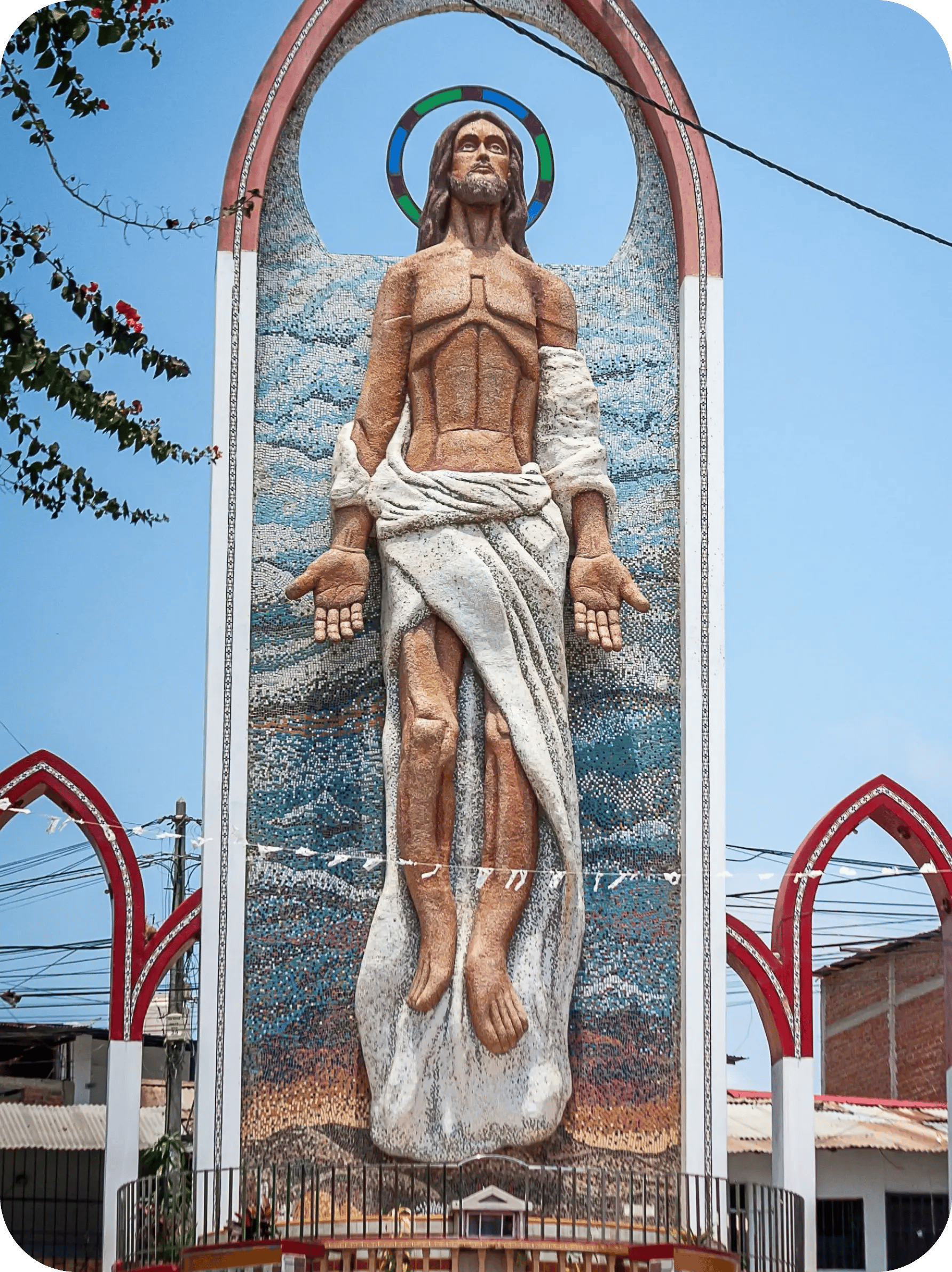
open-air mosaic shrine with a statue under blue sky
  1. Group Enquiry to Departure

    A leader enquiry creates a group record with the route and date, and a coordinator task within the hour. Anyone who pays exits the reminder sequence.

  2. Quota Watch

    A weekly fill report to the coordinator, with a task when a departure is behind schedule. The quota report names the departure and the seats left.

  3. Document Collection

    Passport, visa, and vaccination reminders at 90, 60, and 30 days, with a task for anything missing at 21. Document reminders escalate before the visa window closes.

  4. Health and Mobility Capture

    Requirements collected at booking, with a task where assistance may be needed at the destination. Mobility needs reach the destination team in advance.

  5. Pre-Departure Briefing

    Itinerary, meeting points, and packing detail sent at 14 and 3 days. The leader receives progress notes without asking.

  6. Post-Pilgrimage Follow-Up

    A thank-you after return, with a review request and an early invitation to the next departure.

  7. Group Leader Update

    Progress notes while the group forms, so the leader always knows how many seats remain.

Why HubXpert

Why Choose HubXpert for HubSpot Pilgrimage Builds?

Pilgrimage organisers come to us because the departure is fixed, the group decides together, and the documents are the work nobody has time for.

HubSpot Platinum Partner

Certified platform expertise, with a track record across travel agency workflows and group departures.

Custom Pilgrimage Workflows

Built around your departure calendar, group structure, and document process. No generic templates.

Advanced Automation

Multi-step workflows and conditional logic built for quota deadlines.

CRM Migration and Data Structuring

Clean imports from spreadsheets or a booking system, with group history intact.

Integration and API Development

An in-house team connecting HubSpot to your booking, payment, and visa systems.

Reporting and Optimization

Fill rate, document compliance, and leader performance tracked from launch.

Compliance

Privacy-Conscious Setup Inside HubSpot for Pilgrimage Travel

A pilgrimage booking carries passport data, vaccination records, and health declarations, often for elderly travellers. The work is separation: documents stay in the booking system, card data stays with the provider, and the CRM carries the group, the quota, and the communication record.

  • Document Separation
  • Role-Based Access
  • Health Data Handling
  • Encrypted Connections
Secure data lock
HubSpot Hubs

HubSpot Hubs Recommended for Pilgrimage Travel

Not every organiser needs every hub, and most start with Marketing and Sales before adding Service. Here is how each one lines up with a group-departure business.

  • Marketing Hub

    Your acquisition engine: community outreach, departure campaigns, and nurture aimed at the group leader first. Community outreach runs from the same group record as the booking.

  • Sales Hub

    Built for the group pipeline and the leader relationship behind it, where one conversation fills twelve seats. Each group carries an owner, a departure date, and a quota.

  • Service Hub

    Where pilgrim questions, document requests, and travel changes get tracked. Coordinators see the group history before calling. Most organisers start with Marketing and Sales, then add Service as departures grow.

  • Content Hub

    Powers the website and destination content with built-in SEO, so departures stay findable. Departure and destination pages get edited without a developer.

  • Operations Hub

    Connects booking, payment, and visa systems, most valuable across several routes. Group data stays matched. Pilgrim data stays matched across groups instead of drifting.

Our Process

Our Process for Implementing HubSpot for Pilgrimage Travel

Step 1.

Discovery and Departure Analysis

We assess your systems, departure calendar, group structure, and growth goals. This discovery shapes every decision that follows.
Discovery and Departure Analysis illustration
Step 2.

CRM Architecture and Pipeline Planning

Custom properties, group stages, and quota fields mapped to how the organiser actually runs, before any build begins. Stages mirror how an enquiry actually becomes a filled departure.
CRM Architecture and Pipeline Planning illustration
Step 3.

Automation and Integration Setup

Workflows built, booking and document integrations connected, sequences configured, and dashboards created. Every automation is tested before launch.
Automation and Integration Setup illustration
Step 4.

Team Training and Adoption

Hands-on training for coordinators, group liaisons, and marketing, each on the tools their role needs.
Team Training and Adoption illustration
Step 5.

Reporting and Optimization

Once live, we monitor fill rate and refine workflows, dashboards, and strategy as departures open.
Reporting and Optimization illustration
FAQ

Questions You Might Have

Does HubSpot work for pilgrimage travel organisers?

Yes. It runs the group side of the business: leader enquiries, quota tracking, document collection, departure briefing, and repeat pilgrim marketing, while the booking system keeps seats. Most organisers see the difference within the first departure. The CRM carries the group, not the paperwork.

Can HubSpot track quotas against deadlines?

A weekly fill report reaches the coordinator, and a task fires when a departure is behind schedule, so a shortfall is visible while seats can still be sold. Fill rate is tracked, so the improvement is measurable. Every workflow is tested before it reaches a pilgrim.

Can HubSpot collect documents?

Passport, visa, and vaccination reminders go out at 90, 60, and 30 days, and anything missing at 21 days raises a task before it becomes a departure problem. The sequence is matched to the route and the group size. Leader updates go out weekly while the group forms.

Can HubSpot capture mobility and health needs?

Requirements are collected at booking, with a task where assistance may be needed at the destination, so nothing is discovered at the airport. Nothing is assumed native until the connector is confirmed.

How do you handle health and passport data?

Documents stay in the booking system, access is role-based, and the CRM keeps only what is needed to communicate. Health records never enter the CRM.

Can HubSpot integrate with our booking system?

Often through an API or middleware. Group, seat, and document data cross over, and the sync direction is scoped first. That is how cost per filled seat becomes visible.

Does it work for several faith communities?

Yes. Departures, routes, and group leaders are configured separately, with fill rate reported per departure. We map which fields may hold health data before launch.

How long does an implementation take?

Most run four to eight weeks, depending on integrations and how much group history needs migrating. Documents stay in the booking system.

Book Consultation

Ready to Fill Every Departure With HubSpot?

A departure is short of its quota and the visa window closes in five weeks. We build around your calendar, your group leaders, and the communities you already serve. No generic setup, and no quota left to the last week of the visa window.

Takes 30 minutes
Delivered by certified HubSpot experts

Ratul-Rahman