HubSpot for Nanny Agencies: Who Matches Families Before Rivals?

A missed callback or a slow reply to a family sends the booking to a competing caregiver agencies' desk. HubSpot tracks every family enquiry and every candidate through screening to a completed nanny placement, so both sides of the agency move together instead of through two spreadsheets.

nanny on the phone while a toddler stamps a book

Teams that leveled up their growth with HubXpert

Company logo (3)
Company logo (2)-1
Company logo (1)-1
Company logo-1
Icon Group 1-1
Company logo (4)-1
Company logo (3)
Company logo (2)-1
Company logo (1)-1
Company logo-1
Icon Group 1-1
Company logo (4)-1
The Reason

Why Nanny Agencies Need More Than Spreadsheets and Scheduling Software

Placing the right caregiver with the right family takes more than a calendar. It takes a system built to capture, nurture, and convert both the family and the candidate.

Missed Enquiries Cost Placements

A family fills in a form at nine at night and hears nothing until Monday. By then two other agencies have called, and the enquiry is gone.

Scheduling Software Was Not Built for Marketing

Payroll platforms and timesheet apps manage an active placement. They were never built to capture leads, nurture families, or show which channel produced a booking.

Candidate Supply Is the Bottleneck

Without a candidate pipeline, screening sits in an inbox. Good nannies get placed by whoever responded first, which is usually not the agency.

References and Checks Stall Placement

A placement waits on a reference or a background check with no owner and no due date. Families notice the delay before the agency does.

The Guarantee Period Decides the Fee

Most placements carry a guarantee window. A mismatch that nobody spotted in the first month turns into a free replacement and a lost margin.

Attribution Is Missing

Referrals, local search, and paid ads all claim the same placement. Without attribution, spend follows habit.

Benefits

Key Benefits of HubSpot for Nanny Agencies

Five areas where an agency can answer faster, screen quicker, and protect the placement it just made.

Automate Family Follow-Ups

Reminders, follow-ups, and tasks run from what a family does next.

  • Never miss an enquiry

    Every form, call and email opens a task.

  • Save staff time

    Automatic replies cut manual follow-up work.

  • Log every touch

    Calls, emails, and texts sit on the family record.

  • Built for agency

    Sequences match how placements actually move.

Built for staffing

A privacy-conscious setup with restricted access to candidate documents.

  • 73% More deals closed
  • 20% Faster time-to-close
  • 1,290 Hours saved per team
Case Studies

Our Featured Works

A curated selection of HubSpot implementations and digital marketing campaigns that moved the needle for our clients.

WEBOPS

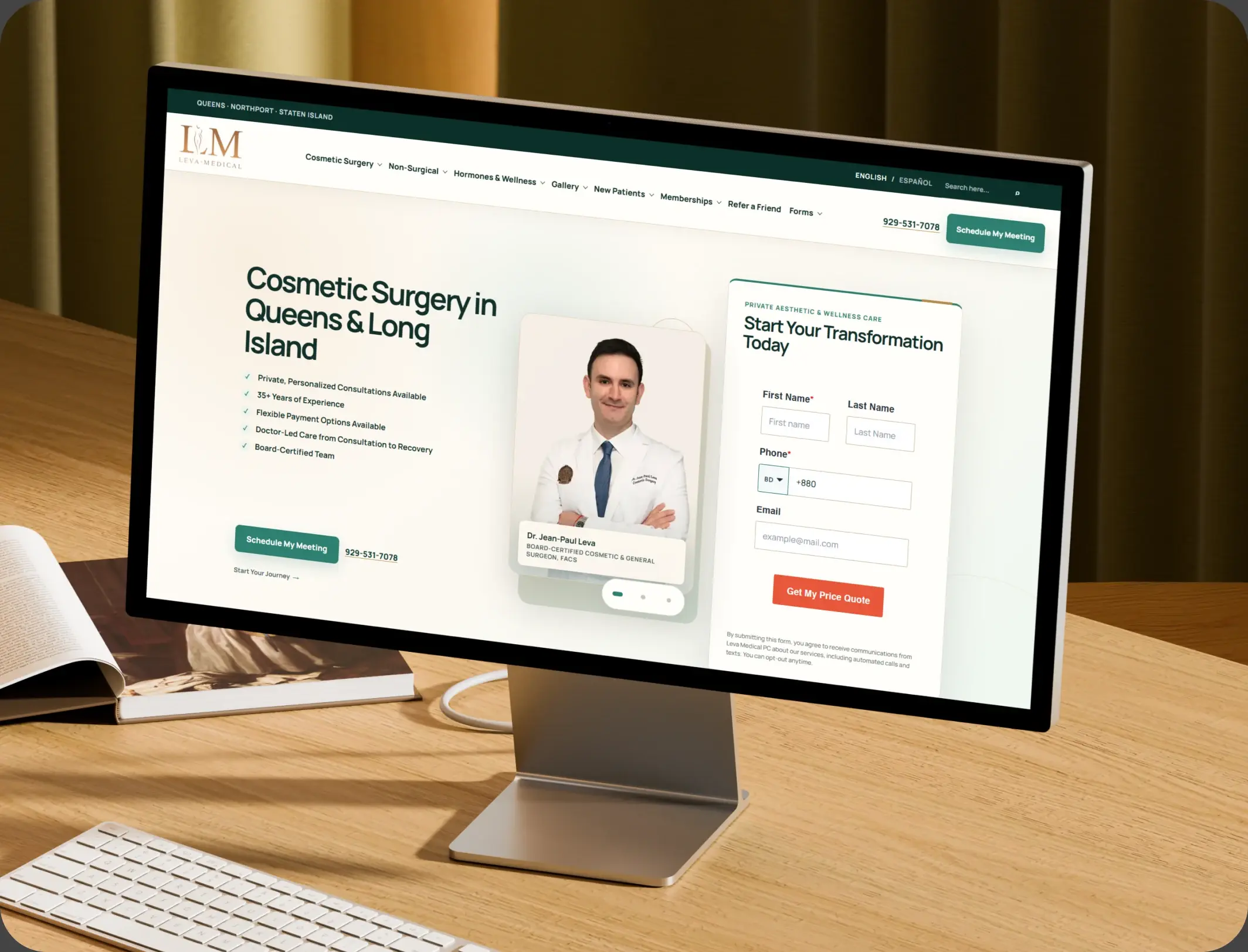
HubSpot – NexTech, EHR Integration for a Healthcare Provider Leva Medical

Leva Medical lacked Nextech–HubSpot integration, limiting marketing insights. HubXpert enabled secure, real-time sync for smarter, compliant patient engagement.

Leva Medical
Leva Medical – HubSpot NexTech EHR integration

DevOPS

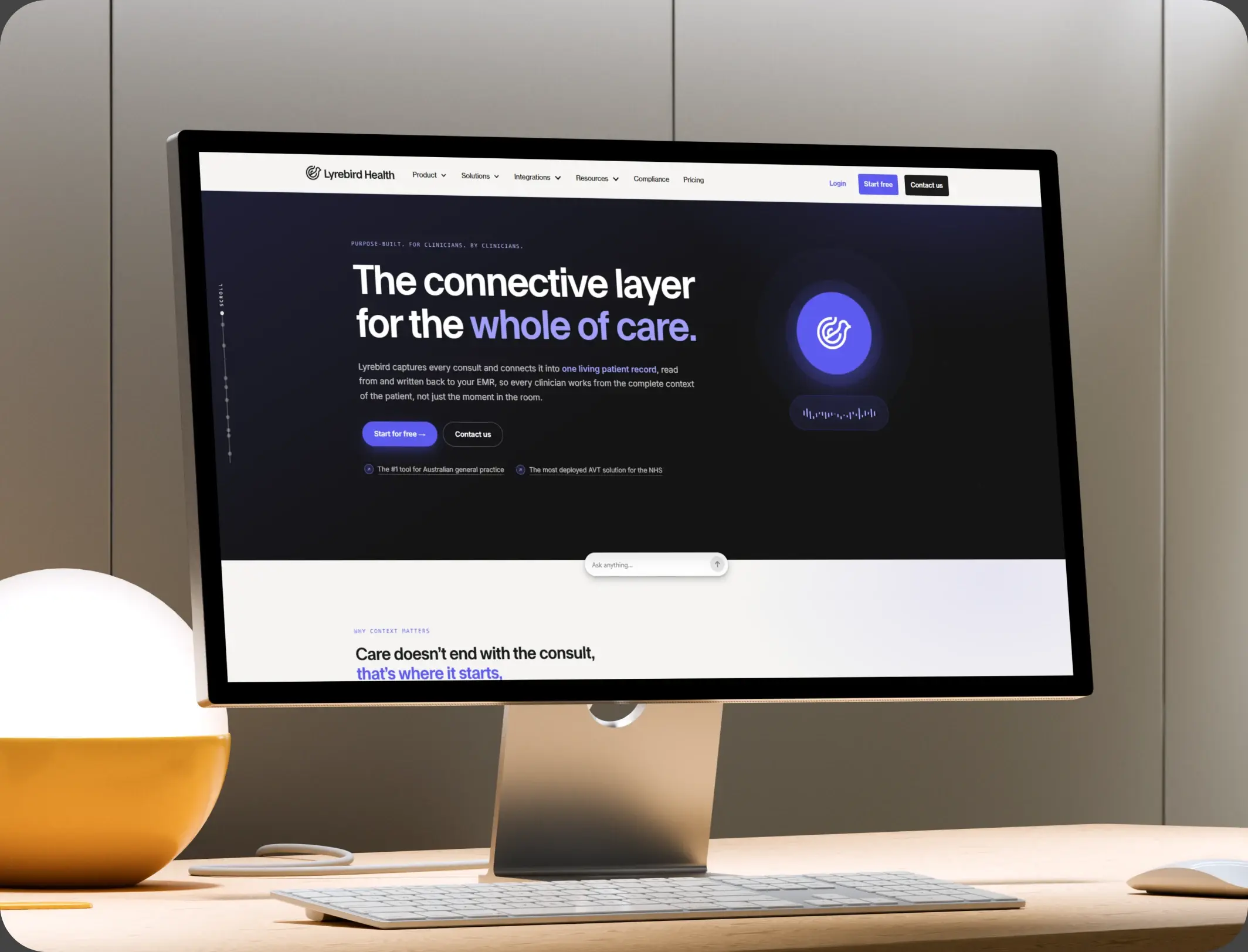
HubSpot – Scalable CRM Implementation for a Healthcare SaaS Lyrebird Health

Lyrebird Health is a Healthcare SaaS company building AI-powered scribe and diagnostic solutions for clinics and hospitals.

Lyrebird Health
Lyrebird Health – HubSpot CRM implementation

DevOPS

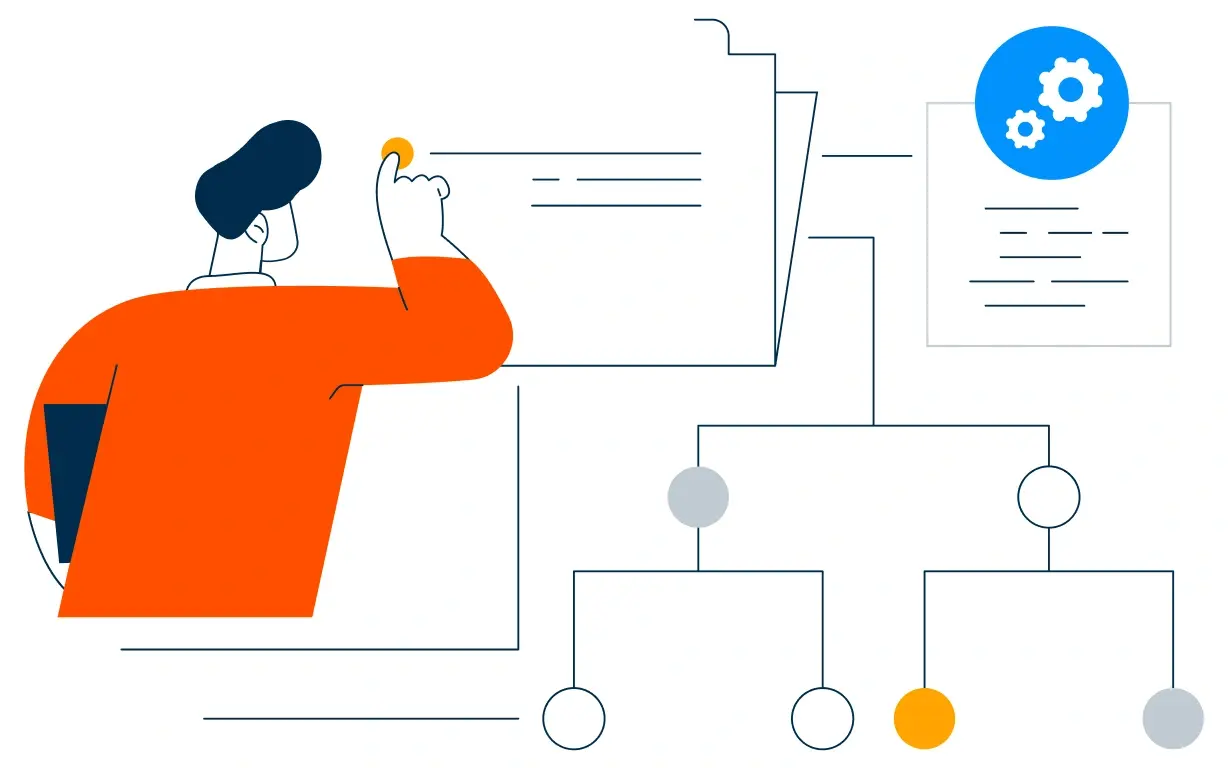
Automating Healthcare Workflows: A Deep Dive into the TRT Australia Portal Architecture

HubSpot portal empowers the Customer Service team to validate data, coordinate reports with doctors, and process pharmacy orders efficiently.

TRT Australia
TRT Australia – healthcare workflow portal
HubSpot Usage

How Nanny Agencies Use HubSpot Across the Placement Journey

Step 1

Attract Families and Candidates

Local search, paid ads, referrals, and job boards bring both sides in, with the source recorded at first touch. Most family enquiries start with a local search.

Step 2

Screen and Shortlist

Candidate stages, reference checks, and document expiry stay visible, so shortlists go out the same week. Screening speed decides which agency places the nanny.

Step 3

Match and Place

Families receive shortlists that fit their requirements, and the placement is tracked from interview to signed agreement.

Step 4

Protect the Placement

Check-ins inside the guarantee window catch a mismatch early, and a replacement search opens automatically when needed.

Workflow & Triggers

Example Nanny Agency Workflows We Can Automate in HubSpot

These are the workflows we build most often when we set up HubSpot for Nanny Agencies, tuned to a two-sided placement business. The coordinator sees the task the moment it lands.

nanny cradling a baby in a red star onesie
  1. Family Enquiry to Consultation

    Instant acknowledgement, coordinator task, follow-up within two hours if unanswered, and an SMS reminder the next day. Anyone who books exits the sequence at once.

  2. Candidate Application to Screening

    Application received, screening task assigned, and a reminder if documents are missing after three days. Missing documents raise a reminder, then a call task.

  3. Reference and Check Tracker

    Each reference and check is a task with an owner and a due date, and a stall raises an alert. A stalled check raises an alert with the owner named.

  4. Interview to Placement

    Interview scheduled, family feedback collected, and the placement agreement tracked through to signature.

  5. Guarantee Period Check-In

    A call task at week one and week four, with concerns routed to the placement manager before a replacement is requested.

  6. Replacement Search

    A mismatch opens a priority candidate search with the family's requirements already attached.

  7. Lapsed Family Reactivation

    Families who enquired but never placed re-enter a nurture sequence at ninety days.

Why HubXpert

Why Choose HubXpert for HubSpot Nanny Agency Builds?

Agencies come to us because they run two funnels at once, families and candidates, and most tools only model one.

HubSpot Platinum Partner

Certified platform expertise, with a track record across healthcare workflows and care placement businesses.

Custom Placement Workflows

Built around your screening stages, matching process, and guarantee terms. No generic templates.

Advanced Automation

Multi-step workflows and conditional logic built for both family and candidate pipelines.

CRM Migration and Data Structuring

Clean imports from spreadsheets or an agency system, with family and candidate history intact.

Integration and API Development

An in-house team connecting HubSpot to your payroll, scheduling, and background check providers.

Ongoing Optimization and Support

Continuous refinement as branches and candidate volume grow.

Compliance

Privacy-Conscious Setup Inside HubSpot for Nanny Agencies

Candidate files hold identity documents, references, and background check results, which need tighter handling than ordinary marketing data. Access is role-based, documents sit behind restricted permissions, and checks stay with the provider rather than in open CRM fields.


  • Restricted Document Access
  • Role-Based Permissions
  • Workflow Governance
  • Encrypted Connections
HIPAA compliant lock
HubSpot Hubs

HubSpot Hubs Recommended for Nanny Agencies

HubSpot for Nanny Agencies does not need every hub on day one, and most start with Marketing and Sales. Here is how each one lines up with a placement business.

  • Marketing Hub

    Your family acquisition engine: local campaigns, landing pages, and nurture sequences. Campaigns and nurture sequences run from the same family record.

  • Sales Hub

    Built for the candidate pipeline, family matching, and placement tracking, with owners on every stage. Each enquiry carries an owner and a response window.

  • Service Hub

    Where family questions, candidate queries, and post-placement concerns get organized. Coordinators see the history before calling back.

  • Content Hub

    Powers the website and hiring resources with built-in SEO, so service pages stay current. Service and area pages get edited without a developer.

  • Operations Hub

    Connects payroll, scheduling, and background check tools, most valuable for multi-branch agencies. Records stay matched across branches instead of drifting.

  • Commerce Hub

    Handles placement fees, retainers, and payment links, so invoices sit beside the family record.

Our Process

Our Process for Implementing HubSpot for Nanny Agencies

Step 1.

Discovery and Placement Analysis

We assess your systems, family flow, candidate flow, and placement terms. This discovery shapes every decision that follows.
Discovery & Practice Analysis illustration
Step 2.

CRM Architecture and Pipeline Planning

Custom properties, family stages, and candidate pipelines mapped to how the agency actually runs, before any build begins. Stages mirror how an enquiry actually becomes a placement.
CRM Architecture & Pipeline Planning illustration
Step 3.

Automation and Integration Setup

Workflows built, payroll and check integrations connected, sequences configured, and dashboards created. Every automation is tested before launch.
Automation & Integration Setup illustration
Step 4.

Team Training and Adoption

Hands-on training for recruiters, placement coordinators, and marketing, each on the tools their role needs.
Team Training & Adoption illustration
Step 5.

Reporting and Optimization

Once live, we monitor performance and refine workflows, dashboards, and strategy as placements grow.
Reporting & Optimization illustration
FAQ

Questions You Might Have

What CRM do nanny agencies use?

Most use a CRM for both sides of the business: family enquiries and candidate pipelines. A generic sales CRM only models one, which is why placement stages need their own structure. Most agencies see the difference within the first month of live workflows.

Can HubSpot track candidates through screening?

Yes. Screening, interviews, references, and checks each have a stage, an owner, and a due date, so nothing waits in an inbox. Time to placement is tracked, so the improvement is measurable.

Can HubSpot store background check results?

Results should stay with your screening provider. The CRM tracks status, dates, and expiry, which is enough to keep placements moving without holding sensitive documents. The sequence is matched to the family's requirements.

Can HubSpot support the guarantee period?

Yes. Each placement carries its guarantee end date, with check-in tasks at week one and week four so a mismatch is caught before a replacement is demanded. Nothing is assumed native until the connector is confirmed.

Does HubSpot work for caregiver agencies too?

It does. The same structure handles household staffing and in-home care placements where the agency matches caregivers rather than employing them directly. Automation never handles a check result directly.

Can HubSpot integrate with our payroll and scheduling tools?

Often through a native integration, otherwise an API or middleware. Placement and candidate status are the useful parts, and the sync direction is scoped first. That is how cost per placement becomes visible.

Does it work for multi-location agencies?

Yes. Location routing, permissions, and consolidated reporting work from one branch to twenty, with each site keeping its own pipelines. We map which fields may hold candidate documents before launch.

How long does an implementation take?

Most run four to eight weeks, depending on integrations and how much candidate history needs migrating. Documents stay behind restricted access.

Book Consultation

Ready to Grow Your Agency With HubSpot?

A family is filling in a form right now, and a good nanny is waiting to hear back. We build around your families, your candidates, and your placement terms. No generic setup, and no family left waiting for a callback. No candidate left waiting either. No generic setup, and no family left waiting for a callback.

Takes 30 minutes
Delivered by certified HubSpot experts

Ratul-Rahman