







































HubSpot for Mortgage Brokers: Applications and Referrals Together

Most of next year's business is already in the database, waiting on a rate move or a life event. HubSpot routes a new enquiry in minutes, keeps the realtors who send files close, and reaches past clients the moment a refinance makes sense for them, before another broker calls.

broker reviewing paperwork with a couple beside a desk globe

Teams that leveled up their growth with HubXpert

Company logo (3)
Company logo (2)-1
Company logo (1)-1
Company logo-1
Icon Group 1-1
Company logo (4)-1
Company logo (3)
Company logo (2)-1
Company logo (1)-1
Company logo-1
Icon Group 1-1
Company logo (4)-1
The Reason

Why Mortgage Brokers Need More Than an LOS

Your loan origination system processes applications and moves files to close. It was never built to win the lead or bring a past client back, and those two jobs carry the whole pipeline.

Speed to Lead Wins

Borrowers submit to several lenders at once, and the broker who calls back first usually gets the application, whatever the rate. Five minutes decides it.

Past Clients Drive Pipeline

Refinances and repeat purchases come from the existing database, and most brokers have no system keeping those relationships warm between transactions, so the database goes quiet for years.

Realtors Send the Best Files

An agent who trusts a broker sends the next buyer too, and that relationship needs contact between closings rather than a request every time the pipeline is thin.

Files Stall Between Stages

A file waiting on a document from the borrower sits untouched, and nobody notices until the closing date is two weeks away and the appraisal has not been ordered.

Rate Moves Are Timing Events

A drop in rates makes a list of past clients suddenly valuable, and most brokers cannot reach them inside the week when the decision actually gets made.

Attribution Is Missing

Realtor referrals, lead vendors, and search all claim the same loan, so spend never gets judged on funded volume.

Benefits

Key Benefits of HubSpot for Mortgage Brokers

HubSpot for Mortgage Brokers covers five areas where a brokerage can win more files, fund the ones already open.

Capture Qualified Borrower Leads

Turn inbound enquiries, referrals, and lead sources into an organized pipeline. Refinances come from the database.

  • Capture every enquiry

    Forms, referrals, and vendor leads together.

  • Segment by loan type

    Purchase, refinance.

  • Nurture before

    Stay present while borrowers shop.

  • Track lead sources

    See which sources produce loans.

Built for borrower data.

An application-safe setup with role-based access, and credit documents.

  • 36% More deals closed
  • 37% Faster ticket resolution
Case Studies

Our Featured Works

A curated selection of HubSpot implementations and digital marketing campaigns that moved the needle for our clients.

Accounting

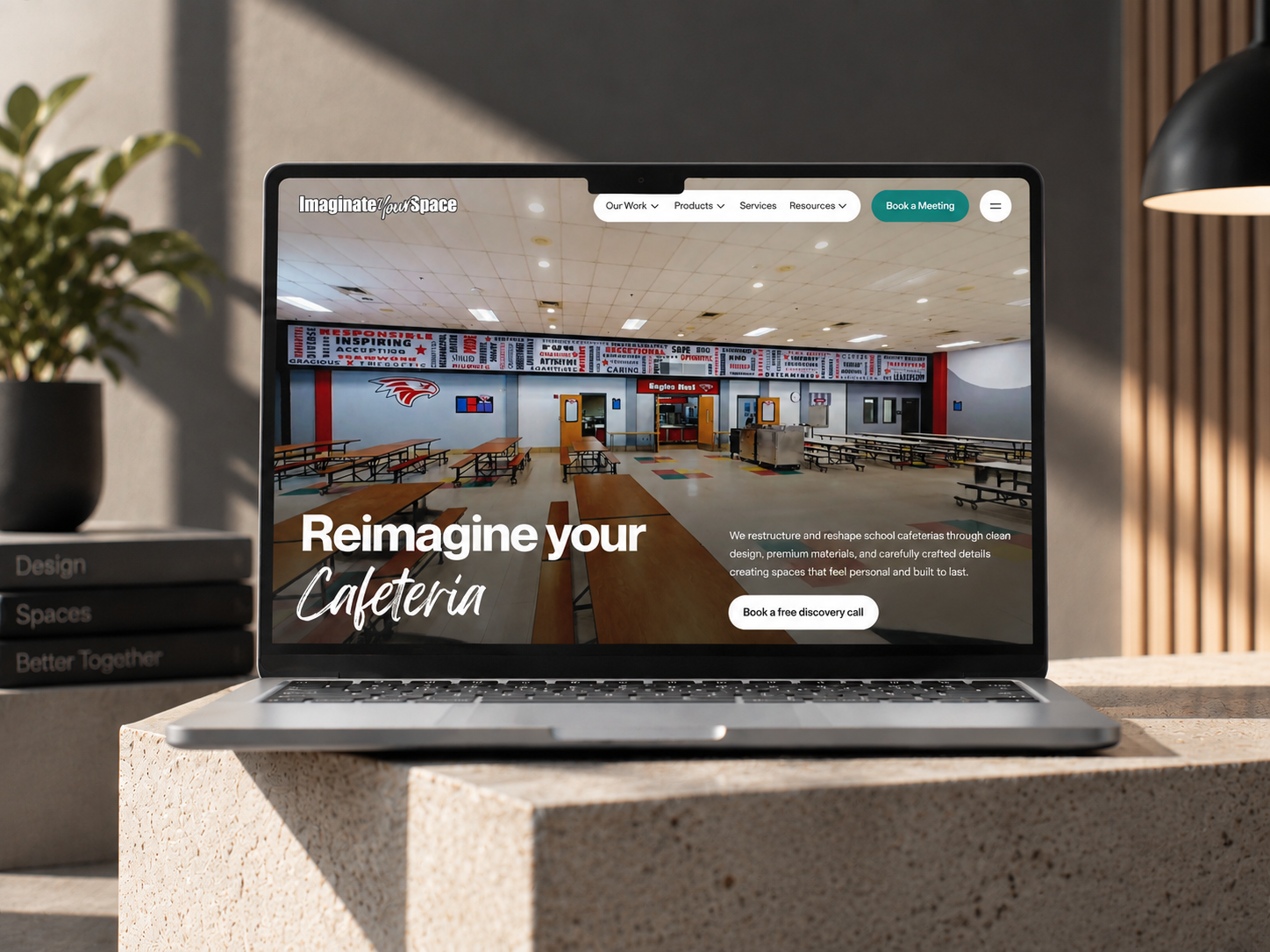
We Optimized HighLevel for 6 Figure Accounting Hack, Driving 20% More Conversions

HighLevel Onboarding, Custom Quotes System, Email & Pipeline Automation

6 Figure Accounting Hack
6 Figure Accounting Hack – We Optimized HighLevel for 6 Figure Accounting Hack, Driving 20% More Conversions

Professional Service

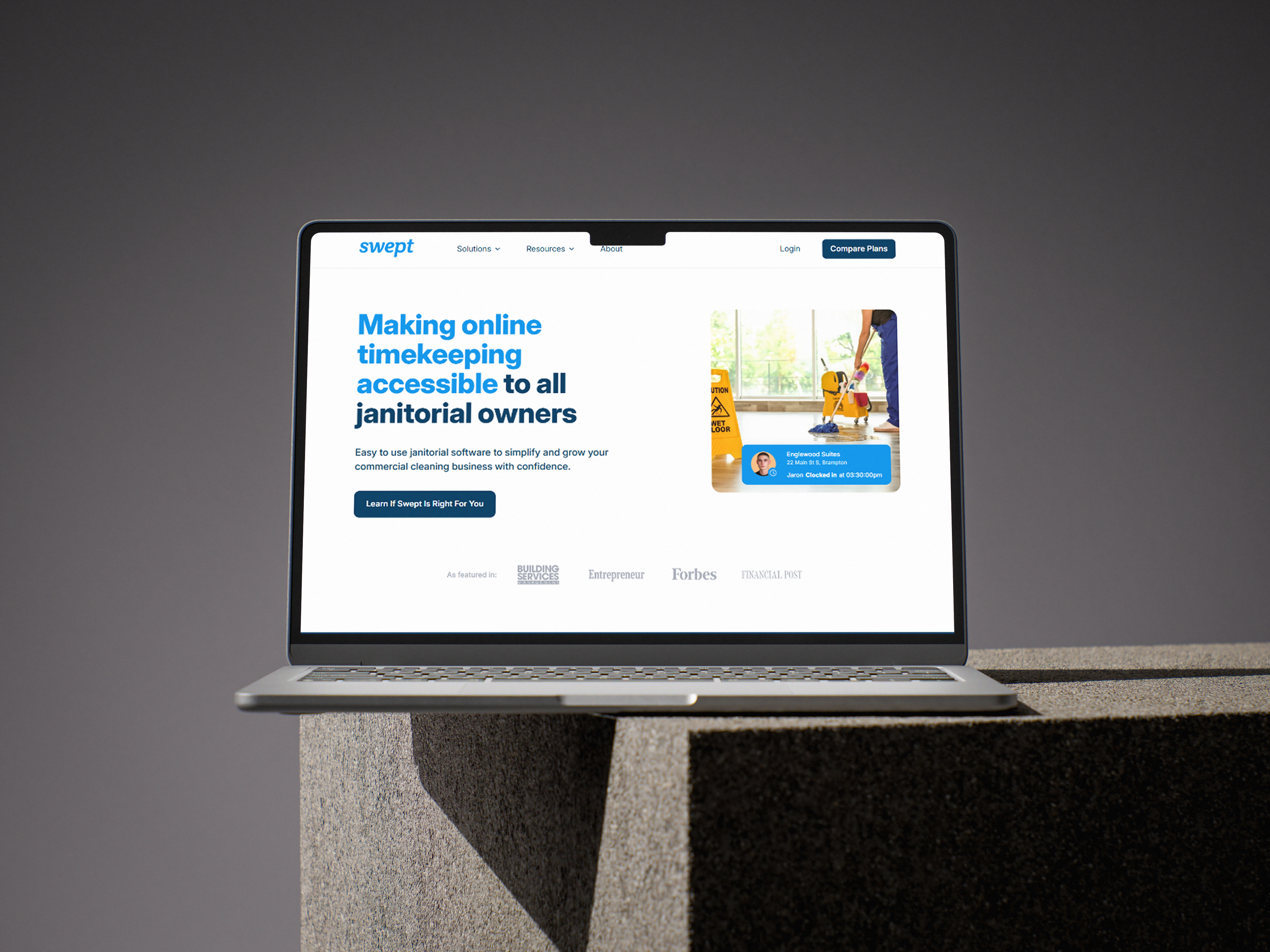
Cold Email Setup and Custom IPAAS Integration for an Acquisition Firm, Main Street Legacy Partners

Main Street Legacy Partners: An acquisition firm specializing in acquiring and growing established businesses. They focus on preserving the legacy of successful companies while providing opportunities for continued growth and expansion. Main Street Legacy Partners is committed to building long-term partnerships and driving sustainable value.

Finance Solutions
Main Street Legacy Partners (RevOps)-min

Professional Service

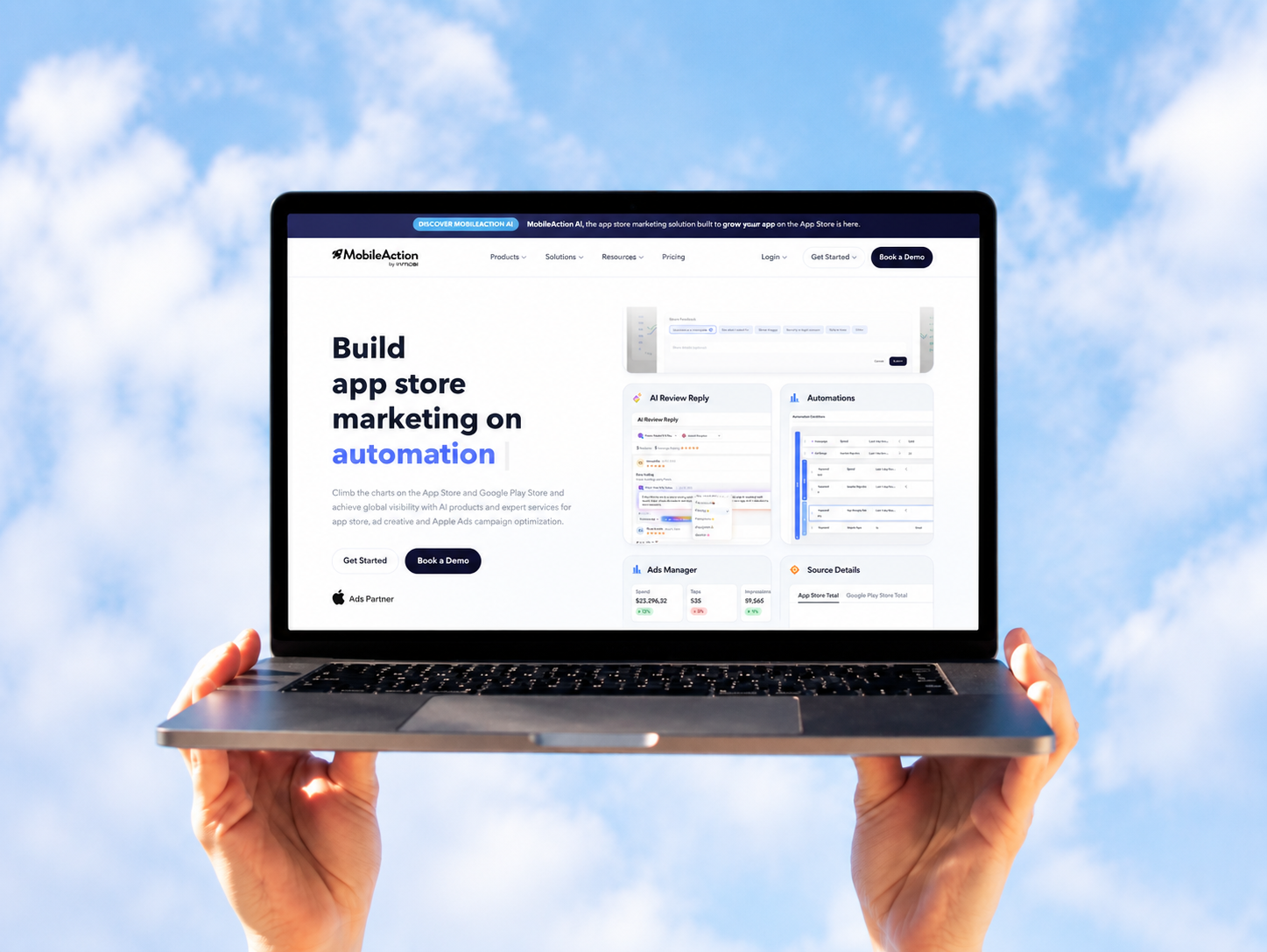
Cornerstone: Microsoft Dynamics 365 to HubSpot CRM Migration

Migrate vast CRM data from Microsoft Dynamics 365 to HubSpot, ensuring a seamless transition without data loss or workflow disruption.

Main Street Legacy Partners
Main Street Legacy Partners – Cornerstone: Microsoft Dynamics 365 to HubSpot CRM Migration
HubSpot Usage

How Mortgage Brokers Use HubSpot Across the Borrower Journey

Step 1

Attract and Route

Website enquiries, realtor referrals, and vendor leads land in one pipeline with the owner assigned in seconds. Most enquiries arrive while the borrower is comparing three brokers.

Step 2

Qualify and Apply

Loan type, timeline, and readiness captured once, with follow-up running while the broker is on another call. The first five minutes decide who gets the application.

Step 3

Move the File

Stages, outstanding documents, and stalling alerts keep the closing date visible. Files stall on documents the borrower has already been asked for.

Step 4

Return and Refer

Past clients hear from the brokerage when rates move, and agents get thanked when a file funds.

Workflow & Triggers

Example Mortgage Workflows We Can Automate in HubSpot

These are the workflows we build most often when we set up HubSpot for Mortgage Brokers, tuned to a business decided in the first five minutes. The borrower hears back inside five minutes.

broker running loan numbers on a calculator beside a house model
  1. Speed to Lead

    An enquiry raises a task at five minutes and a second at fifteen, with an automatic reply holding the borrower until the call. A funded file exits the document sequence.

  2. Document Chase

    Requests for pay stubs, statements, and identification repeat at day one, three, and seven, with a task at ten. A stalled file escalates before the closing date moves.

  3. File Stage Alert

    A file untouched for three days raises a task to the named broker. Every file has an owner and a next action.

  4. Realtor Partner Update

    A monthly note to agents with rate context and recent closings. Rate campaigns go out the week rates move.

  5. Rate Drop Campaign

    When rates fall, a segmented campaign reaches past clients whose loan makes a refinance worth discussing. Agents get thanks at closing, not at year end.

  6. Post-Closing Check-In

    At thirty days and at loan anniversary, a check-in that keeps the relationship alive. Anniversary reviews keep the relationship alive.

  7. Annual Review Prompt

    A yearly review task for every funded client, so the next move starts from a conversation.

Why HubXpert

Why Choose HubXpert for HubSpot Mortgage Builds?

Mortgage brokerages come to us because the LOS closes the file and the CRM has to win it, and most brokerages have only built the first half.

HubSpot Platinum Partner

Certified platform expertise, with a track record across financial services workflows and referral-led brokerages.

Custom Mortgage Workflows

Built around your loan types, partner network, and file stages. No generic templates.

Advanced Automation

Multi-step workflows and conditional logic built for minutes, not weeks.

CRM Migration and Data Structuring

Clean imports from spreadsheets or an existing CRM, with borrower history intact.

Integration and API Development

An in-house team connecting HubSpot to your LOS, e-signature, and lead vendors.

Reporting and Optimization

Response time, file velocity, and repeat volume tracked from launch.

Compliance

Application-Safe Setup Inside HubSpot for Mortgage Brokers

A brokerage holds borrower income, credit, and identity detail while a file is open. The work is separation: credit documents and disclosures stay in the LOS, sensitive uploads stay in a secure portal, and the CRM carries the enquiry, the stage, and the communication record.


  • Borrower Data Separation
  • Role-Based Access
  • Consent and Opt-Out Rules
  • Encrypted Connections
Secure data lock
HubSpot Hubs

HubSpot Hubs Recommended for Mortgage Brokers

Not every brokerage needs every hub, and most start with Sales and Marketing before adding Service.

  • Marketing Hub

    Your acquisition engine: rate campaigns, buyer guides, and database nurture that runs on loan anniversaries. Rate campaigns run from the same record as the file stage.

  • Sales Hub

    Built for the enquiry pipeline and the five-minute race, where the first callback usually wins the file. Each enquiry carries a broker and a response clock.

  • Service Hub

    Where borrower questions, document requests, and closing updates get tracked. Service sees the file history before replying. Here is how each one lines up with a speed-driven, referral-driven business.

  • Content Hub

    Powers the website and loan-program pages with built-in SEO, so local searches find you. Loan-program and location pages get edited without a developer.

  • Operations Hub

    Connects the LOS, e-signature, and vendor feeds, which is the only way file stages stay accurate across brokers. Borrower data stays matched across brokers and processors.

Our Process

Our Process for Implementing HubSpot for Mortgage Brokers

Step 1.

Discovery and File Analysis

We assess your loan mix, partner network, systems, and growth goals. This discovery shapes every decision that follows. It also sets the reporting the brokers will read each week.
Discovery and File Analysis illustration
Step 2.

CRM Architecture and Pipeline Planning

Custom properties, file stages, and partner records mapped to how the brokerage actually works, before any build begins. Stages mirror how an enquiry becomes a funded loan.
CRM Architecture and Pipeline Planning illustration
Step 3.

Automation and Integration Setup

Workflows built, LOS and vendor integrations connected, sequences configured, and dashboards created. Every automation is tested before launch.
Automation and Integration Setup illustration
Step 4.

Team Training and Adoption

Hands-on training for brokers, processors, and marketing, each on the tools their role needs.
Team Training and Adoption illustration
Step 5.

Reporting and Optimization

Once live, we monitor response time and file velocity, and refine workflows, dashboards, and strategy each quarter.
Reporting and Optimization illustration
FAQ

Questions You Might Have

Does HubSpot work for mortgage brokers?

Yes. It runs the borrower side of the business: lead routing, first response, partner referrals, database campaigns, and file tracking, while the LOS keeps the application. Most brokerages see the difference in the first month. The CRM carries the stage, not the application.

Will HubSpot replace our LOS?

No. The LOS processes applications and disclosures. HubSpot wins the enquiry, chases the documents, and keeps the client after closing, and the two are connected. Response time is tracked, so the improvement is measurable. Every workflow is tested before it reaches a borrower.

How fast can a new lead get a response?

An enquiry raises a task at five minutes and a second at fifteen, with an automatic reply in between, and response time is reported by broker. The sequence is matched to loan type and readiness. Partner reporting runs monthly.

Can HubSpot bring past clients back?

The database is segmented by rate, equity, and loan age, and a campaign goes out the week rates move, which is when a refinance conversation actually lands. Nothing is assumed native until the connector is confirmed. Database campaigns wait for a rate move or a life event.

Can HubSpot track realtor partners?

Each file is traced to the agent who sent it, so the brokerage knows which relationships are producing closings. Credit documents never sit in the CRM.

How do you handle borrower documents?

Credit documents and disclosures stay in the LOS, uploads stay in a secure portal, and access follows the role. That is how cost per funded loan becomes visible.

Can HubSpot integrate with our LOS?

Often through an API or middleware. Client, stage, and closing data cross over, and the sync direction is scoped first. We map which fields may hold borrower data before launch.

How long does an implementation take?

Most run four to eight weeks, depending on integrations and how much borrower history needs migrating. Uploads stay in a secure portal.

Book Consultation

Ready to Win the First Five Minutes?

An enquiry came in before lunch and nobody has called back, while a rate drop last week never reached the database. We build around your brokers, your partners, and your file stages. No generic setup, and no file left to stall. No generic setup, and no file left to stall in the middle of a closing week.

Takes 30 minutes
Delivered by certified HubSpot experts

Ratul-Rahman