HubSpot for Home Health Agencies: Hospital Referral to Admission

A slow reply to a hospital discharge planner sends the referral to a competing agency. HubSpot tracks every referral from the first call through admission, keeps physicians and case managers informed, and grows census without adding headcount to the liaison team. Census is won in the first hour.

home health nurse reviewing sample tubes across a desk

Teams that leveled up their growth with HubXpert

Company logo (3)
Company logo (2)-1
Company logo (1)-1
Company logo-1
Icon Group 1-1
Company logo (4)-1
Company logo (3)
Company logo (2)-1
Company logo (1)-1
Company logo-1
Icon Group 1-1
Company logo (4)-1
The Reason

Why Home Health Agencies Need More Than Clinical and EMR Software

Growing census takes more than clinical documentation. It takes a system built to capture, nurture, and convert every referral before the discharge planner calls someone else.

Missed Referrals Cost Census

A discharge planner calls at four on a Friday and hears nothing until Monday. The patient goes elsewhere, and the agency never learns why it lost the case.

EMR Software Was Not Built for Referral Marketing

OASIS documentation, scheduling, and billing manage the clinical side of an admitted patient. None of it nurtures a referral relationship or tracks which hospital sends the most business.

Liaison Coverage Is Invisible

A liaison drives between facilities all day. Without a logged visit and a next step, coverage looks busy and performs unevenly, and nobody can prove which accounts were actually touched.

Referrals Go Quiet After a Call

A referral that arrives and is not admitted within days usually disappears.

Physicians Hear Nothing After Admission

Referring physicians and case managers want to know the patient started care.

Census Reporting Is Fragmented

Each branch counts referrals differently, so the group cannot compare branches or see which source is declining until the month closes.

Benefits

Key Benefits of HubSpot for Home Health Agencies

Five areas where an agency can respond faster to referral sources and keep census growing across branches.

Automate Referral Source Follow-Ups

Reminders, follow-ups, and tasks run from where a referral sits in intake.

  • Never miss a referral

    Every call, fax and form opens a task.

  • Save liaison time

    Automatic replies cut manual follow-up work.

  • Log every touch

    Calls, emails and visits sit on one record.

  • Built for agency

    Sequences match how intake really moves.

Built for home health

A HIPAA-conscious setup, role-based access.

  • 73% More deals closed
  • 20% Faster time-to-close
  • 1,290 Hours saved per team
Case Studies

Our Featured Works

A curated selection of HubSpot implementations and digital marketing campaigns that moved the needle for our clients.

WEBOPS

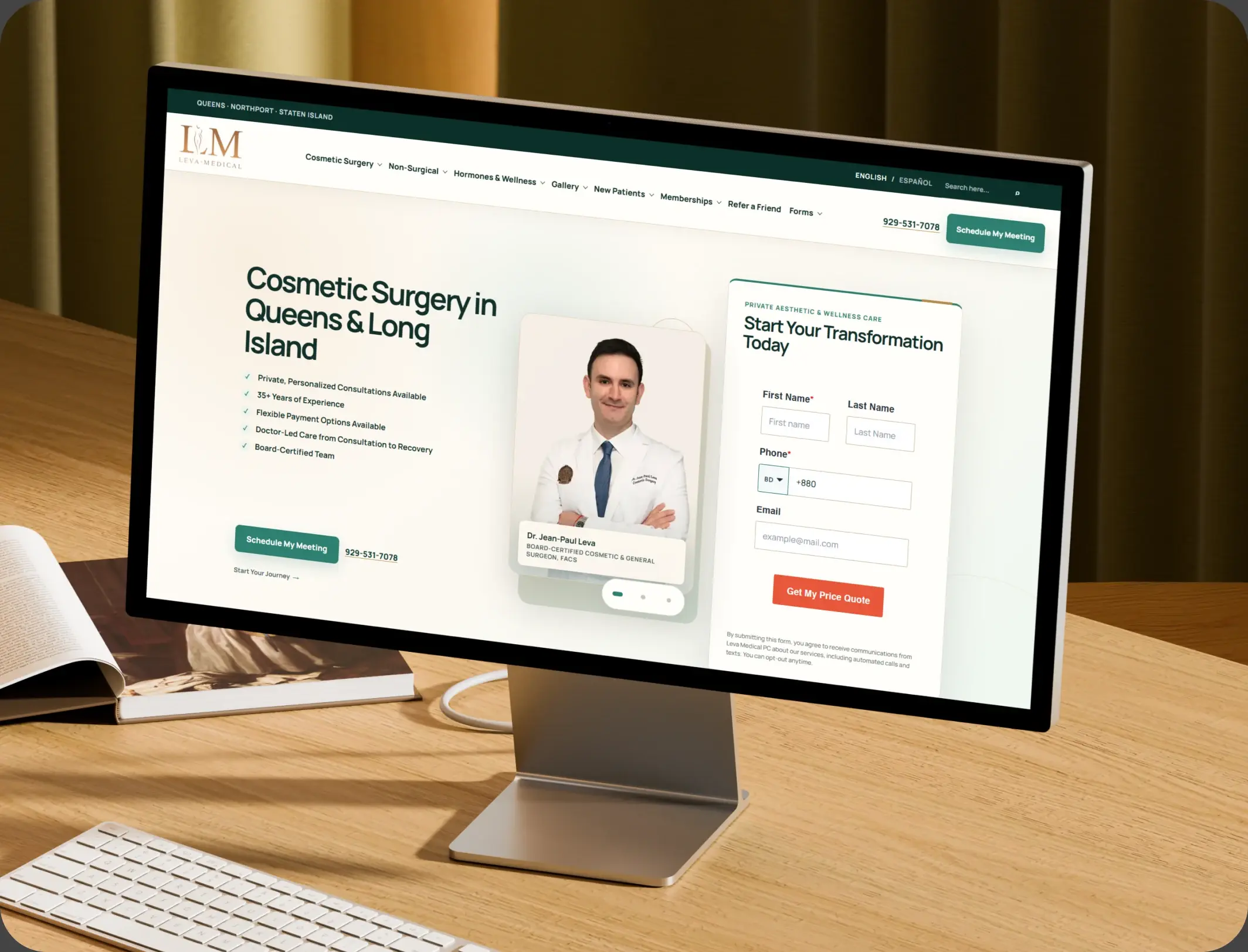
HubSpot – NexTech, EHR Integration for a Healthcare Provider Leva Medical

Leva Medical lacked Nextech–HubSpot integration, limiting marketing insights. HubXpert enabled secure, real-time sync for smarter, compliant patient engagement.

Leva Medical
Leva Medical – HubSpot NexTech EHR integration

DevOPS

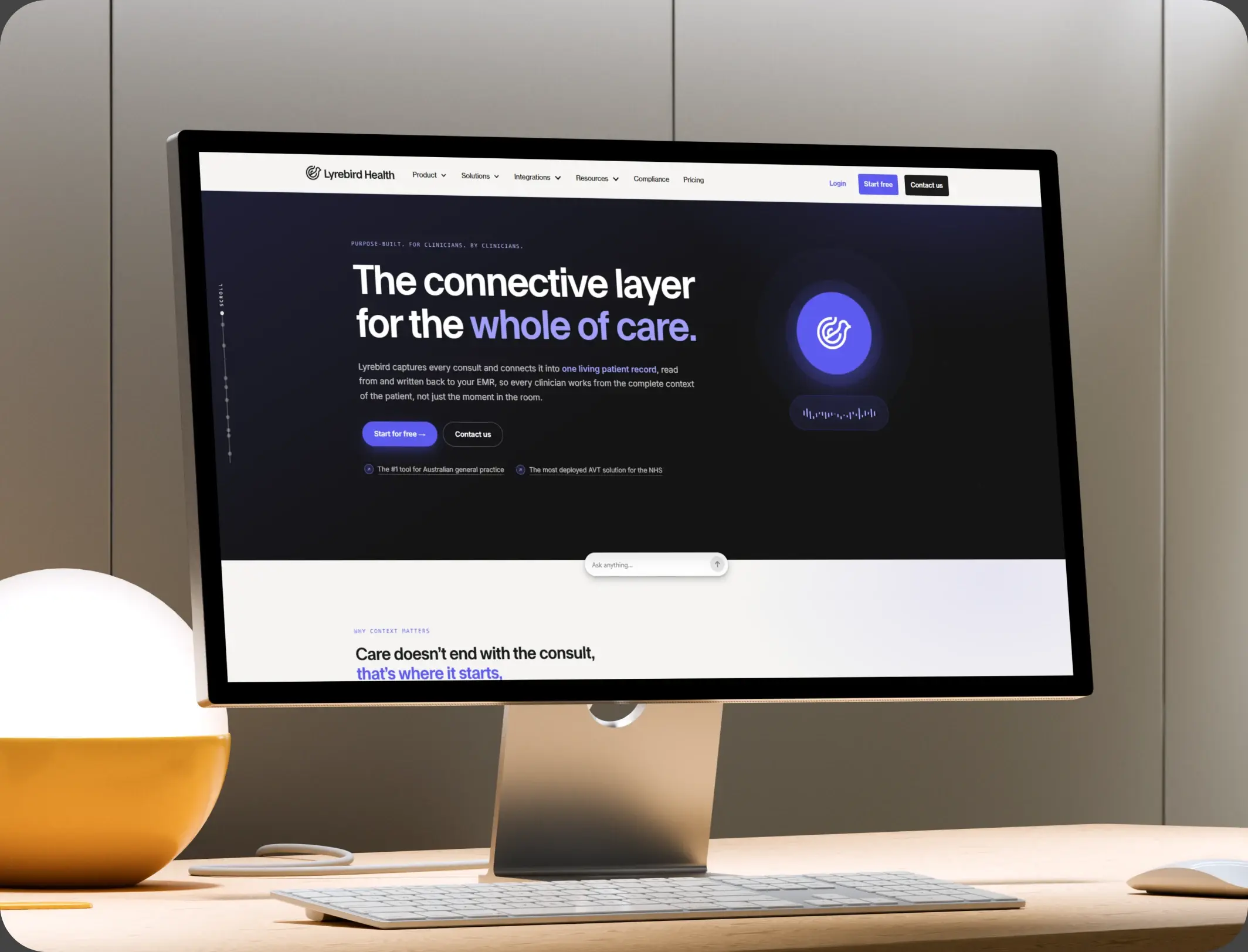
HubSpot – Scalable CRM Implementation for a Healthcare SaaS Lyrebird Health

Lyrebird Health is a Healthcare SaaS company building AI-powered scribe and diagnostic solutions for clinics and hospitals.

Lyrebird Health
Lyrebird Health – HubSpot CRM implementation

DevOPS

Automating Healthcare Workflows: A Deep Dive into the TRT Australia Portal Architecture

HubSpot portal empowers the Customer Service team to validate data, coordinate reports with doctors, and process pharmacy orders efficiently.

TRT Australia
TRT Australia – healthcare workflow portal
HubSpot Usage

How Home Health Agencies Use HubSpot Across the Referral Journey

Step 1

Build Referral Relationships

Hospitals, physician groups, and facilities are tracked as accounts, with liaison visits logged against each one.

Step 2

Convert Referrals Into Admissions

Intake tasks, eligibility checks, and follow-up sequences move a referral toward start of care. Eligibility is where referrals quietly stall.

Step 3

Close the Loop With Referrers

The discharge planner and physician hear when care starts, which is what earns the next referral. The update back to the referrer earns the next case.

Step 4

Grow Census by Source

Reporting shows which sources and branches produce admissions, so liaison coverage follows evidence.

Workflow & Triggers

Example Home Health Workflows We Can Automate in HubSpot

These are the workflows we build most often when we set up HubSpot for Home Health Agencies, tuned to referral intake that starts with a discharge planner's call. The coordinator sees the task the moment it lands.

home health nurse reviewing test tubes and scan films with two visitors
  1. Referral to Intake Task

    Every call, fax, and form creates a task immediately, with an escalation if no contact is logged within the hour. Admission confirmation closes the sequence.

  2. Discharge Planner Follow-Up

    A confirmation to the referring facility, a reminder if eligibility is pending, and a status update once admission is confirmed.

  3. Stalled Referral Recovery

    A follow-up sequence for referrals that have not been admitted within three days, with a liaison task attached.

  4. Start of Care Confirmation

    Admission confirmation goes to the physician and case manager, with the schedule and care team named.

  5. Liaison Visit Cadence

    Tasks prompt the next facility visit before an account goes cold, with the last visit date and notes attached.

  6. Thirty-Day Physician Update

    A short outcome summary reaches the referring physician where consent allows, keeping the relationship warm.

  7. Dormant Source Reactivation

    A referral source with no activity for sixty days triggers a liaison outreach task with the previous history.

Why HubXpert

Why Choose HubXpert for HubSpot Home Health Builds?

Agencies come to us because census is won in the first hour of a referral, and the liaison team cannot be in every facility at once.

HubSpot Platinum Partner

Certified platform expertise, with a track record across healthcare workflows and multi-branch providers.

Custom Home Health Workflows

Built around your referral intake, liaison structure, and admission process. No generic templates.

Advanced Automation

Multi-step workflows and conditional logic built for referral urgency and physician updates.

CRM Migration and Data Structuring

Clean imports from spreadsheets or a prior system, with referral history intact.

Integration and API Development

An in-house team connecting HubSpot to your EMR, scheduling, and billing systems.

Ongoing Optimization and Support

Continuous refinement as branches and referral sources grow.

Compliance

HIPAA-Conscious Setup Inside HubSpot for Home Health Agencies

HubSpot signs a Business Associate Agreement on Enterprise plans, and a super admin can enable Sensitive Data settings so the portal may hold PHI. OASIS documentation and clinical records stay in the EMR, while the CRM carries referrals, liaison activity, and physician communication.

  • PHI-Aware Data Separation
  • Role-Based Access
  • Workflow Governance
  • Encrypted Connections
HIPAA compliant lock
HubSpot Hubs

HubSpot Hubs Recommended for Home Health Agencies

Not every agency needs every hub, and most start with Marketing and Sales. Here is how each one lines up with referral-driven growth.

  • Marketing Hub

    Your referral and community engine: facility campaigns, educational content, and nurture for discharge planners. Campaigns and liaison sequences run from the same account record.

  • Sales Hub

    Built for the referral pipeline, liaison territories, and admission tracking. Each referral carries an owner and a response window. Most agencies start with Marketing and Sales, then add Service as volume grows.

  • Service Hub

    Where physician questions, eligibility queries, and family contact get organized and tracked. Intake sees the facility history before calling back.

  • Content Hub

    Powers the website and clinical content with built-in SEO, so service area pages stay current. Service area pages get edited without a developer.

  • Operations Hub

    Connects EMR, scheduling, and billing systems, most valuable for multi-branch providers. Records stay matched across branches. Records stay matched across branches instead of drifting.

Our Process

Our Process for Implementing HubSpot for Home Health Agencies

Step 1.

Discovery and Referral Analysis

We assess your systems, referral sources, liaison structure, and census goals. This discovery shapes every decision that follows.
Discovery & Practice Analysis illustration
Step 2.

CRM Architecture and Pipeline Planning

Custom properties, referral stages, and branch pipelines mapped to how the agency actually runs, before any build begins. Stages mirror how a referral actually becomes an admission.
CRM Architecture & Pipeline Planning illustration
Step 3.

Automation and Integration Setup

Workflows built, EMR and scheduling integrations connected, sequences configured, and dashboards created. Every automation is tested before launch.
Automation & Integration Setup illustration
Step 4.

Team Training and Adoption

Hands-on training for liaisons, intake coordinators, and branch leadership, each on the tools their role needs.
Team Training & Adoption illustration
Step 5.

Reporting and Optimization

Once live, we monitor performance and refine workflows, dashboards, and strategy as census grows.
Reporting & Optimization illustration
FAQ

Questions You Might Have

Does HubSpot work for home health agencies?

Yes. It runs the referral side: intake follow-up, liaison activity, physician communication, and census reporting, while the EMR keeps running clinical documentation. Most agencies see the difference within the first month of live workflows.

What CRM do home health agencies use for referral marketing?

Most use a CRM alongside their clinical system, because EMRs manage admitted patients rather than referral relationships or liaison coverage. Admission rate is tracked, so the improvement is measurable.

Can HubSpot track physician referrals?

Yes. Each physician and facility is an account with visit history, referral volume, and admission rate, so liaison effort follows evidence. The sequence is matched to the referral stage.

Can HubSpot help liaisons cover more ground?

It gives each liaison a territory, a visit cadence, and a record of what was promised, so coverage is measurable rather than assumed. Nothing is assumed native until the connector is confirmed.

Is HubSpot for Home Health Agencies HIPAA compliant?

HubSpot offers a Business Associate Agreement, and HIPAA data requires an Enterprise hub with Sensitive Data settings enabled by a super admin. OASIS and clinical records stay in the EMR. Automation never sends a claim nobody signed off on.

Can HubSpot integrate with our EMR?

Often through a native integration, otherwise an API or middleware. Referral and admission status are the useful parts, and the sync direction is scoped first. That is how cost per admission becomes visible.

Does it work across multiple branches and states?

Yes. Branch routing, permissions, and consolidated census reporting work from one branch to twenty, with each site keeping its own referral pipeline. We map which fields may hold clinical detail before launch.

How long does an implementation take?

Most run four to eight weeks, depending on integration complexity and how much referral history needs migrating. Clinical detail stays in the EMR.

Book Consultation

Ready to Grow Your Home Health Census With HubSpot?

A discharge planner is calling right now, and the referral goes to the agency that answers first and follows through. We build around your referral network, your liaisons, and your branches. No referrals left waiting. No generic setup, and no referral left to a callback nobody made.

Takes 30 minutes
Delivered by certified HubSpot experts

Ratul-Rahman