HubSpot for Food and Beverage Brands: No More One-Time Buyers

For DTC food brands, a late delivery is not an inconvenience. It can mean a spoiled order and a customer who never comes back. HubSpot flags the shipment before it becomes a complaint, times the reorder to how fast the product is actually eaten, and personalizes around dietary needs instead of guessing.

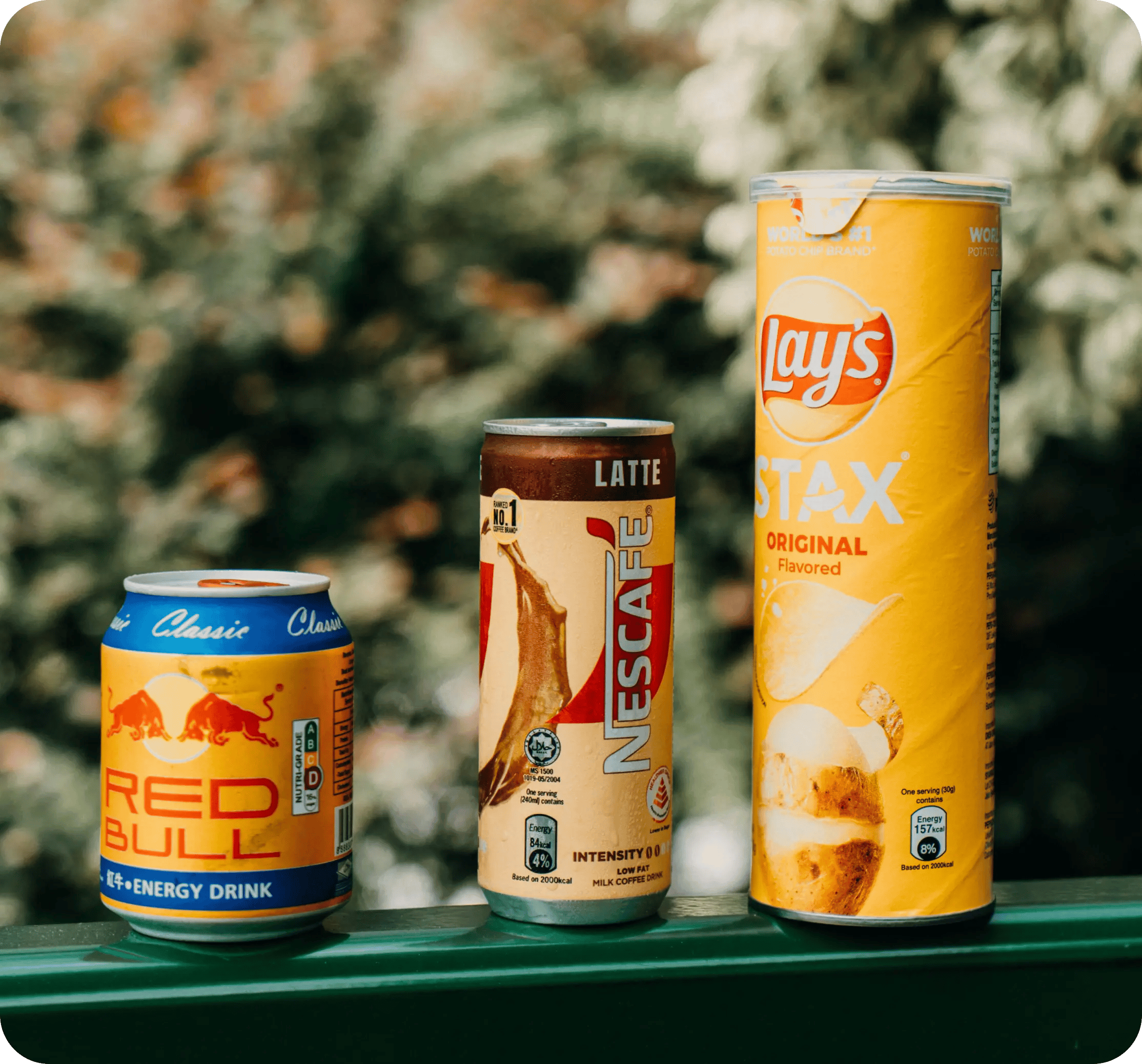
three canned drinks and a chip tube on a green railing

Teams that leveled up their growth with HubXpert

Company logo (3)
Company logo (2)-1
Company logo (1)-1
Company logo-1
Icon Group 1-1
Company logo (4)-1
Company logo (3)
Company logo (2)-1
Company logo (1)-1
Company logo-1
Icon Group 1-1
Company logo (4)-1
The Reason

Why Food and Beverage Brands Need More Than a Storefront

Your storefront processes the order. It was never built to treat a shipping delay like the trust emergency it actually is in this category.

Delay Can Mean Spoilage

A late shipment elsewhere is annoying. Here it can mean a ruined order and a customer who assumes the worst about quality. Consumption speed varies by household, and a fixed cycle ignores that.

Repeat Cycles Move Fast

Coffee, snacks, and consumables are finished in weeks rather than months, so reminder timing has to keep the same pace. An allergy is a constraint on every recommendation the brand makes.

Dietary Needs Are Non-Negotiable

An allergy or a dietary requirement is a filter, not a preference, and a wrong recommendation loses the customer permanently. Perishables punish a slow carrier more than a slow campaign.

Perishables Have a Clock

Every hour in transit matters, and a customer who receives warm chocolate does not reorder.

Subscriptions Leak Quietly

A paused box is usually a decision already made, and most brands only find out when the cancellation lands.

Attribution Ignores the Repeat

The first box gets credited to paid social, and nobody knows which channel produced the customer still buying at box eight.

Benefits

Key Benefits of HubSpot for Food and Beverage Brands

HubSpot for Food and Beverage Brands covers five areas where trust and timing decide the second box.

Protect Fulfilment Trust

Catch shipping risk before a delayed order becomes a spoiled one.

  • Track shipment status

    Every order against its promised date.

  • Flag at-risk parcels

    A delay raises a task.

  • Proactive notification

    Bad news delivered before the customer finds it.

  • Report on-time rate

    By carrier and by region.

Built for customer

A careful setup with allergen fields treated as safety data, and order, payment.

  • 36% More deals closed
  • 37% Faster ticket resolution
Case Studies

Our Featured Works

A curated selection of HubSpot implementations and digital marketing campaigns that moved the needle for our clients.

Ecommerce

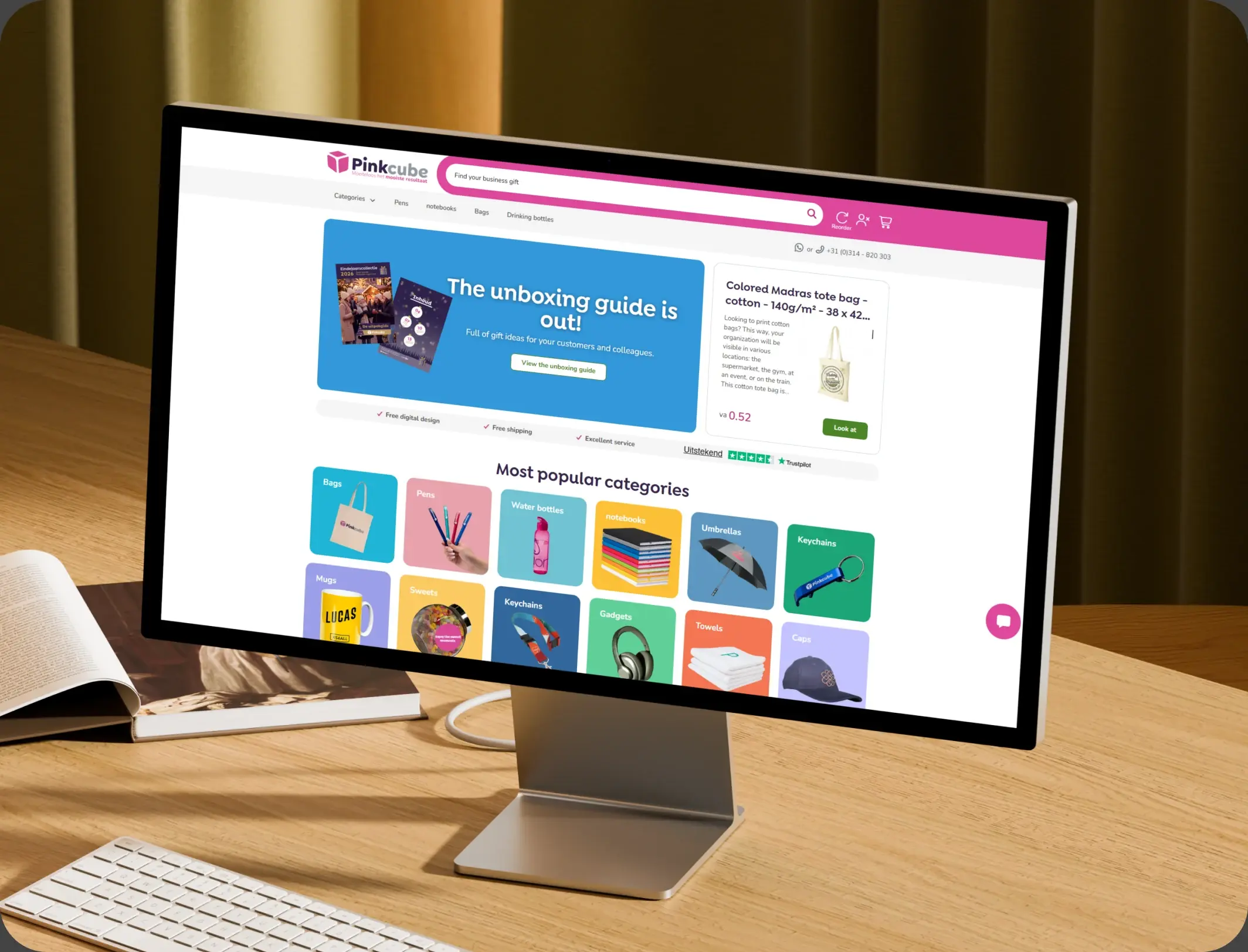
How Pinkcube boosted sales by 30% with custom automation

HubSpot Enterprise Onboarding and Custom Integration for a European B2B E-Commerce Giant

Pinkcube
Pinkcube – How Pinkcube boosted sales by 30% with custom automation

Ecommerce

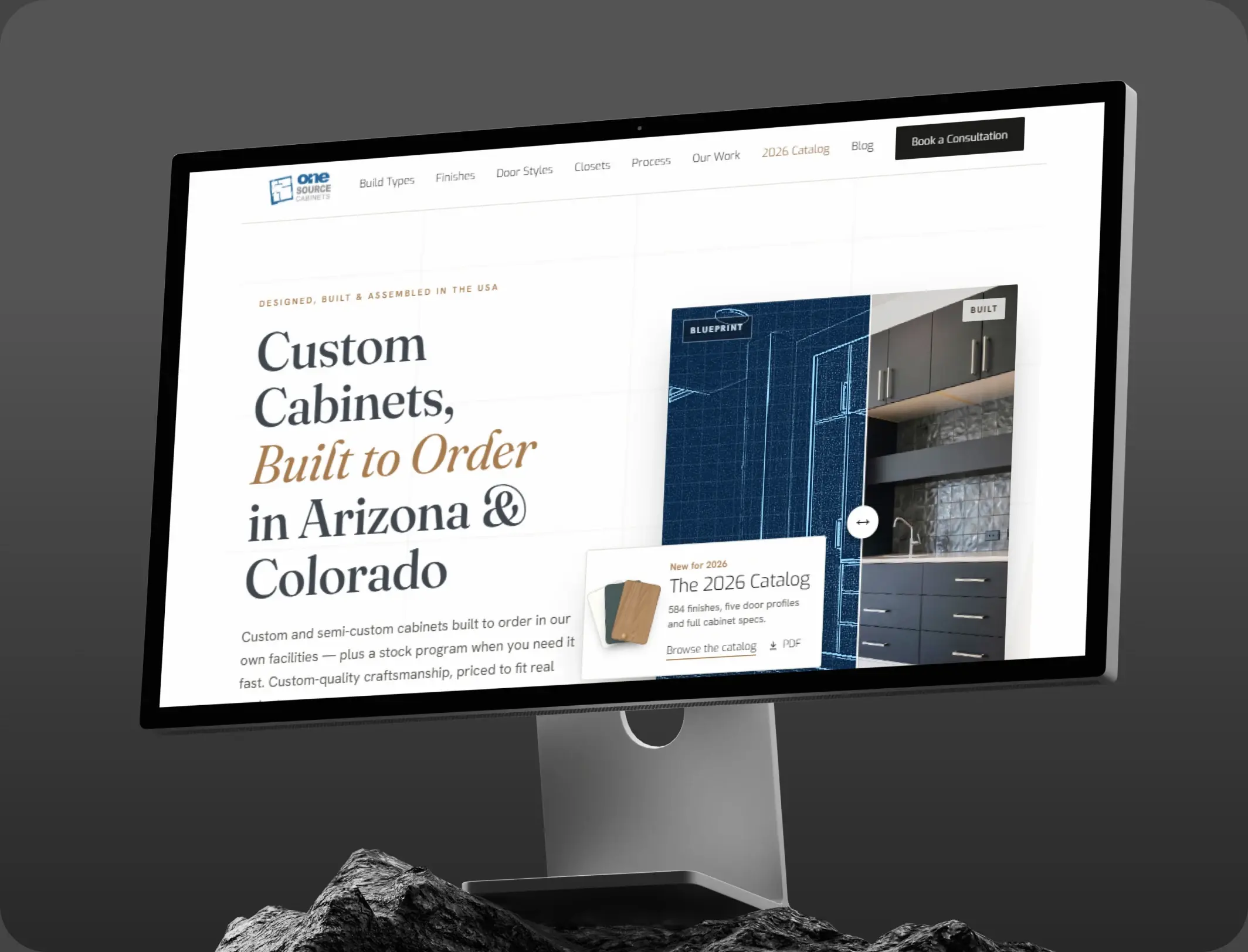
HubSpot Marketing Hub Onboarding for One Source Cabinets

Onboarding Marketing Hub for 360° Marketing Automation and Sales Hub for 5+ team members

One Source Cabinets
One Source Cabinets – HubSpot Marketing Hub Onboarding for One Source Cabinets

Ecommerce

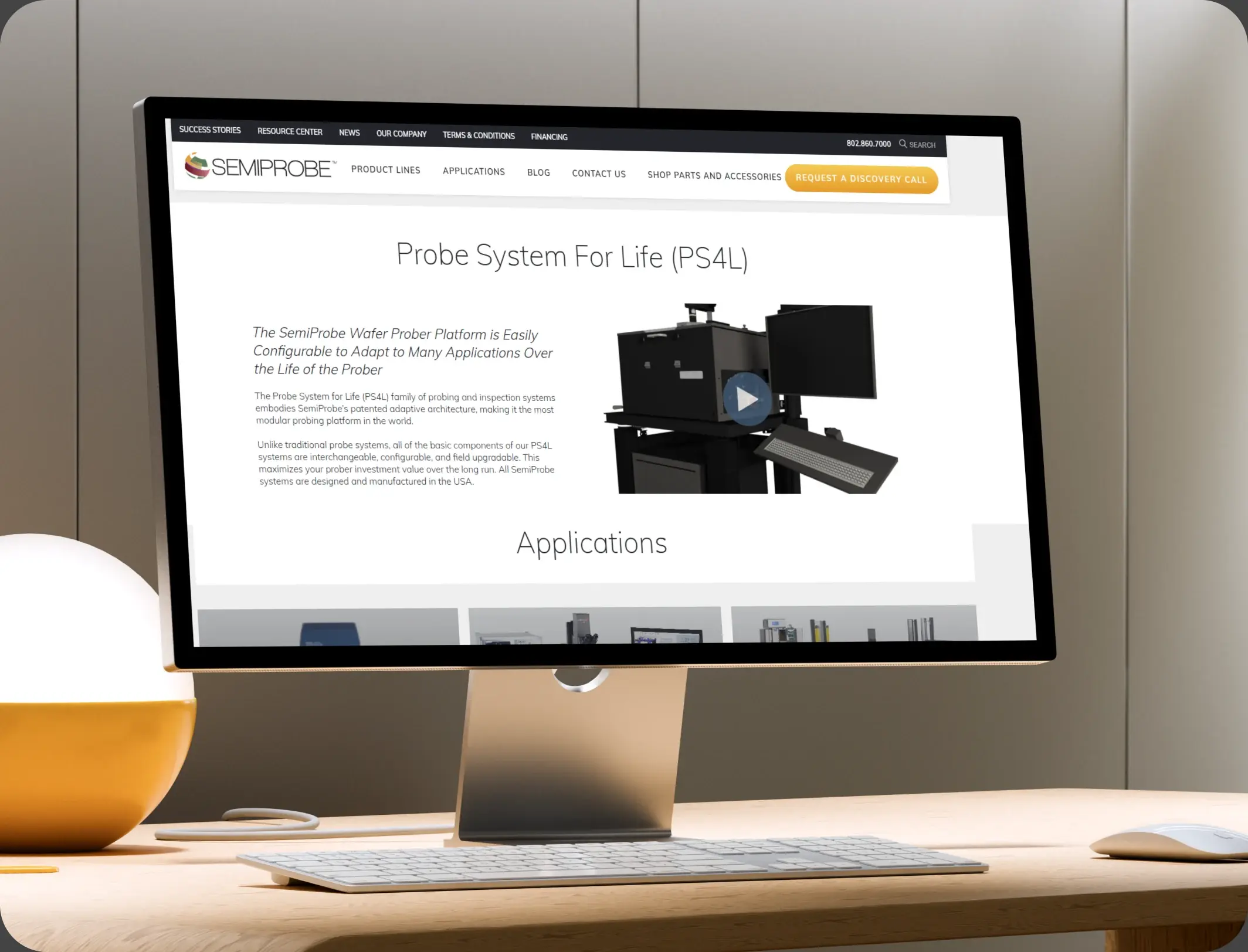
SemiProbe’s WooCommerce & HubSpot Integration

E-commerce Automation, HubSpot Integration, and Sales Optimization

Semiprobe
Semiprobe – SemiProbe’s WooCommerce & HubSpot Integration
HubSpot Usage

How Food and Beverage Brands Use HubSpot From First Box to Habit

Step 1

Attract and Capture

A tasting guide or a bundle page brings a buyer in, and dietary requirements are captured before the first box. Most first boxes arrive from a tasting bundle or a referral.

Step 2

Ship and Protect

Every order is tracked against its promised date, and a delay raises a task and a message together. The first two boxes decide whether a subscription forms.

Step 3

Reorder on Consumption

A run-out estimate drives the reminder, and the pairing suggestion goes with it. Delivery is the moment guidance matters most.

Step 4

Keep the Subscription

A skip or a pause raises a check-in, and the fix is a change of contents rather than a discount.

Workflow & Triggers

Example Food and Beverage Workflows We Can Automate in HubSpot

These are the workflows we build most often when we set up HubSpot for Food and Beverage Brands, tuned to a product with a short shelf life and a fast repeat cycle. The customer hears about a delay before finding it.
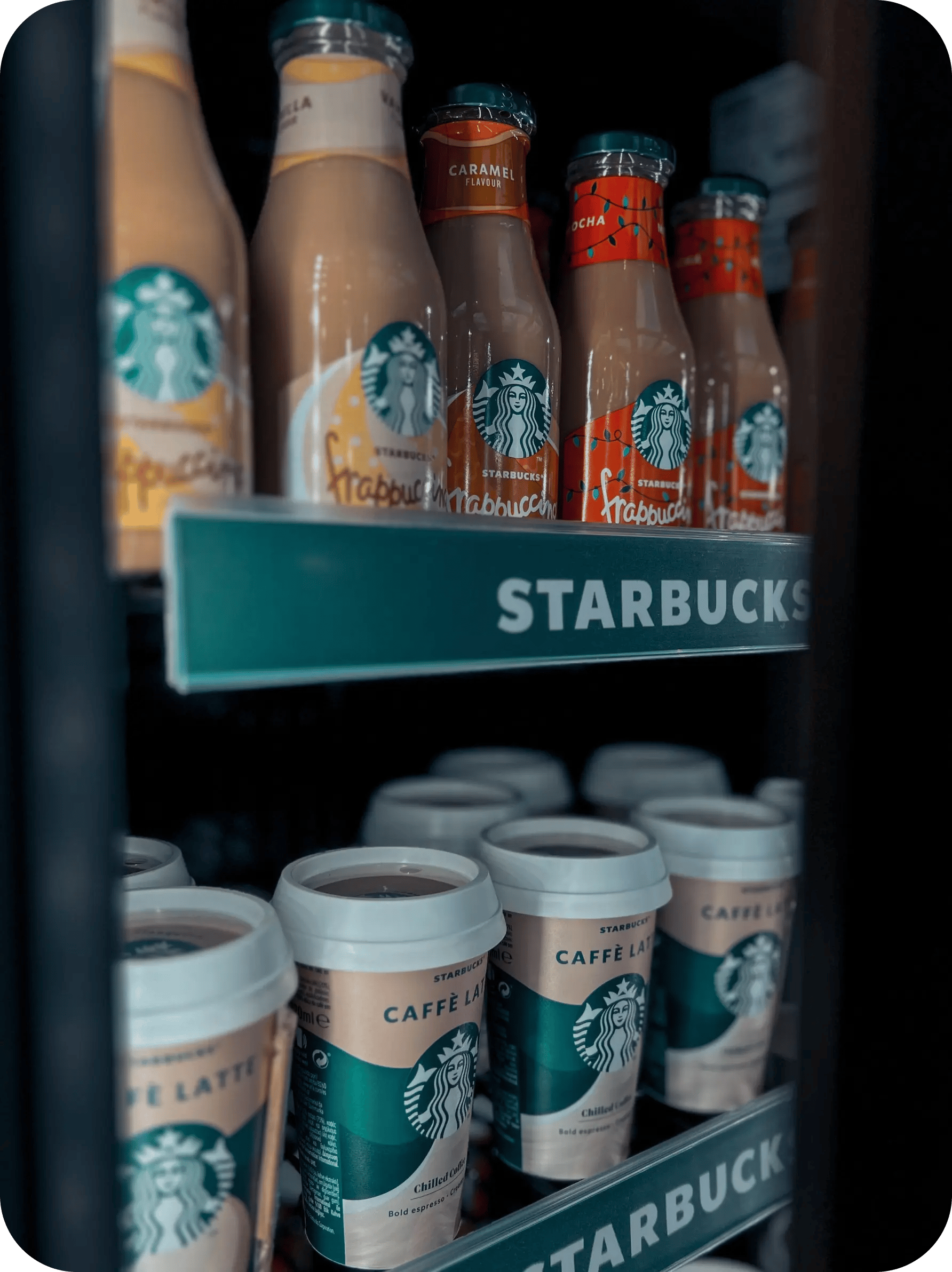
bottled coffee drinks arranged on refrigerated shelves
  1. At-Risk Shipment Alert

    An order past its promised date raises a task and a proactive message in the same hour. A completed reorder exits the reminder sequence.

  2. Spoilage Resolution

    A reported spoiled box triggers a replacement and a reason code, rather than a refund and silence. A spoiled box raises a replacement task within the hour.

  3. Reorder Reminder

    A run-out estimate per product sends the reminder in the week before the box finishes. Every recommendation is filtered before sending.

  4. Skip Check-In

    Two consecutive skips raise a personal task, with the option to change contents. Two skips raise a conversation, not another email.

  5. Allergen Filter

    Any recommendation runs against the recorded requirement before it is sent. Carrier performance is reviewed weekly.

  6. First-Box Welcome

    Brewing or storage guidance at delivery, which is where most complaints begin. Retention is reported monthly by product.

  7. Retention Report

    Repeat rate by product and channel, reviewed monthly. The customer hears about a delay before finding it.

Why HubXpert

Why Choose HubXpert for HubSpot Food and Beverage Builds?

Food and beverage brands come to us because the margin is thin, the shelf life is short, and one spoiled box can end a subscription. It also sets the reporting the team will read each week.

HubSpot Platinum Partner

Certified platform expertise, with a track record across ecommerce workflows and perishable goods.

Custom Retail Workflows

Built around your box sizes, consumption speed, and allergen rules. No generic templates.

Advanced Automation

Multi-step workflows and conditional logic built for short cycles.

Data Migration and Structuring

Clean imports from your storefront and subscription platform, with order history intact.

Integration and API Development

An in-house team connecting HubSpot to your storefront, fulfilment, and carrier tracking.

Reporting and Optimization

On-time rate, repeat boxes, and save rate tracked from launch.

Compliance

Allergen-Aware Setup Inside HubSpot for Food and Beverage Brands

A food brand holds allergen and dietary data that carries safety consequences, alongside purchase history and consent. The work is discipline: allergen fields treated as safety data, every recommendation filtered before sending, and order detail left where it belongs. Allergen fields are safety data.


  • Allergen Data Rules
  • Recommendation Filter
  • Consent Per Channel
  • Order Data Separation
Secure data lock
HubSpot Hubs

HubSpot Hubs Recommended for Food and Beverage Brands

Not every brand needs every hub, and most start with Marketing before adding Service. Here is how each one lines up with a perishable, subscription-led business.

  • Marketing Hub

    Your retention engine: reorder timing, pairing offers, and dietary segmentation. Reorder sequences run from the same record as the order.

  • Sales Hub

    Built for wholesale and stockist enquiries. Wholesale enquiries carry an owner and a response window. Most brands start with Marketing, then add Service as delivery issues grow.

  • Service Hub

    Where delivery issues, spoilage reports, and subscription changes get tracked. Service sees the shipment history before replying. Most brands start with Marketing, then add Service as delivery issues grow.

  • Content Hub

    Powers recipe and product pages with built-in SEO, where most food research starts. Recipe and product pages get edited without a developer.

  • Operations Hub

    Connects the storefront, fulfilment, and carrier tracking, which is how shipment status stays accurate. One record links the box, the carrier, and the next order.

Our Process

Our Process for Implementing HubSpot for Food and Beverage Brands

Step 1.

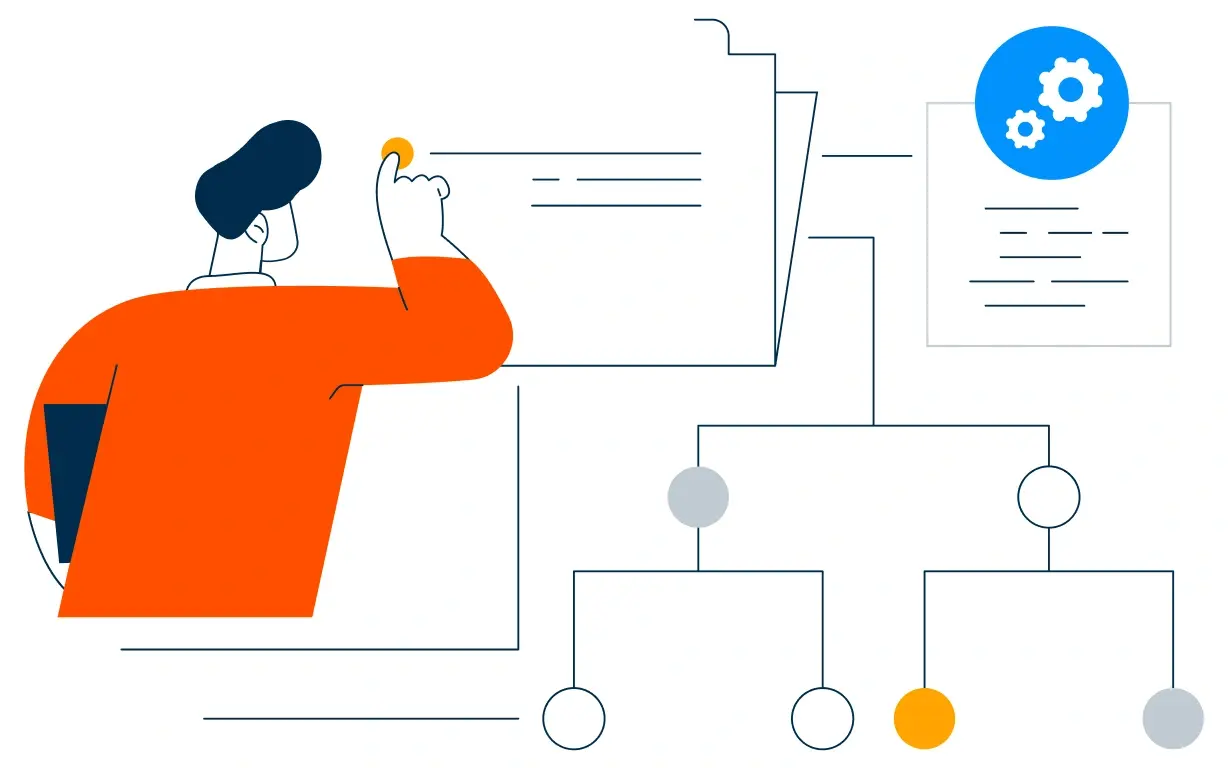
Discovery and Cycle Analysis

We assess your products, consumption speed, fulfilment chain, and growth goals, and identify where boxes currently stop repeating. It also sets the reporting the team will read each month.
Discovery and Cycle Analysis illustration
Step 2.

CRM Architecture and Lifecycle Planning

Custom properties, allergen fields, and lifecycle stages mapped to how customers actually reorder, before any build begins. Stages mirror how a first box becomes a habit.
CRM Architecture and Lifecycle Planning illustration
Step 3.

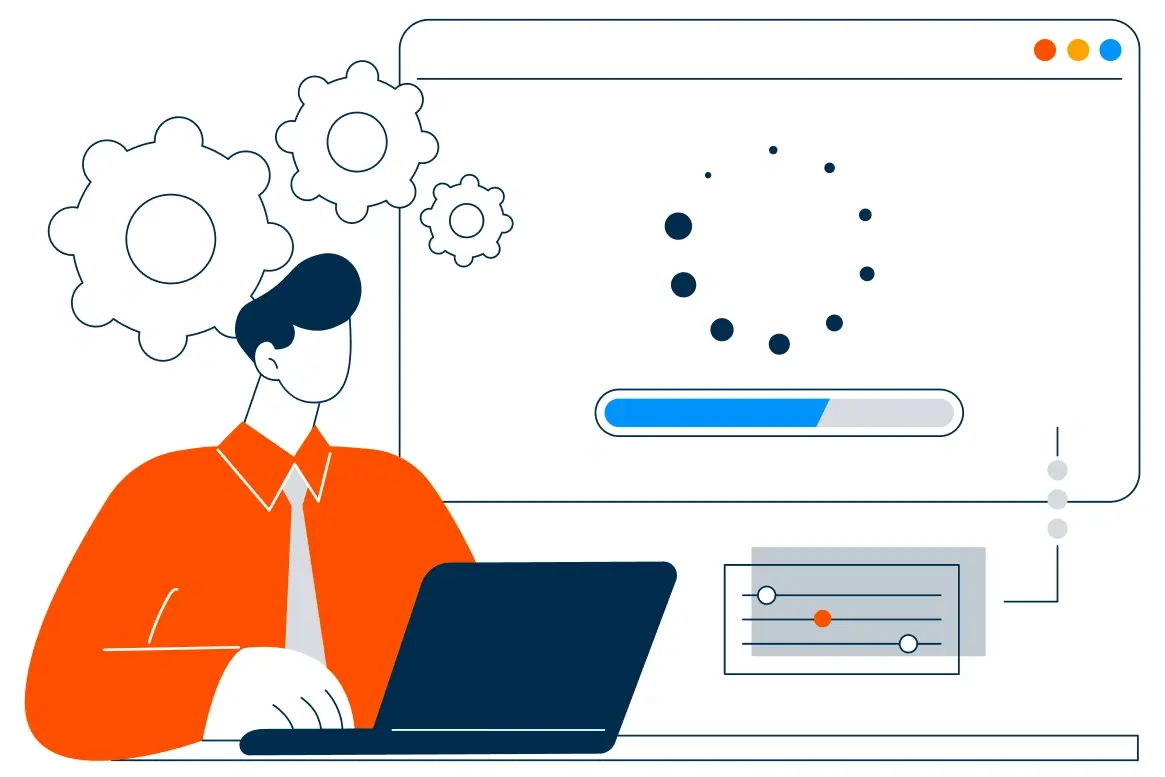
Automation and Integration Setup

Workflows built, storefront and carrier integrations connected, sequences configured, and dashboards created. Every automation is tested before launch.
Automation and Integration Setup illustration
Step 4.

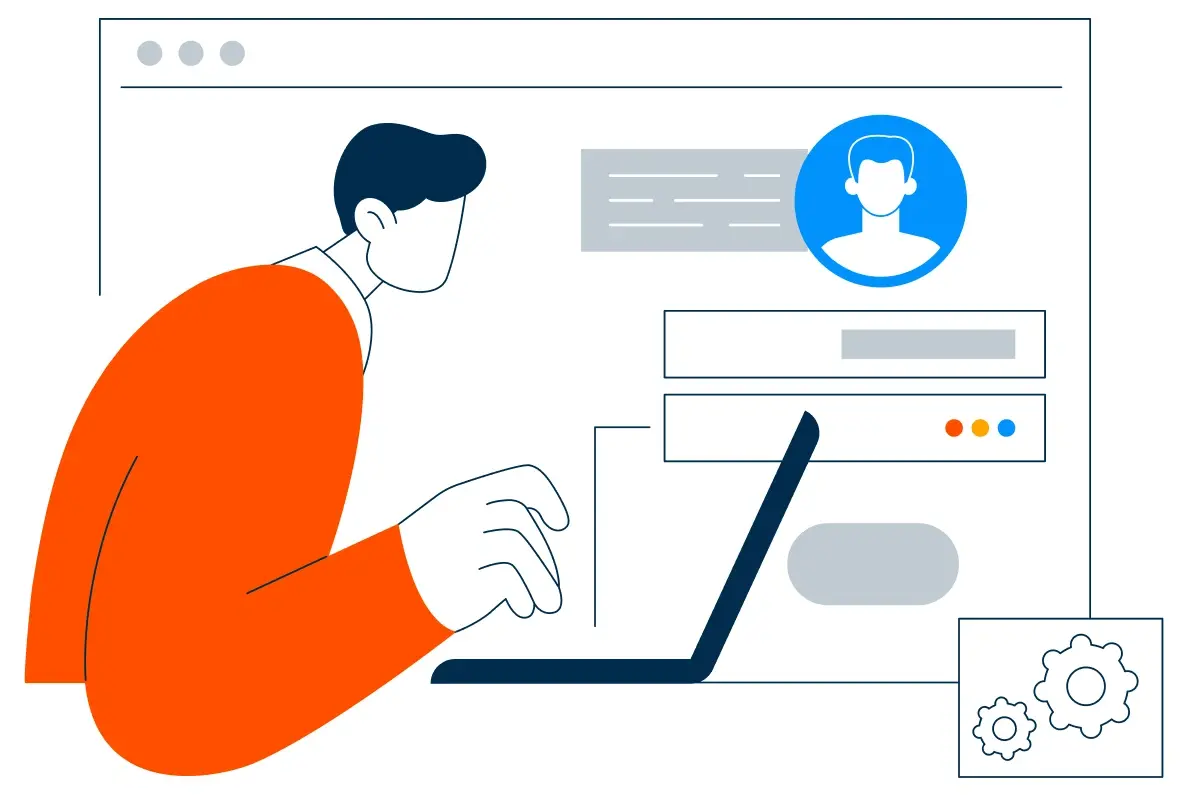
Team Training and Adoption

Hands-on training for marketing, support, and operations, each on the tools their role needs.
Team Training and Adoption illustration
Step 5.

Reporting and Optimization

Once live, we monitor on-time rate and repeat boxes, and refine workflows, timing, and content each month.
Reporting and Optimization illustration
FAQ

Questions You Might Have

Does HubSpot work for food and beverage brands?

Yes. It runs the relationship around a perishable product: shipment risk, reorder timing, dietary needs, and subscription saves, while the storefront handles the order. Most brands see the difference in the first month. The CRM carries the habit, not the transaction. Most brands see the difference in the first month.

Can HubSpot prevent spoiled deliveries?

Every order is tracked against its promised date, a delay raises a task in the same hour, and the customer hears from the brand before they find the problem. Repeat boxes are tracked, so the improvement is measurable. Every workflow is tested before it reaches a customer. Repeat boxes are tracked, so the improvement is measurable.

How does reorder timing work?

Box size and household size produce a run-out estimate, and the reminder goes out in the week before the box finishes. The sequence is matched to the product and the household. Carrier reviews run weekly.

Can HubSpot handle allergens?

Allergen and dietary requirements are stored as safety data, and every recommendation is filtered against them before it is sent. Nothing is assumed native until the connector is confirmed. Reorder timing is set per product, not per brand.

Can HubSpot save paused subscriptions?

Two consecutive skips raise a personal task, and the fix offered is a change of contents or frequency rather than a discount. Allergen data never leaves the fields it needs.

Can HubSpot track carrier performance?

On-time rate is reported by carrier and region, which is usually where a spoilage problem actually starts. That is how cost per repeat box becomes visible.

How do you handle order and payment data?

Order and payment detail stay in the systems that own them, and the CRM carries preferences, status, and the conversation. We map which fields may hold dietary data before launch.

How long does an implementation take?

Most run four to six weeks, depending on integrations and how much order history needs migrating. Order history stays in the storefront.

Book Consultation

Ready to Stop Losing Customers to a Late Box?

A parcel is two days late with no message sent, a customer skipped twice, and nobody knows which channel produced the buyers still ordering. We build around your products, your carriers, and your cycle. No generic setup, and no box left to arrive late.

Takes 30 minutes
Delivered by certified HubSpot experts
The first quarter is measured against your own delivery data

Ratul-Rahman