HubSpot for D2C Brands: Turn First Orders Into Second Orders

Your audience lives on platforms you do not own, and any of them can change the rules on a Tuesday. HubSpot builds first-party customer data across every channel, merges the buyer who shops on your site, Amazon, and in a retail partner, and turns rented traffic into a relationship the brand keeps.

laptop on a grey sofa beside two white shopping bags and a wallet

Teams that leveled up their growth with HubXpert

Company logo (3)
Company logo (2)-1
Company logo (1)-1
Company logo-1
Icon Group 1-1
Company logo (4)-1
Company logo (3)
Company logo (2)-1
Company logo (1)-1
Company logo-1
Icon Group 1-1
Company logo (4)-1
The Reason

Why D2C Brands Need More Than a Storefront

Your storefront processes one channel. It was never built to unify a customer who buys on your site, on Amazon, and through a retail partner. A buyer who arrives from three places should still be one person.

Your Audience Is Rented

Paid social and marketplace traffic can disappear with one algorithm change, and first-party data is the only asset that stays yours. The first order is the most expensive customer a brand will ever acquire.

Channels Fragment the Customer

The same buyer looks like three different people across your site, Amazon, and wholesale, and nobody sees the full relationship. A shelf buyer is a stranger until something asks them to introduce themselves.

The Second Order Decides the Year

Acquisition usually costs more than the first sale earns, so repeat purchase is the only line that produces margin.

Wholesale Buyers Stay Anonymous

A retail partner sells your product to people you never hear about, and that demand never reaches your list.

Discounts Replace Retention

When the only lever is a code, customers learn to wait, and full-price buying erodes quietly quarter by quarter.

Attribution Stops at the Channel

Every platform claims the sale, and none of them reports what the customer did afterwards.

Benefits

Key Benefits of HubSpot for D2C Brands

HubSpot for D2C Brands covers five areas where a brand can own the relationship rather than rent it.

Unify the Omnichannel Customer

See one customer across your site, marketplaces.

  • Sync every sales

    Site, Amazon, and wholesale data.

  • Build one customer

    Purchase history merged across channels.

  • Segment by channel

    Where and how they buy. Segment by channel.

  • Reduce platform

    The relationship survives a channel change.

Built for customer data.

A privacy-conscious setup with consent tracked per channel, and order, payment.

  • 129% More inbound leads
  • 36% More deals closed
  • 37% Faster ticket resolution
Case Studies

Our Featured Works

A curated selection of HubSpot implementations and digital marketing campaigns that moved the needle for our clients.

Ecommerce

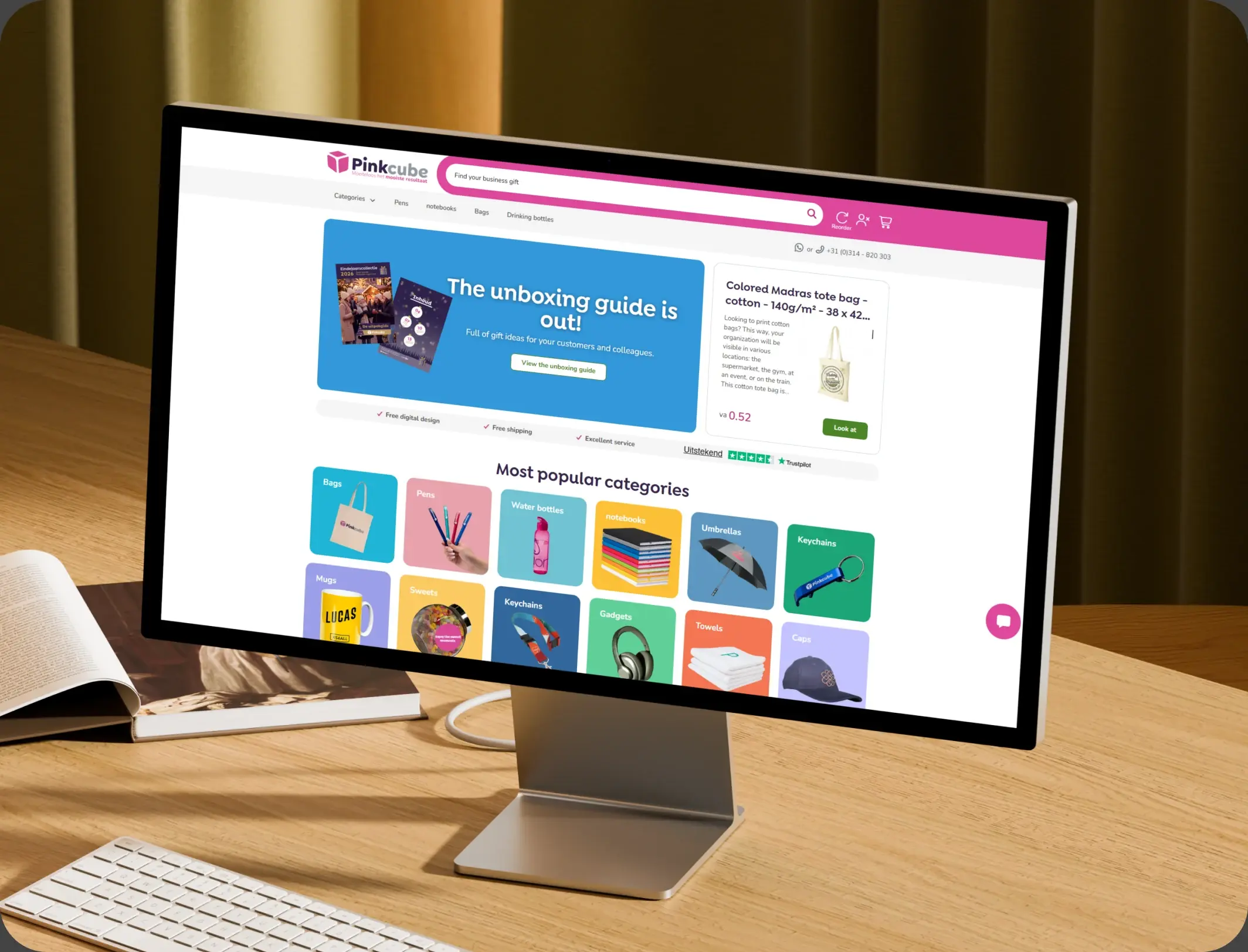
How Pinkcube boosted sales by 30% with custom automation

HubSpot Enterprise Onboarding and Custom Integration for a European B2B E-Commerce Giant

Pinkcube
Pinkcube – How Pinkcube boosted sales by 30% with custom automation

Ecommerce

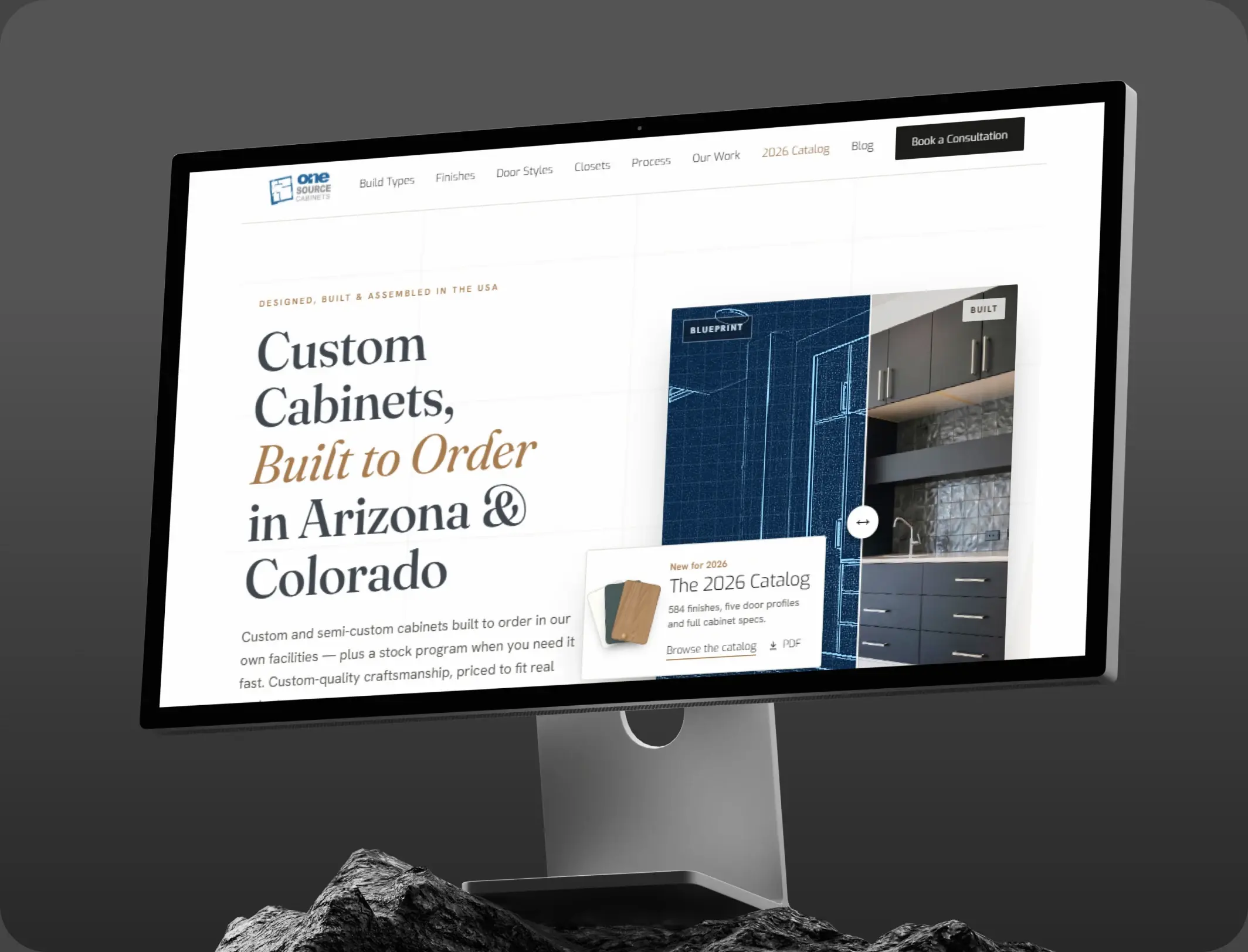
HubSpot Marketing Hub Onboarding for One Source Cabinets

Onboarding Marketing Hub for 360° Marketing Automation and Sales Hub for 5+ team members

One Source Cabinets
One Source Cabinets – HubSpot Marketing Hub Onboarding for One Source Cabinets

Ecommerce

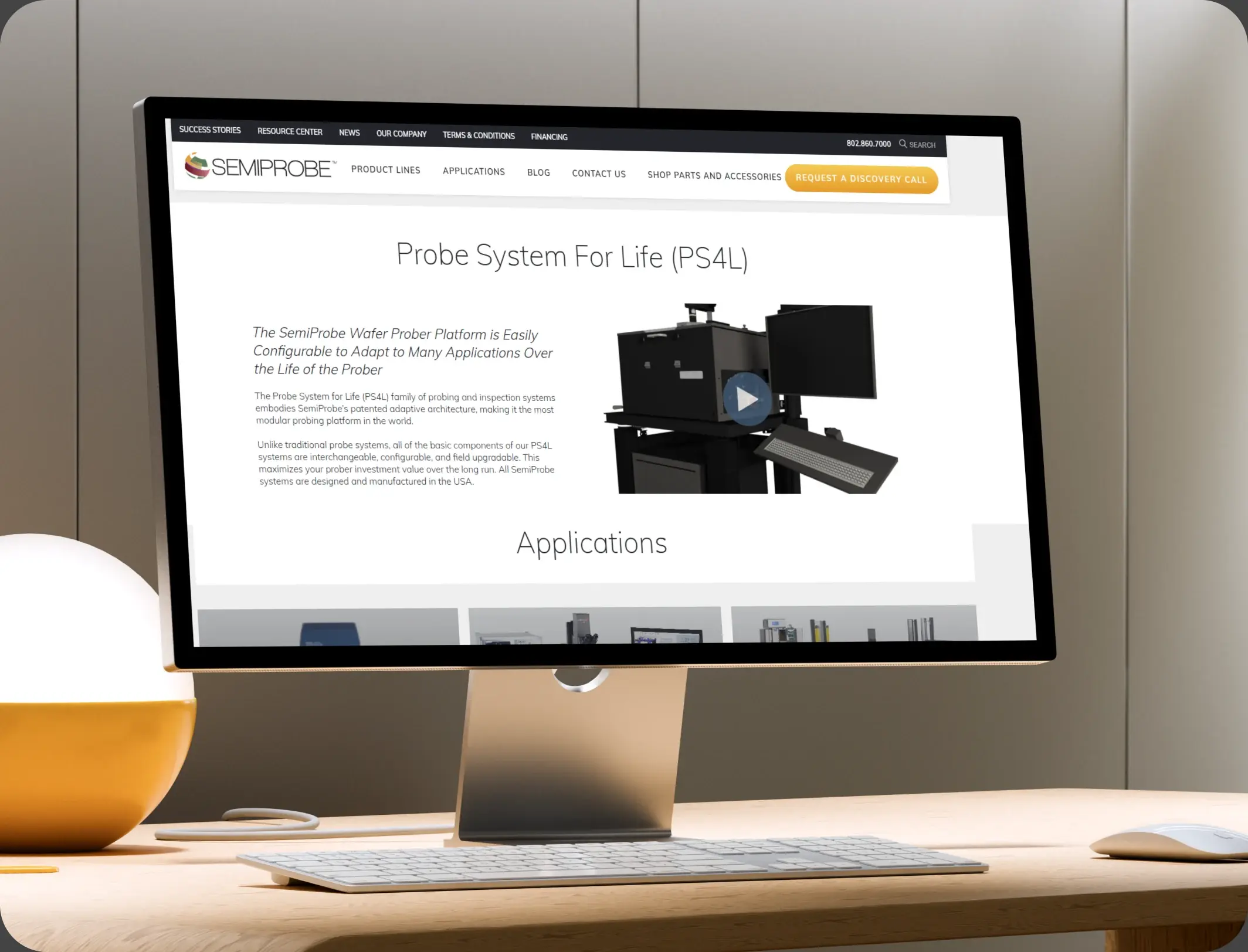
SemiProbe’s WooCommerce & HubSpot Integration

E-commerce Automation, HubSpot Integration, and Sales Optimization

Semiprobe
Semiprobe – SemiProbe’s WooCommerce & HubSpot Integration
HubSpot Usage

How D2C Brands Use HubSpot Across Every Channel

Step 1

Attract Across Channels

Paid, organic, marketplace, and retail all feed one record, with the source stored on the first order. Most traffic arrives from a paid campaign and leaves without buying.

Step 2

Convert and Recover

Checkout recovery and browse follow-up run on timing rather than a discount code. The cart is abandoned minutes after the first hesitation.

Step 3

Onboard the Buyer

A welcome journey by product type, with care guidance, a review request at delivery, and a reorder prompt at the cycle. Delivery is the moment a review request actually lands.

Step 4

Keep and Grow

Loyalty tiers, early access, and retail-buyer capture grow the relationship without renting it again.

Workflow & Triggers

Example D2C Workflows We Can Automate in HubSpot

These are the workflows we build most often when we set up HubSpot for D2C Brands, tuned to a customer who can arrive from four different directions. The buyer sees the cart again inside the hour.

woman holding a pink laptop, phone and white shopping bag
  1. Abandoned Checkout Sequence

    A message at one hour, one day, and three days, with the product still in view and no code in the first two. A completed order leaves the recovery sequence.

  2. First-Order Welcome

    A journey by category, with usage guidance, a review request at delivery, and a reorder prompt at the expected cycle. A third order moves the customer into a different tier.

  3. Retail Insert Capture

    A QR code on the pack leads to a short form, and the buyer is matched to any existing record. Every sequence respects the consent recorded on the record.

  4. Marketplace Buyer Match

    An Amazon order is matched by email or address, and the customer enters the direct journey rather than a separate list.

  5. Loyalty Tier Move

    A third order in a year moves the customer into a tier with early access and no discount messaging.

  6. Win-Back Sequence

    Ninety days after the last order, a sequence that leads with the product rather than a code.

  7. Channel Overlap Report

    A monthly view of customers buying in more than one place, so budget follows the overlap.

Why HubXpert

Why Choose HubXpert for HubSpot D2C Builds?

D2C brands come to us because the customer exists in four systems and the brand owns none of them completely. It also sets the reporting the team will read each week.

HubSpot Platinum Partner

Certified platform expertise, with a track record across ecommerce workflows and omnichannel brands.

Custom D2C Workflows

Built around your channel mix, product cycle, and margin structure. No generic templates.

Advanced Automation

Multi-step workflows and conditional logic built for post-purchase timing.

Data Migration and Structuring

Clean imports from your storefront, marketplace tooling, and email platform, with order history intact.

Integration and API Development

An in-house team connecting HubSpot to your storefront, marketplace feeds, and fulfilment.

Reporting and Optimization

Repeat rate, channel overlap, and recovered revenue tracked from launch.

Compliance

Consent-Aware Setup Inside HubSpot for D2C Brands

A brand holds purchase history, addresses, and consent that differs by channel, by country, and by marketplace. The work is precision: consent recorded per channel, marketplace buyers messaged only where permitted, and order detail left in the systems that own it. Consent given on a marketplace does not travel to email.


  • Consent Per Channel
  • Marketplace Messaging Rules
  • Suppression Lists
  • Retention Rules
Secure data lock
HubSpot Hubs

HubSpot Hubs Recommended for D2C Brands

Not every brand needs every hub, and most start with Marketing before adding Service. Here is how each one lines up with an omnichannel business.

  • Marketing Hub

    Your retention engine: cart recovery, welcome journeys, and channel-aware segmentation for an omnichannel brand. Recovery sequences run from the same record as the order.

  • Sales Hub

    Built for wholesale enquiries and retail partner conversations, where one account can carry a season. Wholesale enquiries carry an owner and a response window.

  • Service Hub

    Where returns, delivery questions, and product issues get tracked against the original order. Service sees the order history before replying. Most brands start with Marketing, then add Service as returns grow.

  • Content Hub

    Powers product and category pages with built-in SEO, so organic traffic carries part of part of the acquisition cost. Category pages get edited without a developer.

  • Operations Hub

    Connects the storefront, marketplace feeds, and fulfilment, which is how one record stays whole. One customer record is the whole point of the stack.

Our Process

Our Process for Implementing HubSpot for D2C Brands

Step 1.

Discovery and Channel Analysis

We assess your channel mix, data sources, product cycle, and growth goals, and identify where the same buyer is counted twice. It also sets the reporting the team will read each month.
Discovery and Channel Analysis illustration
Step 2.

CRM Architecture and Lifecycle Planning

Custom properties, lifecycle stages, and channel fields mapped to how customers actually buy again, before any build begins. Stages mirror how a first order becomes a third.
CRM Architecture and Lifecycle Planning illustration
Step 3.

Automation and Integration Setup

Workflows built, storefront and marketplace integrations connected, sequences configured, and dashboards created. Every automation is tested before launch.
Automation and Integration Setup illustration
Step 4.

Team Training and Adoption

Hands-on training for marketing, ecommerce, and support, each on the tools their role needs.
Team Training and Adoption illustration
Step 5.

Reporting and Optimization

Once live, we monitor repeat rate and channel overlap, and refine workflows, segmentation, and campaigns each month.
Reporting and Optimization illustration
FAQ

Questions You Might Have

Does HubSpot work for D2C brands?

Yes. It holds the customer relationship across every channel: site, marketplace, and retail, with the lifecycle and retention journeys running from one record. Most brands see the difference in the first month. The CRM carries the relationship, not the transaction.

Can HubSpot unify Amazon and website buyers?

Orders are matched by email or address, so the same person is one record rather than two, and channel overlap becomes visible. Repeat rate is tracked, so the improvement is measurable. Every workflow is tested before it reaches a buyer.

Will HubSpot replace our storefront?

No. The storefront runs the transaction and the checkout. HubSpot runs the relationship around it, and the two are connected by integration. The sequence is matched to the product and the channel. Suppression lists are agreed before the first campaign.

Can HubSpot increase repeat orders?

The reorder prompt is timed to the product cycle, and second-order buyers are the first audience any retention budget reaches. Nothing is assumed native until the connector is confirmed. Recovery timing is set to the category, not a default.

How do you handle marketplace messaging rules?

Marketplace buyers are messaged only where the platform permits, and the consent record says which channel is allowed. Order detail never sits in the CRM.

Can retail buyers be captured?

A pack insert with a QR code leads to a short form, the buyer is matched to any existing record, and the purchase is registered against them. That is how cost per repeat order becomes visible.

Do we need a discount to recover carts?

No. The first two recovery messages lead with the product, because a code in the first message teaches customers to wait for one. We map which fields may hold customer data before launch.

How long does an implementation take?

Most run five to eight weeks, depending on how many channels need consolidating and how much order history needs migrating. Order history stays in the storefront and marketplace systems.

Book Consultation

Ready to Own the Customer Instead of Renting Them?

A buyer has ordered three times on Amazon and never appeared in your list, and a cart has been sitting since Sunday. We build around your channels, your products, and your stack. No generic setup, and no buyer left unnamed in the data.

Takes 30 minutes
Delivered by certified HubSpot experts

Ratul-Rahman