





















































HubSpot for Chiropractors: When Plans Lapse, Recall Starts

Most patients do not finish their treatment plan. They feel better after a few visits, assume they are done, and stop weeks before the recommended course of care ends. HubSpot keeps patients on the full plan and turns finished acute care into maintenance visits. Insurance and cash-pay stay visible on one record.

chiropractor guiding a client's arm through a gentle range of motion on a table

Teams that leveled up their growth with HubXpert

Company logo (3)
Company logo (2)-1
Company logo (1)-1
Company logo-1
Icon Group 1-1
Company logo (4)-1
Company logo (3)
Company logo (2)-1
Company logo (1)-1
Company logo-1
Icon Group 1-1
Company logo (4)-1
The Reason

Why Chiropractors Need More Than an EHR

Your EHR documents the visit. It was never built to notice a patient quietly abandoning their care plan, or to turn a finished course into maintenance care.

Patients Quit Once Pain Fades

Relief after a few visits feels like the finish line. Most patients stop before the recommended plan is complete, and the practice rarely finds out why. It usually learns weeks later, when the patient is already gone.

Acute Care Should Become Maintenance

A finished treatment plan is the natural moment to offer wellness care. Most practices let that moment pass without asking.

Referrals Slow to Convert

A physician or attorney referral arrives and sits until someone calls back. By then the patient has been seen somewhere else.

Insurance Limits Surprise Patients

Coverage runs out mid-plan and nobody warned them. The conversation happens at the front desk, at the worst possible moment.

Patient Communication Scatters

Questions arrive by phone, text, and at the desk, so nobody holds the history when a patient calls about a bill.

Marketing Performance Is Unclear

Referrals, local ads, and organic all claim the same new patient. Without attribution, the practice cannot tell which source produces plans that finish.

Benefits

Key Benefits of HubSpot for Chiropractors

Five areas where a practice can protect the care plan it already prescribed.

Capture Qualified Patient Inquiries

Turn calls, forms, and referrals into organized.

  • Capture every inquiry

    Centralize inquiries from forms, calls.

  • Segment by referral

    Group patients by physician, attorney.

  • Respond within minutes

    Speed matters most for pain-driven inquiries.

  • Track lead sources

    See which channels bring in patients who stay.

Built with chiropractic care

A claims-conscious intake, role-based access.

  • 73% More deals closed
  • 20% Faster time-to-close
  • 1,290 Hours saved per team
Case Studies

Our Featured Works

A curated selection of HubSpot implementations and digital marketing campaigns that moved the needle for our clients.

WEBOPS

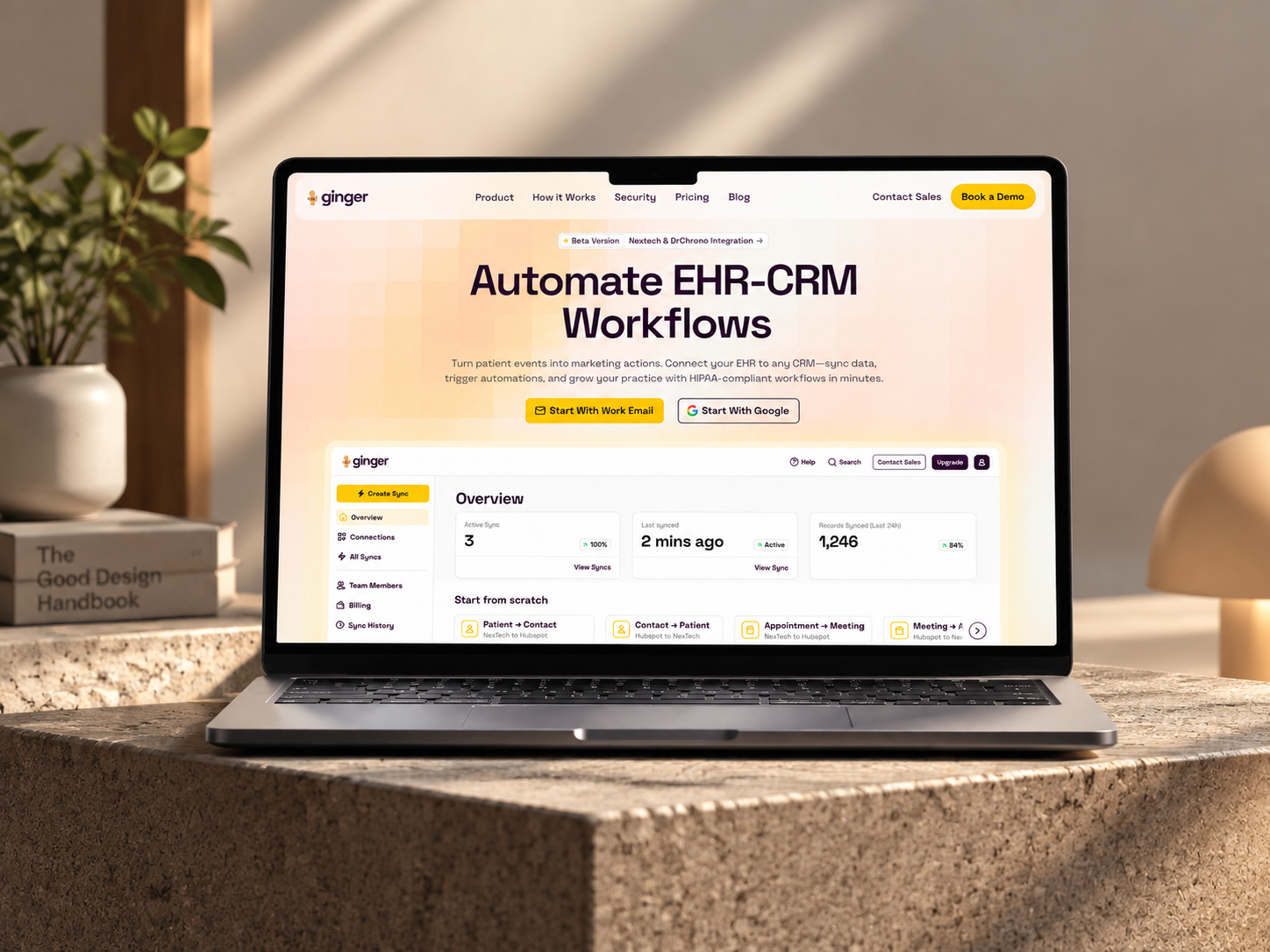
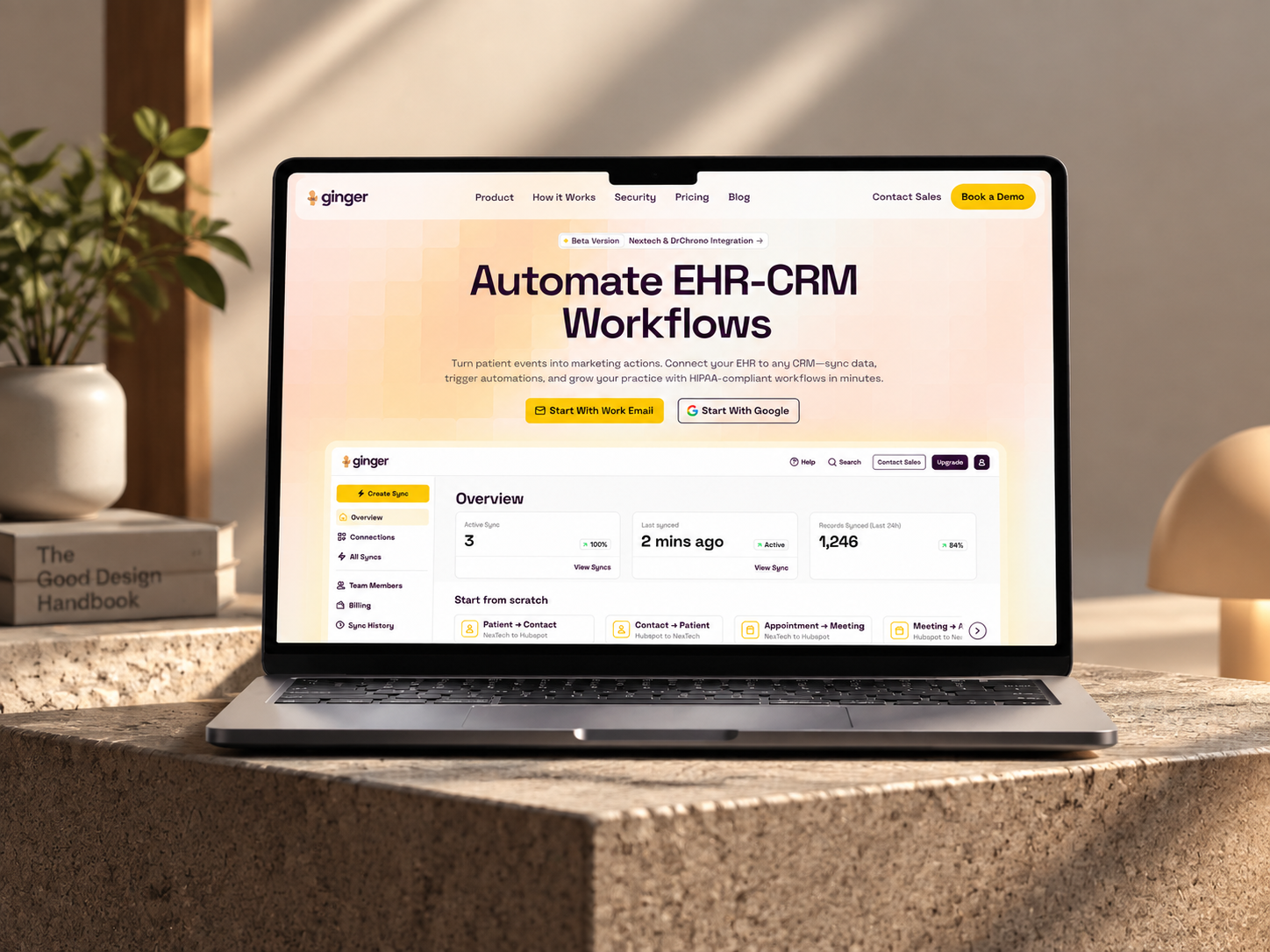
HubSpot – NexTech, EHR Integration for a Healthcare Provider Leva Medical

Leva Medical lacked Nextech–HubSpot integration, limiting marketing insights. HubXpert enabled secure, real-time sync for smarter, compliant patient engagement.

Leva Medical
Leva Medical – HubSpot NexTech EHR integration

DevOPS

HubSpot – Scalable CRM Implementation for a Healthcare SaaS Lyrebird Health

Lyrebird Health is a Healthcare SaaS company building AI-powered scribe and diagnostic solutions for clinics and hospitals.

Lyrebird Health
Lyrebird Health – HubSpot CRM implementation

DevOPS

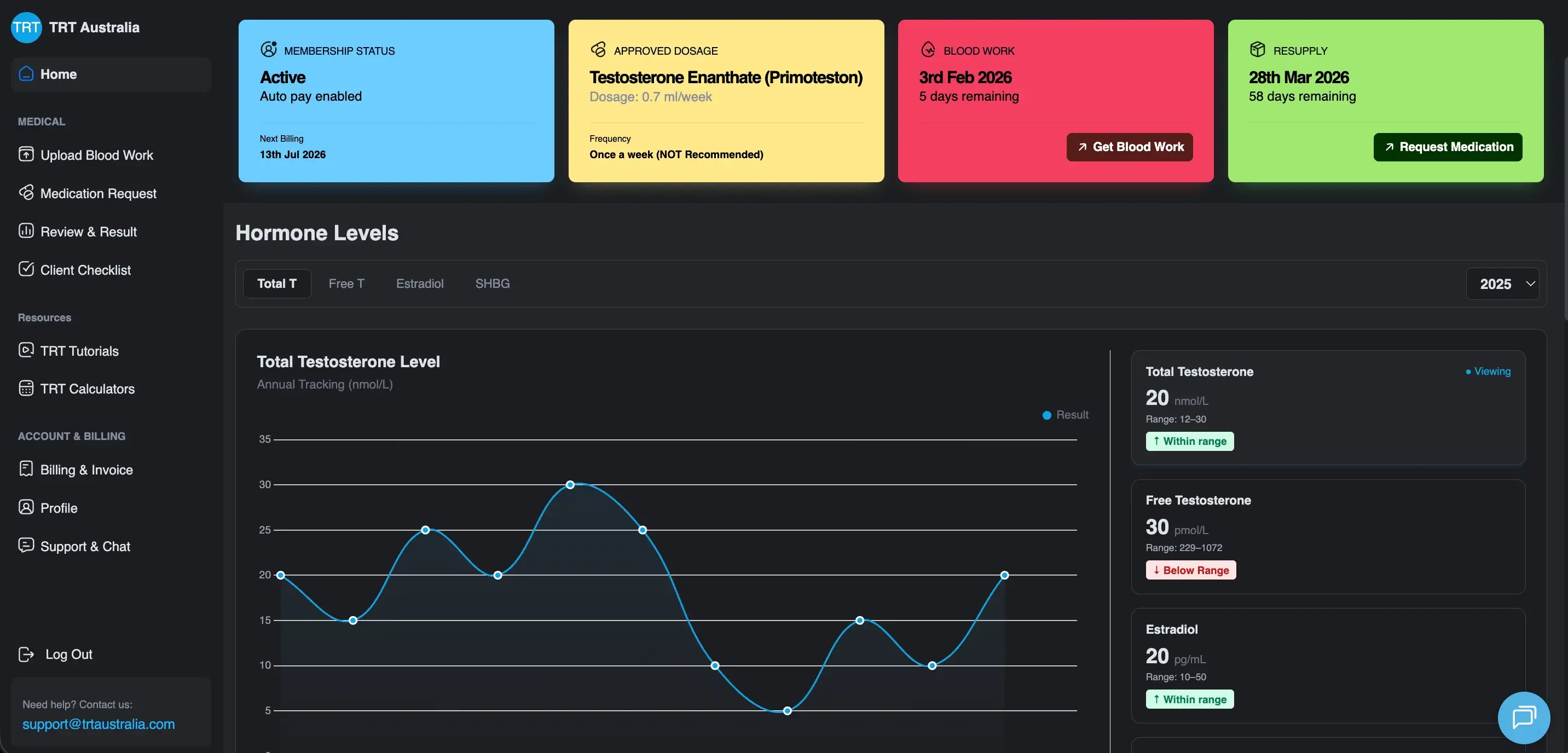
Automating Healthcare Workflows: A Deep Dive into the TRT Australia Portal Architecture

HubSpot portal empowers the Customer Service team to validate data, coordinate reports with doctors, and process pharmacy orders efficiently.

TRT Australia
TRT Australia – healthcare workflow portal
HubSpot Usage

How Chiropractors Use HubSpot Across the Patient Journey

Step 1

Attract Pain-Driven Patients

SEO, referrals, and fast response capture patients searching for relief, usually the same week they feel it.

Step 2

Support the Full Care Plan

Reminders and progress tracking keep patients engaged through every visit, not only the first three. Reminders keep the middle of the plan from going quiet.

Step 3

Convert to Maintenance Care

Completion triggers a natural offer for ongoing wellness visits, timed to the end of a plan. The offer arrives before the patient decides they are cured.

Step 4

Retain Through Every Payment Path

Insurance and cash-pay tracking keep the relationship active whichever way the patient pays.

Workflow & Triggers

Example Chiropractic Workflows We Can Automate in HubSpot

These are the workflows we build most often when we set up HubSpot for Chiropractors, tuned to a course of care that runs for weeks. The front desk sees the task in the pipeline immediately.

chiropractor pressing both hands along a seated man's spine
  1. New Inquiry to Fast Response

    Instant confirmation, front-desk task, and automated follow-up if the inquiry is not booked the same day. Anyone who books exits the sequence at once.

  2. Visit Reminder Sequence

    Reminders before every scheduled session throughout the plan, not just the first appointment. The offer references the plan they just completed.

  3. Plan Completion Alert

    An internal task created when a patient finishes their prescribed course, so the maintenance conversation happens.

  4. Maintenance Care Offer

    A wellness offer sent automatically at the natural completion point, with a follow-up if it is not taken up.

  5. Coverage Gap Alert

    A task created when a patient nears their insurance visit limit, before the front desk has to explain it.

  6. Early Dropoff Recovery

    Follow-up triggered when a patient misses a scheduled visit mid-plan, with a call task if the next one also lapses.

  7. Review Request Workflow

    A request after a completed plan, with positive responses routed to the review link and concerns to the practice manager.

Why HubXpert

Why Choose HubXpert for HubSpot Chiropractic Builds?

Chiropractors come to us because the plan is already sold, and the revenue sits in whether the patient finishes it.

HubSpot Platinum Partner

Certified platform expertise, with a track record across healthcare workflows and care-plan-driven practices. Every build starts from the existing course of care.

Custom Chiropractic Workflows

Built around your care plans, billing model, and team roles. No generic templates.

Advanced Automation

Multi-step workflows, conditional logic, and behavioral triggers built for plan progress.

CRM and Data Structuring

Clean data imports from your existing CRM or spreadsheets, structured properly from day one.

Integration and API Development

An in-house team connecting HubSpot to your EHR and billing systems.

Ongoing Optimization Support

Continuous refinement as your practice and provider team grow.

Compliance

Claims-Conscious Setup Inside HubSpot for Chiropractors

HubSpot signs a Business Associate Agreement on Enterprise plans, and a super admin can enable Sensitive Data settings. Chiropractic marketing claims carry real scrutiny, so patient-facing content and outcome language stay in review before any automated send, and clinical detail stays in the EHR.


  • Claims-Conscious Setup
  • Secure Integrations
  • Workflow Governance
  • Encrypted Connections
HIPAA compliant lock
HubSpot Hubs

HubSpot Hubs Recommended for Chiropractors

Not every practice needs every hub, and most start with Marketing and Sales. Here is how each one lines up with the goals a chiropractic practice brings to HubSpot.

  • Marketing Hub

    Your acquisition and maintenance-conversion engine: campaigns and automation. Campaigns and maintenance offers run from the same patient record.

  • Sales Hub

    Built for managing referral pipelines and plan-completion tracking. Each referral carries an owner and a response window. Most practices start with Marketing and Sales, then add Service as volume grows.

  • Service Hub

    Where patient questions and visit scheduling get organized and tracked. The front desk sees the conversation history before replying.

  • Content Hub

    Powers the website and blog with built-in SEO and content performance tracking, so condition pages stay current. Condition and service pages get edited without a developer.

  • Operations Hub

    Connects your systems, syncs EHR and billing data, and keeps records clean across locations. Records stay matched instead of drifting after an import. Records stay matched across locations instead of drifting.

Our Process

Our Process for Implementing HubSpot for Chiropractors

Step 1.

Discovery and Practice Analysis

We assess your current systems, team structure, patient journey, and billing model. This discovery shapes every decision that follows.
Discovery & Practice Analysis illustration
Step 2.

CRM Architecture and Pipeline Planning

Custom properties, lifecycle stages, and plan-tracking pipelines mapped to how the practice actually runs, before any build begins. Stages mirror how an inquiry actually becomes a care plan.
CRM Architecture & Pipeline Planning illustration
Step 3.

Automation and Integration Setup

Workflows built, EHR and billing integrations connected, sequences configured, and dashboards created. Every automation is tested before launch.
Automation & Integration Setup illustration
Step 4.

Team Training and Adoption

Hands-on training for the front desk, providers, and marketing team, each on the tools their role needs.
Team Training & Adoption illustration
Step 5.

Reporting and Optimization

Once live, we monitor performance and refine workflows, dashboards, and strategy as the practice grows.
Reporting & Optimization illustration
FAQ

Questions You Might Have

What can HubSpot do for a chiropractic practice?

It keeps patients on their treatment plan, converts acute care into maintenance visits, manages insurance and cash-pay billing, and shows which sources produce completed plans. Most practices see the difference within the first month of live workflows.

Can HubSpot reduce mid-plan dropoff?

Yes. Visit reminders and progress tracking are automated, so a patient who misses a session mid-plan raises a task rather than disappearing. Plan completion is tracked, so the improvement is measurable.

Can HubSpot convert patients to maintenance care?

Yes. Completion of an acute plan triggers a maintenance offer at the natural moment, when the patient has just finished and still feels the benefit. The offer is matched to the plan the patient just finished.

Can HubSpot integrate with our EHR or billing system?

In many cases, through a native integration, a custom API, or middleware, depending on your systems. Fields and sync direction are scoped first. Nothing is assumed native until the connector is confirmed.

How do you handle chiropractic marketing claims?

We build the systems, and your compliance team approves the words. Patient-facing content and outcome language go through review before release. Automation never sends a claim nobody signed off on.

Can HubSpot track chiropractic marketing ROI?

Yes. Each inquiry is tracked from first click to completed plan, so campaigns are judged on plans finished rather than patients booked. That is how cost per completed plan becomes visible.

Is HubSpot for Chiropractors HIPAA compliant?

HubSpot offers a Business Associate Agreement, and HIPAA data requires an Enterprise hub with Sensitive Data settings enabled by a super admin. Clinical records stay in the EHR. We map which fields may hold patient detail before launch.

How do you keep patient data secure?

Through configuration: limited access, governed workflows, encrypted connections, and no sensitive clinical detail stored where it does not belong.

Book Consultation

Ready to Grow Your Chiropractic Practice With HubSpot?

Somewhere in your patient list, someone feels better after three visits and is about to stop, four sessions before the plan was finished. The question is whether your systems catch that first. We build around your patients, your care plans, and your goals. No generic setup, and no plan left half finished.

Takes 30 minutes
Delivered by certified HubSpot experts

Ratul-Rahman