HubSpot for B2B SaaS: Win Back Stalled Deals Before Renewal

A deal does not die in the demo. It dies three weeks later, when the security questionnaire sits unanswered and the champion stops replying. HubSpot keeps every stakeholder on the record, revives the deal before the quarter closes, and turns the renewal into a conversation the team can actually see coming.

sales director shaking hands with a client in front of a projection screen

Teams that leveled up their growth with HubXpert

Company logo (3)
Company logo (2)-1
Company logo (1)-1
Company logo-1
Icon Group 1-1
Company logo (4)-1
Company logo (3)
Company logo (2)-1
Company logo (1)-1
Company logo-1
Icon Group 1-1
Company logo (4)-1
The Reason

Why B2B SaaS Teams Need More Than a Sales CRM

A pipeline tool tracks a deal as one row. It was never built for a purchase that needs six people to agree before anything is signed. A stalled deal is not a lost deal, and most teams treat the two the same.

Deals Stall in the Middle

Most lost deals are not rejected. They go quiet between a technical review and a procurement conversation, and nobody notices for a fortnight. Six people have to agree before anything gets signed.

The Buying Group Is Not One Person

A champion, an economic buyer, a security lead, and a legal reviewer each hold a different objection, and most records name only the first. The questionnaire is where enterprise deals actually slow down.

Security Review Kills More Deals Than Price

A questionnaire, a data processing agreement, and a penetration test report decide the outcome long before commercials do.

Renewals Arrive Unprepared

Net revenue retention is decided by adoption in month four, and most teams look at usage for the first time in month eleven.

Trials End Without a Decision

A trial that lapses is usually a trial nobody owned, and the record rarely shows who was supposed to call.

Attribution Ignores Expansion

Every channel claims the logo, and nobody measures which one produced the accounts that expanded.

Benefits

Key Benefits of HubSpot for B2B SaaS

HubSpot for B2B SaaS covers five areas where a stalled deal and a quiet renewal are the same problem.

Map the Buying Group

Every stakeholder, objection, and next step on one record. A document.

  • Track each role

    Champion, buyer, security.

  • Log the objection

    What each person actually needs.

  • Flag single-threaded

    One contact is a risk. Segment by stage.

  • Report coverage

    Deals with three or more contacts.

Built for account data.

A privacy-conscious setup with role-based access, and contract, billing.

  • 59% Higher deal close rate
  • 20% More tickets closed
Case Studies

Our Featured Works

A curated selection of HubSpot implementations and digital marketing campaigns that moved the needle for our clients.

SAAS

SystemHUB Got Efficiency with HubSpot Migration & Advanced Automation

SystemHub is a business process documentation platform that helps companies capture, organize, and optimize their core workflows.

SystemHUB
SystemHUB – SystemHUB Got Efficiency with HubSpot Migration & Advanced Automation

SAAS

Gander Increased Customer Lifetime Value by 10% With HubSpot

Gander is a SaaS platform that specializes in simplifying the process of curating and displaying high-quality videos

Gander
Gander – Gander Increased Customer Lifetime Value by 10% With HubSpot

SAAS

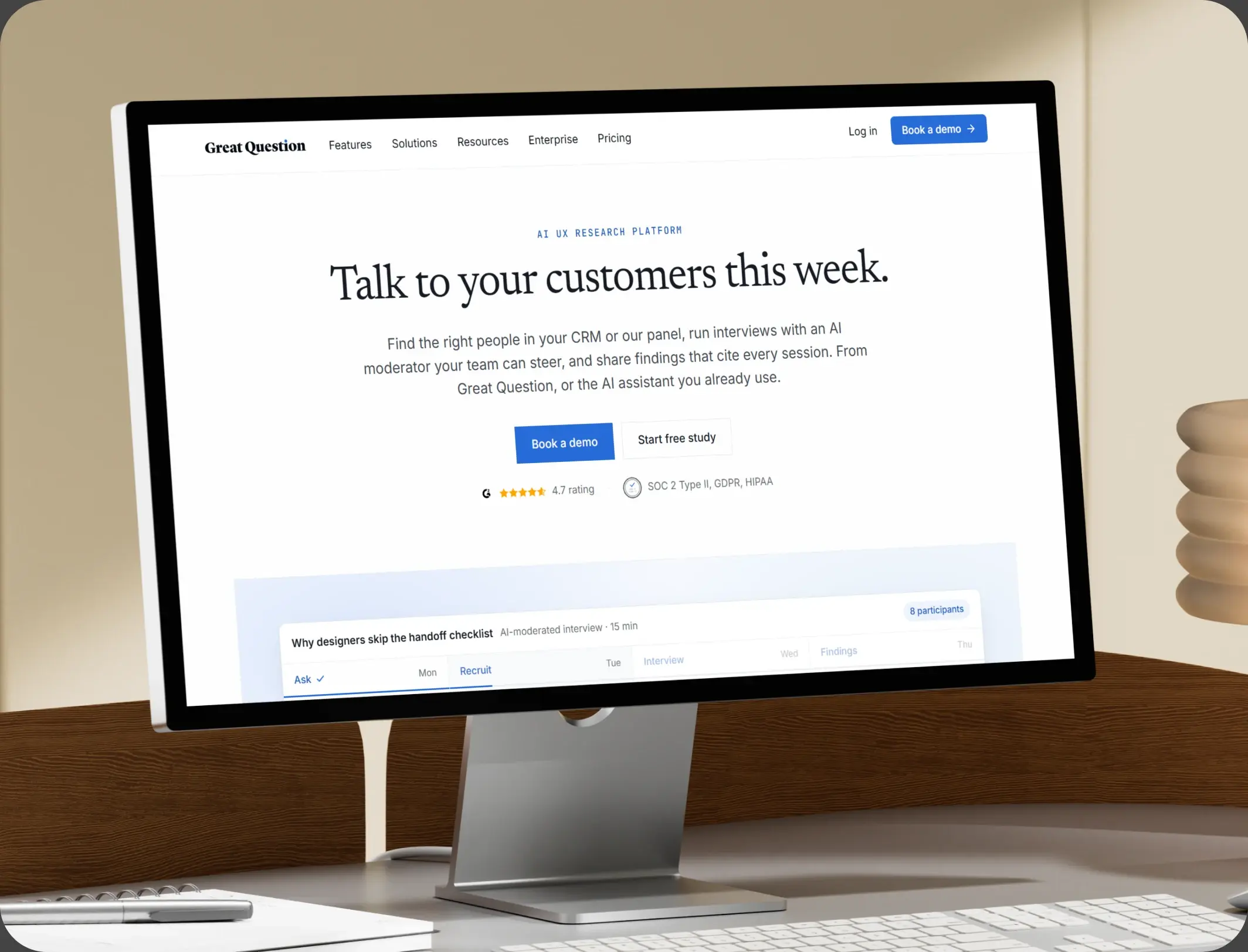
Great Question Increased Customer Renewal AOV to $4,000

Great Question is an all-in-one UX research platform that helps companies collect user feedback, conduct surveys, and engage in meaningful conversations.

Great Question
Great Question – Great Question Increased Customer Renewal AOV to $4,000
HubSpot Usage

How B2B SaaS Teams Use HubSpot From First Demo to Renewal

Step 1

Attract and Qualify

Inbound and outbound arrive in one pipeline, with segment and use case recorded before the first call. Most deals stall between technical validation and procurement.

Step 2

Run the Evaluation

Stakeholders, objections, and the security pack sit on the record, so nothing waits on one person's inbox. The champion is rarely the person who signs.

Step 3

Onboard to First Value

Activation tasks are triggered by signature, and time to first value is tracked per account. Onboarding is where the first value either lands or does not.

Step 4

Expand and Renew

Usage and support history build the review, and the renewal conversation opens with evidence rather than a reminder.

Workflow & Triggers

Example SaaS Workflows We Can Automate in HubSpot

These are the workflows we build most often when we set up HubSpot for B2B SaaS, tuned to a purchase that needs six people to agree. An idle deal raises a task, not a reminder email.

sales team comparing pipeline charts beside a hand-drawn graph
  1. Stalled Deal Alert

    No activity for ten days raises a task with the last known objection attached. A proposal with no reply moves to the next stakeholder.

  2. Multi-Thread Sequence

    An unanswered proposal triggers outreach to the next stakeholder, with a different document. The review stage has an owner and a clock.

  3. Security Review Track

    A questionnaire request starts a stage, and five days in the same stage raises an escalation. Activation is measured from signature, not from kickoff.

  4. Trial Expiry Sequence

    A trial ending in seven days raises an owner task, and an unowned trial is flagged immediately. Renewal reviews open ninety days out.

  5. Activation Check

    If first value is not reached in fourteen days, a task goes to the account owner. Low usage raises a task before the renewal call.

  6. Renewal Review

    Ninety days out, the record assembles usage, support history, and expansion options. Expansion options are assembled from usage, not guessed.

  7. Low Usage Alert

    An account below its usual activity raises a task before the renewal conversation starts.

Why HubXpert

Why Choose HubXpert for HubSpot SaaS Builds?

SaaS teams come to us because the pipeline looks healthy and the renewals do not, and the gap sits in the middle of the evaluation. It also sets the reporting the leadership team will read each quarter.

HubSpot Platinum Partner

Certified platform expertise, with a track record across B2B SaaS go-to-market builds. Stage definitions are agreed before a single workflow is built.

Custom SaaS Workflows

Built around your stages, buying group, and renewal calendar. No generic templates.

Advanced Automation

Multi-step workflows and conditional logic built for long evaluations.

CRM Migration and Data Structuring

Clean imports from your existing CRM or spreadsheets, with account history intact.

Integration and API Development

An in-house team connecting HubSpot to your product, billing, and support systems.

Reporting and Optimization

Stage velocity, stall rate, and net retention tracked from launch.

Compliance

Buyer-Safe Setup Inside HubSpot for B2B SaaS

A SaaS business holds account detail, contract terms, and often personal data from a customer's own users. The work is separation: product usage and billing stay in the systems that own them, and the CRM carries the account, the evaluation, and the conversation. Contract terms stay in the contract system.

  • Contract Data Separation
  • Role-Based Access
  • Sub-Processor Records
  • Data Processing Terms
Secure data lock
HubSpot Hubs

HubSpot Hubs Recommended for B2B SaaS

Not every team needs every hub, and most start with Sales and Marketing. Here is how each one lines up with an evaluation-led business.

  • Marketing Hub

    Your demand engine: content, nurture, and account-based campaigns. Evaluation sequences run from the same record as the deal.

  • Sales Hub

    Built for the evaluation, the buying group, and the stall, as a HubSpot Sales Hub implementation. Security requests carry an owner and a clock.

  • Service Hub

    Where onboarding, support, and adoption get tracked. Service sees the evaluation history before replying. Most teams start with Sales and Marketing, then add Service at onboarding.

  • Content Hub

    Powers comparison pages with built-in SEO, where SaaS research begins. Comparison pages get edited without a developer. Most teams start with Sales and Marketing, then add Service at onboarding.

  • Operations Hub

    Connects product usage and billing, which is how the renewal review gets its evidence. One record links the deal, the account, and the renewal.

Our Process

Our Process for Implementing HubSpot for B2B SaaS

Step 1.

Discovery and Funnel Analysis

We assess your stages, buying group, security process, and renewal calendar, and identify where deals currently go quiet. It also sets the reporting the team will read each week.
Discovery and Funnel Analysis illustration
Step 2.

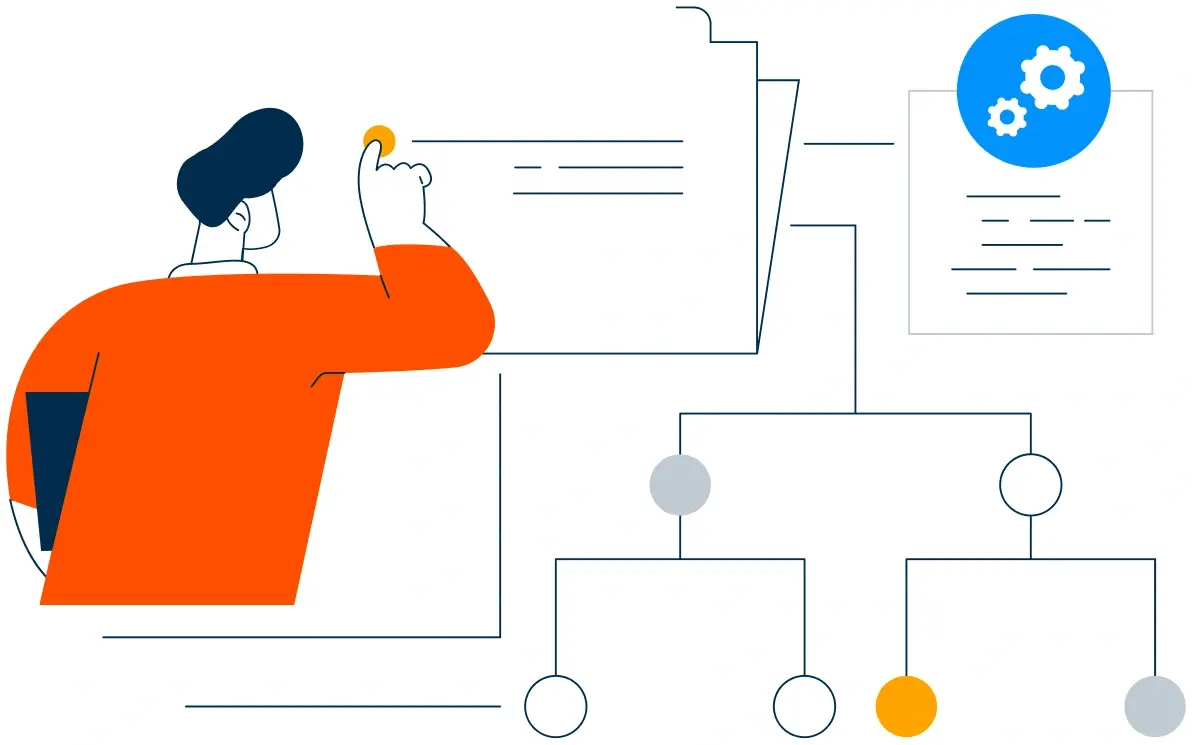
CRM Architecture and Pipeline Planning

Custom properties, stakeholder roles, and stage definitions mapped to how deals actually move, before any build begins. Stages mirror how an evaluation actually moves.
CRM Architecture and Pipeline Planning illustration
Step 3.

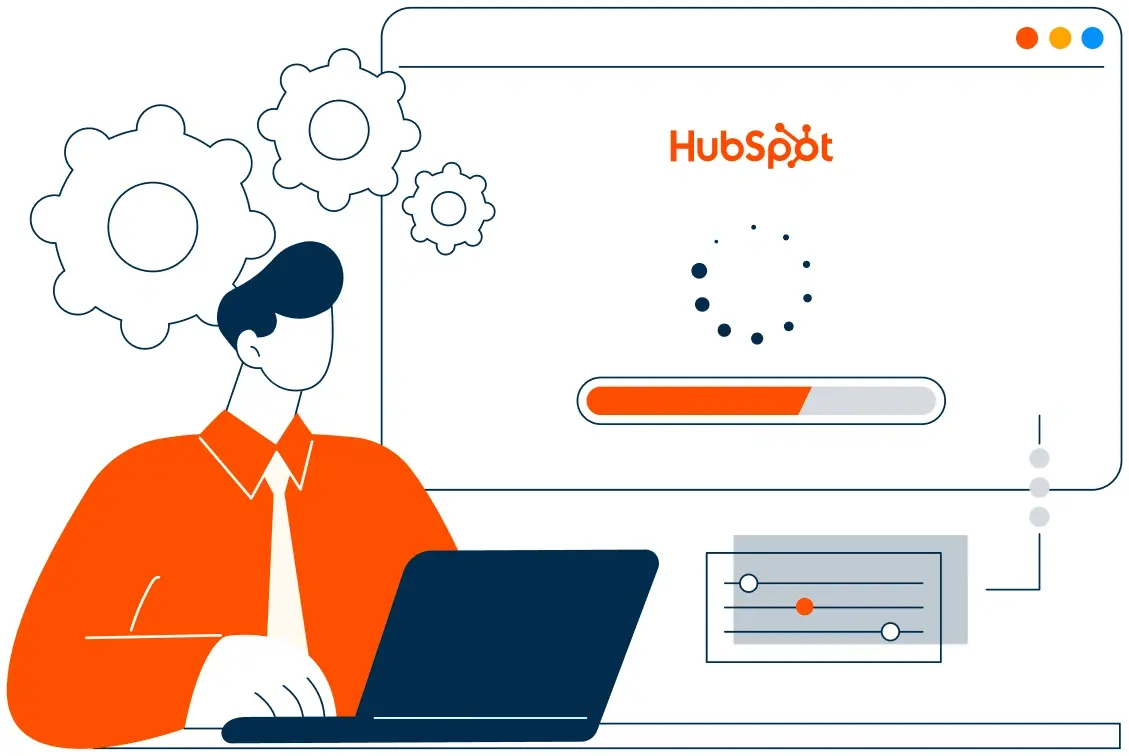
Automation and Integration Setup

Workflows built, product and billing integrations connected, sequences configured, and dashboards created. Every automation is tested before launch.
Automation and Integration Setup illustration
Step 4.

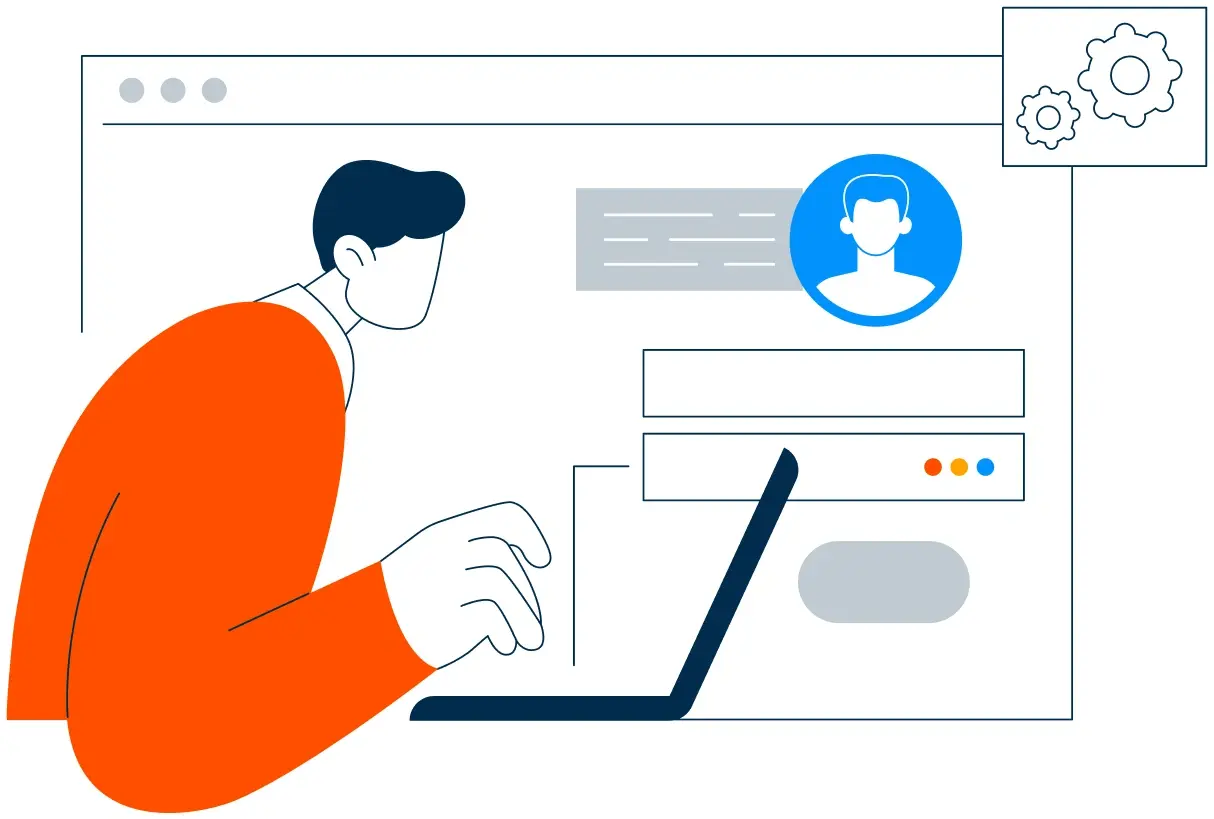
Team Training and Adoption

Hands-on training for sales, customer success, and marketing, each on the tools their role needs.
Team Training and Adoption illustration
Step 5.

Reporting and Optimization

Once live, we monitor stall rate and net retention, and refine workflows, scoring, and dashboards each quarter.
Reporting and Optimization illustration
FAQ

Questions You Might Have

Does HubSpot work for B2B SaaS?

Yes. It runs the evaluation and the account relationship: buying group, security review, onboarding, adoption, and renewal, while your product and billing systems keep usage and invoices. Most teams see the difference in the first quarter. The CRM carries the evaluation, not the invoice.

Can HubSpot stop deals stalling?

A deal with no activity for ten days raises a task with the last objection attached, and an unanswered proposal triggers outreach to the next stakeholder. Stall rate is tracked, so the improvement is measurable. Every workflow is tested before it reaches a buyer.

Can HubSpot speed up security review?

Standard answers are on file, the review has its own stage and owner, and five days in that stage raises an escalation. The sequence is matched to the stage and the objection. Review escalations run daily, not weekly.

Can HubSpot improve net revenue retention?

Activation is tracked from signature, low usage raises a task, and the renewal review opens ninety days out with evidence rather than a reminder. Nothing is assumed native until the connector is confirmed. Renewal timing is set per contract, not per segment.

Can HubSpot track several stakeholders per deal?

Each role is a contact with its own objection, and a deal with one contact is flagged as single-threaded risk. Contract detail never sits in the CRM.

How do you handle contract and usage data?

Contract, billing, and product usage stay in the systems that own them, and the CRM carries the account and the evaluation. That is how cost per logo becomes visible.

Can HubSpot report which channel produces accounts that expand?

Attribution is stored at account level, and cohorts are compared on expansion revenue rather than logo count. We map which fields may hold account data before launch.

How long does an implementation take?

Most run four to six weeks, depending on integrations and how much pipeline history needs migrating. Usage data stays in the product. Most teams see the difference in the first quarter.

Book Consultation

Ready to Stop Losing Deals to Silence?

A proposal has been unanswered for eleven days, the security questionnaire is sitting with one person, and a renewal is ninety days out with no review booked. We build around your stages, your buying group, and your renewal calendar. No generic setup, and no deal left to go quiet for a fortnight.

Takes 30 minutes
Delivered by certified HubSpot experts

Ratul-Rahman