Data model mapping
Mapped patients, appointments and revenue events across the DrChrono and HubSpot object models, and settled which system owns which field.

11
Sync behaviors built
3
Record types kept in step
2-way
Real-time sync, DrChrono and HubSpot
Gingerr is a healthcare integration product that connects EHR platforms to HubSpot. HubXpert built the DrChrono side of it: a real-time, two-way sync that keeps patient records, appointments and revenue events in agreement across the clinical system and the CRM.
DrChrono is the EHR behind a large number of clinics and practices. It holds the patient record, the online and offline appointment book and the billing, and it runs the day to day well. What it does not do is growth. There is no pipeline in DrChrono, no campaign, no attribution, and no way to see which marketing produced which patient.
For that a practice needs a CRM, and moving patient and appointment data into one is where practices get stuck. Generic automation tools can pass records between two systems, but patient data is not generic data, and the rules around who may handle protected health information rule most of those tools out before the technical evaluation begins.
Gingerr exists to close that gap with a purpose-built integration rather than a general-purpose connector pointed at a medical use case. The DrChrono build was the first half of that.
Connecting two systems is straightforward. Keeping them in agreement while both are being edited by different people for different reasons is not, and in healthcare the constraints on how the data may move narrow the options considerably.
Patients, appointments and billing all live in the EHR, but there is no pipeline, no campaign attribution and no way to connect marketing spend to a booked patient. Growth work has nowhere to happen.
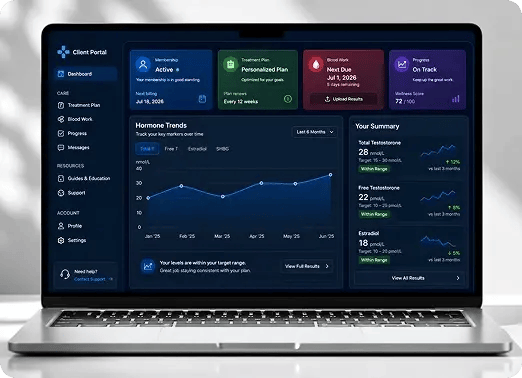
A portal without EHR data holds half a person. Marketing runs against contacts with no appointment history and no treatment context, which makes segmentation guesswork and duplicates inevitable.
Passing patient data through a general automation tool introduces a party to the data that may not be permitted to handle it. That constraint eliminates the obvious solution before any technical evaluation begins.
Pushing patients into the CRM is the easy direction. A contact created or updated in HubSpot, or a meeting booked through a HubSpot scheduler, also has to reach DrChrono, or the front desk maintains two versions of the truth by hand.
An appointment booked now and synced tonight is an appointment nobody can act on. Confirmations, reminders and follow-up all depend on the record existing at the moment it is created.
For one clinic revenue starts when a patient is created. For another it starts at the booked appointment, and for another at a specific status change. Hard-coding one definition makes the integration wrong for most of the market.
With both systems writable, a single mapping decision determines whether the growth team can overwrite a clinical field. That has to be resolved in the data model rather than discovered in production.
"Before HubSpot, we were living kind of in chaos with Post-it notes. Every lead, every patient type, and every renewal had to be tracked manually, and our front desk was spending more time managing spreadsheets than focusing on patients."
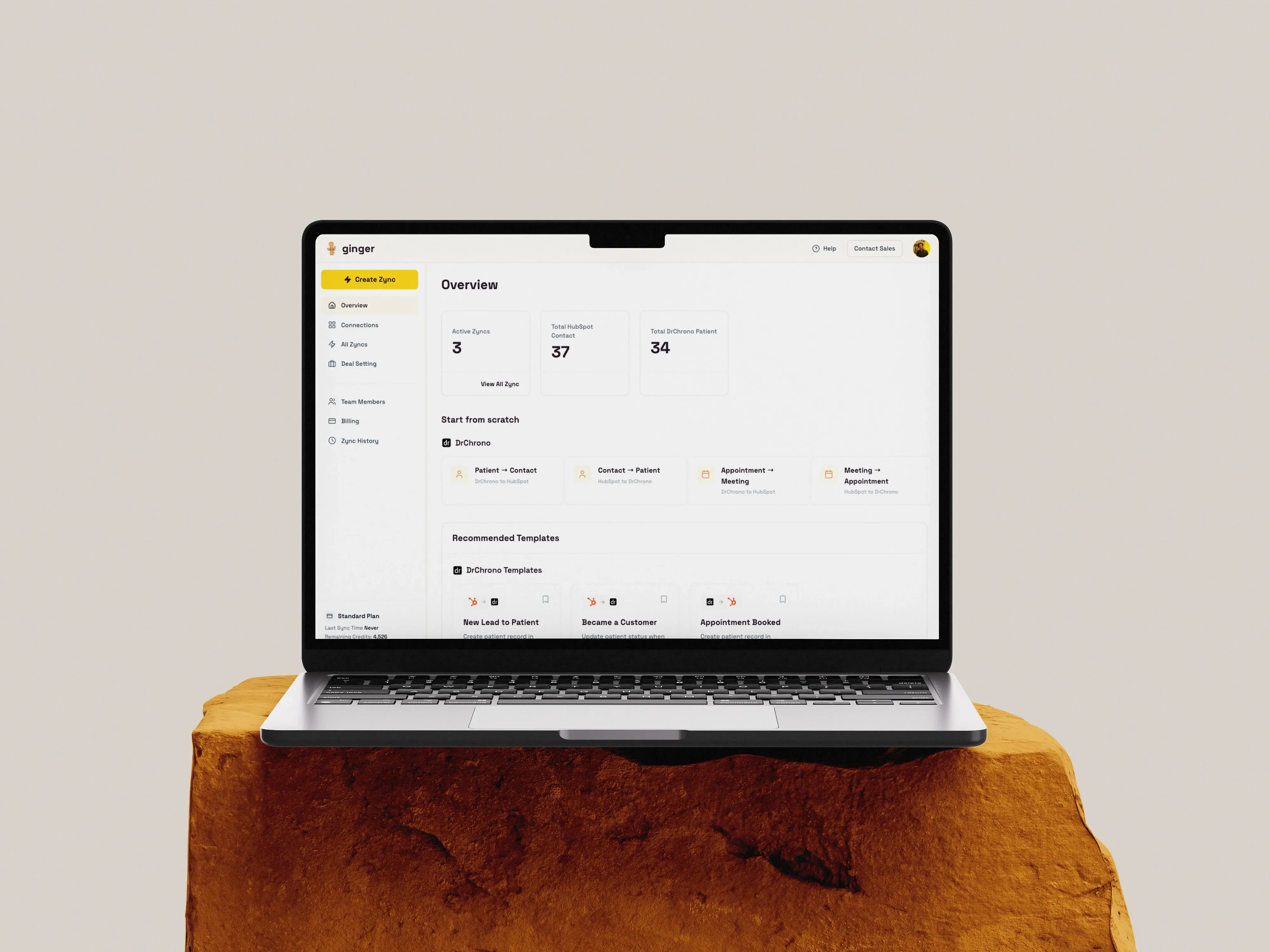
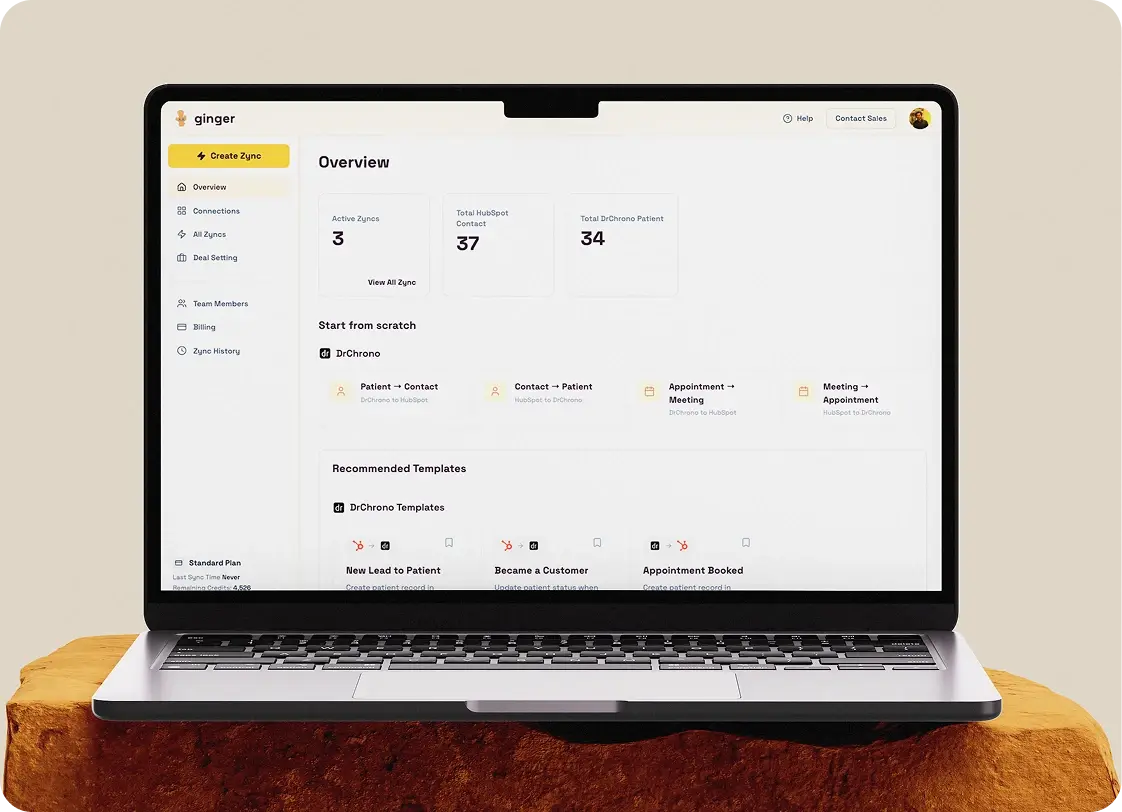
The integration syncs three things between DrChrono and HubSpot: the patient, the appointment and the revenue event. Each runs in real time, each works in both directions, and each is configurable, so neither system is treated as a read-only copy of the other.
A complete backfill brings the existing DrChrono patient database into the portal as contacts, so the CRM starts from the practice’s real patient base rather than from whoever happens to fill in a form next.
Updates in Nextech reflect in HubSpot in real time, and only the specific properties that changed move over, so nothing gets rewritten that did not need to be.
A contact created on the growth side of the practice creates the corresponding patient record in the EHR, so a lead that becomes a patient does not have to be typed in twice.
A change to a mapped HubSpot property updates the corresponding DrChrono field rather than replacing the record, which keeps edits made by the marketing team away from fields they never touched.
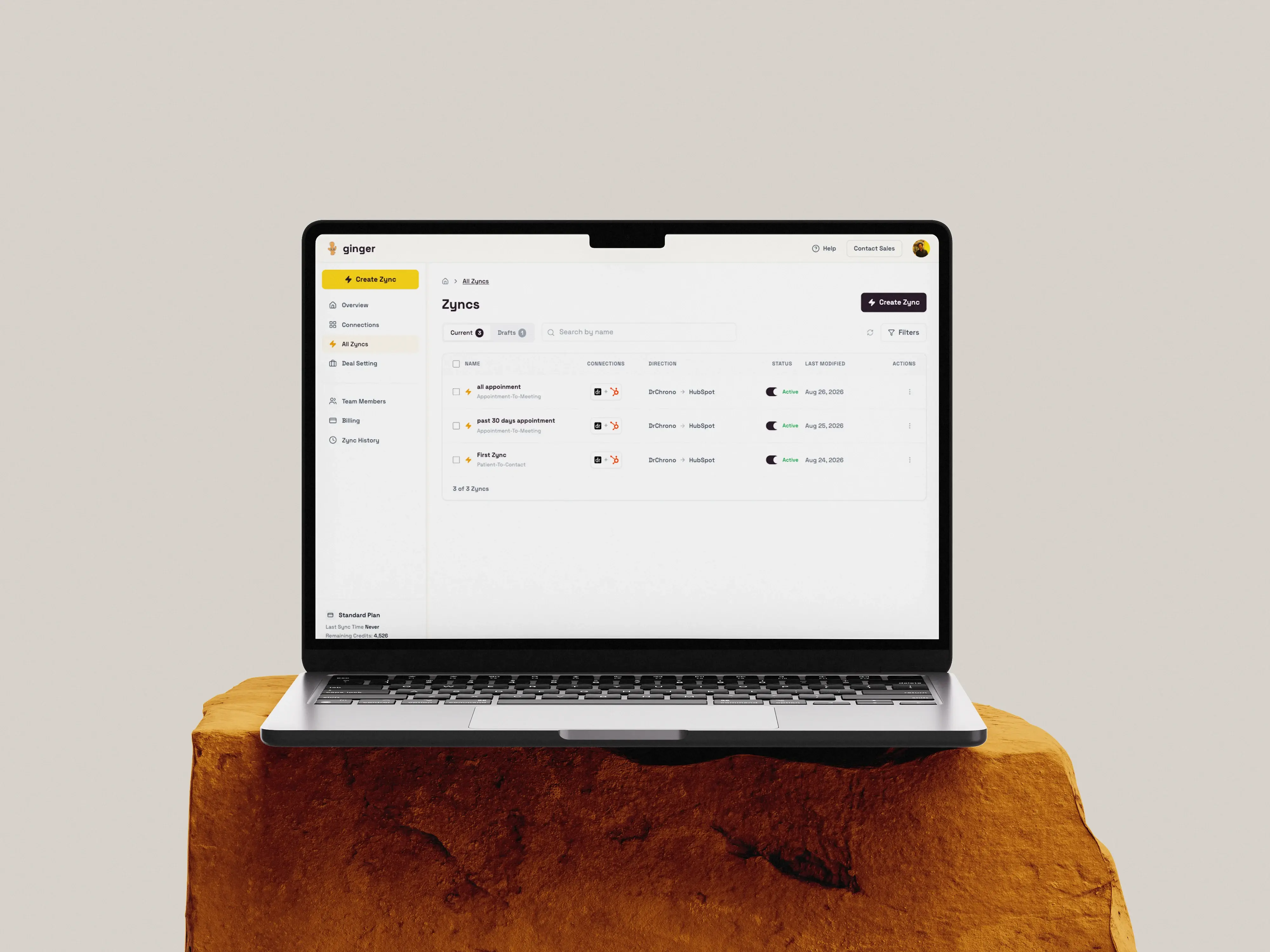
Every appointment in DrChrono can be brought into HubSpot, giving the practice appointment history against the contact record where the reporting and automation live.
Rather than all history, a practice can sync the last thirty or ninety days or a custom date range. A clinic with a decade of appointments does not have to move all of it to start.
Appointments created or updated in DrChrono create and update the HubSpot record as they happen, which is what makes confirmation and reminder automation possible on the CRM side.
A meeting booked through a HubSpot scheduler syncs into the EHR as an appointment, so the growth side of the practice can take a booking without the front desk entering it clinically.
Where a practice wants only certain booking links to create clinical appointments, the sync can be scoped to a named scheduler rather than firing on every meeting booked in the portal.
When a mapped meeting property changes in HubSpot, the DrChrono appointment updates, so a reschedule or a status change made on the growth side does not need re-entering clinically.
The practice defines what creates a deal: a new patient, a new appointment, or a specific property change. Revenue reporting then matches how that practice recognizes an opportunity rather than how the integration assumed it would.
Our front desk team used to spend hours each week manually logging leads and chasing renewal calls. With HubSpot handling confirmations, reminders, and renewal nudges automatically, that time now goes straight into patient care. The dashboards also mean we stop guessing which campaigns are actually working.
The mapping between a DrChrono patient and a HubSpot contact was designed before any sync was written, because a two-way integration built on a mismatched model produces conflicts that cannot be resolved afterwards.
Mapped patients, appointments and revenue events across the DrChrono and HubSpot object models, and settled which system owns which field.
Established how protected health information is handled in transit and inside the portal, and which HubSpot properties and scopes the sync writes through.
Built the patient and appointment backfill plus real-time inbound sync, including the time-frame controls for bounded imports.
Built the outbound direction: contact creation, property-level updates, scheduler meetings and meeting property changes writing back to the EHR.
Built the configurable deal triggers so each practice defines its own revenue event.
Tested every sync path in both directions, including conflict cases, and handed the integration to Gingerr.
The DrChrono integration is built and working. The outcomes below describe what it does rather than results claimed for a practice, which is the appropriate standard for a development case study.
11
Sync behaviors built
3
Record types kept in step
2-way
Real-time sync, DrChrono and HubSpot
Patient records stay in agreement across both systems. A backfill brings the existing database into HubSpot, and updates in either system reach the other as they happen.
Appointments are available to CRM automation in real time. Confirmations, reminders and follow-up can run from HubSpot because the appointment exists there the moment it is booked.
Bookings made in HubSpot reach the clinical system. Meetings booked through a HubSpot scheduler create DrChrono appointments, so the growth side can book without the front desk re-entering it.
Revenue reporting matches how the practice defines revenue. Deals are created from whichever event the practice chooses, so the pipeline reflects the real commercial trigger.
Field ownership is enforced by the mapping. Property-level writes mean marketing edits reach the fields they are meant to and nothing else.
The practice stops maintaining two databases by hand. The duplicate entry and reconciliation work between an EHR and a CRM is handled by the sync instead of by staff.
No. DrChrono stays the clinical system of record. The integration connects it to HubSpot so the growth side of the practice has patient and appointment context, and writes changes back so the two do not drift apart.
Yes. Patients and appointments sync from DrChrono into HubSpot, and contacts, property updates and scheduler meetings sync from HubSpot back into DrChrono.
No. A full backfill is available, or a bounded import covering the last thirty or ninety days or a custom date range, so a practice can start with the window that matters.
The practice decides. A deal can be created from a new patient, a new appointment, or a specific property change, so the pipeline matches how that practice recognizes revenue.
Real time. Records move as they are created or changed rather than on a batch schedule, which is what allows CRM automation to act on an appointment the same day it is booked.
No. Writes back to DrChrono happen at property level against a defined mapping, so only mapped fields are updated and field ownership is settled in the data model.
Nextech is a separate integration within Gingerr, covered in its own case study.