





-2.png)


-2.png)



.png)


.webp)

.png)










.png)







-1.webp)
-1.webp)



.webp)

-1-1.webp)



-2.webp)

-1-1.webp)

-2-1.png)

-1-1.webp)
-1-1.webp)
-1-1.png)






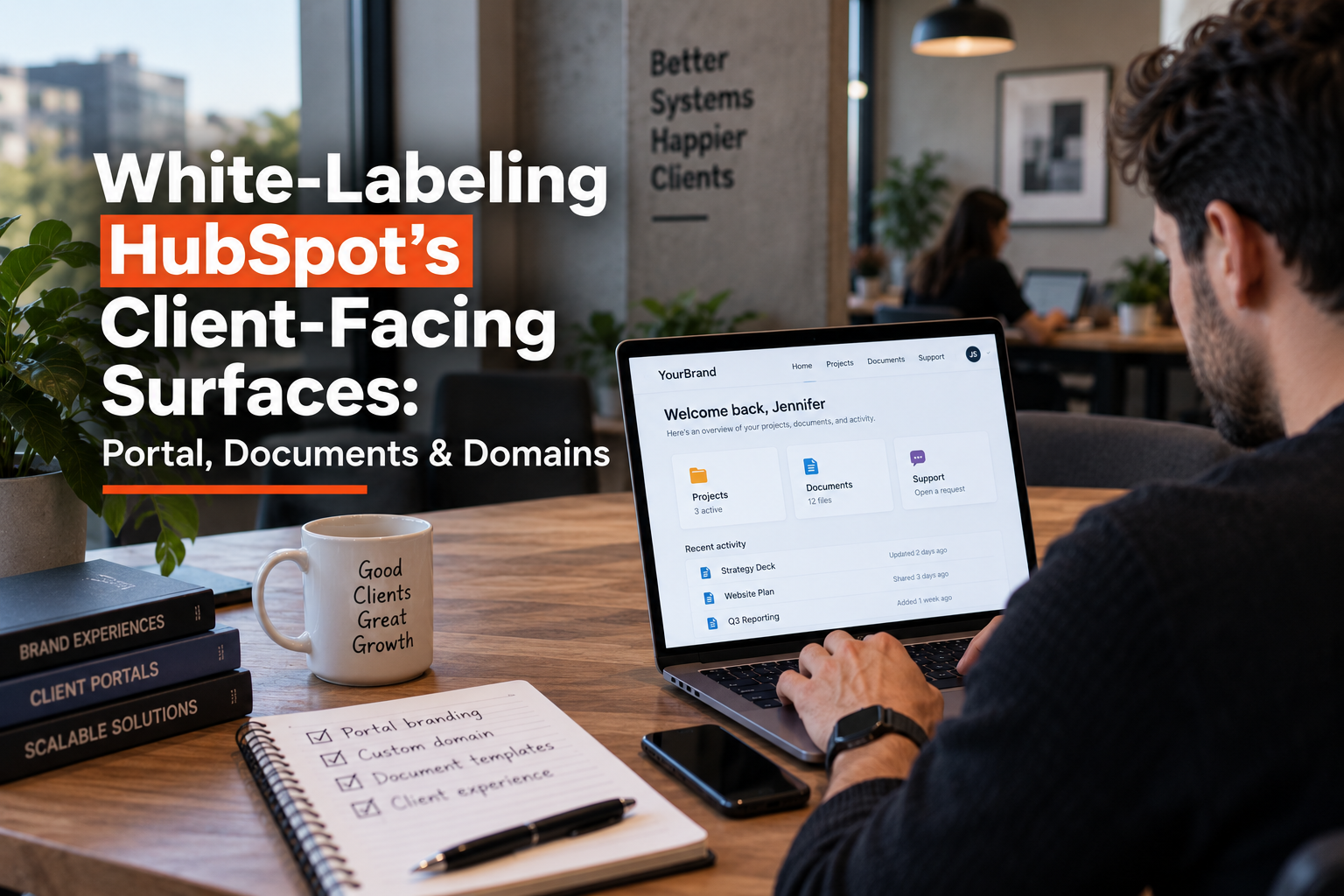
Agencies promise clients a fully white-labeled HubSpot experience more often than they check whether the platform actually supports it. HubSpot does not treat white-labeling as one setting. It treats the customer portal, client-facing documents, and domains as three separate systems, each gated by a different tier, seat, or add-on, and each with its own quiet limitations.
Get the details wrong and you end up promising a client something the product cannot deliver, discovered mid-project instead of during the sales conversation. This post walks through what each surface actually allows.
Three Surfaces, Three Different Rule Sets

Before touching settings, understand that "white-labeling HubSpot" is really three separate promises. The customer portal is one global setting tied to account-level branding. Documents (quotes, scheduling pages, sales templates) pull from a shared branding layer that behaves inconsistently across tools.
Domains split into at least three distinct mechanisms: content hosting, document hosting, and email sending, each with different tier requirements. Treating these as one feature is the most common planning mistake agencies make before a white-label rollout.
The Customer Portal Runs on One Global Brand

HubSpot's Customer Portal, the Service Hub tool clients use to view tickets and self-service content, pulls its logo, colors, and favicon directly from the account's global branding settings. As of a recent HubSpot Community discussion, the portal could not be edited or switched per domain, meaning an agency running multiple sub-brands or business units on one portal was stuck showing all of them the same branding (Source: HubSpot Community: Customising the Customer Portal).
This is worth confirming against current product behavior before you rely on it, since it is the kind of detail HubSpot updates quietly, but treat it as the default assumption until you verify otherwise on your own portal.
The practical implication: if your agency manages one HubSpot portal serving several branded divisions, the Customer Portal is not the surface where you can differentiate them. Separate client portals, one per HubSpot account, remain the only confirmed way to guarantee separate branding at this specific surface.
Documents Share a Branding Layer With Real Gaps
Quotes, scheduling pages, and sales documents pull from a shared sales branding setting that applies across all connected domains and tools by default (Source: Set up your company branding in HubSpot). Editing your company logo and colors here updates scheduling pages, documents, and quotes at once, which is convenient for a single-brand agency and a real constraint for a multi-brand one.

Brand kits add a layer of nuance. Brand colors set in a brand kit apply to the content editor, scheduling pages, quotes, and conversation channels, but explicitly do not apply to sales templates or one-to-one sales emails. Agencies assuming brand kit colors carry through every client-facing surface will find sales emails quietly breaking that consistency.
Two seat-level and add-on details matter here. First, meeting scheduler branding removal requires an assigned paid Sales or Service seat, not merely a paid subscription tier, so a Professional-tier account without the right seat assigned will still show default HubSpot branding on scheduling pages (Source: Create scheduling pages with the meetings tool).
Second, the Brands add-on lets you create a separate brand kit per brand and assign a specific brand to an individual scheduling page, but only if you have purchased that add-on. Without it, every scheduling page and quote inherits the single account-level brand.
One more quiet issue: a code snippet added to a site's header or footer and applied to all domains will also render on quotes hosted on that same domain. HubSpot's own guidance recommends connecting a dedicated subdomain for quotes specifically to avoid this bleed (Source: Customize quote branding).
Three Different "Domains," Not One
"Connect a custom domain" sounds like a single step. It is actually three separate mechanisms with different requirements.
|
Domain type |
What it controls |
Tier requirement |
|
Content hosting domain |
Website pages, landing pages, blog |
Any connected domain |
|
Brand domain replacement |
Migrates all connected subdomains to a new domain at once |
Marketing Hub Professional/Enterprise, Content Hub Starter/Professional/Enterprise |
|
Quotes/documents hosting domain |
Where quotes and sales documents are served |
Any connected domain, ideally a dedicated subdomain |
|
Email sending domain |
Authenticates the From address via DKIM, SPF, DMARC |
Marketing, Sales, Service, or Content Hub Starter and above |
A Sales Hub or Service Hub-only account, with no Marketing or Content Hub tier, cannot use the brand domain replacement feature at all, even though it can still connect an email sending domain and a quotes hosting domain. Agencies scoping a white-label engagement around only Sales or Service Hub should confirm this limitation with the client before promising full domain rebranding.
The email sending domain also cannot reuse a domain already hosting website content, it must be its own domain or subdomain.
Where HubSpot's Own Branding Cannot Be Fully Removed

Two limitations sit outside any tier upgrade. CAN-SPAM law requires company address information and an unsubscribe or preferences link in every marketing email footer, and HubSpot will not let this be removed entirely at any subscription level, since it is a legal requirement rather than a product restriction (Source: HubSpot Community: How to Delete the Footer in an Email Campaign).
Second, if a marketing or transactional email is sent from a domain that has not completed email authentication, HubSpot automatically substitutes a HubSpot-managed variable domain in place of the unauthenticated one, rather than canceling the send.
This means an agency that skips DKIM, SPF, and DMARC setup can end up with client emails silently carrying a HubSpot domain reference, undermining a white-label promise without any error message pointing to the cause.
A Setup Checklist Before You Promise a Client Full White-Labeling
- Confirm whether the client relationship requires a separate HubSpot portal per brand, since the Customer Portal cannot be split by domain within one account.
- Assign the correct paid Sales or Service seat before assuming meeting scheduler branding will be removed.
- Purchase the Brands add-on if the account needs distinct scheduling page or quote branding per sub-brand.
- Connect a dedicated subdomain for quotes to avoid header or footer code snippets bleeding onto client-facing documents.
- Verify which Hub tier the account holds before promising full brand domain replacement, since Sales and Service Hub alone do not include it.
- Complete DKIM, SPF, and DMARC setup on the email sending domain before launch, not after a client notices a HubSpot-branded fallback domain.
FAQs
Can I fully remove HubSpot branding from a client's Customer Portal?
The logo, colors, and favicon come from your account's global branding, so as long as that is set correctly, the visible branding is yours. What is not confirmed is switching that branding per domain within a single account, so verify this against your current product version if you run multiple sub-brands.
Does a Marketing Hub subscription let me replace my brand domain?
Only at the Professional or Enterprise level. Marketing Hub Starter does not include brand domain replacement; Content Hub Starter, Professional, and Enterprise do.
Why do my quotes show unrelated header or footer content from my website?
If a code snippet applied to all domains was added to your site header or footer, it will also appear on quotes hosted on that same domain. Connect a dedicated subdomain for quotes to prevent this.
Do brand kit colors apply everywhere in HubSpot?
No. They apply to the content editor, scheduling pages, quotes, and conversation channels, but not to sales templates or one-to-one sales emails.
What happens if I never set up an email sending domain?
HubSpot automatically substitutes a HubSpot-managed variable domain for unauthenticated sends rather than blocking the email, which can quietly undercut a white-label promise.
Senior RevOps Strategist at Hubxpert

Fazle Rabbi
Table of Contents:

Subscribe to our newsletter

Modern Website Design Examples & What Makes Them Work
Browse modern website design examples and modern looking websites, and see exactly what separates a fast, current site from one that already feels dated.

Interactive Web Design Templates & Examples to Study
See interactive web design templates and the best interactive web design inspiration, then compare interactive web page design examples before you build.

Interactive Elements in Web Design & Where to Stop
Add interactive elements in web design that earn their place, covering micro interactions, interactive maps, interactive timelines and knowing when to stop.

3D Web Design Templates & Examples You Can Reuse
Browse 3D web design templates and examples, plus where to find free downloads, and see how 3D web page design lifts a site without slowing the site down.

3D Web Design Tools & Software Compared for 2026
Compare 3D web design tools and web based 3D design software, and see where 3D models and 3D assets for web design fit your existing front-end build pipeline.

HubSpot Onboarding Cost: What the Fee Really Covers
See what HubSpot onboarding cost covers, how onboarding fees get quoted and how to compare implementation quotes line by line before you commit to a partner.
-
Modern Website Design Examples & What Makes Them Work
hello
-
Interactive Web Design Templates & Examples to Study
hello
-
Interactive Elements in Web Design & Where to Stop
hello
-
3D Web Design Templates & Examples You Can Reuse
hello
-
3D Web Design Tools & Software Compared for 2026
hello
-
HubSpot Onboarding Cost: What the Fee Really Covers
hello