





-2.png)


-2.png)



.png)


.webp)

.png)










.png)







-1.webp)
-1.webp)



.webp)

-1-1.webp)



-2.webp)

-1-1.webp)

-2-1.png)

-1-1.webp)
-1-1.webp)
-1-1.png)






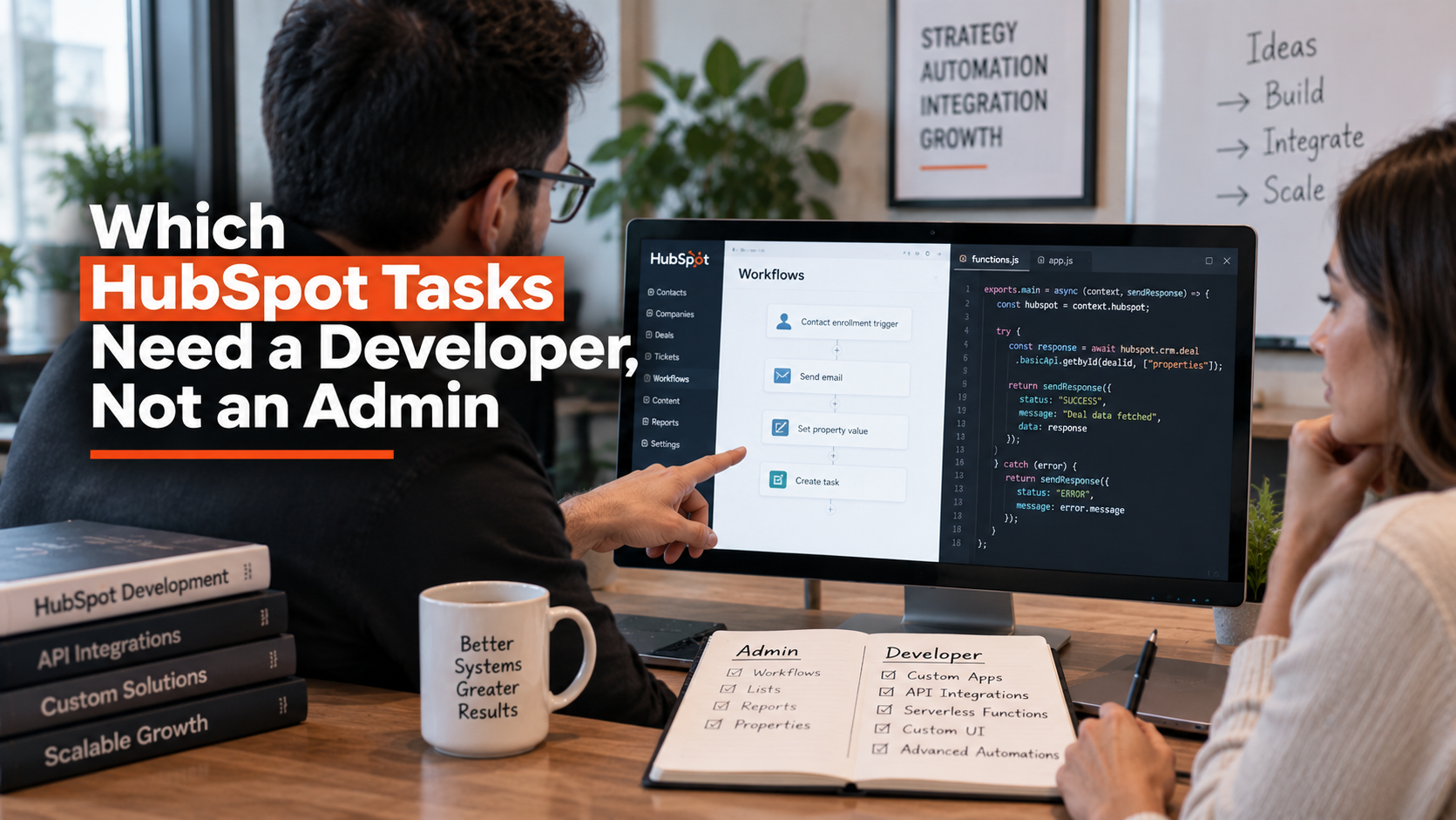
Agencies scope HubSpot projects wrong in both directions. Some assign a developer to work a skilled admin could finish in an afternoon inside the workflow builder. Others assign an admin to a task that needs actual code, then wonder why the automation keeps breaking.
The line between the two is not vague. HubSpot draws it explicitly in its own tier requirements and API documentation. This post lays out exactly which tasks stay inside admin territory, which ones cross into development, and one place where the old advice is now wrong.
The Real Dividing Line: Configuration Versus Building

An admin works inside HubSpot's interface, configuring what the platform already offers: properties, workflows built from native actions, forms, lists, dashboards, and drag-and-drop pages using existing modules.
A developer works with HubSpot's APIs and its developer platform, writing code that runs as a serverless function or a standalone application to do things the interface cannot express on its own.
The dividing line is not skill level. It is whether the task can be finished entirely through point-and-click configuration or whether it needs code that executes outside the standard interface.
What Your Admin Can Already Handle

Most of daily HubSpot work stays firmly inside admin territory. Properties, pipelines, native workflow actions (branching logic, delays, internal notifications, property updates), forms, lists, and reporting dashboards are all built through the standard interface with no code involved.
Drag-and-drop CMS pages built from existing modules and themes fall here too, as long as nobody needs a module the current theme does not already have. One task that used to require a developer no longer does, at least on the right tier.
Custom objects, the feature that lets you model business data HubSpot's standard objects do not cover, such as properties, subscriptions, or equipment, can now be created and configured directly in the HubSpot interface with no API call required. But only on Enterprise-tier accounts (Source: Custom Objects).
A fair amount of still-circulating advice treats custom objects as a permanent developer task. That advice is outdated for Enterprise accounts specifically.
Private apps also start in admin territory. An admin can create a private app and assign its API scopes through the settings interface without writing anything. What that app actually does once it has those scopes, however, is a different question, covered next.
What Genuinely Requires Code

Custom code workflow actions need Data Hub (the current name for what was Operations Hub) Professional or Enterprise. They run JavaScript or Python as a serverless function managed by HubSpot and AWS Lambda, capped at 20 seconds of execution time and 128 MB of memory (Source: Custom code workflow actions). Anything a native workflow branch cannot express, custom data transformation, calling an external API mid-workflow, complex conditional logic across multiple systems, lives here.
Custom CMS themes and modules require HubL, CSS, and JavaScript. An admin can rearrange existing modules on a page. Building a new module, or a theme from scratch, is development work regardless of how simple the end result looks.
UI extensions, the custom panels that appear inside CRM records themselves, are built on a React-based developer platform entirely separate from anything configurable through settings (Source: 6 Things Every HubSpot Development Service Should Include). There is no admin path to this at all.
Custom objects on any tier below Enterprise stay developer-only, created through the schemas API rather than the interface. If your account is Professional-tier and you need a custom object, that is a developer task, full stop, regardless of how the Enterprise story reads.
Building a workflow action for the HubSpot Marketplace, so other accounts can install it, is a different and heavier lift than using a custom code action inside your own account. It requires building an app, authenticating with OAuth or a static token, and passing HubSpot's App Review process (Source: Custom Workflow Actions Guide).
Finally, connecting HubSpot to a system with no existing native integration or established connector is development work by definition. There is nothing in the interface to configure toward a system HubSpot has no built-in awareness of.
Task, Owner & Tier at a Glance
|
Task |
Who handles it |
Tier requirement |
|
Native workflows, forms, properties |
Admin |
Any tier |
|
Custom objects (create/configure) |
Admin |
Enterprise only |
|
Custom objects (create/configure) |
Developer |
Below Enterprise |
|
Custom code workflow actions |
Developer |
Data Hub Professional or Enterprise |
|
CMS memberships (gated content) |
Developer to build, admin to manage after |
Content Hub Professional or Enterprise |
|
Custom CMS themes and modules |
Developer |
Any tier with Content Hub |
|
UI extensions in CRM records |
Developer |
Developer platform, any tier |
|
Marketplace app custom actions |
Developer |
App Review required |
|
Integration with an unsupported external system |
Developer |
Any tier |
Why the Distinction Matters Beyond Who Does the Work

Native features are maintained by HubSpot through every platform update, stay visible to the whole team, and can be changed in the workflow builder in minutes. Custom code is maintained by whoever wrote it, can break silently when HubSpot updates its platform, and requires a developer to diagnose and fix.
This is exactly why the vetting questions worth asking a white-label delivery partner include who actually wrote any custom code your account depends on, since that person, not just the agency's badge, is who you will need again when it breaks.
Two Gray Areas Worth Naming
Private apps sit in both categories at once. Creating the app and assigning scopes is admin work. Writing whatever calls that app's API, whether a script, an integration platform action, or a full custom code workflow action, is development work. Treating the whole private-app setup as "admin-handled" because the first step was easy is a common scoping mistake.
Highly complex native workflows are a second gray area. A workflow built entirely from native branches and delays is still no-code by definition, but a workflow with dozens of branches and edge cases carries real maintenance risk even without a single line of code.
No-code does not mean no complexity, and agencies sometimes conflate the two when scoping a project as "admin-only" just because it avoided custom code.
FAQs
When do I need a developer instead of an admin for integrations?
You need a developer when building or maintaining custom integrations with ERPs, billing platforms, or tools without clean native connectors, including API design, authentication, error handling, and complex data mapping.
What workflow tasks require a developer versus an admin?
Developers are needed for custom code actions in workflows (Node.js/Python), calling external APIs from workflows, transforming complex payloads, or building serverless functions. Admins handle standard no-code workflows with built-in actions and triggers.
When should custom objects involve a developer?
Custom objects need a developer when they are central to operations, interact with multiple hubs or external systems, or require complex reporting and data architecture. Admins can manage basic custom properties within standard objects.
What CMS Hub work requires a developer?
Developers are needed for custom modules, templates, serverless functions, API integrations, and dynamic data-driven pages beyond drag-and-drop. Admins can use the visual editor, configure existing templates, and manage content without code.
When do reporting needs require a developer?
Advanced reporting needs a developer when native tools cannot express the logic, cross-object data models are required, or complex data pipelines must support analytics. Admins can build standard reports using native tools and basic filters.
As a Hubspot Automation Developer at Hubxpert, I specialize in API integration, seamlessly connecting HubSpot with third-party applications. My role encompasses understanding client needs, crafting custom code solutions, and ensuring the smooth operation of our automation workflows. I actively address any HubSpot integration challenges and stay updated with the platform's latest advancements. My dedication ensures clients harness the full potential of HubSpot.

Tanzinul Kabir
Table of Contents:

Subscribe to our newsletter

Modern Website Design Examples & What Makes Them Work
Browse modern website design examples and modern looking websites, and see exactly what separates a fast, current site from one that already feels dated.

Interactive Web Design Templates & Examples to Study
See interactive web design templates and the best interactive web design inspiration, then compare interactive web page design examples before you build.

Interactive Elements in Web Design & Where to Stop
Add interactive elements in web design that earn their place, covering micro interactions, interactive maps, interactive timelines and knowing when to stop.

3D Web Design Templates & Examples You Can Reuse
Browse 3D web design templates and examples, plus where to find free downloads, and see how 3D web page design lifts a site without slowing the site down.

3D Web Design Tools & Software Compared for 2026
Compare 3D web design tools and web based 3D design software, and see where 3D models and 3D assets for web design fit your existing front-end build pipeline.

HubSpot Onboarding Cost: What the Fee Really Covers
See what HubSpot onboarding cost covers, how onboarding fees get quoted and how to compare implementation quotes line by line before you commit to a partner.
-
Modern Website Design Examples & What Makes Them Work
hello
-
Interactive Web Design Templates & Examples to Study
hello
-
Interactive Elements in Web Design & Where to Stop
hello
-
3D Web Design Templates & Examples You Can Reuse
hello
-
3D Web Design Tools & Software Compared for 2026
hello
-
HubSpot Onboarding Cost: What the Fee Really Covers
hello