





-2.png)


-2.png)



.png)


.webp)

.png)










.png)







-1.webp)
-1.webp)



.webp)

-1-1.webp)



-2.webp)

-1-1.webp)

-2-1.png)

-1-1.webp)
-1-1.webp)
-1-1.png)






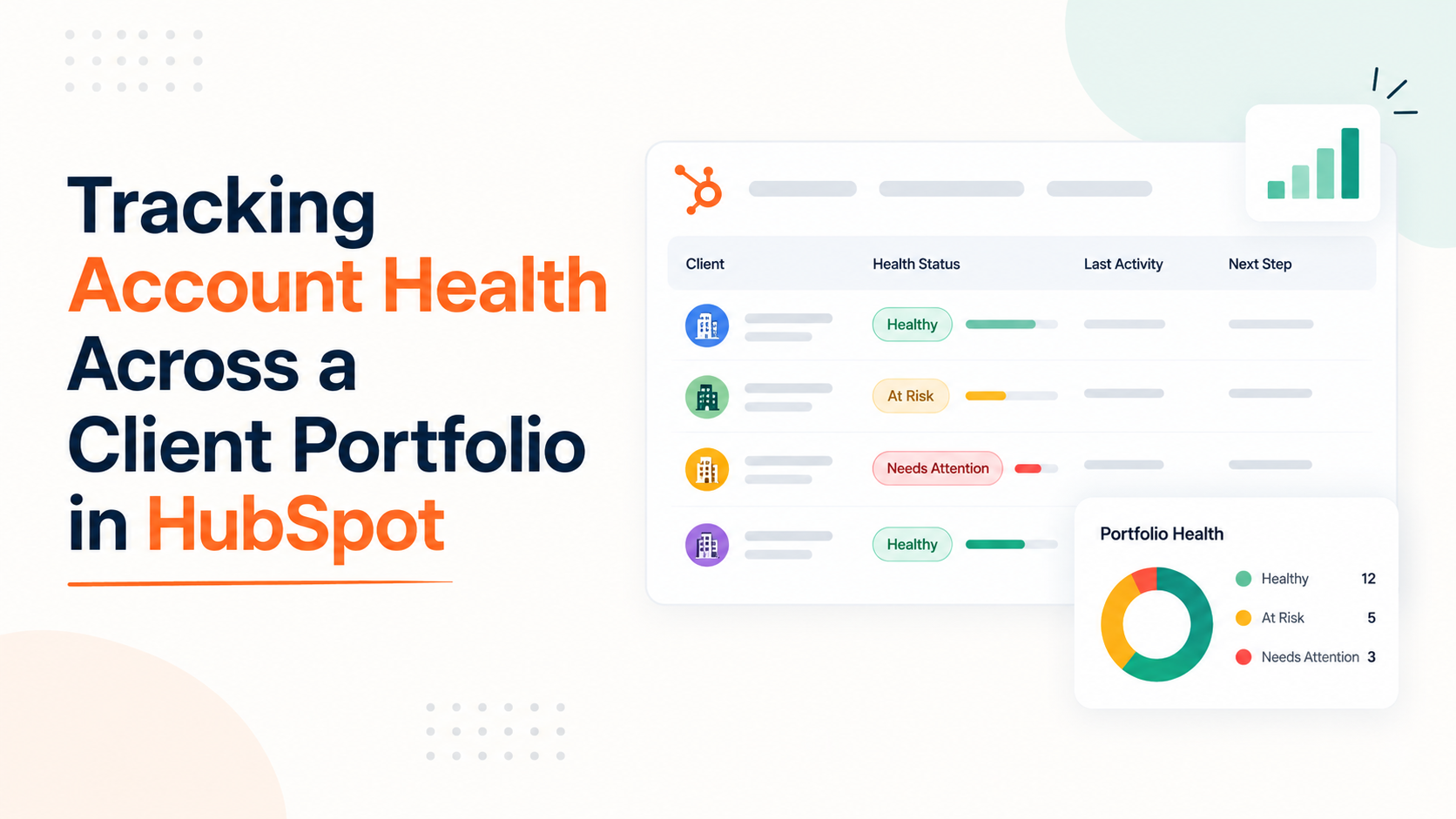
A single client's health card is easy to build in HubSpot. Add a few criteria, watch the number move, done. Seeing health across thirty accounts running three different service lines is a different problem, and HubSpot's native tools were not built to solve it in one clean view.
That gap matters more for agencies than for most Service Hub users. A SaaS company selling one product to one buyer type can build a single health score and call it finished. An agency running SEO, paid media, and web retainers under one roof is really running three different definitions of healthy at once.
Knowing exactly where HubSpot's tool bends to fit that, and where it does not, decides whether the score becomes something the team trusts or something everyone quietly ignores by month three.
What a Portfolio View Actually Requires
A portfolio view needs three things working together:
A scoring model that reflects what actually predicts churn for each service type, enough live scores to cover more than one client type without forcing everyone into the same criteria, and reporting that rolls individual scores up into something a director can scan in five minutes.
HubSpot's customer success workspace delivers on the first two reasonably well. The third has real limits worth knowing before you build around it.
Setting Up a Health Score That Reflects Real Risk

Health scores live inside Service > Customer Success and require a Service Hub Professional or Enterprise subscription, along with Manage Customer Success Settings permissions to build one (Source: customize a health score in the customer success workspace). Build the score in this order:
- Choose the object the score applies to, typically the Company record for an agency, since that is where retainer relationships live.
- Select up to five company or contact segments the score should apply to.
- Set property-based criteria, such as contract value or last login date, and event-based criteria, such as completed meetings or survey responses, awarding or subtracting points for each.
- Set thresholds that translate the point total into a health status label, commonly High, Medium, or Low.
- Test the score against a handful of real accounts before turning it on, since criteria that look right on paper often miscount edge cases.
Criteria evaluation follows AND logic when multiple conditions apply to the same property or event, meaning every listed condition inside that rule must be true before the points apply (Source: Understand the lead scoring tool).
Build criteria with that in mind, since a rule meant to catch "low engagement or low satisfaction" will not fire the way you expect if it is written as a single AND condition instead of two separate rules.
Why One Score Rarely Fits a Mixed-Service Portfolio
This is where most HubSpot content stops short. A health score can apply to up to five segments, but every segment shares the same scoring model. Selecting five segments does not give you five different weighting schemes, it applies one set of criteria across all five.
An SEO retainer and a paid media retainer measure health differently. Ranking movement matters for one, cost per acquisition matters for the other. One shared score forces a compromise that fits neither well.
The tier ceiling makes this worse for smaller agencies. Service Hub Professional allows one live health score plus five drafts. Enterprise allows ten live scores plus twenty drafts. A single-service agency can likely live within Professional's one live score.
An agency running three or more distinct service lines with genuinely different health signals will hit that ceiling fast, and the honest fix is Enterprise, not a workaround inside Professional.
|
Service Hub tier |
Live health scores |
Draft scores |
Realistic fit |
|
Professional |
1 |
5 |
Single-service agency, or one dominant service line |
|
Enterprise |
10 |
20 |
Multi-service agency needing distinct criteria per line |
The Reporting Seam Nobody Mentions
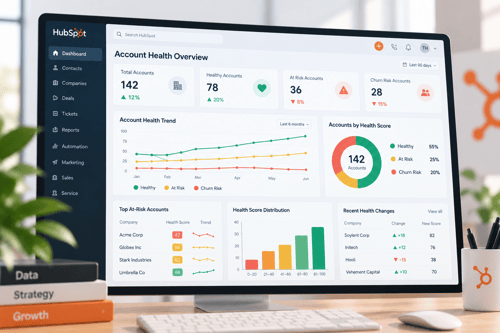
Building the score is the easier half. Rolling individual health scores up into a portfolio-wide view, filterable by industry, service line, or account manager, runs into a real limitation. One reporting vendor's technical writeup states that HubSpot's native reporting struggles to combine health scores with company properties like industry across a segmented view.
Tracing it to how the customer success workspace isolates its own data from standard cross-object reporting.
I could not independently confirm the exact technical cause of that limitation through HubSpot's own documentation, so weigh it as a pattern worth checking against your own portfolio rather than a settled fact.
What is consistent across sources is that segmented, cross-object reporting on health scores is not as native or as flexible as reporting on a single object like deals. If your portfolio view needs to slice health by more than one dimension at once, test that specific report before assuming it will render the way you expect.
Weighting Health by What Actually Predicts Churn
A health score is only as useful as the signals feeding it. Lack of proactive strategic guidance accounts for 68% of agency client churn, poor communication for 57%, and an inability to demonstrate value for 53%. Price ranks sixth at 37%, which means discounting an at-risk account usually treats the wrong problem (Source: Client Retention Strategies + Free Churn Calculator (2026)).
Retainer agencies should hold annual churn under 20%, with top performers reaching 8 to 10% (same source).
|
Churn cause |
Share of churn |
HubSpot-trackable signal |
|
Lack of proactive guidance |
68% |
QBR completion, proactive outreach logged as engagements |
|
Poor communication |
57% |
Response time on tickets, meeting cadence |
|
Inability to show value |
53% |
Report open rate, deliverable completion rate |
|
Price |
37% |
Contract value trend, discount requests |
Agencies that track scores continuously and escalate the moment an account drops a risk tier retain more accounts than those running quarterly reviews, since speed of intervention is one of the stronger predictors of whether a flagged account gets saved (Source: Client Churn KPIs Every Marketing Agency Should Be Tracking Right Now).
Wire the score to a workflow that creates a task or notifies the account manager the moment status drops, rather than relying on someone remembering to check the dashboard.
If You're Still Using Score Properties, Stop
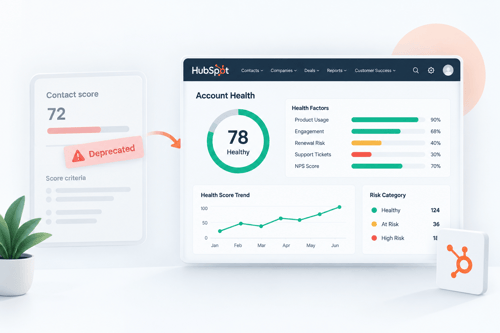
Some older HubSpot setups and older blog content still describe score properties, an earlier scoring mechanism separate from the customer success workspace's health score tool. That system is dead.
New score properties could not be created after May 1, 2025, existing ones could not be edited after July 1, 2025, and every remaining score property stopped updating entirely on August 31, 2025 (Source: Set up score properties to qualify leads).
If any account manager is still glancing at a score property expecting it to reflect current data, it has been frozen for over a year. Migrate to the health score tool inside the customer success workspace, since that is the only scoring mechanism HubSpot is actively maintaining for this use case.
As a Hubspot Automation Developer at Hubxpert, I specialize in API integration, seamlessly connecting HubSpot with third-party applications. My role encompasses understanding client needs, crafting custom code solutions, and ensuring the smooth operation of our automation workflows. I actively address any HubSpot integration challenges and stay updated with the platform's latest advancements. My dedication ensures clients harness the full potential of HubSpot.

Tanzinul Kabir
Table of Contents:

Subscribe to our newsletter

Modern Website Design Examples & What Makes Them Work
Browse modern website design examples and modern looking websites, and see exactly what separates a fast, current site from one that already feels dated.

Interactive Web Design Templates & Examples to Study
See interactive web design templates and the best interactive web design inspiration, then compare interactive web page design examples before you build.

Interactive Elements in Web Design & Where to Stop
Add interactive elements in web design that earn their place, covering micro interactions, interactive maps, interactive timelines and knowing when to stop.

3D Web Design Templates & Examples You Can Reuse
Browse 3D web design templates and examples, plus where to find free downloads, and see how 3D web page design lifts a site without slowing the site down.

3D Web Design Tools & Software Compared for 2026
Compare 3D web design tools and web based 3D design software, and see where 3D models and 3D assets for web design fit your existing front-end build pipeline.

HubSpot Onboarding Cost: What the Fee Really Covers
See what HubSpot onboarding cost covers, how onboarding fees get quoted and how to compare implementation quotes line by line before you commit to a partner.
-
Modern Website Design Examples & What Makes Them Work
hello
-
Interactive Web Design Templates & Examples to Study
hello
-
Interactive Elements in Web Design & Where to Stop
hello
-
3D Web Design Templates & Examples You Can Reuse
hello
-
3D Web Design Tools & Software Compared for 2026
hello
-
HubSpot Onboarding Cost: What the Fee Really Covers
hello