





-2.png)


-2.png)



.png)


.webp)

.png)










.png)







-1.webp)
-1.webp)



.webp)

-1-1.webp)



-2.webp)

-1-1.webp)

-2-1.png)

-1-1.webp)
-1-1.webp)
-1-1.png)






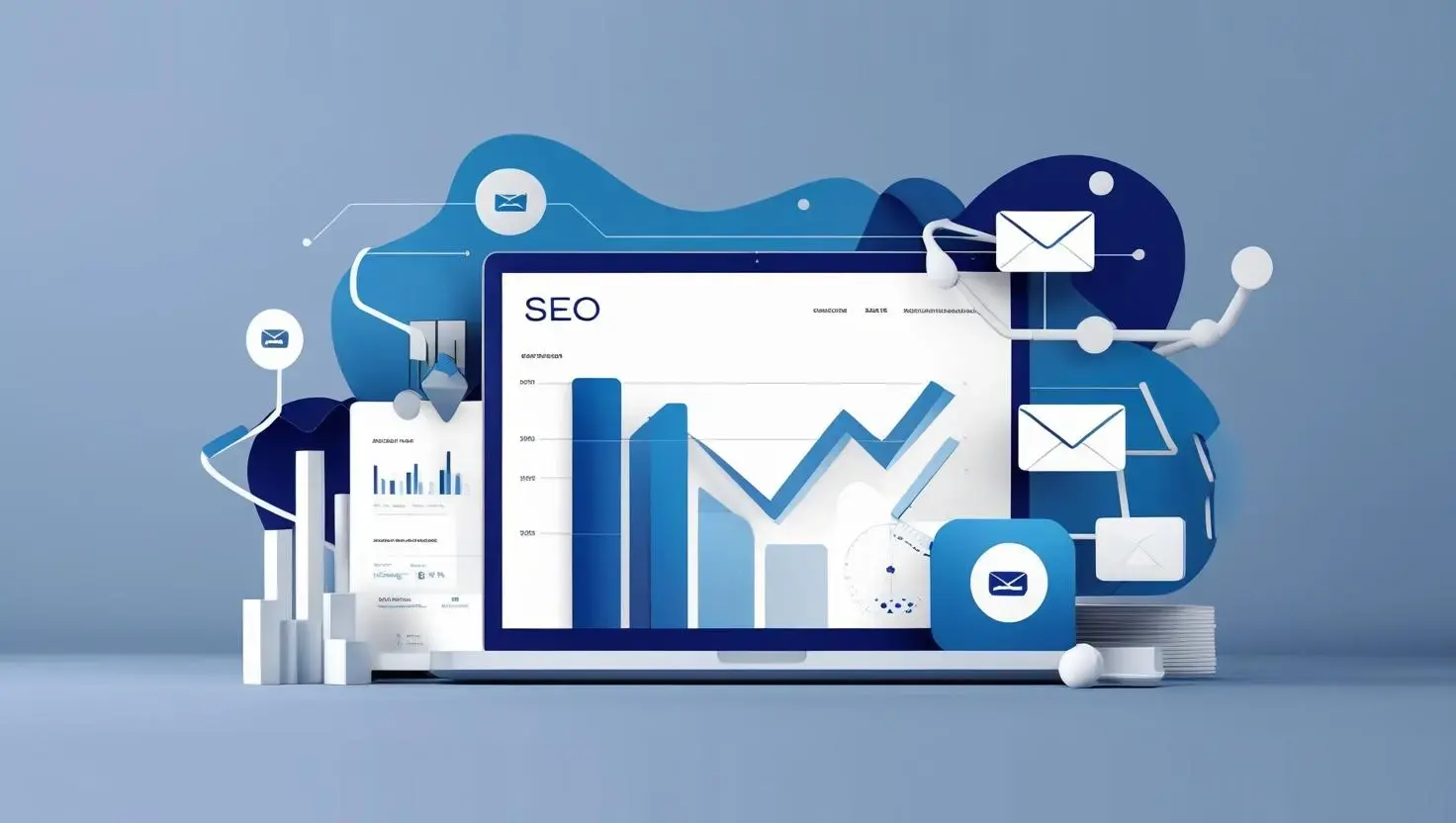
HubSpot: The All-in-One Marketing Powerhouse
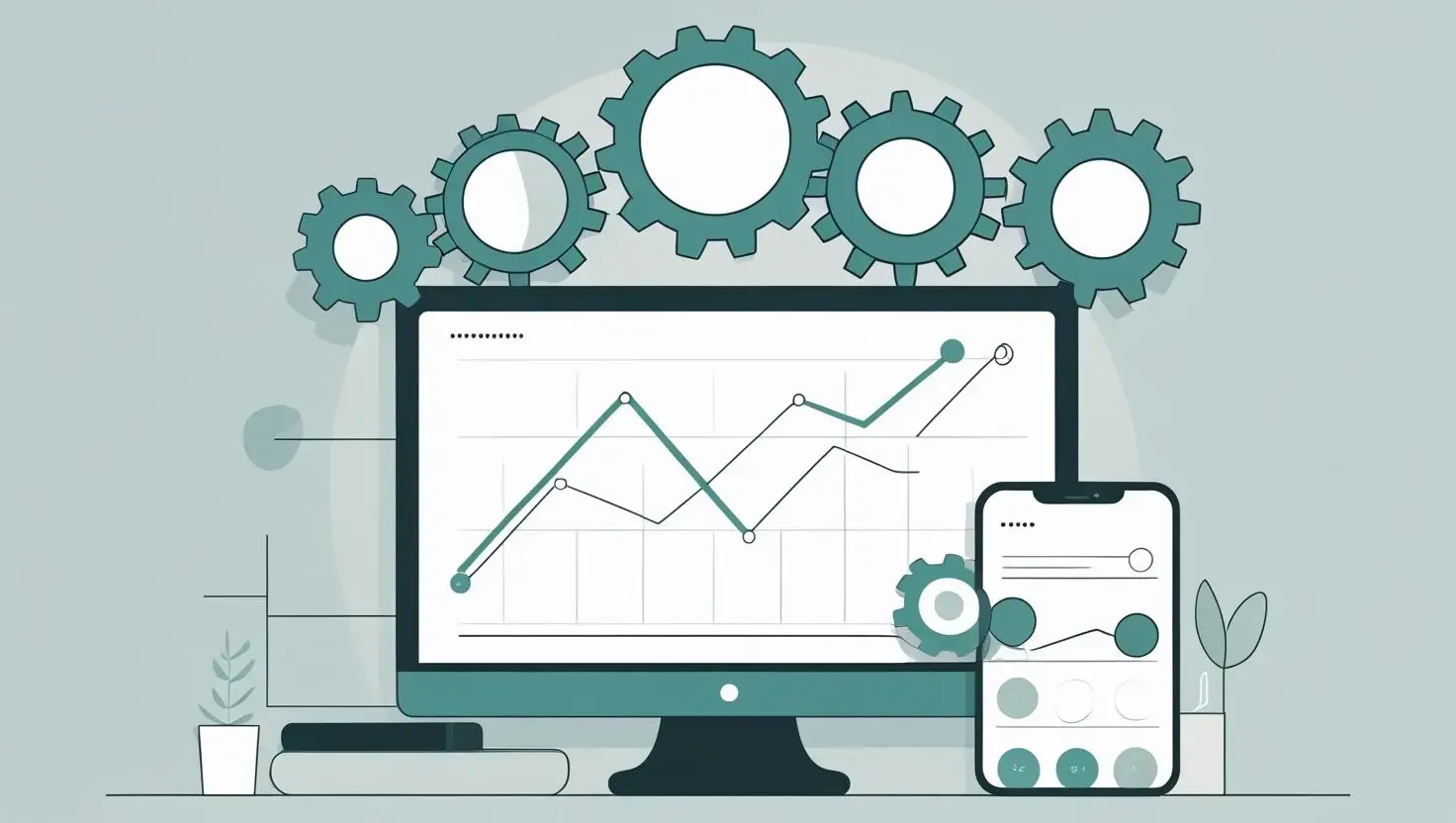
What if you could manage all your marketing activities from a single platform? HubSpot offers a comprehensive suite for inbound marketing, sales, and customer service, designed to attract, engage, and delight customers. How might an integrated approach benefit your business?
Key Features:
- CRM: Track contacts and interactions seamlessly.
- Email Marketing: Craft personalised email campaigns.
- Content Management: Build and manage websites and blogs.
- Social Media: Schedule posts and monitor activity.
- Analytics: Gain insights with detailed performance reports.
Why It’s Great: HubSpot’s strength lies in its ability to unify your marketing efforts. Imagine launching a product campaign: you could create a landing page, set up an email sequence, and track customer journeys—all within HubSpot. How could this streamline your workflow?
Semrush: Your SEO and Content Marketing Ally
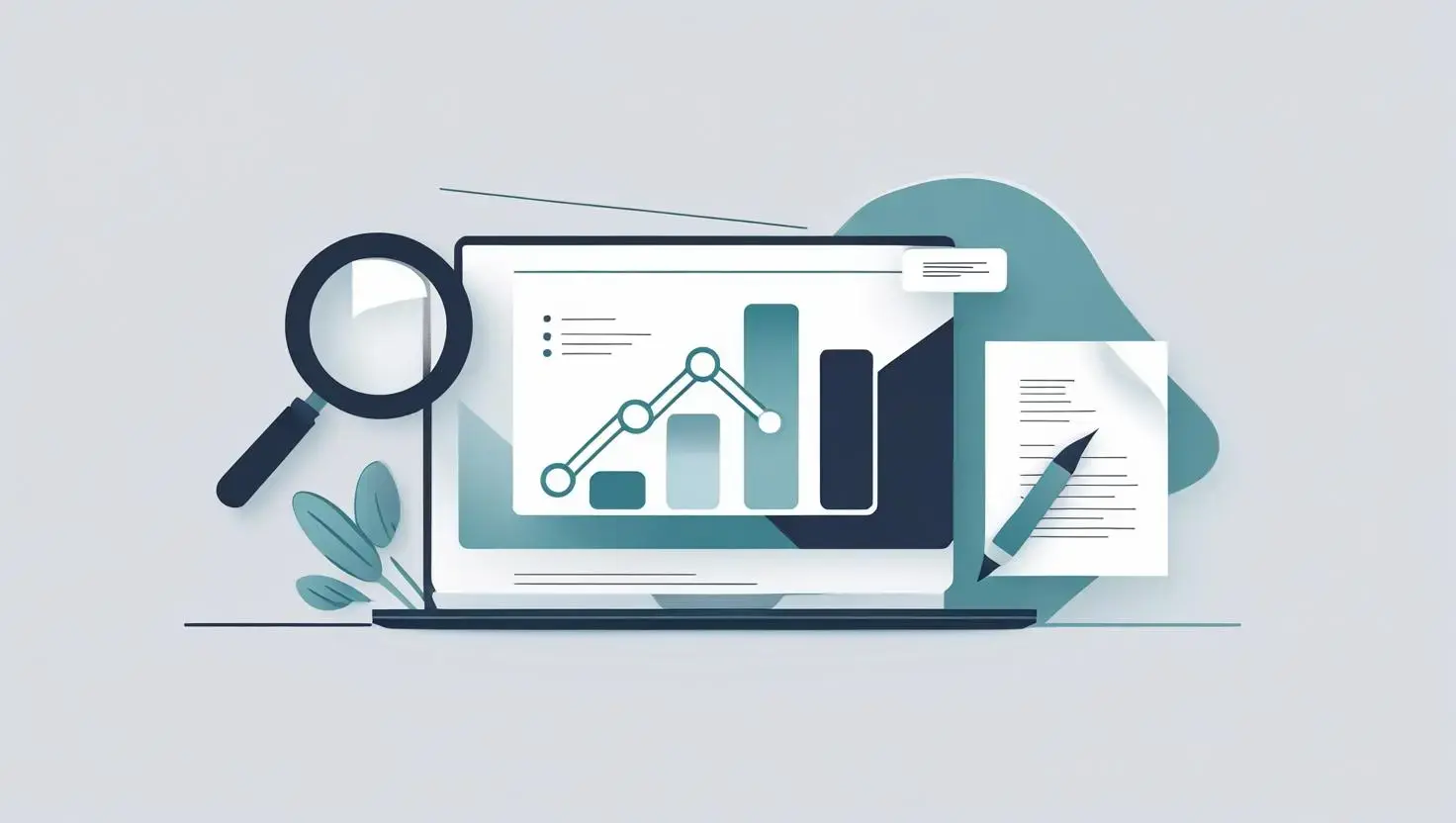
How can you ensure your content reaches the right audience? Semrush is a robust tool for SEO and content marketing, helping you boost online visibility and uncover valuable insights. What role does SEO play in your marketing strategy?
Key Features:
- Keyword Research: Identify high-impact keywords.
- Site Audit: Detect and resolve SEO issues.
- Competitor Analysis: Learn from competitors’ strategies.
- Content Marketing Toolkit: Plan and measure content performance.
Ahrefs: Mastering Backlink Analysis
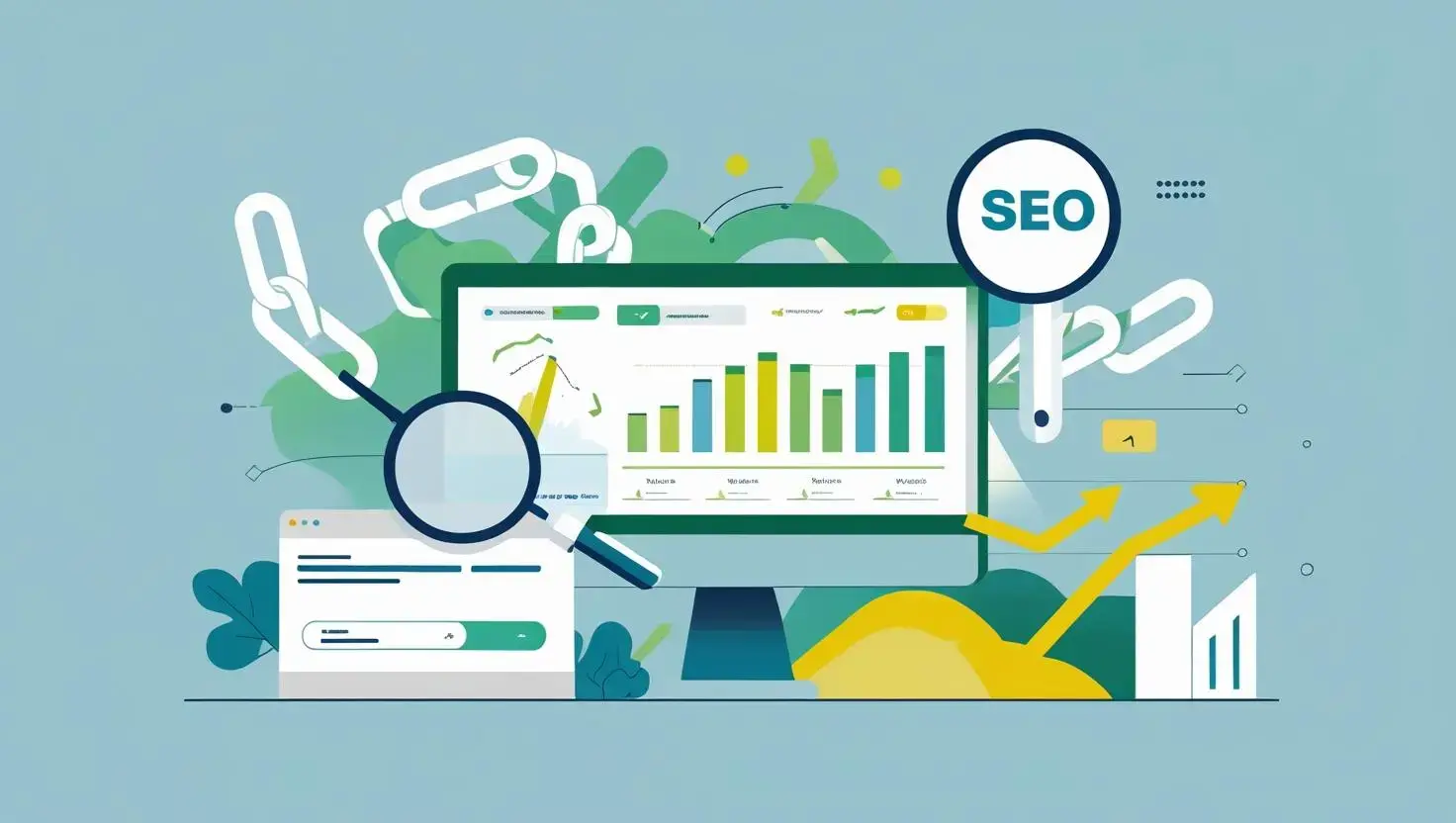
Why do some websites rank higher than others? Ahrefs is a leading SEO tool, renowned for its backlink analysis, helping you enhance your site’s authority. How important are backlinks to your SEO efforts?
Key Features:
- Backlink Checker: Analyse and build your backlink profile.
- Keyword Explorer: Discover keywords with search volume data.
- Site Explorer: Gain insights into competitors’ traffic.
- Content Explorer: Find trending content in your niche.
Canva: Design Made Simple

How can you create eye-catching visuals without design expertise? Canva is a user-friendly tool that empowers anyone to produce professional graphics for marketing campaigns. What kind of visuals do you need to engage your audience?
Key Features:
- Templates: Access thousands for social media, presentations, and more.
- Drag-and-Drop Editor: Customise designs effortlessly.
- Collaboration: Work with teams in real-time.
- Brand Kit: Ensure consistency with saved brand assets.
Mailchimp: Email Marketing Excellence

What’s the best way to nurture leads and retain customers? Mailchimp is a leading email marketing platform, offering tools to design, send, and track campaigns. How do you currently connect with your audience via email?
Key Features:
- Email Builder: Create stunning emails with ease.
- Automation: Set up triggered email sequences.
- Segmentation: Target specific audience groups.
- Analytics: Track open and click-through rates.
Google Analytics 4: Unlocking User Insights

How well do you understand your website’s visitors? Google Analytics 4 (GA4) provides deep insights into user behaviour and site performance. What data could help you refine your marketing strategy?
Key Features:
- Event-Based Tracking: Monitor specific user actions.
- Cross-Platform Analysis: Track journeys across devices.
- Predictive Metrics: Anticipate future user actions.
- Custom Reports: Tailor analytics to your needs.
Hootsuite: Streamlining Social Media
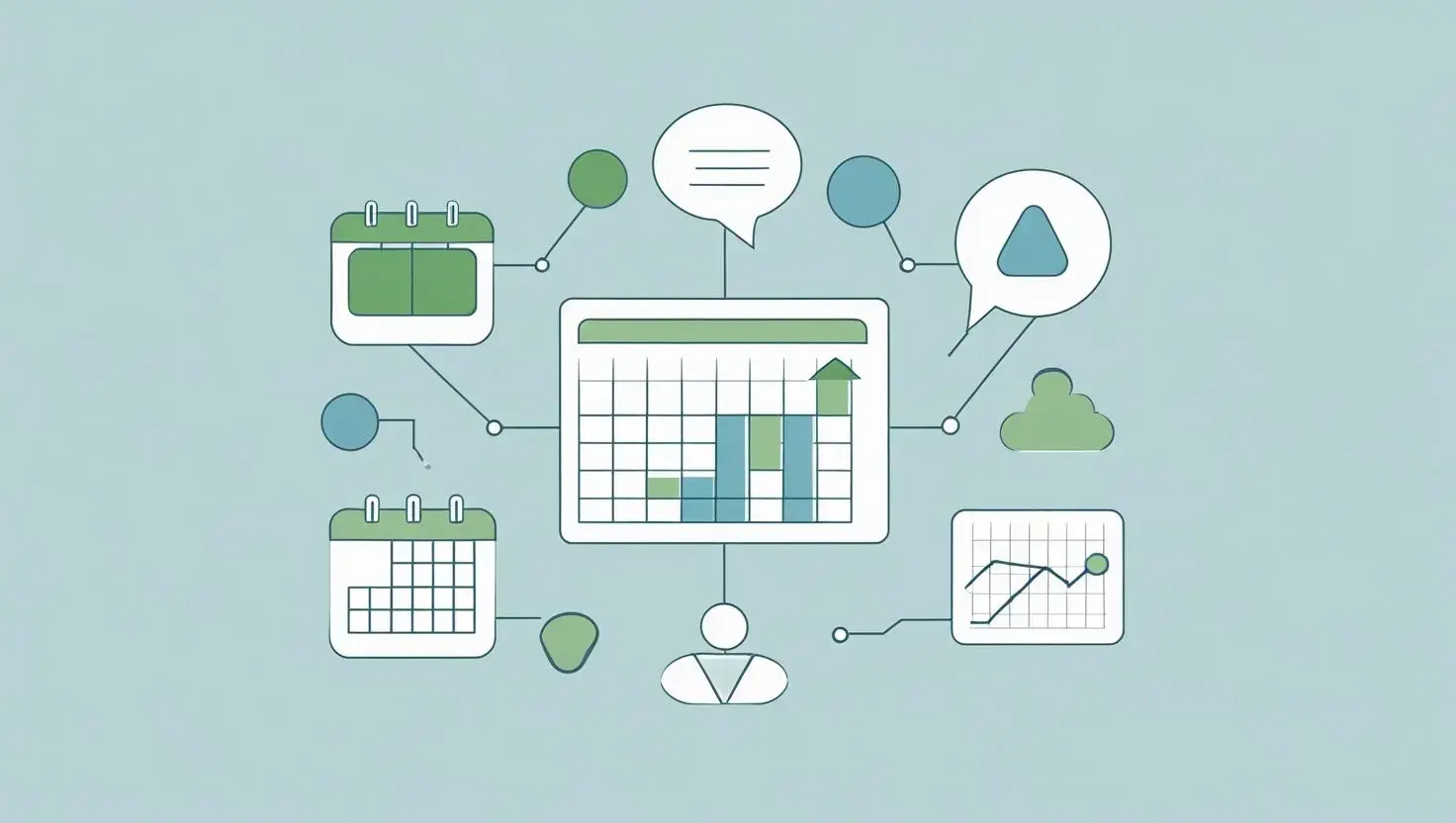
How do you manage multiple social media accounts efficiently? Hootsuite is a social media management tool that simplifies scheduling, monitoring, and analysing performance. What challenges do you face in social media marketing?
Key Features:
- Scheduling: Plan posts in advance.
- Monitoring: Track mentions and hashtags.
- Analytics: Measure engagement metrics.
- Team Collaboration: Manage tasks and approvals.
Why It’s Great: Hootsuite saves time by letting you schedule a week’s posts in one sitting. It also helps you stay responsive to audience interactions. How could better social media management boost your brand?
Unbounce: Crafting High-Converting Landing Pages
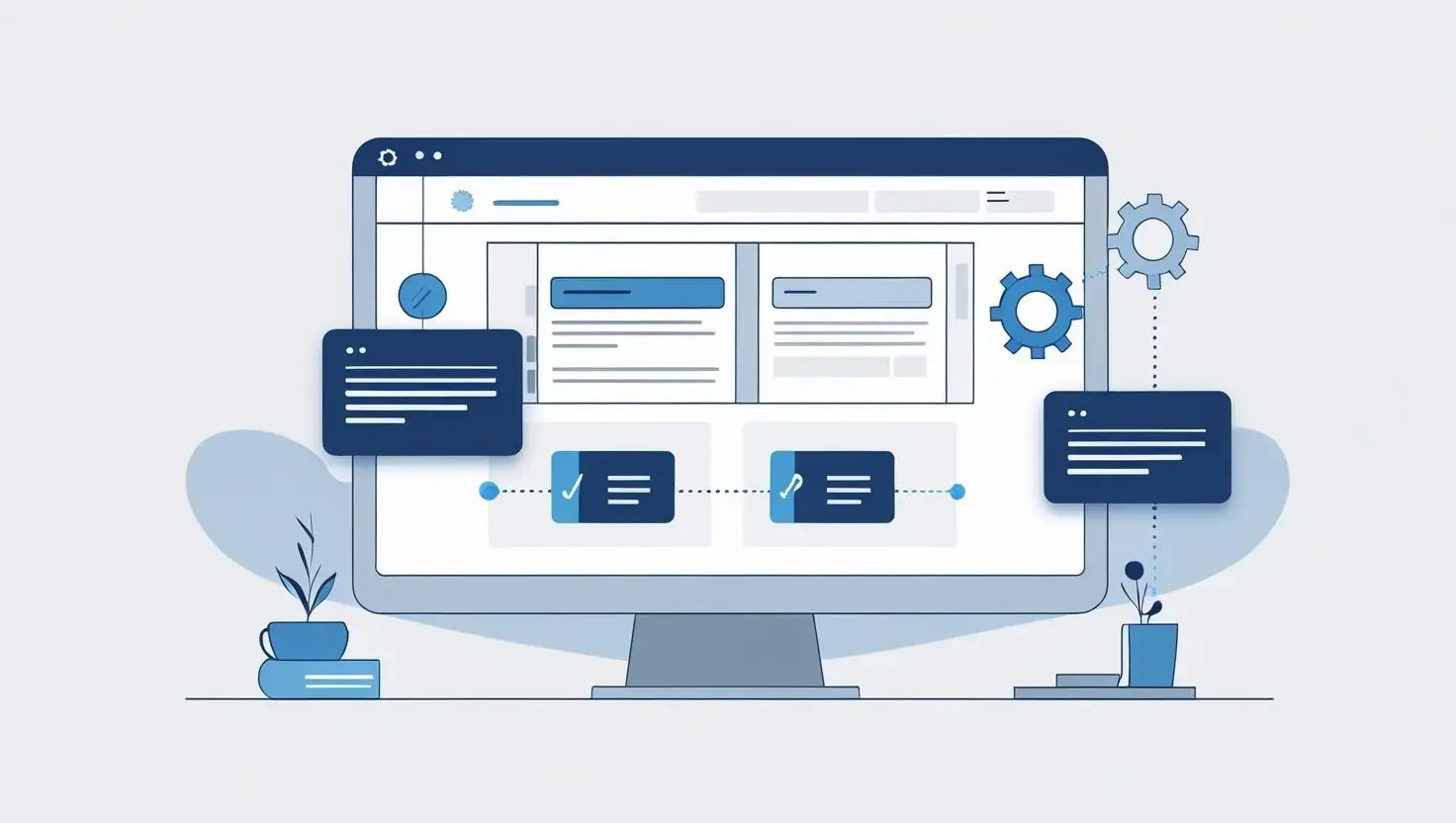
What makes a landing page convert visitors into leads? Unbounce is a landing page builder that lets you create optimised pages without coding. How effective are your current landing pages?
Key Features:
- Drag-and-Drop Builder: Design custom pages easily.
- A/B Testing: Test variations for better results.
- Dynamic Text Replacement: Personalise content for users.
- Integrations: Connect with other marketing tools.
Google Ads: Reaching Your Audience
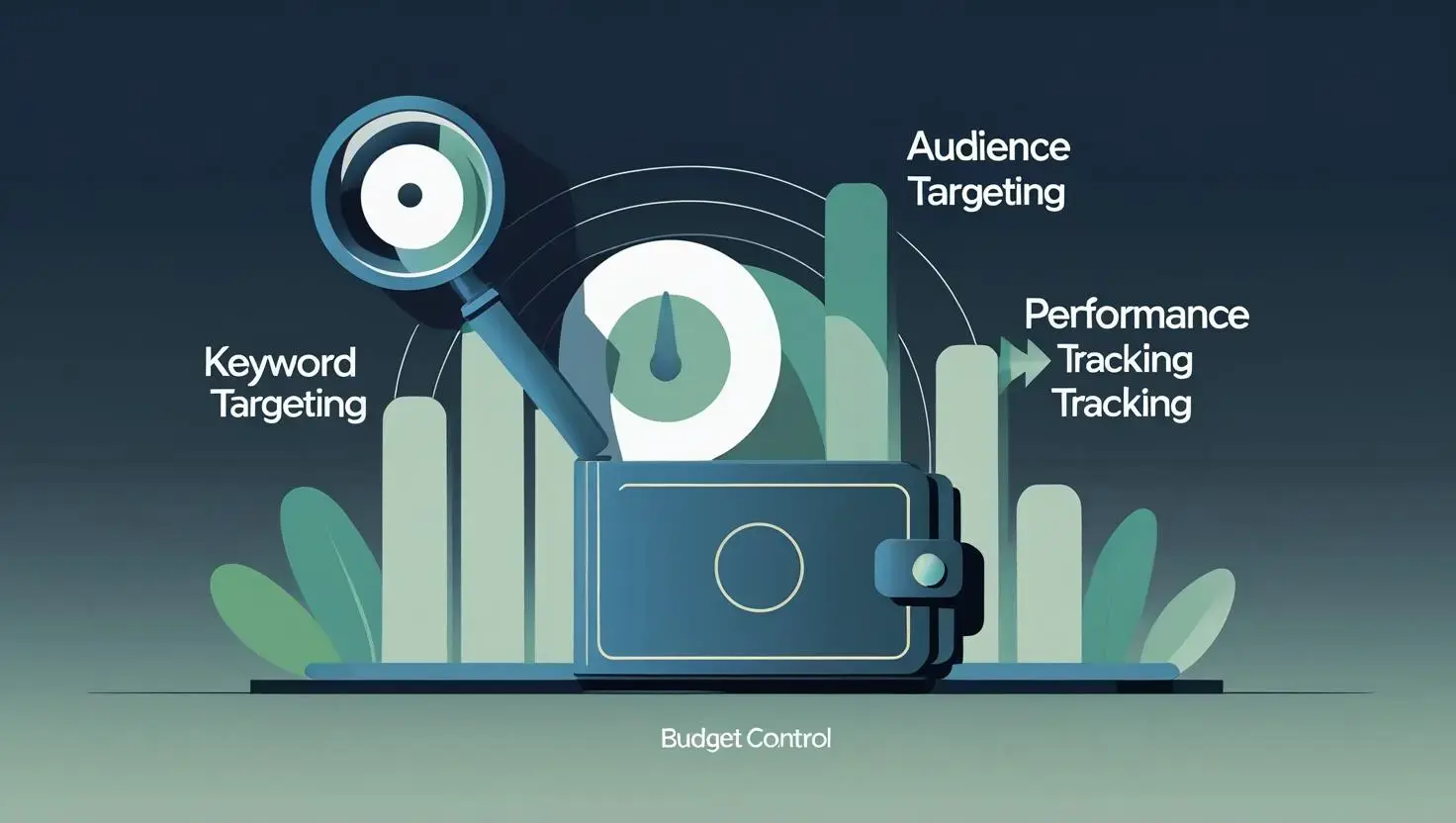
How can you reach potential customers at the right moment? Google Ads is a powerful advertising platform for search, display, video, and app ads. What role does paid advertising play in your strategy?
Key Features:
- Keyword Targeting: Display ads for specific searches.
- Audience Targeting: Reach users by demographics or interests.
- Performance Tracking: Monitor clicks and conversions.
- Budget Control: Set flexible spending limits.
Why It’s Great: Google Ads offers precise targeting, ensuring your ads reach interested users. For instance, bidding on “running shoes” could drive traffic to your e-commerce site. How could targeted ads expand your reach?
Zapier: Automating Your Workflow

How much time do you spend on repetitive tasks? Zapier is an automation tool that connects apps to streamline workflows, freeing you for strategic work. What tasks could you automate to save time?
Key Features:
- App Integrations: Connect over 5,000 apps.
- Workflow Automation: Create trigger-action processes.
- Multi-Step Zaps: Build complex automations.
- Scheduling: Run automations at set times.
Why It’s Great: Zapier can automate tasks like adding new email subscribers to your CRM or posting social media updates from a blog. How could automation enhance your productivity?
Conclusion: Which Tools Will You Choose?
Founder & CEO @ Hubxpert. My goal is to make every company using HubSpot succeed in their marketing organisation and automation.

Ratul Rahman
Table of Contents:

Subscribe to our newsletter

Modern Website Design Examples & What Makes Them Work
Browse modern website design examples and modern looking websites, and see exactly what separates a fast, current site from one that already feels dated.

Interactive Web Design Templates & Examples to Study
See interactive web design templates and the best interactive web design inspiration, then compare interactive web page design examples before you build.

Interactive Elements in Web Design & Where to Stop
Add interactive elements in web design that earn their place, covering micro interactions, interactive maps, interactive timelines and knowing when to stop.
3D Web Design Templates & Examples You Can Reuse
Browse 3D web design templates and examples, plus where to find free downloads, and see how 3D web page design lifts a site without slowing the site down.
3D Web Design Tools & Software Compared for 2026
Compare 3D web design tools and web based 3D design software, and see where 3D models and 3D assets for web design fit your existing front-end build pipeline.

HubSpot Onboarding Cost: What the Fee Really Covers
See what HubSpot onboarding cost covers, how onboarding fees get quoted and how to compare implementation quotes line by line before you commit to a partner.
-
Modern Website Design Examples & What Makes Them Work
hello
-
Interactive Web Design Templates & Examples to Study
hello
-
Interactive Elements in Web Design & Where to Stop
hello
-
3D Web Design Templates & Examples You Can Reuse
hello
-
3D Web Design Tools & Software Compared for 2026
hello
-
HubSpot Onboarding Cost: What the Fee Really Covers
hello