





-2.png)


-2.png)



.png)


.webp)

.png)










.png)







-1.webp)
-1.webp)



.webp)

-1-1.webp)



-2.webp)

-1-1.webp)

-2-1.png)

-1-1.webp)
-1-1.webp)
-1-1.png)






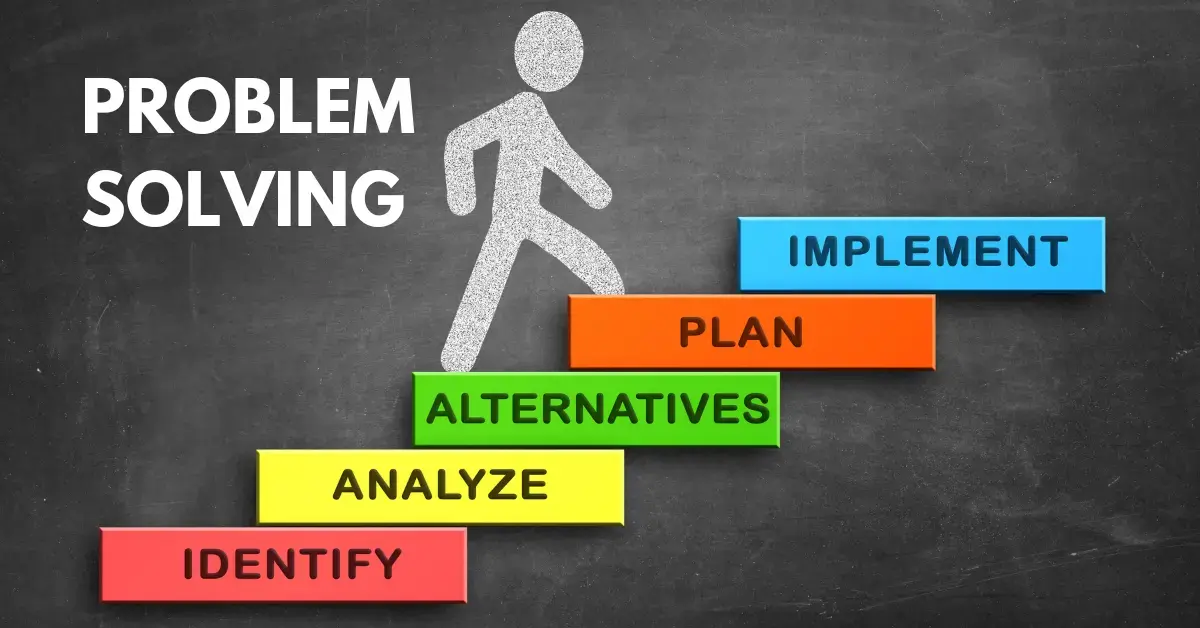
We, being a Revenue Operations agency, face thousands of RevOps and HubSpot troubles each week.
And we solve them on a regular basis as well.
So, we have decided to write this series, based on some of the most interesting problems we faced.
We will continue writing this series as long as we get these problems!
So, let’s take a look at 5 of these problems we faced!
Automations Set Up for a HubSpot Starter Client

Problem Statement
Solutions We Took
Solution Explanation
Pabbly Connect is an automation tool, like Zapier. But, the difference between them is, Pabbly Connect is way more convenient than Zapier.
This tool has been nothing short of legendary in our pursuit of spreading automation to the furthest corners to the world and helping everyone progress.
We have been able to create complex workflows with all branches connecting to different tools and doing thousands of different tasks, which literally increased work efficiency by more than 30%.
In turn, they also understood the power HubSpot truly has, without any tech demo, because they saw the interconnectivity with their own eyes.
Using an automation tool alongside HubSpot also helps because HubSpot lacks native integration with a lot of softwares, and these automation tools help bridge the gap between HubSpot and literally unlimited numbers of softwares and tools.
Eliminating Duplicates Across the Tech Stack

Problem Statement
Solutions We Took
Solution Explanation
Clients use a million different software platforms, each with its own contact list. And syncing all those lists can be a disaster if not done right.
Even when we manage some syncs, historical data can often become a nightmare due to the big chance of duplicates, especially if the client is missing primary keys like company domain in case of company syncing.
So, we started doing this super simple thing that's been insanely effective. Whenever we sync or import/export data with another software, we ALWAYS sync the record ID as a one-way sync from HubSpot.
This tells us exactly what data is new and hasn't made it to HubSpot yet. No more duplicates, just fresh, clean data we can work with.
It's not exactly rocket science, but this tiny tweak has seriously boosted our work efficiency. Huge win for us, and an even bigger win for our clients' data!
Attributing Proper Channels
Problem Statement
We were approached by a Marketing Hub Professional client, who was thinking about revenue attribution.
Unfortunately, revenue attribution is mostly a Marketing Hub Enterprise thing. A lot of attribution support comes from the advanced logic you can get from there. Without that, it is difficult to establish logic.
Solutions We Took
Solution Explanation
The client wanted to separate marketing attributed leads from sales attributed leads, you know, people who came from cold emails and stuff like that.
But, here is a scenario:
A sales manager had a contact in Amazon, they brought Amazon in as a potential customer for our clients, and that was first attributed as a sales attributed lead.
But, the person wasn’t a decision maker. When they decided to buy from our clients, the decision maker signed up himself and his contact was first created in HubSpot.
So, the decision maker got attributed as a marketing attributed lead, instead marketing now got their credit for a hundred thousand dollars deal.
But the issue is, how do you correctly attribute that?
We had to sit, find these issues out, and solve them point by point, logic by logic.
Finding Abandoned Cart in a Website without Cart Functionality

Problem Statement
The client came to us, and said, they have to way to understand abandoned carts, because they use a very primitive system that doesn’t keep track of it.
And their website is hosted in a system where most data can’t be properly synced with HubSpot, so any kind of automation you think can be done, trust me, it can’t.
Solutions We Took
Solution Explanation
The website had a clean UX system in place. If someone adds an item to the cart, only then can the designated order page be visited. And once they pay for their order from the designated order page, they visit an order confirmation page.
So, we had to code HubSpot tracking into the site, then we had to figure out who visited their cart page, but not the order confirmation page.
And from there, we went to set up the abandoned cart system.
But, this is actually a very common practice, tracking specific page views for specific purposes.
One of the most obvious examples of this is conversion tracking, where people routinely track “thank you” page visits as conversion events.
An Infinite Loop Needed in HubSpot
Problem Statement
Solutions We Took
Solution Explanation
While HubSpot emphasizes a lot on not creating loops because they are inconvenient and extremely resource hogging, sometimes you really need to create one.
Branching won’t let you do it, and “Go to Workflow” action won’t let you do it either.
But, you can do it with a custom property.
How?
Simple, just turn the property on at the end of the workflow, which will turn the other workflow on. And the other workflow will turn the property off, which will turn the previous workflow on, and it will go in this loop until the branch’s condition is fulfilled. You ABSOLUTELY HAVE TO use tons of delays and branches that get the contacts out of that specific workflow, so that it doesn't become an infinite running loop, and you can control the loop.
But, you should really consider a different option if possible, because loops in workflows can rapidly drain your API limit, and they are a pretty ancient way of getting the job.
What Now?
Do you want to be featured in one of these blogs by consulting with us about a problem?
Consult with us here: See you on the meet!
Founder & CEO @ Hubxpert. My goal is to make every company using HubSpot succeed in their marketing organisation and automation.

Ratul Rahman
Table of Contents:

Subscribe to our newsletter

Modern Website Design Examples & What Makes Them Work
Browse modern website design examples and modern looking websites, and see exactly what separates a fast, current site from one that already feels dated.

Interactive Web Design Templates & Examples to Study
See interactive web design templates and the best interactive web design inspiration, then compare interactive web page design examples before you build.

Interactive Elements in Web Design & Where to Stop
Add interactive elements in web design that earn their place, covering micro interactions, interactive maps, interactive timelines and knowing when to stop.

3D Web Design Templates & Examples You Can Reuse
Browse 3D web design templates and examples, plus where to find free downloads, and see how 3D web page design lifts a site without slowing the site down.

3D Web Design Tools & Software Compared for 2026
Compare 3D web design tools and web based 3D design software, and see where 3D models and 3D assets for web design fit your existing front-end build pipeline.

HubSpot Onboarding Cost: What the Fee Really Covers
See what HubSpot onboarding cost covers, how onboarding fees get quoted and how to compare implementation quotes line by line before you commit to a partner.
-
Modern Website Design Examples & What Makes Them Work
hello
-
Interactive Web Design Templates & Examples to Study
hello
-
Interactive Elements in Web Design & Where to Stop
hello
-
3D Web Design Templates & Examples You Can Reuse
hello
-
3D Web Design Tools & Software Compared for 2026
hello
-
HubSpot Onboarding Cost: What the Fee Really Covers
hello