






Inside the Build of Ginger

An EHR runs the clinic and knows nothing about revenue. HubSpot runs the growth side and knows nothing about the patient. HubXpert built Gingerr to hold the two together: a real-time, two-way sync across patients, appointments, and deals, built to handle protected health information safely rather than pass it through a general-purpose connector.
65effab558a8175e587cf19c244b701166eb660c

2

EHR platforms connected today

3

Record types kept in sync

2-Way

Real time, both directions

AN EHR INTEGRATION BUILT FOR HEALTH DATA

About Gingerr

Gingerr is a healthcare integration product built by HubXpert. It connects an EHR to HubSpot and keeps patients, appointments, and deals in agreement across both, in real time, in both directions.

The product came out of delivery work, not a product plan. HubXpert kept building the same connection by hand for DrChrono and Nextech projects. Each time, the patient sync was the same. The appointment logic was the same. And a generic connector never worked for health data, for the same reason every time. Gingerr turns that repeated work into one product, built once instead of rebuilt for every client.

An EHR runs the clinical side of a practice well. It has no pipeline, no campaign attribution, and no way to tell which marketing produced which patient, because that was never its job. HubSpot can run the growth side, but only if it knows who the patient is, which is exactly what a portal with no EHR data cannot tell it.

What You Will Learn:

  • 1 Why an EHR and a CRM need each other, and what breaks when they are connected badly
  • 2 What a two-way real-time sync has to handle that a nightly export does not
  • 3 How Gingerr lets a practice define what counts as a deal without a custom rebuild
THOUSANDS OF RECORDS, NO ROOM FOR A BROKEN BOND

The Challenges

Connecting two systems is not the hard part. Keeping them in agreement while both are being edited by different people, under rules that restrict how patient data may move, is what the build actually had to answer.

  1. 1

    An EHR knows nothing about revenue.

    Patients, appointments, and billing live in the EHR, but there is no pipeline and no attribution, so growth work has nowhere to happen without a CRM in the picture.

  2. 2

    A CRM without EHR data holds half a person.

    Marketing runs against contacts with no appointment history and no treatment context, which makes segmentation a guess and duplicate records inevitable.

  3. 3

    Protected health information rules out most connectors.

    A general-purpose sync tool introduces a party to the data that may not be permitted to handle it, which eliminates the obvious fix before a technical evaluation even starts.

  4. 4

    No two practices agree on what a deal is.

    One clinic counts a new patient as revenue, another counts the booked appointment, another a specific status change. Hard-coding one definition makes the integration wrong for most of the market.

  5. 5

    A decade of history should not be mandatory.

    A clinic that has run on an EHR for years should not have to move all of it just to start using the sync.

ONE SYNC, THREE RECORD TYPES, BOTH DIRECTIONS

Our Solutions

Gingerr syncs three things between an EHR and HubSpot: the patient, the appointment, and the revenue event. Each runs in real time, each works in both directions, and neither system is treated as a read-only copy of the other.

  1. 1

    A full backfill, not just new records.

    The existing patient database imports into HubSpot as contacts, so the CRM starts from the practice's real patient base rather than from whoever fills in a form next.

  2. 2

    Real-time updates in both directions.

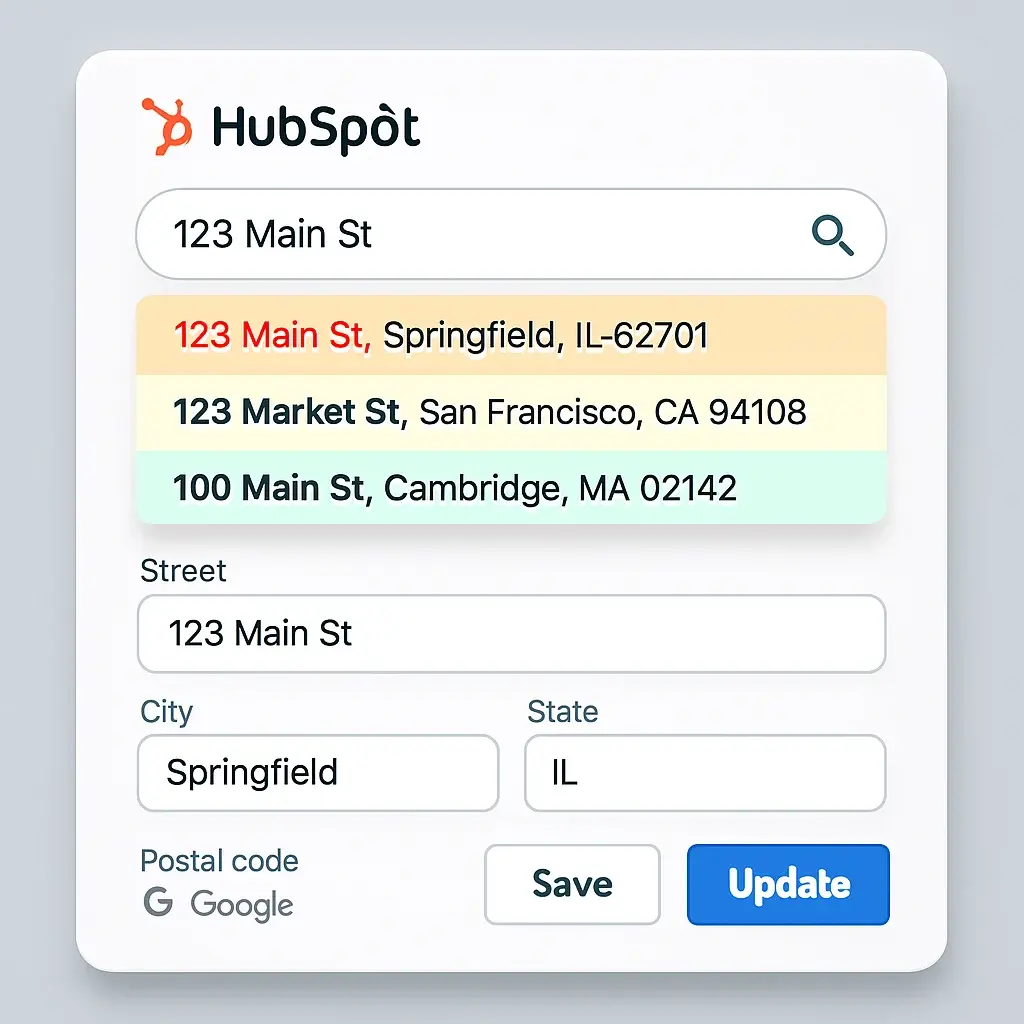
    A patient record changed in the EHR updates the matching HubSpot contact as it happens, and a contact created or updated in HubSpot reaches the EHR the same way.

  3. 3

    Property-level writes, not full overwrites.

    A mapped property change updates the corresponding field rather than replacing the record, so an edit made by the marketing team stays out of fields it never touched.

  4. 4

    Appointments sync in real time, with a bounded import option.

    A practice can bring in full history or just the last 30 or 90 days, and appointments created or updated afterward sync as they happen.

  5. 5

    HubSpot scheduler bookings reach the EHR.

    A meeting booked through a HubSpot scheduler creates the appointment in the EHR, so the growth side of the practice can book without the front desk re-entering it clinically.

  6. 6

    Deal logic the practice defines.

    A new patient, a booked appointment, or a specific property change can each be the trigger, so the pipeline reflects how that practice actually recognizes revenue.

  7. 7

    Zyncs as the automation layer on top.

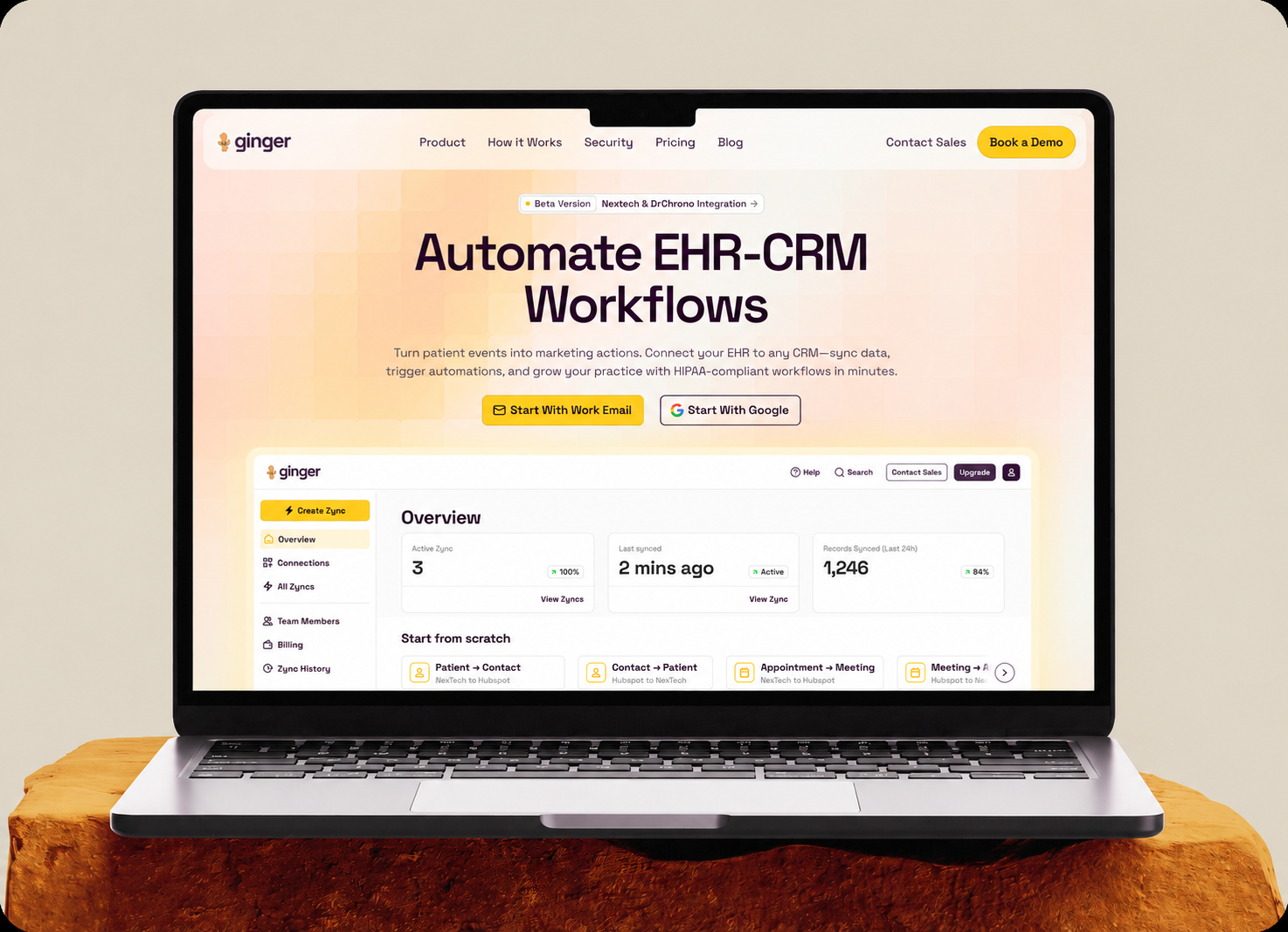
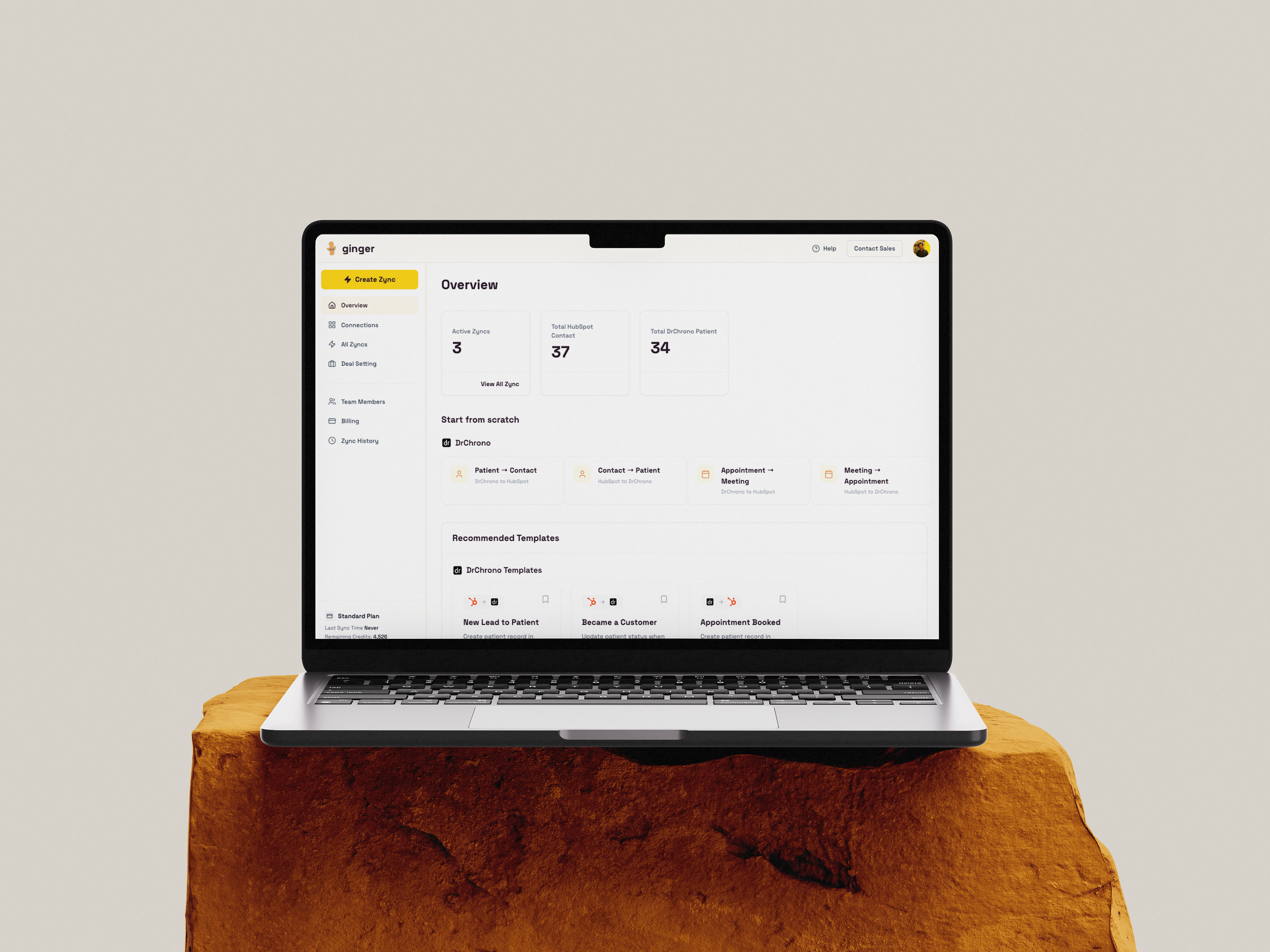
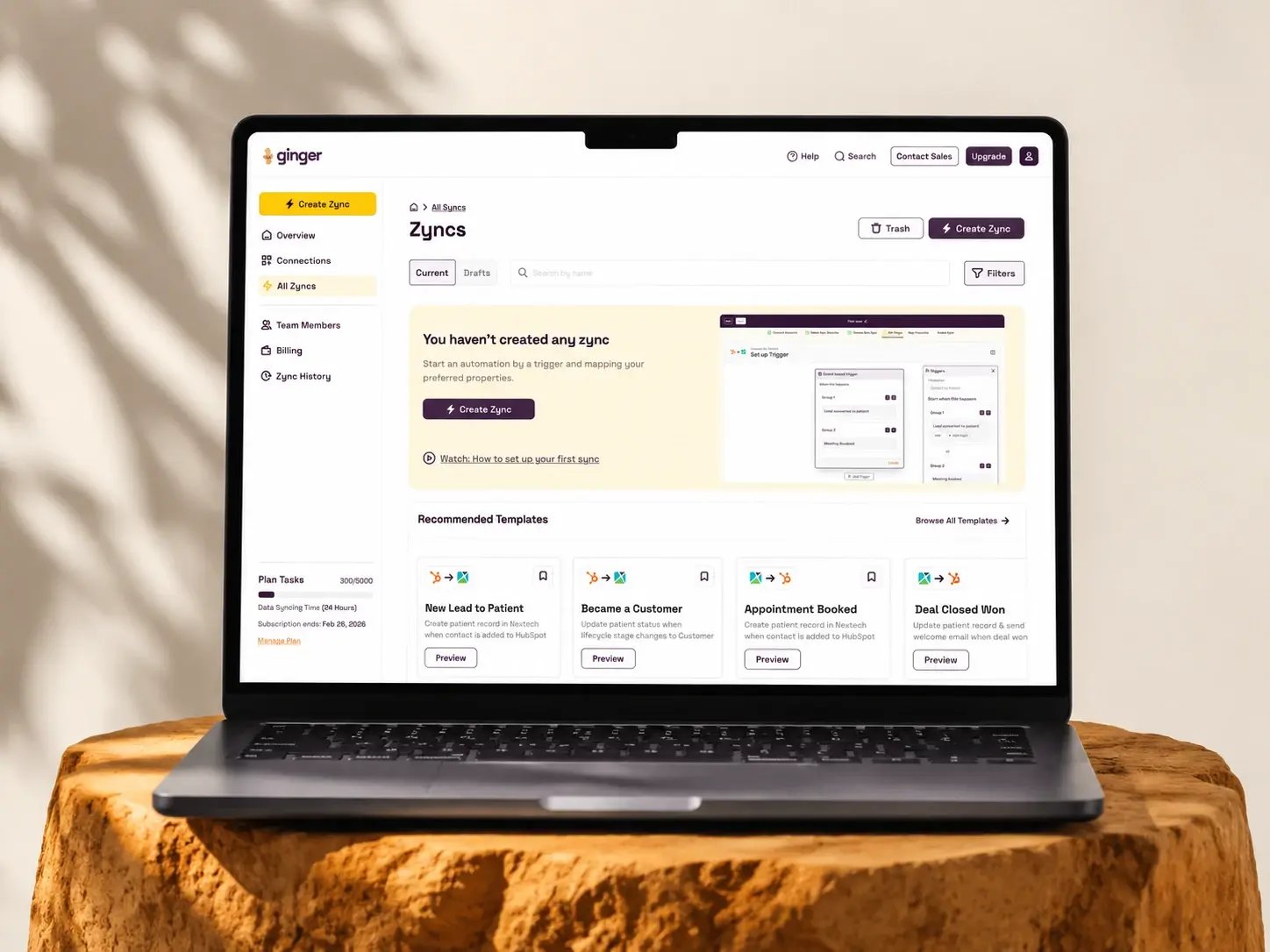
    Prebuilt templates, a new lead becoming a patient, a lifecycle stage change, a closed deal triggering a follow-up, give a practice a starting point instead of a blank builder.

“We wanted to build something that solves a real, pressing problem for healthcare providers. They deserve a cutting-edge CRM built specifically to help them manage, engage, and grow their business.”
Ratul Rahman CEO, HubXpert
Ratul-Rahman
DATA MODEL FIRST, SYNC SECOND

How We Got There

The mapping between a patient record and a HubSpot contact was settled before any sync was written, because a two-way integration built on a mismatched model produces conflicts nobody can resolve afterward.

Phase 1

Data Model Mapping

Mapped patients, appointments, and deals across the EHR and HubSpot object models.

Phase 2

Compliance Architecture

Settled how patient data moves safely and which HubSpot scopes the sync uses.

Phase 3

Core Two-Way Sync

Built the real-time sync moving patient and appointment data in both directions.

Phase 4

HubSpot to EHR Writeback

Built contact creation and scheduler bookings writing back into the EHR.

Phase 5

Deal Logic

Built configurable deal triggers so each practice sets its own revenue event.

Phase 6

Zyncs and Templates

Built the Zync automation layer and template library on top of the core sync.

WHAT SHIPPED

The Outcomes

Gingerr is live for sign-up, and its core sync is already running. The outcomes below are properties of the product, not results claimed on behalf of a practice, since Gingerr's self-serve Zync builder has not yet carried a full engagement start to finish.

2

EHR platforms connected today

3

Record types kept in sync

2-Way

Real time, both directions

Two EHR platforms connect on the same engine. DrChrono and Nextech both run through the same core sync, rather than two separate one-off builds.

Patient and appointment data move in real time. Updates in either system reach the other as they happen, not on a nightly or weekly schedule.

HubSpot activity reaches the EHR, not just the reverse. Contact creation and scheduler bookings write back, so the front desk is not re-entering what growth already captured.

Deal creation is configurable, not fixed. A practice sets its own trigger, so the integration does not assume one definition of revenue for every clinic.

The core sync already runs in production. The engine behind Gingerr is live today rather than waiting on a first deployment.

Before

Manual
  • Patient data lived in the EHR, cut off from HubSpot
  • HubSpot contacts held no appointment or treatment history
  • General sync tools could not be trusted with patient data
  • HubSpot activity never reached the EHR
  • Every practice needed a different, hardcoded deal rule

After

Automatic
  • One patient record reflected correctly in both systems
  • Appointments and deals reportable directly in HubSpot
  • A HIPAA-conscious two-way sync built for this handoff
  • Scheduler bookings and contact edits write back to the EHR
  • Deal creation defined by the practice, not the integration
THE ARCHITECTURE, IN THE OPEN

Inside the Platform

925dd271ecdd24a4f886f53e493ee71db9b742ba
WHAT PRACTICES ASK BEFORE CONNECTING AN EHR

Frequently Asked Questions

  • No. The EHR stays the clinical system of record. Gingerr connects it to HubSpot so the growth side of the practice has patient and appointment context, and writes changes back so the two do not drift apart.

  • Yes. Patients and appointments sync from the EHR into HubSpot, and contacts, property updates, and scheduler meetings sync from HubSpot back into the EHR.

  • No. A full backfill is available, or a bounded import covering the last 30 or 90 days, so a practice can start with the window that matters.

  • The practice decides. A new patient, a new appointment, or a specific property change can each be set to create a deal, matching how that practice tracks revenue.

  • DrChrono and Nextech, on the same underlying sync engine. Each has its own case study covering the specifics of that integration.

  • Sign-up is open at gingerr.ai. The in-app Zync builder is still marked coming soon, so early access currently covers the core sync rather than the full self-serve automation layer.

bOOK a CONSULTATION

Ready to Build the Engine
Behind Your Growth?

We build the systems underneath growth. CRM, website, search, outbound, and automation, connected so your team stops doing the work software should do.

Icon-Apr-08-2026-10-02-31-8097-AM Takes 30 minutes
Icon-Apr-08-2026-10-02-31-8097-AM Delivered by certified HubSpot expert
Ratul-Rahman