








Inside StaffAsia's one-system answer to twenty-five brands

StaffAsia ran sales and support for 25 to 30 separate brands through six disconnected tools. HubXpert moved every brand into one HubSpot account, each kept apart from the others, and connected every channel behind it.
image 90 (1)

30

Brands onboarded onto one HubSpot

6

Unified support channels in one system

20%

First response time down by an estimated

A HEALTHCARE practice

About StaffAsia

StaffAsia runs sales and customer support for a group of 25 to 30 separate education and training brands, each with its own course catalogue, policies, and customer journey, coordinated out of a single central operations team. One team handles inquiries for every brand at once, so nothing about the work stays simple for long.

Customers reach the company through Zendesk tickets, Gmail, live chat, website forms, and RingCentral calls, often more than one of those in the same week. Each channel held its own slice of the relationship, and no single channel held the whole picture.

Sales inquiries and support inquiries arrived through the same queue, for every brand at once, with no separation between a person ready to buy and a person who already bought and needed help. The team sorted that by hand, one ticket at a time.

The company had scaled past the point where six disconnected tools could hold together. The bottleneck was not how many customers were writing in. It was how many systems stood between a customer and an answer.

What You Will Learn:

  • 1 How to run 25 or more brands through one CRM without mixing up their rules.
  • 2 How to migrate years of support history out of a system built to keep it.
  • 3 How to automate ticket handling so nothing waits on someone to notice it.
One team, six tools, and thirty brands that looked identical to the system

The Challenges

StaffAsia's growth had outrun the tools carrying it. The company managed customer relationships across dozens of brands, and every one of those relationships passed through a stack that was never built to keep brands, channels, or conversation types apart.

  1. 1

    Customer data lived in six different places.

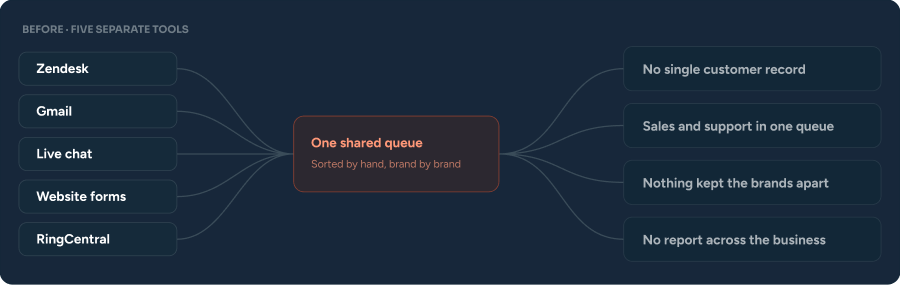
    Zendesk held tickets, Gmail held email, live chat ran on its own tool, website forms fed somewhere else again, and phone calls came in through RingCentral. No single record showed the whole relationship with one customer.

  2. 2

    Getting data out of Zendesk was a project on its own.

    Exporting contact records, ticket history, and conversation logs required technical and API work the team could not do alone, which made the tool harder to leave than it had been to adopt in the first place.

  3. 3

    Twenty-five to thirty brands ran through one shared setup.

    Each brand carried its own FAQs, course catalogue, policies, and customer journey, and nothing in the system stopped a customer from one brand receiving information meant for another.

  4. 4

    Sales and support inquiries sat in the same line.

    A prospect asking about a course and a customer with a support problem entered the exact same queue, so hand-offs to sales happened by memory rather than by any fixed process.

  5. 5

    Ticket handling ran entirely on manual effort.

    Creation, categorization, prioritization, assignment, and follow-up all depended on someone remembering to do them, and open, unassigned, and overdue tickets carried no visibility or alert of any kind.

  6. 6

    Leadership had no single report to check.

    Support performance, sales activity, marketing results, and customer engagement each lived in their own corner, so judging how the whole operation was doing meant checking several places and guessing at the rest.

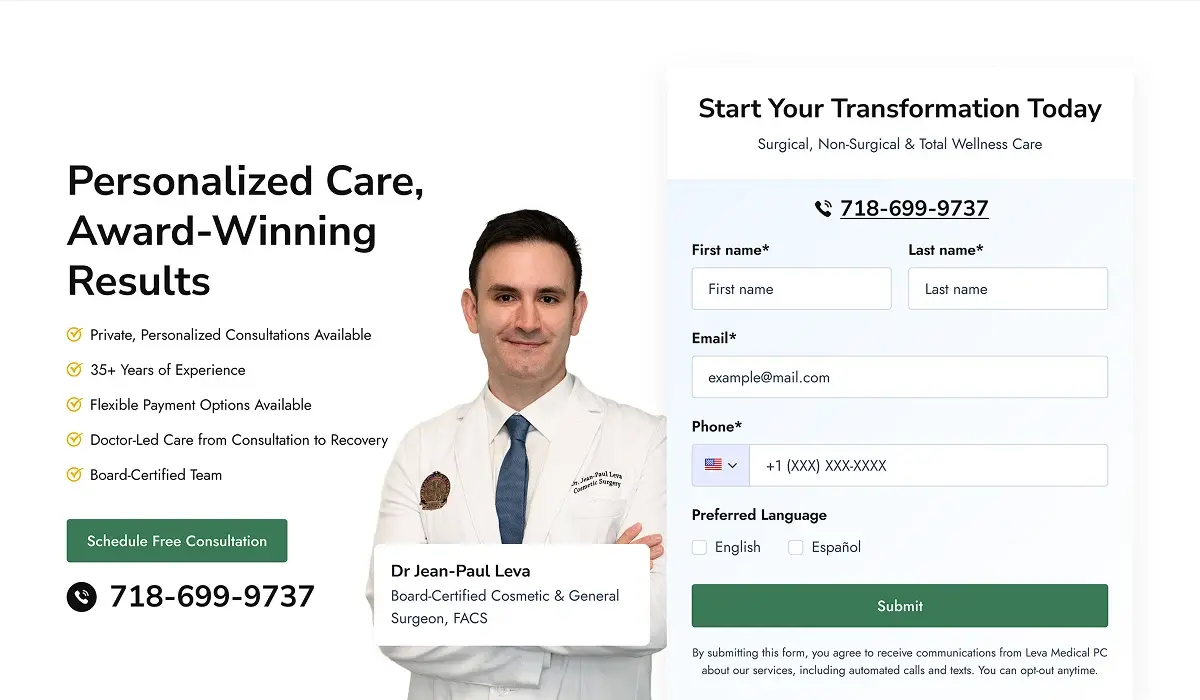
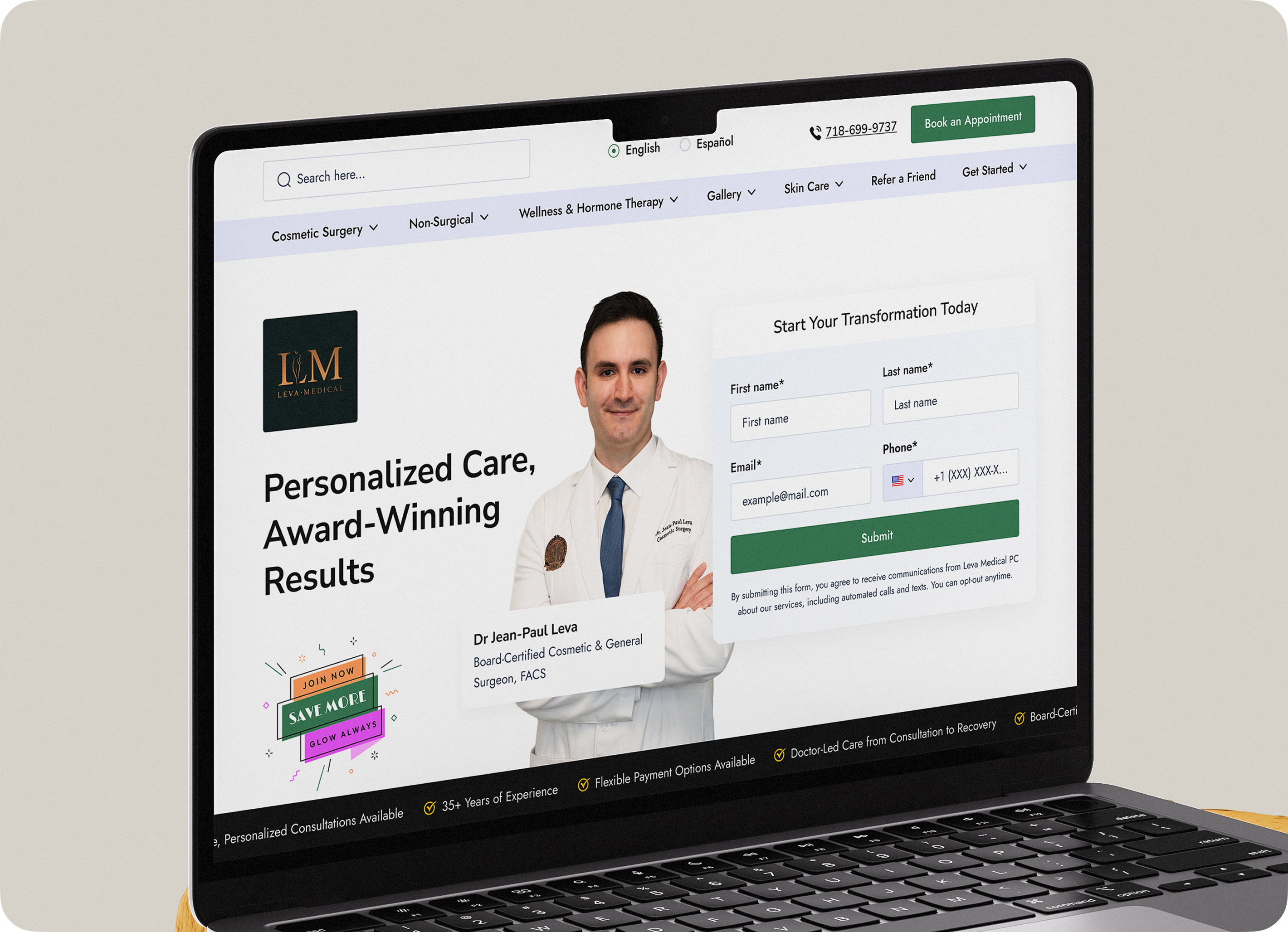
"Before HubSpot, we were living kind of in chaos with Post-it notes. Every lead, every patient type, and every renewal had to be tracked manually, and our front desk was spending more time managing spreadsheets than focusing on patients."

Dr. Jean-Paul Leva
Dr. Jean-Paul Leva Board-Certified Cosmetic & General Surgeon, FACS
One HubSpot account, twenty-five brands, kept apart on purpose

Our Solutions

HubXpert brought every one of StaffAsia's tools into HubSpot and built the account to hold 25 to 30 brands without letting their data, rules, or conversations blur into one another.

What we replaced, and what we built

BEFORE · FIVE SEPARATE TOOLS Five separate tools before HubSpot
After 6 weeks
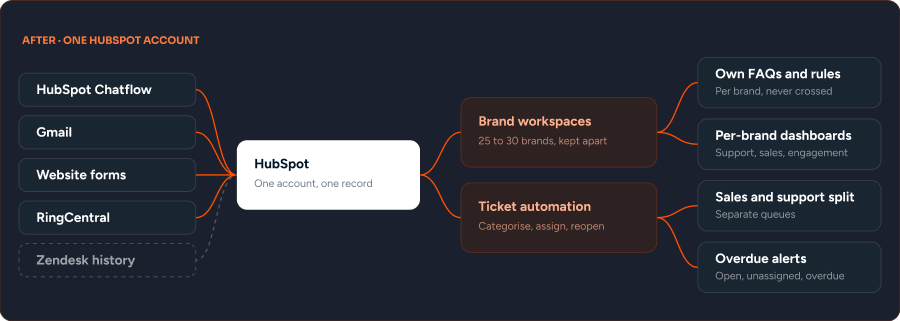
AFTER · ONE HUBSPOT ACCOUNT One HubSpot account after
  1. 1

    Every tool connected into one system.

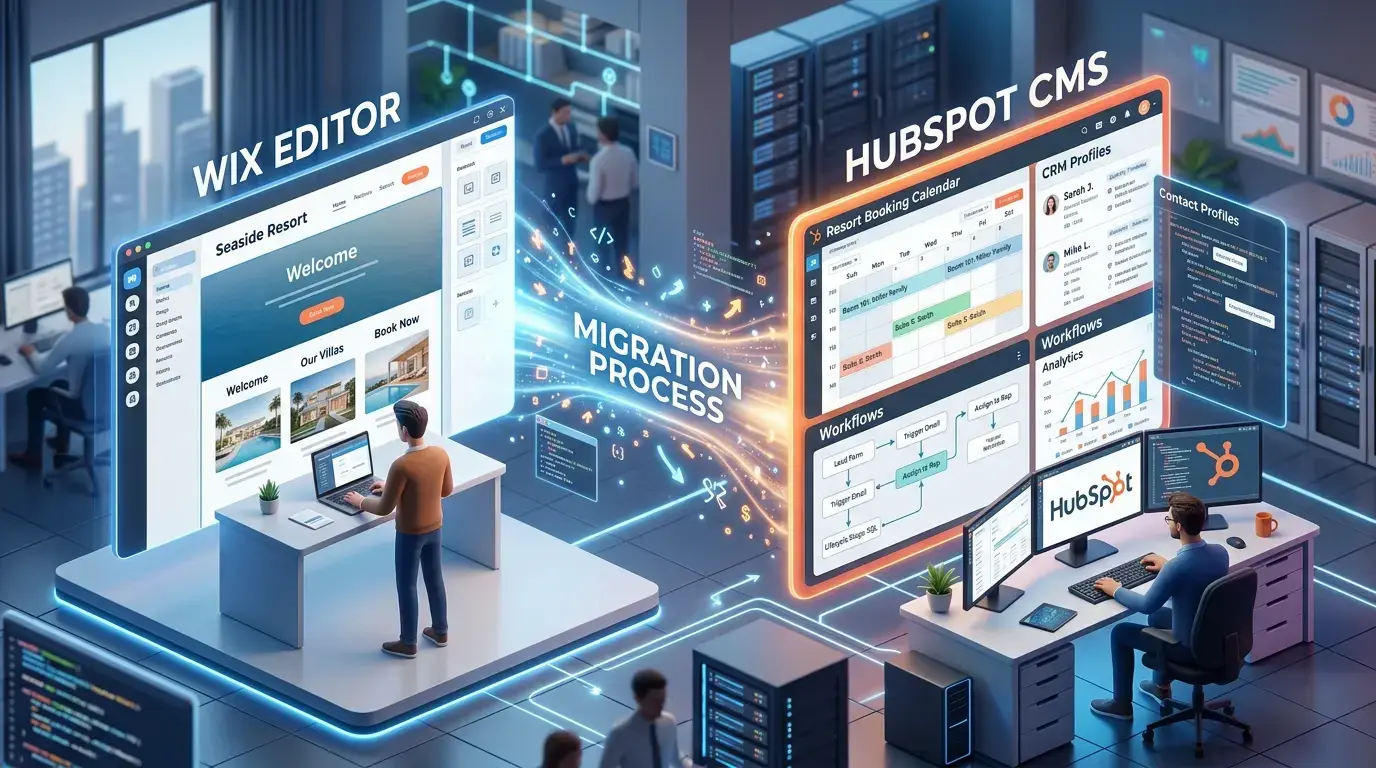
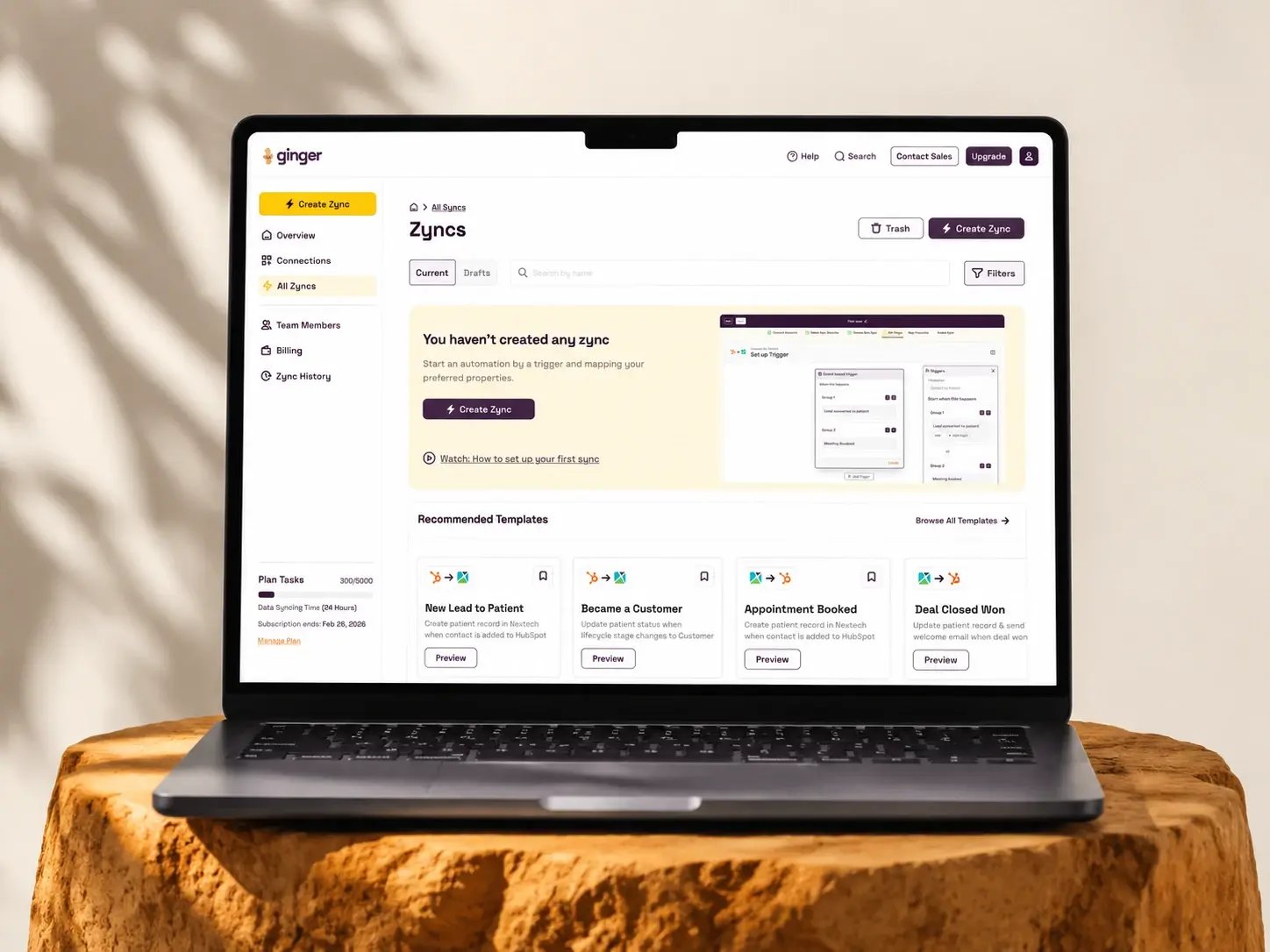
    Zendesk, Gmail, live chat, website forms, and RingCentral now feed the same HubSpot account, so a conversation that starts on one channel stays visible on every other channel a customer might use next.

  2. 2

    A full data migration out of Zendesk.

    We handled the technical and API work needed to move contact records, ticket history, and conversation logs into HubSpot, so nothing from the old system had to be re-entered, exported by hand, or quietly lost in the move.

  3. 3

    Twenty-five to thirty businesses onboarded onto one account, and kept apart

    Each brand now manages its own data, incoming conversations, and sales orders inside the same HubSpot instance, with its own FAQs, course catalogue, and rules.

  4. 4

    Ticket handling automated end to end.

    Categorization, prioritization, assignment, reopen logic, and follow-up now run without someone remembering to trigger them, and the notification system flags open, unassigned, and overdue tickets before they age into a real problem.

  5. 5

    Live chat replaced with HubSpot Chatflow.

    The team now runs conversations and captures leads inside the same system that holds everything else, instead of a separate chat tool that kept its own data to itself.

  6. 6

    Reporting dashboards built for every business.

    Leadership can open one dashboard per brand and see support, sales, and engagement performance in one place, instead of piecing those numbers together from several disconnected tools.

"They were easy to work with, communicated clearly throughout the project, and consistently provided helpful support."

Nasser Z. Department Head, Staff Asia · 5.0 · See on Clutch Review
Image (2)
Connect first, migrate second, automate third

How We Got There

HubXpert worked through StaffAsia's stack in a fixed order, because migrating data before the destination was ready would have meant migrating it twice. The full rollout ran an estimated 10 weeks from kickoff to handover across the six phases above.

Phase 1

Integration

Connected every existing tool, Zendesk, Gmail, live chat,

Phase 2

Data Migration

Moved contact records, ticket history, and conversation logs out of Zendesk and into HubSpot.

Phase 3

Multi-Brand Onboarding

Brought 25 to 30 businesses onto one HubSpot account, each with its own data and conversation flow.

Phase 4

Automation

Automated ticket categorization, assignment, reopen logic, and the notification system.

Phase 5

Chat Consolidation

Replaced separate chat tools with HubSpot Chatflow.

Phase 6

Reporting

Built dashboards showing each business's performance on its own.

WORKING SESSION · CUSTOMER AGENT

Instructing the chatbot on its brand.

Instructing the chatbot on its brand
In this video, the team works through giving each StaffAsia brand its own customer agent profile, so the chatbot stops recommending across brands, and shaping chat flows to keep AI credit spend predictable.
Leadership can finally read the whole business in one place

The Outcomes

About six months after the engagement began, StaffAsia runs sales and support for 25 to 30 brands inside one HubSpot account. The company is still adding brands and automation, and the shift from six tools to one is already visible in how the team works day to day.

30

Brands onboarded onto one HubSpot

6

Unified support channels in one system

20%

First response time down by an estimated

Every brand now runs on the same shared system. 31 brands are now live on the account, a modest increase from the 25 to 30 at kickoff. Support and sales now work from one record instead of pulling from six disconnected tools.

Support history no longer lives somewhere the team cannot reach. The Zendesk migration means every past ticket and conversation carries forward into HubSpot, not into a spreadsheet or a login nobody remembers the password to.

Ticket handling runs without someone remembering to trigger it. Average first response time is down by roughly 20%, and overdue tickets are far less common now that the system flags them automatically.

Leadership can check performance without asking six people first. Dashboards now show each business's numbers on their own page. Leadership checks them weekly instead of piecing reports together by hand, though the team is still working out which numbers matter most.

The work is not finished. The team plans to bring a few more brands onto the platform and expand automation over the next few months.

Before

MANUAL
  • Customer data spread across five tools with no shared record
  • Zendesk data locked behind a migration that needed a developer to run
  • One shared setup for 25 to 30 brands with nothing keeping them apart
  • Sales and support inquiries mixed into the same queue
  • No centralized report across support, sales, and marketing

After

AUTOMATIC
  • Every tool connected into one HubSpot account
  • Contact and ticket history fully migrated out of Zendesk
  • 25 to 30 businesses running on one account, kept apart
  • Ticket routing and notifications running automatically
  • Dashboards reporting each business performance in one place

HubXpert successfully integrated HubSpot Service Hub, helping us centralize customer support, improve efficiency, and reduce support management time. The team was professional, communicative, and delivered on time.

Nasser Z. Department Head, Staff Asia · 5.0 · See on Clutch Review
Image (2)
What multi-brand operators ask before they start

Frequently asked questions

  • No. Most tools were connected into HubSpot rather than replaced. Live chat was the one exception, swapped for HubSpot Chatflow so conversations and lead capture happen inside the same system as everything else.

  • No. Most tools were connected into HubSpot rather than replaced. Live chat was the one exception, swapped for HubSpot Chatflow so conversations and lead capture happen inside the same system as everything else.

  • It moved with the business. Contact records, ticket history, and conversation logs were migrated into HubSpot through direct technical and API work, rather than left behind or exported into a spreadsheet.

  • Categorization, prioritization, assignment, reopen logic, and the notification system for open, unassigned, and overdue tickets. A ticket no longer waits on someone to happen to notice it.

  • Yes. Dashboards were built to show each business's support, sales, and engagement numbers separately, so one brand's results do not disappear inside the average of thirty.

  • About 10 weeks from kickoff to full handover across all six phases, based on how the rollout was sequenced.

BOOK A CONSULTATION

Ready to Build the Engine Behind Your Growth?

We build the systems underneath growth. CRM, website, search, outbound, and automation, connected so your team stops doing the work software should do.

Icon-Apr-08-2026-10-02-31-8097-AM Takes 30 minutes
Icon-Apr-08-2026-10-02-31-8097-AM Delivered by certified HubSpot expert
Ratul-Rahman