







-1.webp)


.webp)
-1.webp)
%20(1).webp)





-1-1.webp)
.png)
.webp)
-1-1.webp)
.webp)




-1.webp)
-1.webp)


-1-1.webp)


-2.webp)
-2-1.png)

-1-1.webp)
-1-1.webp)
-1-1.png)






The portal already exists. Someone else defined the lifecycle stages, built the workflows, and decided who gets admin access. Now a new execution partner walks in, usually a fractional CMO or a delivery team taking over the account, and has to figure out what state this thing is actually in before doing any real work.
That is a different task from a routine quarterly review. A routine review checks your own decisions for drift. This audit has to surface someone else's decisions first, some of them undocumented, some of them broken silently for months.
This playbook covers what to check, in what order, so the first two weeks go toward fixing real risk instead of guessing where to start.
Why the First Audit Is Different From a Routine Health Check
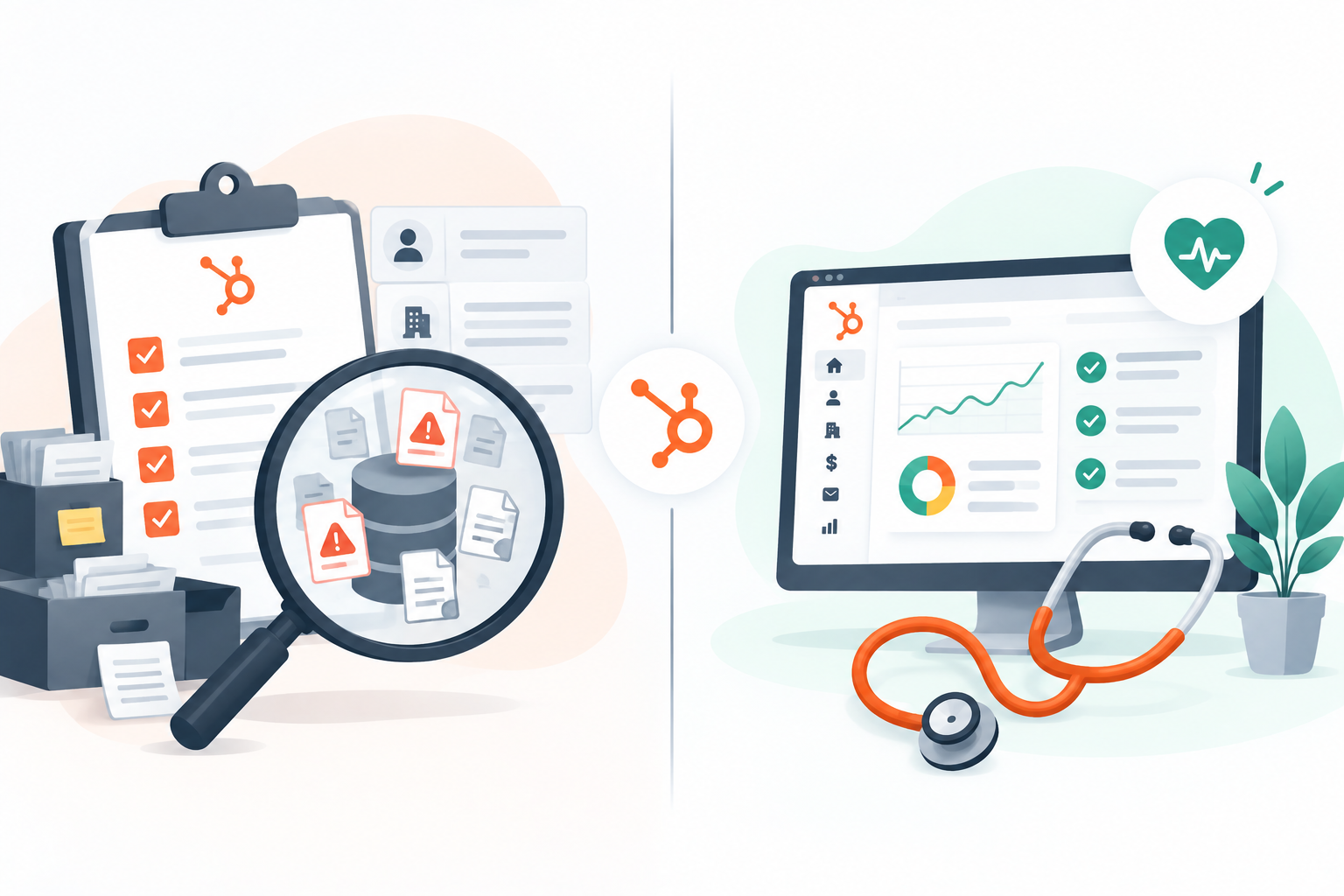
A team auditing its own portal already knows why each workflow exists and who built it. A new execution partner has none of that context.
Every property, every automation, and every integration connection is a decision made by someone no longer in the room, and the reasoning behind it may not be documented anywhere.
This changes the goal of the first pass. It is not about optimization yet. It is about finding out what is actively broken, what is actively risky, and what is simply unfamiliar but working fine.
Confusing those three categories wastes the limited time a new engagement has before a client expects results.
Start With Access & Permissions, Not Campaigns
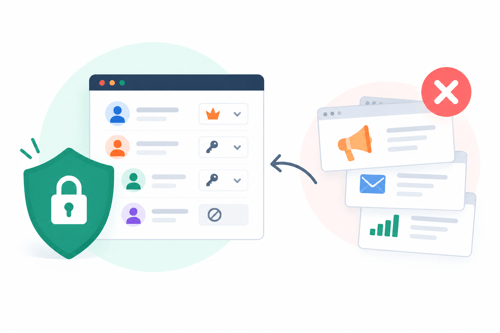
Before touching a single campaign or report, check who has access and at what level. Review user and team structure against the client's actual organizational chart.
Since portals accumulate access grants for people who left the company or vendors who were never fully offboarded. (Source: The Complete Checklist for a Successful HubSpot Portal Audit)
Pay specific attention to integration connections. A previous agency, a departed employee, or a discontinued tool can leave an active connection pulling or pushing data long after anyone remembers it exists.
Confirm what is still connected, what it does, and whether it should still have that access at all.
This step matters more for a new execution partner than for an internal team, because a stale permission or a forgotten integration is not just clutter.
It is an unknown risk sitting inside an account someone else now has to answer for.
Data Integrity Before Anything Else
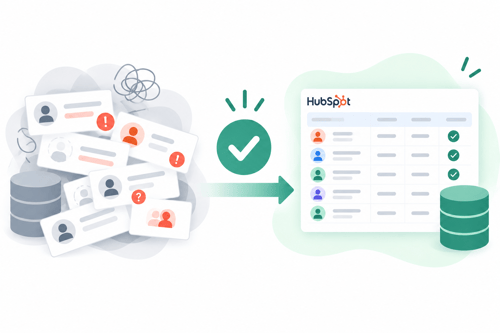
Once access is mapped, move to the data itself. Duplicate contacts, inconsistent property naming, and undefined lifecycle stages are the three most common findings in portal audits, and they compound every report built on top of them.
Auditors who review dozens of portals a year report that common issues like these can cost a business between 10 and 30 percent of the CRM's expected value. (Source: HubSpot Portal Audit Checklist for Quarterly Review)
Check whether lifecycle stages were ever formally defined, or whether they evolved informally over time with different team members using them differently.
A CRM without consistent lifecycle stages is closer to a contact list than a revenue system, and no report built on top of it will hold up under scrutiny.
Property naming deserves the same scrutiny. It is common to find the same concept tracked under three different property names created by three different people at three different points in the portal's history.
Consolidating this early prevents every future report from silently missing a third of the relevant data.
Tracking & Attribution Foundations

Confirm the tracking code is correctly installed across every page and landing page, not just the main site. A missing or duplicated tracking snippet on even a handful of pages can quietly undercount an entire campaign's contribution without triggering any visible error.
Review campaign tagging consistency next. If campaigns were tagged differently by different people, or not tagged at all for stretches of time, any attribution report pulled from that history will be unreliable regardless of which model gets selected.
This connects directly to what actually determines whether The HubSpot Portal Audit Playbook feeds into a trustworthy attribution setup, since a portal audit that skips tracking hygiene sets up every attribution report that follows to fail quietly.
Flag gaps here rather than trying to retroactively fix them. Some history simply cannot be recovered, and the honest move is noting where the reliable data starts, not pretending the whole history is usable.
Workflows & Automation Sitting in the Dark

Workflows are the most commonly neglected part of a portal audit, and the most damaging when something breaks. A single workflow with an enrollment trigger pointing to a deleted list, a send-email action referencing an archived template.
Or branch logic built on a property that has since been renamed can silently disrupt lead routing or deal progression for weeks before anyone notices. (Source: Ultimate HubSpot Portal Audit Checklist)
Go through active workflows one at a time and check enrollment criteria, action steps, and any external integrations they depend on. Look specifically for workflows built around a tool or list that no longer exists.
These fail without an obvious error message, which is exactly why they survive undetected for so long.
Note overlapping workflows too. It is common to find two or three automations doing nearly the same job, built at different times by different people who did not know the earlier version existed.
Consolidating these later reduces both maintenance risk and the chance of a contact getting enrolled in conflicting sequences.
What to Fix First & What Can Wait

Not every finding needs to be fixed in week one. Sequence the work by risk, not by what is easiest to fix or most visible to a client.
Fix access and permission issues first. An unauthorized or forgotten integration connection is a live risk every day it stays unaddressed. Data integrity issues come next, since every report and every workflow decision downstream depends on clean records and consistent lifecycle stages.
Tracking gaps should be flagged immediately even if they cannot be fully resolved right away, so no report gets built on data everyone assumes is complete. Workflow cleanup and reporting optimization can follow once the foundation underneath them is solid.
Getting through this sequence well, especially the parts involving permission structure, integration cleanup, and tracking corrections, is often where a technical execution partner adds the most value early in an engagement.
This is the kind of groundwork HubXpert supports fractional CMOs and execution partners with, so the audit turns into a stable foundation instead of a list of problems nobody has time to fix.
Documenting the Audit So the Next Partner Doesn't Start From Zero
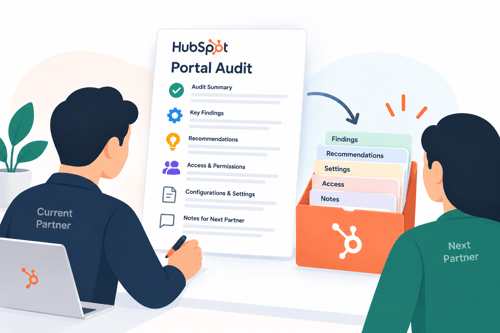
Write down what was found and why each fix was made, even the small ones. This portal will likely change hands again, whether that means a new team member, a future agency, or a future fractional CMO stepping into the same seat.
A documented audit trail means the next person inheriting this portal spends their first two weeks building instead of rediscovering the same forgotten integration or the same undefined lifecycle stage.
It also gives the current client a clear record of what was inherited versus what was actually improved during this engagement, which matters when it comes time to show impact.
FAQs
What should be checked first in a HubSpot portal audit for a new client?
Access and permissions, including user roles, team structure, and any active third-party integrations, since these represent live risk rather than accumulated clutter.
How long should a first-time portal audit take for a new execution partner?
It depends on portal size and history, but a focused pass covering access, data integrity, tracking, and workflows can usually be completed within the first two weeks of an engagement.
What is the most commonly overlooked area in a HubSpot audit?
Workflows. Broken enrollment triggers and orphaned automations tend to fail silently, so they often go undetected far longer than data or reporting issues.
Should every finding from a portal audit be fixed immediately?
No. Sequence fixes by risk. Access and data integrity issues take priority over workflow optimization and reporting refinements, which can follow once the foundation is stable.
Why does portal audit documentation matter for future transitions?
It prevents the next person who inherits the portal from repeating the same discovery work, and it gives the client a clear record of what was inherited versus what was actually improved.
Senior RevOps Strategist at Hubxpert

Fazle Rabbi
Table of Contents:

Subscribe to our newsletter
HubSpot Portal Audit Playbook for New Execution Partners
A priority sequence for auditing a HubSpot portal you inherited, not built, before your first client report is due.

Proving Marketing Impact Through HubSpot Attribution
What a fractional CMO can actually prove with inherited HubSpot data, and what to say when the numbers cannot be trusted yet.

How to Manage Multiple HubSpot Portals for Reporting
HubSpot keeps every portal's data separate. Here is what fractional CMOs can actually do about cross-client reporting.
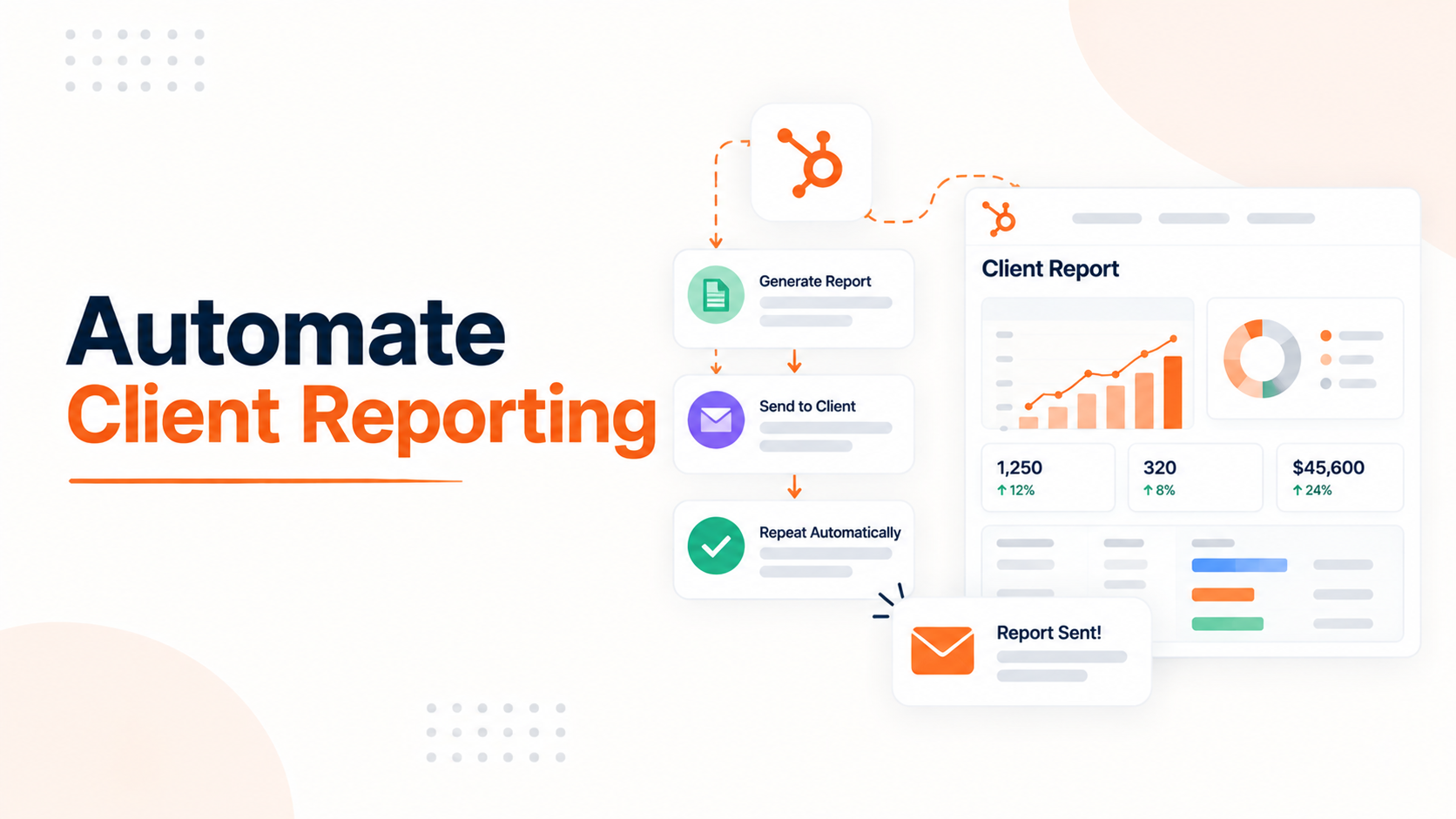
Automating Client Reporting in HubSpot Instead of Manual Work
See what HubSpot can actually automate for client reporting, and where manual work still sneaks back in.
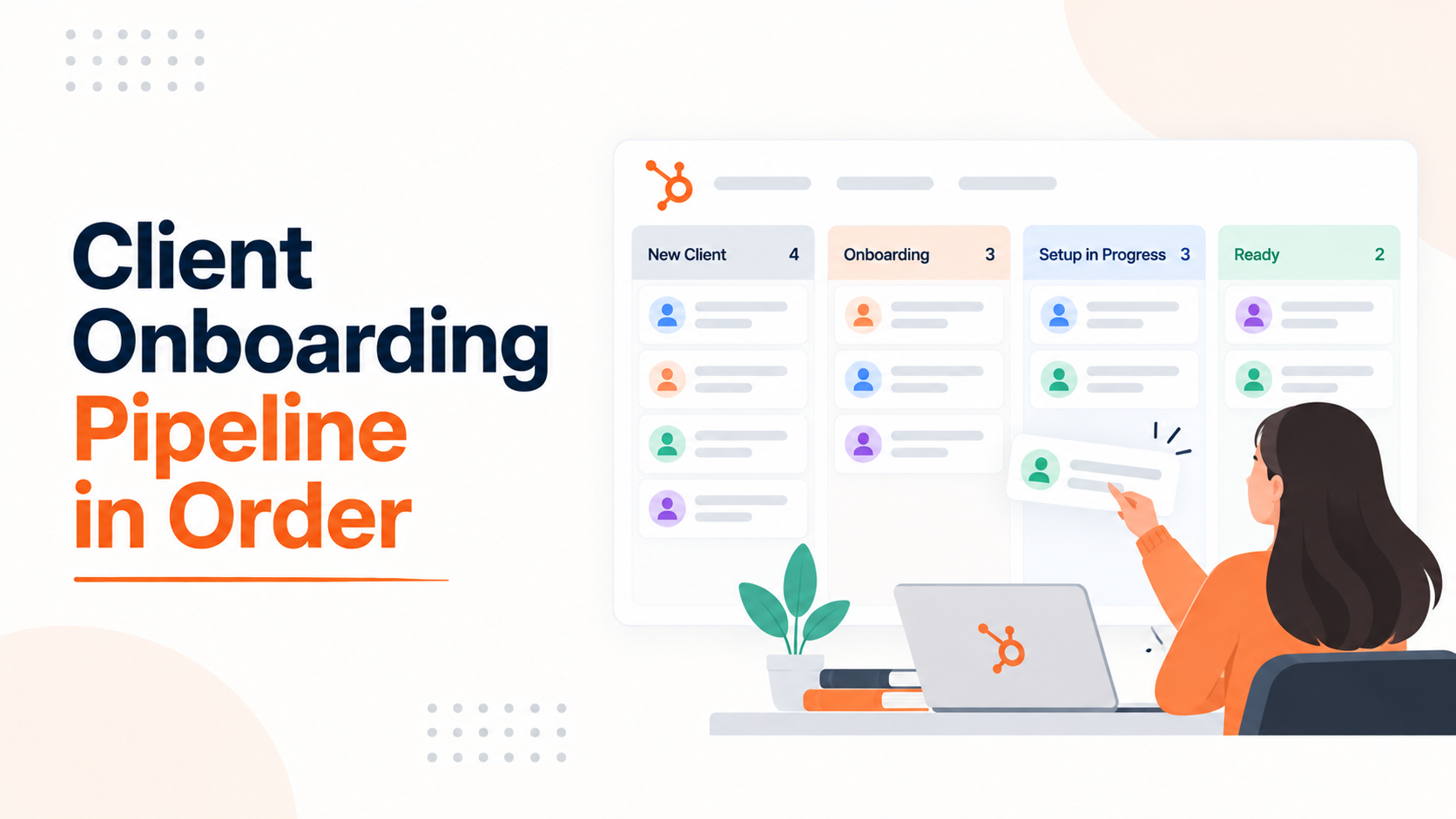
Building a Client Onboarding Pipeline That Actually Stays in Order
Let's see what HubSpot pipeline rules can and cannot enforce and how to build a client onboarding pipeline that stays accurate.
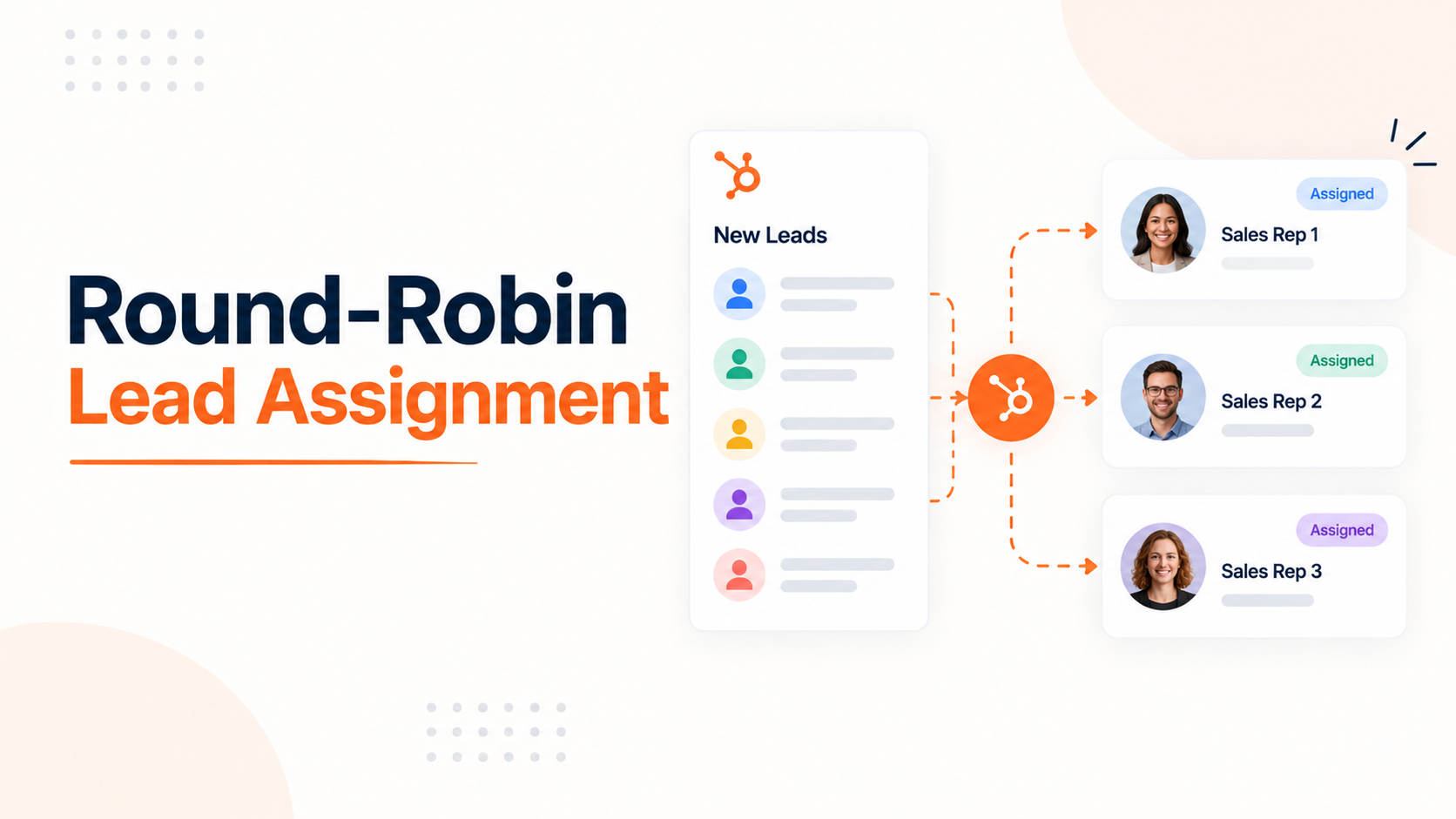
Setting Up Round-Robin Lead Assignment in HubSpot
How HubSpot's native round robin actually works, why it floods reps after PTO, and how to fix it for a small team.
-
HubSpot Portal Audit Playbook for New Execution Partners
hello
-
Proving Marketing Impact Through HubSpot Attribution
hello
-
How to Manage Multiple HubSpot Portals for Reporting
hello
-
Automating Client Reporting in HubSpot Instead of Manual Work
hello
-
Building a Client Onboarding Pipeline That Actually Stays in Order
hello
-
Setting Up Round-Robin Lead Assignment in HubSpot
hello