







-1.webp)


.webp)
-1.webp)
%20(1).webp)





-1-1.webp)
.png)
.webp)
-1-1.webp)
.webp)




-1.webp)
-1.webp)


-1-1.webp)


-2.webp)
-2-1.png)

-1-1.webp)
-1-1.webp)
-1-1.png)





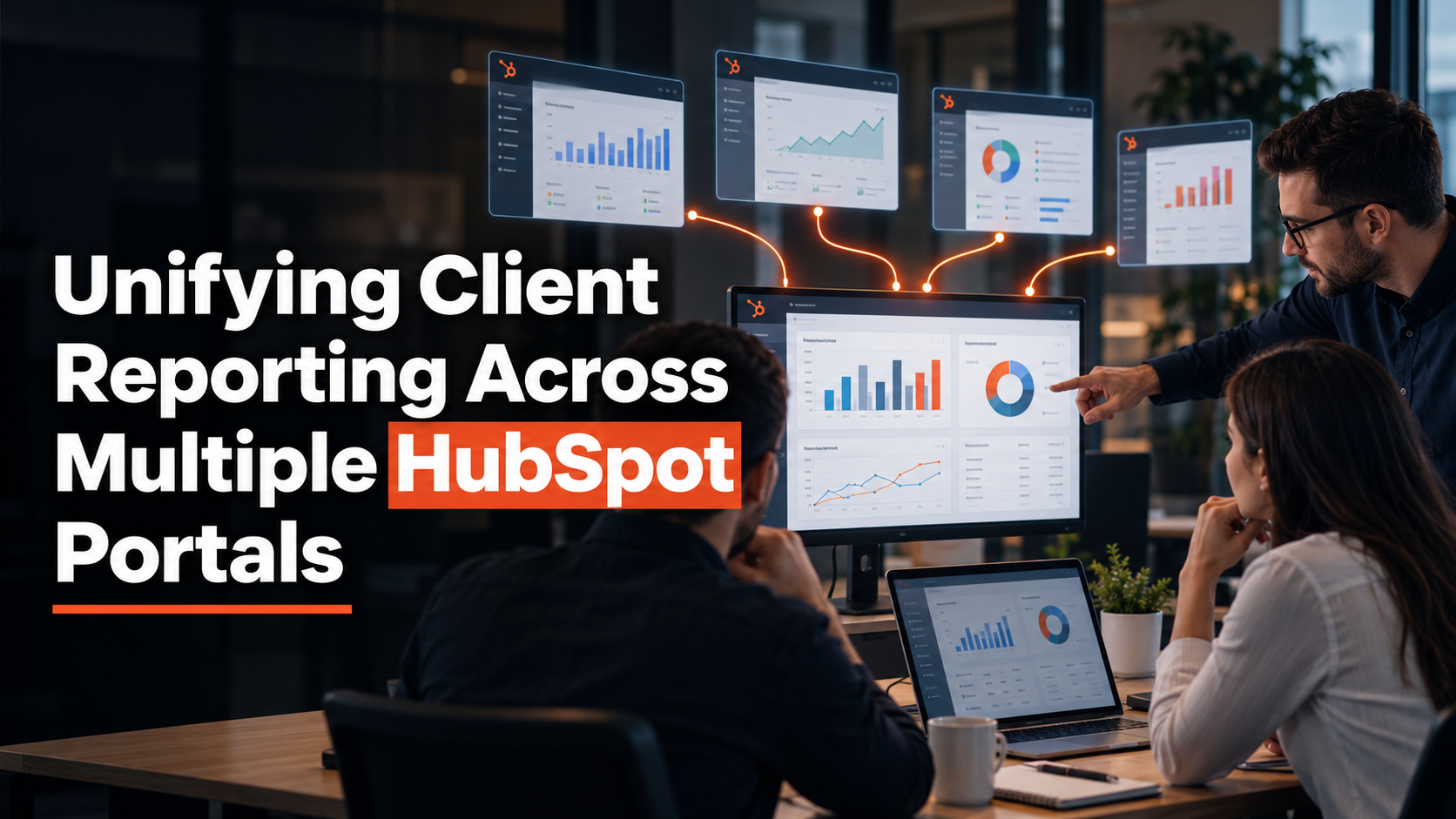
Every month, the same ritual repeats. Open five different HubSpot portals, one per client, and manually copy the numbers a board or business owner wants to see into one slide deck.
HubSpot was never built to make that easy, because each portal is a separate, walled-off database by design, not by accident.
That design choice is the actual problem this post solves. Not which reporting tool to buy first, but what is realistically achievable given the access a fractional CMO actually has inside client-owned portals.
That answer depends more on ownership than on tooling, and most guides on this topic skip that part entirely.
Why HubSpot Keeps Every Portal's Data Separate
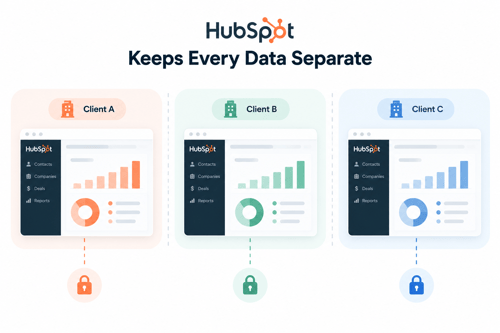
A HubSpot portal is its own CRM database. Contacts, deals, custom properties, and reports all live inside that single portal's records, with no built-in bridge to any other portal.
Two portals belonging to the same fractional CMO share nothing automatically, not even a contact who happens to exist in both.
This is deliberate. HubSpot draws a hard security boundary between unrelated businesses so that one client's data never leaks into another client's view.
For a fractional CMO working across a dozen unrelated companies, that boundary is exactly right from a client confidentiality standpoint. It just means cross-client visibility has to be built on top of the platform, not found inside it by default.
What HubSpot's Own Multi-Account Management Actually Requires
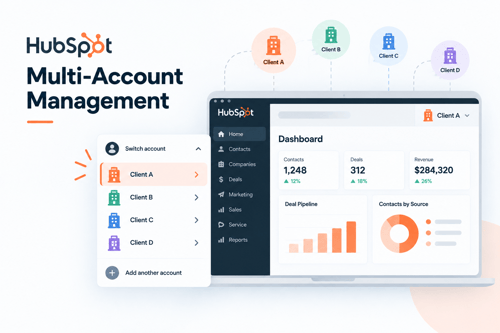
HubSpot does offer a native answer to this, called Multi-Account Management. It connects up to 30 separate HubSpot accounts from one centralized configuration space, with custom reports and unified dashboards that combine data across all connected accounts, including cross-portal reporting.
The requirements are specific and worth stating plainly, since most content glosses over them. Access requires at least one portal on any
Enterprise-tier hub, acting as the parent. Every additional connected portal must be Pro tier or higher. All connected portals must share a single super admin.
That combination tells you who this feature was actually built for: one company running several sub-brands or subsidiaries under a single owner's control, not an independent consultant working across unrelated client businesses that each control their own portal.
It is a real feature. It is also, for most fractional CMO engagements, structurally out of reach.
Why This Native Feature Rarely Works for a Fractional CMO Specifically
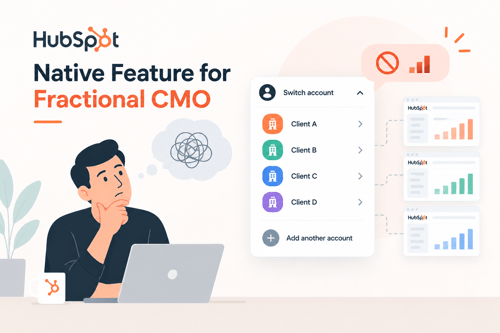
An agency that hosts client portals inside its own HubSpot instance can plausibly meet these requirements, since the agency already controls access and tier decisions. A fractional CMO's situation is different. Each client owns and pays for their own portal.
The CMO is a user inside it, sometimes with full admin rights, often without super admin, and almost never with authority to change another company's HubSpot tier or fold their portal into a shared organization structure.
Run a quick check against your own client list before assuming Multi-Account Management is an option. Do you currently hold super admin on every portal you would want to connect. Is each of those portals already on Pro tier or higher.
Would each client agree to sit inside a shared parent organization alongside your other clients, given that some visibility controls still apply per connected account.
For most fractional CMO portfolios, at least one of those three answers is no, and one no is enough to rule the native feature out for that client.
This is where the access question actually gets decided, and it is also where a technical execution partner earns its keep. Getting a client's portal configured correctly.
Whether that means preparing it for a shared reporting layer or simply cleaning up admin roles so the right person can pull the right data, is exactly the kind of infrastructure work HubXpert supports fractional CMOs with.
So the CMO can stay focused on strategy instead of chasing down access permissions client by client.
When a Third-Party Reporting Layer is the Realistic Fix
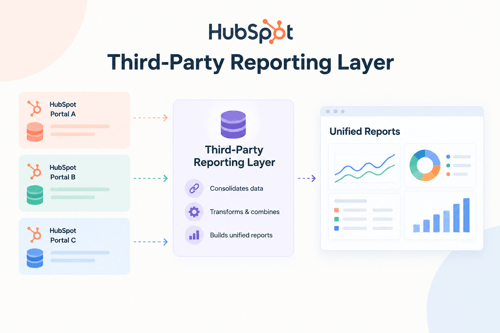
Once native consolidation is off the table for most of a portfolio, the realistic path is a third-party layer sitting on top of each portal's standard user-level API access, no super admin or
Enterprise tier required from the client. These tools fall into two different categories, and vendor content often blurs the line between them.
Dashboard products like Databox and Whatagraph pull data in and give you a finished, shareable dashboard. Data pipes like Supermetrics move HubSpot data into a spreadsheet or data warehouse and leave the dashboarding to something else. Confusing the two leads to buying the wrong tool for the job.
Cost is real and worth naming up front. A base dashboard tool can run free to low cost for simple setups. But connecting anything beyond HubSpot and Google-native sources typically means paying for additional connectors.
Which commonly puts total monthly cost in the 30 to 500-plus dollar range depending on data volume. (Source: "11 Best Databox Alternatives")
One practitioner who builds these setups for a living put it plainly: native HubSpot reporting alone often means building four, five, or six separate reports just to tell one story, which is exactly the gap these tools exist to close. (Source: "HubSpot Reporting Dashboards Used by Revenue Experts")
|
Tool |
What it actually is |
Access required from client |
Realistic setup effort |
Best fit |
|
Databox |
Dashboard product with built-in visualization |
Standard user API access |
Low to moderate, per portal |
Portfolio-wide monitoring dashboards |
|
Whatagraph |
Dashboard product, agency-oriented reporting |
Standard user API access |
Low to moderate, per portal |
White-labeled client-facing reports |
|
Supermetrics |
Data pipe into sheets, BI tools, or warehouses |
Standard user API access |
Moderate, needs a destination tool |
Custom analysis, existing BI workflow |
Building One Cross-Client View Without Overpromising Automation
Start with a fixed set of five to eight metrics that apply to every client the same way, before touching any tool. Chasing a custom dashboard per client defeats the purpose of consolidation and multiplies the maintenance work every time a client renames a property.
Set a refresh cadence that matches how the numbers actually get used. Weekly or monthly pulls are usually enough for a portfolio review. Real-time syncing adds cost and fragility for a use case that does not need it.
Keep one thing manual on purpose: a final check of the numbers before they go in front of a board or business owner.
Automated pulls can silently break when a client changes a pipeline stage or property name, and a wrong number in an investor deck costs more credibility than the time saved by full automation.
When Keeping Reporting Siloed on Purpose Is the Better Call
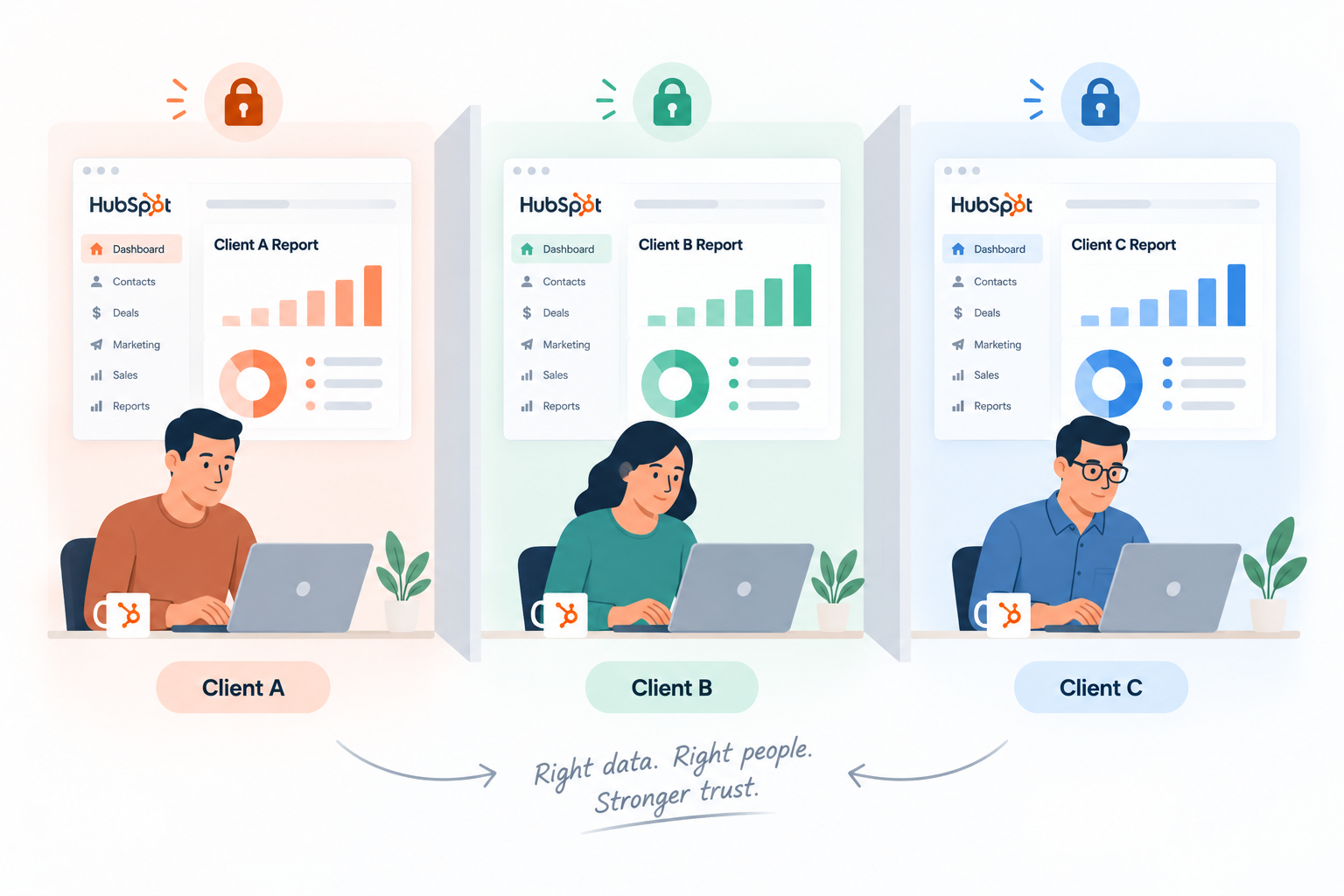
Consolidation is not automatically the right answer for every client. Some fractional CMOs deliberately keep reporting separate per client, often for confidentiality reasons between clients who compete in the same market, or because a short-term or narrow-scope engagement simply does not justify the setup effort.
In a HubSpot community discussion on this exact topic, one practitioner working across multiple portals noted they keep reporting purposefully siloed, even while others in the same thread were actively evaluating tools to combine it. (Source: Combining data across multiple portals?)
Before consolidating everything, ask whether the client relationship, the engagement length, and the confidentiality stakes actually call for it. A single monthly manual pull for a three-month engagement is often the smarter call over building a dashboard connection that outlives the contract.
FAQs
Can HubSpot natively combine reporting from multiple portals?
Yes, through Multi-Account Management, but it requires an Enterprise-tier parent portal, Pro tier or higher on every connected account, and a shared super admin across all of them.
Do all connected portals need to be on Enterprise tier for Multi-Account Management?
No. Only the parent portal needs Enterprise. Every additional connected portal needs Pro tier or higher.
What does third-party cross-portal HubSpot reporting typically cost?
Base tools can be free or low cost, but full setups with non-Google connectors commonly land in the 30 to 500-plus dollar monthly range depending on data volume.
Is requesting super admin access across client portals a reasonable ask?
It depends on the engagement. For a long-term, deeply embedded role it may be reasonable. For a short-term or narrow-scope engagement, it is often an unnecessary trust ask that a third-party tool using standard access can avoid.
Should a fractional CMO consolidate reporting for every client, or only some?
Only where the effort is justified. Long-term clients with recurring reporting needs benefit most. Short engagements or clients with confidentiality concerns are often better served by keeping reporting separate.
Founder & CEO @ Hubxpert. My goal is to make every company using HubSpot succeed in their marketing organisation and automation.

Ratul Rahman
Table of Contents:

Subscribe to our newsletter
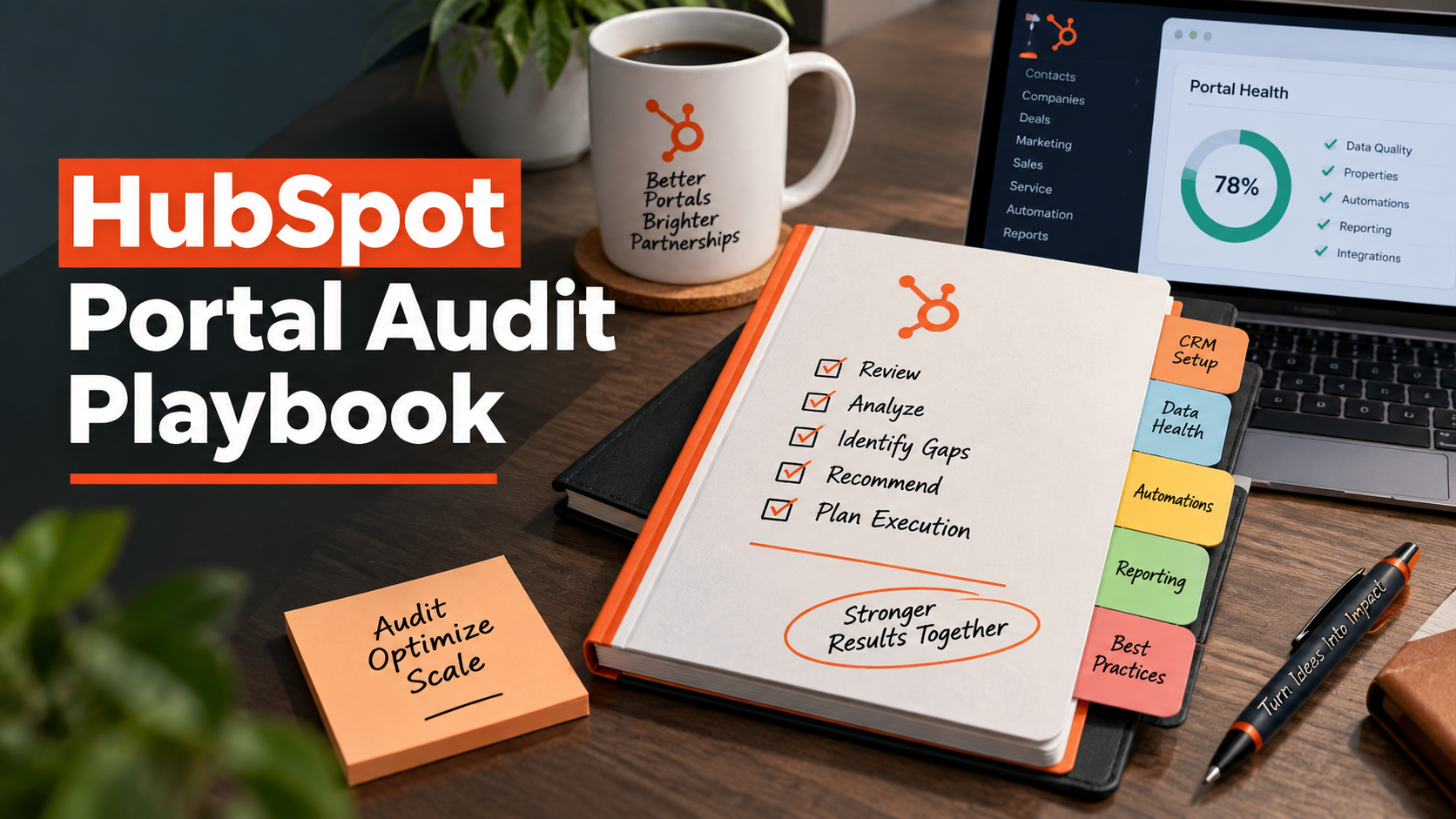
HubSpot Portal Audit Playbook for New Execution Partners
A priority sequence for auditing a HubSpot portal you inherited, not built, before your first client report is due.
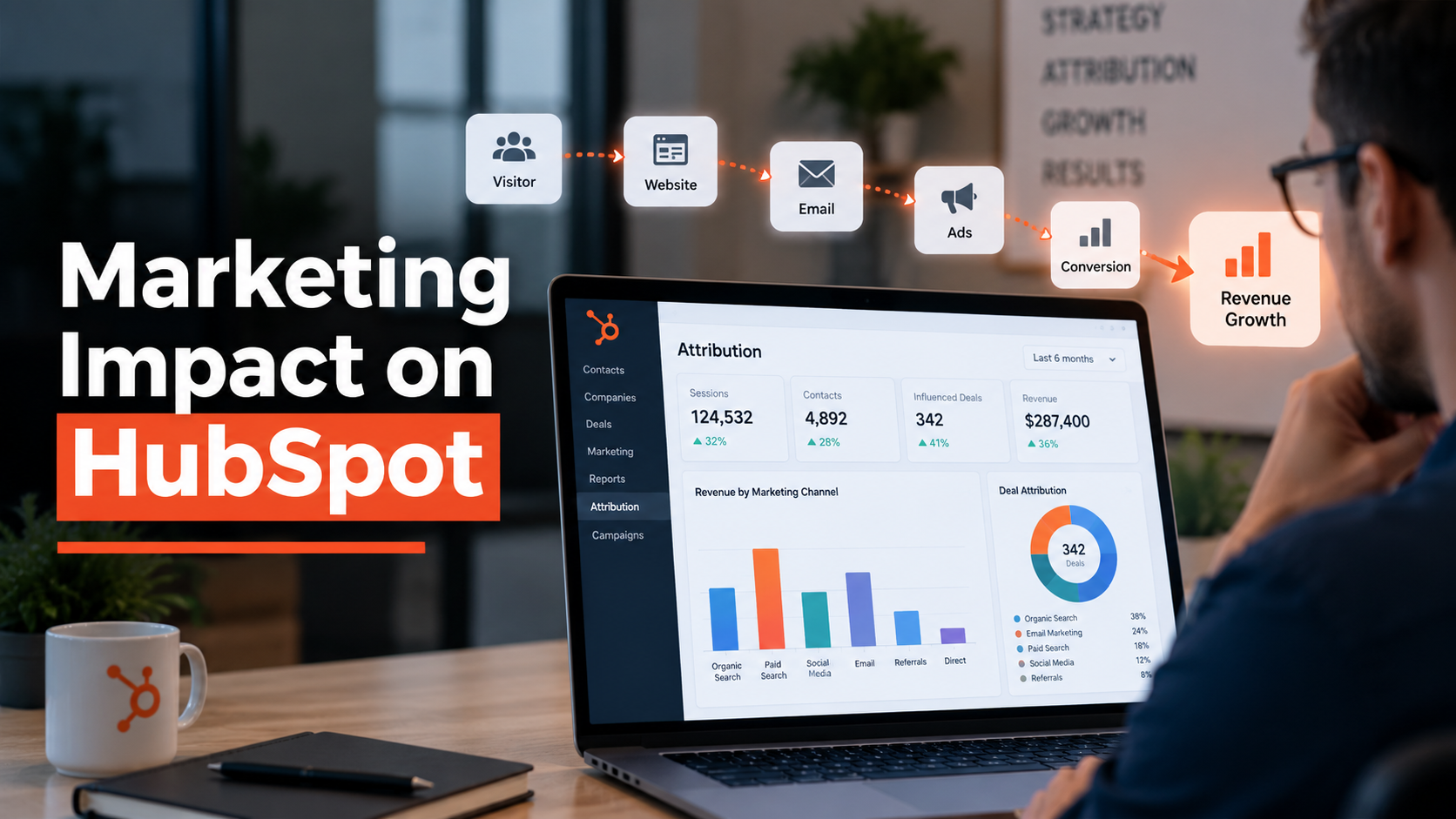
Proving Marketing Impact Through HubSpot Attribution
What a fractional CMO can actually prove with inherited HubSpot data, and what to say when the numbers cannot be trusted yet.
How to Manage Multiple HubSpot Portals for Reporting
HubSpot keeps every portal's data separate. Here is what fractional CMOs can actually do about cross-client reporting.
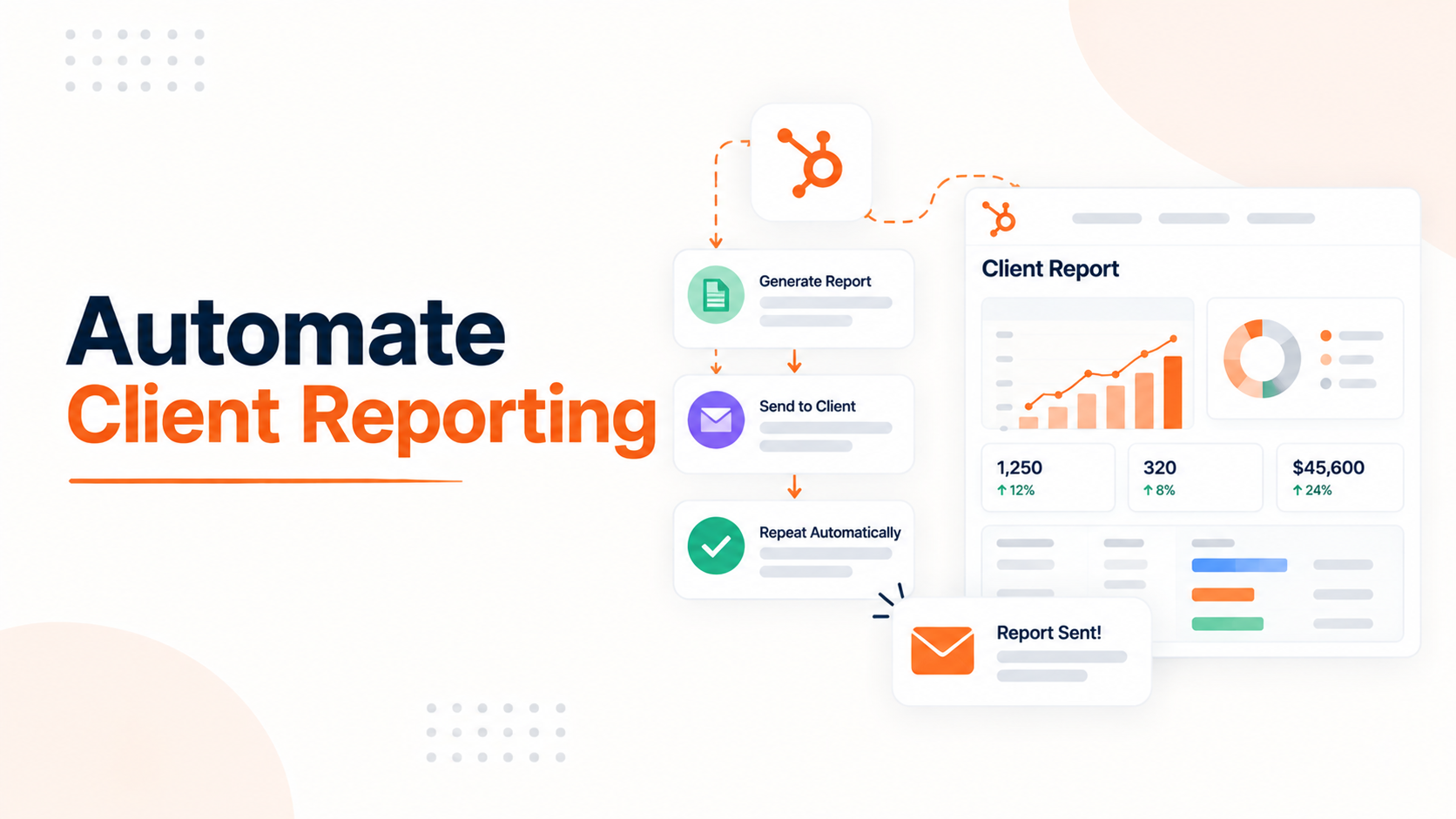
Automating Client Reporting in HubSpot Instead of Manual Work
See what HubSpot can actually automate for client reporting, and where manual work still sneaks back in.
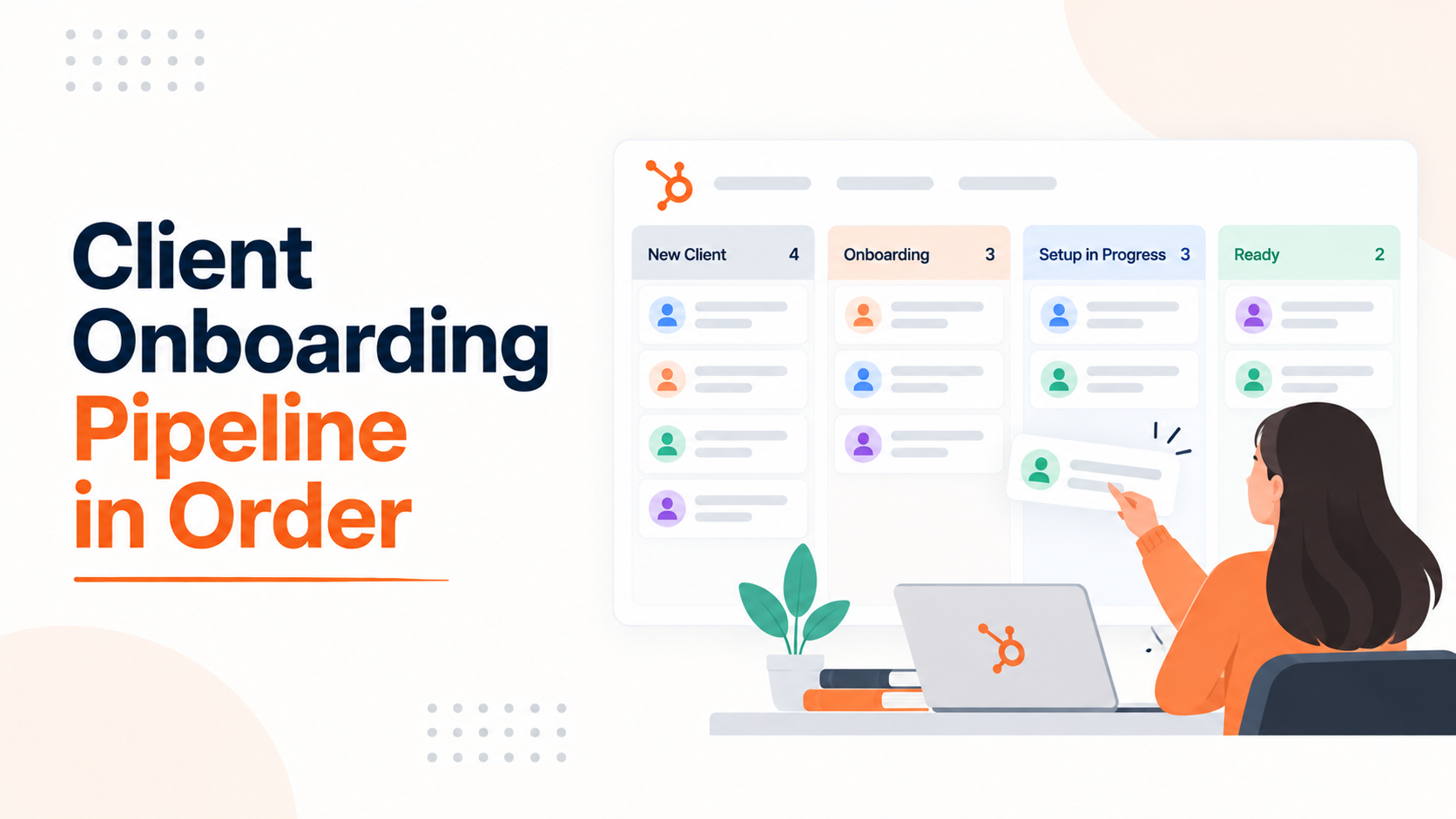
Building a Client Onboarding Pipeline That Actually Stays in Order
Let's see what HubSpot pipeline rules can and cannot enforce and how to build a client onboarding pipeline that stays accurate.
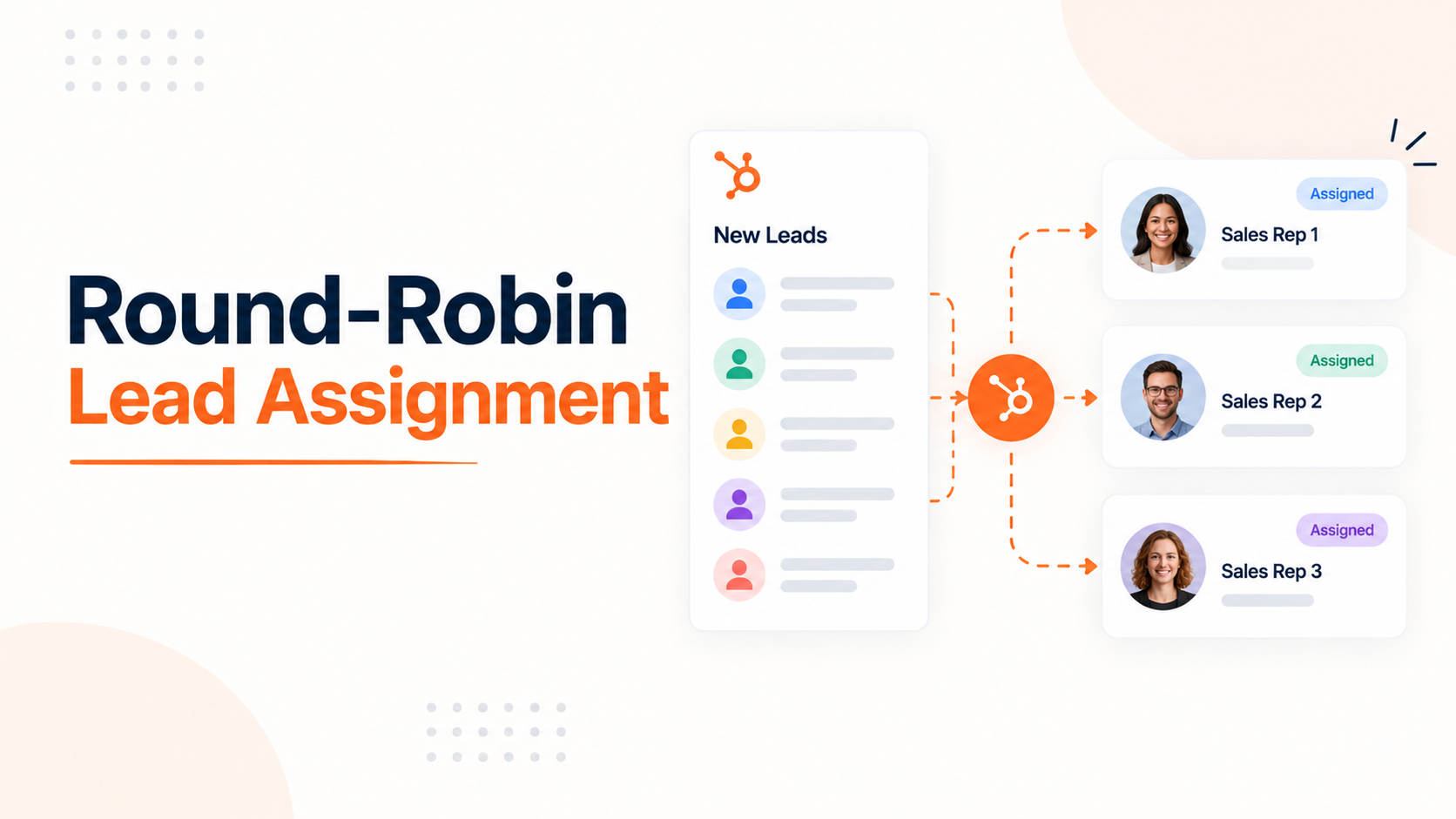
Setting Up Round-Robin Lead Assignment in HubSpot
How HubSpot's native round robin actually works, why it floods reps after PTO, and how to fix it for a small team.
-
HubSpot Portal Audit Playbook for New Execution Partners
hello
-
Proving Marketing Impact Through HubSpot Attribution
hello
-
How to Manage Multiple HubSpot Portals for Reporting
hello
-
Automating Client Reporting in HubSpot Instead of Manual Work
hello
-
Building a Client Onboarding Pipeline That Actually Stays in Order
hello
-
Setting Up Round-Robin Lead Assignment in HubSpot
hello