








-1.webp)


.webp)
-1.webp)
%20(1).webp)





-1-1.webp)
.png)
.webp)

-1-1.webp)

.webp)




-1.webp)
-1.webp)


-1-1.webp)


-2.webp)
-2-1.png)

-1-1.webp)
-1-1.webp)
-1-1.png)






A personal injury intake coordinator collects medical records. A family law intake coordinator collects financial disclosures and custody documentation. An immigration practice collects passports, birth certificates, and prior filing history.
All three are told by HubSpot's marketing pages that the platform meets enterprise-grade security features, including data encryption, access controls, and audit trails that meet strict legal industry requirements.
HubSpot's own product documentation says something different: files uploaded to and hosted on the files tool will not have additional protection, so files containing Sensitive Data should not be stored in the files tool.
For a law firm handling privileged material, that gap between marketing language and product documentation is not a minor detail. Here is how to build the intake process correctly, and where it stops being sufficient on its own.
What "Secure" Actually Means for a Law Firm's Intake Documents

Confidentiality and privilege are related but distinct, and both apply here. Model Rule 1.6(c) requires reasonable efforts to prevent unauthorized access to client information, a point covered in more depth in our CRM for Law Firms guide. Privilege is narrower: it governs whether a communication can be compelled into evidence, and it can be waived if confidentiality is not maintained properly, including through careless document storage.
A misconfigured upload does not just risk a data breach. In the wrong circumstances, it can weaken a client's own legal position. For intake documents specifically, that reduces to three questions: who can view the file, where it lives, and whether protection applies from the moment it arrives or only after someone remembers to configure it.
The Portal Feature is Not the Right Tool

Firms searching for this often start with HubSpot's Customer Portal, since the name matches the goal. For a law practice collecting sensitive intake documents, it is the wrong starting point.
The Customer Portal is a ticket tracker, not a document portal
HubSpot's customer portal gives clients a branded interface to track support tickets, but it was never designed for file delivery or document collaboration. A prospective client is not submitting a support ticket. They are handing over medical history or financial records ahead of representation, which the tool was not built to handle as its primary function.
What it can still offer on Service Hub Professional
Firms already on Service Hub Professional or Enterprise can attach files to a ticket, visible to the client through the portal once configured. Uploads on ticket detail pages are capped at 50MB and restricted to specific file types. New ticket submissions through forms support up to 100MB. That covers a single signed retainer or intake form.
It does not cover a personal injury matter collecting medical records from multiple providers over months, or an immigration matter accumulating filings over years.
The Actual Build: Forms, Sensitive Data, and File Visibility

The real building block is a standard HubSpot form with a file upload field, paired with two settings intake teams frequently skip. Get these three steps right and the setup holds up to what a law practice actually needs.
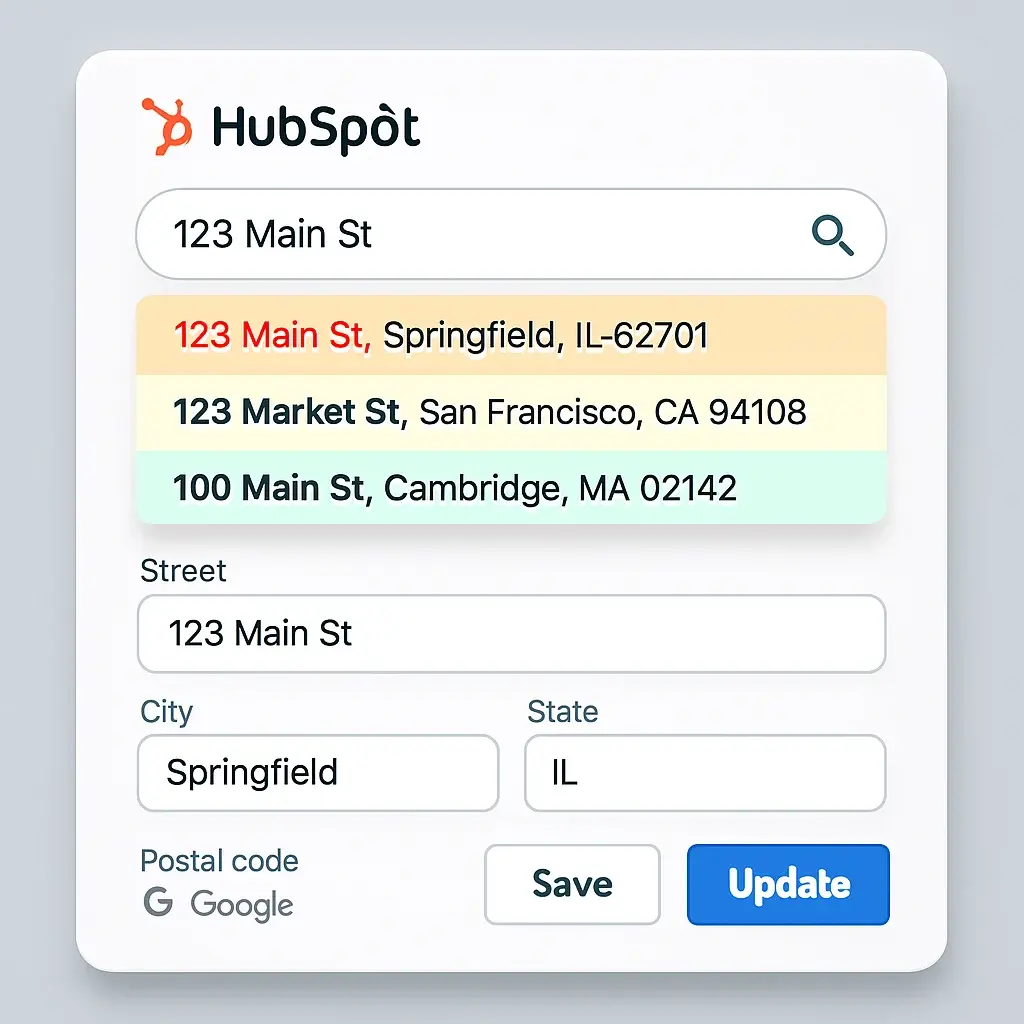
Setting up the file upload field
Add a file upload field to a standard form rather than a pop-up form, since pop-ups are built for lightweight interactions rather than document collection. This matters more for a family law or immigration intake, where a client may need to return and submit additional documents across multiple sessions rather than a single visit. Uploaded files attach to contact records for easy access by sales or support, giving intake staff one place to locate every document tied to a matter.
Marking the property as Sensitive Data
This step changes the actual security level. When the property tied to that form field is marked as Sensitive Data, the submission is encrypted and restricted to users with explicit permission. Any file uploaded alongside that submission inherits the same protection. For a firm handling matters where privilege is genuinely at stake, this is not optional configuration. It is the difference between a file that meets the confidentiality standard and one that does not.
Correcting default file visibility before launch
By default, files uploaded to HubSpot's general file storage sit on a public URL unless visibility is manually set to Private. Confirm this before an intake form goes live. A missed visibility setting on a client's passport scan, medical file, or financial disclosure is not a minor administrative error for a law firm, and it is the kind of mistake that surfaces during a later malpractice or bar inquiry.
Where This Setup Reaches Its Limits

Built correctly, this setup handles routine intake documents well for most practice areas. It carries real limits worth understanding before a firm relies on it for everything.
Sensitive Data protection is not retroactive. Files uploaded before the property was marked Sensitive retain standard-level security permanently, even after the setting is corrected. There is no client-side view allowing a client to log in, see every document they have submitted, or re-upload a file without starting a new form, which matters for immigration and family law matters where documents accumulate over a long engagement.
Per HubSpot's own documentation, the general Files tool carries no additional protection for sensitive content regardless of visibility setting, so anything uploaded outside the form-plus-Sensitive-Data path remains at standard risk.
For the highest-sensitivity categories, an immigration client's original identity documents, a personal injury client's complete medical history, a family law client's financial disclosures, a purpose-built legal client portal through practice management software is worth the additional system. HubSpot, configured this way, is a solid fit for routine intake. It is not a substitute for a portal built specifically around privileged document handling.
A Launch Checklist
- Build the intake form as a standard form, not a pop-up, with the file upload field included.
- Mark every property tied to a sensitive document field as Sensitive Data before the form goes live, not after documents begin arriving.
- Manually confirm file visibility is set to Private for every document type the practice collects, medical, financial, or identity documents alike.
- Restrict view permissions on sensitive contact properties and files to the specific staff assigned to that matter.
- Decide in advance which document categories should route to a dedicated legal client portal instead of HubSpot, based on practice area risk.
- Test the complete flow with a real file before sending the form to an actual client or prospective client.
FAQ
Does HubSpot's Customer Portal support secure document sharing?
Not by design. It is built for ticket tracking. Files can attach to tickets with size and format limits, but the portal was never built as a document exchange tool, and it does not fit the volume or duration of most legal intake.
Are files uploaded through HubSpot forms private by default?
No. Files default to a public URL unless visibility is manually set to Private, which must be confirmed before any intake form collecting client documents goes live.
What does HubSpot's Sensitive Data feature actually protect?
It encrypts form submission values and restricts access to users with specific permission, extending the same protection to any file uploaded alongside a submission tied to a marked property. This protection applies only going forward, not to files uploaded before the setting was enabled.
Is HubSpot SOC 2 and GDPR compliant for law firm use?
At the account level, yes. That compliance does not automatically extend to every feature. The Files tool specifically carries no additional protection for sensitive content, a separate, feature-level issue from account-level compliance that a firm's ethical obligations require understanding directly.
Should a law firm use a dedicated legal client portal instead of HubSpot?
For routine intake, a properly configured HubSpot form is sufficient. For the highest-sensitivity document categories tied to privilege, a purpose-built legal client portal through practice management software remains the safer choice.
Introduction

%201%20(1).svg)
Winner
SalesForce, for its ability to handle large-scale operations and complex business needs, though HubSpot is scalable for SMBs.
As a Hubspot Automation Developer at Hubxpert, I specialize in API integration, seamlessly connecting HubSpot with third-party applications. My role encompasses understanding client needs, crafting custom code solutions, and ensuring the smooth operation of our automation workflows. I actively address any HubSpot integration challenges and stay updated with the platform's latest advancements. My dedication ensures clients harness the full potential of HubSpot.

Tanzinul Kabir
Table of Contents:

Subscribe to our newsletter

Tracking Referral Sources in HubSpot for Law Firms
HubSpot already has a property called Referrals. It is not what a law firm needs. Here is the real gap, the current native fix, and the workaround without it.
Building a Secure Client Intake Document Portal in HubSpot
HubSpot's marketing claims enterprise-grade security. Its own documentation says something different. Here is how a law firm builds this correctly.

Connecting HubSpot to Clio Manage: Fixing the Deal-to-Matter Gap
HubSpot's native Clio integration only syncs contacts. Here's how to actually get a won deal to create a matter, and what still needs a manual step.
.png)
How to Collect Client Documents Securely in HubSpot
HubSpot has no built-in document portal, but three real paths exist. Here's how to pick the right one for your firm's volume and sensitivity.

CRM for Law Firms: What It Should & Shouldn't Do
See exactly where CRM ends and practice management begins for law firms, plus the ethics rules that should shape your decision.
CRM vs Practice Management Software for Accounting Firms
Already run practice management software? Here's whether your accounting firm still needs a CRM, and how to avoid running two systems.
-
Tracking Referral Sources in HubSpot for Law Firms
hello
-
Building a Secure Client Intake Document Portal in HubSpot
hello
-
Connecting HubSpot to Clio Manage: Fixing the Deal-to-Matter Gap
hello
-
How to Collect Client Documents Securely in HubSpot
hello
-
CRM for Law Firms: What It Should & Shouldn't Do
hello
-
CRM vs Practice Management Software for Accounting Firms
hello